Native-powered apps.
Without the hassle.
Housekeeping Items
This webinar is being recorded
The presentation will be about 50 minutes
All registrants will receive a link to the on-demand
recording following the event
You can submit questions to the speakers during the live
event using the Q&A panel
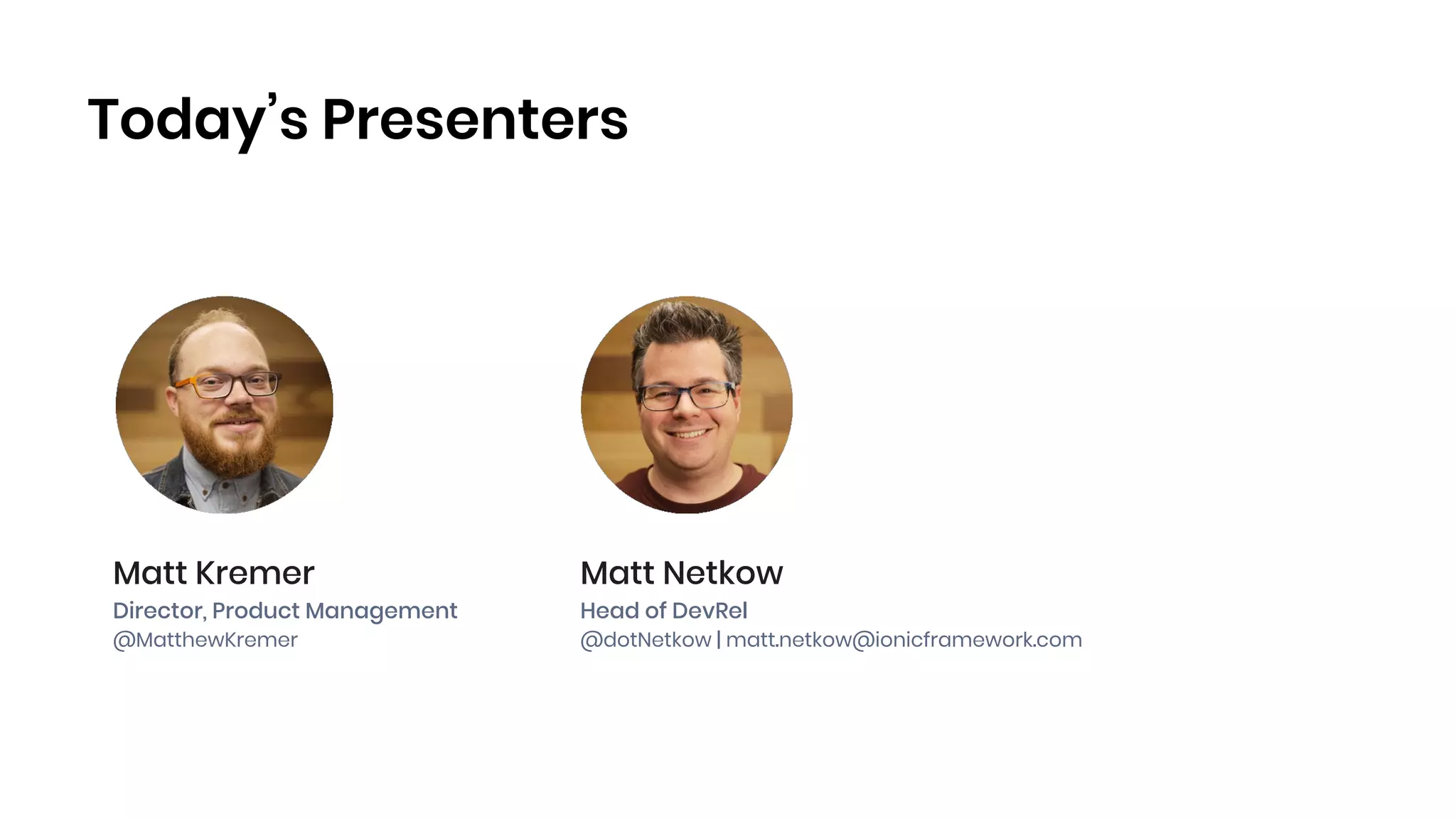
Today’s Presenters
Matt Kremer
Director, Product Management
@MatthewKremer
Matt Netkow
Head of DevRel
@dotNetkow | matt.netkow@ionicframework.com
Agenda
1. Ionic Overview
2. Native development challenges
3. Introducing Ionic Native
4. Common Use Cases
5. Demo: Encrypted Image Storage
6. Recap and Q&A
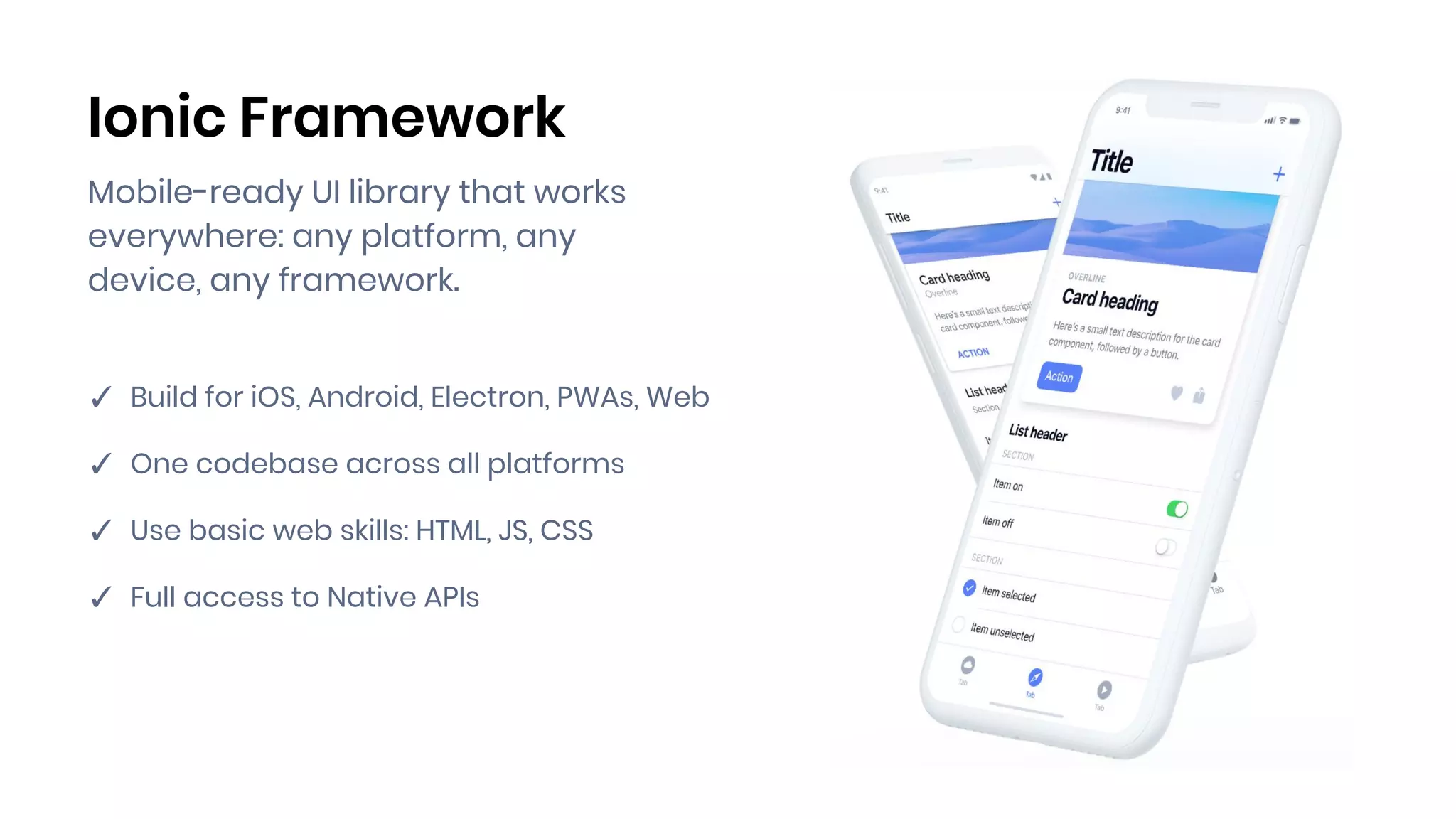
Ionic Framework
Mobile-ready UI library that works
everywhere: any platform, any
device, any framework.
✓ Build for iOS, Android, Electron, PWAs, Web
✓ One codebase across all platforms
✓ Use basic web skills: HTML, JS, CSS
✓ Full access to Native APIs
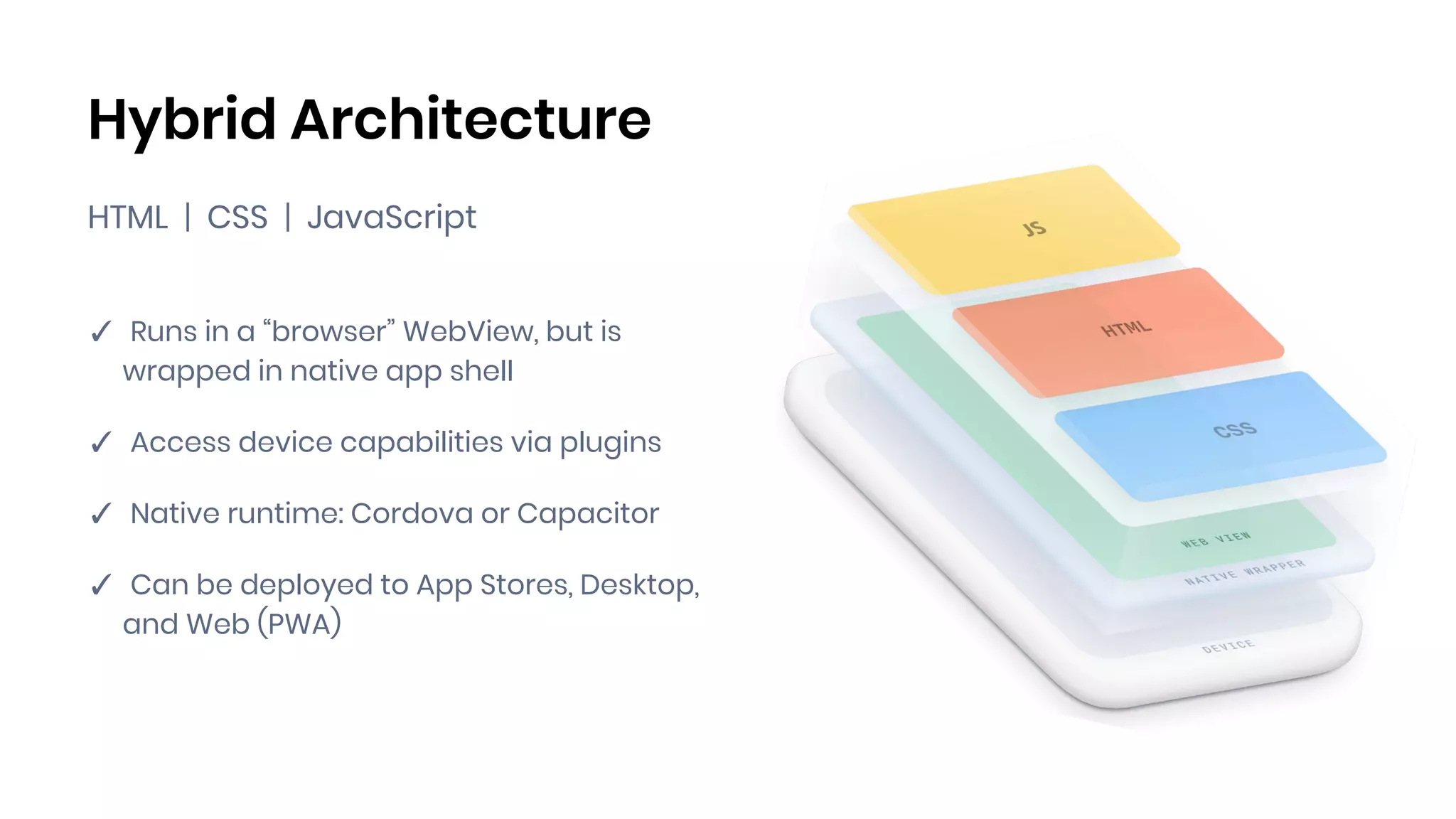
Hybrid Architecture
HTML | CSS | JavaScript
✓ Runs in a “browser” WebView, but is
wrapped in native app shell
✓ Access device capabilities via plugins
✓ Native runtime: Cordova or Capacitor
✓ Can be deployed to App Stores, Desktop,
and Web (PWA)
Native.
The most challenging
piece of the puzzle.
Typical Feature Checklist
✓ Offline access
✓ Single sign-on
✓ Biometrics authentication
✓ Core device features (camera, geolocation, etc.)
✓ Third-party integrations (Facebook, Apple Pay, Firebase, etc.)
Most of the essential app features and
requirements depend on available native
integrations and APIs.
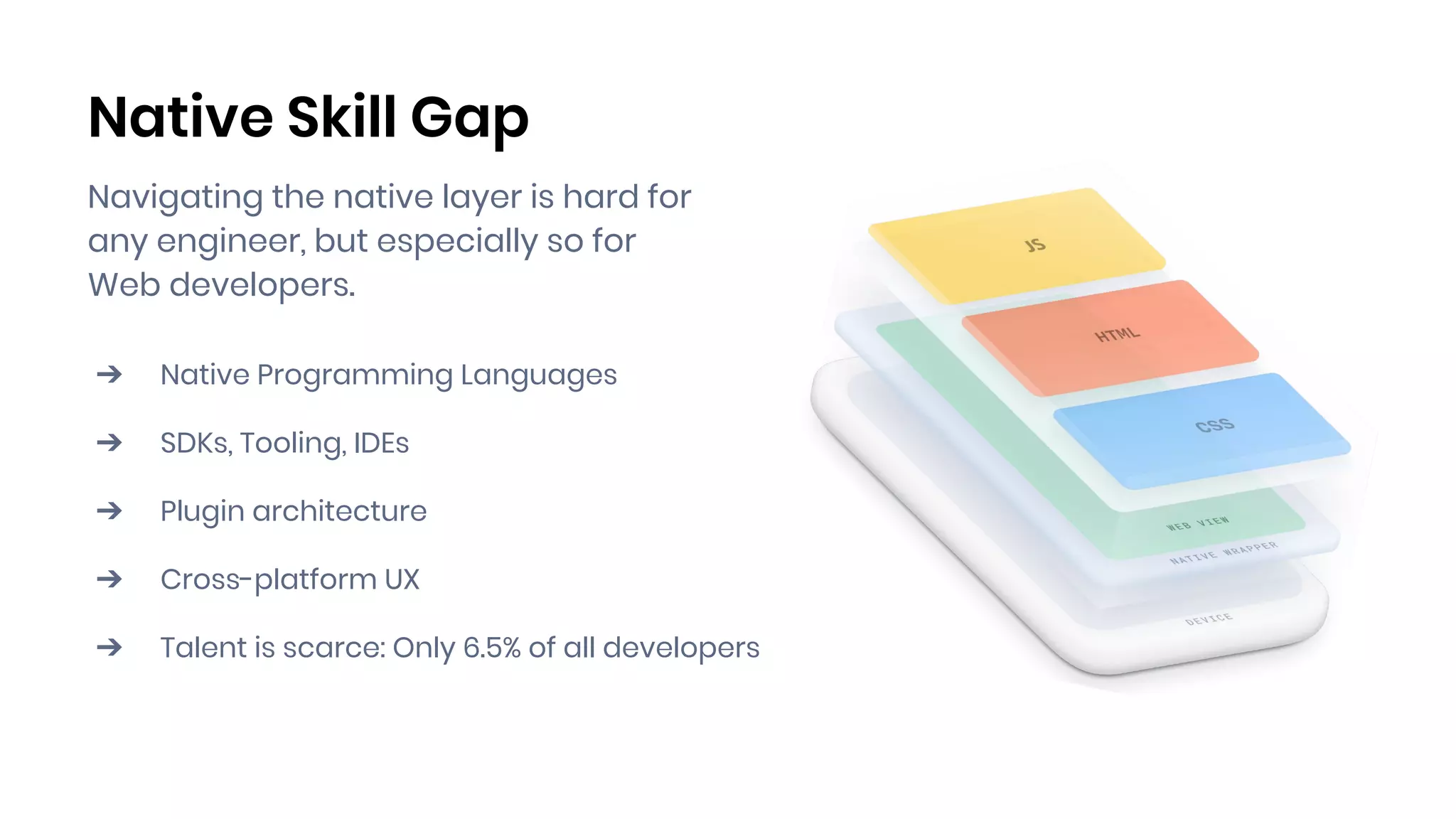
Native Skill Gap
Navigating the native layer is hard for
any engineer, but especially so for
Web developers.
➔ Native Programming Languages
➔ SDKs, Tooling, IDEs
➔ Plugin architecture
➔ Cross-platform UX
➔ Talent is scarce: Only 6.5% of all developers
Free OSS Community Plugins
The hidden price of “free”:
➔ Time and effort to find & implement
➔ Debugging issues
➔ Unreliable release timelines
➔ Security: Patches and upgrades
➔ No SLAs
DIY Solutions
Why reinvent the wheel?
➔ Slows down development by weeks or months
➔ Introduces risk to the project
➔ Less time spent on what matters: focusing on
your core business
➔ Long-term maintenance costs
Building critical apps?
Native without the
hassle. Backed by Ionic.
✓ Curated library of plugins & solutions
✓ Implement in hours, not weeks or months
✓ Works on platforms you care about
✓ Built-in security, performance, and stability
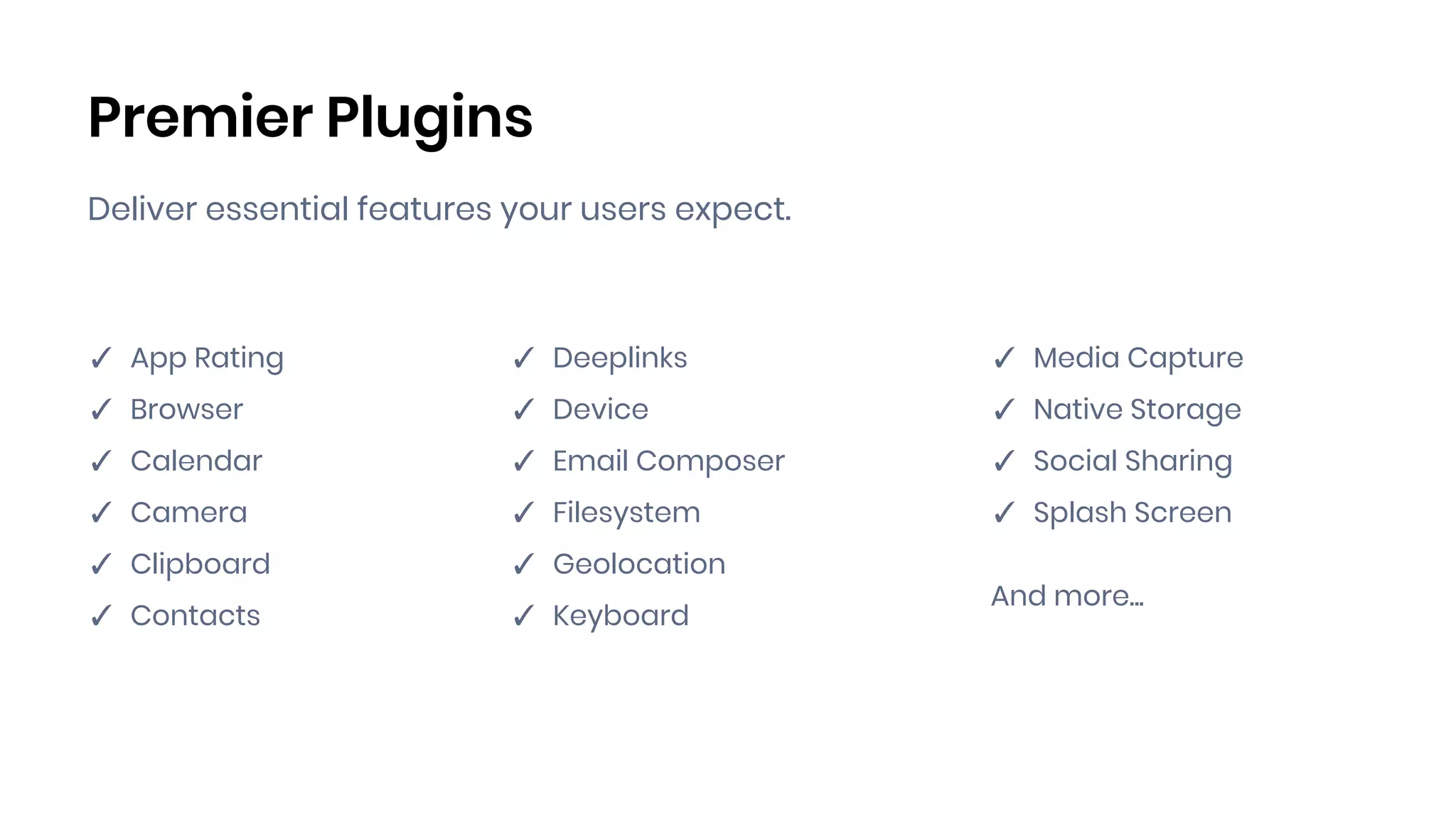
Premier Plugins
Deliver essential features your users expect.
✓ App Rating
✓ Browser
✓ Calendar
✓ Camera
✓ Clipboard
✓ Contacts
✓ Deeplinks
✓ Device
✓ Email Composer
✓ Filesystem
✓ Geolocation
✓ Keyboard
✓ Media Capture
✓ Native Storage
✓ Social Sharing
✓ Splash Screen
And more...
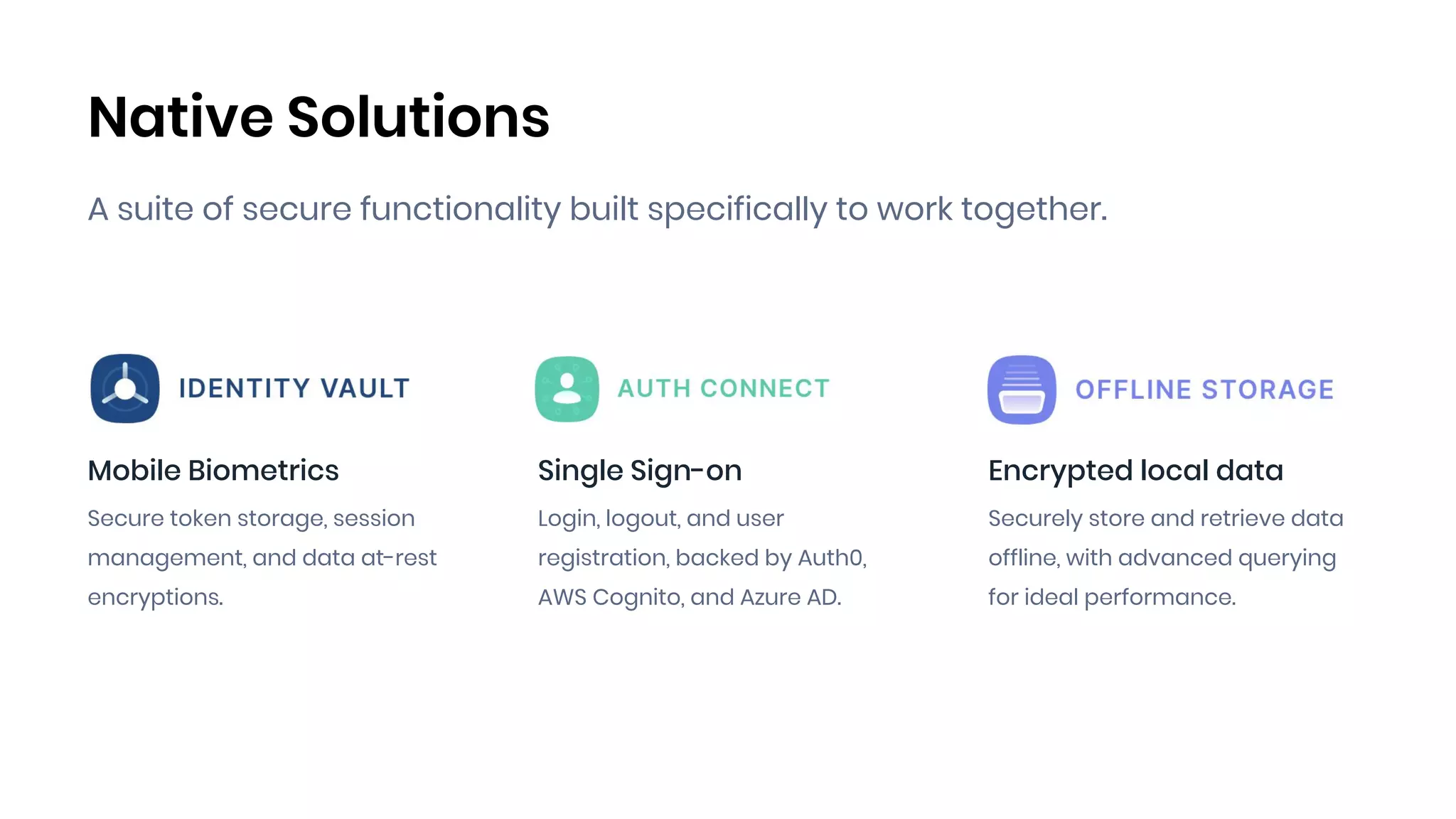
Native Solutions
A suite of secure functionality built specifically to work together.
Mobile Biometrics
Secure token storage, session
management, and data at-rest
encryptions.
Single Sign-on
Login, logout, and user
registration, backed by Auth0,
AWS Cognito, and Azure AD.
Encrypted local data
Securely store and retrieve data
offline, with advanced querying
for ideal performance.
Common Use Cases
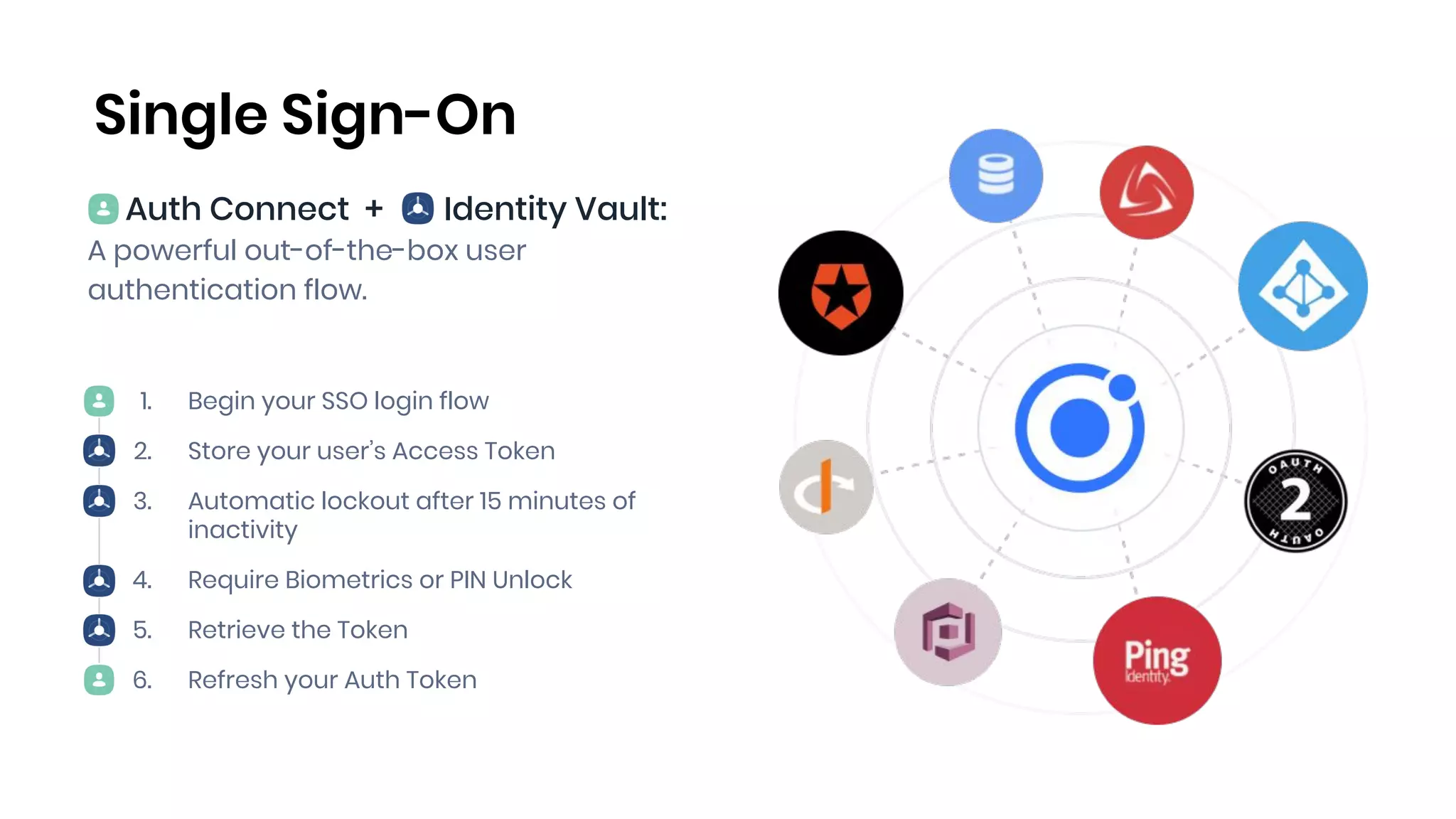
1. Begin your SSO login flow
2. Store your user’s Access Token
3. Automatic lockout after 15 minutes of
inactivity
4. Require Biometrics or PIN Unlock
5. Retrieve the Token
6. Refresh your Auth Token
Auth Connect + Identity Vault:
A powerful out-of-the-box user
authentication flow.
Single Sign-On
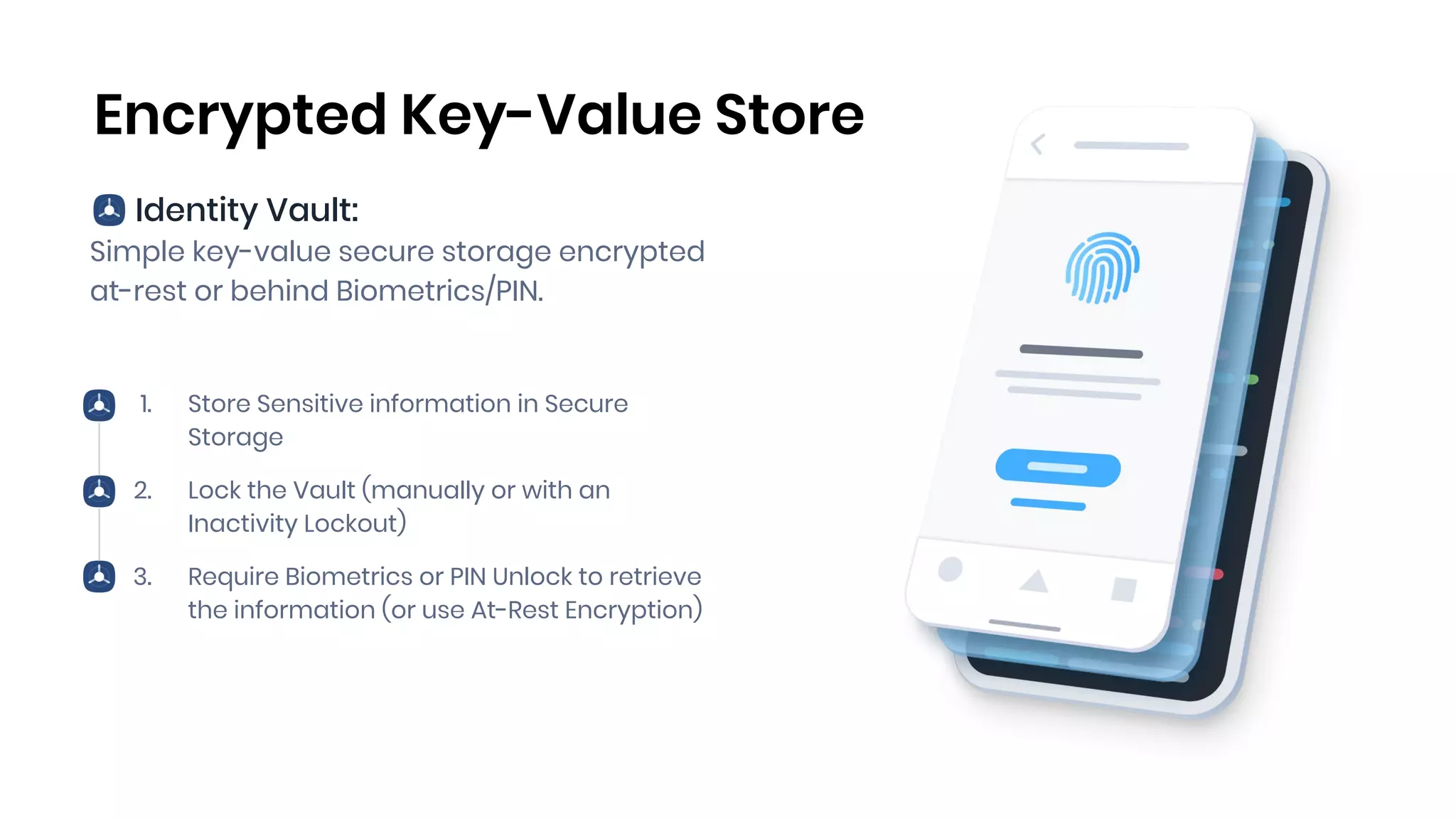
Identity Vault:
Simple key-value secure storage encrypted
at-rest or behind Biometrics/PIN.
1. Store Sensitive information in Secure
Storage
2. Lock the Vault (manually or with an
Inactivity Lockout)
3. Require Biometrics or PIN Unlock to retrieve
the information (or use At-Rest Encryption)
Encrypted Key-Value Store
Identity Vault + Offline Storage:
Robust querying and storage system for
data and files.
1. Generate an Encryption Token and store it
in Secure Storage
2. Store Data & Files in an Encrypted Local DB
3. Access that data through Advanced
Querying with Offline
4. Lock the Vault, encrypting and preventing
access to the data
Encrypted Offline Storage
Demo
Encrypted Image Storage
Identity Vault + Offline Storage + Premier Plugins
Take pictures and store them securely.
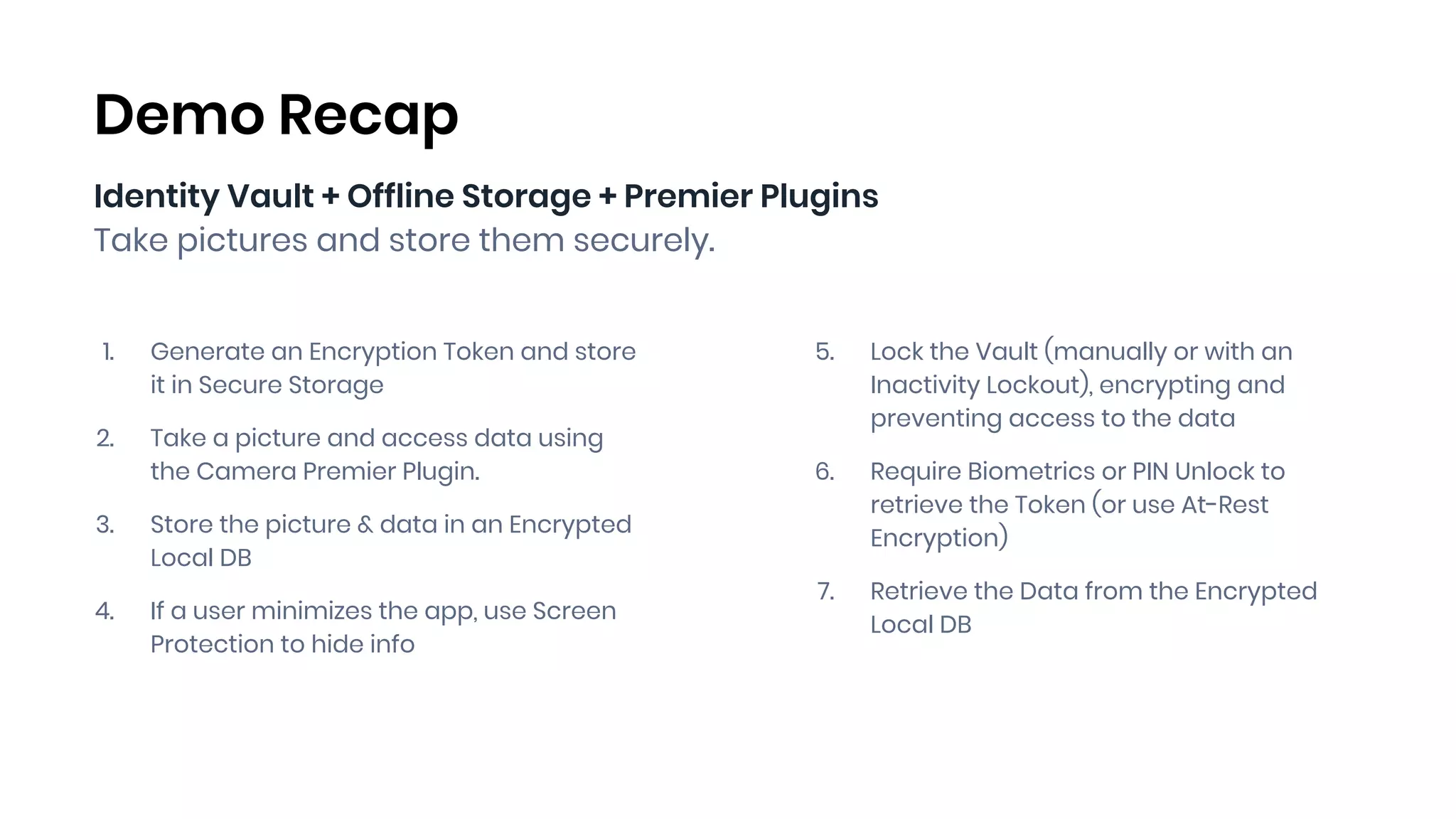
1. Generate an Encryption Token and store
it in Secure Storage
2. Take a picture and access data using
the Camera Premier Plugin.
3. Store the picture & data in an Encrypted
Local DB
4. If a user minimizes the app, use Screen
Protection to hide info
Demo Recap
5. Lock the Vault (manually or with an
Inactivity Lockout), encrypting and
preventing access to the data
6. Require Biometrics or PIN Unlock to
retrieve the Token (or use At-Rest
Encryption)
7. Retrieve the Data from the Encrypted
Local DB
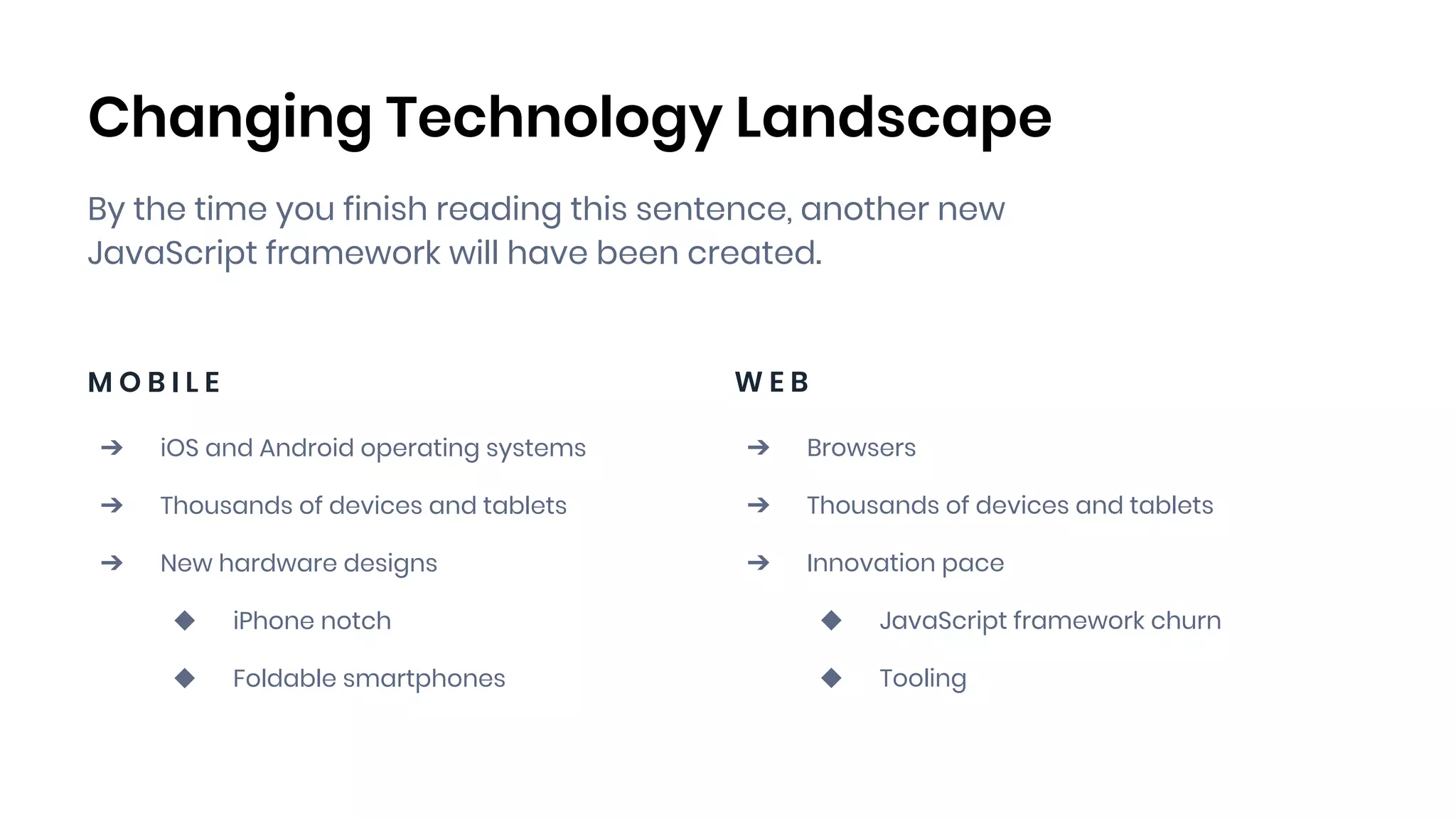
Changing Technology Landscape
By the time you finish reading this sentence, another new
JavaScript framework will have been created.
M O B I L E
➔ iOS and Android operating systems
➔ Thousands of devices and tablets
➔ New hardware designs
◆ iPhone notch
◆ Foldable smartphones
W E B
➔ Browsers
➔ Thousands of devices and tablets
➔ Innovation pace
◆ JavaScript framework churn
◆ Tooling
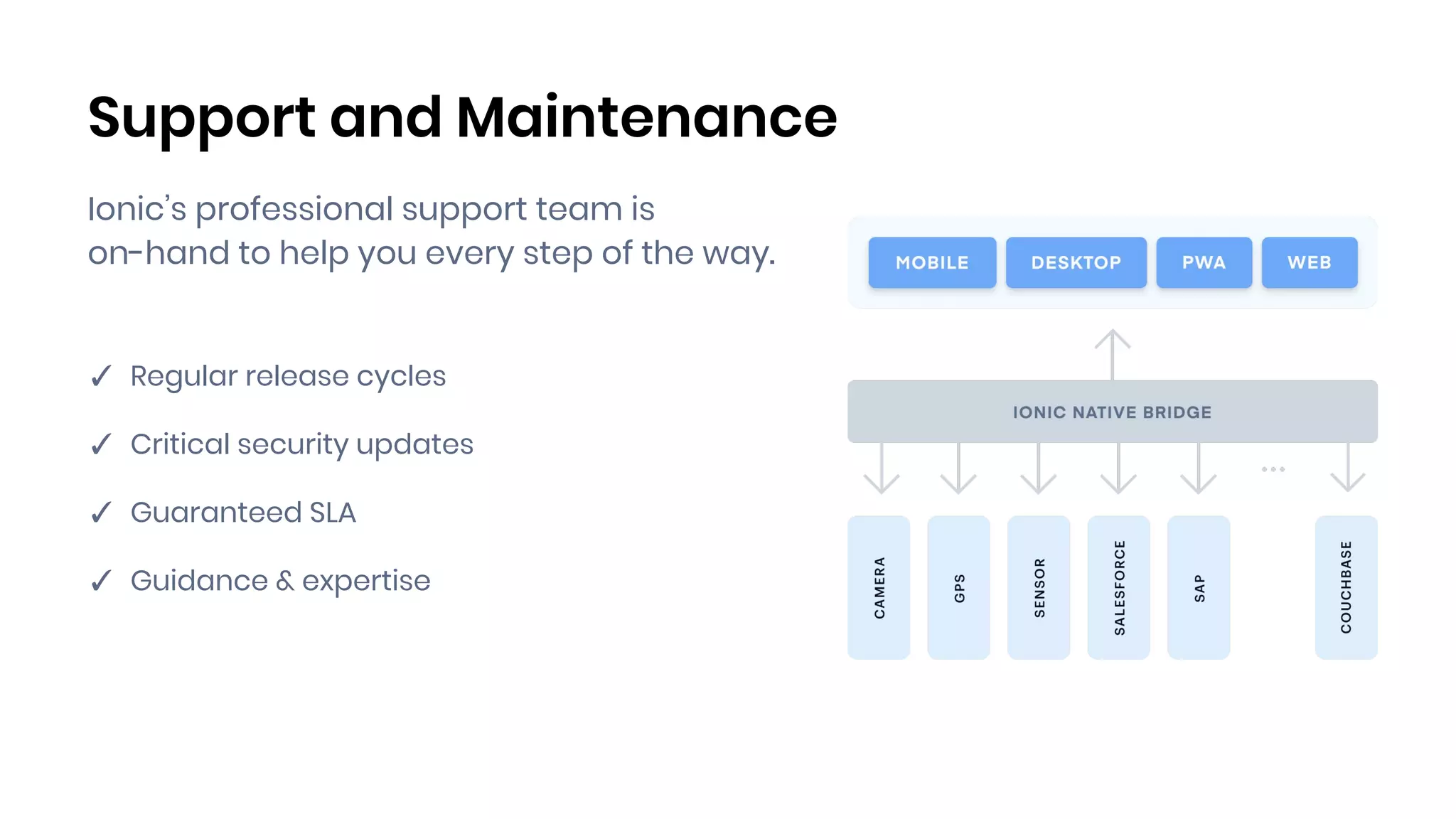
Support and Maintenance
✓ Regular release cycles
✓ Critical security updates
✓ Guaranteed SLA
✓ Guidance & expertise
Ionic’s professional support team is
on-hand to help you every step of the way.
www.ionicframework.com/ionic-native
Everything you need to build amazing
cross-platform experiences from Day One.
Native without the
hassle. Backed by Ionic.
✓ Curated library of plugins & solutions
✓ Implement in hours, not weeks or months
✓ Works on platforms you care about
✓ Built-in security, performance, and stability
Q&A
Questions? ➔ sales@ionicframework.com
Matt Kremer
Director, Product Management
@MatthewKremer
Matt Netkow
Head of DevRel
@dotNetkow | matt.netkow@ionicframework.com

Ionic Native: Native-powered apps, without the hassle

  • 1.
  • 2.
    Housekeeping Items This webinaris being recorded The presentation will be about 50 minutes All registrants will receive a link to the on-demand recording following the event You can submit questions to the speakers during the live event using the Q&A panel
  • 3.
    Today’s Presenters Matt Kremer Director,Product Management @MatthewKremer Matt Netkow Head of DevRel @dotNetkow | matt.netkow@ionicframework.com
  • 4.
    Agenda 1. Ionic Overview 2.Native development challenges 3. Introducing Ionic Native 4. Common Use Cases 5. Demo: Encrypted Image Storage 6. Recap and Q&A
  • 5.
    Ionic Framework Mobile-ready UIlibrary that works everywhere: any platform, any device, any framework. ✓ Build for iOS, Android, Electron, PWAs, Web ✓ One codebase across all platforms ✓ Use basic web skills: HTML, JS, CSS ✓ Full access to Native APIs
  • 6.
    Hybrid Architecture HTML |CSS | JavaScript ✓ Runs in a “browser” WebView, but is wrapped in native app shell ✓ Access device capabilities via plugins ✓ Native runtime: Cordova or Capacitor ✓ Can be deployed to App Stores, Desktop, and Web (PWA)
  • 7.
  • 8.
    Typical Feature Checklist ✓Offline access ✓ Single sign-on ✓ Biometrics authentication ✓ Core device features (camera, geolocation, etc.) ✓ Third-party integrations (Facebook, Apple Pay, Firebase, etc.) Most of the essential app features and requirements depend on available native integrations and APIs.
  • 9.
    Native Skill Gap Navigatingthe native layer is hard for any engineer, but especially so for Web developers. ➔ Native Programming Languages ➔ SDKs, Tooling, IDEs ➔ Plugin architecture ➔ Cross-platform UX ➔ Talent is scarce: Only 6.5% of all developers
  • 10.
    Free OSS CommunityPlugins The hidden price of “free”: ➔ Time and effort to find & implement ➔ Debugging issues ➔ Unreliable release timelines ➔ Security: Patches and upgrades ➔ No SLAs
  • 11.
    DIY Solutions Why reinventthe wheel? ➔ Slows down development by weeks or months ➔ Introduces risk to the project ➔ Less time spent on what matters: focusing on your core business ➔ Long-term maintenance costs
  • 12.
  • 13.
    Native without the hassle.Backed by Ionic. ✓ Curated library of plugins & solutions ✓ Implement in hours, not weeks or months ✓ Works on platforms you care about ✓ Built-in security, performance, and stability
  • 14.
    Premier Plugins Deliver essentialfeatures your users expect. ✓ App Rating ✓ Browser ✓ Calendar ✓ Camera ✓ Clipboard ✓ Contacts ✓ Deeplinks ✓ Device ✓ Email Composer ✓ Filesystem ✓ Geolocation ✓ Keyboard ✓ Media Capture ✓ Native Storage ✓ Social Sharing ✓ Splash Screen And more...
  • 15.
    Native Solutions A suiteof secure functionality built specifically to work together. Mobile Biometrics Secure token storage, session management, and data at-rest encryptions. Single Sign-on Login, logout, and user registration, backed by Auth0, AWS Cognito, and Azure AD. Encrypted local data Securely store and retrieve data offline, with advanced querying for ideal performance.
  • 16.
  • 17.
    1. Begin yourSSO login flow 2. Store your user’s Access Token 3. Automatic lockout after 15 minutes of inactivity 4. Require Biometrics or PIN Unlock 5. Retrieve the Token 6. Refresh your Auth Token Auth Connect + Identity Vault: A powerful out-of-the-box user authentication flow. Single Sign-On
  • 18.
    Identity Vault: Simple key-valuesecure storage encrypted at-rest or behind Biometrics/PIN. 1. Store Sensitive information in Secure Storage 2. Lock the Vault (manually or with an Inactivity Lockout) 3. Require Biometrics or PIN Unlock to retrieve the information (or use At-Rest Encryption) Encrypted Key-Value Store
  • 19.
    Identity Vault +Offline Storage: Robust querying and storage system for data and files. 1. Generate an Encryption Token and store it in Secure Storage 2. Store Data & Files in an Encrypted Local DB 3. Access that data through Advanced Querying with Offline 4. Lock the Vault, encrypting and preventing access to the data Encrypted Offline Storage
  • 20.
  • 21.
    Identity Vault +Offline Storage + Premier Plugins Take pictures and store them securely. 1. Generate an Encryption Token and store it in Secure Storage 2. Take a picture and access data using the Camera Premier Plugin. 3. Store the picture & data in an Encrypted Local DB 4. If a user minimizes the app, use Screen Protection to hide info Demo Recap 5. Lock the Vault (manually or with an Inactivity Lockout), encrypting and preventing access to the data 6. Require Biometrics or PIN Unlock to retrieve the Token (or use At-Rest Encryption) 7. Retrieve the Data from the Encrypted Local DB
  • 22.
    Changing Technology Landscape Bythe time you finish reading this sentence, another new JavaScript framework will have been created. M O B I L E ➔ iOS and Android operating systems ➔ Thousands of devices and tablets ➔ New hardware designs ◆ iPhone notch ◆ Foldable smartphones W E B ➔ Browsers ➔ Thousands of devices and tablets ➔ Innovation pace ◆ JavaScript framework churn ◆ Tooling
  • 23.
    Support and Maintenance ✓Regular release cycles ✓ Critical security updates ✓ Guaranteed SLA ✓ Guidance & expertise Ionic’s professional support team is on-hand to help you every step of the way.
  • 24.
    www.ionicframework.com/ionic-native Everything you needto build amazing cross-platform experiences from Day One. Native without the hassle. Backed by Ionic. ✓ Curated library of plugins & solutions ✓ Implement in hours, not weeks or months ✓ Works on platforms you care about ✓ Built-in security, performance, and stability
  • 25.
    Q&A Questions? ➔ sales@ionicframework.com MattKremer Director, Product Management @MatthewKremer Matt Netkow Head of DevRel @dotNetkow | matt.netkow@ionicframework.com