INTRODUCTION TO REACT
Presentation by Kiran Abburi
Twitter: @kiran_abburi
HANGOUT ANNOUNCEMENTS
Use Q & A feature to ask questions
MEETUP ANNOUNCEMENTS
Thanks for joining the meetup
Help in finding sponser for meetup location
Active participation on meetup threads
More meetups and hackathons
Feedback
ABOUT ME
Freelance web developer
Currently focusing on react projects
on twitter
Opensource enthusiast
@kiran_abburi
AGENDA
Session 1
Basics of react
Composition
Data Flow
Session 2
JSX
React top level API
React component API and life cycle
Session 3
Building a simple todo app with react
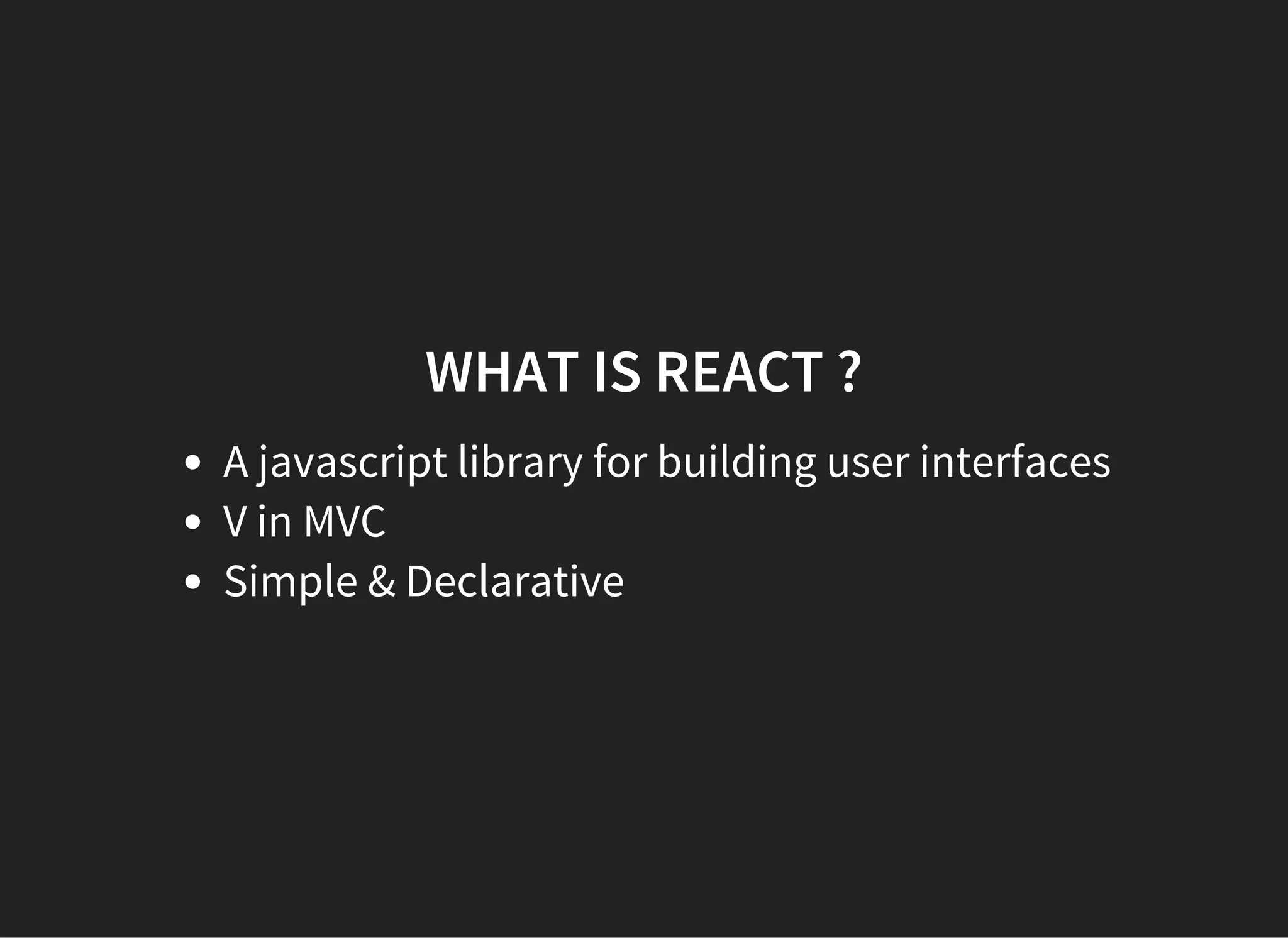
WHAT IS REACT ?
A javascript library for building user interfaces
V in MVC
Simple & Declarative
GETTING STARTED
Starter kit examples
facebook.github.io/react
jsfiddle
STARTER TEMPLATE
<!DOCTYPE html>
<html>
  <head>
    <script src='http://fb.me/react­0.12.2.js'></script>
    <script src='http://fb.me/JSXTransformer­0.12.2.js'></script>
    <script type='text/jsx'>
</script>
  </head>
  <body>
  </body>
</html>
      // React code goes here.
    
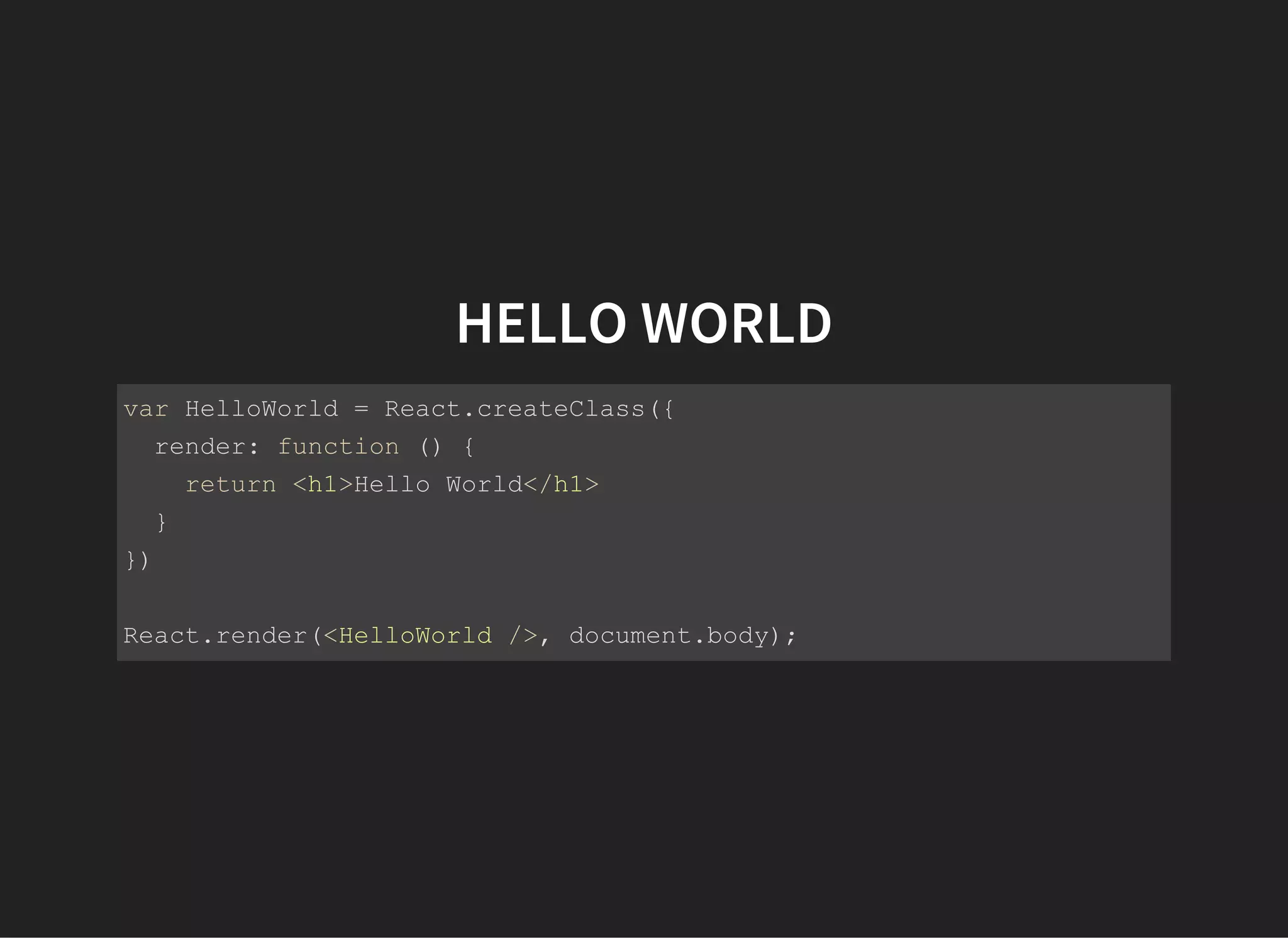
HELLO WORLD
var HelloWorld = React.createClass({
  render: function () {
    return <h1>Hello World</h1>
  }
})
React.render(<HelloWorld />, document.body);
REACT COMPONENTS
React is all about building components
We build small reusable components
Compose components to build larger components
­ Page
  ­ Header
    ­ Logo
    ­ Menu
  ­ Content
    ­ SideBar
    ­ MainBody
  ­ Footer
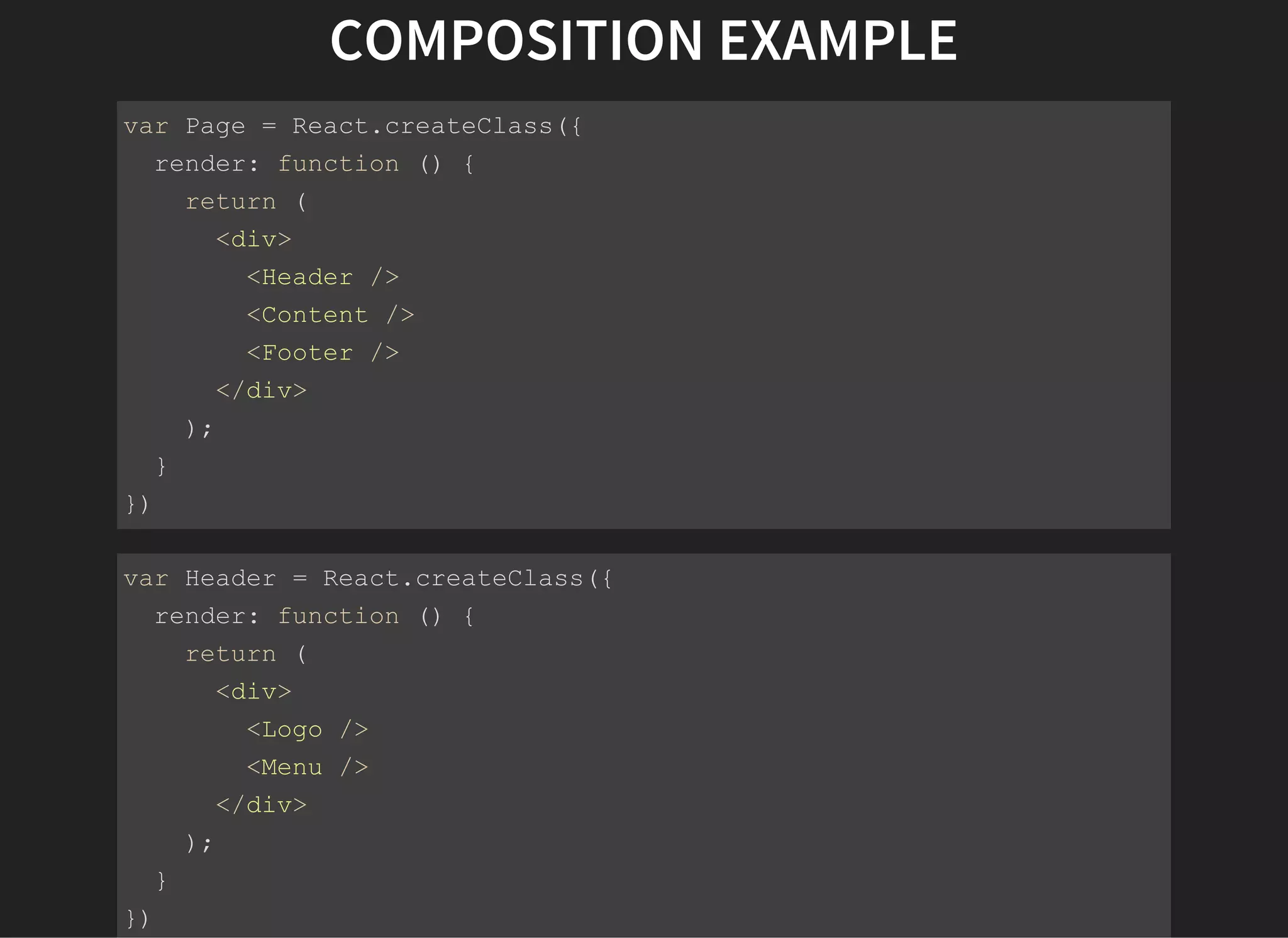
COMPOSITION EXAMPLE
var Page = React.createClass({
  render: function () {
    return (
      <div>
        <Header />
        <Content />
        <Footer />
      </div>
    );
  }
})
var Header = React.createClass({
  render: function () {
    return (
      <div>
        <Logo />
        <Menu />
      </div>
    );
  }
})
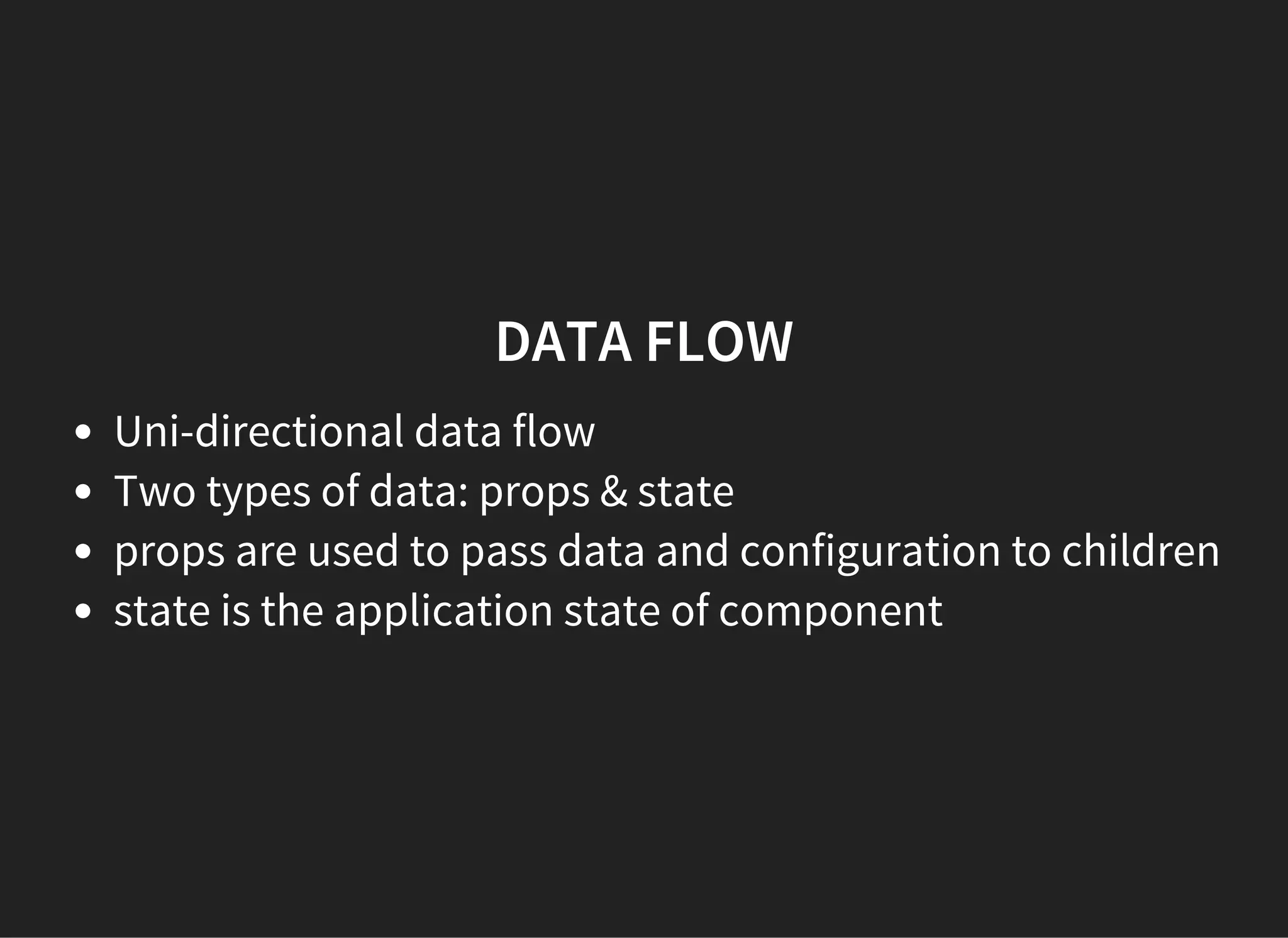
DATA FLOW
Uni-directional data flow
Two types of data: props & state
props are used to pass data and configuration to children
state is the application state of component
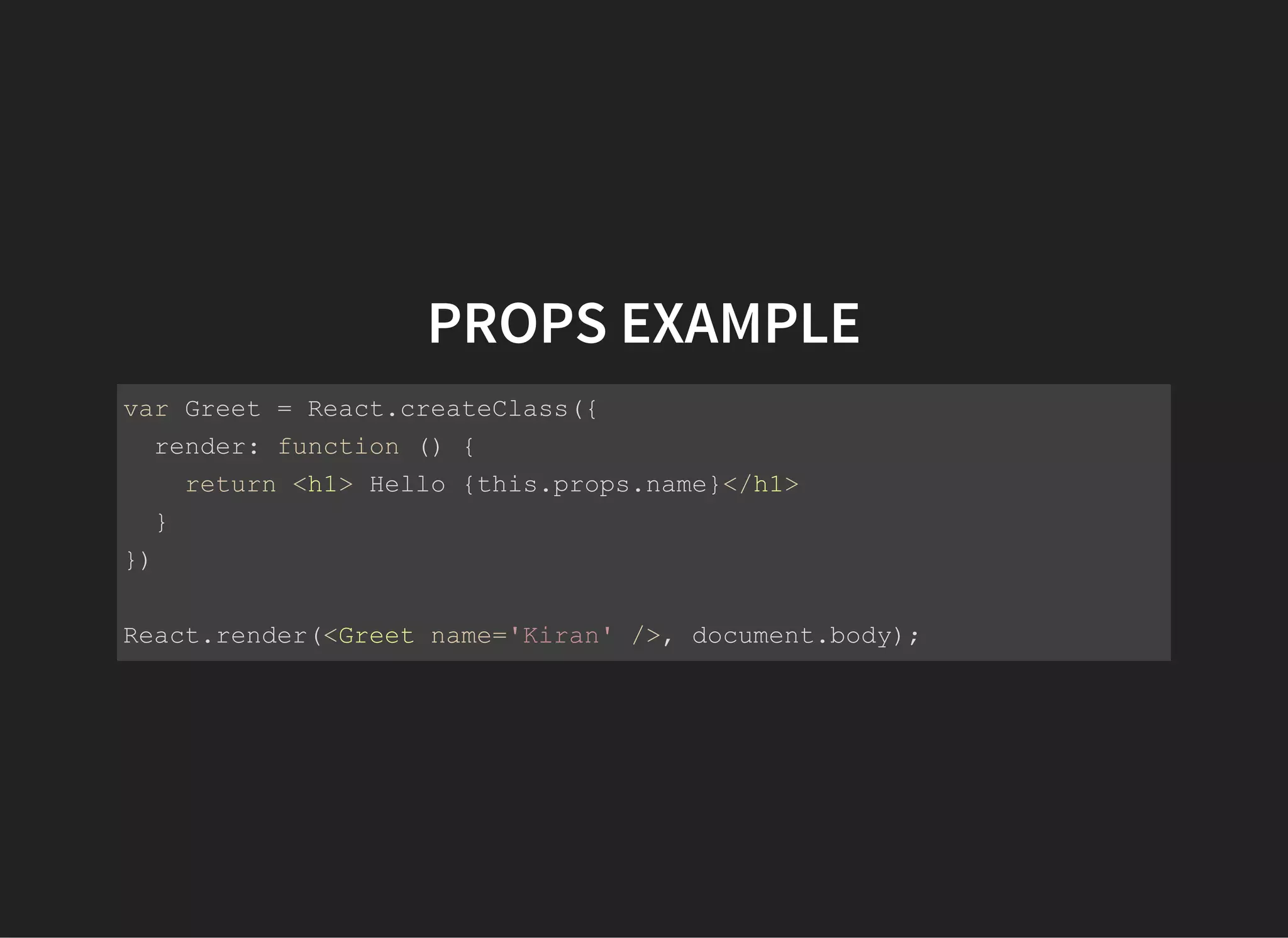
PROPS EXAMPLE
var Greet = React.createClass({
  render: function () {
    return <h1> Hello {this.props.name}</h1>
  }
})
React.render(<Greet name='Kiran' />, document.body);
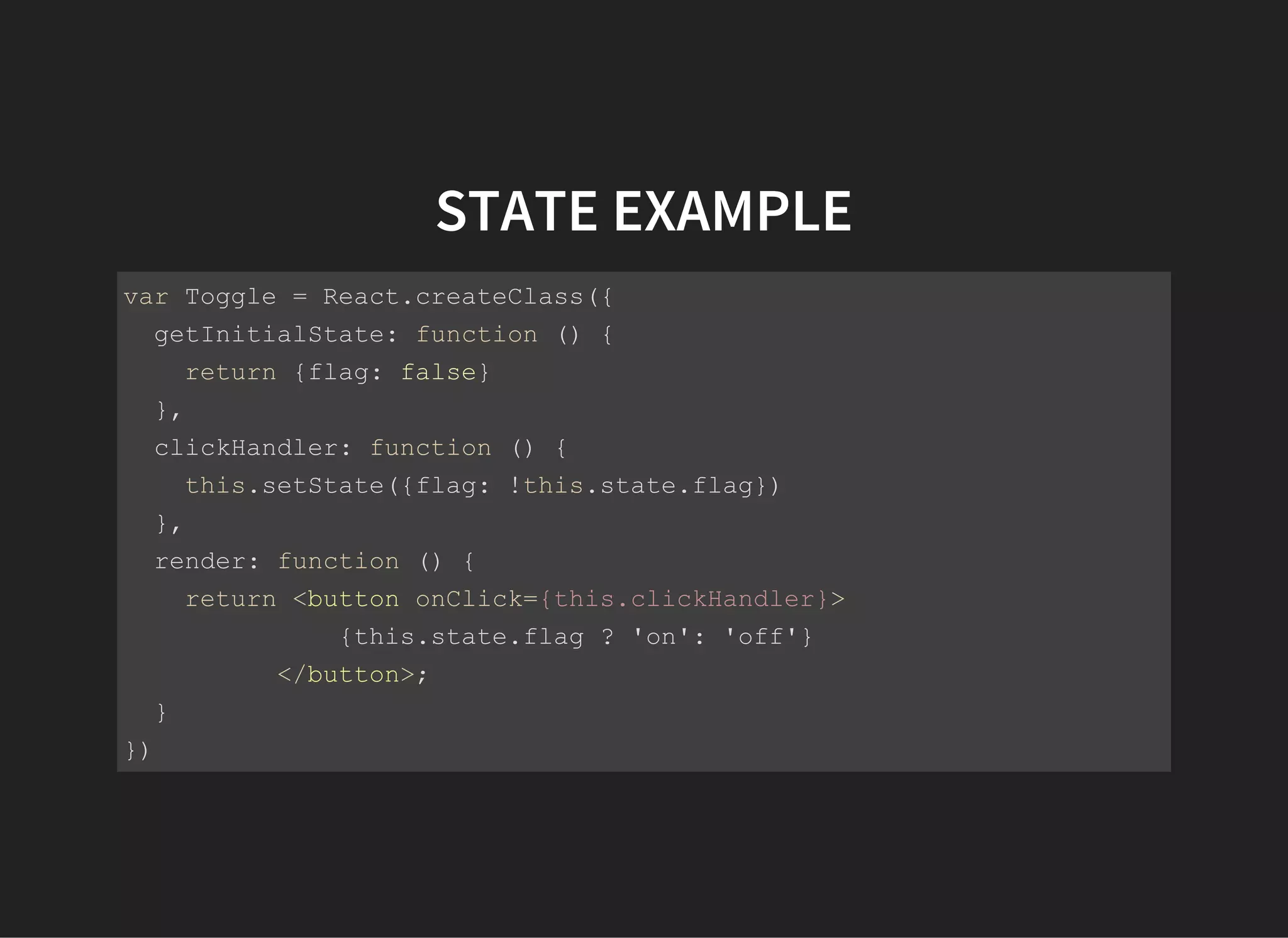
STATE EXAMPLE
var Toggle = React.createClass({
  getInitialState: function () {
    return {flag: false}
  },
  clickHandler: function () {
    this.setState({flag: !this.state.flag})
  },
  render: function () {
    return <button onClick={this.clickHandler}>
              {this.state.flag ? 'on': 'off'}
          </button>;
  }
})
React.render(<Toggle />, document.body);
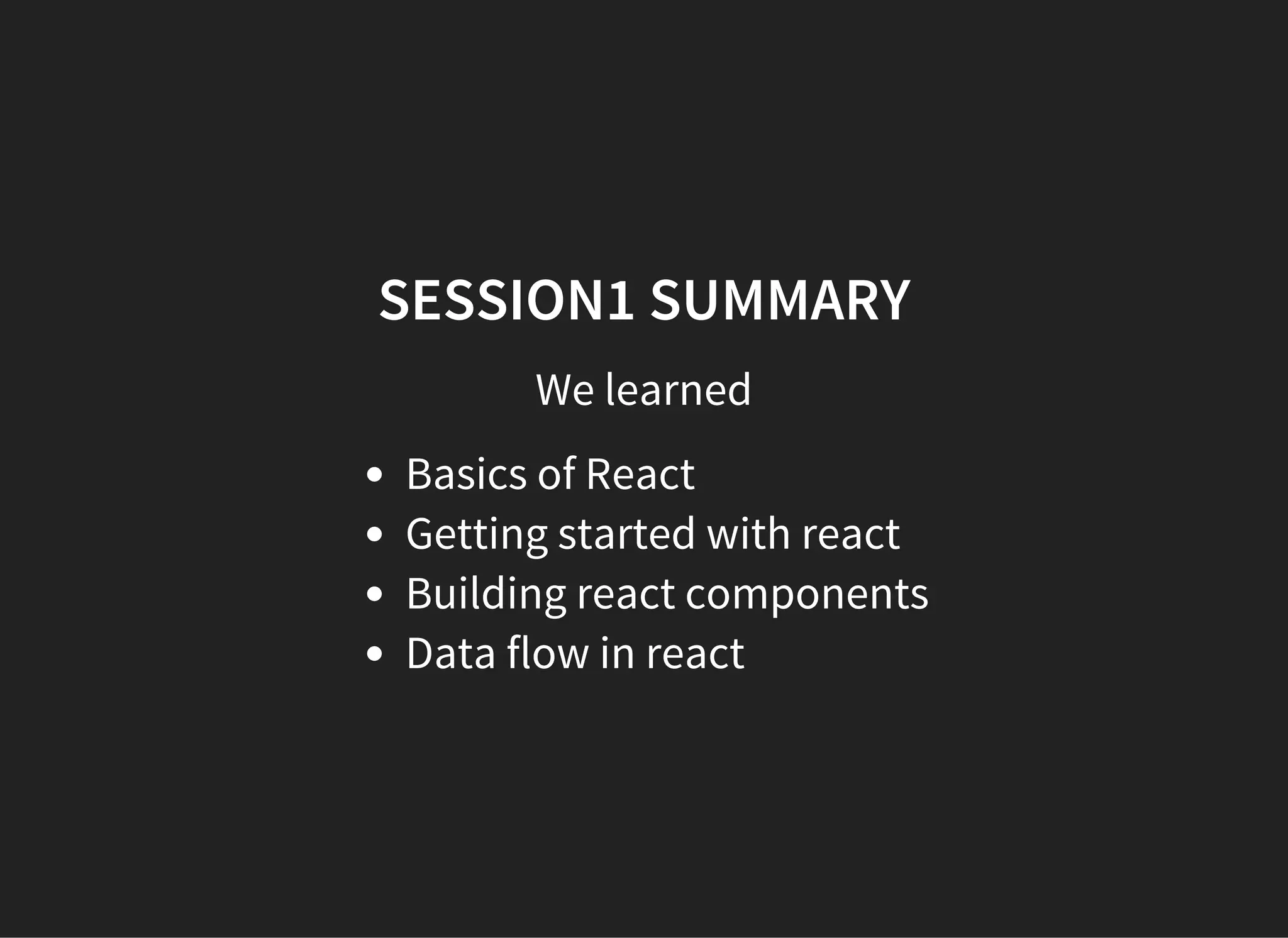
SESSION1 SUMMARY
We learned
Basics of React
Getting started with react
Building react components
Data flow in react
SESSION 1
Q & A
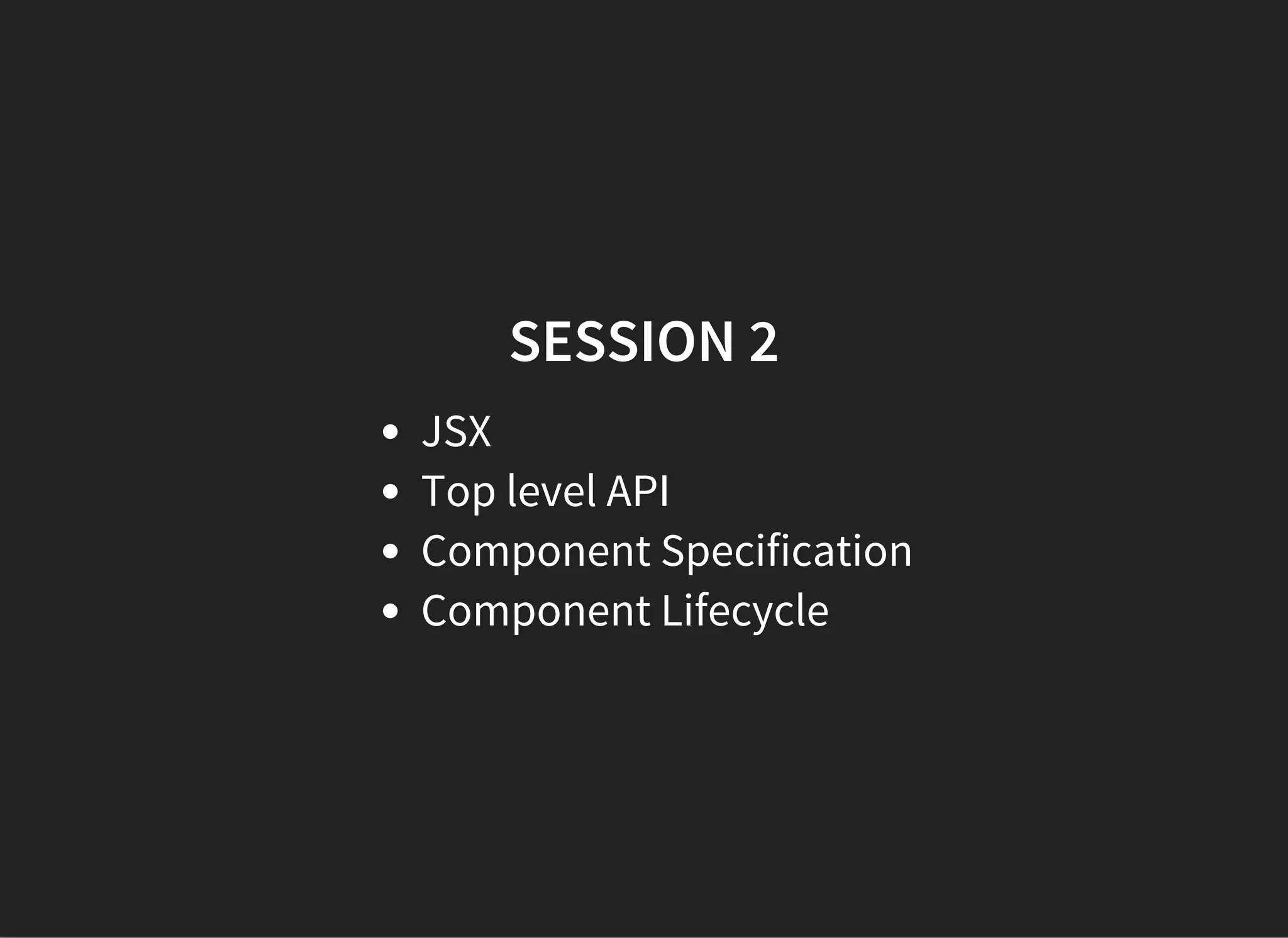
SESSION 2
JSX
Top level API
Component Specification
Component Lifecycle
JSX
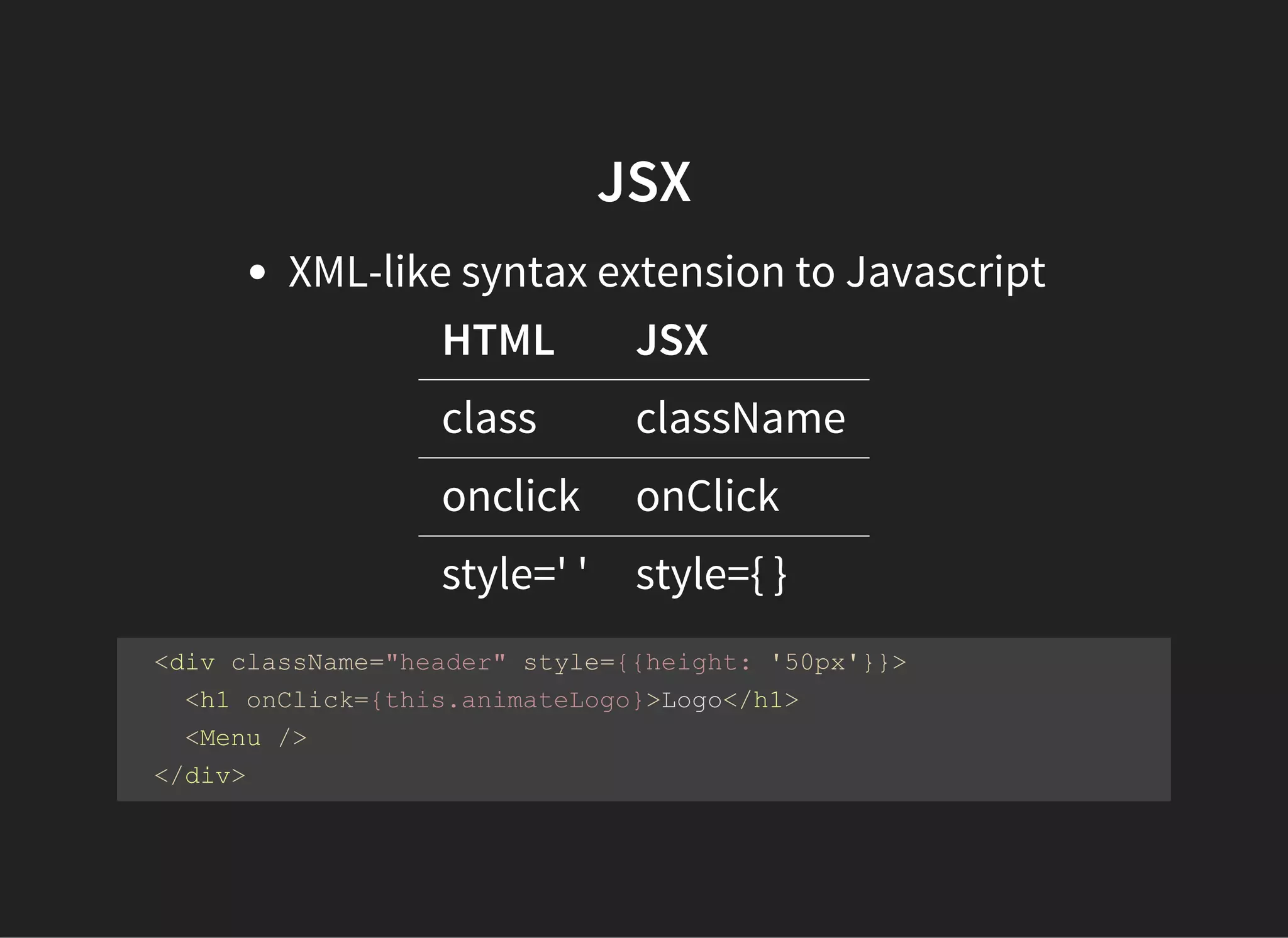
XML-like syntax extension to Javascript
HTML JSX
class className
onclick onClick
style=' ' style={ }
  <div className="header" style={{height: '50px'}}>
    <h1 onClick={this.animateLogo}>Logo</h1> 
    <Menu />
  </div>
JSX EXPRESSIONS
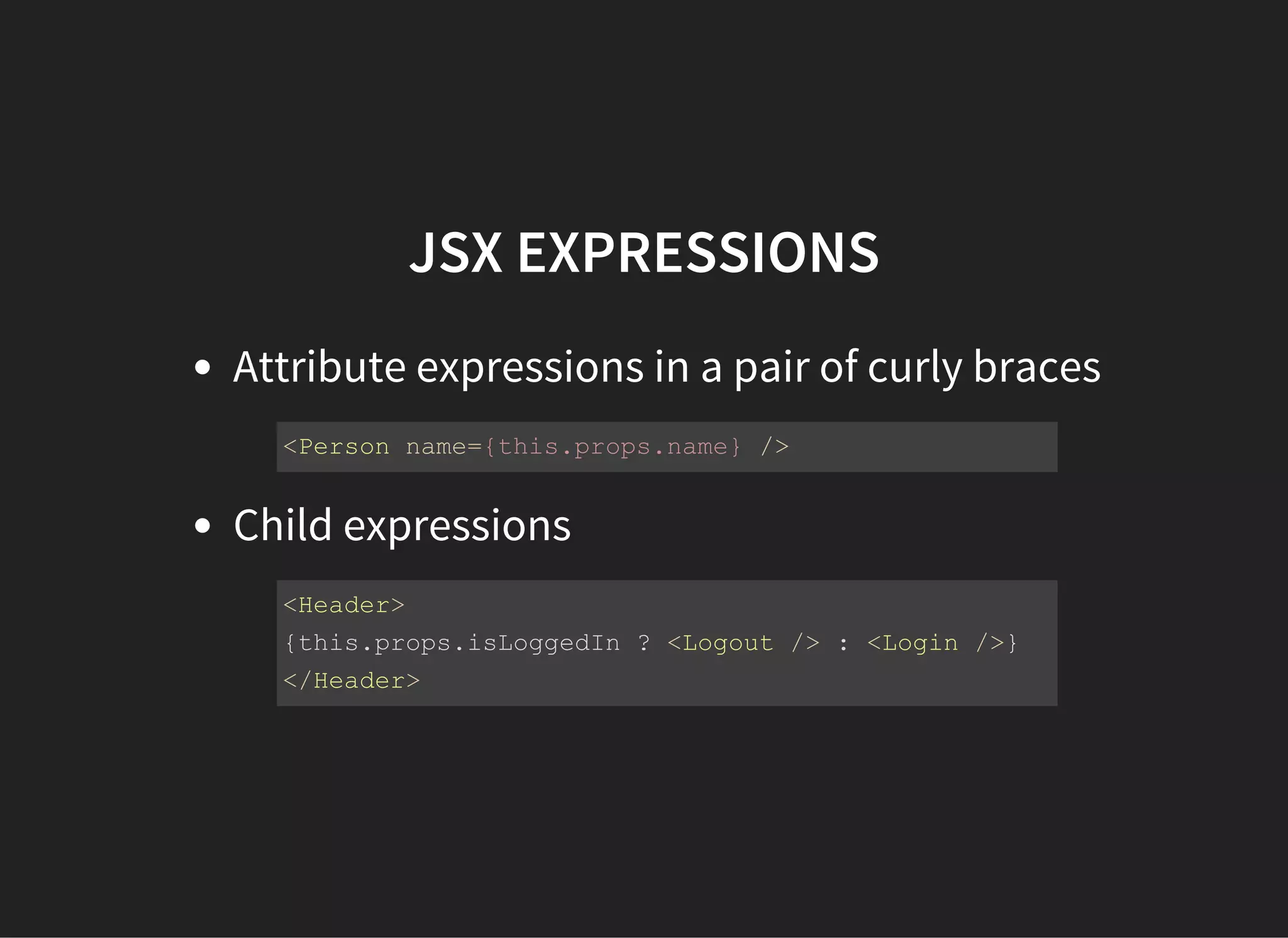
Attribute expressions in a pair of curly braces
Child expressions
<Person name={this.props.name} />
<Header>
{this.props.isLoggedIn ? <Logout /> : <Login />}
</Header>
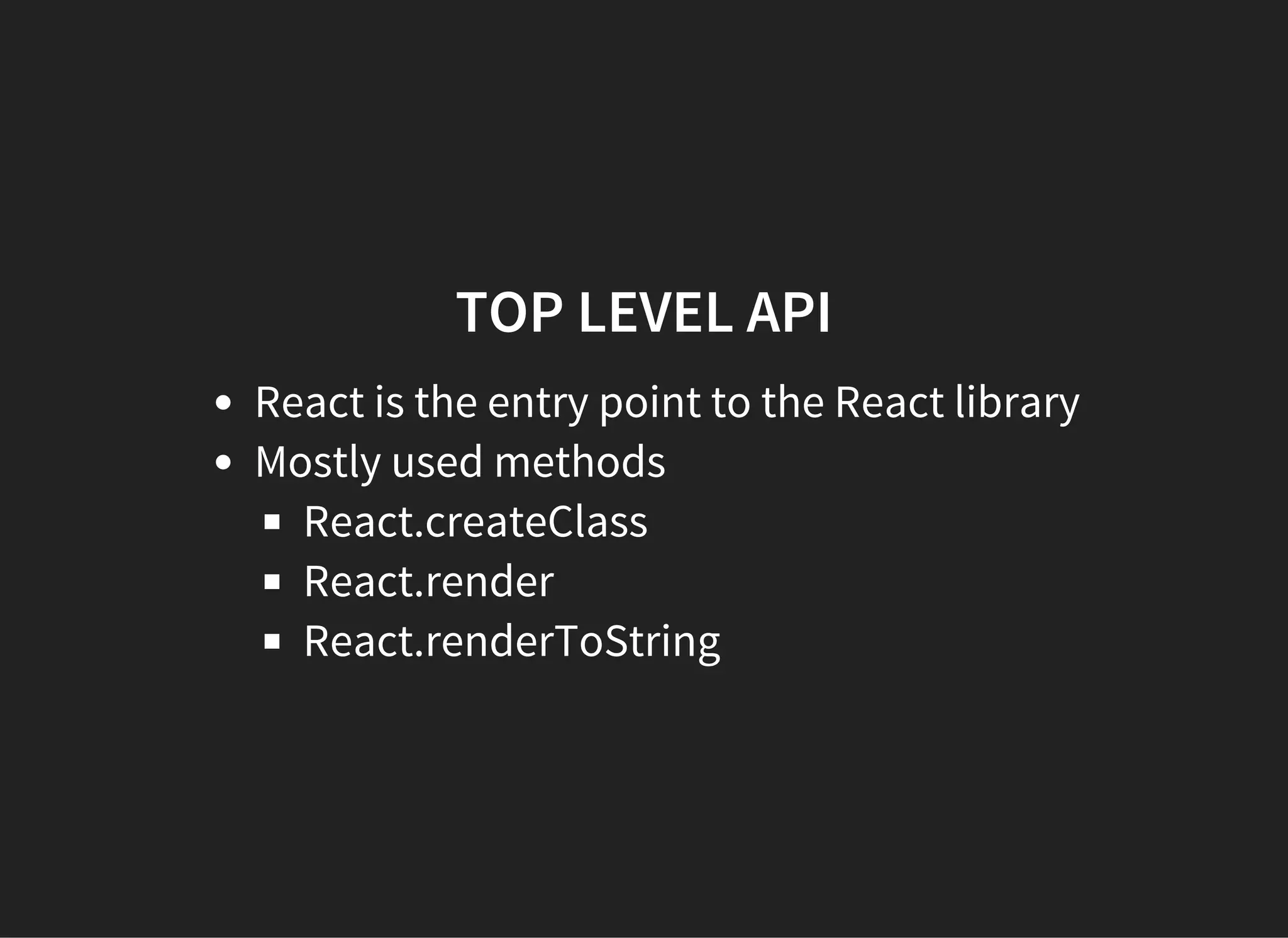
TOP LEVEL API
React is the entry point to the React library
Mostly used methods
React.createClass
React.render
React.renderToString
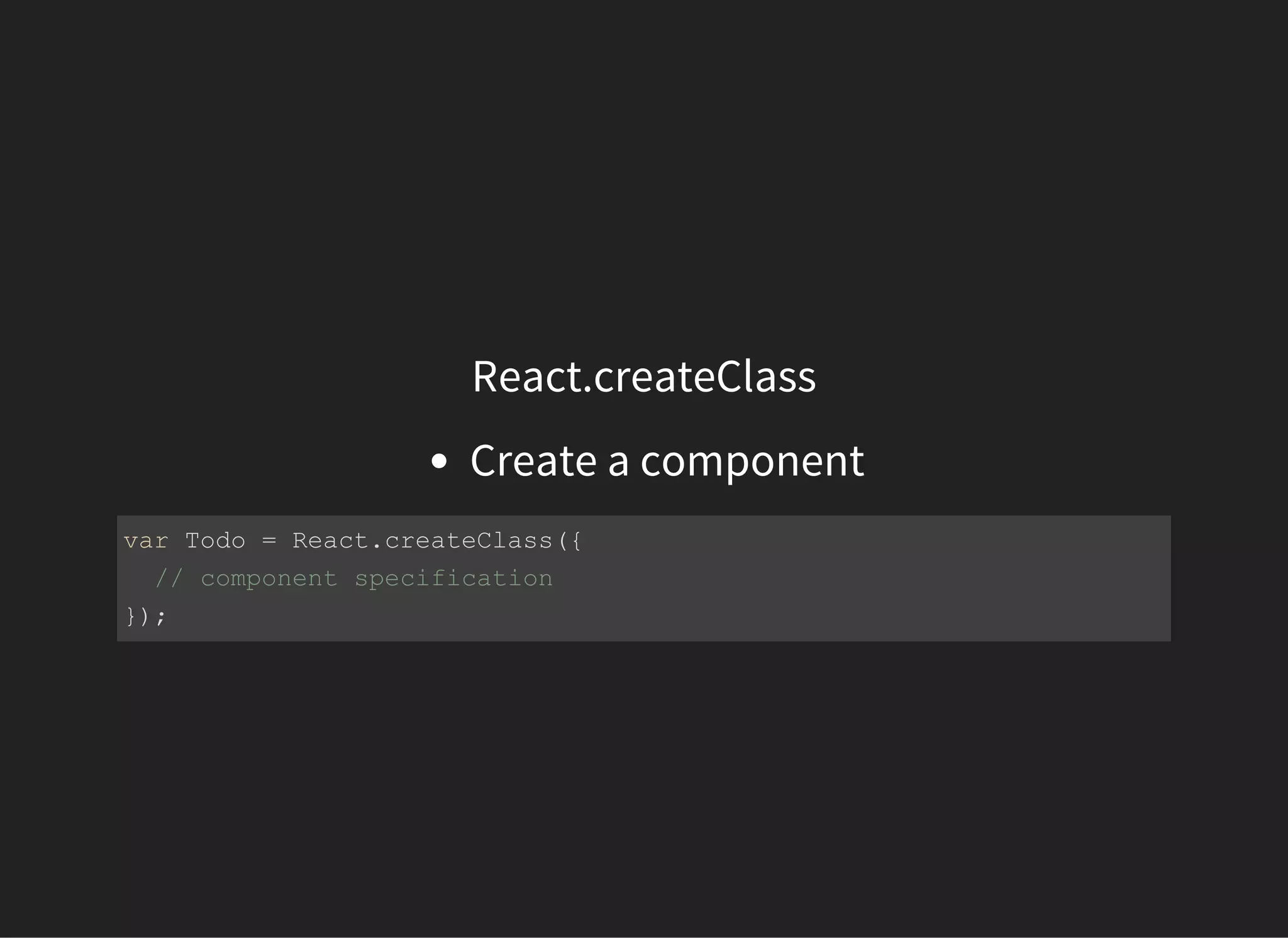
React.createClass
Create a component
var Todo = React.createClass({
  // component specification
});
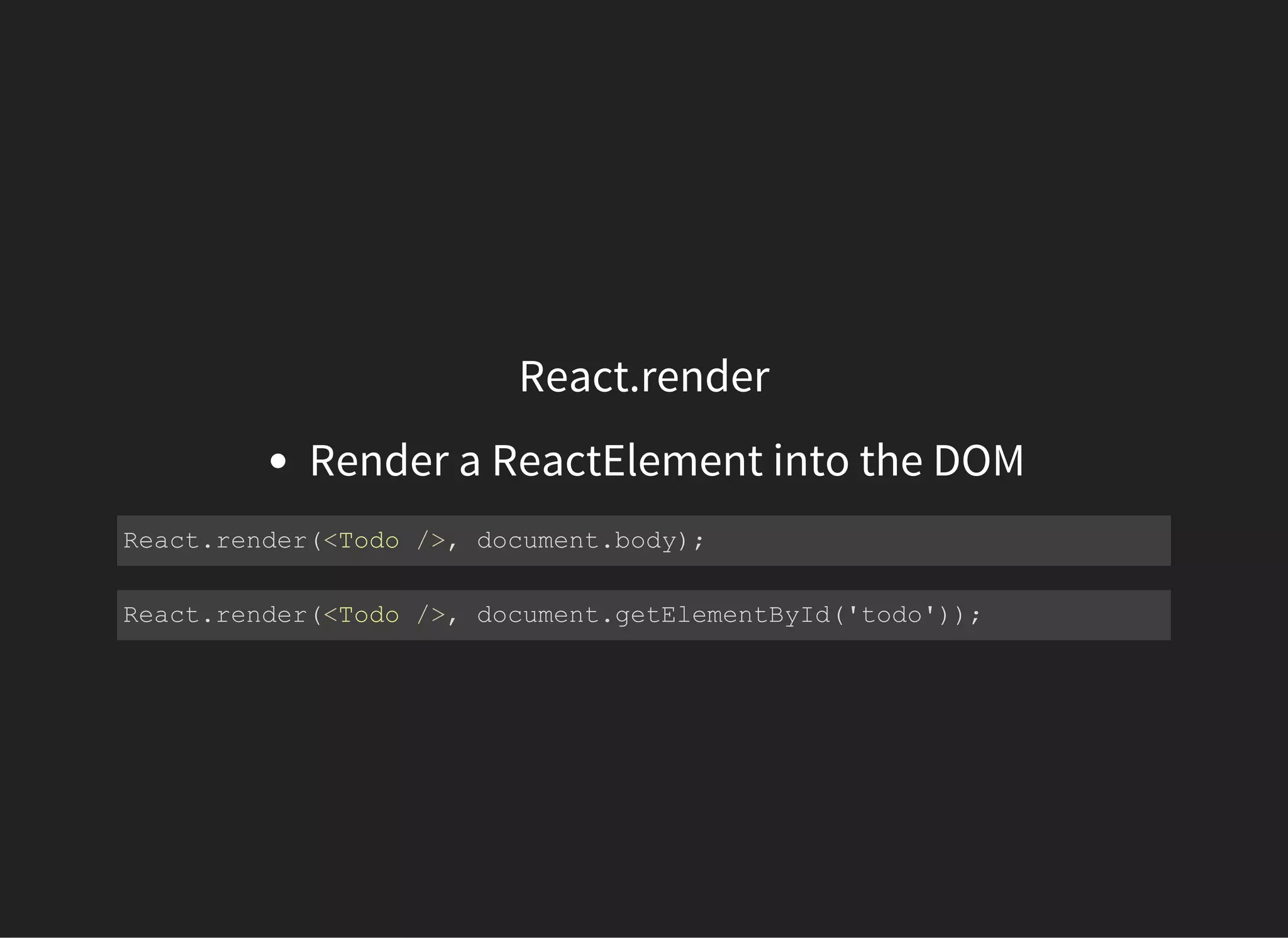
React.render
Render a ReactElement into the DOM
React.render(<Todo />, document.body);
React.render(<Todo />, document.getElementById('todo'));
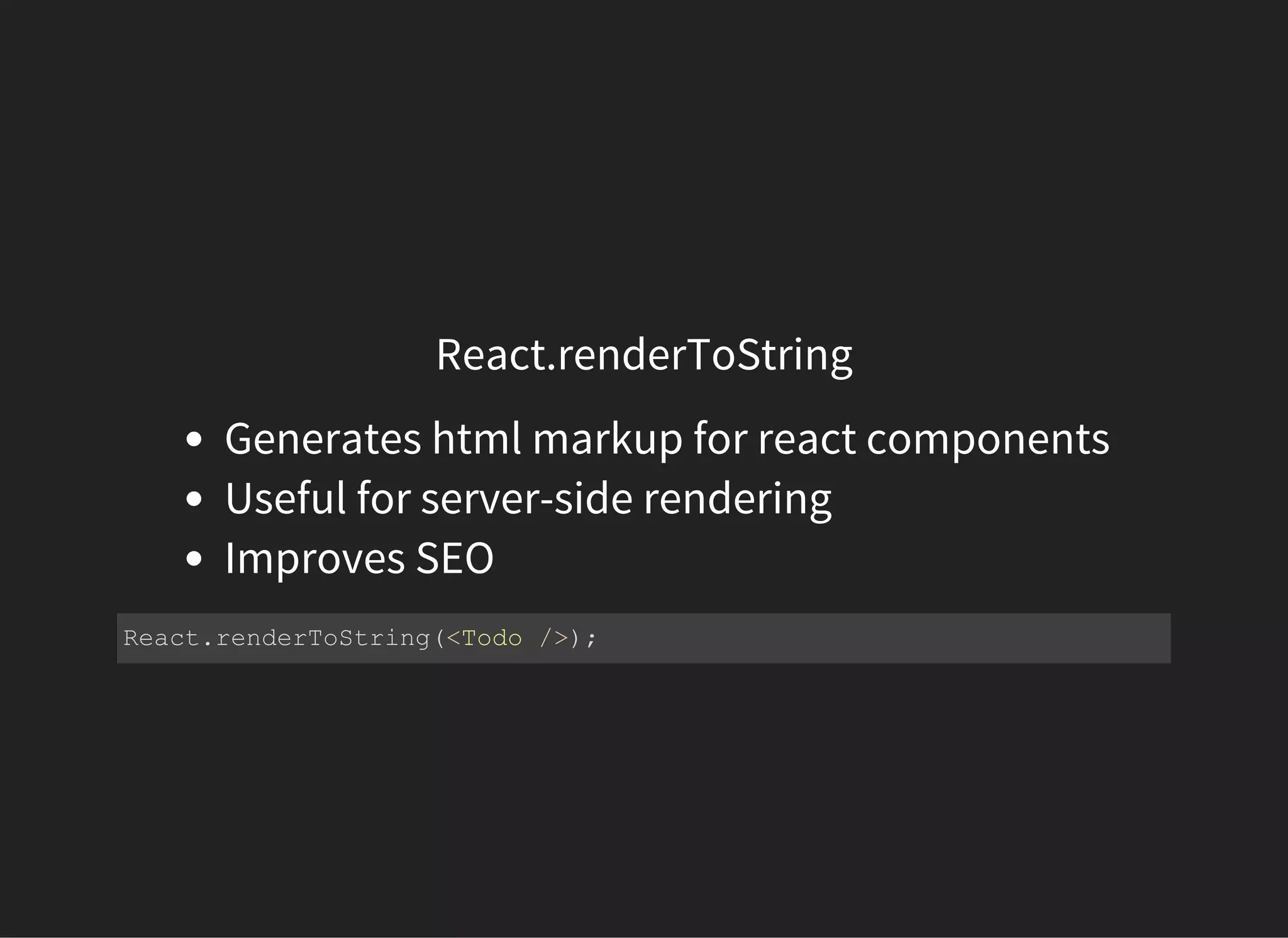
React.renderToString
Generates html markup for react components
Useful for server-side rendering
Improves SEO
React.renderToString(<Todo />);
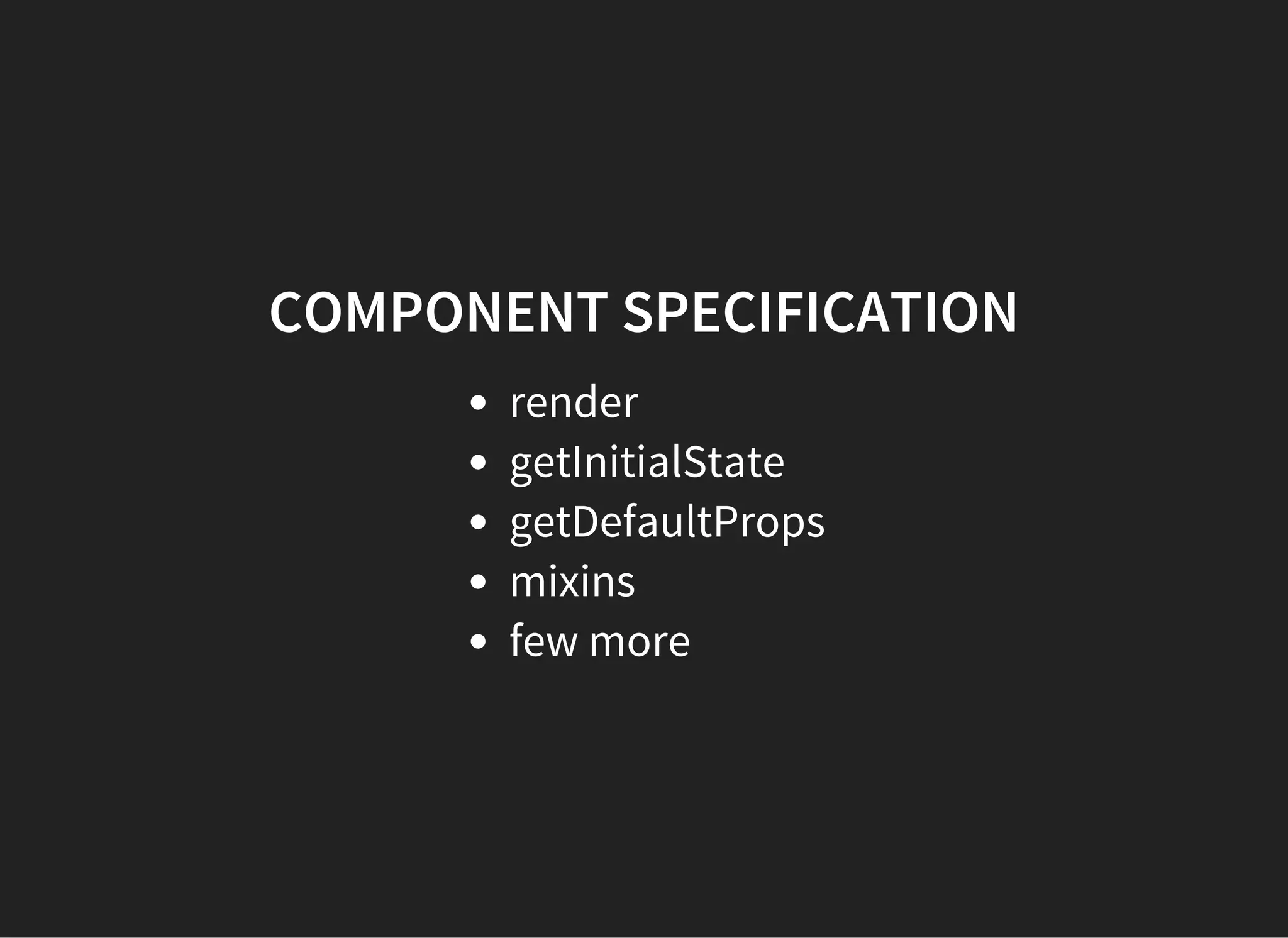
COMPONENT SPECIFICATION
render
getInitialState
getDefaultProps
mixins
few more
render
This method is required in all components
render() function should be pure
Should not modify component state
var Todo = React.createClass({
  render: function () {
    return <div></div>
  }
});
getInitialState
Invoked once before the component is mounted.
The return value will be used as the initial value of
this.state
var Todo = React.createClass({
  getInitialState: function () {
    return { todos: [] }
  },
  render: function () {
    return <div></div>
  }
});
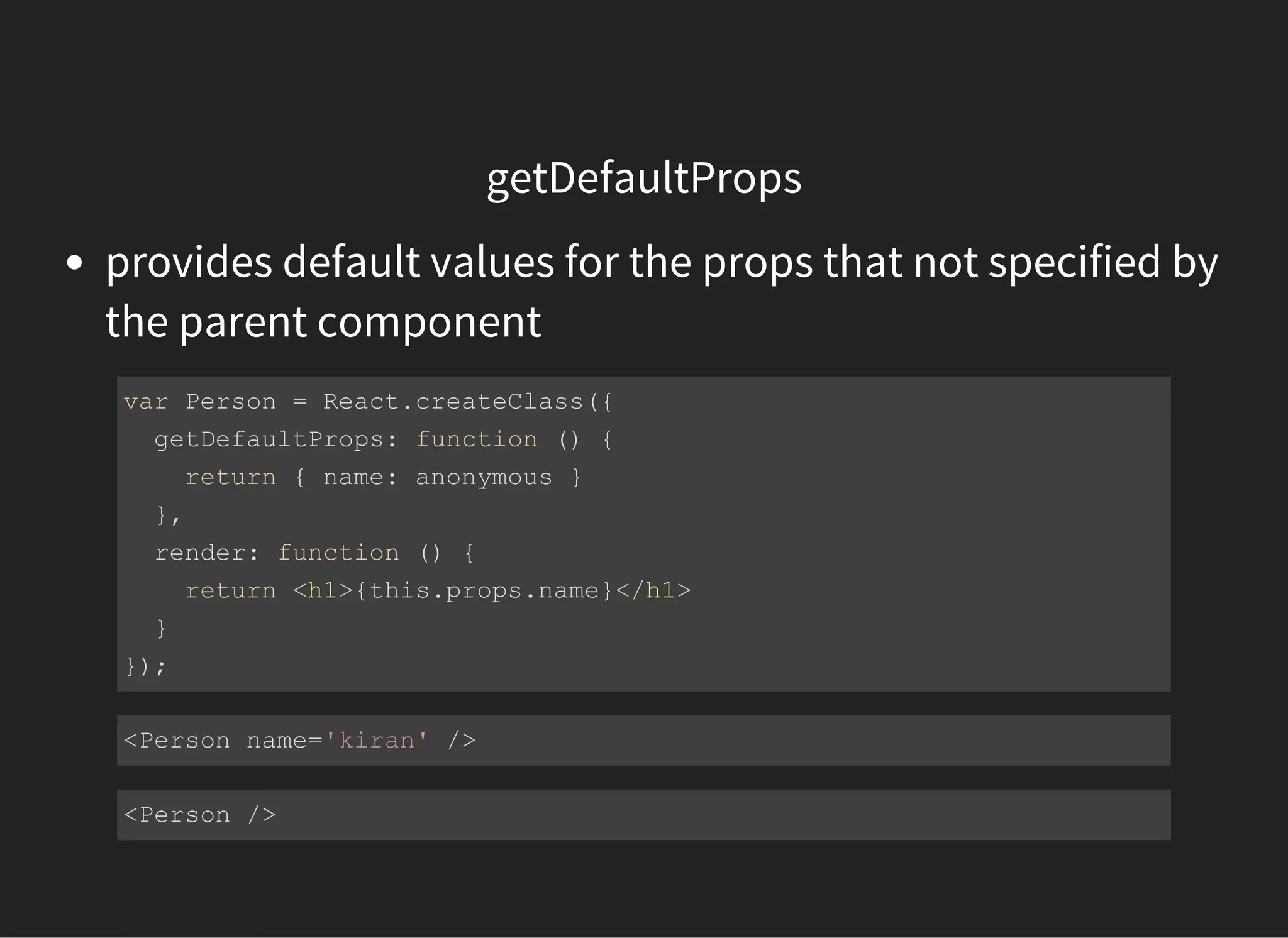
getDefaultProps
provides default values for the props that not specified by
the parent component
var Person = React.createClass({
  getDefaultProps: function () {
    return { name: anonymous }
  },
  render: function () {
    return <h1>{this.props.name}</h1>
  }
});
<Person name='kiran' />
<Person />
mixins
to share behavior among multiple components
var FormMixin = {
  submitHandler: function () {
    // submit form
  },
  changeHandler: function () {
    // handle input changes
  }
}
var Form1 = React.createClass({
  mixins: [FormMixin],
  render: function () {
    return <form onSubmit={this.submitHandler}> </form>
  }
})
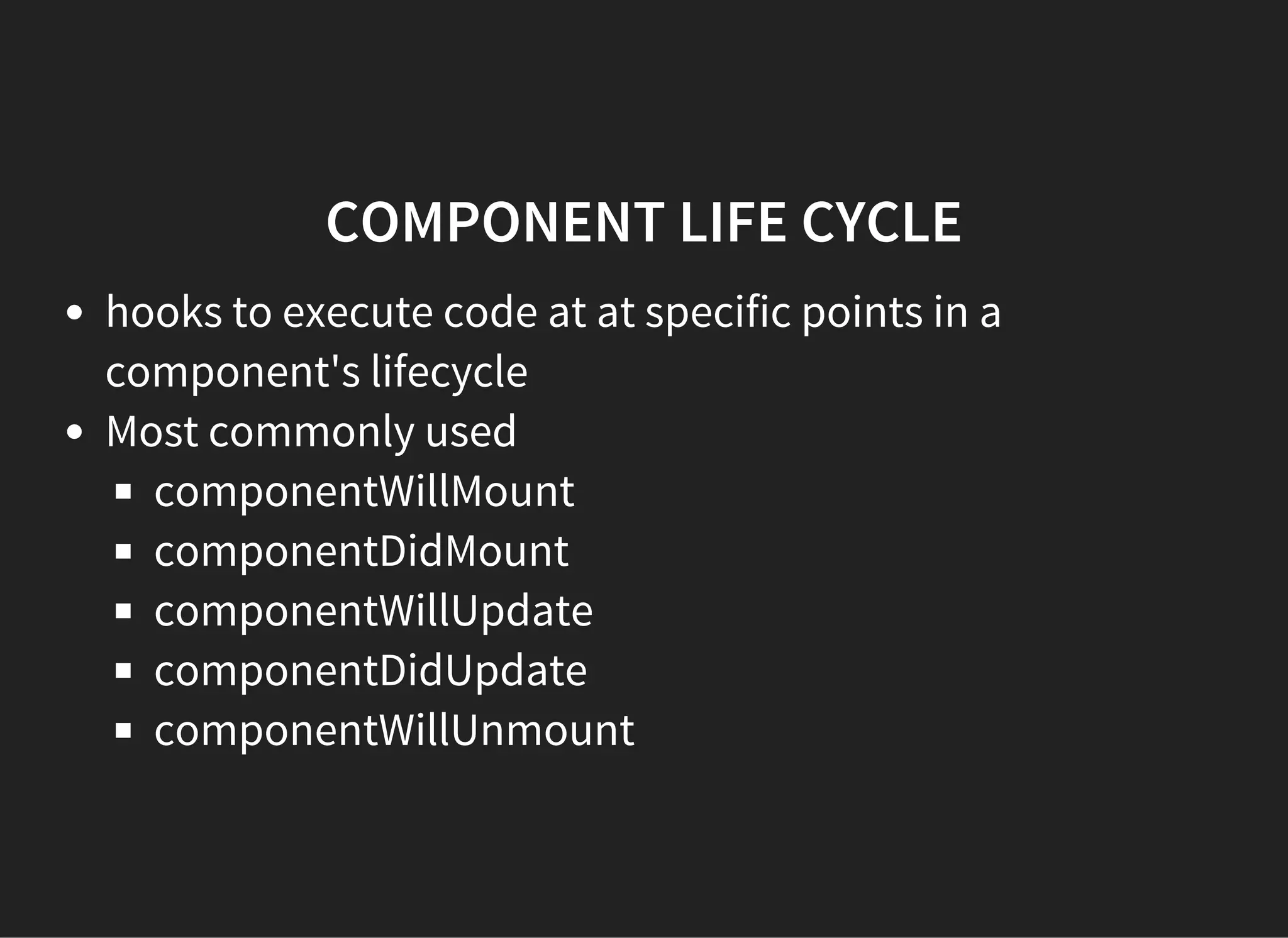
COMPONENT LIFE CYCLE
hooks to execute code at at specific points in a
component's lifecycle
Most commonly used
componentWillMount
componentDidMount
componentWillUpdate
componentDidUpdate
componentWillUnmount
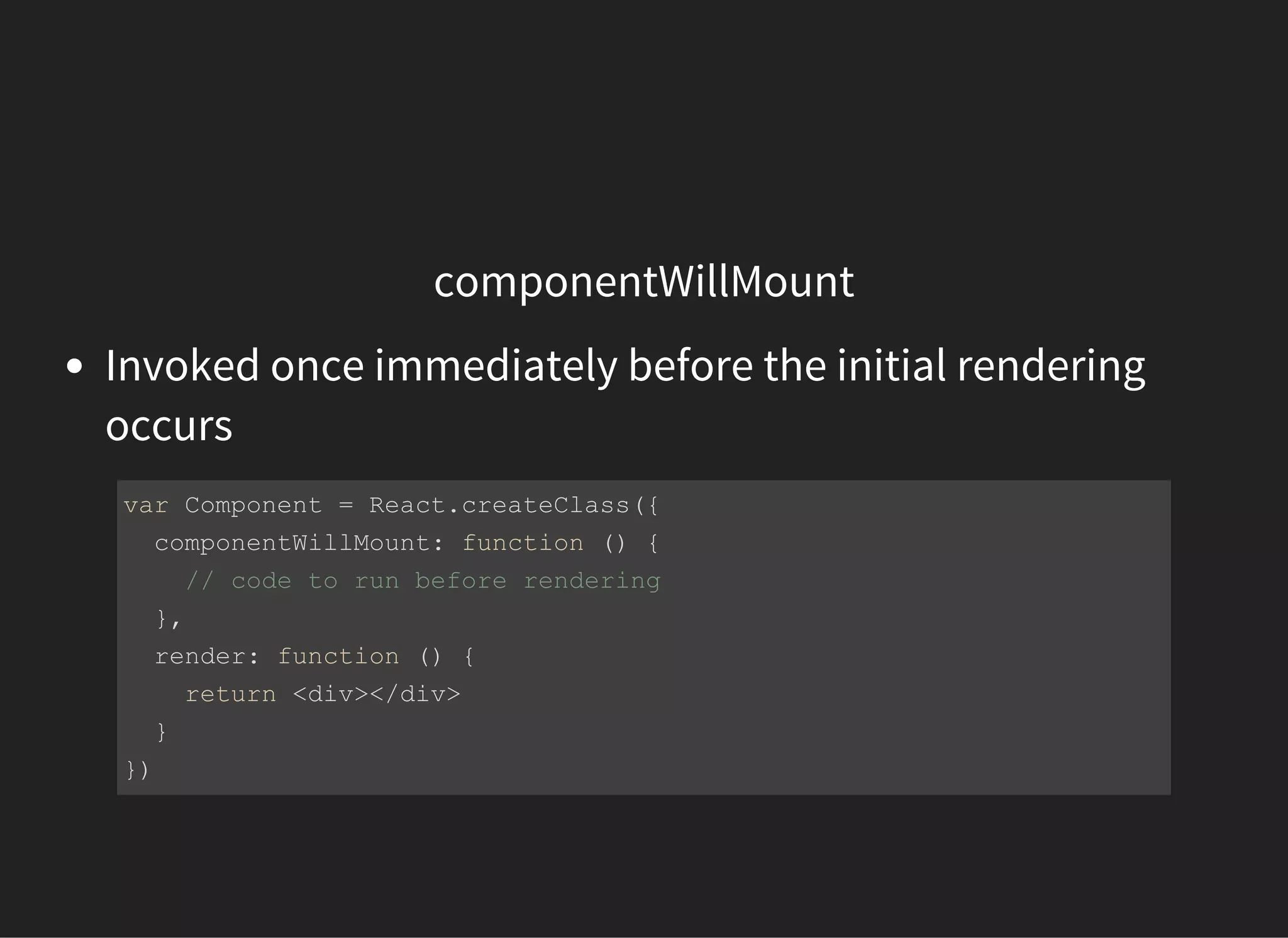
componentWillMount
Invoked once immediately before the initial rendering
occurs
var Component = React.createClass({
  componentWillMount: function () {
    // code to run before rendering
  },
  render: function () {
    return <div></div>
  }
})
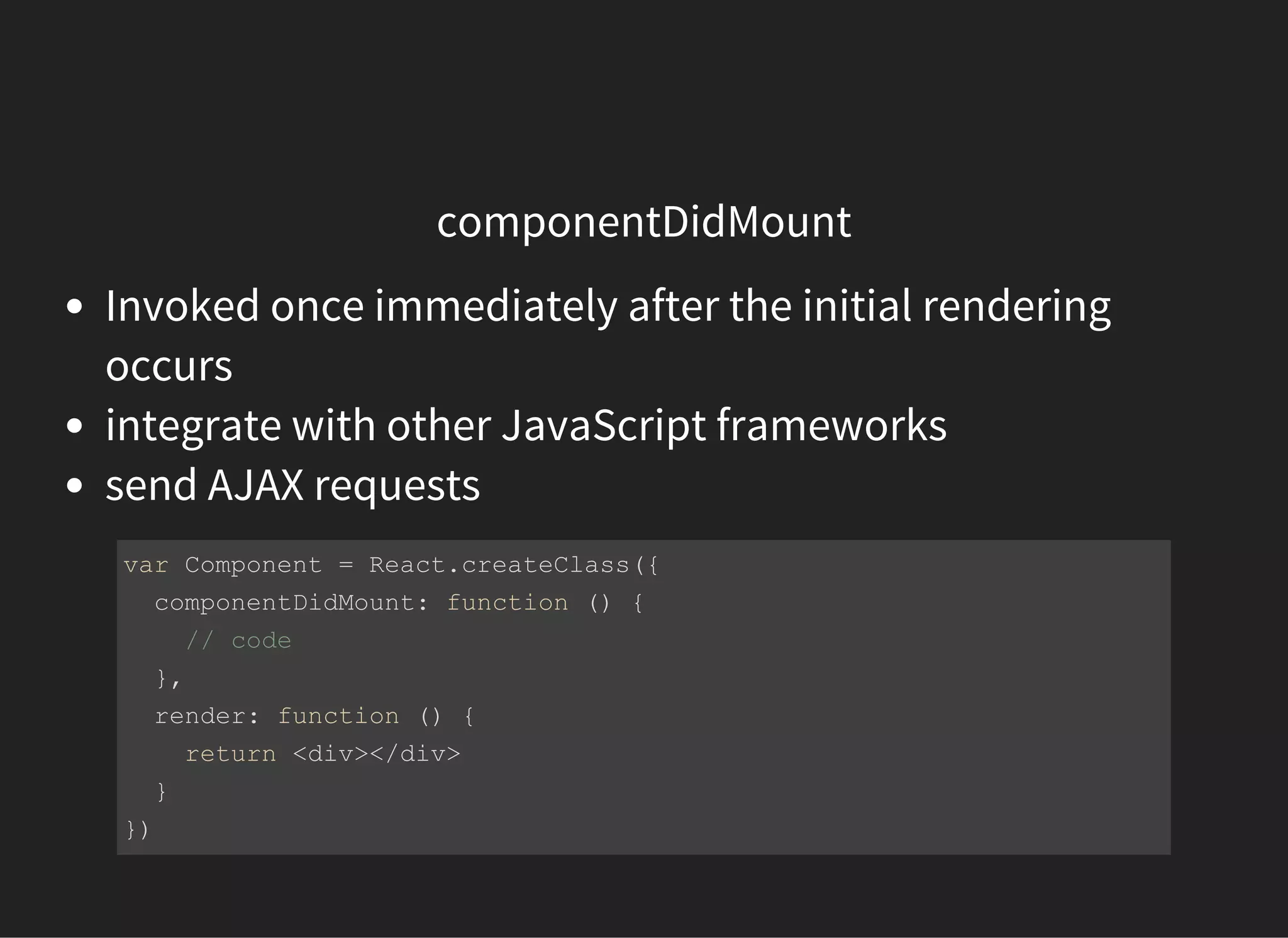
componentDidMount
Invoked once immediately after the initial rendering
occurs
integrate with other JavaScript frameworks
send AJAX requests
var Component = React.createClass({
  componentDidMount: function () {
    // code 
  },
  render: function () {
    return <div></div>
  }
})
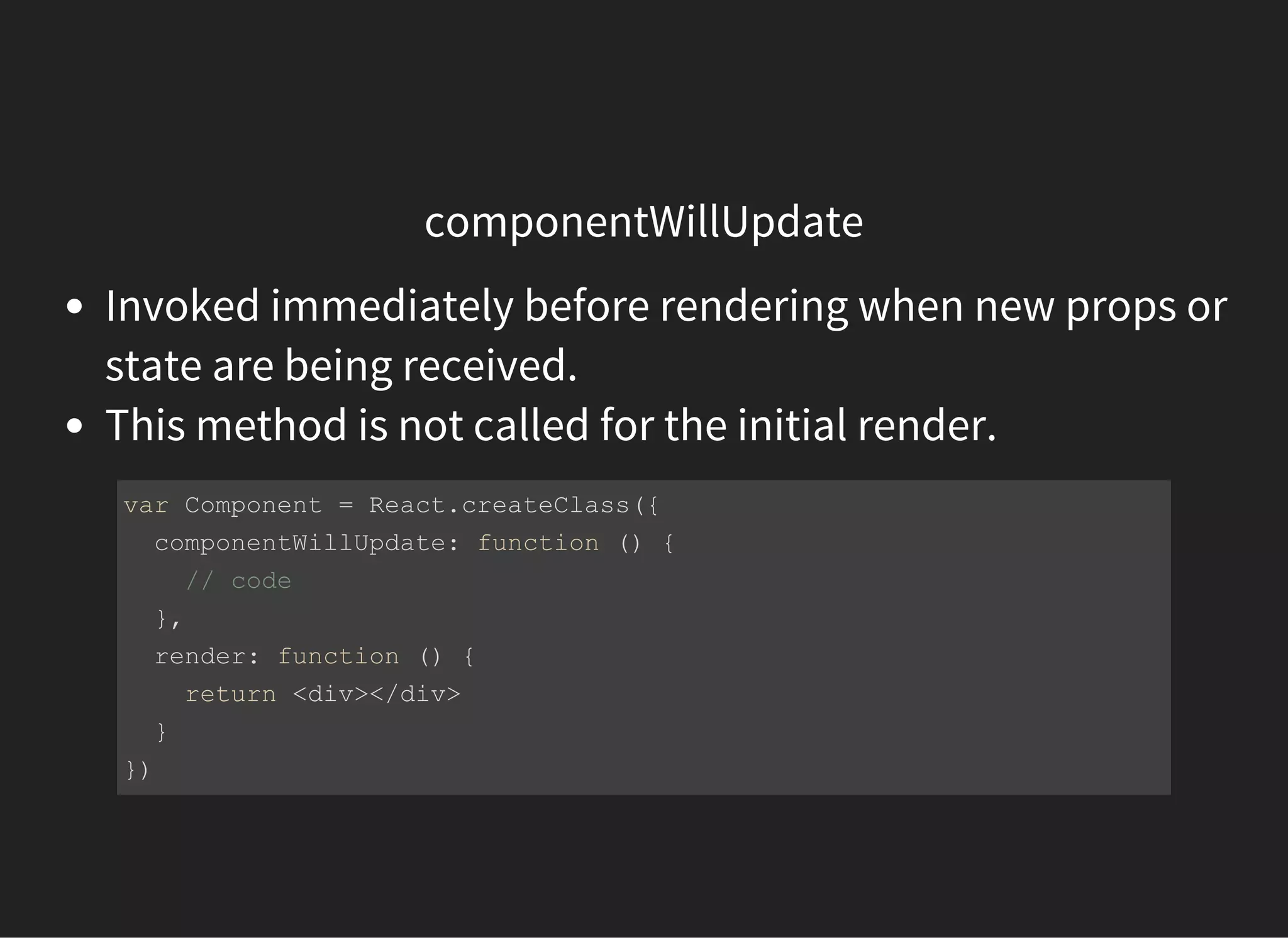
componentWillUpdate
Invoked immediately before rendering when new props or
state are being received.
This method is not called for the initial render.
var Component = React.createClass({
  componentWillUpdate: function () {
    // code 
  },
  render: function () {
    return <div></div>
  }
})
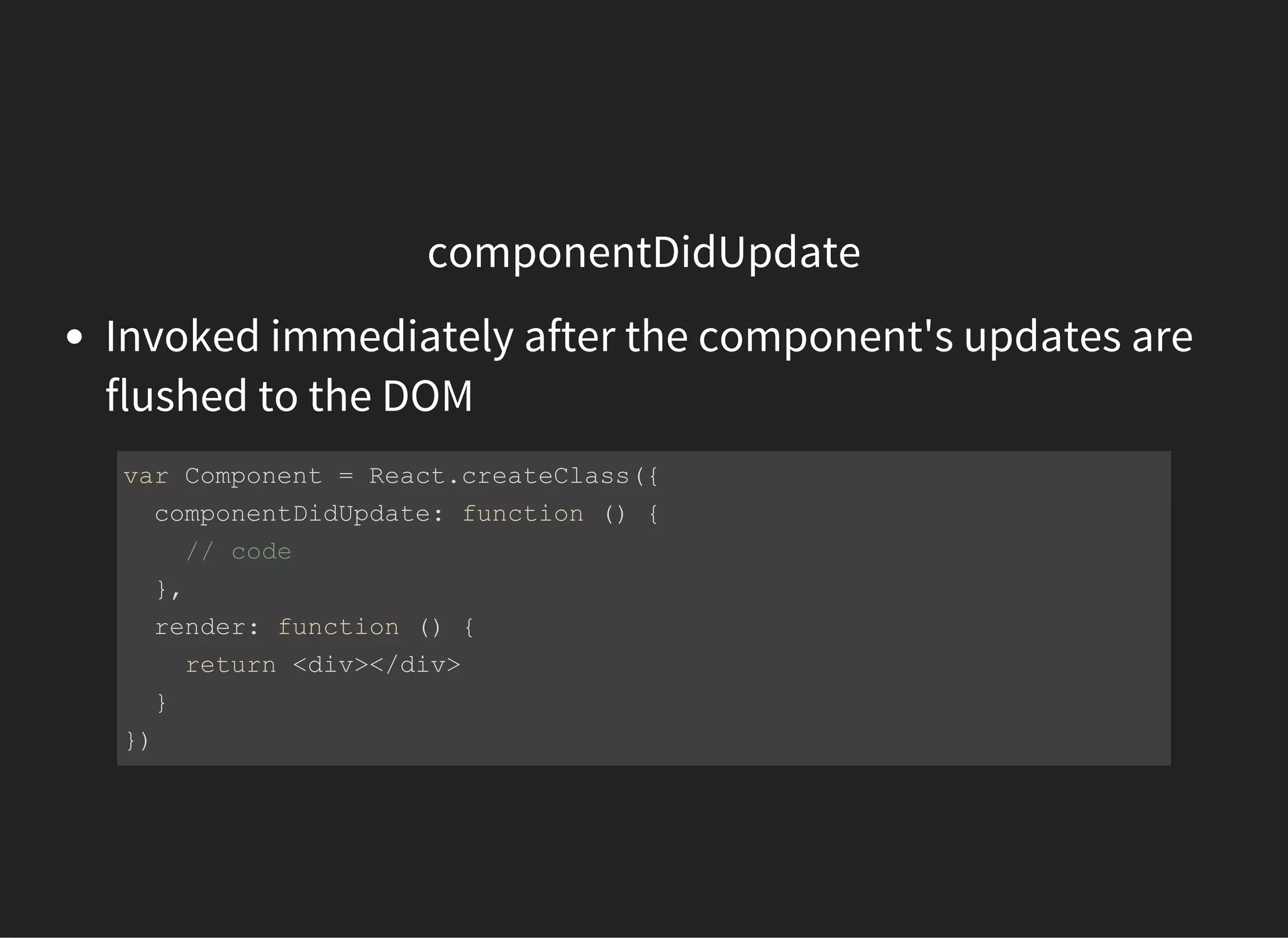
componentDidUpdate
Invoked immediately after the component's updates are
flushed to the DOM
var Component = React.createClass({
  componentDidUpdate: function () {
    // code 
  },
  render: function () {
    return <div></div>
  }
})
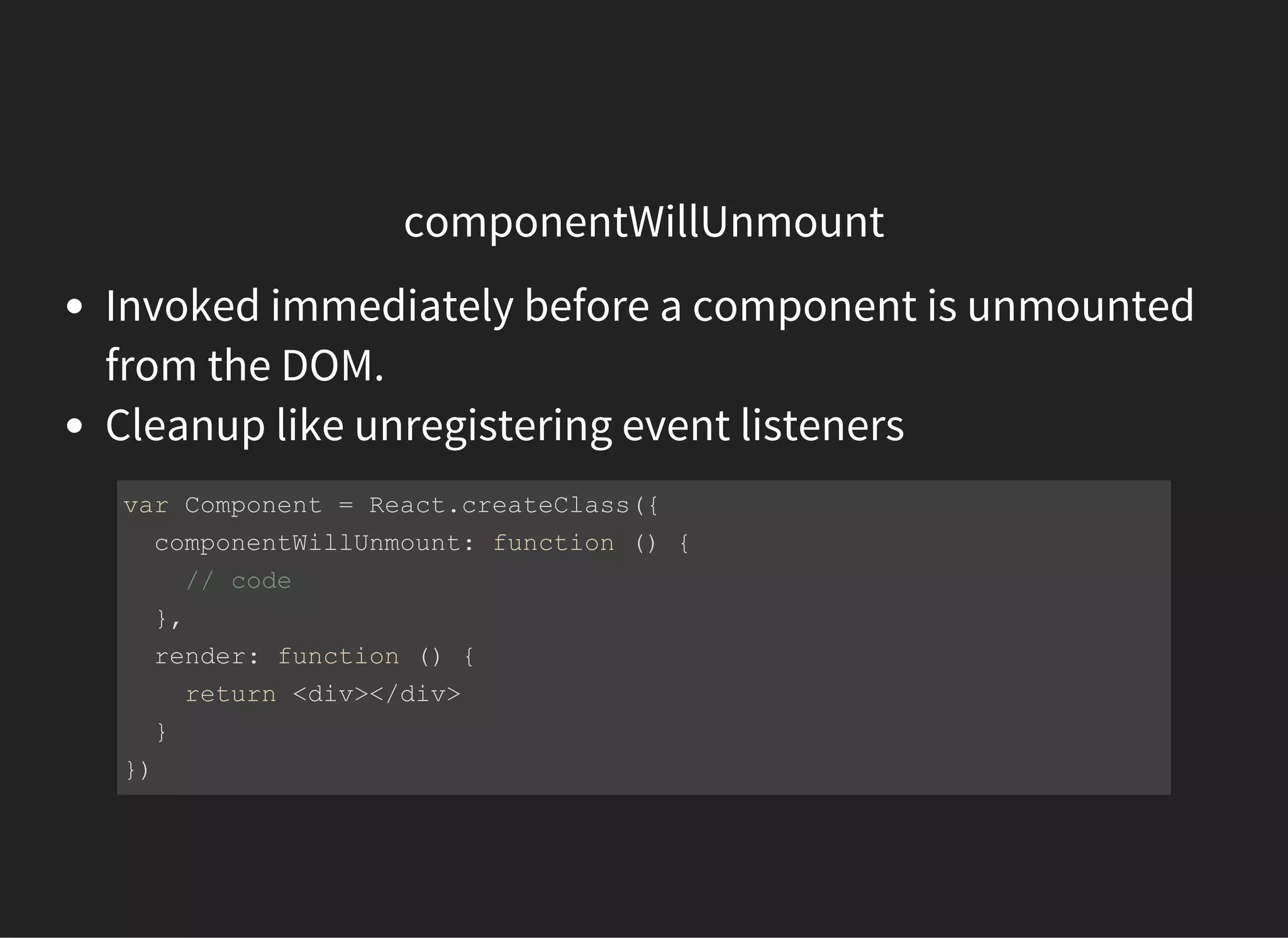
componentWillUnmount
Invoked immediately before a component is unmounted
from the DOM.
Cleanup like unregistering event listeners
var Component = React.createClass({
  componentWillUnmount: function () {
    // code 
  },
  render: function () {
    return <div></div>
  }
})
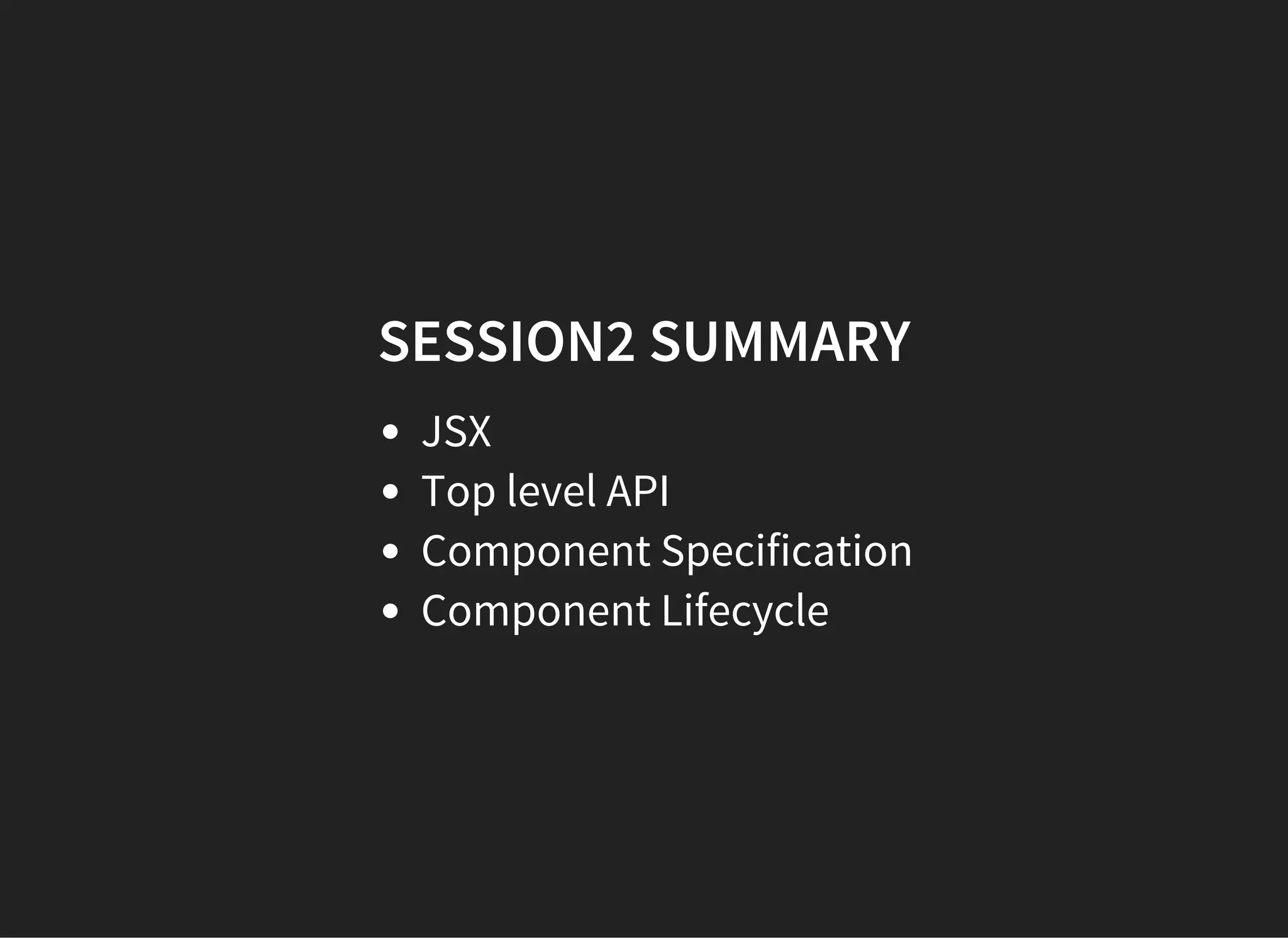
SESSION2 SUMMARY
JSX
Top level API
Component Specification
Component Lifecycle
SESSION2
Q & A
SESSION 3
BUILDING A SIMPLE TODO APP
SESSION 3
Q & A

Introduction to react