RANDOM HTML 5 STUFF: INTRODUCTION TO HTML5
 This document is created when I was creating a
video and was typing.
 Just improved by little bit, not much
 HTML is not rocket science..
 Anyway, HTML5
 Any application, having web-based user
interface, in general, will use HTML
 HTML5 is the most recent version of HTML..
 Just an example of HTML5 document
structure...
2016-10-09
1
sayed@justetc.net
BY THE WAY THIS IS
Sayed Ahmed
http://sayed.justetc.net
Software/Web/Mobile
Architect/Engineer/Developer
2016-10-09
2
sayed@justetc.net
 All of our services
 http://www.sitestree.com/our-services/
 Our training services
 In English:
 www.SaLearningSchool.com
 English.SaLearningSchool.com,
 www.SitesTree.com
 In Bangla:
 Bangla.SaLearningSchool.com
 Blog.SaLearningSchool.com
 Ask a question and get answers :
 Ask.JustEtc.net
 Offline IT Training (Occasional):
 University.JustEtc.net
2016-10-09
3
sayed@justetc.net
HTML 5
 So you can see the structure of a well structured
HTML5 document
 view-source:http://www.justetc.net/
 It is kind of modified than I showed in the video
 The doctype <!DOCTYPE html> is simple
 Previously you had transitional, strict, loose...
 Loose-> do not care for perfectness that much
 Transitional -> better, somewhat
forgiving...usually the common choice
 Strict -> your HTML need to be perfect...
2016-10-09
4
sayed@justetc.net
HTML 5
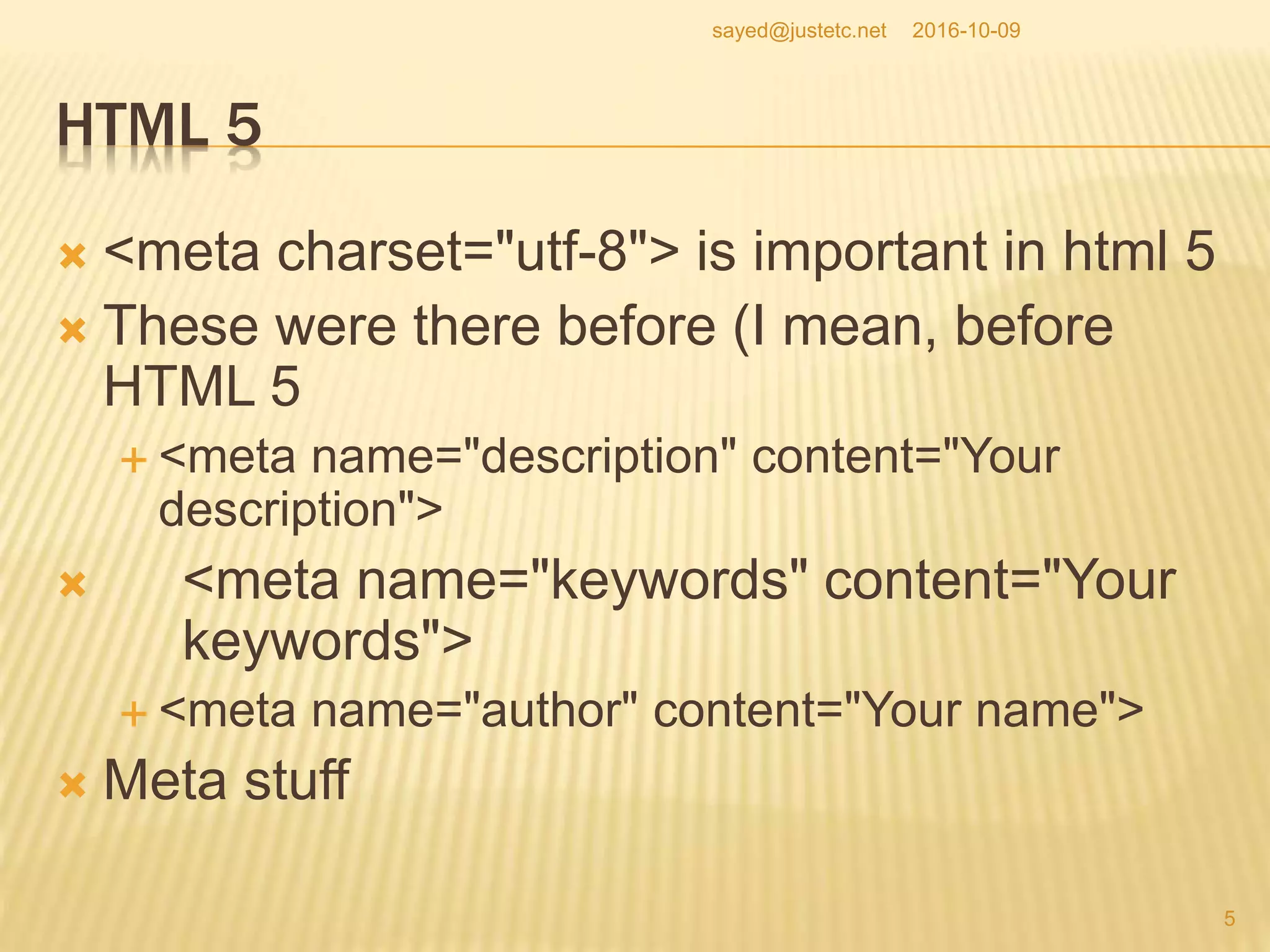
 <meta charset="utf-8"> is important in html 5
 These were there before (I mean, before
HTML 5
 <meta name="description" content="Your
description">
 <meta name="keywords" content="Your
keywords">
 <meta name="author" content="Your name">
 Meta stuff
2016-10-09
5
sayed@justetc.net
MISC HTML STUFF
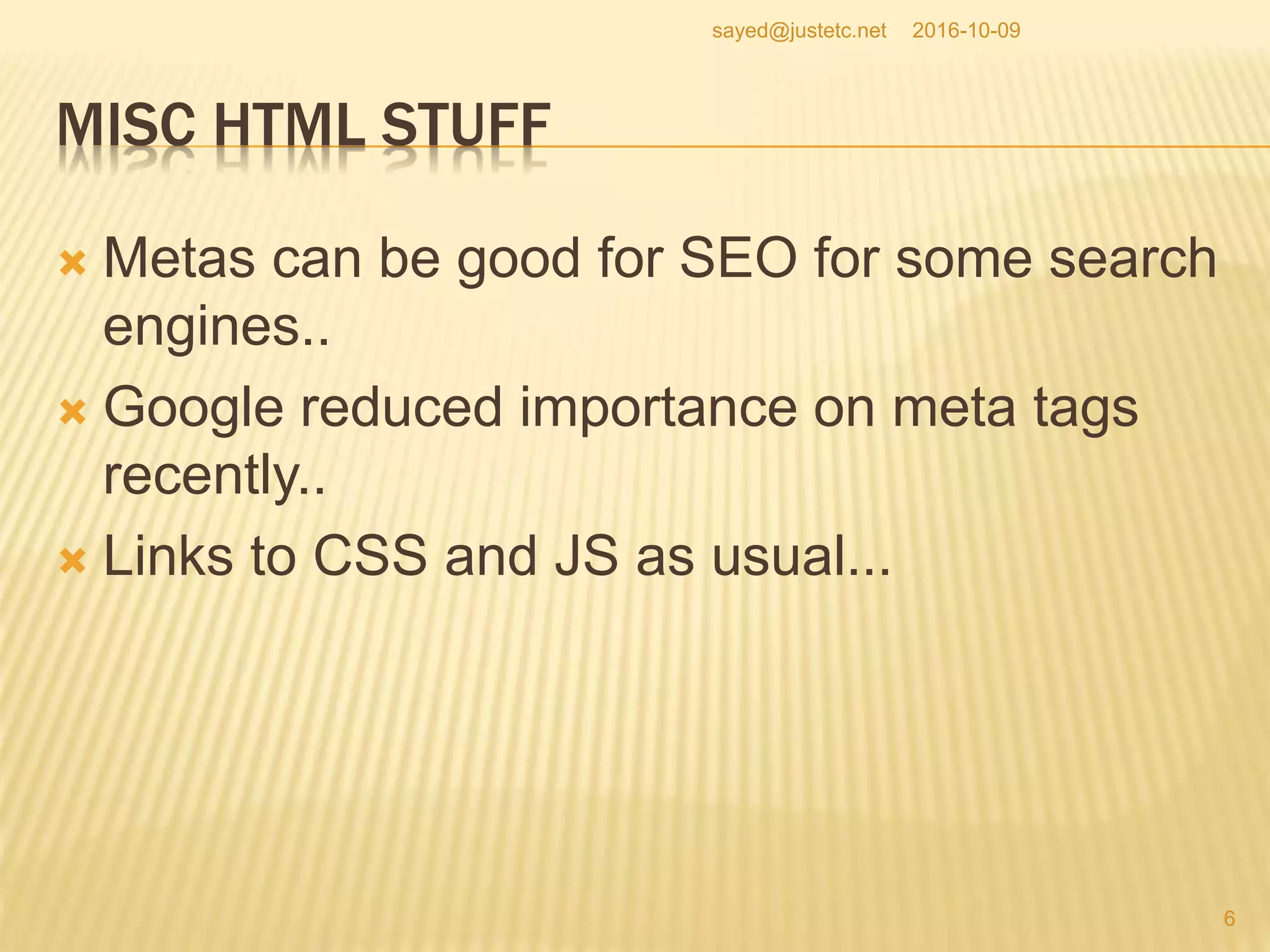
 Metas can be good for SEO for some search
engines..
 Google reduced importance on meta tags
recently..
 Links to CSS and JS as usual...
2016-10-09
6
sayed@justetc.net
SUPPORTING HTML 5 TAGS FOR IE VERSIONS
 <!--[if lt IE 8]>
 <div style=' clear: both; text-align:center; position: relative;'>
 <a href="http://windows.microsoft.com/en-US/internet-
explorer/products/ie/home?ocid=ie6_countdown_bannercode">
 <img
src="http://storage.ie6countdown.com/assets/100/images/banners/warning_bar_
0000_us.jpg" border="0" height="42" width="820" alt="You are using an outdated
browser. For a faster, safer browsing experience, upgrade for free today." />
 </a>
 </div>
 <![endif]-->
 <!--[if lt IE 9]>
 <script type="text/javascript" src="js/html5.js"></script>
 <link rel="stylesheet" type="text/css" media="screen" href="css/ie.css">
 <![endif]-->
2016-10-09
7
sayed@justetc.net
SUPPORTING HTML 5 TAGS FOR IE VERSIONS
 So you can see that in the html5.js, we are
creating HTML5 related tags that are not
supported in those browsers..lt IE 9
 Anyway, you can see here the main and
newer HTML 5 tags...
 In our example, document we will use..
2016-10-09
8
sayed@justetc.net
SUPPORTING HTML 5 TAGS FOR IE VERSIONS
 <!--[if lt IE 8]>
 <!--[if lt IE 9]>
 These are to handle some situations for IE
versions 8 and 9
 IE8 and before do not support some new
HTML5 tags..
 So one approach is, we create some
elements for the new HTML5 tags such as
section aside and similar
2016-10-09
9
sayed@justetc.net
SUPPORTING HTML 5 TAGS
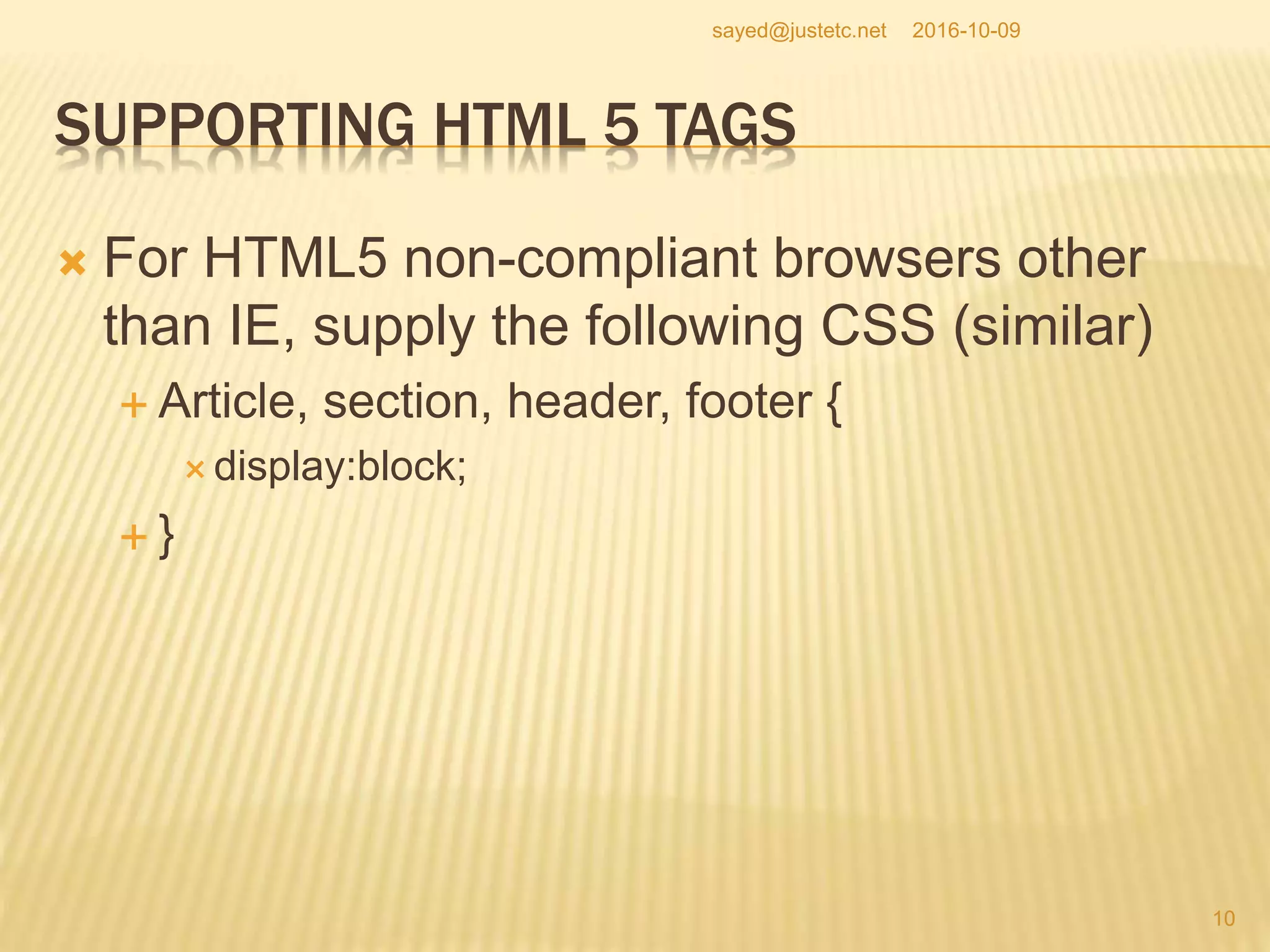
 For HTML5 non-compliant browsers other
than IE, supply the following CSS (similar)
 Article, section, header, footer {
 display:block;
 }
2016-10-09
10
sayed@justetc.net
HTML 5 TAGS
 Header -> to create a header section
 Footer to create a footer section
 Before HTML 5, you could use div to create
sections, however, div itself does not indicate
section
 Using CSS, you can, and actually you did
defined/divided sections
 In HTML5, sections are defined using
section, header, footer tags...
2016-10-09
11
sayed@justetc.net
HTML 5 TAGS
 You can use the nav tag to define navigation
menu/section
 We actually could use section in addition to
header and footer tags
 Esp. For the content section -> to define content
section
 So section is used as well (I mean in the
example code)
 article tag is used to define an article
 aside, just to put something on the side – not
part of the main structure...
2016-10-09
12
sayed@justetc.net
HTML 5 DIFFERENCES
 Just a few more notes on HTML5
 In HTML 4, the sections are not precise with tags like
div unless you assign some styles to them.
 For defining sections, you do not need div tags but
header tags (h1..h6) can imply sections.
 HTML4 is very imprecise on what a section is and
what is it's scope.
 I just told, divs do not indicate sections unless you
assign meaningful CSS classes to them, h1 to h6
could define sections
 Actually, some of the above information are based
on Mozilla Firefox resources on HTML5, check their
site..
2016-10-09
13
sayed@justetc.net
HTML 5 AND H1..H6 TAGS
 This is important
 In HTML5, tags such as h1, h2,...h6 are relative
to the current section not relative to the whole
page
 You know that unless you customize the style, h1
to h6 decreases font-sizes..
 In HTML 5, this relativeness/relative sizes are
related to the current section
 So, you can see h1 size text in different sections
using h1 tags
2016-10-09
14
sayed@justetc.net
HTML 5 DOCUMENT OUTLINE/STRUCTURE
 article, section, nav and aside
 are always subsections to their nearest sections;
 they are not dependent on header tags
 In HTML 4, everything belongs to the main
outline of the web-page.
 In HTML5, aside does not belong to the main
outline.
 Can be used for advertising blocks
 About aside -> does not belong to the main
web-page outline
2016-10-09
15
sayed@justetc.net
HTML 5 DOCUMENT OUTLINE/STRUCTURE
 In HTML5, nav, header, footer do not belong to the
content but to the whole site
 nav, header, footer are not for content...as the name says
 For browsers, other than IE, if they do not support
HTML5 yet, we can just create the following CSS
classes to make the new tags known
 section, article, aside, footer, header, nav, hgroup {
display:block; }
 For IE and versions less than 9, we need to create the
elements as well
 using JS
 Also, as I told before...
2016-10-09
16
sayed@justetc.net
LET’S SEE SOME NEW FEATURES OF HTML5
 As the article on the left tells, some new
HTML 5 tags are
 <nav>: for navigation menu, is not part of content
 , <header>, to define header section, does not
belong to content
 <footer>, to define footer section, does not
belong to content
 and <figure>: to show figure in the content area
 You can use figcaption to define the caption of the
figure
 Figure, diagrams, and similar
2016-10-09
17
sayed@justetc.net
SOME NEW HTML5 TAGS
 <figure>
<img src="/macaque.jpg" alt="Macaque in
the trees">
<figcaption>A cheeky macaque, Lower
Kintaganban River, Borneo. Original by
<ahref="http://www.flickr.com/photos/rclark/">
Richard Clark</a></figcaption>
</figure>
2016-10-09
18
sayed@justetc.net
HTML5, FIGURE TAG
 You could do without figure tag...and using
img tag; however, figure tags make the
rendering and grouping easy
 HTML5 also tells browsers how to render
 Previous HTML specifications did not define
that, and the browsers were free to render on
their own way...
2016-10-09
19
sayed@justetc.net
HTML 5 RULES
 HTML 5 provides precise rules on how to
handle the HTML elements,
 and how to recover from errors to provide
interoperability.
 Hence, if browsers implement the
specifications correctly, you will have less
cross browser issues with html 5
2016-10-09
20
sayed@justetc.net
HTML 5 AT A GLANCE
 Check the short-note at
 http://salearningschool.com/displayArticle.php?ta
ble=Articles&articleID=1318
2016-10-09
21
sayed@justetc.net
HTML5 SERVER-SENT EVENTS
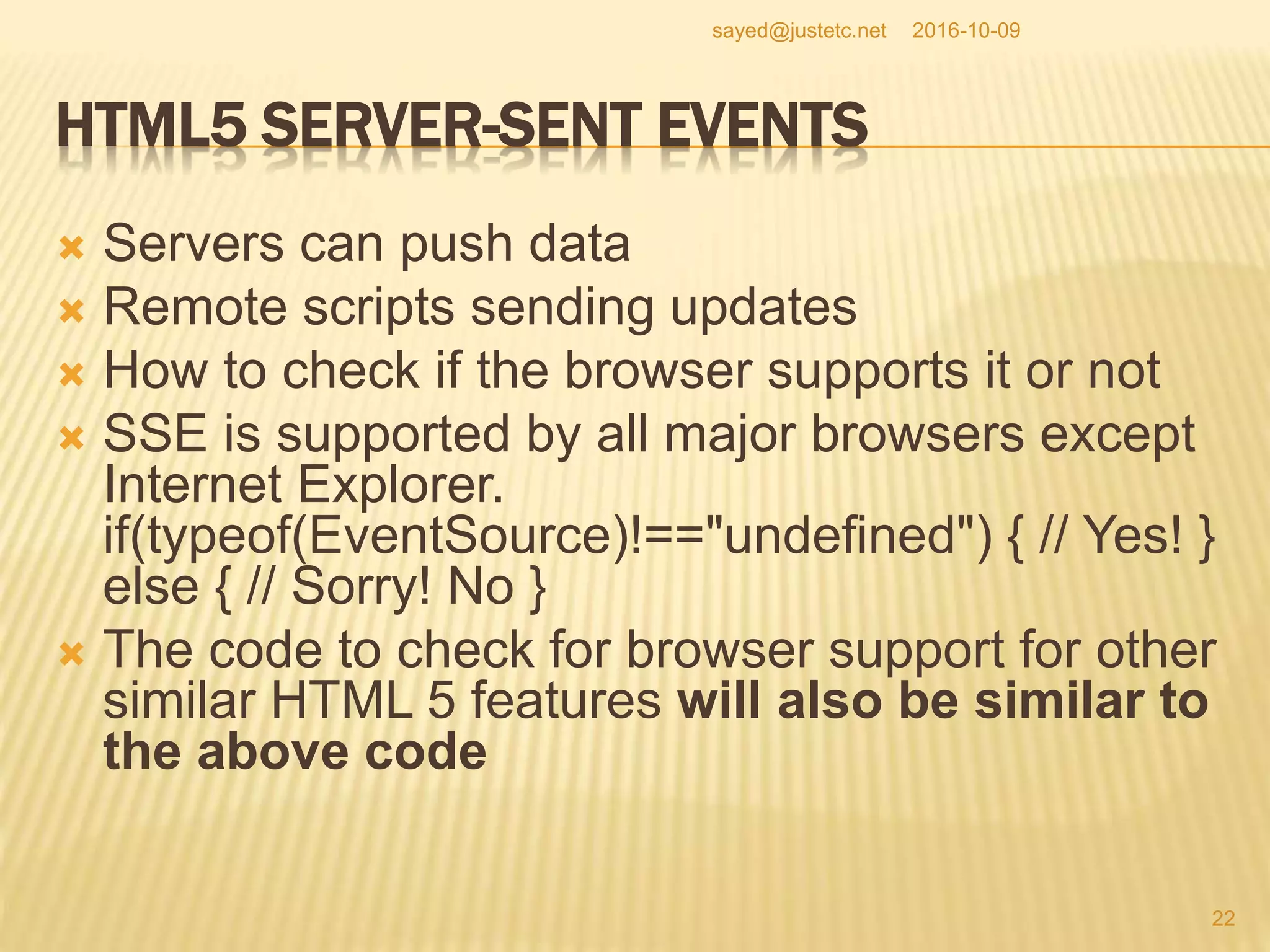
 Servers can push data
 Remote scripts sending updates
 How to check if the browser supports it or not
 SSE is supported by all major browsers except
Internet Explorer.
if(typeof(EventSource)!=="undefined") { // Yes! }
else { // Sorry! No }
 The code to check for browser support for other
similar HTML 5 features will also be similar to
the above code
2016-10-09
22
sayed@justetc.net
HTML5 SERVER-SENT EVENTS
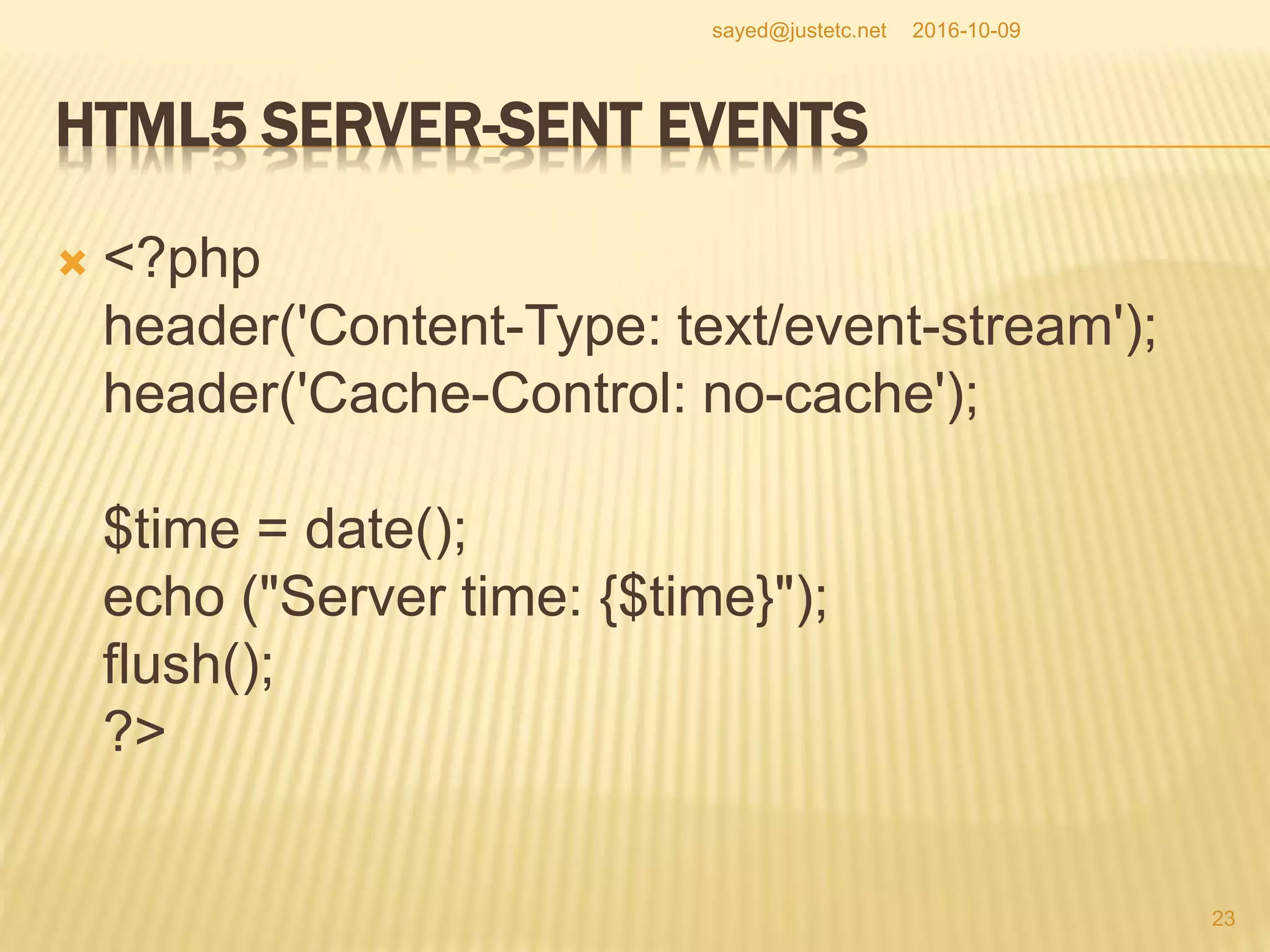
 <?php
header('Content-Type: text/event-stream');
header('Cache-Control: no-cache');
$time = date();
echo ("Server time: {$time}");
flush();
?>
2016-10-09
23
sayed@justetc.net
SSE AND WEB-WORKER
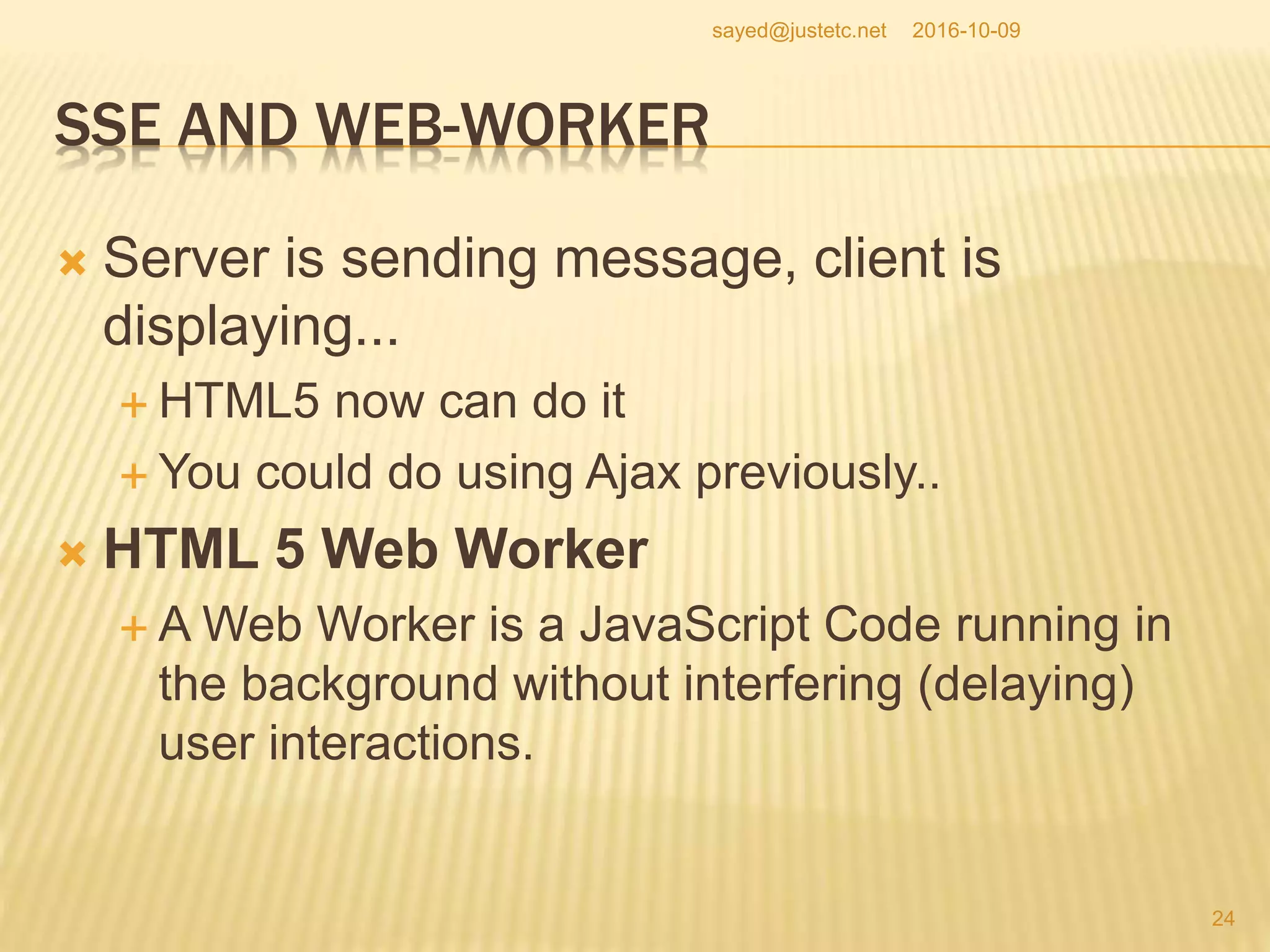
 Server is sending message, client is
displaying...
 HTML5 now can do it
 You could do using Ajax previously..
 HTML 5 Web Worker
 A Web Worker is a JavaScript Code running in
the background without interfering (delaying)
user interactions.
2016-10-09
24
sayed@justetc.net
HTML5 APPLICATION CACHE
 < html manifest="manifest_file.appcache" >
 Control caching from client side
 HTML5 Web Storage
 Offline storage
 This is cookie like storage but more secure and
faster.
2016-10-09
25
sayed@justetc.net
HTML5 FORM ATTRIBUTES
 autocomplete, novalidate are the two new
attributes for the form tag.
 novalidate indicates when the form will be
submitted, no validation will be performed on
the data.
 HTML 5 form attributes
 autocomplete, autofocus, form, formaction,
formenctype, formmethod, formnovalidate,
formtarget, height and width, list, min and max,
multiple, pattern (regexp), paceholder, required, step
 Using pattern attribute, you can define regex for validation
2016-10-09
26
sayed@justetc.net
HTML5 NEW FORM ELEMENTS
 HTML5 New Form Elements
 datalist: pre defined list of data for an input
element
 keygen: generates public key and private key
 output: used to keep output data
2016-10-09
27
sayed@justetc.net
SOME NEW INPUT TYPES IN HTML5
 Copy the following code and open in a browser
 <input type="color" name="...">
<input type="date" name="...">
<input type="datetime" name="...">
<input type="datetime-local" name="...">
<input type="email" name="...">
<input type="month" name="...">
<input type="number" name="..." min="1" max="5">
<input type="range" name="..." min="1" max="10">
<input type="search" name="...">
<input type="tel" name="...">
<input type="time" name="...">
<input type="url" name="...">
<input type="week" name="...">
2016-10-09
28
sayed@justetc.net
SOME NEW INPUT TYPES IN HTML5
 You can find some cool controls such as
 Color picker and
 Date controls
2016-10-09
29
sayed@justetc.net
HTML5 AND AUDIO/VIDEO
 Audio and video are two main selling points
for HTML5
 <audio controls="controls">
<source src="xyz.ogg" type="audio/ogg">
<source src="xyz.mp3" type="audio/mpeg">
</audio>
2016-10-09
30
sayed@justetc.net
HTML5 VIDEO
 Supported by: Internet Explorer 9, Firefox,
Opera, Chrome, and Safari
 <video width="320" height="240"
controls="controls">
<source src="xyz.mp4" type="video/mp4">
<source src="xyz.ogg" type="video/ogg">
</video>
2016-10-09
31
sayed@justetc.net
LOCATION TRACKING WITH GEOLOCATION
 HTML5 Geolocation
 navigator.geolocation.getCurrentPosition can
be used to find user's current position
2016-10-09
32
sayed@justetc.net
HTML5 DRAG AND DROP
 Any element is draggable
 The element you want to drag needs to use the
attribute draggable="true";
 You need to use ondragstart and setData() to
specify what should happen on drag event.
 ondragover mentions where the dragged data
can be dropped.
 Example
 http://www.w3schools.com/html/tryit.asp?filename=tr
yhtml5_draganddrop
2016-10-09
33
sayed@justetc.net
HTML5 INLINE SVG: SUPPORTING VECTOR GRAPHICS
 In HTML5, you can use SVG tag to include
vector graphics. SVG defines graphics in xml
format. Vector Graphics are independent of
resolution, can have events, can be
manipulated without being redrawn
 Vector graphics are good in the sense that
quality does not degrade with resolution
changes
2016-10-09
34
sayed@justetc.net
CANVAS FOR DRAWING (SIMPLE DRAWING)
 <canvas id="myCanvas" width="200"
height="100"></canvas>
 to draw
 <script type="text/javascript">
var
c=document.getElementById("canvas_id");
var ctx=c.getContext("2d"); //java like
drawing...
ctx.fillStyle="#FFFF00";
ctx.fillRect(0,0,200,100);
</script>
2016-10-09
35
sayed@justetc.net
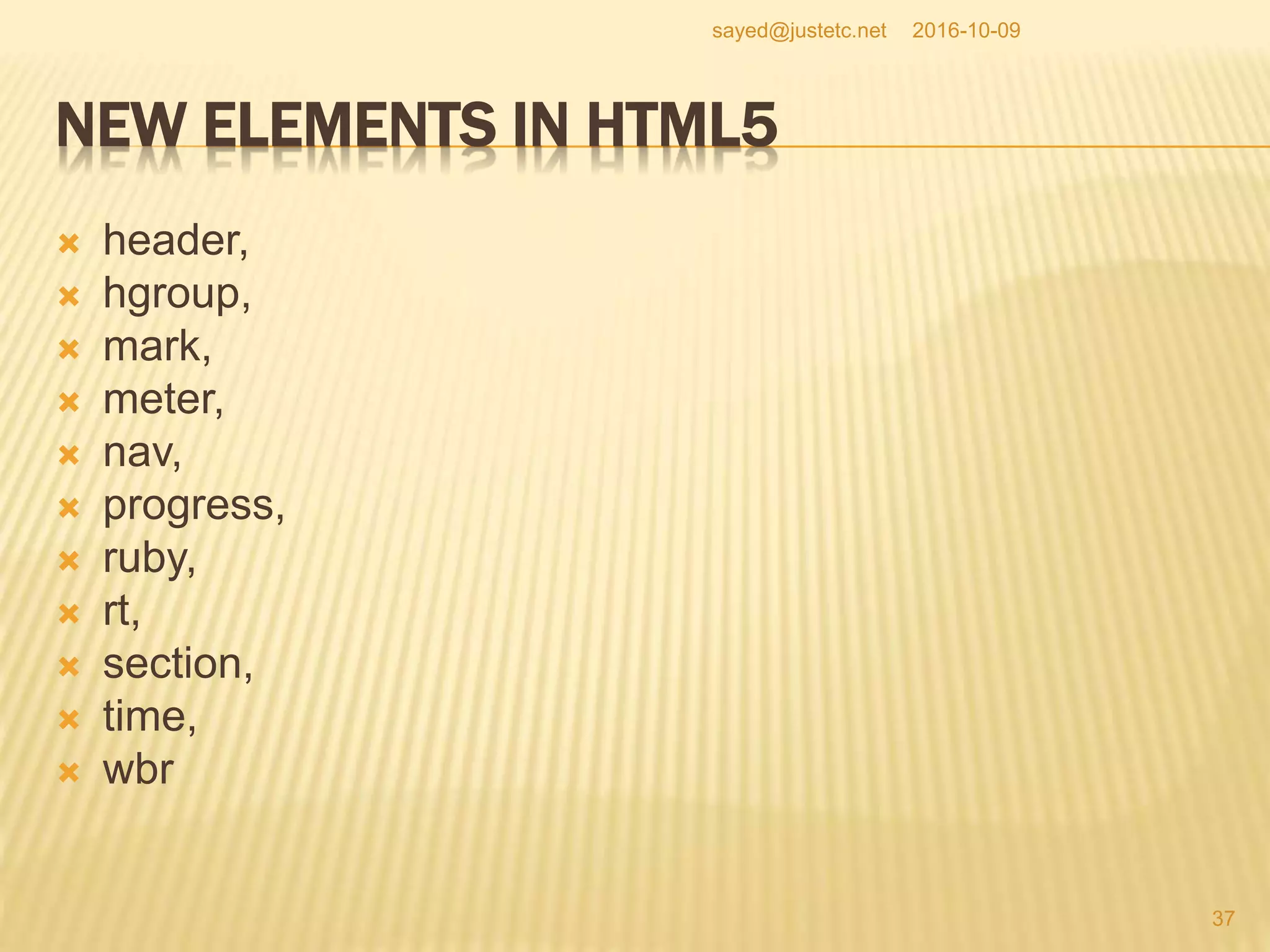
NEW ELEMENTS IN HTML5
 article,
 aside,
 bdi,
 command,
 details,
 summary,
 figure,
 figcaption,
 footer,
2016-10-09
36
sayed@justetc.net
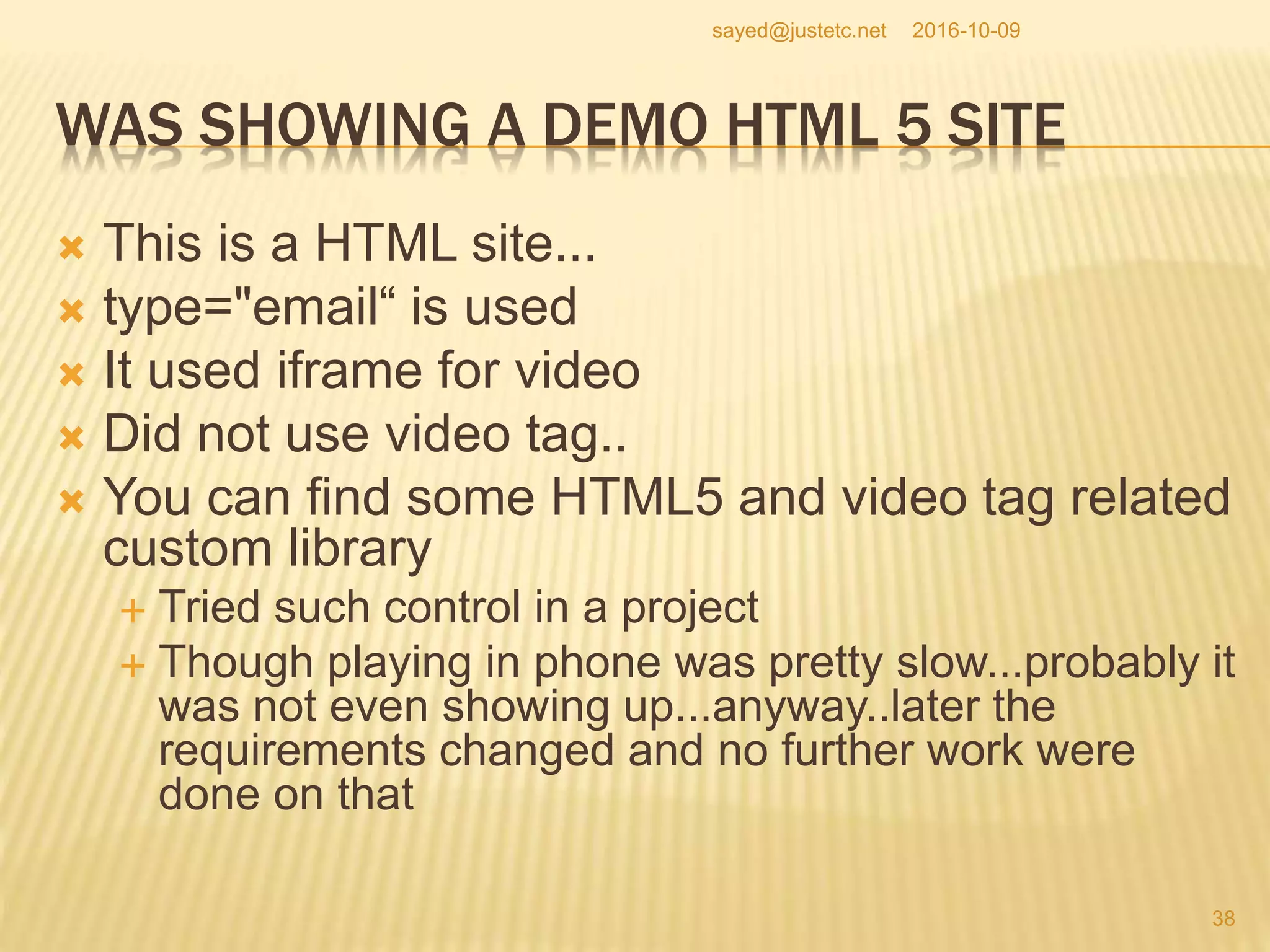
NEW ELEMENTS IN HTML5
 header,
 hgroup,
 mark,
 meter,
 nav,
 progress,
 ruby,
 rt,
 section,
 time,
 wbr
2016-10-09
37
sayed@justetc.net
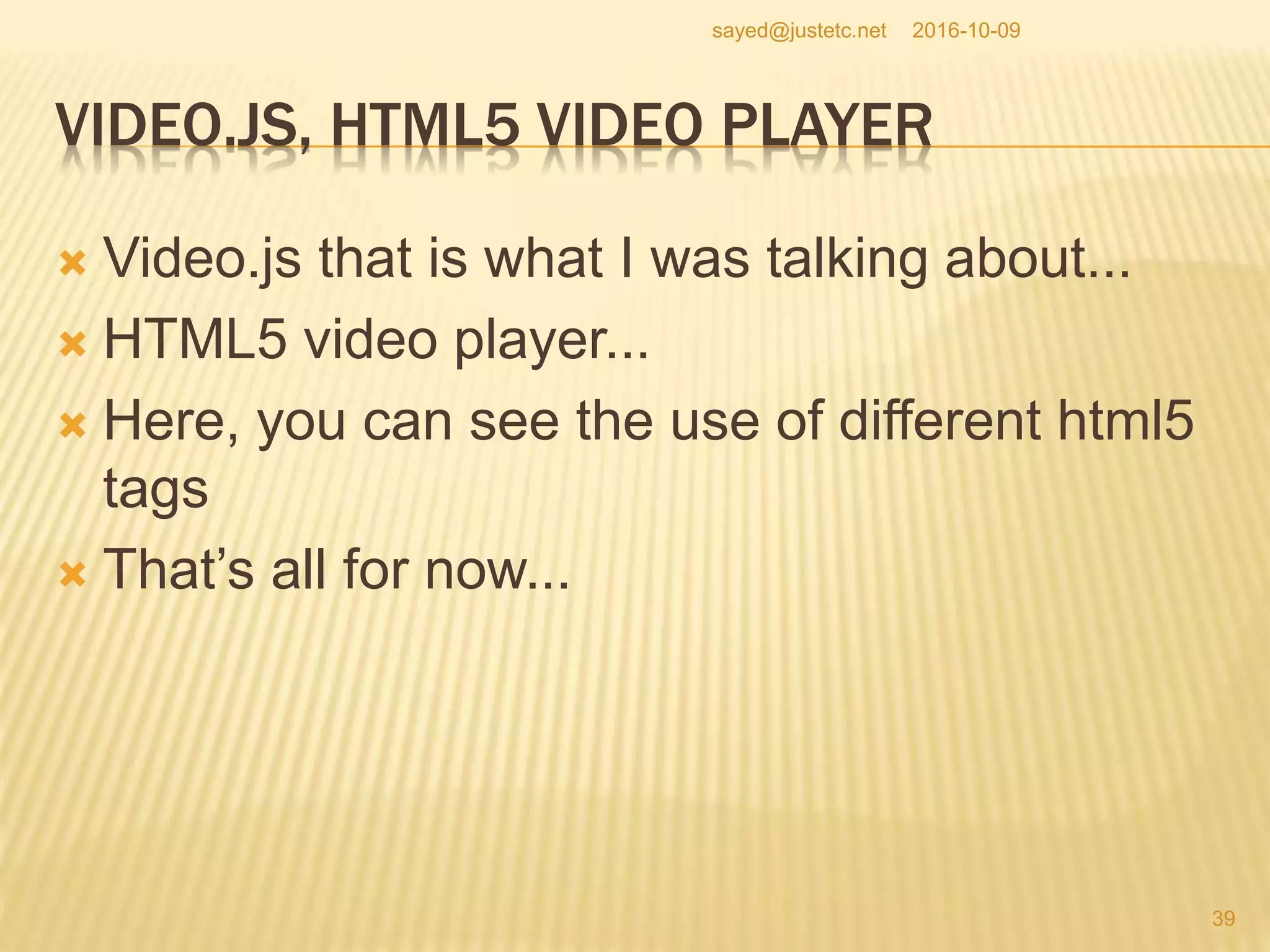
WAS SHOWING A DEMO HTML 5 SITE
 This is a HTML site...
 type="email“ is used
 It used iframe for video
 Did not use video tag..
 You can find some HTML5 and video tag related
custom library
 Tried such control in a project
 Though playing in phone was pretty slow...probably it
was not even showing up...anyway..later the
requirements changed and no further work were
done on that
2016-10-09
38
sayed@justetc.net
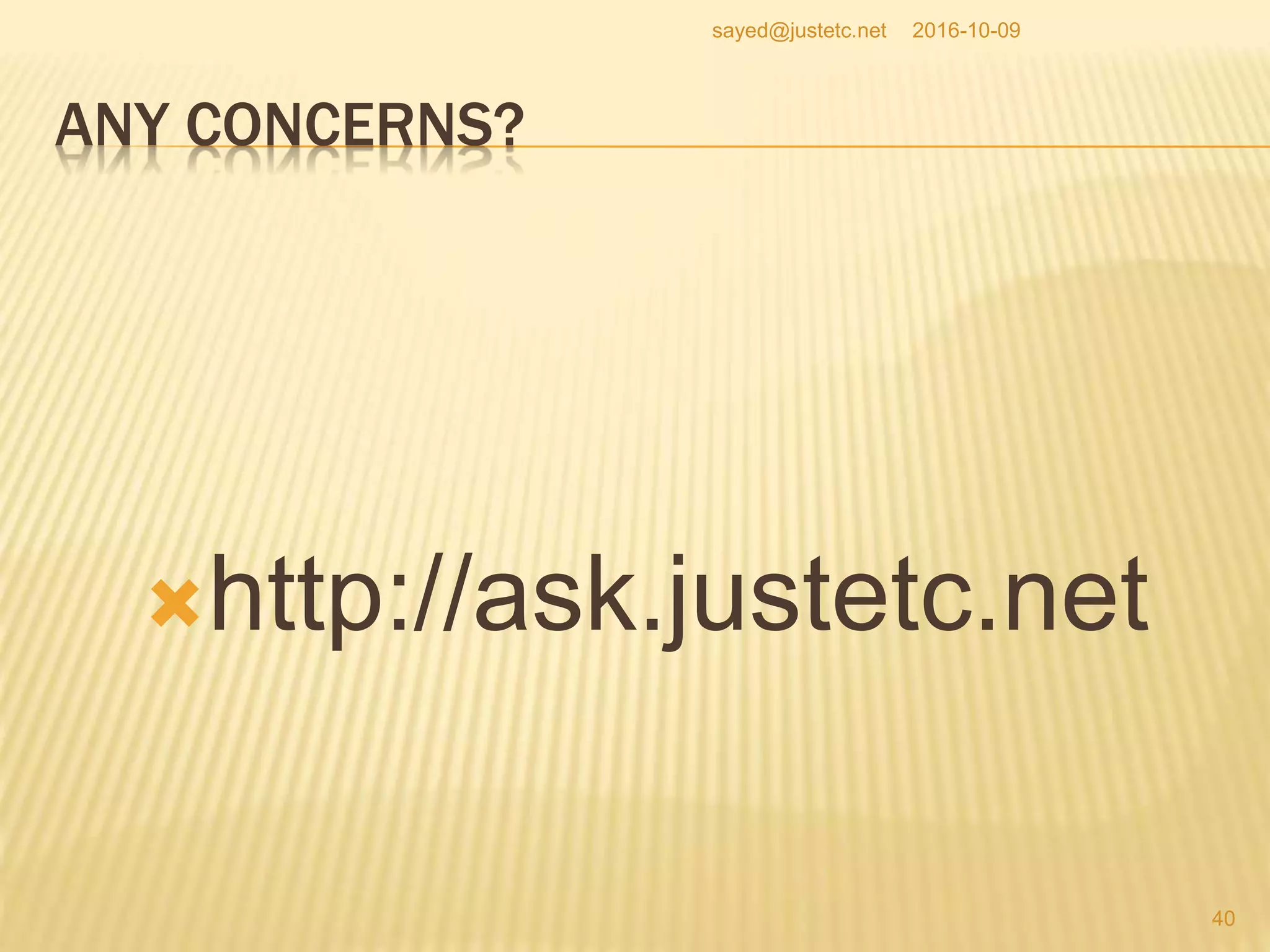
VIDEO.JS, HTML5 VIDEO PLAYER
 Video.js that is what I was talking about...
 HTML5 video player...
 Here, you can see the use of different html5
tags
 That’s all for now...
2016-10-09
39
sayed@justetc.net
ANY CONCERNS?
http://ask.justetc.net
2016-10-09
40
sayed@justetc.net

Introduction to html 5

  • 1.
    RANDOM HTML 5STUFF: INTRODUCTION TO HTML5  This document is created when I was creating a video and was typing.  Just improved by little bit, not much  HTML is not rocket science..  Anyway, HTML5  Any application, having web-based user interface, in general, will use HTML  HTML5 is the most recent version of HTML..  Just an example of HTML5 document structure... 2016-10-09 1 sayed@justetc.net
  • 2.
    BY THE WAYTHIS IS Sayed Ahmed http://sayed.justetc.net Software/Web/Mobile Architect/Engineer/Developer 2016-10-09 2 sayed@justetc.net
  • 3.
     All ofour services  http://www.sitestree.com/our-services/  Our training services  In English:  www.SaLearningSchool.com  English.SaLearningSchool.com,  www.SitesTree.com  In Bangla:  Bangla.SaLearningSchool.com  Blog.SaLearningSchool.com  Ask a question and get answers :  Ask.JustEtc.net  Offline IT Training (Occasional):  University.JustEtc.net 2016-10-09 3 sayed@justetc.net
  • 4.
    HTML 5  Soyou can see the structure of a well structured HTML5 document  view-source:http://www.justetc.net/  It is kind of modified than I showed in the video  The doctype <!DOCTYPE html> is simple  Previously you had transitional, strict, loose...  Loose-> do not care for perfectness that much  Transitional -> better, somewhat forgiving...usually the common choice  Strict -> your HTML need to be perfect... 2016-10-09 4 sayed@justetc.net
  • 5.
    HTML 5  <metacharset="utf-8"> is important in html 5  These were there before (I mean, before HTML 5  <meta name="description" content="Your description">  <meta name="keywords" content="Your keywords">  <meta name="author" content="Your name">  Meta stuff 2016-10-09 5 sayed@justetc.net
  • 6.
    MISC HTML STUFF Metas can be good for SEO for some search engines..  Google reduced importance on meta tags recently..  Links to CSS and JS as usual... 2016-10-09 6 sayed@justetc.net
  • 7.
    SUPPORTING HTML 5TAGS FOR IE VERSIONS  <!--[if lt IE 8]>  <div style=' clear: both; text-align:center; position: relative;'>  <a href="http://windows.microsoft.com/en-US/internet- explorer/products/ie/home?ocid=ie6_countdown_bannercode">  <img src="http://storage.ie6countdown.com/assets/100/images/banners/warning_bar_ 0000_us.jpg" border="0" height="42" width="820" alt="You are using an outdated browser. For a faster, safer browsing experience, upgrade for free today." />  </a>  </div>  <![endif]-->  <!--[if lt IE 9]>  <script type="text/javascript" src="js/html5.js"></script>  <link rel="stylesheet" type="text/css" media="screen" href="css/ie.css">  <![endif]--> 2016-10-09 7 sayed@justetc.net
  • 8.
    SUPPORTING HTML 5TAGS FOR IE VERSIONS  So you can see that in the html5.js, we are creating HTML5 related tags that are not supported in those browsers..lt IE 9  Anyway, you can see here the main and newer HTML 5 tags...  In our example, document we will use.. 2016-10-09 8 sayed@justetc.net
  • 9.
    SUPPORTING HTML 5TAGS FOR IE VERSIONS  <!--[if lt IE 8]>  <!--[if lt IE 9]>  These are to handle some situations for IE versions 8 and 9  IE8 and before do not support some new HTML5 tags..  So one approach is, we create some elements for the new HTML5 tags such as section aside and similar 2016-10-09 9 sayed@justetc.net
  • 10.
    SUPPORTING HTML 5TAGS  For HTML5 non-compliant browsers other than IE, supply the following CSS (similar)  Article, section, header, footer {  display:block;  } 2016-10-09 10 sayed@justetc.net
  • 11.
    HTML 5 TAGS Header -> to create a header section  Footer to create a footer section  Before HTML 5, you could use div to create sections, however, div itself does not indicate section  Using CSS, you can, and actually you did defined/divided sections  In HTML5, sections are defined using section, header, footer tags... 2016-10-09 11 sayed@justetc.net
  • 12.
    HTML 5 TAGS You can use the nav tag to define navigation menu/section  We actually could use section in addition to header and footer tags  Esp. For the content section -> to define content section  So section is used as well (I mean in the example code)  article tag is used to define an article  aside, just to put something on the side – not part of the main structure... 2016-10-09 12 sayed@justetc.net
  • 13.
    HTML 5 DIFFERENCES Just a few more notes on HTML5  In HTML 4, the sections are not precise with tags like div unless you assign some styles to them.  For defining sections, you do not need div tags but header tags (h1..h6) can imply sections.  HTML4 is very imprecise on what a section is and what is it's scope.  I just told, divs do not indicate sections unless you assign meaningful CSS classes to them, h1 to h6 could define sections  Actually, some of the above information are based on Mozilla Firefox resources on HTML5, check their site.. 2016-10-09 13 sayed@justetc.net
  • 14.
    HTML 5 ANDH1..H6 TAGS  This is important  In HTML5, tags such as h1, h2,...h6 are relative to the current section not relative to the whole page  You know that unless you customize the style, h1 to h6 decreases font-sizes..  In HTML 5, this relativeness/relative sizes are related to the current section  So, you can see h1 size text in different sections using h1 tags 2016-10-09 14 sayed@justetc.net
  • 15.
    HTML 5 DOCUMENTOUTLINE/STRUCTURE  article, section, nav and aside  are always subsections to their nearest sections;  they are not dependent on header tags  In HTML 4, everything belongs to the main outline of the web-page.  In HTML5, aside does not belong to the main outline.  Can be used for advertising blocks  About aside -> does not belong to the main web-page outline 2016-10-09 15 sayed@justetc.net
  • 16.
    HTML 5 DOCUMENTOUTLINE/STRUCTURE  In HTML5, nav, header, footer do not belong to the content but to the whole site  nav, header, footer are not for content...as the name says  For browsers, other than IE, if they do not support HTML5 yet, we can just create the following CSS classes to make the new tags known  section, article, aside, footer, header, nav, hgroup { display:block; }  For IE and versions less than 9, we need to create the elements as well  using JS  Also, as I told before... 2016-10-09 16 sayed@justetc.net
  • 17.
    LET’S SEE SOMENEW FEATURES OF HTML5  As the article on the left tells, some new HTML 5 tags are  <nav>: for navigation menu, is not part of content  , <header>, to define header section, does not belong to content  <footer>, to define footer section, does not belong to content  and <figure>: to show figure in the content area  You can use figcaption to define the caption of the figure  Figure, diagrams, and similar 2016-10-09 17 sayed@justetc.net
  • 18.
    SOME NEW HTML5TAGS  <figure> <img src="/macaque.jpg" alt="Macaque in the trees"> <figcaption>A cheeky macaque, Lower Kintaganban River, Borneo. Original by <ahref="http://www.flickr.com/photos/rclark/"> Richard Clark</a></figcaption> </figure> 2016-10-09 18 sayed@justetc.net
  • 19.
    HTML5, FIGURE TAG You could do without figure tag...and using img tag; however, figure tags make the rendering and grouping easy  HTML5 also tells browsers how to render  Previous HTML specifications did not define that, and the browsers were free to render on their own way... 2016-10-09 19 sayed@justetc.net
  • 20.
    HTML 5 RULES HTML 5 provides precise rules on how to handle the HTML elements,  and how to recover from errors to provide interoperability.  Hence, if browsers implement the specifications correctly, you will have less cross browser issues with html 5 2016-10-09 20 sayed@justetc.net
  • 21.
    HTML 5 ATA GLANCE  Check the short-note at  http://salearningschool.com/displayArticle.php?ta ble=Articles&articleID=1318 2016-10-09 21 sayed@justetc.net
  • 22.
    HTML5 SERVER-SENT EVENTS Servers can push data  Remote scripts sending updates  How to check if the browser supports it or not  SSE is supported by all major browsers except Internet Explorer. if(typeof(EventSource)!=="undefined") { // Yes! } else { // Sorry! No }  The code to check for browser support for other similar HTML 5 features will also be similar to the above code 2016-10-09 22 sayed@justetc.net
  • 23.
    HTML5 SERVER-SENT EVENTS <?php header('Content-Type: text/event-stream'); header('Cache-Control: no-cache'); $time = date(); echo ("Server time: {$time}"); flush(); ?> 2016-10-09 23 sayed@justetc.net
  • 24.
    SSE AND WEB-WORKER Server is sending message, client is displaying...  HTML5 now can do it  You could do using Ajax previously..  HTML 5 Web Worker  A Web Worker is a JavaScript Code running in the background without interfering (delaying) user interactions. 2016-10-09 24 sayed@justetc.net
  • 25.
    HTML5 APPLICATION CACHE < html manifest="manifest_file.appcache" >  Control caching from client side  HTML5 Web Storage  Offline storage  This is cookie like storage but more secure and faster. 2016-10-09 25 sayed@justetc.net
  • 26.
    HTML5 FORM ATTRIBUTES autocomplete, novalidate are the two new attributes for the form tag.  novalidate indicates when the form will be submitted, no validation will be performed on the data.  HTML 5 form attributes  autocomplete, autofocus, form, formaction, formenctype, formmethod, formnovalidate, formtarget, height and width, list, min and max, multiple, pattern (regexp), paceholder, required, step  Using pattern attribute, you can define regex for validation 2016-10-09 26 sayed@justetc.net
  • 27.
    HTML5 NEW FORMELEMENTS  HTML5 New Form Elements  datalist: pre defined list of data for an input element  keygen: generates public key and private key  output: used to keep output data 2016-10-09 27 sayed@justetc.net
  • 28.
    SOME NEW INPUTTYPES IN HTML5  Copy the following code and open in a browser  <input type="color" name="..."> <input type="date" name="..."> <input type="datetime" name="..."> <input type="datetime-local" name="..."> <input type="email" name="..."> <input type="month" name="..."> <input type="number" name="..." min="1" max="5"> <input type="range" name="..." min="1" max="10"> <input type="search" name="..."> <input type="tel" name="..."> <input type="time" name="..."> <input type="url" name="..."> <input type="week" name="..."> 2016-10-09 28 sayed@justetc.net
  • 29.
    SOME NEW INPUTTYPES IN HTML5  You can find some cool controls such as  Color picker and  Date controls 2016-10-09 29 sayed@justetc.net
  • 30.
    HTML5 AND AUDIO/VIDEO Audio and video are two main selling points for HTML5  <audio controls="controls"> <source src="xyz.ogg" type="audio/ogg"> <source src="xyz.mp3" type="audio/mpeg"> </audio> 2016-10-09 30 sayed@justetc.net
  • 31.
    HTML5 VIDEO  Supportedby: Internet Explorer 9, Firefox, Opera, Chrome, and Safari  <video width="320" height="240" controls="controls"> <source src="xyz.mp4" type="video/mp4"> <source src="xyz.ogg" type="video/ogg"> </video> 2016-10-09 31 sayed@justetc.net
  • 32.
    LOCATION TRACKING WITHGEOLOCATION  HTML5 Geolocation  navigator.geolocation.getCurrentPosition can be used to find user's current position 2016-10-09 32 sayed@justetc.net
  • 33.
    HTML5 DRAG ANDDROP  Any element is draggable  The element you want to drag needs to use the attribute draggable="true";  You need to use ondragstart and setData() to specify what should happen on drag event.  ondragover mentions where the dragged data can be dropped.  Example  http://www.w3schools.com/html/tryit.asp?filename=tr yhtml5_draganddrop 2016-10-09 33 sayed@justetc.net
  • 34.
    HTML5 INLINE SVG:SUPPORTING VECTOR GRAPHICS  In HTML5, you can use SVG tag to include vector graphics. SVG defines graphics in xml format. Vector Graphics are independent of resolution, can have events, can be manipulated without being redrawn  Vector graphics are good in the sense that quality does not degrade with resolution changes 2016-10-09 34 sayed@justetc.net
  • 35.
    CANVAS FOR DRAWING(SIMPLE DRAWING)  <canvas id="myCanvas" width="200" height="100"></canvas>  to draw  <script type="text/javascript"> var c=document.getElementById("canvas_id"); var ctx=c.getContext("2d"); //java like drawing... ctx.fillStyle="#FFFF00"; ctx.fillRect(0,0,200,100); </script> 2016-10-09 35 sayed@justetc.net
  • 36.
    NEW ELEMENTS INHTML5  article,  aside,  bdi,  command,  details,  summary,  figure,  figcaption,  footer, 2016-10-09 36 sayed@justetc.net
  • 37.
    NEW ELEMENTS INHTML5  header,  hgroup,  mark,  meter,  nav,  progress,  ruby,  rt,  section,  time,  wbr 2016-10-09 37 sayed@justetc.net
  • 38.
    WAS SHOWING ADEMO HTML 5 SITE  This is a HTML site...  type="email“ is used  It used iframe for video  Did not use video tag..  You can find some HTML5 and video tag related custom library  Tried such control in a project  Though playing in phone was pretty slow...probably it was not even showing up...anyway..later the requirements changed and no further work were done on that 2016-10-09 38 sayed@justetc.net
  • 39.
    VIDEO.JS, HTML5 VIDEOPLAYER  Video.js that is what I was talking about...  HTML5 video player...  Here, you can see the use of different html5 tags  That’s all for now... 2016-10-09 39 sayed@justetc.net
  • 40.