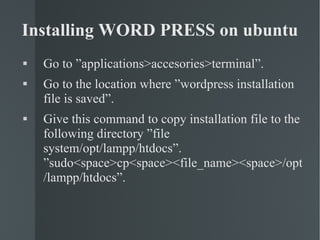
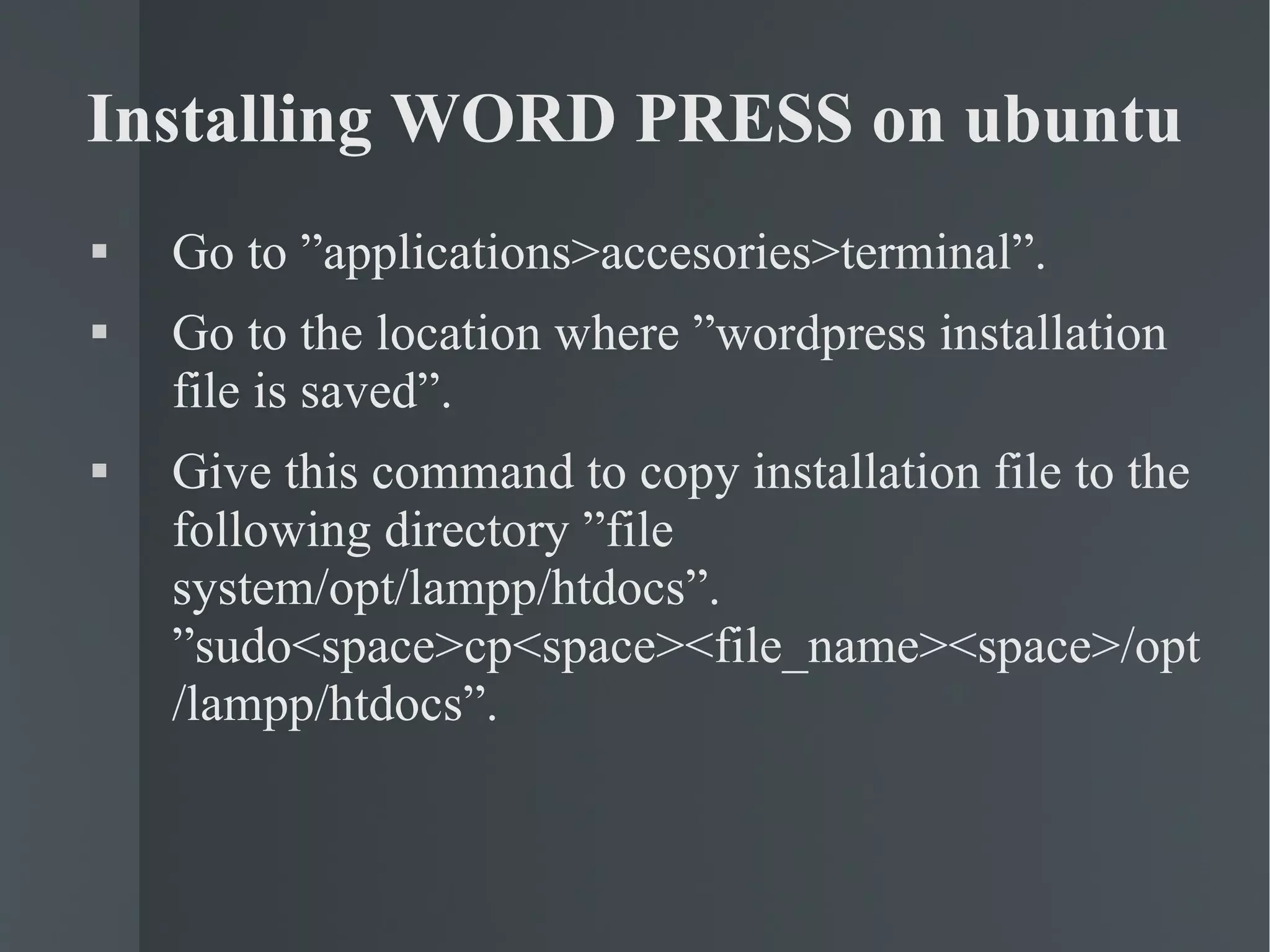
Installing WORD PRESS on ubuntu Go to ”applications>accesories>terminal”. Go to the location where ”wordpress installation file is saved”. Give this command to copy installation file to the following directory ”file system/opt/lampp/htdocs”. ”sudo<space>cp<space><file_name><space>/opt/lampp/htdocs”.
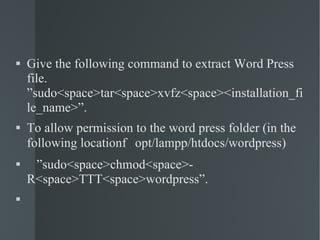
Give the following command to extract Word Press file. ”sudo<space>tar<space>xvfz<space><installation_file_name>”. To allow permission to the word press folder (in the following location  opt/lampp/htdocs/wordpress) ” sudo<space>chmod<space>-R<space>TTT<space>wordpress”.
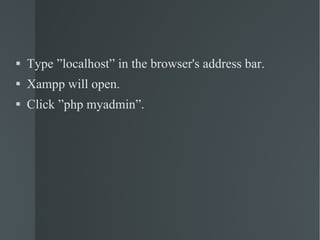
Type ”localhost” in the browser's address bar. Xampp will open. Click ”php myadmin”.
A Presentation  By Indirajith.V & Chandrasekar.V

Installation Xampp

  • 1.
    Installing WORD PRESSon ubuntu Go to ”applications>accesories>terminal”. Go to the location where ”wordpress installation file is saved”. Give this command to copy installation file to the following directory ”file system/opt/lampp/htdocs”. ”sudo<space>cp<space><file_name><space>/opt/lampp/htdocs”.
  • 2.
    Give the followingcommand to extract Word Press file. ”sudo<space>tar<space>xvfz<space><installation_file_name>”. To allow permission to the word press folder (in the following location  opt/lampp/htdocs/wordpress) ” sudo<space>chmod<space>-R<space>TTT<space>wordpress”.
  • 3.
    Type ”localhost” inthe browser's address bar. Xampp will open. Click ”php myadmin”.
  • 4.
    A Presentation By Indirajith.V & Chandrasekar.V