Rae Allen
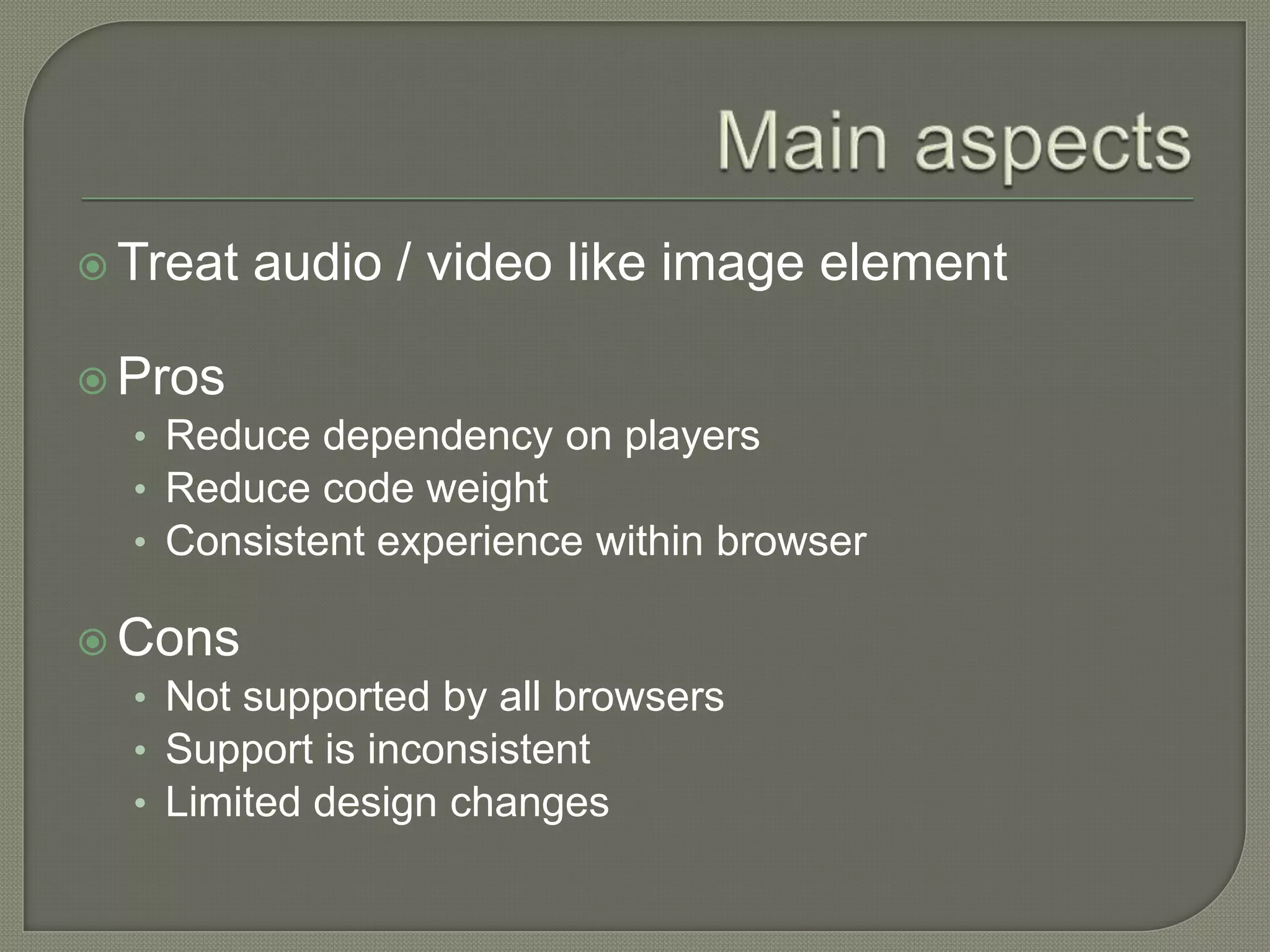
 Treat   audio / video like image element

 Pros
  • Reduce dependency on players
  • Reduce code weight
  • Consistent experience within browser

 Cons
  • Not supported by all browsers
  • Support is inconsistent
  • Limited design changes
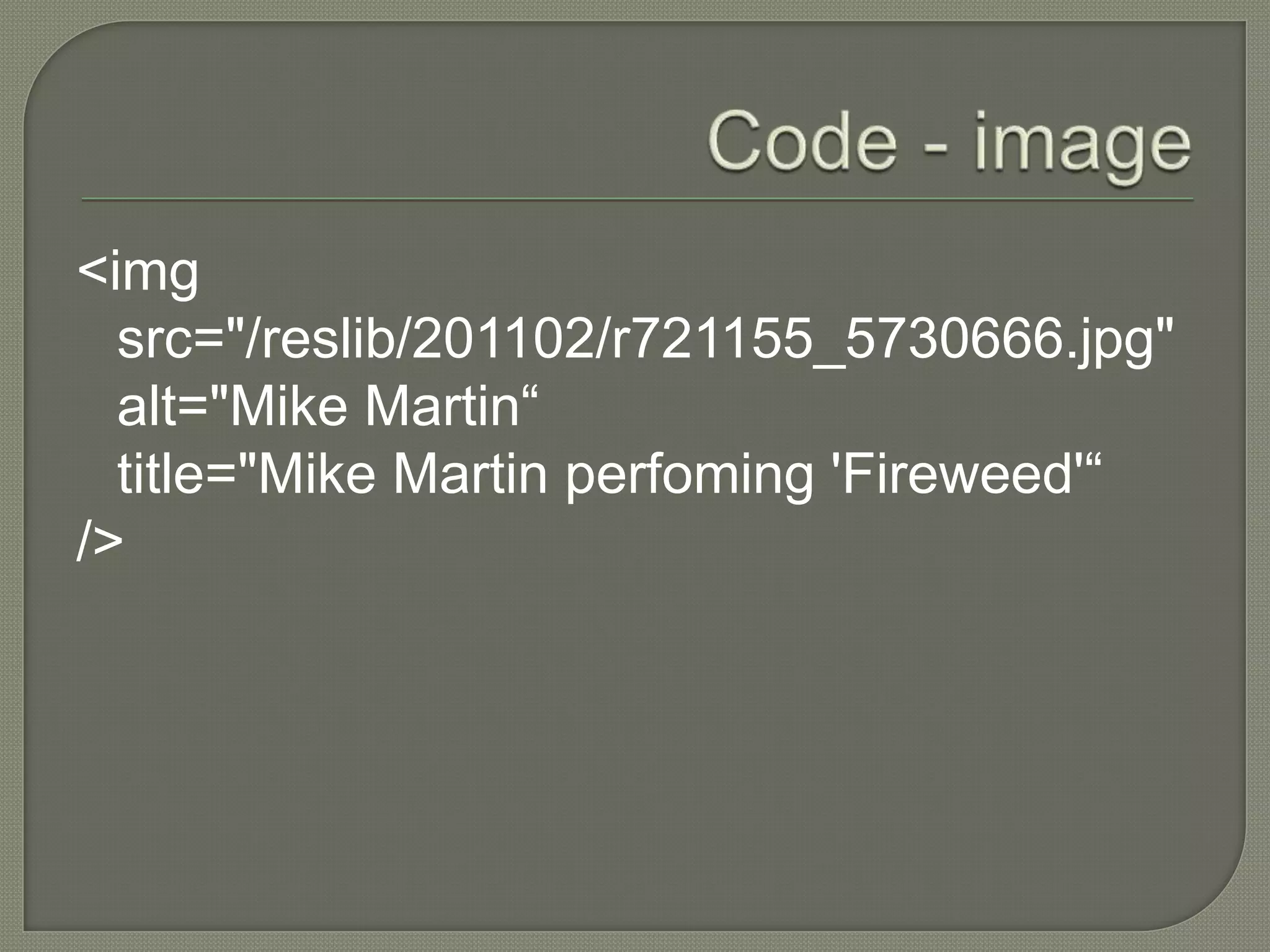
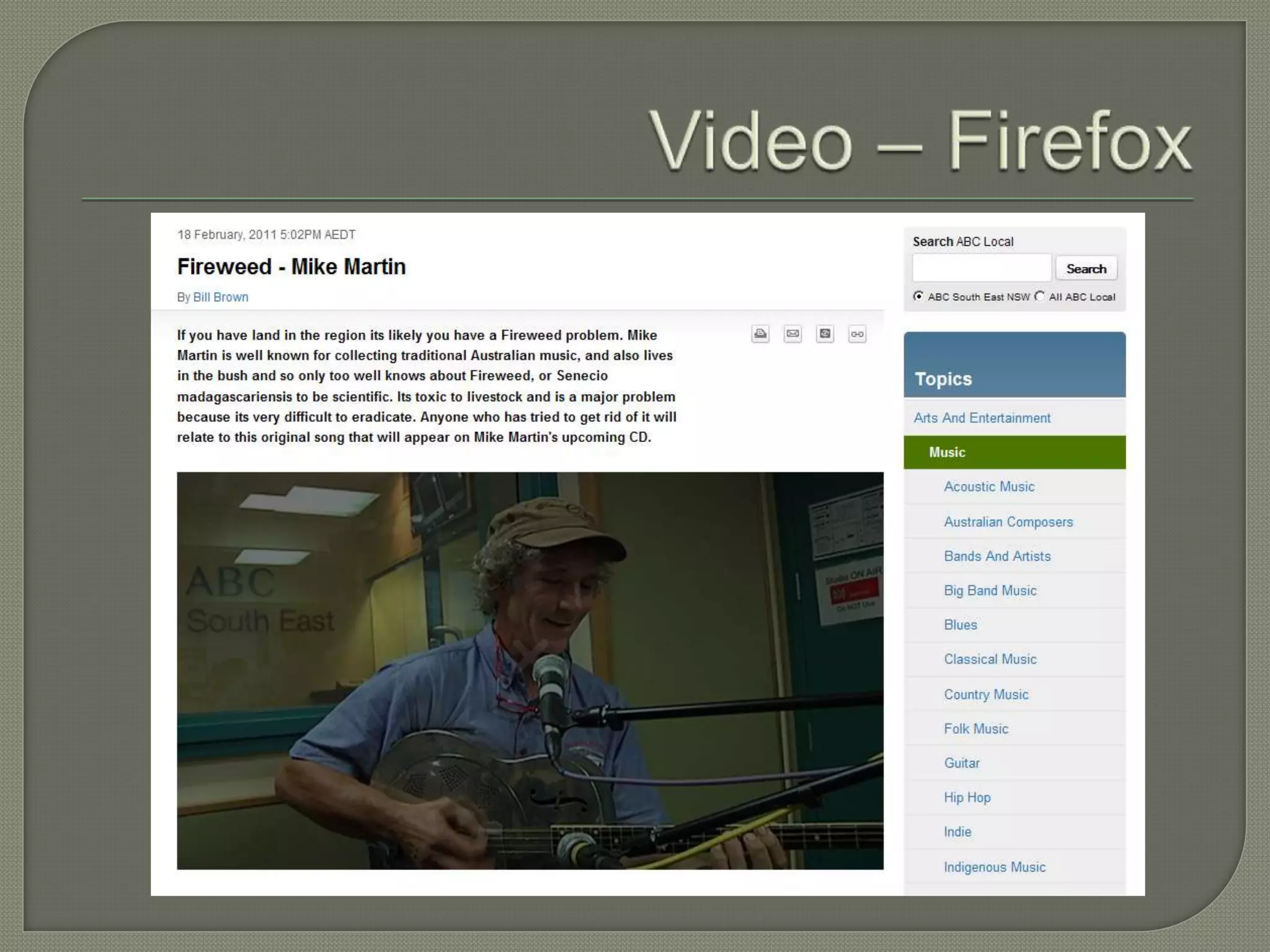
<img
  src="/reslib/201102/r721155_5730666.jpg"
  alt="Mike Martin“
  title="Mike Martin perfoming 'Fireweed'“
/>
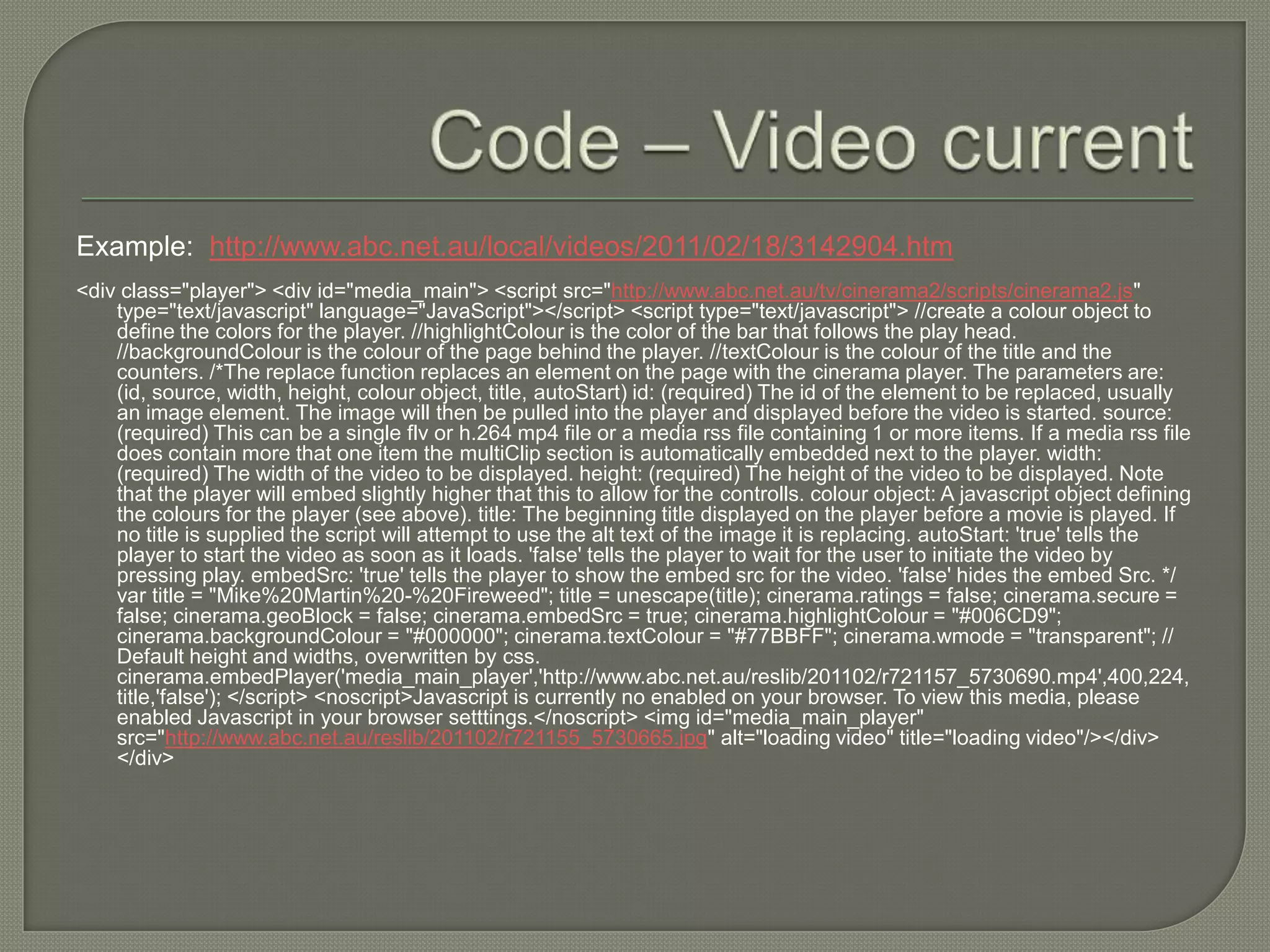
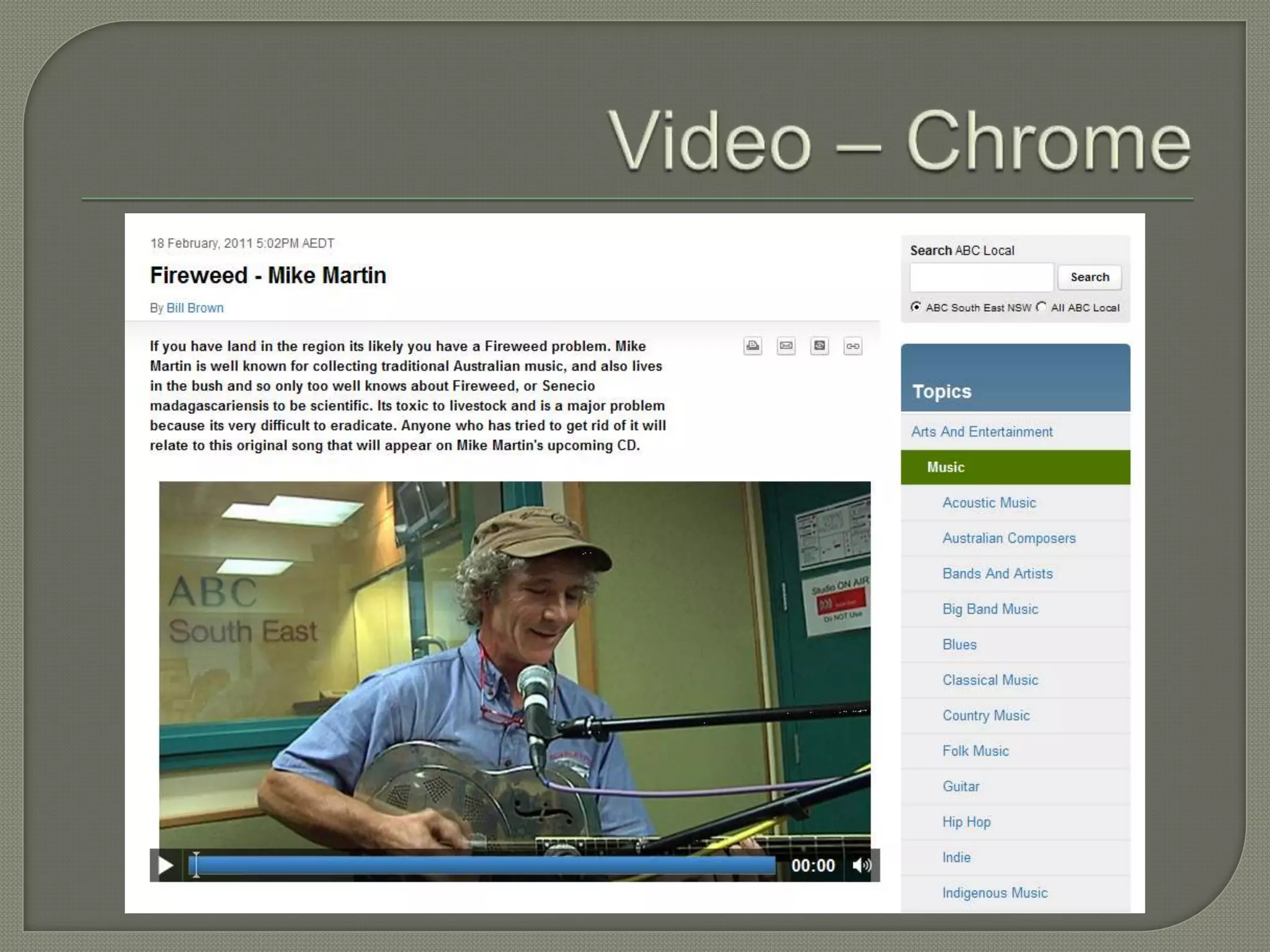
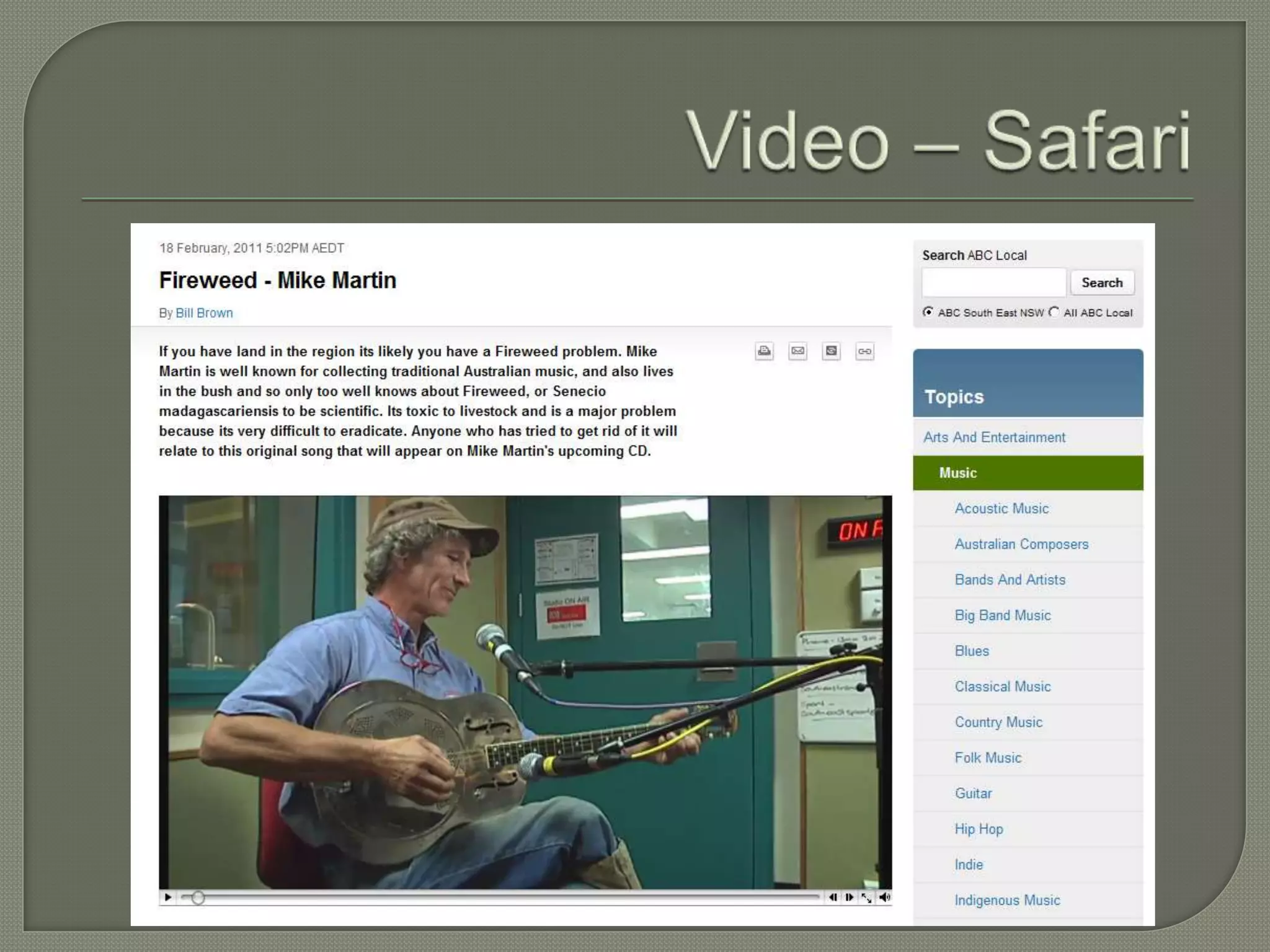
Example: http://www.abc.net.au/local/videos/2011/02/18/3142904.htm
<div class="player"> <div id="media_main"> <script src="http://www.abc.net.au/tv/cinerama2/scripts/cinerama2.js"
    type="text/javascript" language="JavaScript"></script> <script type="text/javascript"> //create a colour object to
    define the colors for the player. //highlightColour is the color of the bar that follows the play head.
    //backgroundColour is the colour of the page behind the player. //textColour is the colour of the title and the
    counters. /*The replace function replaces an element on the page with the cinerama player. The parameters are:
    (id, source, width, height, colour object, title, autoStart) id: (required) The id of the element to be replaced, usually
    an image element. The image will then be pulled into the player and displayed before the video is started. source:
    (required) This can be a single flv or h.264 mp4 file or a media rss file containing 1 or more items. If a media rss file
    does contain more that one item the multiClip section is automatically embedded next to the player. width:
    (required) The width of the video to be displayed. height: (required) The height of the video to be displayed. Note
    that the player will embed slightly higher that this to allow for the controlls. colour object: A javascript object defining
    the colours for the player (see above). title: The beginning title displayed on the player before a movie is played. If
    no title is supplied the script will attempt to use the alt text of the image it is replacing. autoStart: 'true' tells the
    player to start the video as soon as it loads. 'false' tells the player to wait for the user to initiate the video by
    pressing play. embedSrc: 'true' tells the player to show the embed src for the video. 'false' hides the embed Src. */
    var title = "Mike%20Martin%20-%20Fireweed"; title = unescape(title); cinerama.ratings = false; cinerama.secure =
    false; cinerama.geoBlock = false; cinerama.embedSrc = true; cinerama.highlightColour = "#006CD9";
    cinerama.backgroundColour = "#000000"; cinerama.textColour = "#77BBFF"; cinerama.wmode = "transparent"; //
    Default height and widths, overwritten by css.
    cinerama.embedPlayer('media_main_player','http://www.abc.net.au/reslib/201102/r721157_5730690.mp4',400,224,
    title,'false'); </script> <noscript>Javascript is currently no enabled on your browser. To view this media, please
    enabled Javascript in your browser setttings.</noscript> <img id="media_main_player"
    src="http://www.abc.net.au/reslib/201102/r721155_5730665.jpg" alt="loading video" title="loading video"/></div>
    </div>
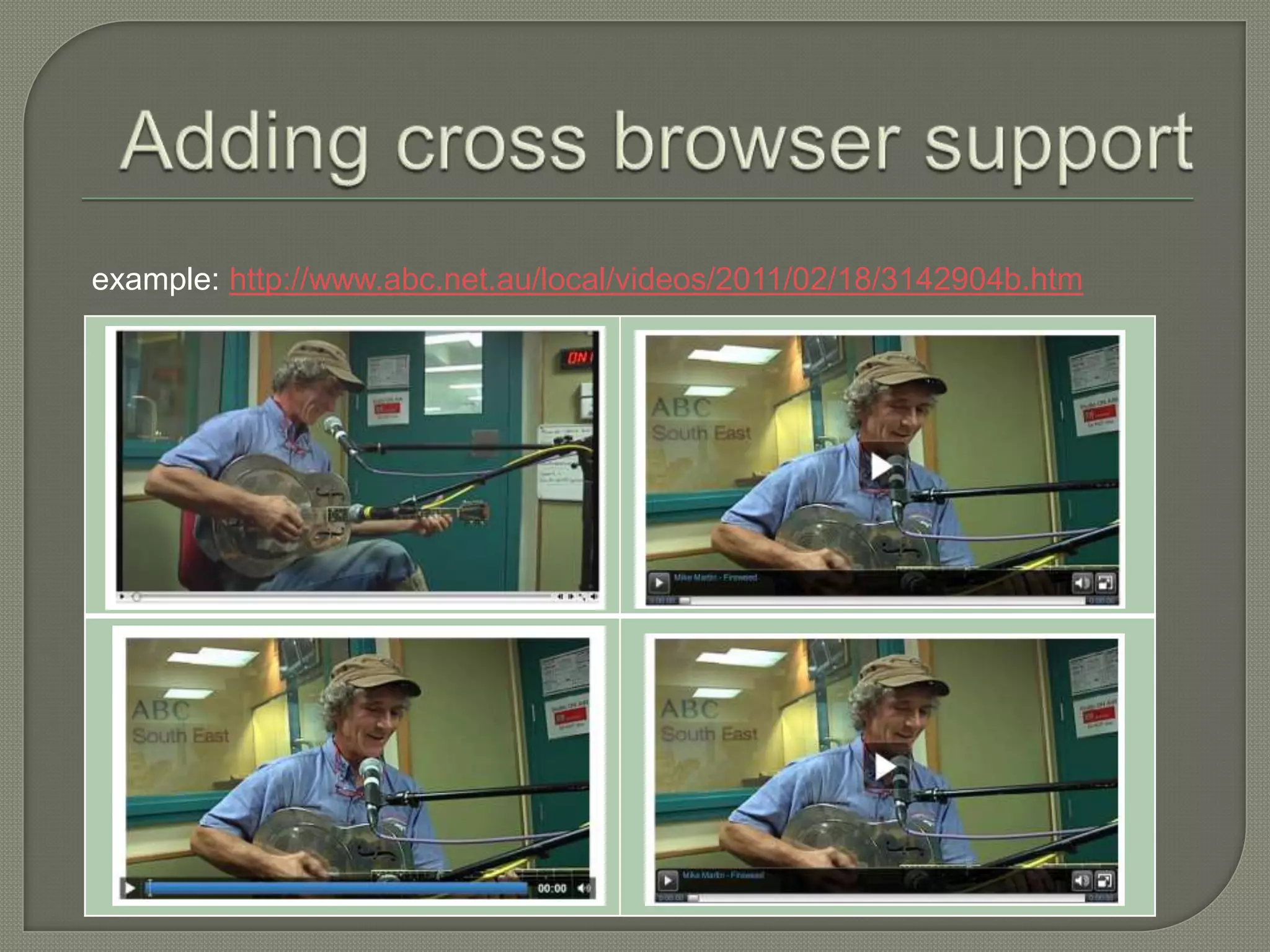
Example: http://www.abc.net.au/local/videos/2011/02/18/3142904.htm


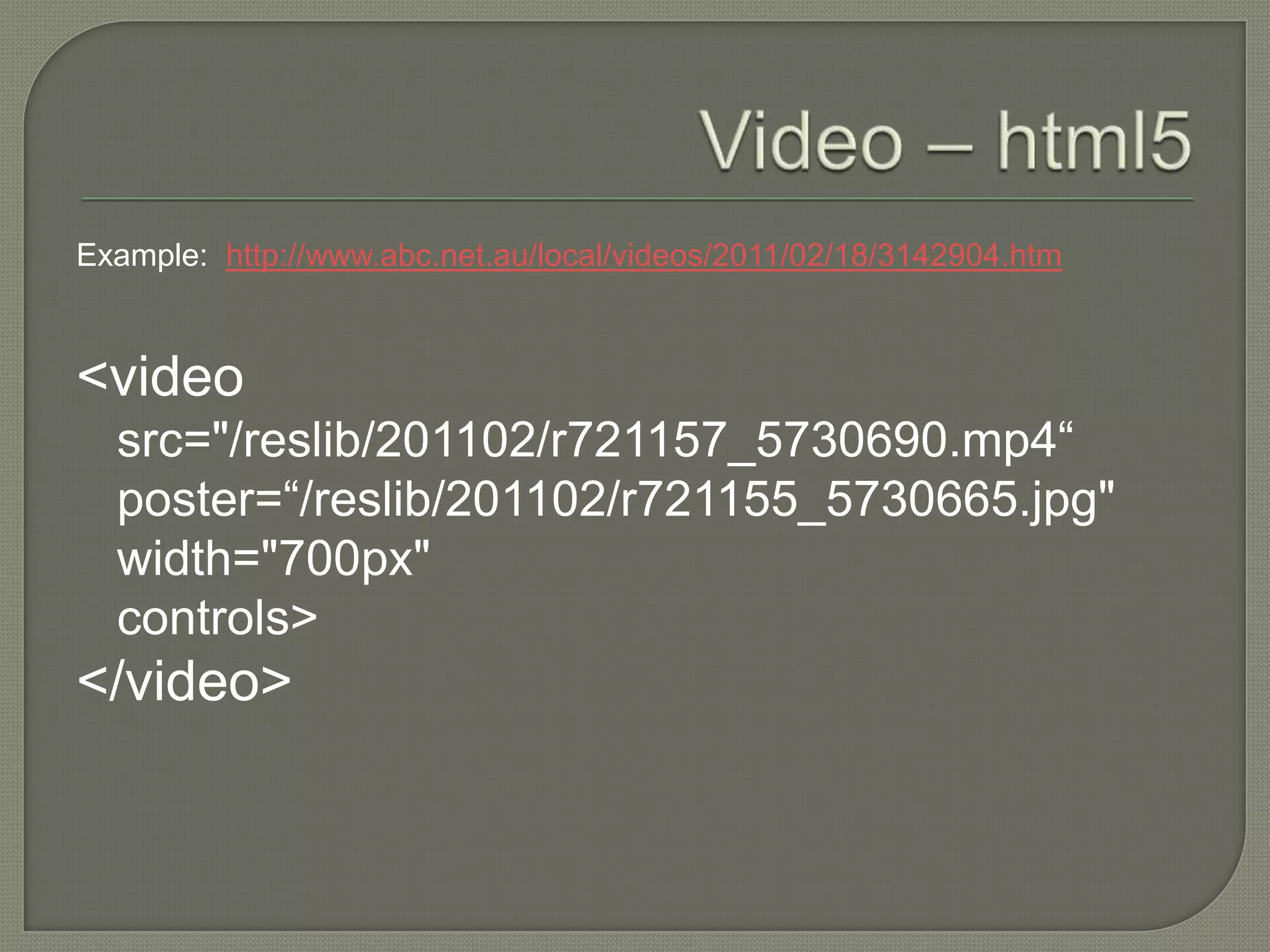
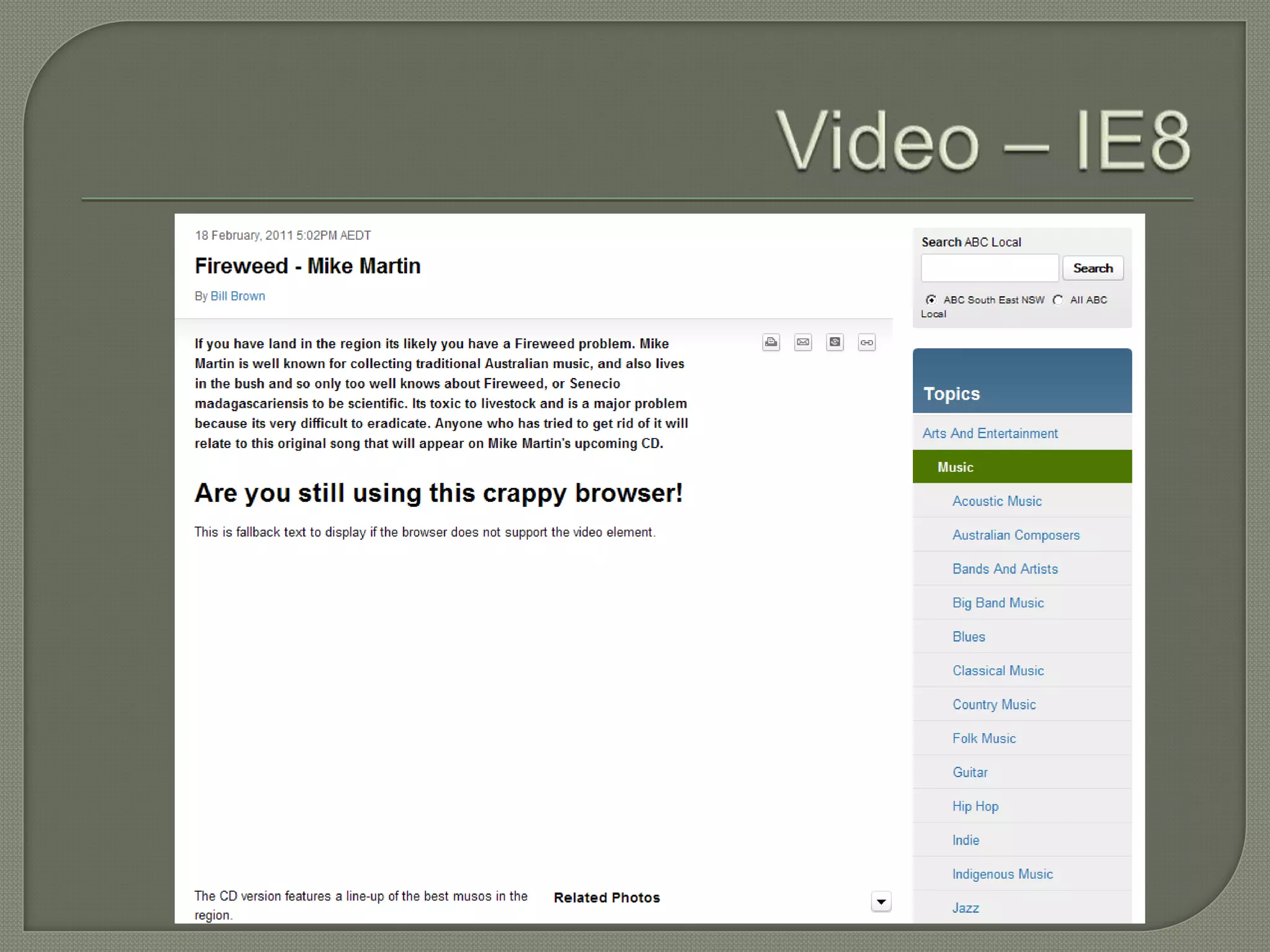
<video
  src="/reslib/201102/r721157_5730690.mp4“
  poster=“/reslib/201102/r721155_5730665.jpg"
  width="700px"
  controls>
</video>
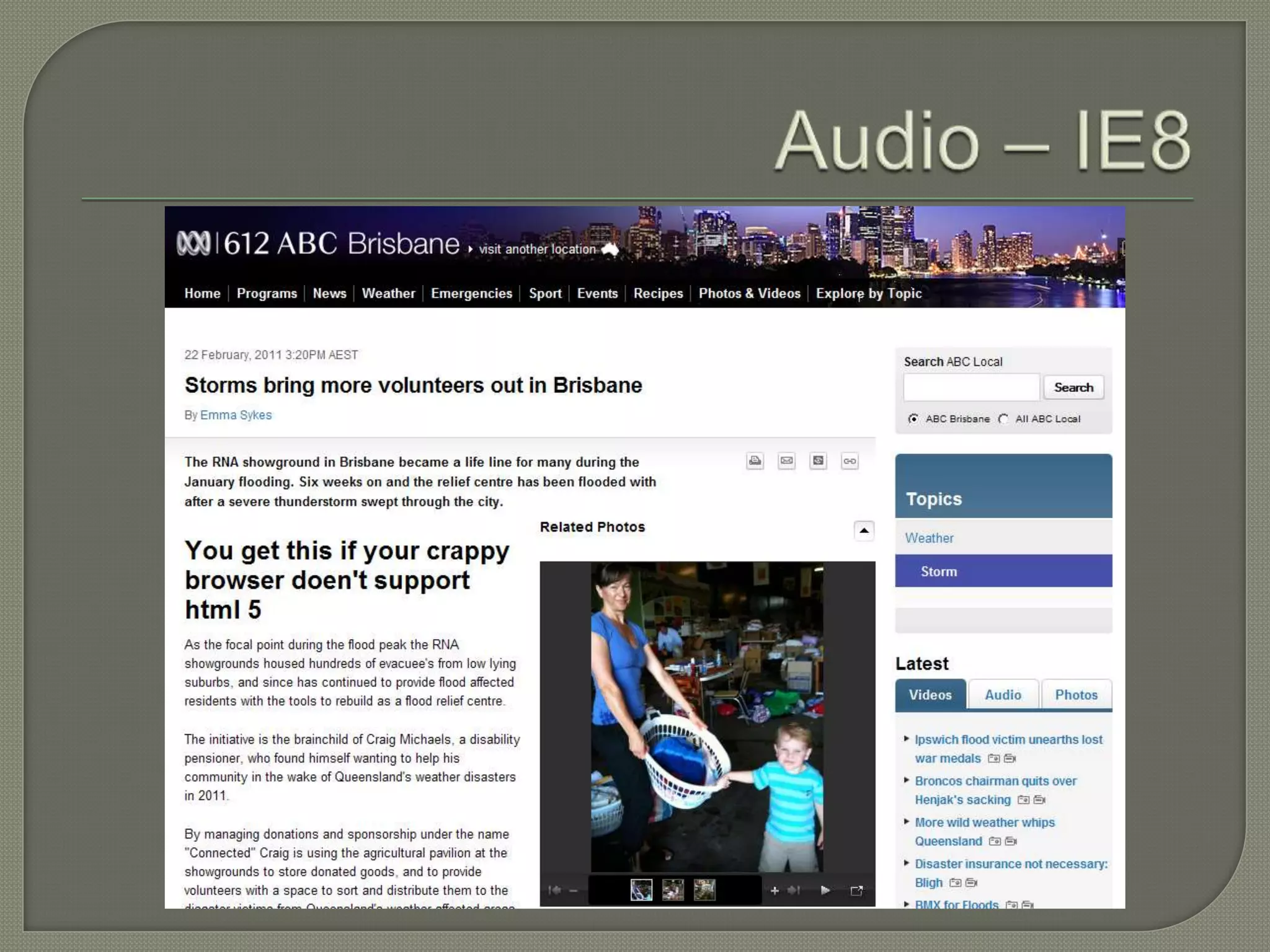
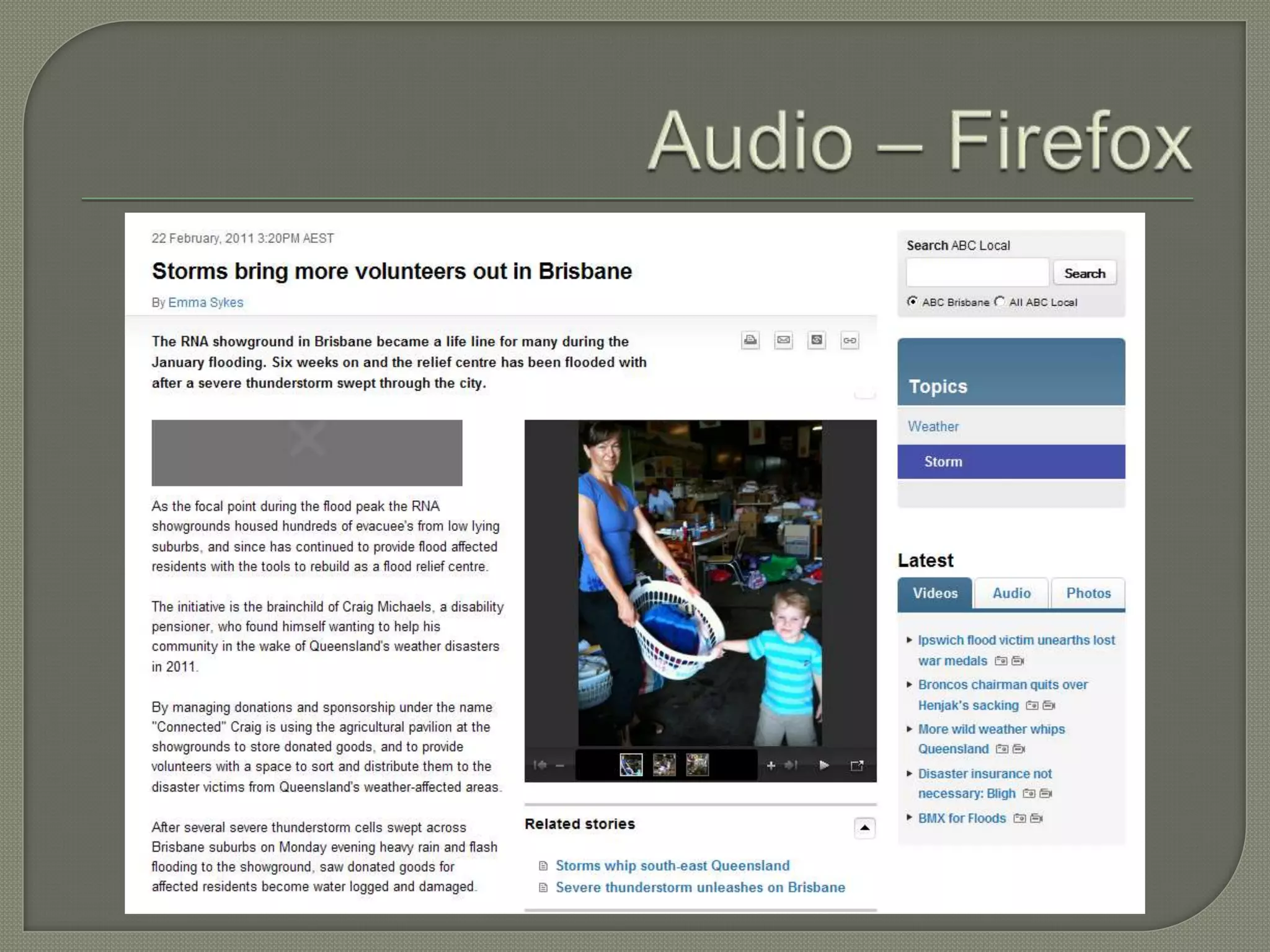
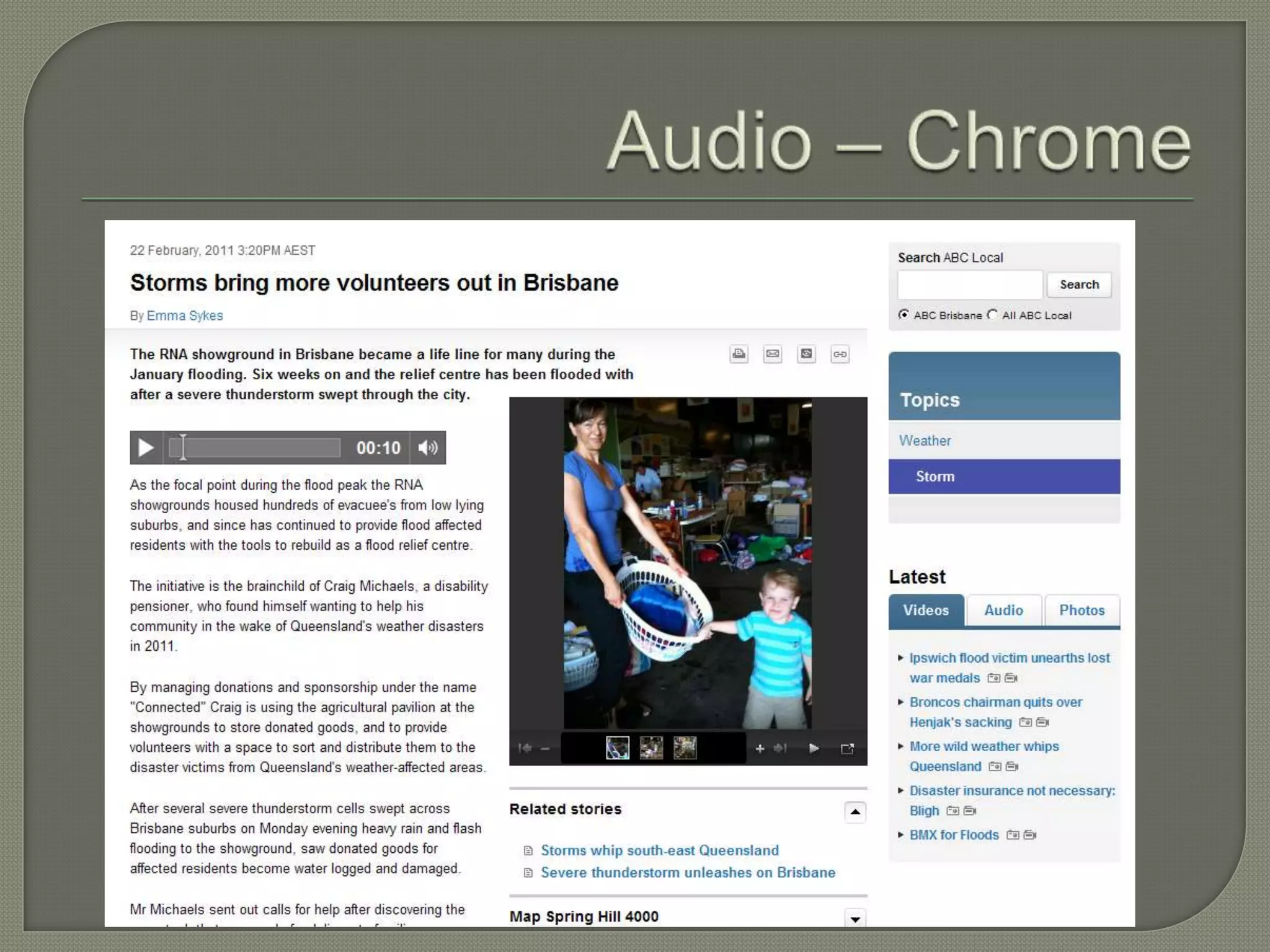
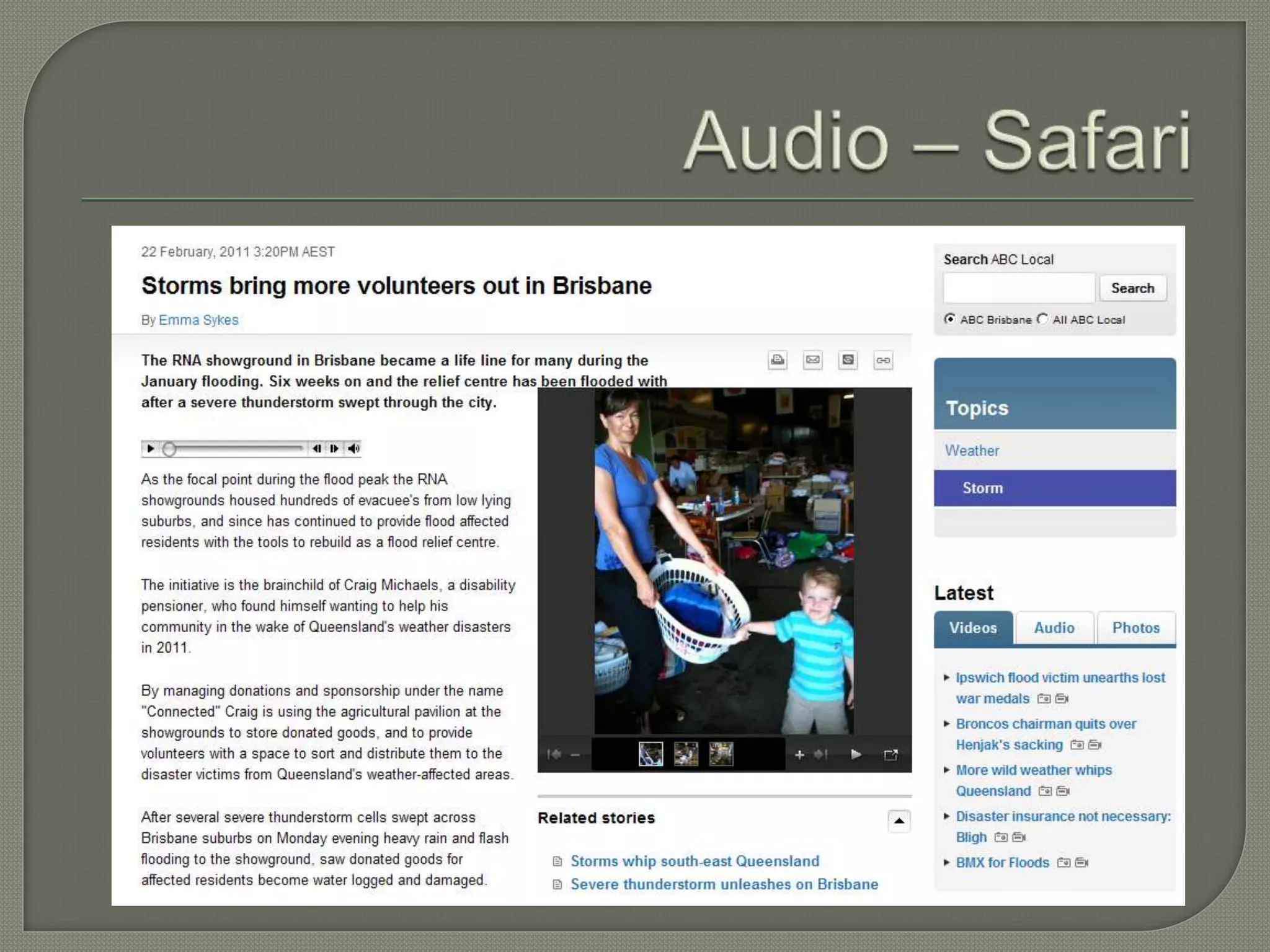
   Example: http://www.abc.net.au/local/audio/2011/02/22/3145836.htm

   <script src="/local/includes/scripts/jquery/plugins/jquery.flash.js"
    type="text/javascript" language="JavaScript"></script> <script
    src="/local/includes/scripts/audioplayer.js" type="text/javascript"
    language="JavaScript"></script><noscript>Javascript is currently no
    enabled on your browser. To view this media, please enabled Javascript in
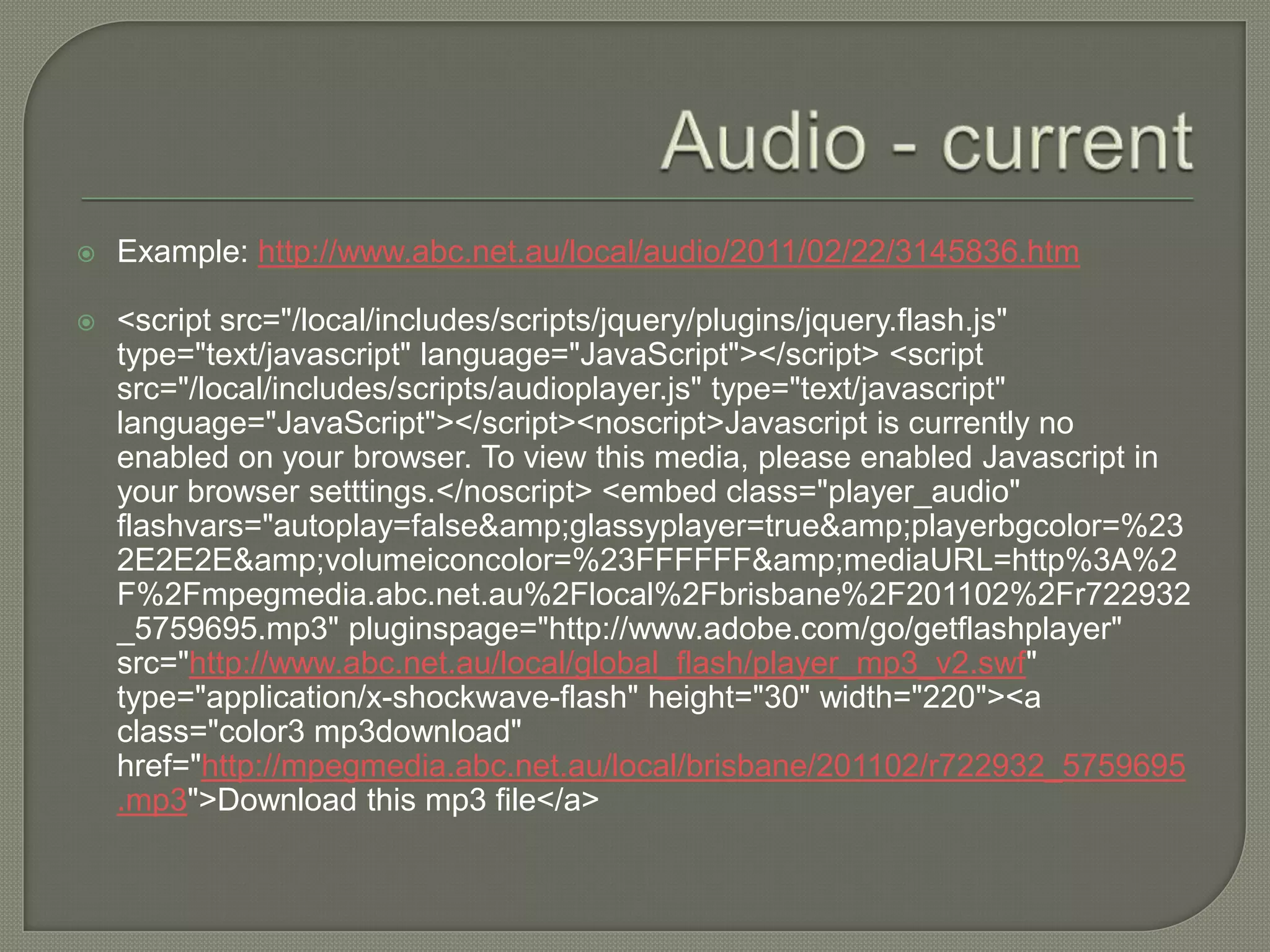
    your browser setttings.</noscript> <embed class="player_audio"
    flashvars="autoplay=false&amp;glassyplayer=true&amp;playerbgcolor=%23
    2E2E2E&amp;volumeiconcolor=%23FFFFFF&amp;mediaURL=http%3A%2
    F%2Fmpegmedia.abc.net.au%2Flocal%2Fbrisbane%2F201102%2Fr722932
    _5759695.mp3" pluginspage="http://www.adobe.com/go/getflashplayer"
    src="http://www.abc.net.au/local/global_flash/player_mp3_v2.swf"
    type="application/x-shockwave-flash" height="30" width="220"><a
    class="color3 mp3download"
    href="http://mpegmedia.abc.net.au/local/brisbane/201102/r722932_5759695
    .mp3">Download this mp3 file</a>
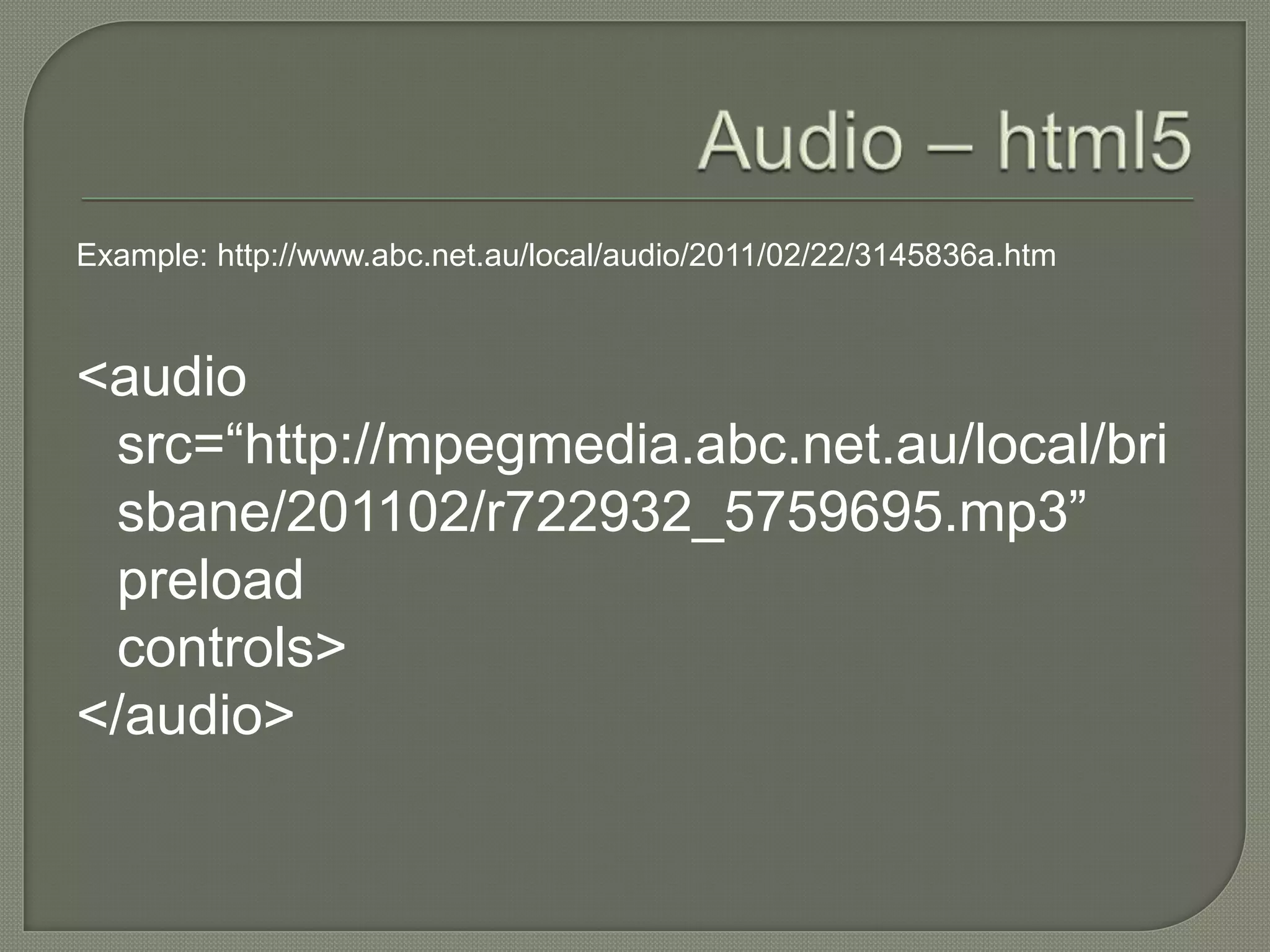
Example: http://www.abc.net.au/local/audio/2011/02/22/3145836a.htm


<audio
 src=“http://mpegmedia.abc.net.au/local/bri
 sbane/201102/r722932_5759695.mp3”
 preload
 controls>
</audio>
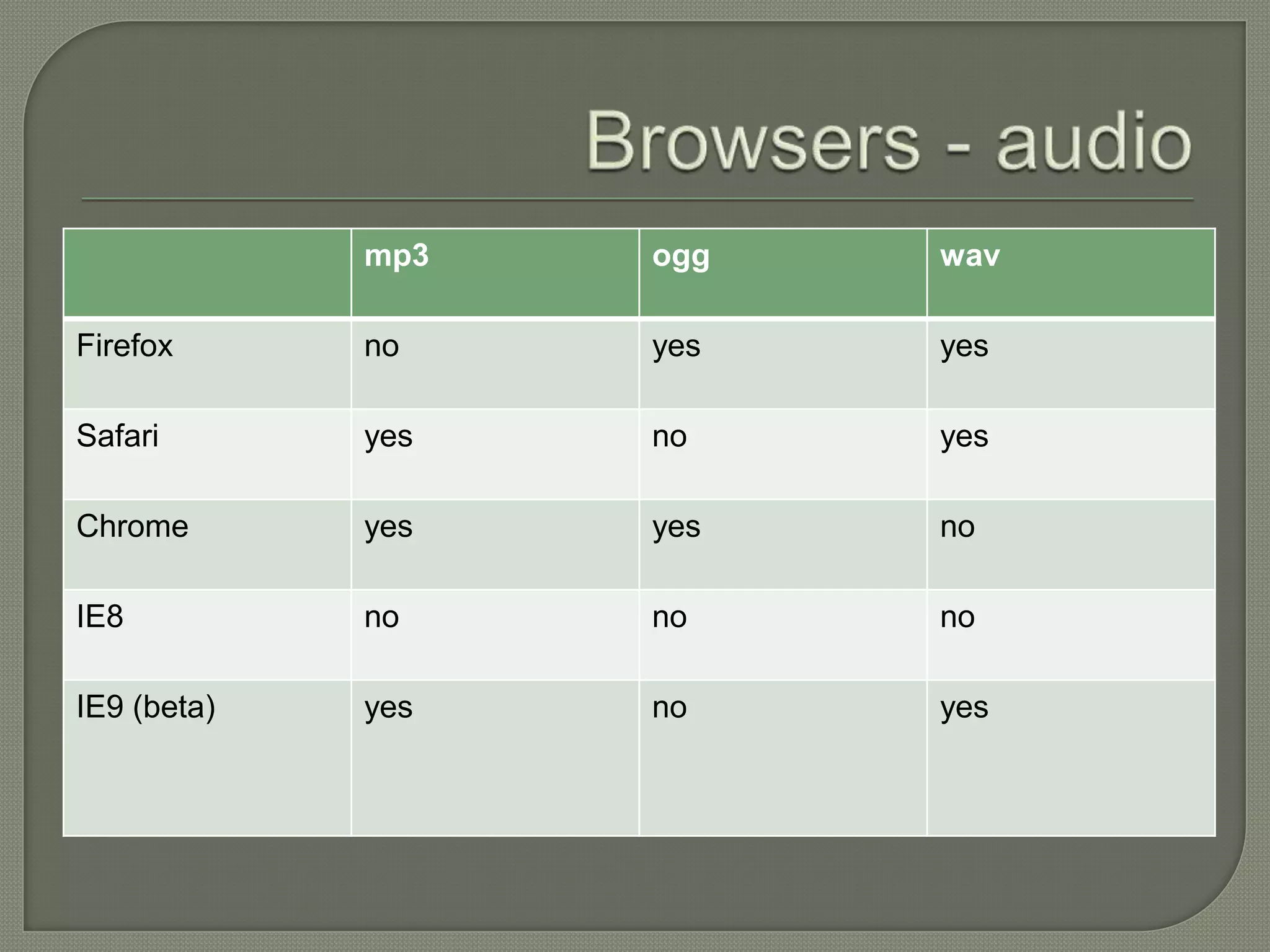
mp3   ogg   wav

Firefox      no    yes   yes

Safari       yes   no    yes

Chrome       yes   yes   no

IE8          no    no    no

IE9 (beta)   yes   no    yes
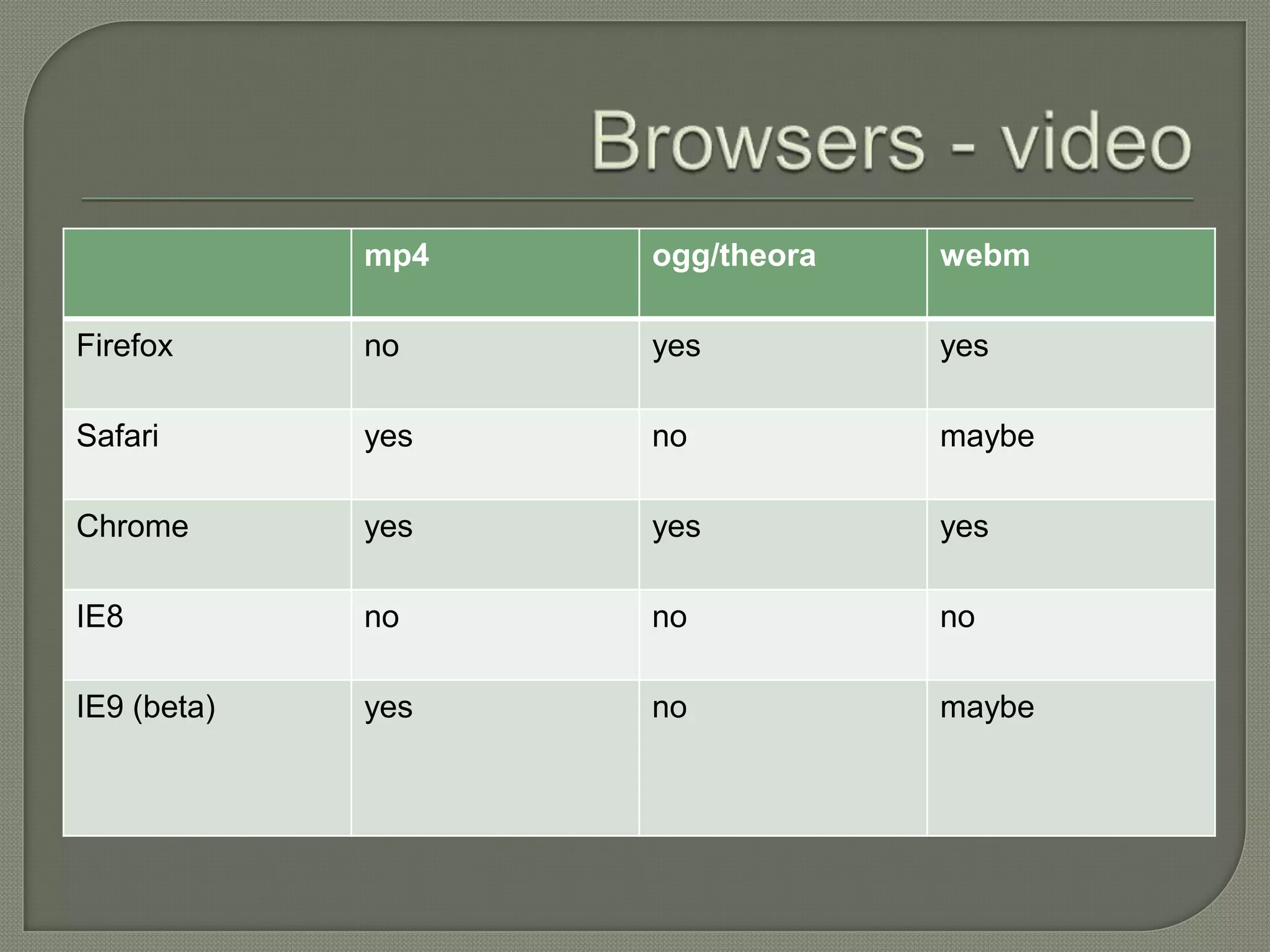
mp4   ogg/theora   webm

Firefox      no    yes          yes

Safari       yes   no           maybe

Chrome       yes   yes          yes

IE8          no    no           no

IE9 (beta)   yes   no           maybe
example: http://www.abc.net.au/local/videos/2011/02/18/3142904b.htm
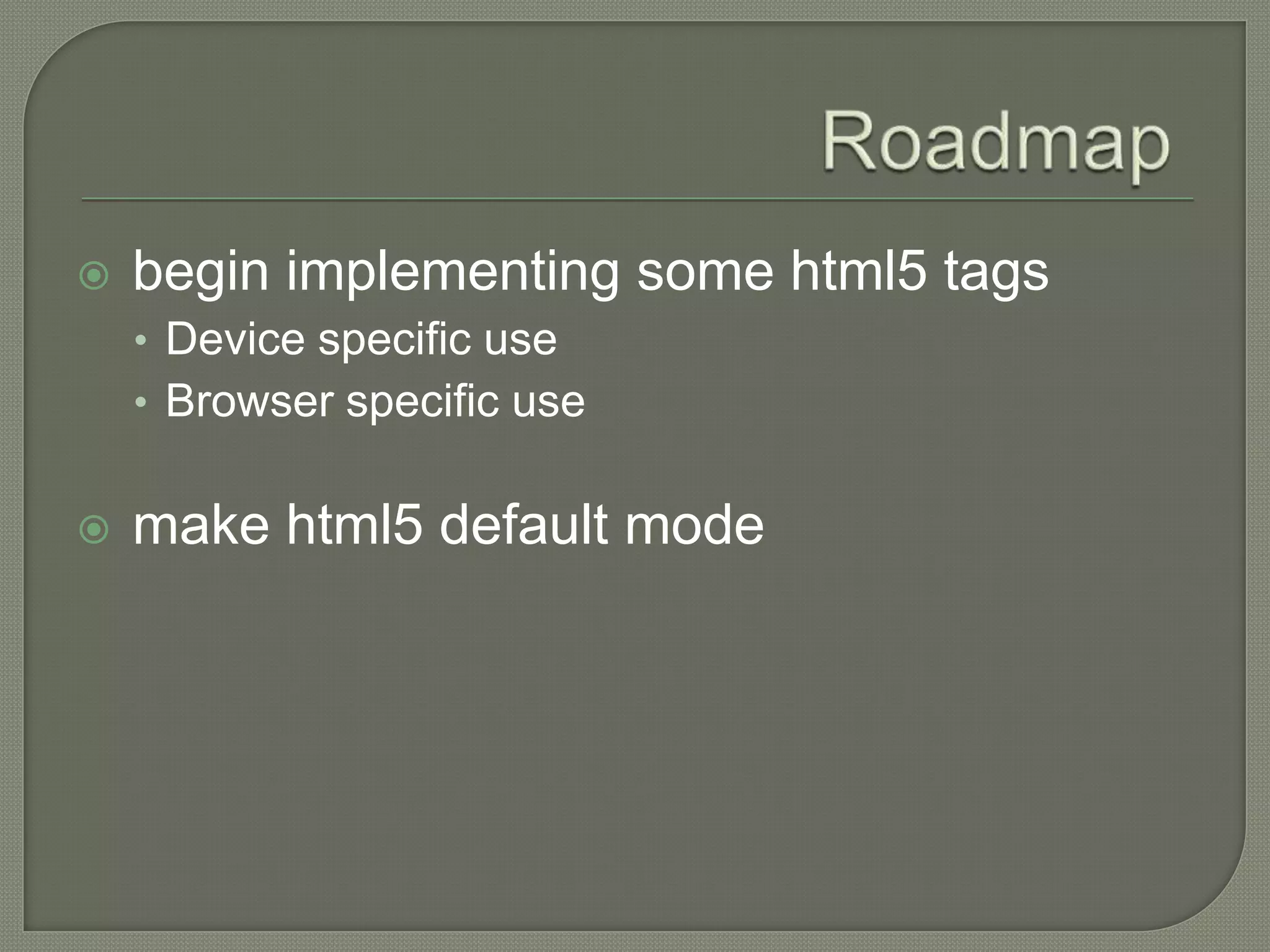
   begin implementing some html5 tags
    • Device specific use
    • Browser specific use


   make html5 default mode

Html5 - audio and video tags

  • 1.
  • 2.
     Treat audio / video like image element  Pros • Reduce dependency on players • Reduce code weight • Consistent experience within browser  Cons • Not supported by all browsers • Support is inconsistent • Limited design changes
  • 3.
    <img src="/reslib/201102/r721155_5730666.jpg" alt="Mike Martin“ title="Mike Martin perfoming 'Fireweed'“ />
  • 4.
    Example: http://www.abc.net.au/local/videos/2011/02/18/3142904.htm <div class="player"><div id="media_main"> <script src="http://www.abc.net.au/tv/cinerama2/scripts/cinerama2.js" type="text/javascript" language="JavaScript"></script> <script type="text/javascript"> //create a colour object to define the colors for the player. //highlightColour is the color of the bar that follows the play head. //backgroundColour is the colour of the page behind the player. //textColour is the colour of the title and the counters. /*The replace function replaces an element on the page with the cinerama player. The parameters are: (id, source, width, height, colour object, title, autoStart) id: (required) The id of the element to be replaced, usually an image element. The image will then be pulled into the player and displayed before the video is started. source: (required) This can be a single flv or h.264 mp4 file or a media rss file containing 1 or more items. If a media rss file does contain more that one item the multiClip section is automatically embedded next to the player. width: (required) The width of the video to be displayed. height: (required) The height of the video to be displayed. Note that the player will embed slightly higher that this to allow for the controlls. colour object: A javascript object defining the colours for the player (see above). title: The beginning title displayed on the player before a movie is played. If no title is supplied the script will attempt to use the alt text of the image it is replacing. autoStart: 'true' tells the player to start the video as soon as it loads. 'false' tells the player to wait for the user to initiate the video by pressing play. embedSrc: 'true' tells the player to show the embed src for the video. 'false' hides the embed Src. */ var title = "Mike%20Martin%20-%20Fireweed"; title = unescape(title); cinerama.ratings = false; cinerama.secure = false; cinerama.geoBlock = false; cinerama.embedSrc = true; cinerama.highlightColour = "#006CD9"; cinerama.backgroundColour = "#000000"; cinerama.textColour = "#77BBFF"; cinerama.wmode = "transparent"; // Default height and widths, overwritten by css. cinerama.embedPlayer('media_main_player','http://www.abc.net.au/reslib/201102/r721157_5730690.mp4',400,224, title,'false'); </script> <noscript>Javascript is currently no enabled on your browser. To view this media, please enabled Javascript in your browser setttings.</noscript> <img id="media_main_player" src="http://www.abc.net.au/reslib/201102/r721155_5730665.jpg" alt="loading video" title="loading video"/></div> </div>
  • 5.
    Example: http://www.abc.net.au/local/videos/2011/02/18/3142904.htm <video src="/reslib/201102/r721157_5730690.mp4“ poster=“/reslib/201102/r721155_5730665.jpg" width="700px" controls> </video>
  • 6.
    Example: http://www.abc.net.au/local/audio/2011/02/22/3145836.htm  <script src="/local/includes/scripts/jquery/plugins/jquery.flash.js" type="text/javascript" language="JavaScript"></script> <script src="/local/includes/scripts/audioplayer.js" type="text/javascript" language="JavaScript"></script><noscript>Javascript is currently no enabled on your browser. To view this media, please enabled Javascript in your browser setttings.</noscript> <embed class="player_audio" flashvars="autoplay=false&amp;glassyplayer=true&amp;playerbgcolor=%23 2E2E2E&amp;volumeiconcolor=%23FFFFFF&amp;mediaURL=http%3A%2 F%2Fmpegmedia.abc.net.au%2Flocal%2Fbrisbane%2F201102%2Fr722932 _5759695.mp3" pluginspage="http://www.adobe.com/go/getflashplayer" src="http://www.abc.net.au/local/global_flash/player_mp3_v2.swf" type="application/x-shockwave-flash" height="30" width="220"><a class="color3 mp3download" href="http://mpegmedia.abc.net.au/local/brisbane/201102/r722932_5759695 .mp3">Download this mp3 file</a>
  • 7.
  • 8.
    mp3 ogg wav Firefox no yes yes Safari yes no yes Chrome yes yes no IE8 no no no IE9 (beta) yes no yes
  • 9.
    mp4 ogg/theora webm Firefox no yes yes Safari yes no maybe Chrome yes yes yes IE8 no no no IE9 (beta) yes no maybe
  • 18.
  • 19.
    begin implementing some html5 tags • Device specific use • Browser specific use  make html5 default mode