HOW TO WORK
REMOTE IN 5 COUNTRIES WITH 5
COMPANIES
#1
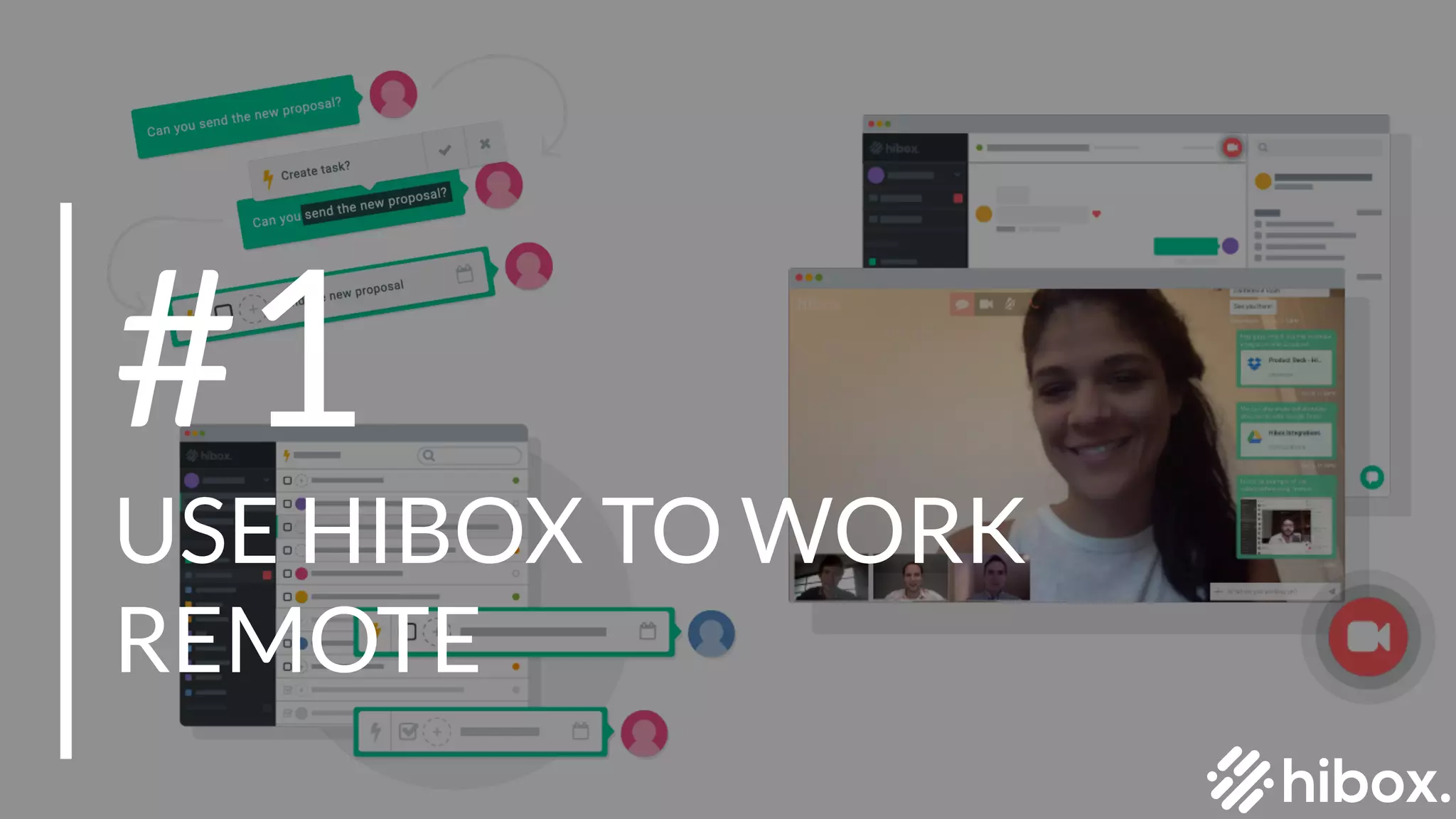
USE HIBOX TO WORK
REMOTE
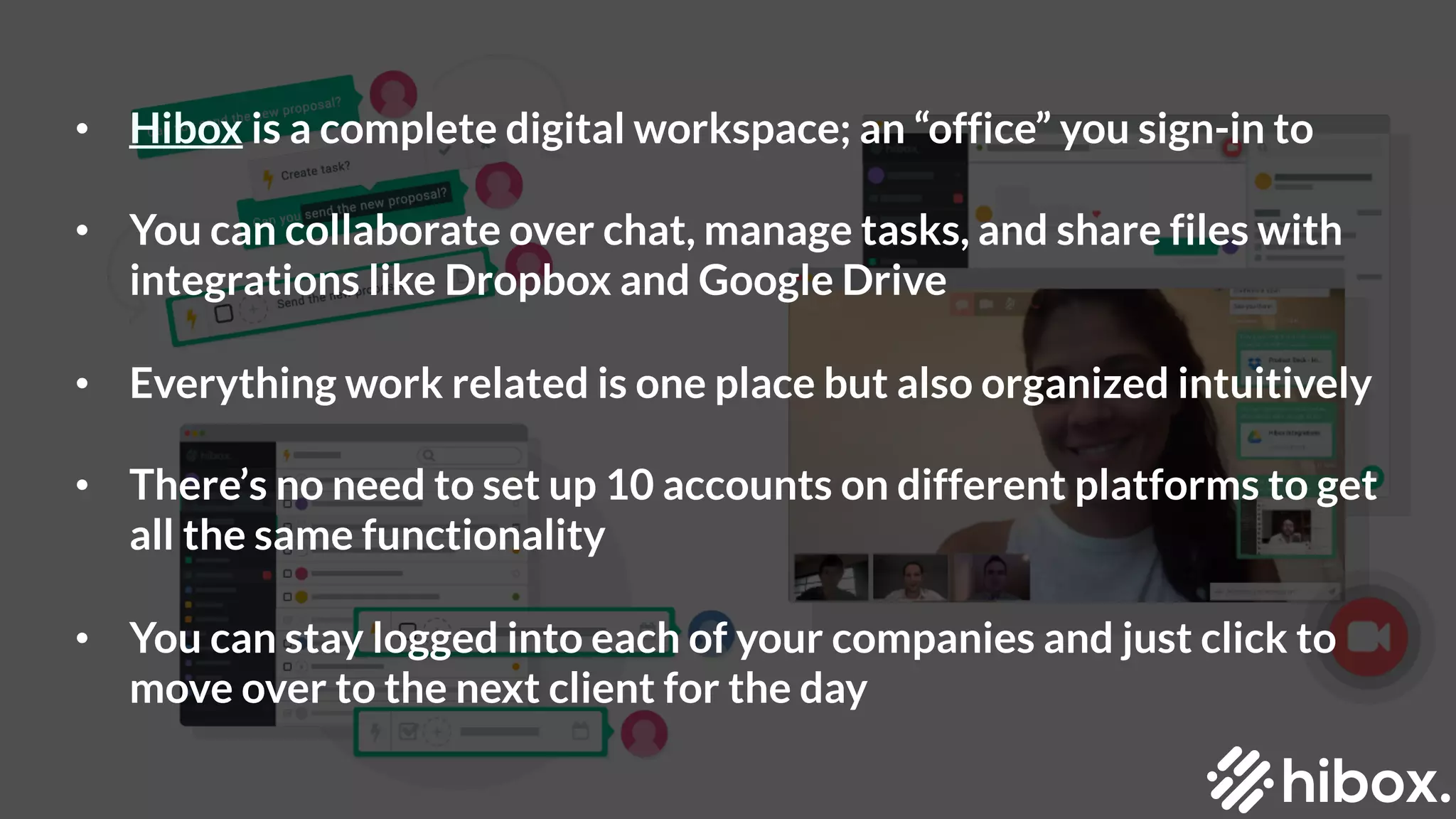
• Hibox is a complete digital workspace; an “office” you sign-in to
• You can collaborate over chat, manage tasks, and share files with
integrations like Dropbox and Google Drive
• Everything work related is one place but also organized intuitively
• There’s no need to set up 10 accounts on different platforms to get
all the same functionality
• You can stay logged into each of your companies and just click to
move over to the next client for the day
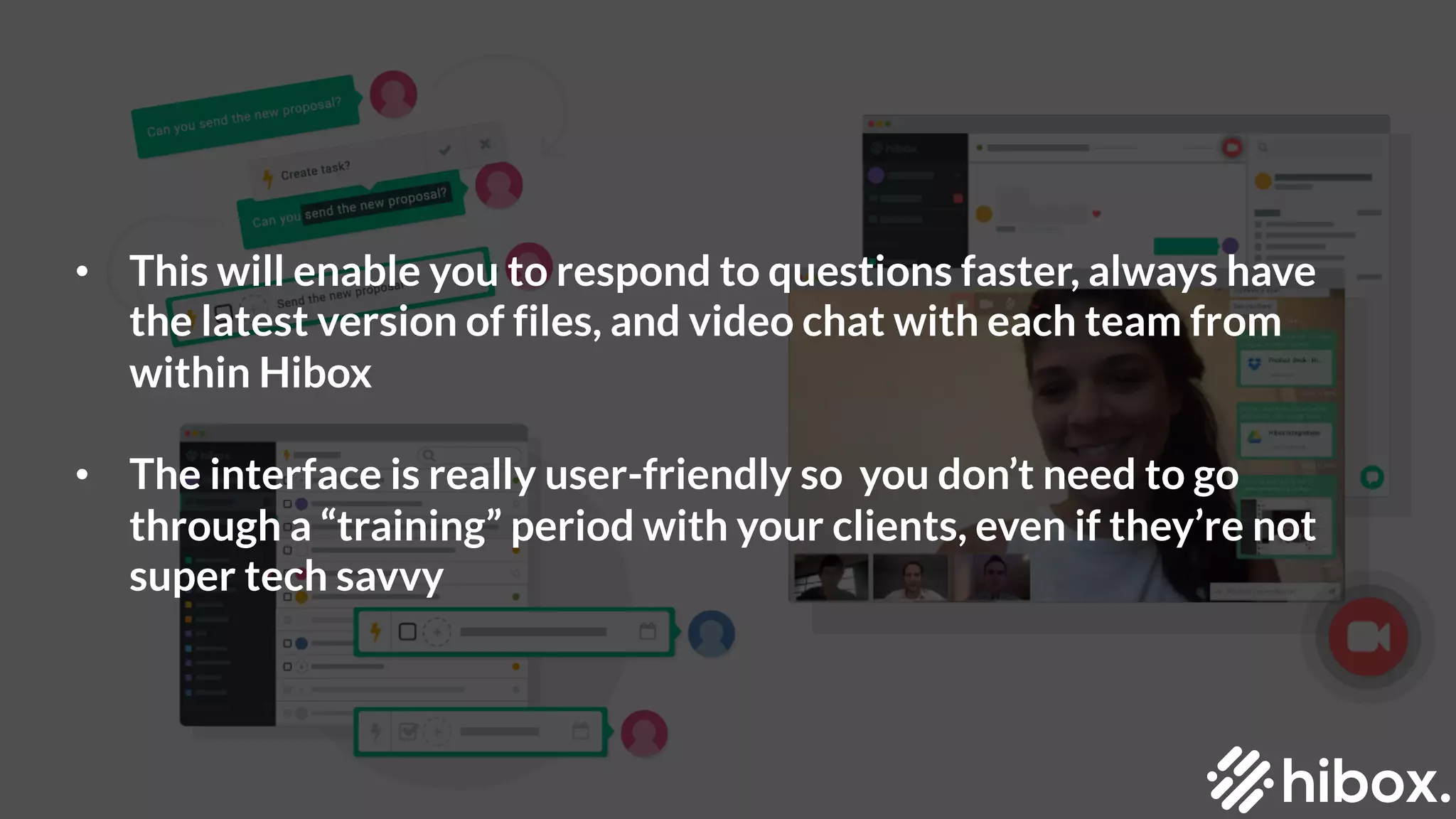
• This will enable you to respond to questions faster, always have
the latest version of files, and video chat with each team from
within Hibox
• The interface is really user-friendly so you don’t need to go
through a “training” period with your clients, even if they’re not
super tech savvy
#2
USE TIMEZONE.IO
• For five countries, it’s nearly impossible to coordinate
communication throughout the day without a little help
• Timesone.io will save you
• You can see where everyone is and exactly what time it is for them
relative to you with one glance
• This will take a huge part in block scheduling your day; a key part of
stay productive
#3
USE CALEND.LY
• This one takes saving time a step further even
• Stop wasting time with back-and-forth email threads to clients just
to schedule one 15 minute Skype call
• Finding a time that works takes more than the actual call
• Calendly changed that. Now you just send a link to your schedule
showing your availability
• Your clients can book a time that works for them, make changes if
they need, and you get notifications when your call is set
#4
ANY.DO
• Your personal life has to be as well organized as your work life
• For all personal organization or things related to your own
business, use Any.do
• It’s an incredibly simple personal productivity app where you can
make little to-do lists
• You can have one for your blogs, your travel plans, your daily tasks,
visa processes, etc
• The important thing is it’s separate from your client tasks so you
can focus on when to open this up
LEARN MORE AT OUR BLOG!
https://www.hibox.co/blog/how-i-work-remote-with-5-companies-in-5-countries/

How To Work Remote With 5 Companies In 5 Countries

  • 1.
    HOW TO WORK REMOTEIN 5 COUNTRIES WITH 5 COMPANIES
  • 2.
    #1 USE HIBOX TOWORK REMOTE
  • 3.
    • Hibox isa complete digital workspace; an “office” you sign-in to • You can collaborate over chat, manage tasks, and share files with integrations like Dropbox and Google Drive • Everything work related is one place but also organized intuitively • There’s no need to set up 10 accounts on different platforms to get all the same functionality • You can stay logged into each of your companies and just click to move over to the next client for the day
  • 4.
    • This willenable you to respond to questions faster, always have the latest version of files, and video chat with each team from within Hibox • The interface is really user-friendly so you don’t need to go through a “training” period with your clients, even if they’re not super tech savvy
  • 5.
  • 6.
    • For fivecountries, it’s nearly impossible to coordinate communication throughout the day without a little help • Timesone.io will save you • You can see where everyone is and exactly what time it is for them relative to you with one glance • This will take a huge part in block scheduling your day; a key part of stay productive
  • 7.
  • 8.
    • This onetakes saving time a step further even • Stop wasting time with back-and-forth email threads to clients just to schedule one 15 minute Skype call • Finding a time that works takes more than the actual call • Calendly changed that. Now you just send a link to your schedule showing your availability • Your clients can book a time that works for them, make changes if they need, and you get notifications when your call is set
  • 9.
  • 10.
    • Your personallife has to be as well organized as your work life • For all personal organization or things related to your own business, use Any.do • It’s an incredibly simple personal productivity app where you can make little to-do lists • You can have one for your blogs, your travel plans, your daily tasks, visa processes, etc • The important thing is it’s separate from your client tasks so you can focus on when to open this up
  • 11.
    LEARN MORE ATOUR BLOG! https://www.hibox.co/blog/how-i-work-remote-with-5-companies-in-5-countries/