Download to read offline

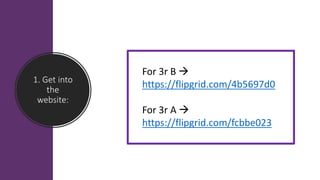

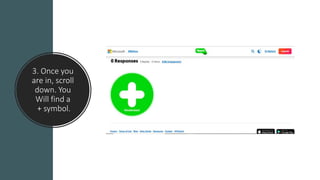
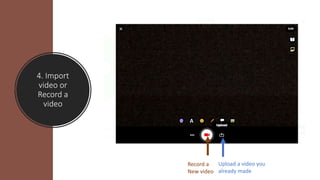


To upload a video to Flipgrid, users first access the website using the specific link for their class and log in with their school email. They then scroll down the page to find the plus symbol, where they can either record a new video using their device's camera or upload a previously recorded video. After selecting the video, users provide their name, course, and any additional comments before submitting the video.


