Download to read offline
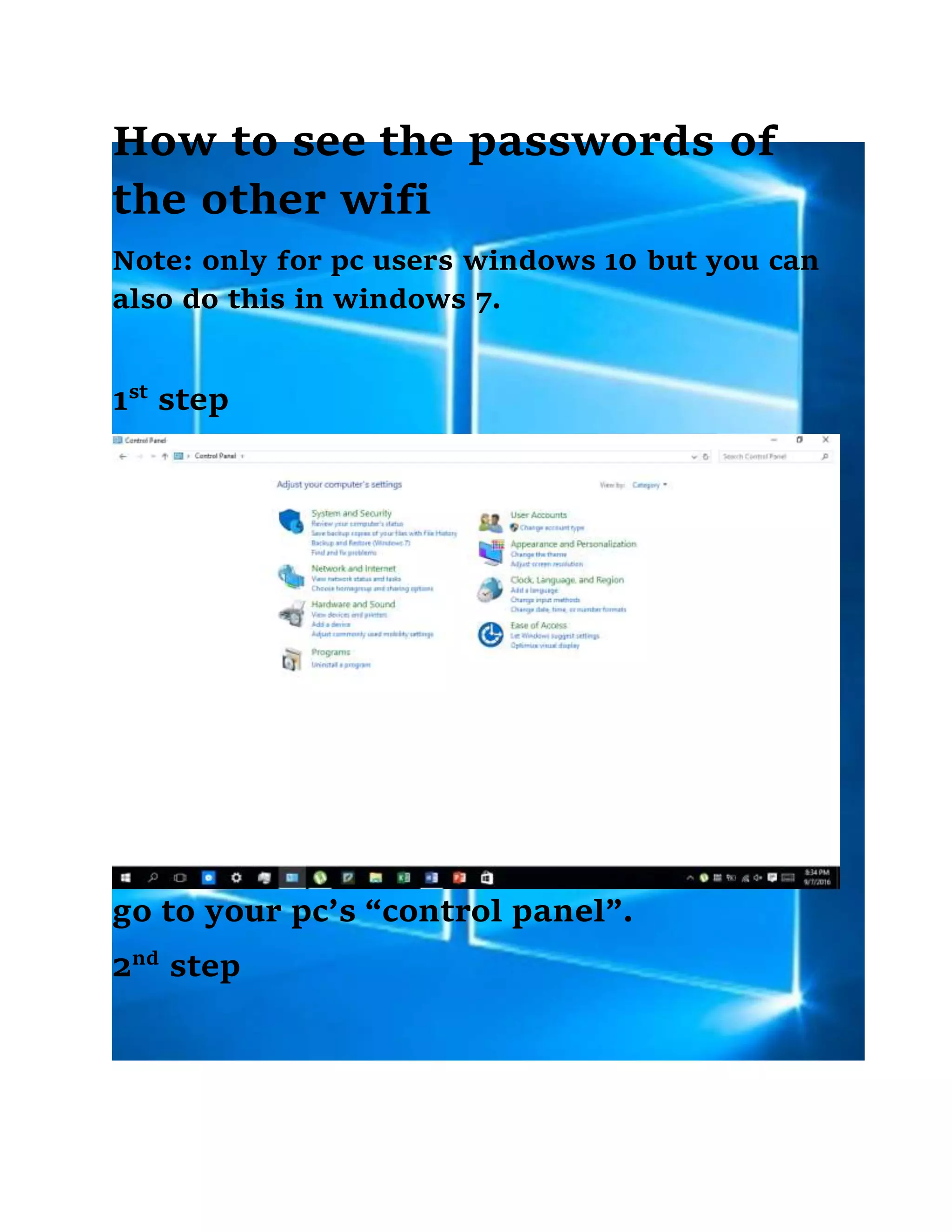
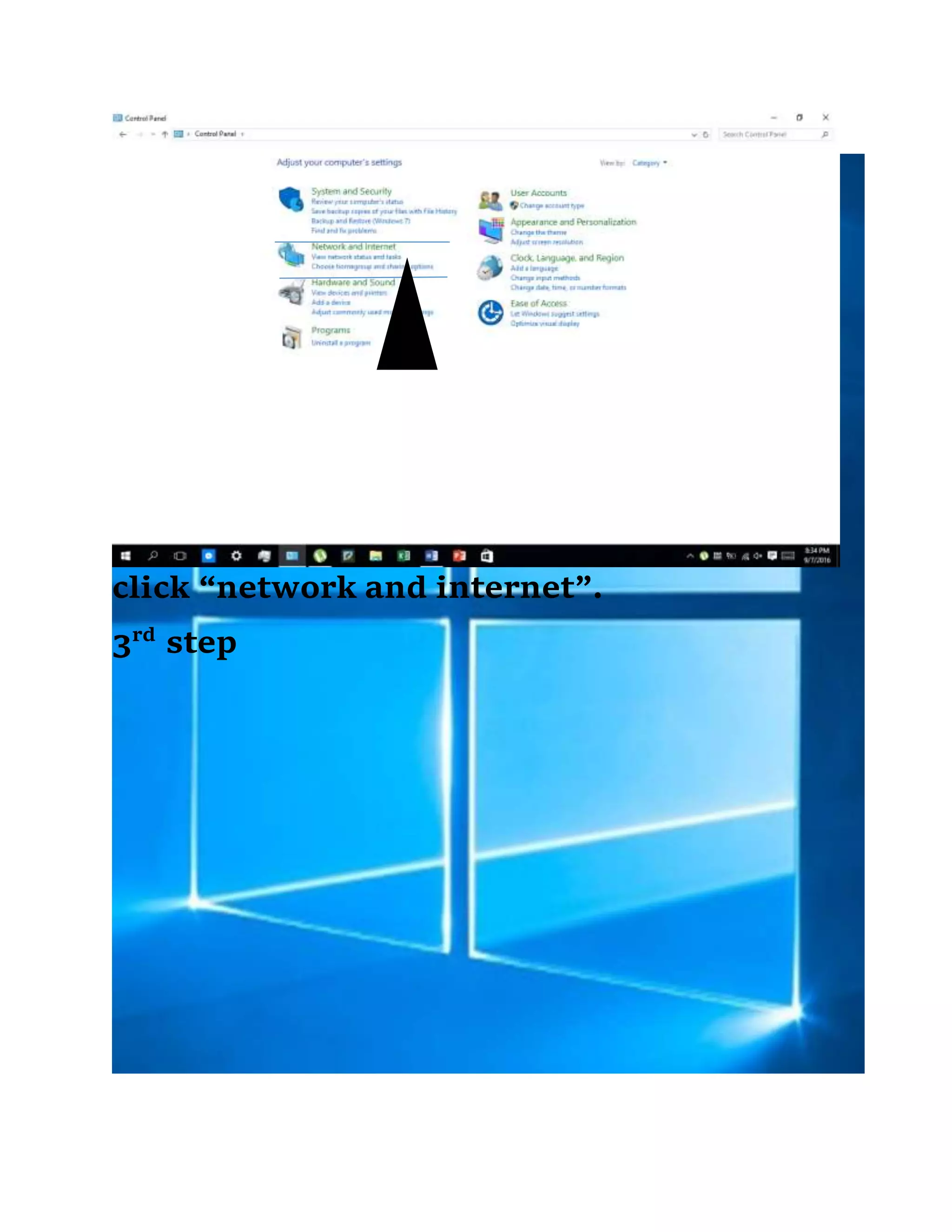
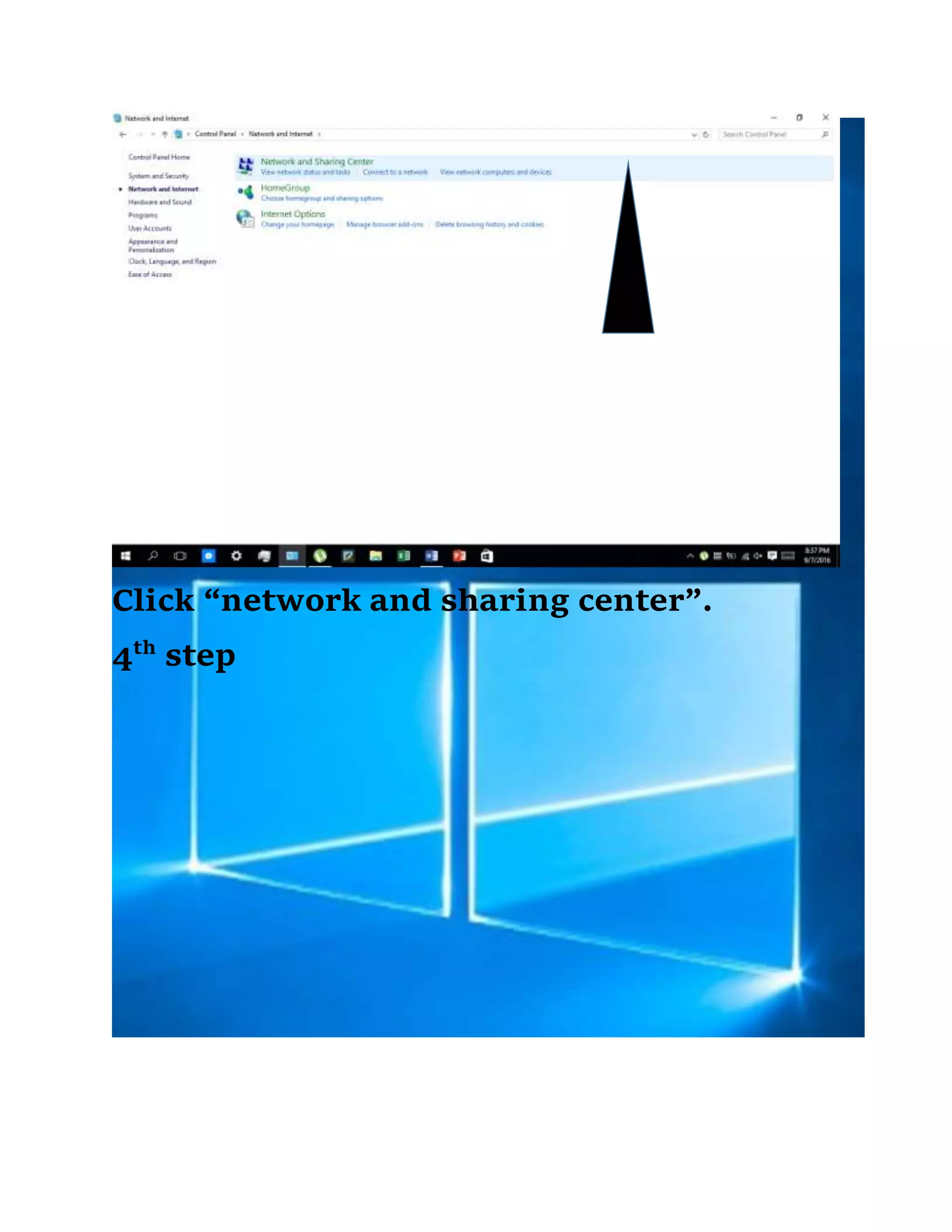
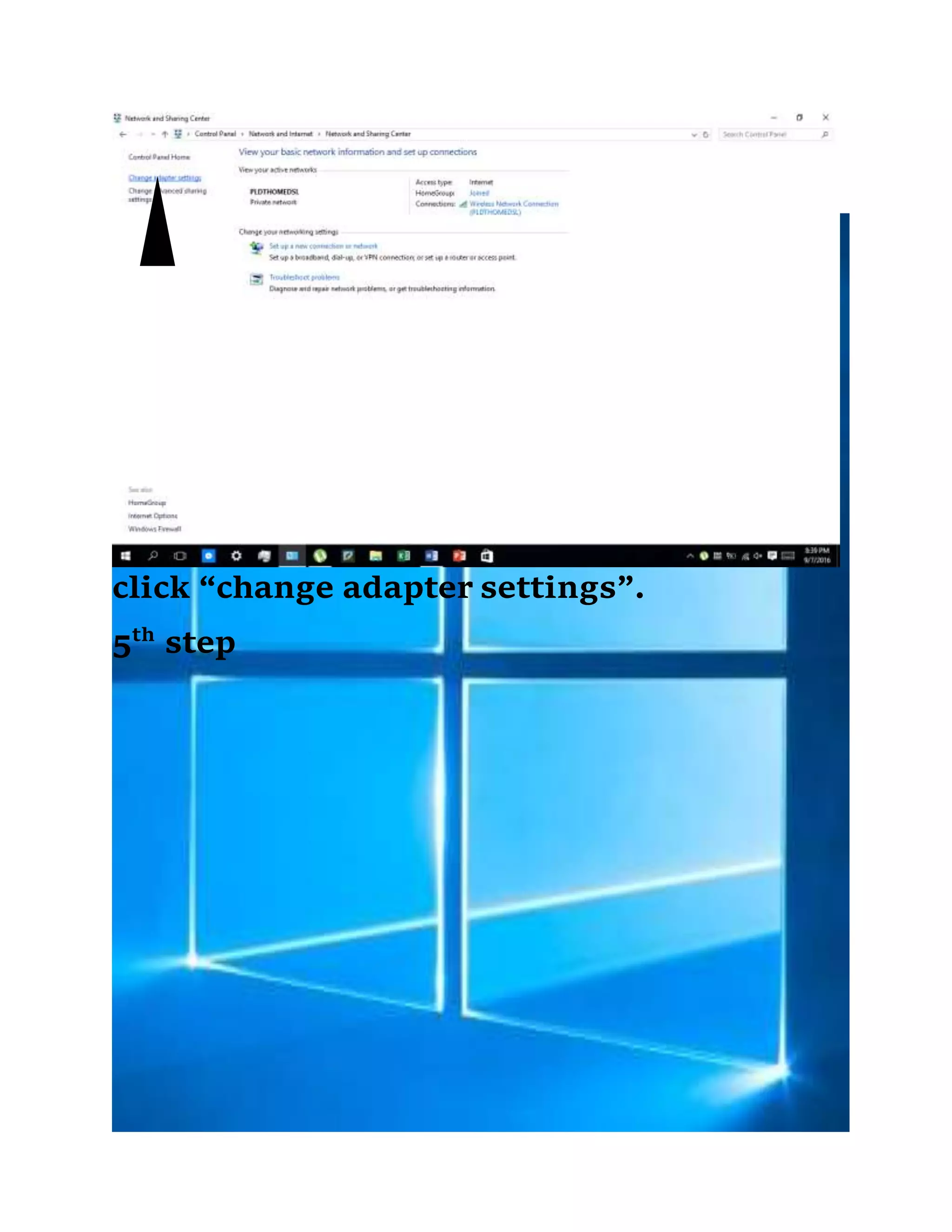
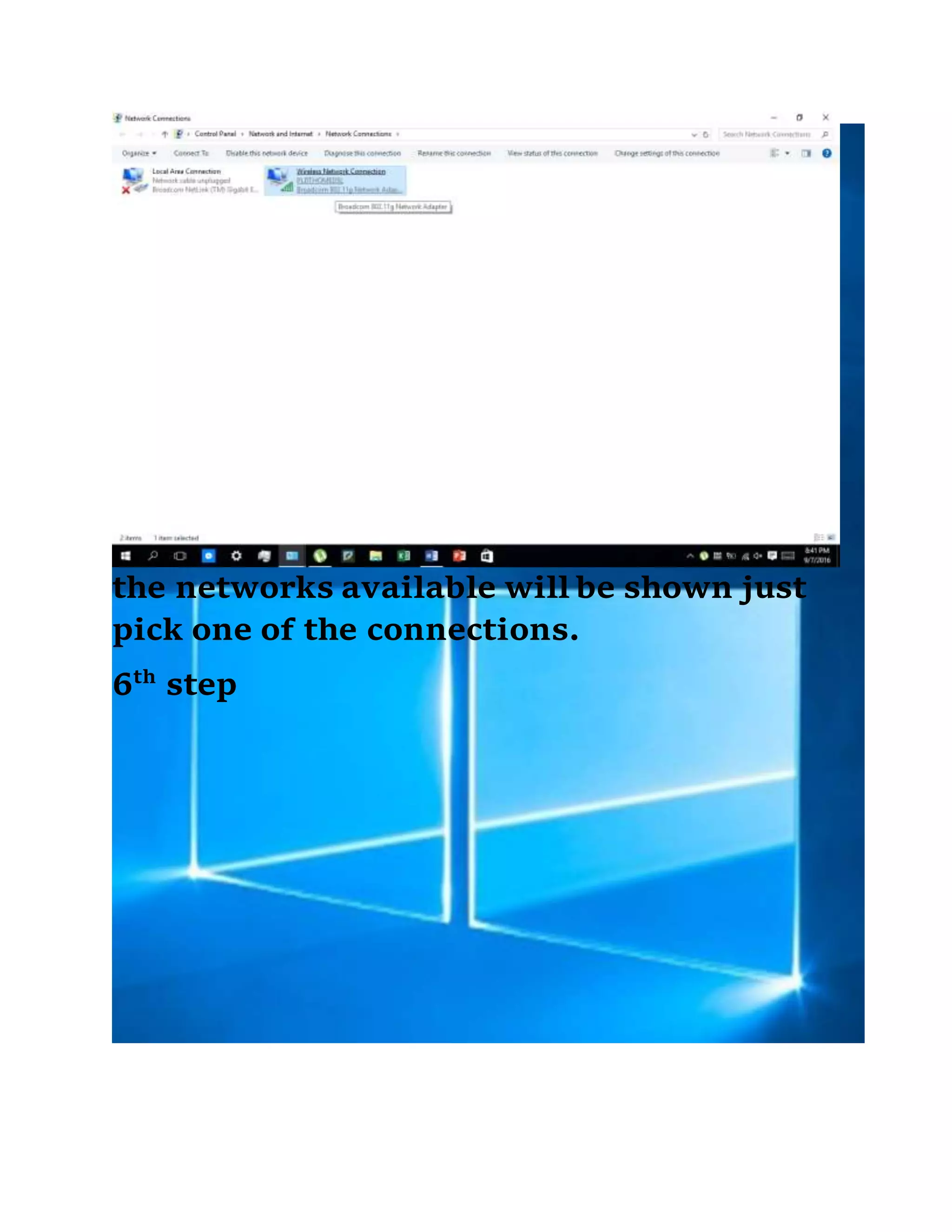
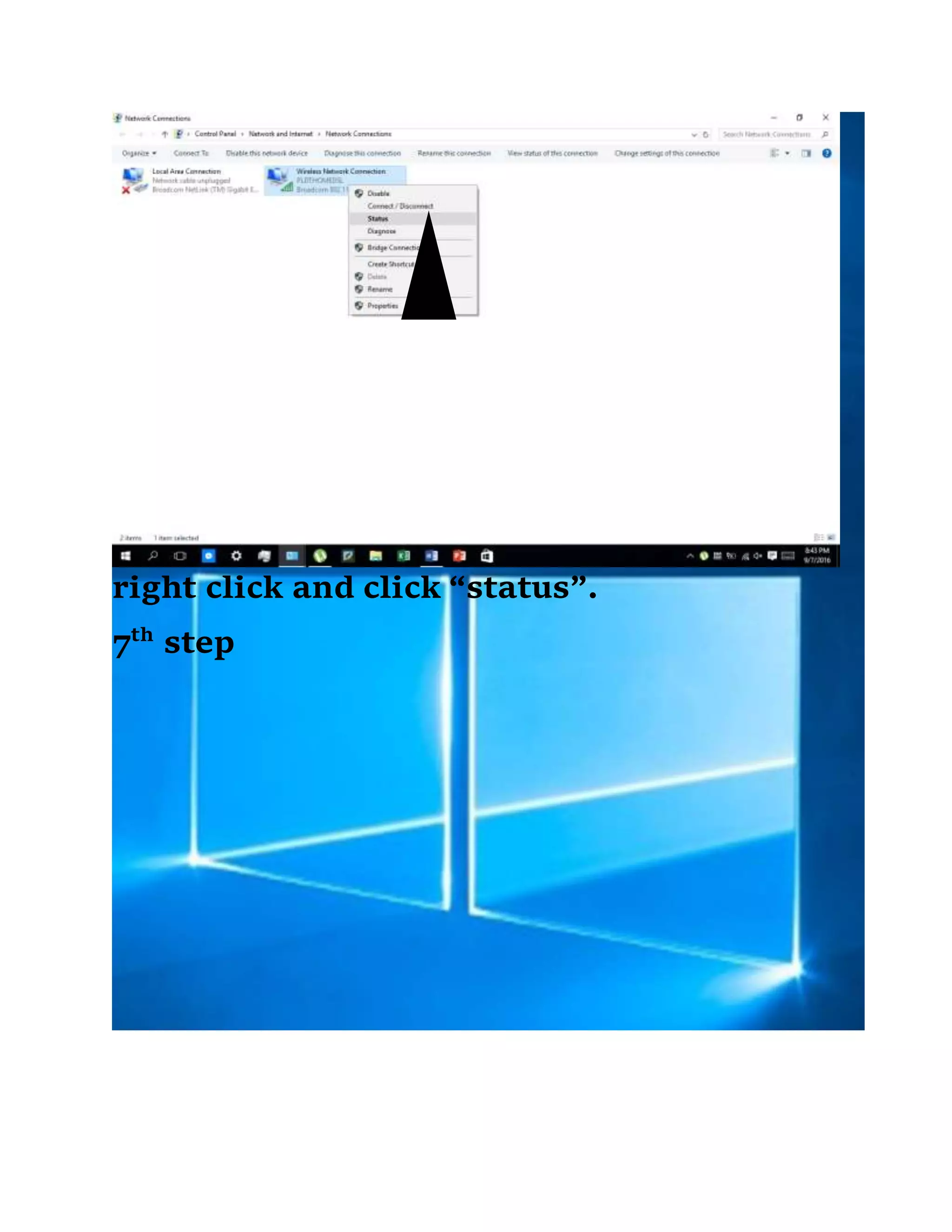
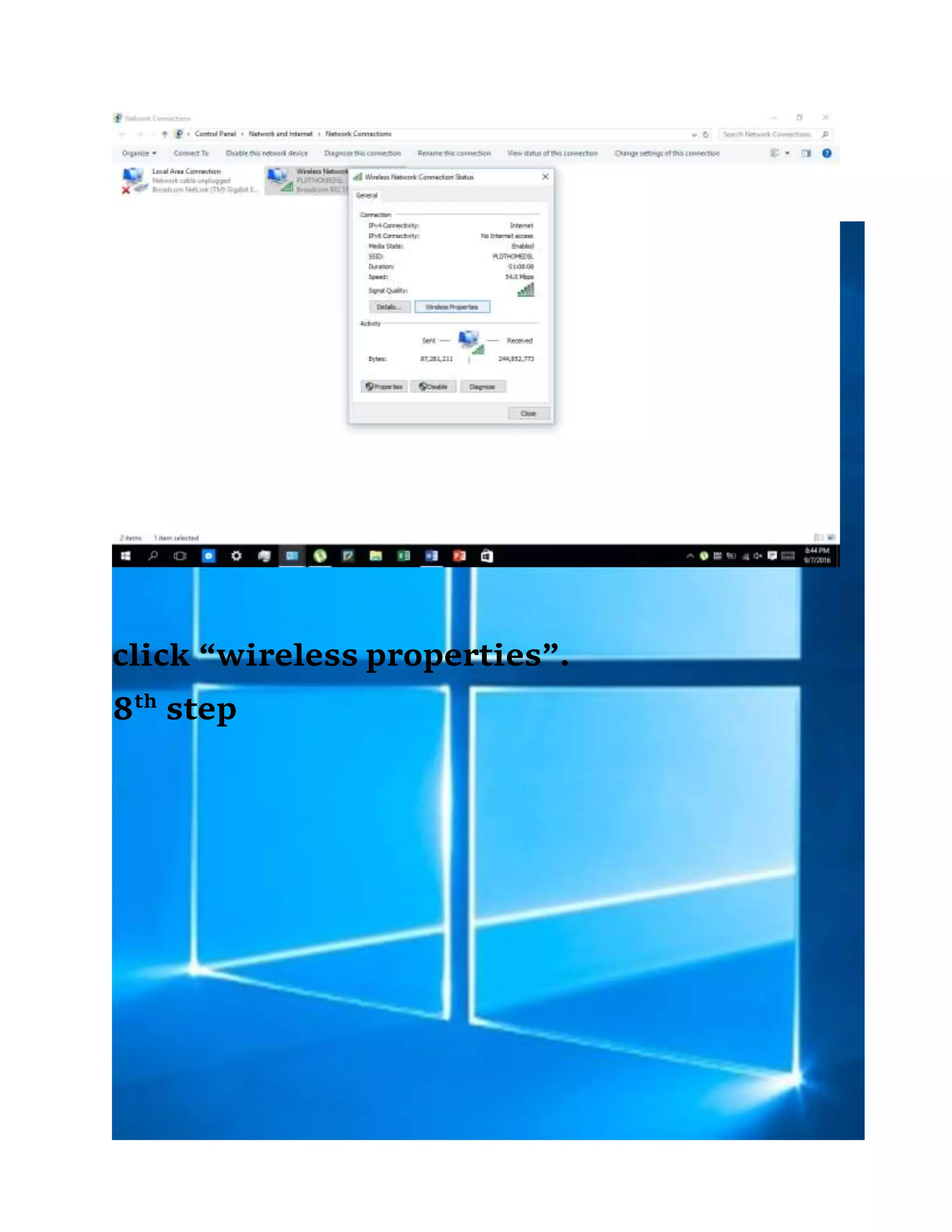
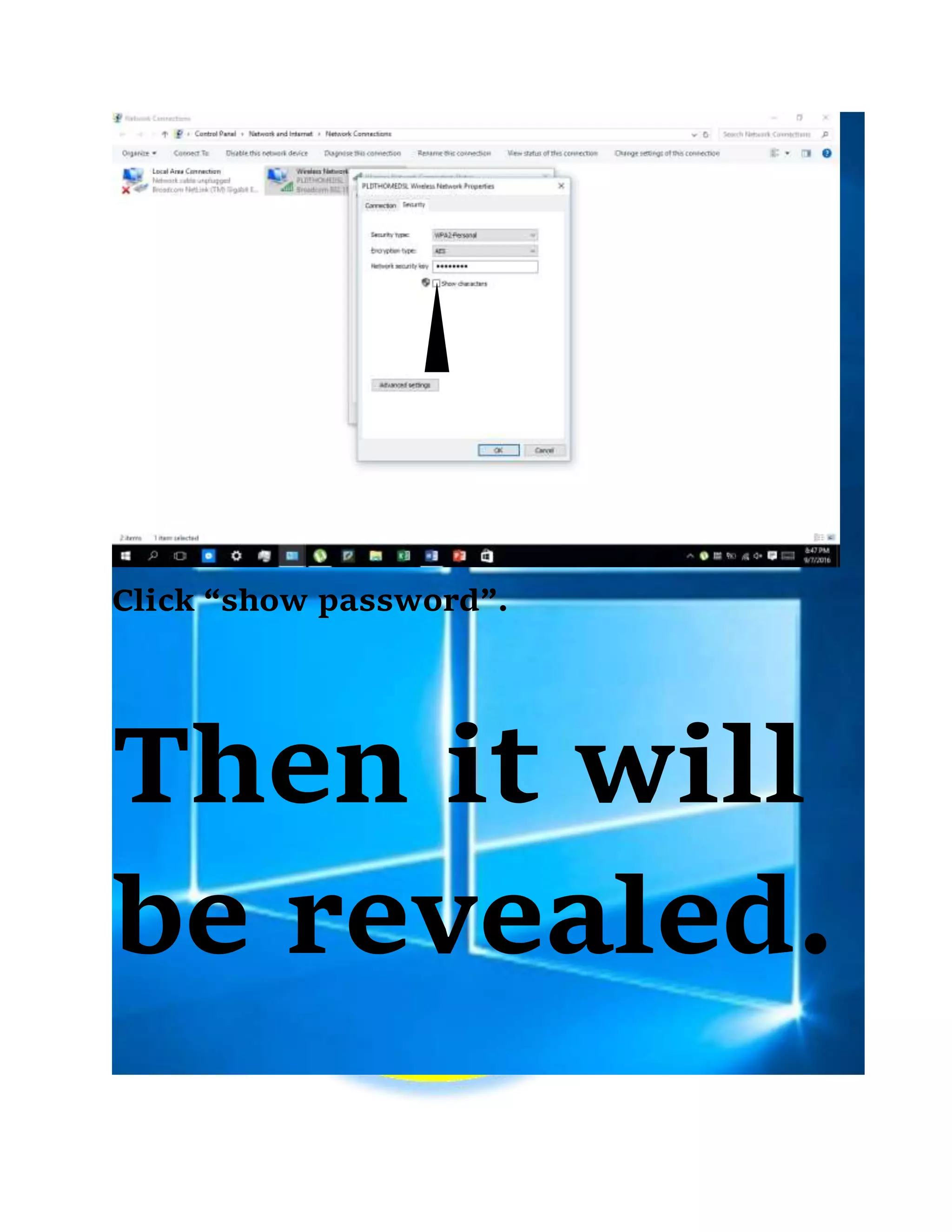
This document provides instructions for Windows PC users to view passwords of other WiFi networks. It is an 8 step process that involves accessing the Control Panel, Network and Sharing Center, Change Adapter Settings, selecting a WiFi connection, right clicking for status, clicking wireless properties, and then clicking show password to reveal the password.


