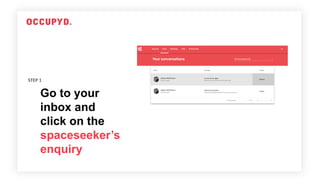
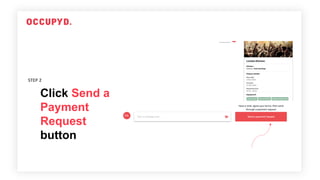
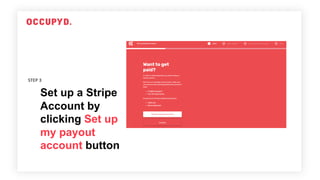
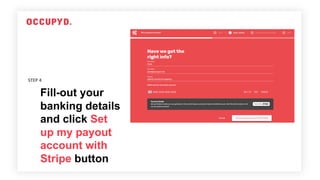
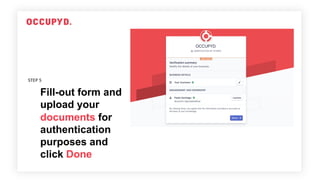
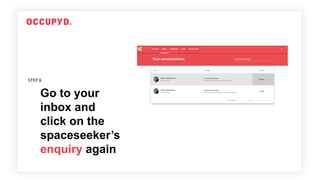
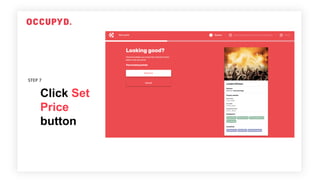
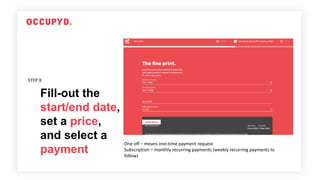
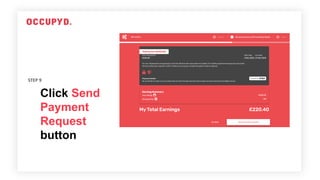
This document outlines the 9 steps to send a payment request through Stripe from an inbox: 1) Click on an enquiry in the inbox; 2) Click "Send a Payment Request" and set up a Stripe account; 3) Fill out banking details to set up the Stripe payout account; 4) Upload documents for verification; 5) Create a payment request once Stripe account is verified; 6) Go back to the inbox and click on the enquiry; 7) Click "Set Price" and fill out payment details; 8) Choose a one-time or subscription payment; 9) Click "Send Payment Request".