How to Manage Early
Receipt Printing in Odoo
17 POS
Enterprise
Introduction
Enterprise
This slide will represent how to manage the early receipt
printing option in Odoo 17 POS. Early receipts offer
transparency and clarity for each customer regarding their
individual order. Also printing receipts as orders are placed, we
can potentially expedite the checkout process when the bill is
settled.
Enterprise
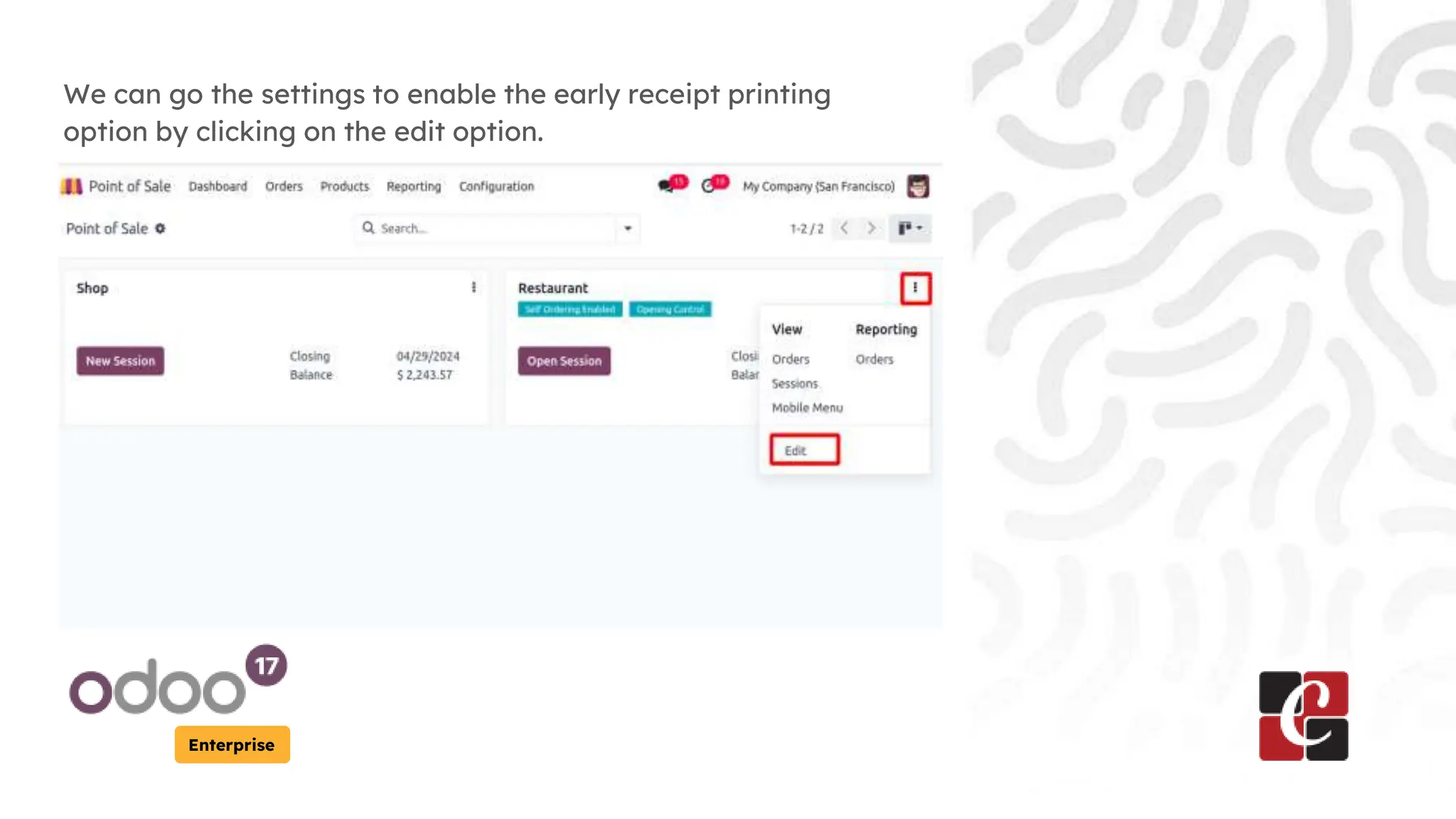
We can go the settings to enable the early receipt printing
option by clicking on the edit option.
Enterprise
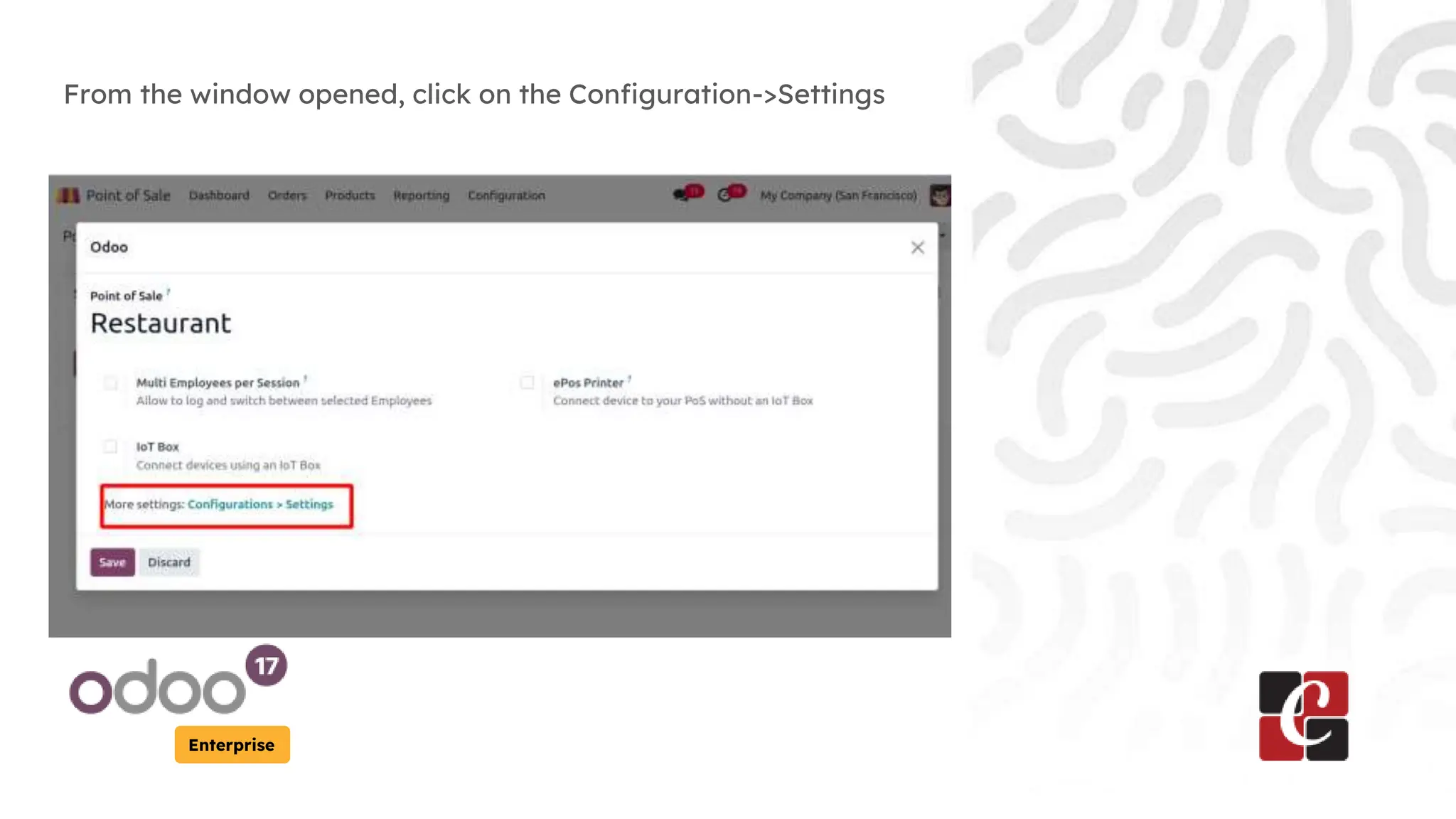
From the window opened, click on the Configuration->Settings
Enterprise
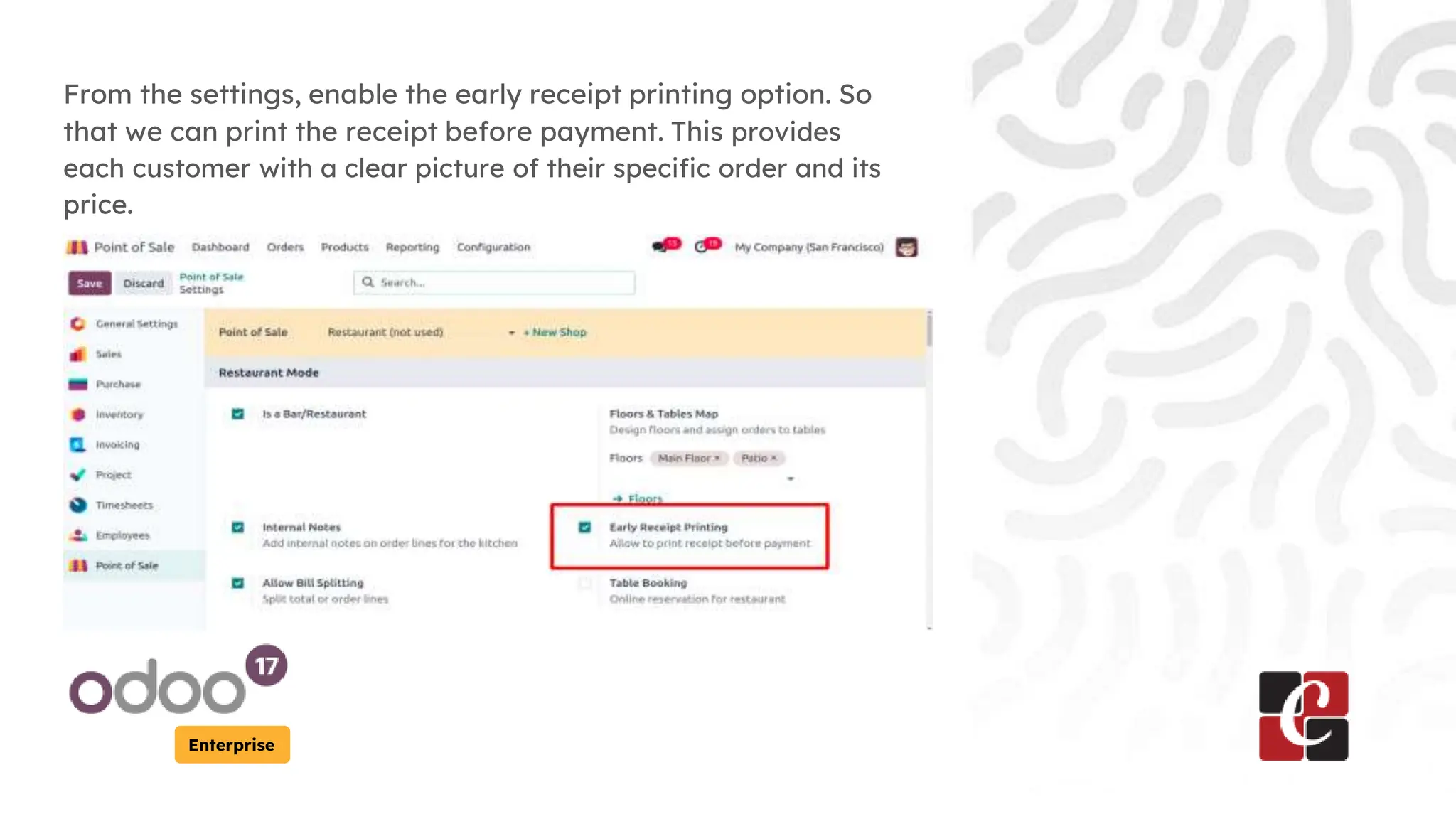
From the settings, enable the early receipt printing option. So
that we can print the receipt before payment. This provides
each customer with a clear picture of their specific order and its
price.
Enterprise
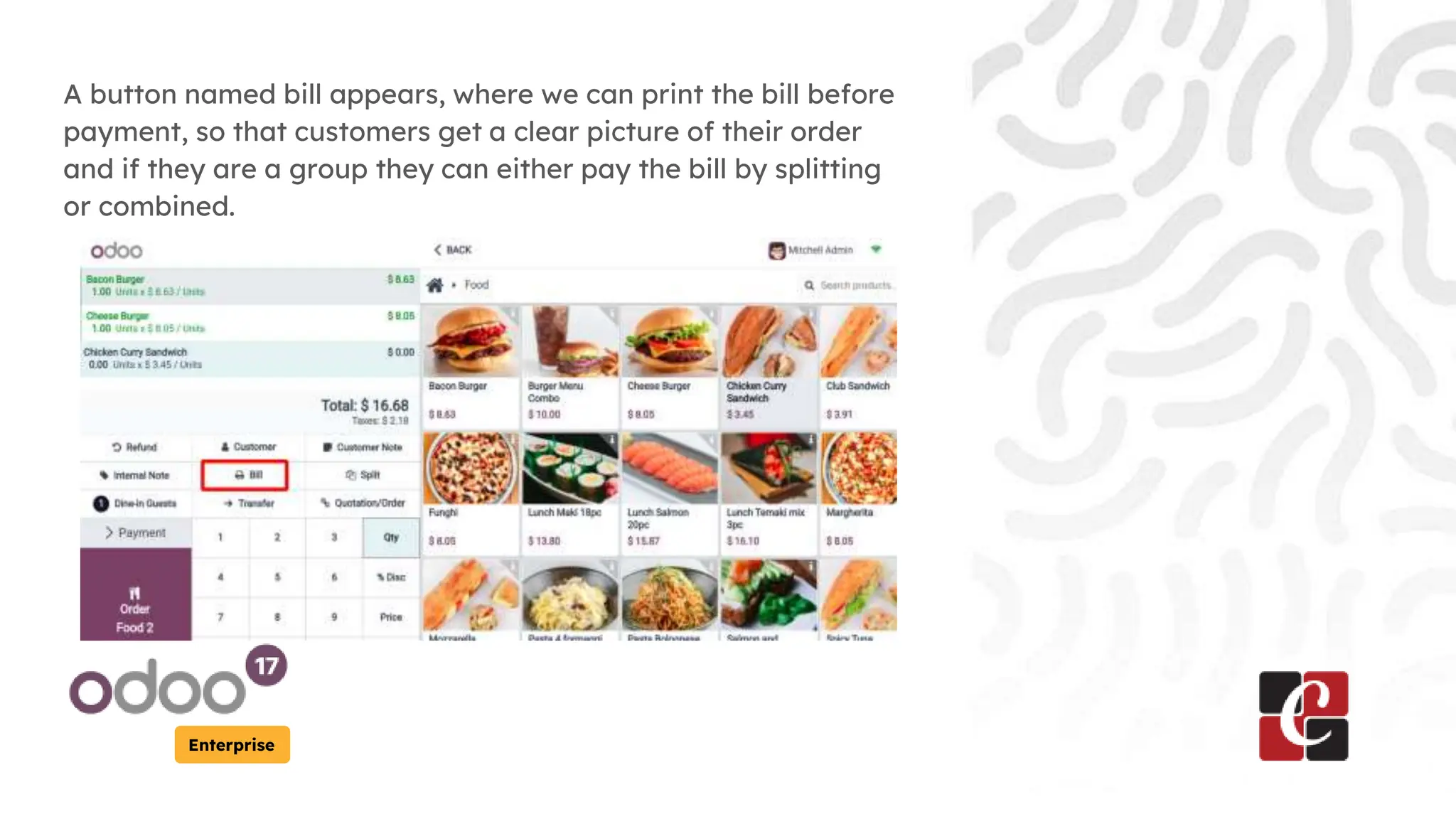
A button named bill appears, where we can print the bill before
payment, so that customers get a clear picture of their order
and if they are a group they can either pay the bill by splitting
or combined.
Enterprise
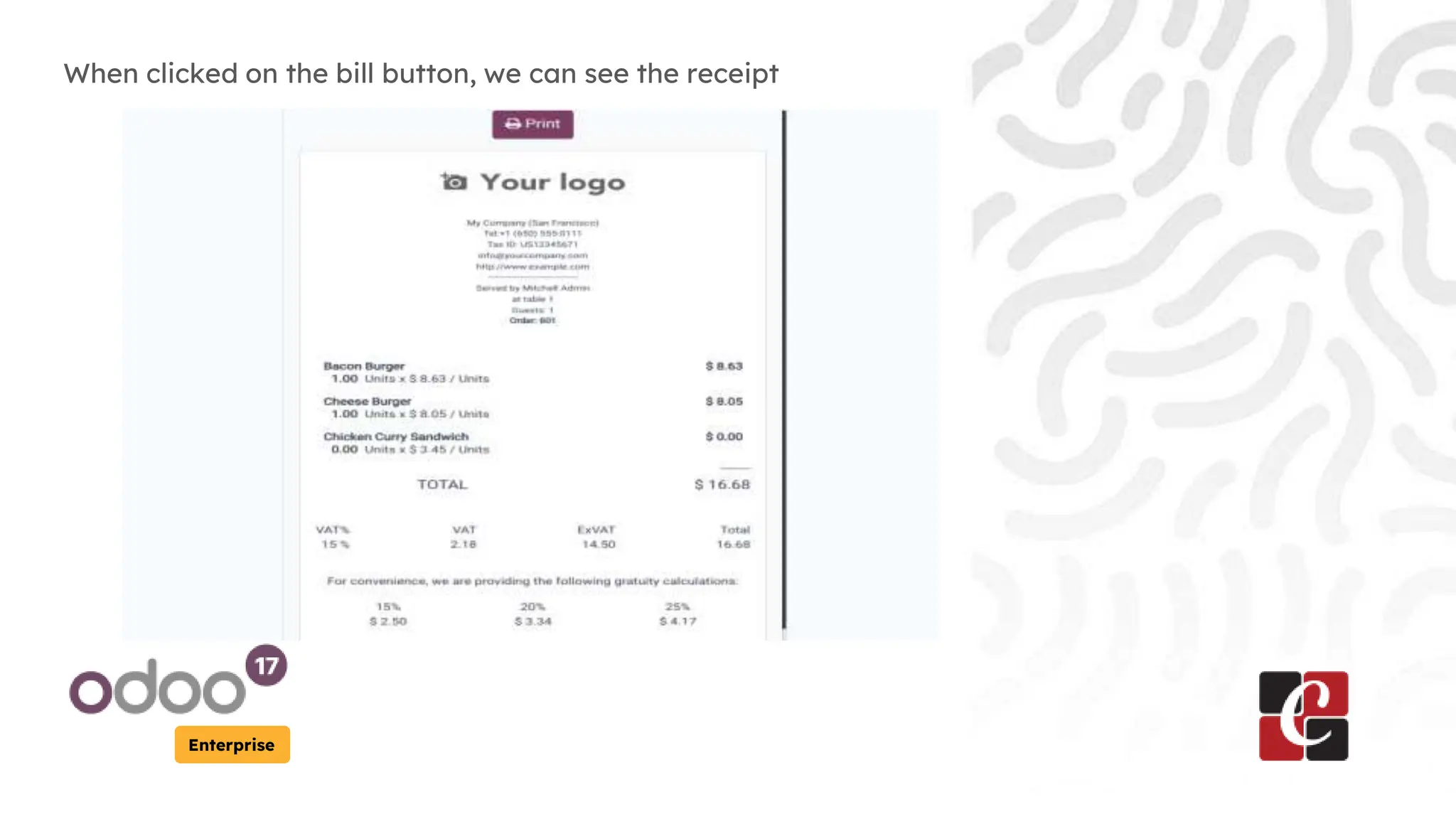
When clicked on the bill button, we can see the receipt
For More Info.
Check our company website for related
blogs and Odoo book.
Check our YouTube channel for
functional and technical videos in Odoo.
Enterprise
www.cybrosys.com

How to Manage Early Receipt Printing in Odoo 17 POS

  • 1.
    How to ManageEarly Receipt Printing in Odoo 17 POS Enterprise
  • 2.
    Introduction Enterprise This slide willrepresent how to manage the early receipt printing option in Odoo 17 POS. Early receipts offer transparency and clarity for each customer regarding their individual order. Also printing receipts as orders are placed, we can potentially expedite the checkout process when the bill is settled.
  • 3.
    Enterprise We can gothe settings to enable the early receipt printing option by clicking on the edit option.
  • 4.
    Enterprise From the windowopened, click on the Configuration->Settings
  • 5.
    Enterprise From the settings,enable the early receipt printing option. So that we can print the receipt before payment. This provides each customer with a clear picture of their specific order and its price.
  • 6.
    Enterprise A button namedbill appears, where we can print the bill before payment, so that customers get a clear picture of their order and if they are a group they can either pay the bill by splitting or combined.
  • 7.
    Enterprise When clicked onthe bill button, we can see the receipt
  • 8.
    For More Info. Checkour company website for related blogs and Odoo book. Check our YouTube channel for functional and technical videos in Odoo. Enterprise www.cybrosys.com