Download to read offline

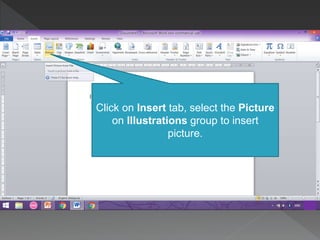
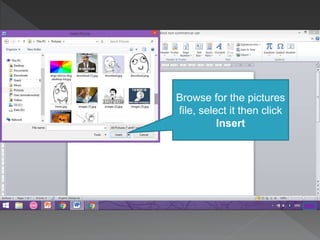
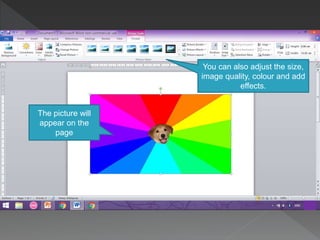
To insert a picture into a document, click on the Insert tab and select Picture from the Illustrations group to browse for a picture file, select it, and click Insert. Once inserted, the picture will appear on the page and its size, quality, color, and effects can be adjusted.


