Download to read offline




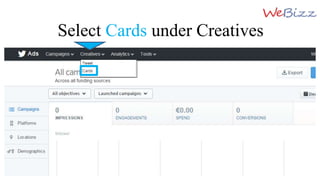

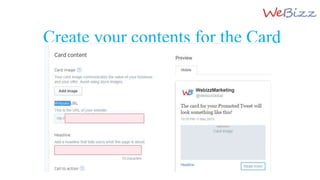
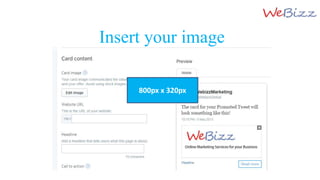
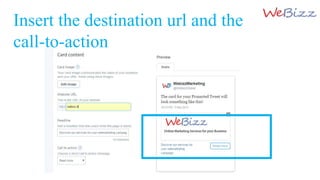
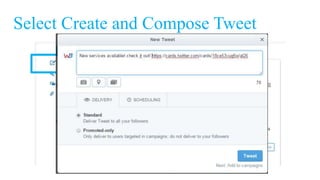


The document provides instructions on creating Twitter cards for websites, which enhance interactivity and graphic representation on the platform. Users should navigate to Twitter ads, select 'cards' under creatives, and fill in the required details, including an image, destination URL, and call-to-action. Once created, these cards can be used in tweets to promote the site effectively.


