Download to read offline

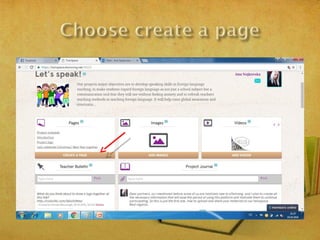
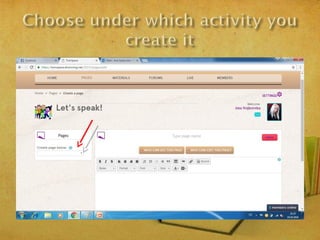
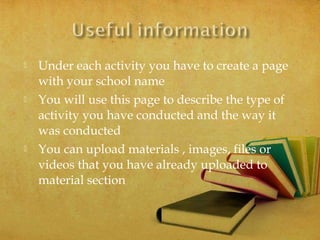
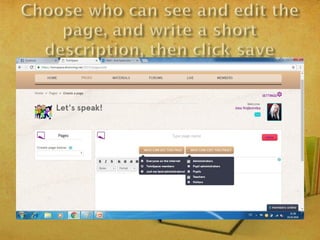
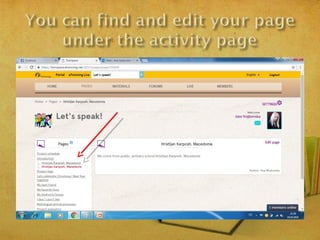
This document provides instructions for an eTwinning project called "Let's Speak!" It instructs participants to create a page for their school under each activity describing how it was conducted and allowing them to upload related materials, images, files or videos. The document hopes to help someone and sends best regards from Ana Nojkovska.


