Download to read offline

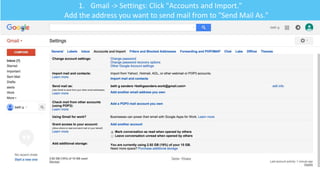
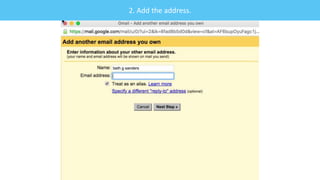
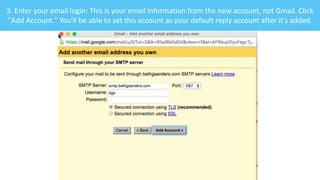


The document provides a step-by-step guide for adding a new email address to Gmail for sending mail. It instructs the user to access settings, add the desired email address, and enter the login information for that account. Once added, the new address can be set as the default reply account.


![[Maksimenkova_Neznanov] Peer Assessment to Programmers & Peer Assessment Syst...](https://cdn.slidesharecdn.com/ss_thumbnails/maksimenkovajneznanovapkitfinalexp-160520061545-thumbnail.jpg?width=640&height=640&fit=bounds)


