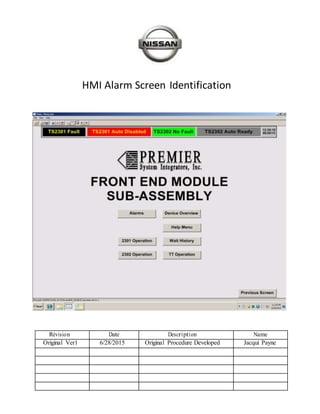
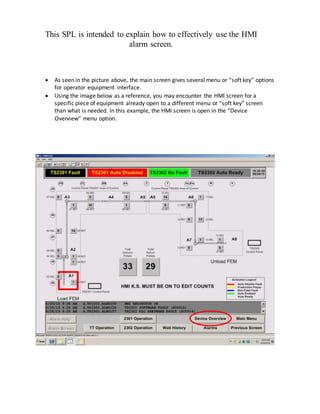
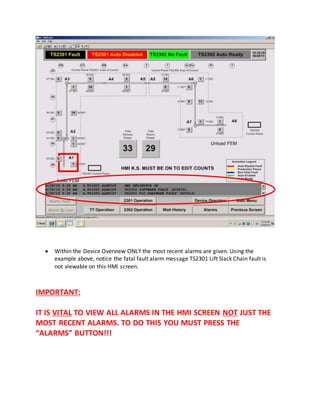
This document provides instructions for using the HMI alarm screen on an equipment interface. It explains that the main screen shows menu options, but to view all active alarms, not just the most recent, the "Alarms" button must be pressed. This alarm screen displays all current issues so technicians can find the root cause by seeing the earliest relevant alarm, not just the most recent alarm.