Information Retrieval Skills
Information retrieval for researchIt is important that you develop effective information retrieval skills so that you can:Get perspective on a topicIdentify information and ideas relevant to your workAvoid reinventing the wheelIncrease your knowledge of a subject areaProvide intellectual content for your own workComplete a successful search for a literature review
Planning for your searchReflect on your information needs before you startIdentify key concepts from your assignment requirementsBackground reading & viewing, brainstorm with peers, concept mapIdentify synonyms, related terms, alternative spelling and abbreviationsDetermine search limits such as date, geographyDetermine appropriate types of sources of information you need (journal articles, books, reports, statistics, conference proceedings)Determine best search tools (Database(s), Library Catalogue, Google)
Search Strategies and TipsUsing ‘AND’ narrows a search: results must include both terms, e.g:
Inflation  AND “developing countries”Using  ‘OR’ broadens a search: results can include either term, e.g:planning OR management
benefits OR strengths OR advantages
GFC OR “global financial crisis”Using ‘NOT’ specifies a term must not appear in the results, e.g:accounting NOT forensicWhen searching for phrases, enclose using:   “….. ” , e.g:“forensic accounting”
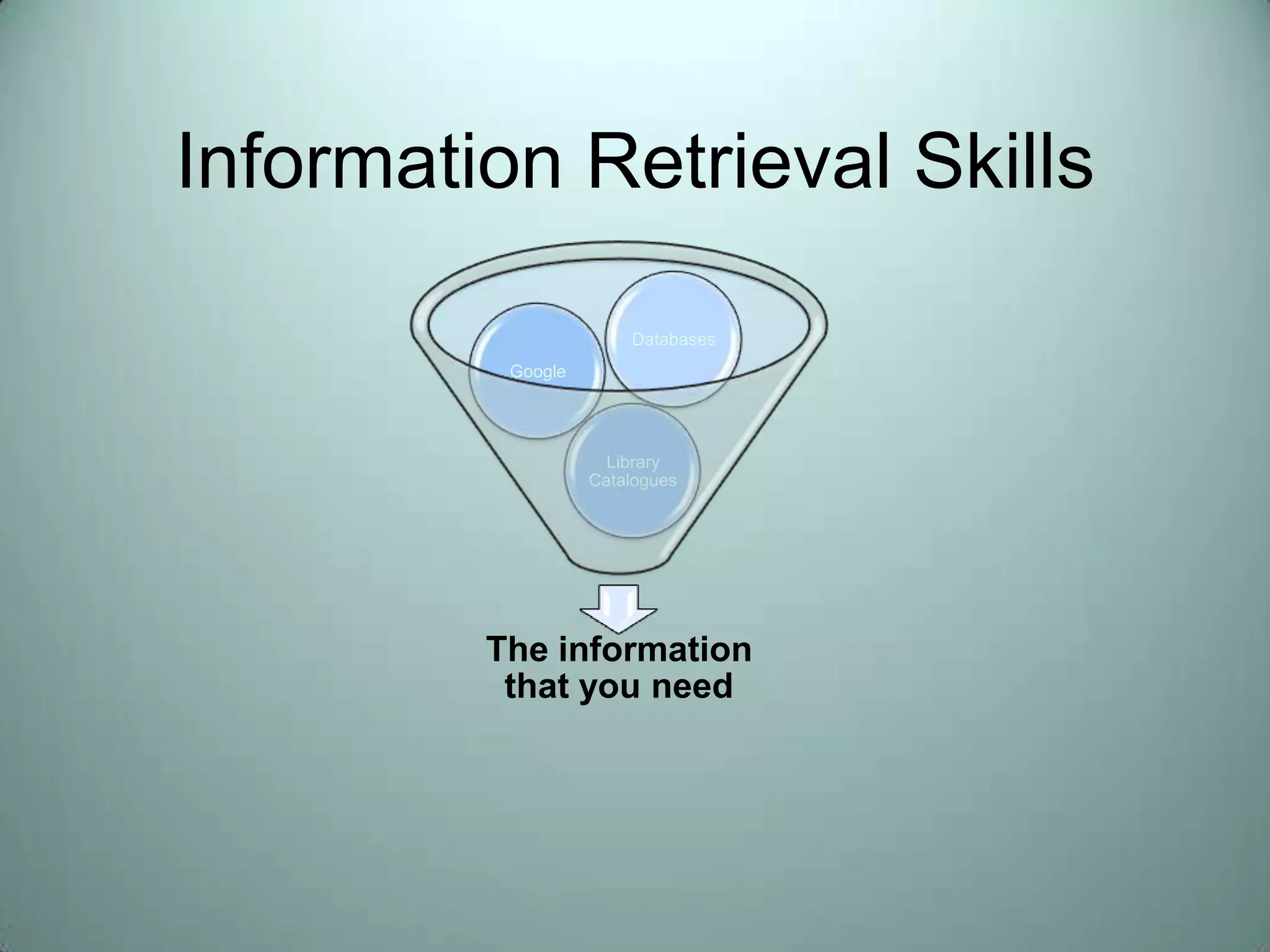
“behavioural economics”Where do you start looking?DatabasesLibrary CatalogueGoogle
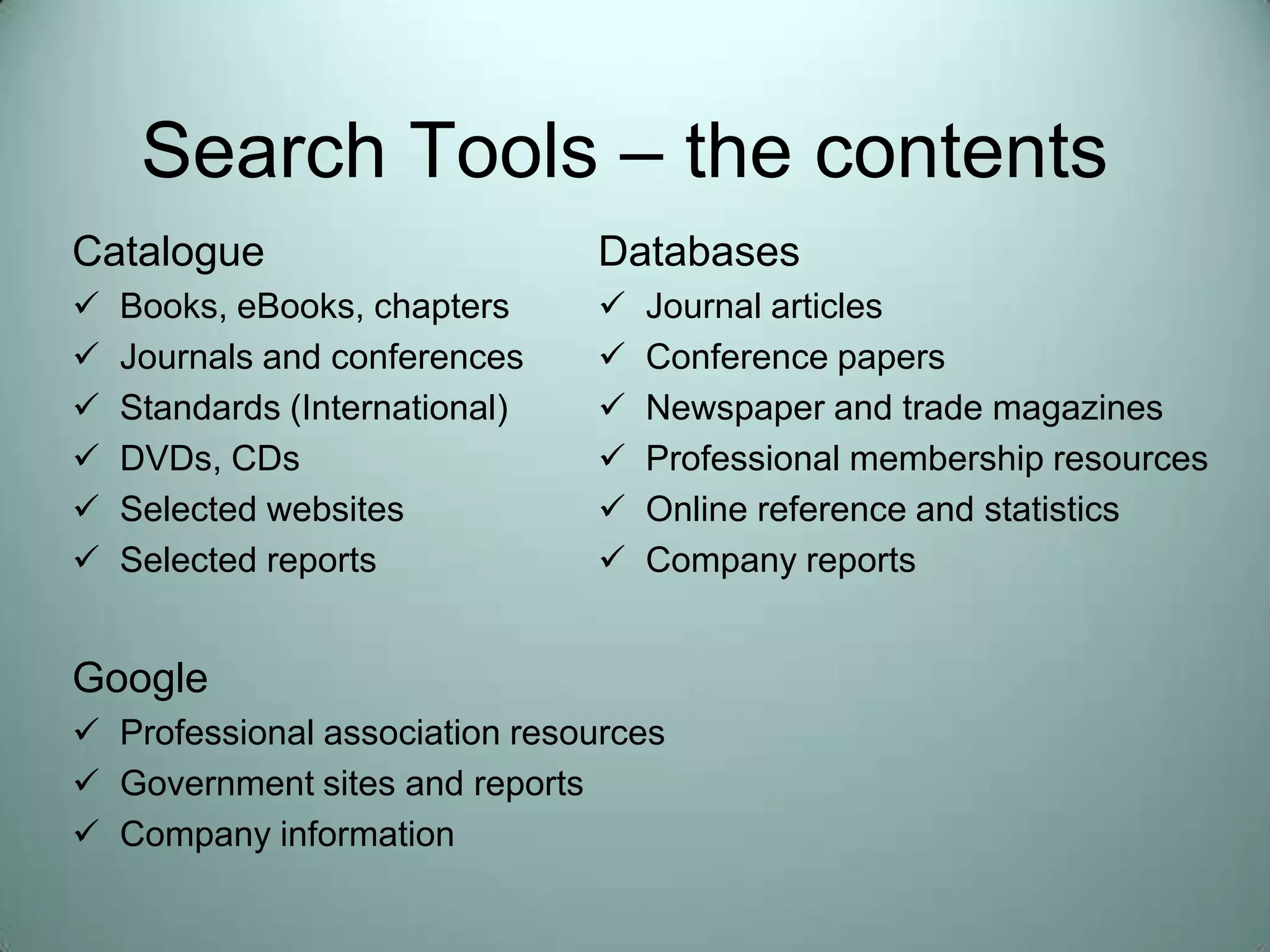
Search Tools – the contentsCatalogueBooks, eBooks, chapters
Journals and conferences
Standards (International)

Help finding information in business

  • 1.
  • 2.
    Information retrieval forresearchIt is important that you develop effective information retrieval skills so that you can:Get perspective on a topicIdentify information and ideas relevant to your workAvoid reinventing the wheelIncrease your knowledge of a subject areaProvide intellectual content for your own workComplete a successful search for a literature review
  • 3.
    Planning for yoursearchReflect on your information needs before you startIdentify key concepts from your assignment requirementsBackground reading & viewing, brainstorm with peers, concept mapIdentify synonyms, related terms, alternative spelling and abbreviationsDetermine search limits such as date, geographyDetermine appropriate types of sources of information you need (journal articles, books, reports, statistics, conference proceedings)Determine best search tools (Database(s), Library Catalogue, Google)
  • 4.
    Search Strategies andTipsUsing ‘AND’ narrows a search: results must include both terms, e.g:
  • 5.
    Inflation AND“developing countries”Using ‘OR’ broadens a search: results can include either term, e.g:planning OR management
  • 6.
    benefits OR strengthsOR advantages
  • 7.
    GFC OR “globalfinancial crisis”Using ‘NOT’ specifies a term must not appear in the results, e.g:accounting NOT forensicWhen searching for phrases, enclose using: “….. ” , e.g:“forensic accounting”
  • 8.
    “behavioural economics”Where doyou start looking?DatabasesLibrary CatalogueGoogle
  • 9.
    Search Tools –the contentsCatalogueBooks, eBooks, chapters
  • 10.
  • 11.
  • 12.
  • 13.
  • 14.
  • 15.
  • 16.
  • 17.
  • 18.
  • 19.
  • 20.
  • 21.
    Company informationGoogle- TipsUseadvanced searchLimit to file types and domainsUse phrase searchingUse Google ScholarSet up access full-text at QUTConsider other search engines
  • 22.
    Library Catalogue TipsStartwith keyword searchingUse items records to identify subject headingsUse Subject Headings to focus your searchUse Advanced SearchLimit item typesUse Journal Title search to locate full text
  • 23.
    DatabasesUse the databaseguideResearch is interdisciplinary – think outside of the boxDo not limit yourself to full text onlyUse limiters and controlled vocabulary to focus your search
  • 24.
    Too much ortoo little?Too Much InformationIs your topic too broad?Narrow your topic using more specific termsUse ANDUse date limiters / search limitersNot enough informationIs your search too specific?Check your spelling!Use TRUNCATION and OR operatorsAre you looking in the right placeMaybe there isn’t much on the topic
  • 25.
    Some final notesThinkbefore you start – concept map / brain stormStart with the catalogue – database – internet (or at least use all of the tools)Develop a search strategy and be prepared to change it!Record all the details of all your references as you goYou will need this information for your in text citations and reference listsRemember one useful book / article leads to othersReferences (back in time)Cited By (forward in time)

Editor's Notes

  • #9 Library Catalogue Do Keyword search Show Phrase limiting or truncation Show advanced search – file type Show Journal Title Search Mention eBooks
  • #11 Recapping: you now have a variety of tools / strategies you can use in your searchingWhat if your search isn’t working? Too likely scenarios you are getting too much information without enough focus (your search is too broad) or you don’t get enough or even any results. If there are no results I am suspicious and suspect that my spelling may be incorrect or that ther is an issue with the platform