GUIDE - Excel lessons 6 (v1.0 jmd 17.04.2020)
Page 1 of 2
EXCEL LESSONS
EXERCISE .6.0
Quick revision of learning points:
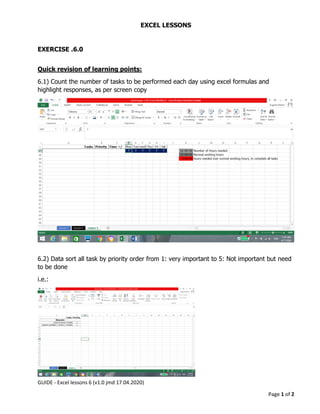
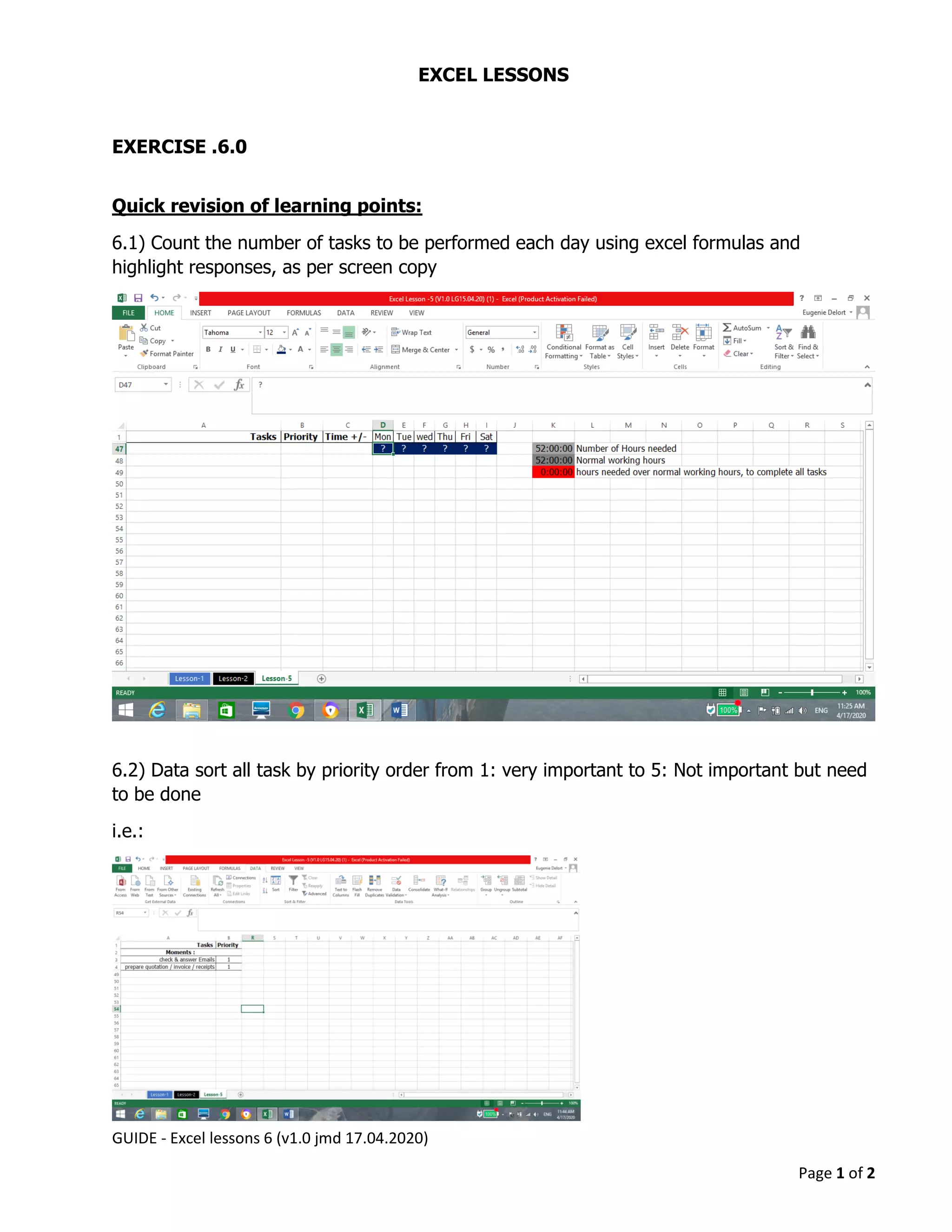
6.1) Count the number of tasks to be performed each day using excel formulas and
highlight responses, as per screen copy
6.2) Data sort all task by priority order from 1: very important to 5: Not important but need
to be done
i.e.:
GUIDE - Excel lessons 6 (v1.0 jmd 17.04.2020)
Page 2 of 2
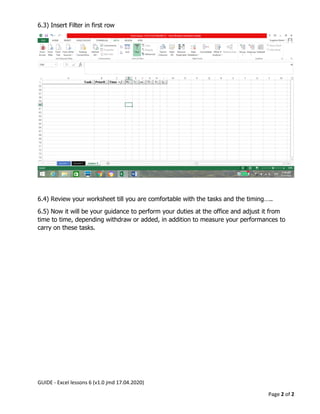
6.3) Insert Filter in first row
6.4) Review your worksheet till you are comfortable with the tasks and the timing…..
6.5) Now it will be your guidance to perform your duties at the office and adjust it from
time to time, depending withdraw or added, in addition to measure your performances to
carry on these tasks.

Guide excel lessons 6 (v1.0 jmd 17.04.2020)

  • 1.
    GUIDE - Excellessons 6 (v1.0 jmd 17.04.2020) Page 1 of 2 EXCEL LESSONS EXERCISE .6.0 Quick revision of learning points: 6.1) Count the number of tasks to be performed each day using excel formulas and highlight responses, as per screen copy 6.2) Data sort all task by priority order from 1: very important to 5: Not important but need to be done i.e.:
  • 2.
    GUIDE - Excellessons 6 (v1.0 jmd 17.04.2020) Page 2 of 2 6.3) Insert Filter in first row 6.4) Review your worksheet till you are comfortable with the tasks and the timing….. 6.5) Now it will be your guidance to perform your duties at the office and adjust it from time to time, depending withdraw or added, in addition to measure your performances to carry on these tasks.