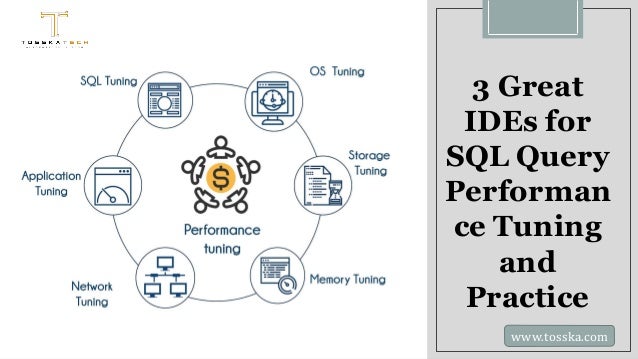
3 Great
IDEs for
SQL Query
Performan
ce Tuning
and
Practice
www.tosska.com
Whether you are a beginner in SQL or
are already familiar with the
language, you can develop your skills
faster with the right IDE. An IDE
(Integrated Development
Environment) is an application that
helps users handle different aspects
of a computer program in one place.
It generally includes a source code
editor, debugger and some build
automation tools among other
elements. Although many of us
started learning SQL with the
command line, an IDE has all the
resources that will prove
indispensable when you begin SQL
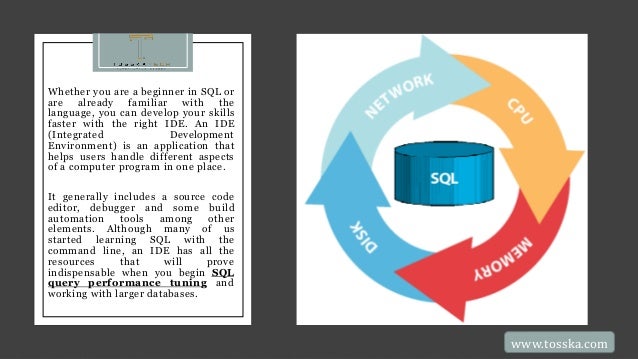
query performance tuning and
working with larger databases.
www.tosska.com
www.tosska.com
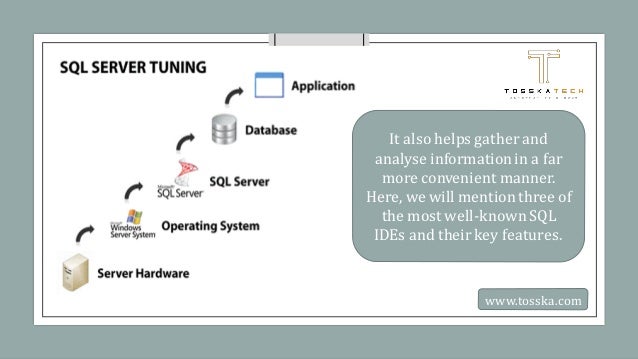
It also helps gather and
analyse informationin a far
more convenient manner.
Here, we will mention three of
the most well-known SQL
IDEs and their key features.
ELL-KNOWN
SQL IDES YOU
MUST
CONSIDER
While we are not ranking these, we
have chosen them as they are
popular in the SQL community, just
as a SQL query optimization tool
would be:
MySQL Workbench: If you use
MySQL databases, this IDE will
provide you with a visual approach
to designing, modelling, creating,
and handling databases. You can
use this software on Windows,
Mac, and Linux.
www.tosska.com
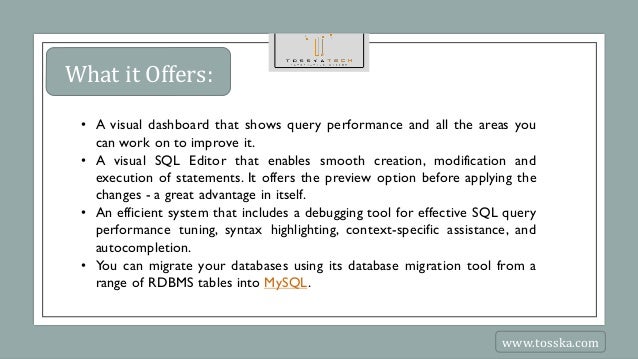
What it Offers:
• A visual dashboard that shows query performance and all the areas you
can work on to improve it.
• A visual SQL Editor that enables smooth creation, modification and
execution of statements. It offers the preview option before applying the
changes - a great advantage in itself.
• An efficient system that includes a debugging tool for effective SQL query
performance tuning, syntax highlighting, context-specific assistance, and
autocompletion.
• You can migrate your databases using its database migration tool from a
range of RDBMS tables into MySQL.
www.tosska.com
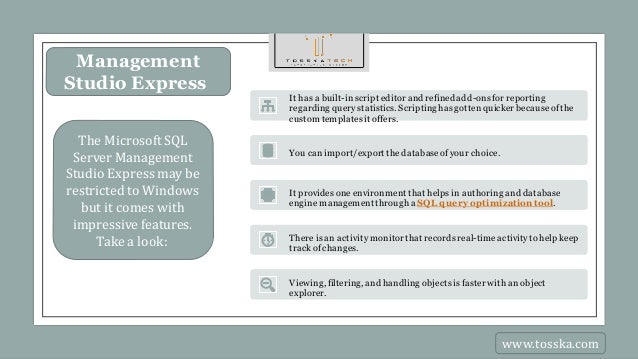
Management
Studio Express
The Microsoft SQL
Server Management
Studio Expressmay be
restricted to Windows
but it comes with
impressive features.
Take a look:
It has a built-inscript editor and refined add-onsfor reporting
regarding querystatistics. Scriptinghasgottenquicker becauseofthe
custom templatesit offers.
You canimport/export thedatabaseofyour choice.
It provides one environment that helps in authoring and database
engine managementthrough a SQL query optimization tool.
There is an activitymonitorthat recordsreal-timeactivitytohelp keep
trackof changes.
Viewing, filtering, and handling objectsisfaster with an object
explorer.
www.tosska.com
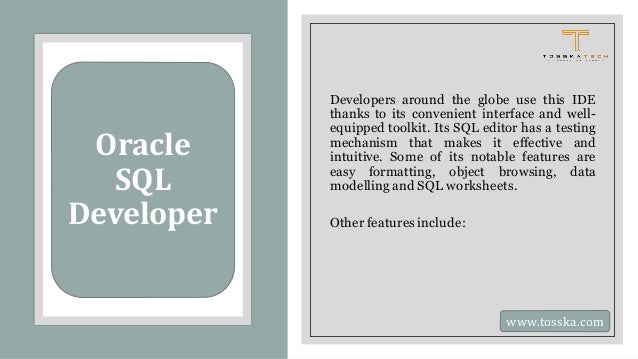
Oracle
SQL
Developer
Developers around the globe use this IDE
thanks to its convenient interface and well-
equipped toolkit. Its SQL editor has a testing
mechanism that makes it effective and
intuitive. Some of its notable features are
easy formatting, object browsing, data
modellingand SQL worksheets.
Other features include:
www.tosska.com
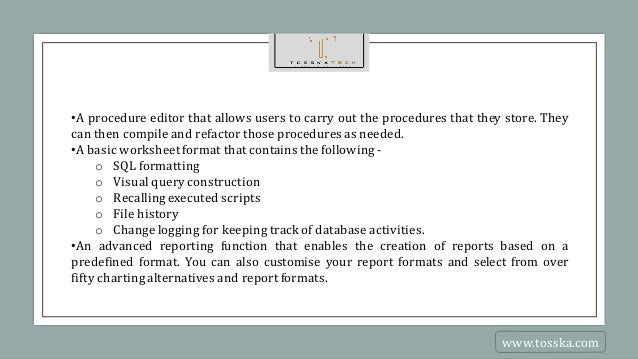
•A procedure editor that allows users to carry out the procedures that they store. They
can then compile and refactor those procedures as needed.
•A basic worksheetformat that contains the following -
o SQL formatting
o Visual query construction
o Recallingexecuted scripts
o File history
o Change logging for keeping track of database activities.
•An advanced reporting function that enables the creation of reports based on a
predefined format. You can also customise your report formats and select from over
fifty chartingalternatives and report formats.
www.tosska.com
CONCLUSION
No matter which IDE you pick, you can use its many features according to
your specific requirements. Ultimately, you can understand your database far
more clearly through the reporting of your choosing.
www.tosska.com
www.tosska.com

Great IDEs for SQL Query Performance Tuning and Practice.pdf

  • 1.
    3 Great IDEs for SQLQuery Performan ce Tuning and Practice www.tosska.com
  • 2.
    Whether you area beginner in SQL or are already familiar with the language, you can develop your skills faster with the right IDE. An IDE (Integrated Development Environment) is an application that helps users handle different aspects of a computer program in one place. It generally includes a source code editor, debugger and some build automation tools among other elements. Although many of us started learning SQL with the command line, an IDE has all the resources that will prove indispensable when you begin SQL query performance tuning and working with larger databases. www.tosska.com
  • 3.
    www.tosska.com It also helpsgather and analyse informationin a far more convenient manner. Here, we will mention three of the most well-known SQL IDEs and their key features.
  • 4.
    ELL-KNOWN SQL IDES YOU MUST CONSIDER Whilewe are not ranking these, we have chosen them as they are popular in the SQL community, just as a SQL query optimization tool would be: MySQL Workbench: If you use MySQL databases, this IDE will provide you with a visual approach to designing, modelling, creating, and handling databases. You can use this software on Windows, Mac, and Linux. www.tosska.com
  • 5.
    What it Offers: •A visual dashboard that shows query performance and all the areas you can work on to improve it. • A visual SQL Editor that enables smooth creation, modification and execution of statements. It offers the preview option before applying the changes - a great advantage in itself. • An efficient system that includes a debugging tool for effective SQL query performance tuning, syntax highlighting, context-specific assistance, and autocompletion. • You can migrate your databases using its database migration tool from a range of RDBMS tables into MySQL. www.tosska.com
  • 6.
    Management Studio Express The MicrosoftSQL Server Management Studio Expressmay be restricted to Windows but it comes with impressive features. Take a look: It has a built-inscript editor and refined add-onsfor reporting regarding querystatistics. Scriptinghasgottenquicker becauseofthe custom templatesit offers. You canimport/export thedatabaseofyour choice. It provides one environment that helps in authoring and database engine managementthrough a SQL query optimization tool. There is an activitymonitorthat recordsreal-timeactivitytohelp keep trackof changes. Viewing, filtering, and handling objectsisfaster with an object explorer. www.tosska.com
  • 7.
    Oracle SQL Developer Developers around theglobe use this IDE thanks to its convenient interface and well- equipped toolkit. Its SQL editor has a testing mechanism that makes it effective and intuitive. Some of its notable features are easy formatting, object browsing, data modellingand SQL worksheets. Other features include: www.tosska.com
  • 8.
    •A procedure editorthat allows users to carry out the procedures that they store. They can then compile and refactor those procedures as needed. •A basic worksheetformat that contains the following - o SQL formatting o Visual query construction o Recallingexecuted scripts o File history o Change logging for keeping track of database activities. •An advanced reporting function that enables the creation of reports based on a predefined format. You can also customise your report formats and select from over fifty chartingalternatives and report formats. www.tosska.com
  • 9.
    CONCLUSION No matter whichIDE you pick, you can use its many features according to your specific requirements. Ultimately, you can understand your database far more clearly through the reporting of your choosing. www.tosska.com
  • 10.