Downloaded 32 times

![For this you
must have a
GitHub
account from
www.github.
com
You have to sign in your GitHub account for this.
Ans. Because it’s a
GitHub software so
you must login by their
login info. Cool ! ?
Q. Why I need to
sign in by GitHub?
You said we can use
GitLab by this!
[P.s] If you don’t have
any GitHub account go
create too its take
maximum 2 mins. -_-](https://image.slidesharecdn.com/gitlabwithgithubdesktop-180522215522/85/Gitlab-with-github-desktop-9-320.jpg)

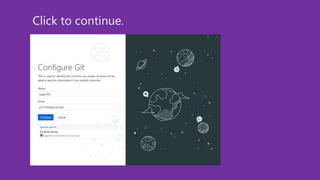
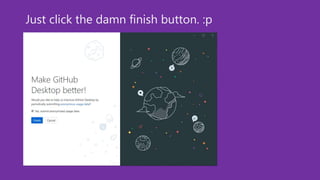

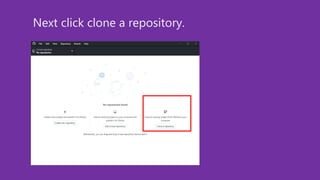
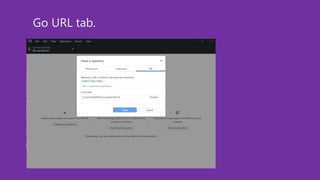

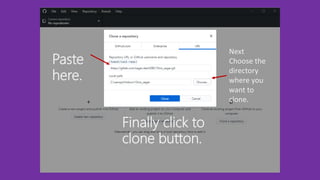
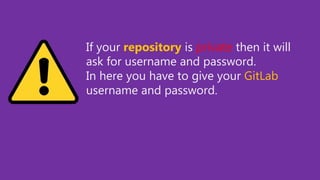

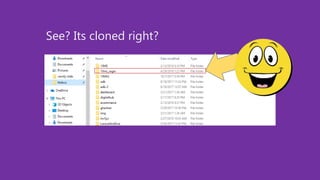
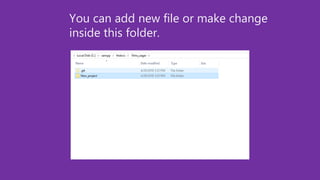
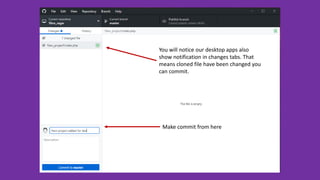
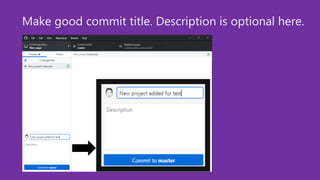
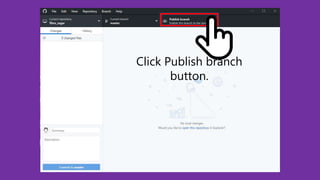
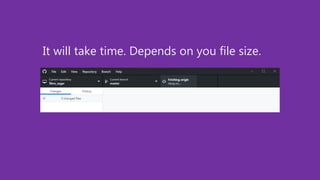
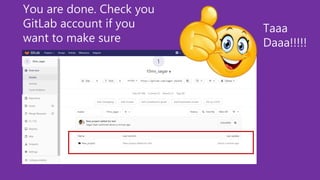


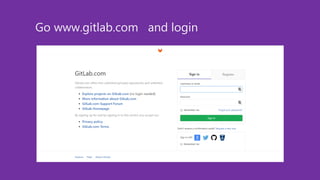
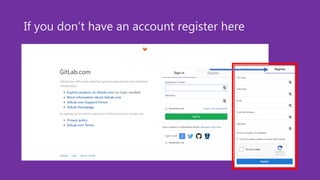
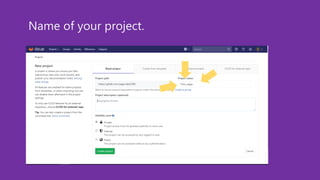
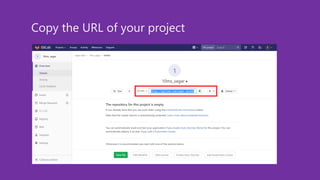
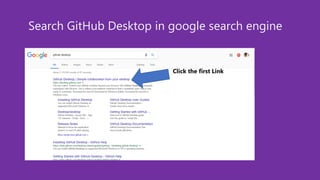
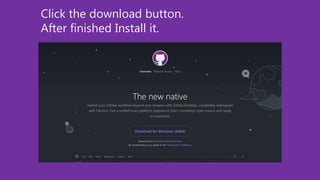
The document provides step-by-step instructions for cloning a GitLab project repository using GitHub Desktop. It explains that the user must have a GitHub account to sign into GitHub Desktop. It then outlines the process of signing into GitHub Desktop, cloning the GitLab repository URL, and making and committing changes to the local files which will then be pushed back to the GitLab repository.


![[CB16] Be a Binary Rockstar: An Introduction to Program Analysis with Binary ...](https://cdn.slidesharecdn.com/ss_thumbnails/cb16dantoineen-161109043343-thumbnail.jpg?width=640&height=640&fit=bounds)


