Download to read offline


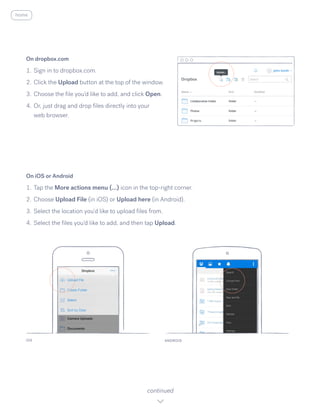
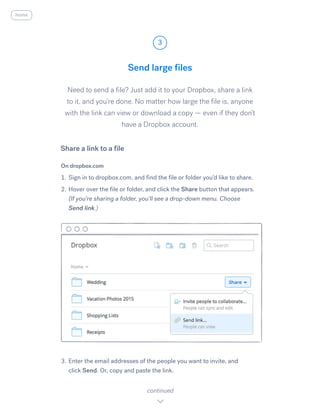


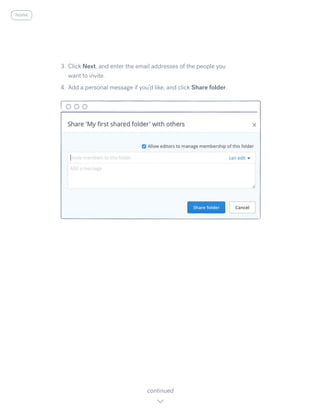


1. The document provides instructions for using Dropbox to store and share files across devices. It explains how to install Dropbox on computers and mobile devices, upload and access files from any device, and share files and folders with others by generating links or setting up shared folders. 2. Dropbox allows users to automatically save files to the cloud and access them from any device by installing the Dropbox app. Files can be shared with others by generating links or setting up collaborative shared folders. 3. Instructions are given for getting started with Dropbox on different devices, uploading and accessing files, sharing files and folders with links or shared folders, and collaborating with others on documents through Dropbox.


