


Introduction to
Performance Tuning
with Azure SQL
Database
April 26, 2017
About John Sterrett
2
@johnsterrett
johnsterrett.com
procuresql.com
linkedin.com/in/johnsterrett
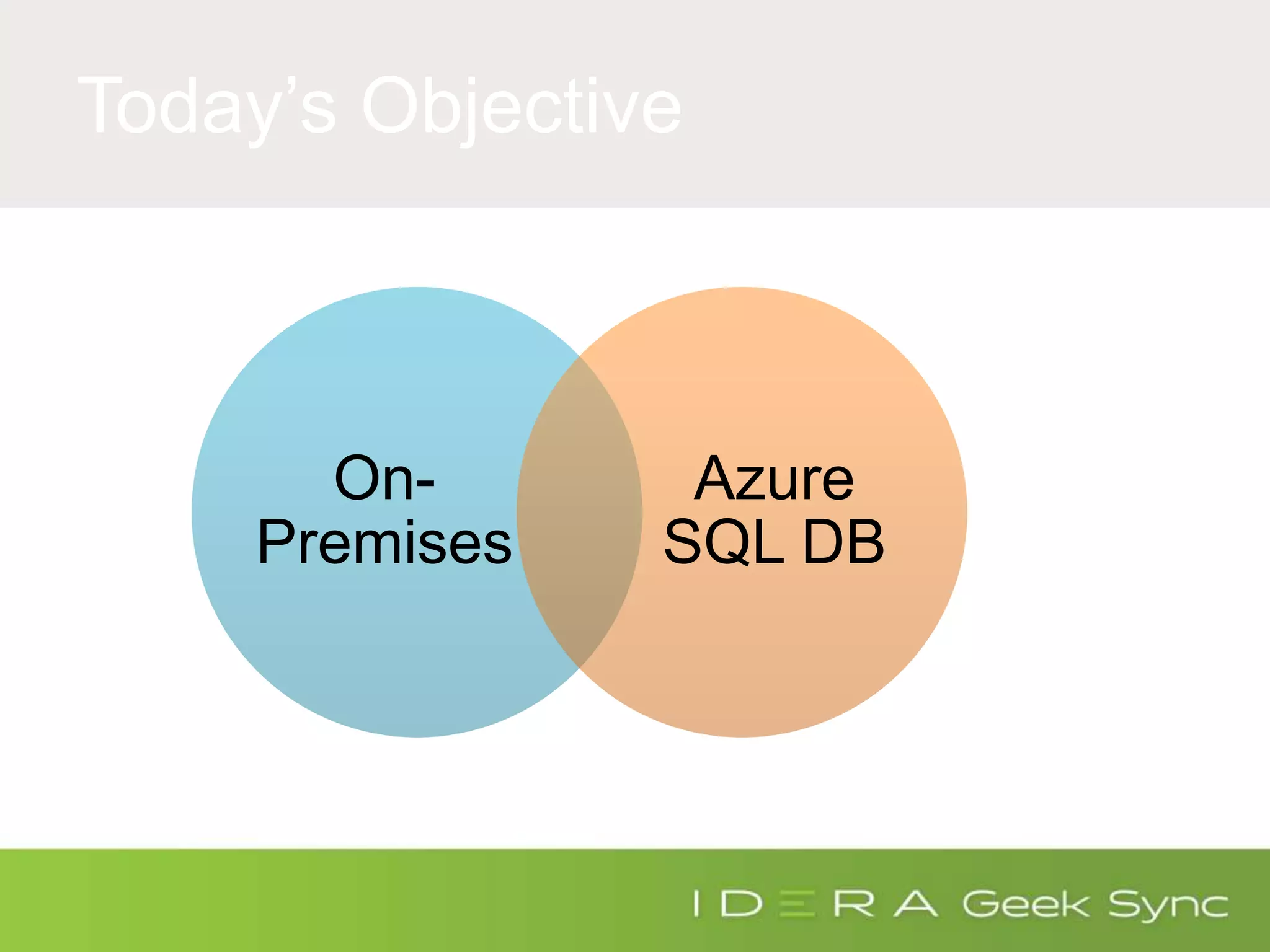
Today’s Objective
On-
Premises
Azure
SQL DB
Performance Tuning On-Premises
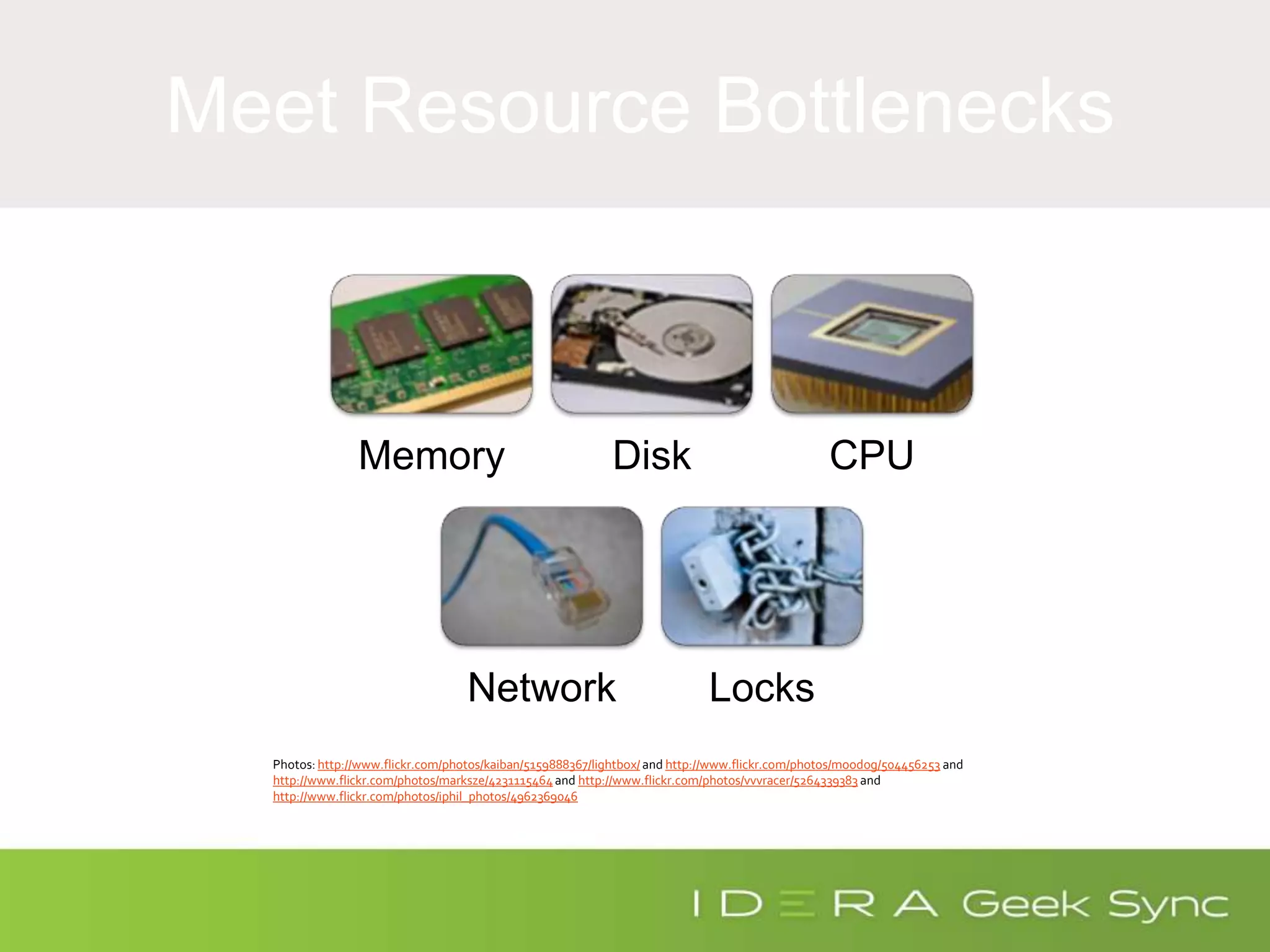
Meet Resource Bottlenecks
Memory Disk CPU
Network Locks
Photos: http://www.flickr.com/photos/kaiban/5159888367/lightbox/ and http://www.flickr.com/photos/moodog/504456253 and
http://www.flickr.com/photos/marksze/4231115464and http://www.flickr.com/photos/vvvracer/5264339383 and
http://www.flickr.com/photos/iphil_photos/4962369046
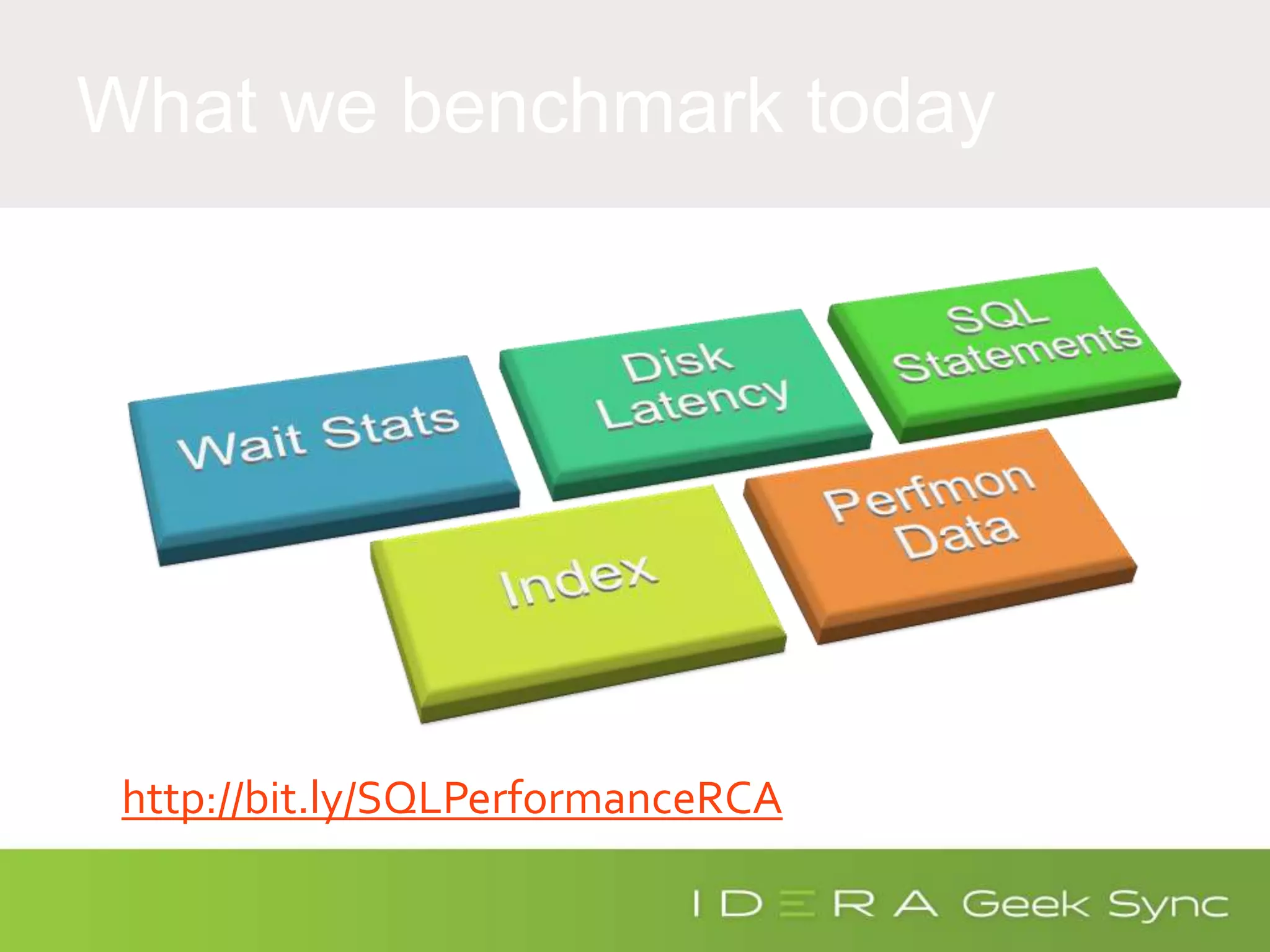
What we benchmark today
http://bit.ly/SQLPerformanceRCA
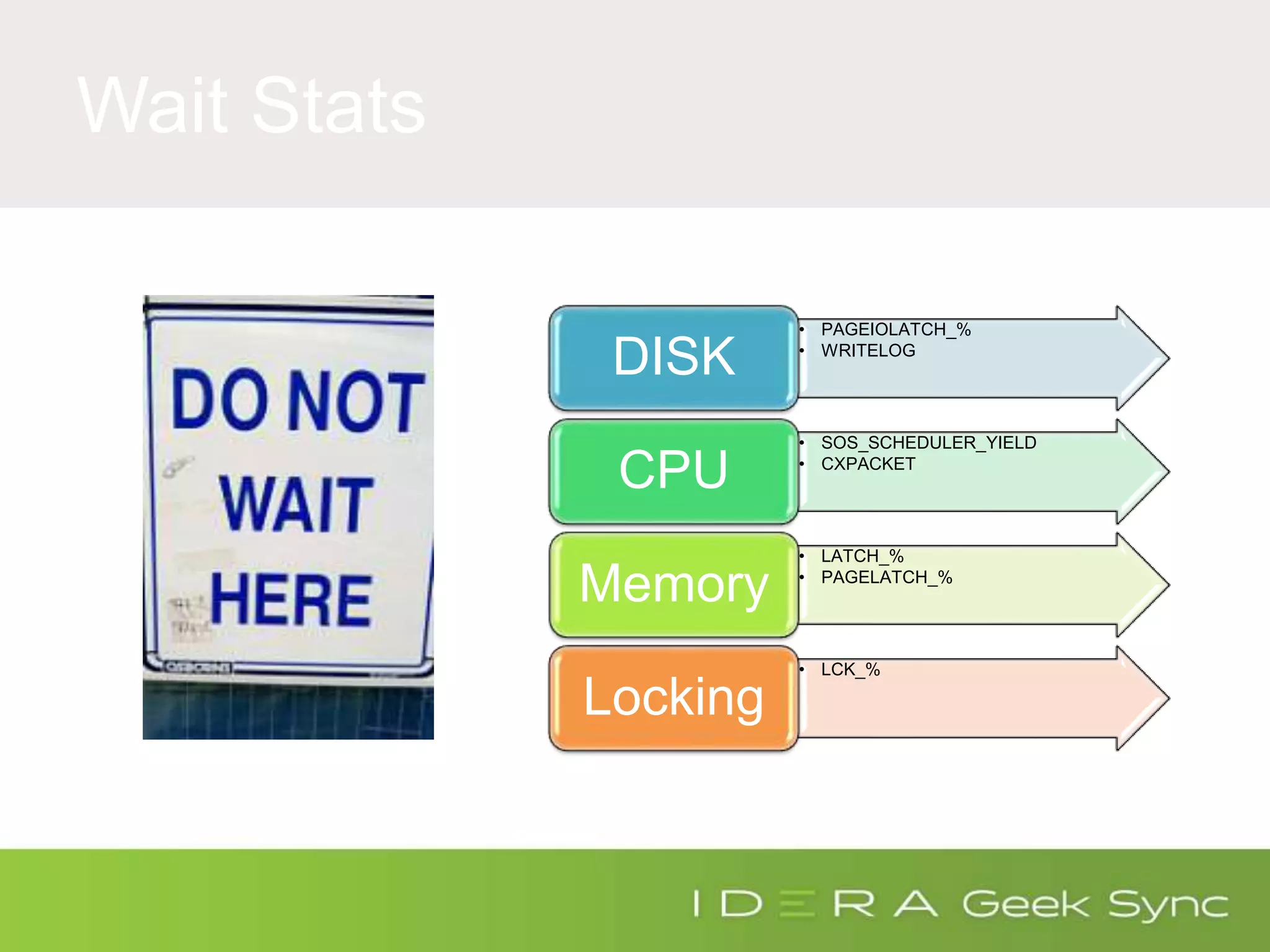
Wait Stats
• PAGEIOLATCH_%
• WRITELOG
DISK
• SOS_SCHEDULER_YIELD
• CXPACKET
CPU
• LATCH_%
• PAGELATCH_%
Memory
• LCK_%
Locking
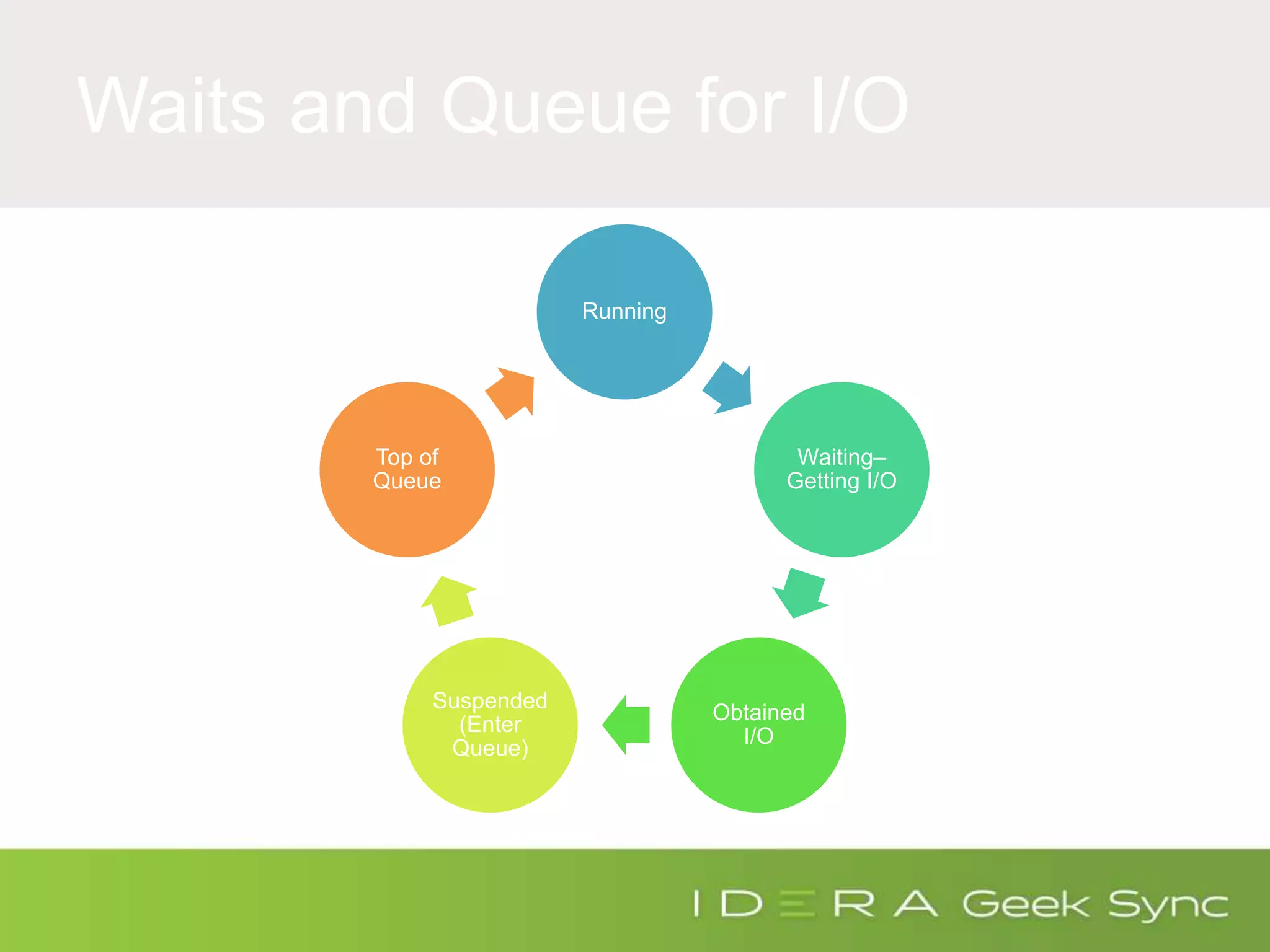
Waits and Queue for I/O
Running
Waiting–
Getting I/O
Obtained
I/O
Suspended
(Enter
Queue)
Top of
Queue
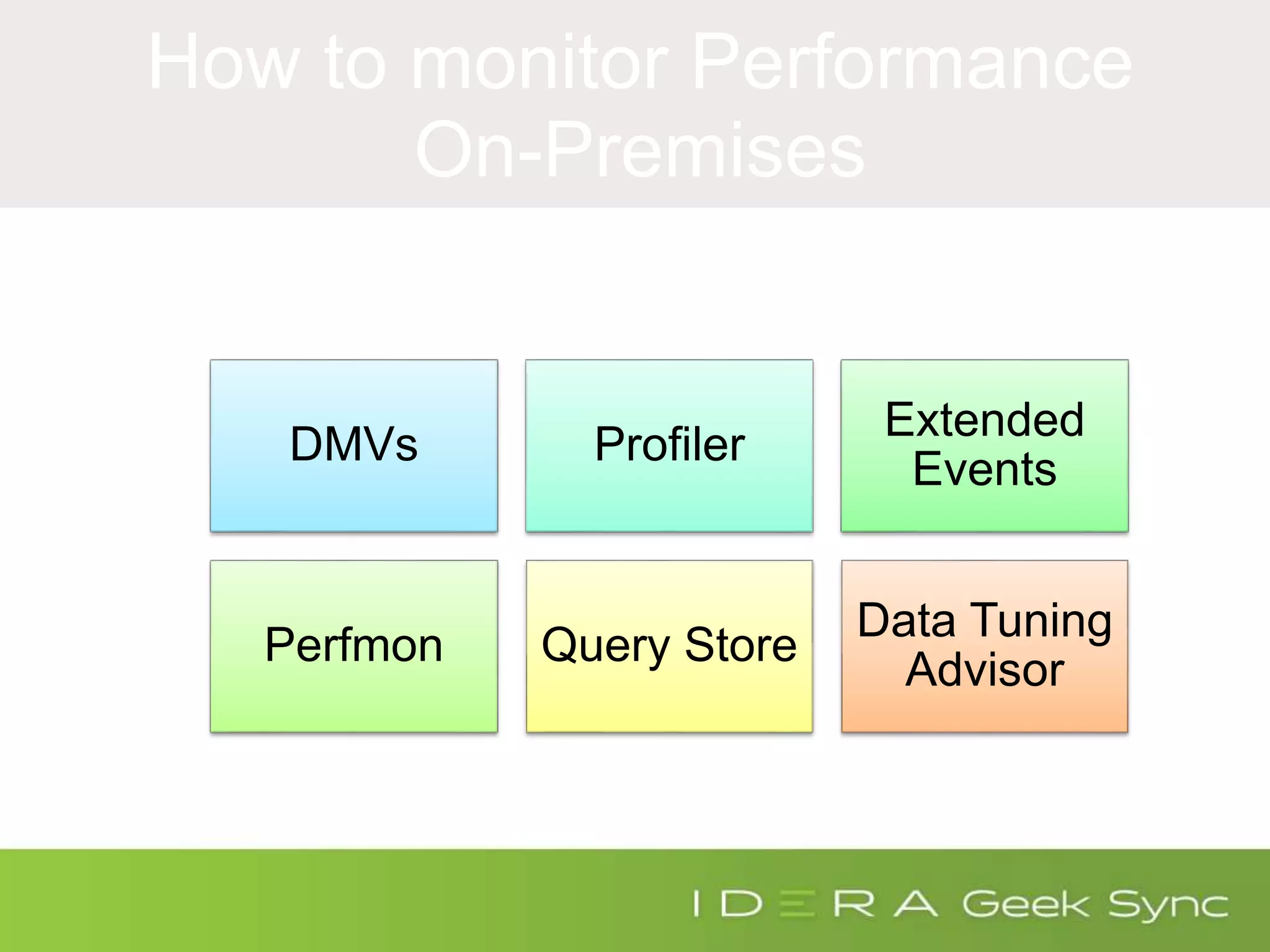
How to monitor Performance
On-Premises
DMVs Profiler
Extended
Events
Perfmon Query Store
Data Tuning
Advisor
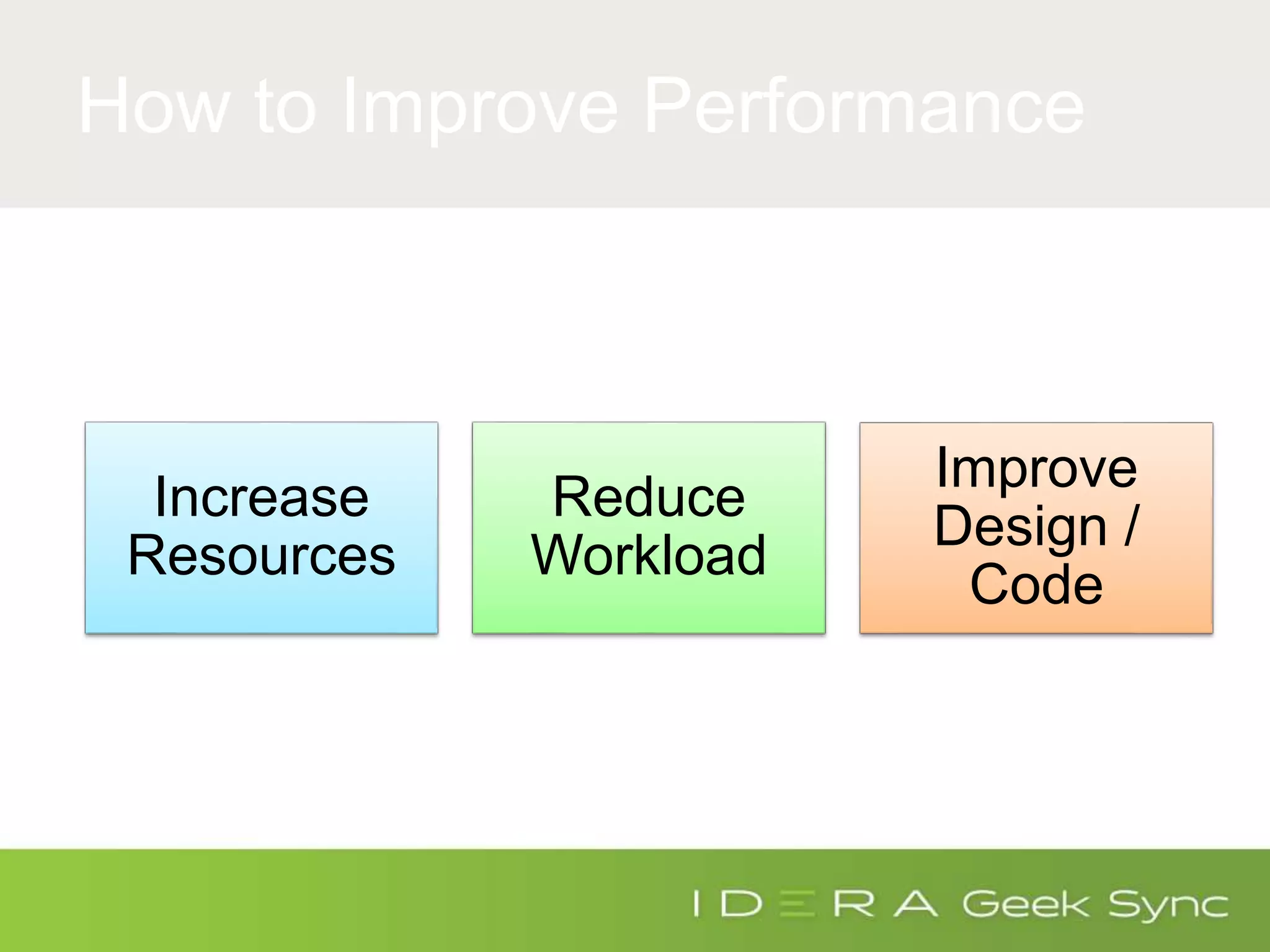
How to Improve Performance
Increase
Resources
Reduce
Workload
Improve
Design /
Code
Benchmarking
Performance in Azure
SQL Database
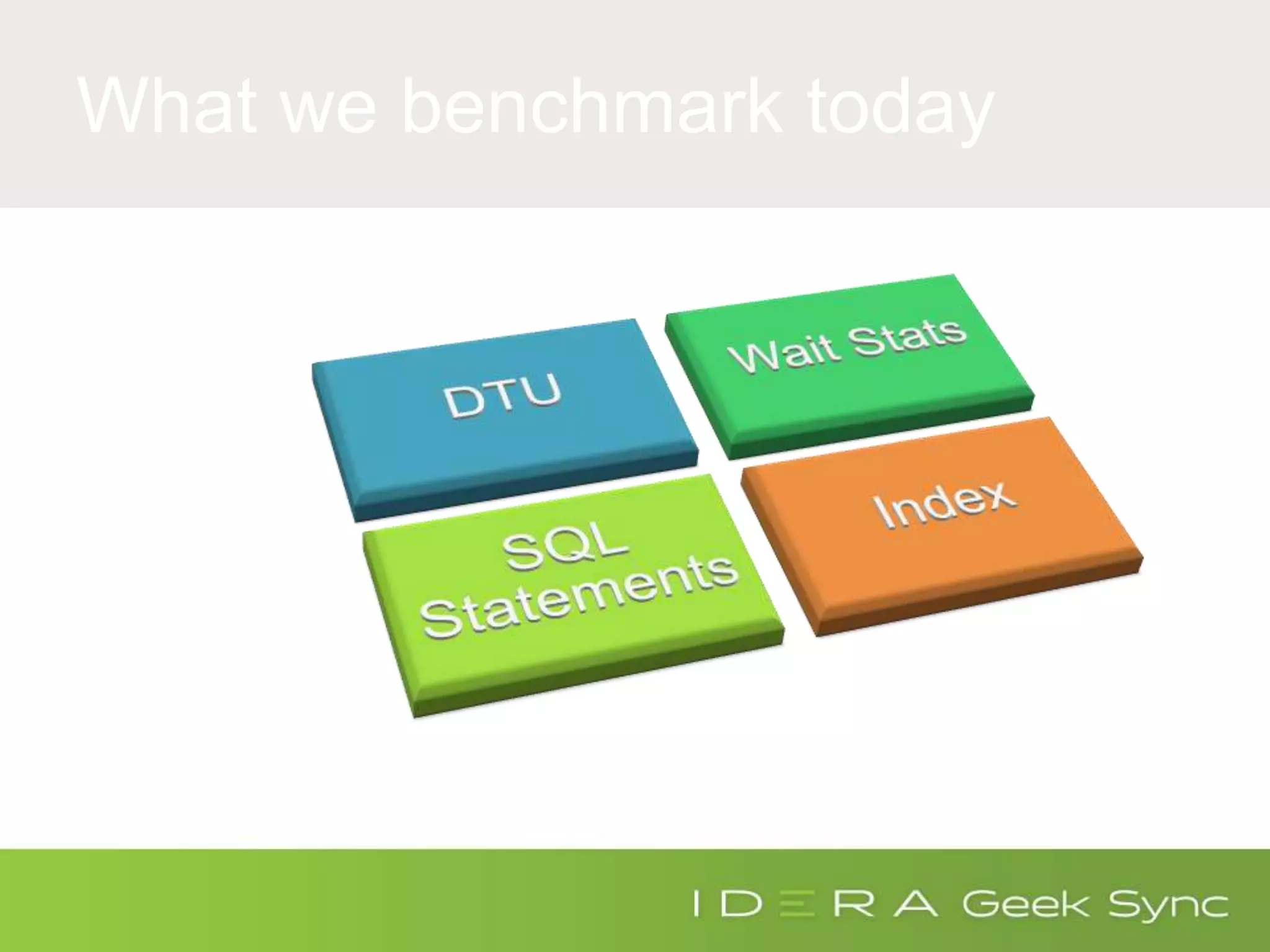
What we benchmark today
Calculating DTU
What is DTU?
The Database Transaction Unit (DTU)
* DTU is the unit of measure in SQL
Database that represents the relative
power of databases based on a real-
world measure: the database
transaction.
Reference: https://azure.microsoft.com/en-us/documentation/articles/sql-database-performance-guidance/
What the DTU….
Did anyone understand what DTU
Means? What is Power of
database based on real-world
measure?
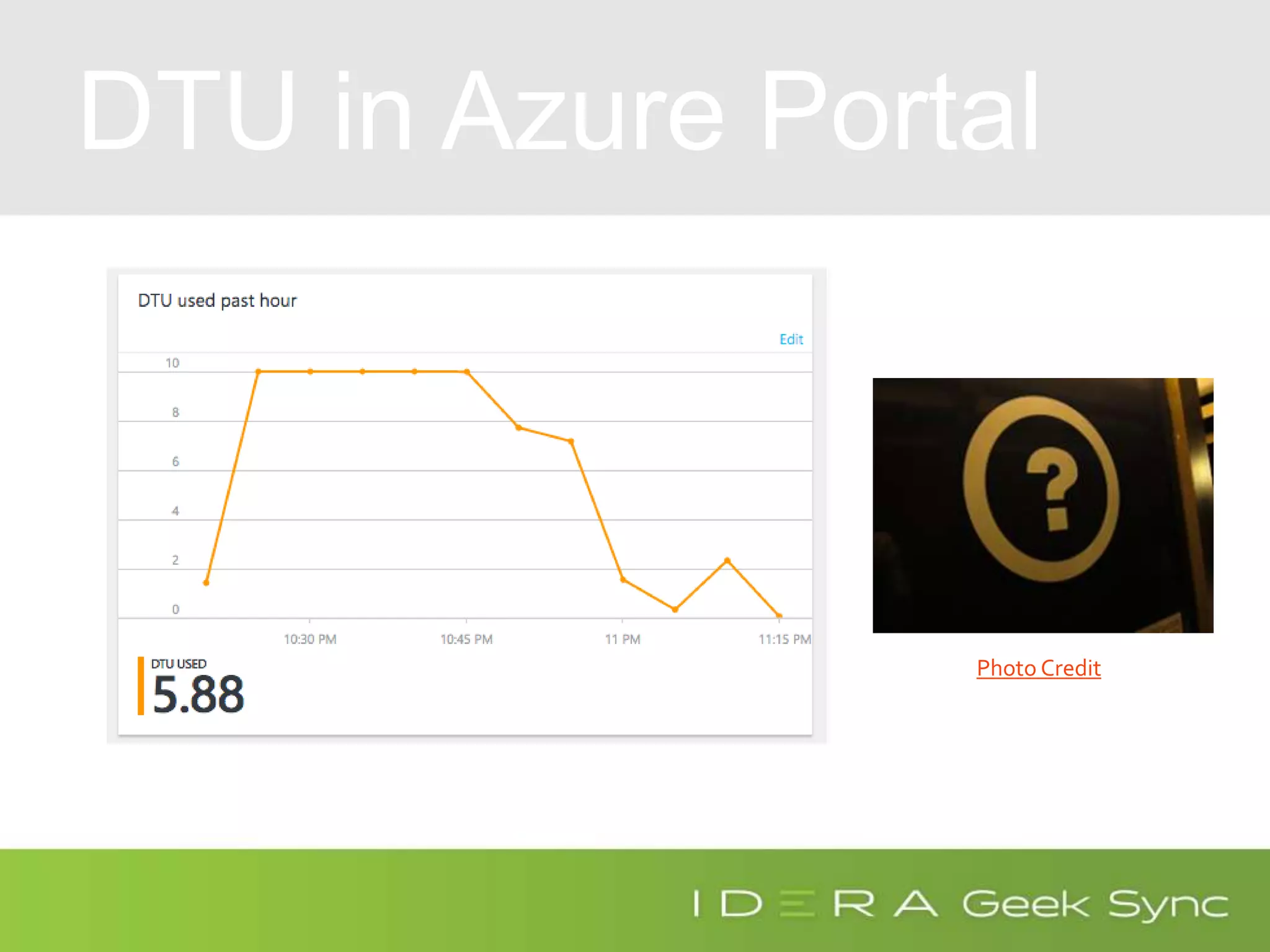
DTU in Azure Portal
Photo Credit
What Really is DTU?
Photo Credithttp://bit.ly/AzureDTU
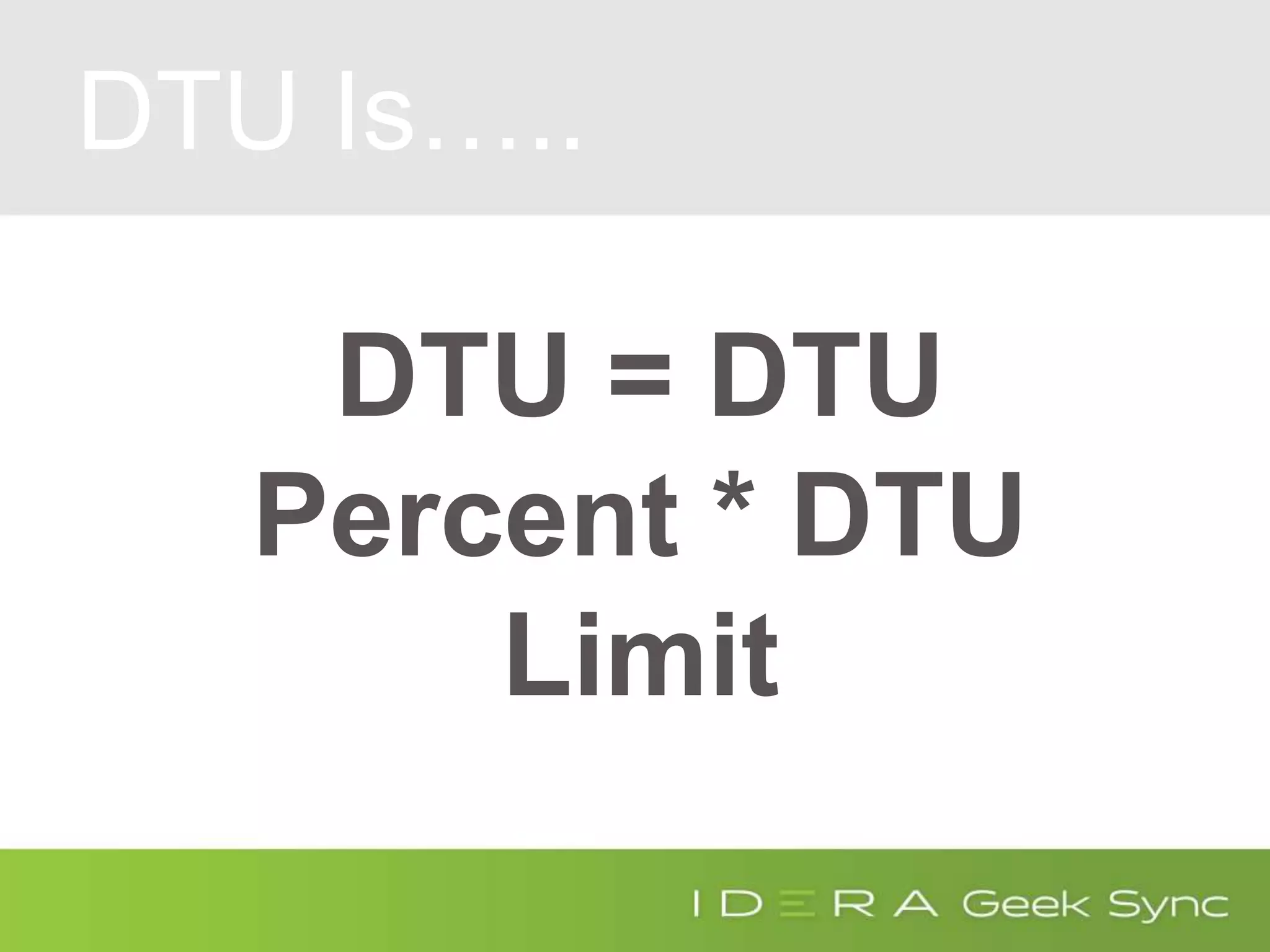
DTU Is…..
DTU = DTU
Percent * DTU
Limit
What Really is DTU?
Photo Credithttp://bit.ly/AzureDTU
DTU Percent
(SELECT Max(v)
FROM (VALUES (avg_cpu_percent),
(avg_data_io_percent),
(avg_log_write_percent)) AS
value(v)) AS [avg_DTU_percent]
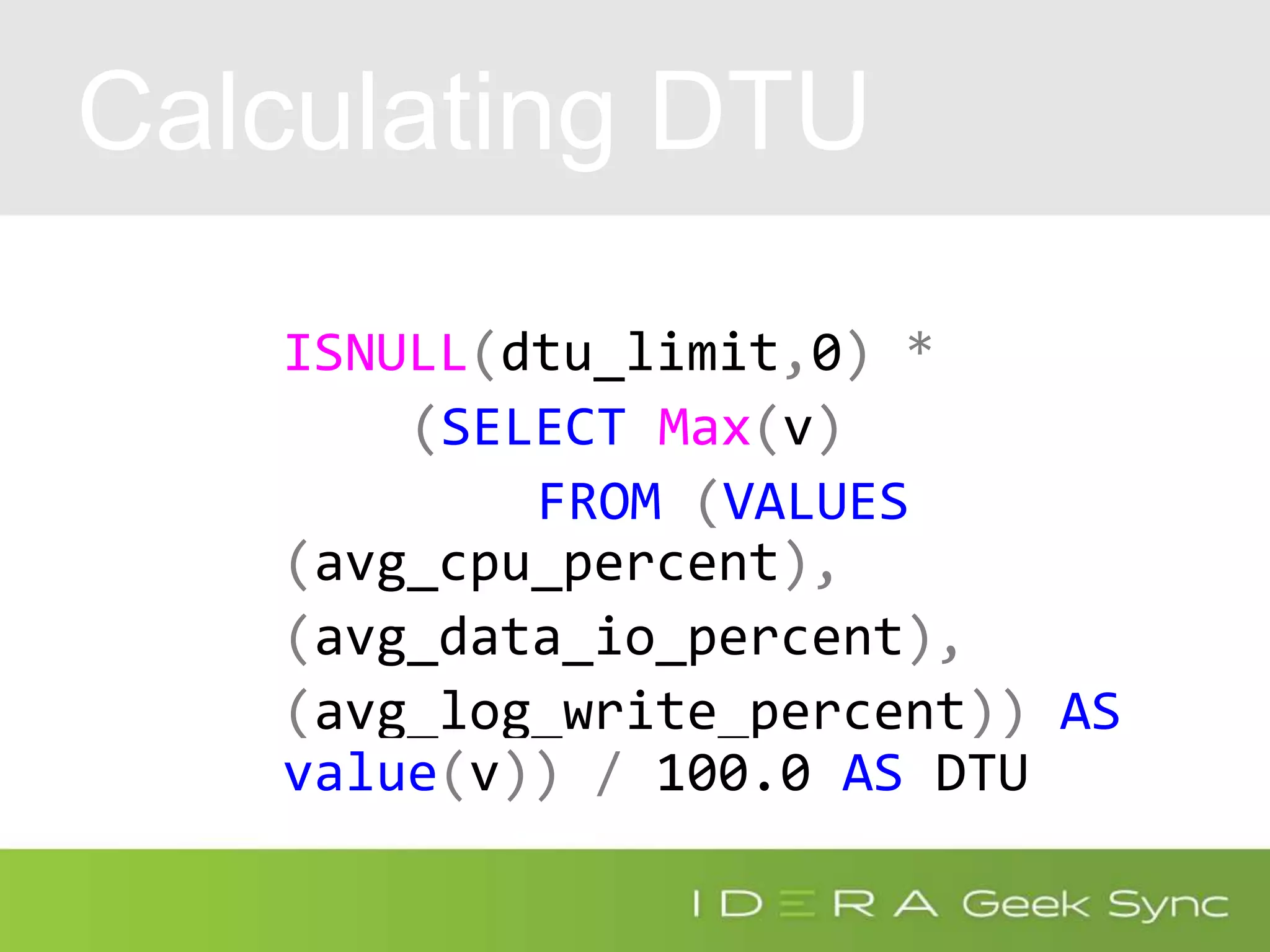
Calculating DTU
ISNULL(dtu_limit,0) *
(SELECT Max(v)
FROM (VALUES
(avg_cpu_percent),
(avg_data_io_percent),
(avg_log_write_percent)) AS
value(v)) / 100.0 AS DTU
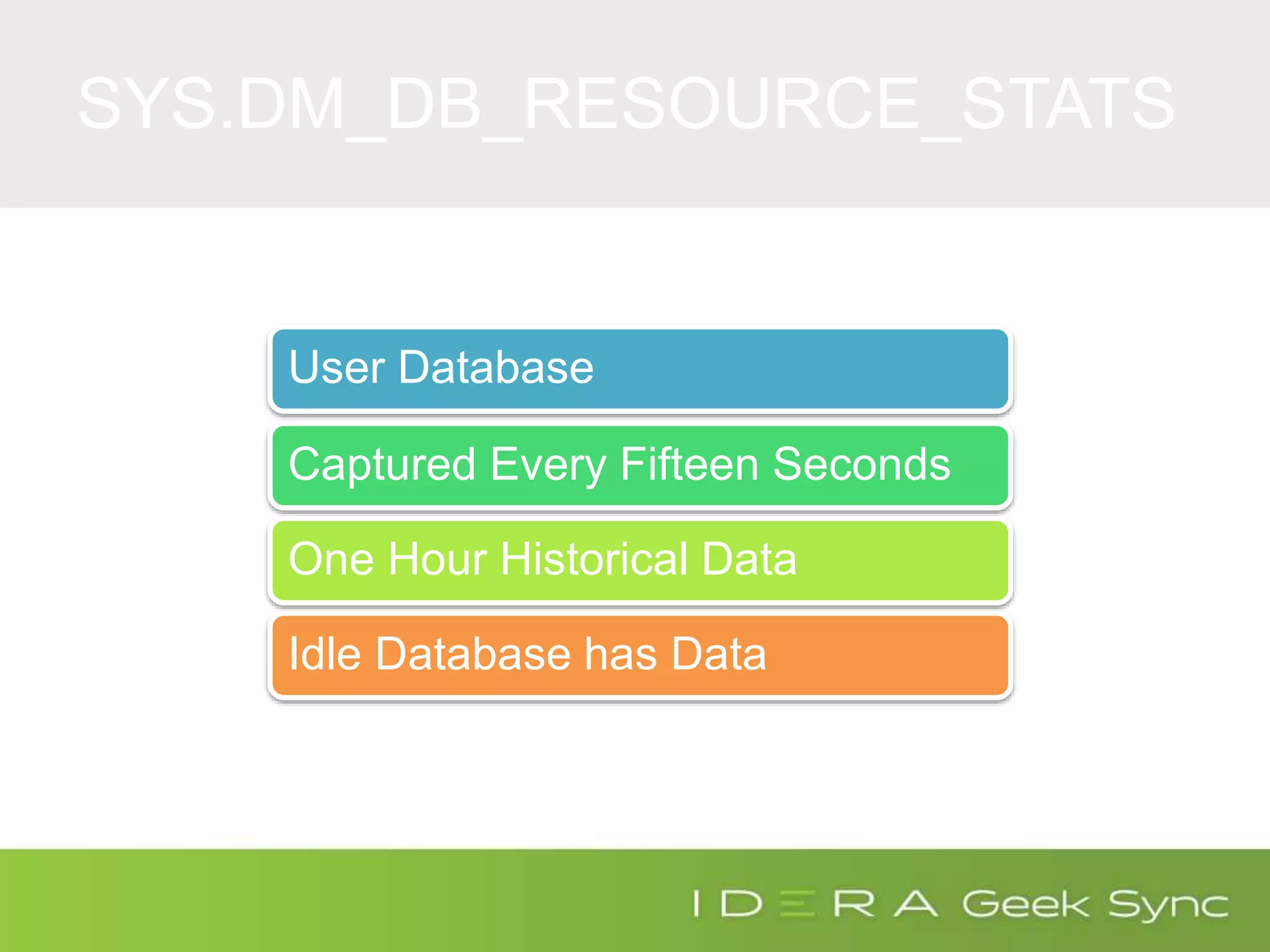
SYS.DM_DB_RESOURCE_STATS
User Database
Captured Every Fifteen Seconds
One Hour Historical Data
Idle Database has Data
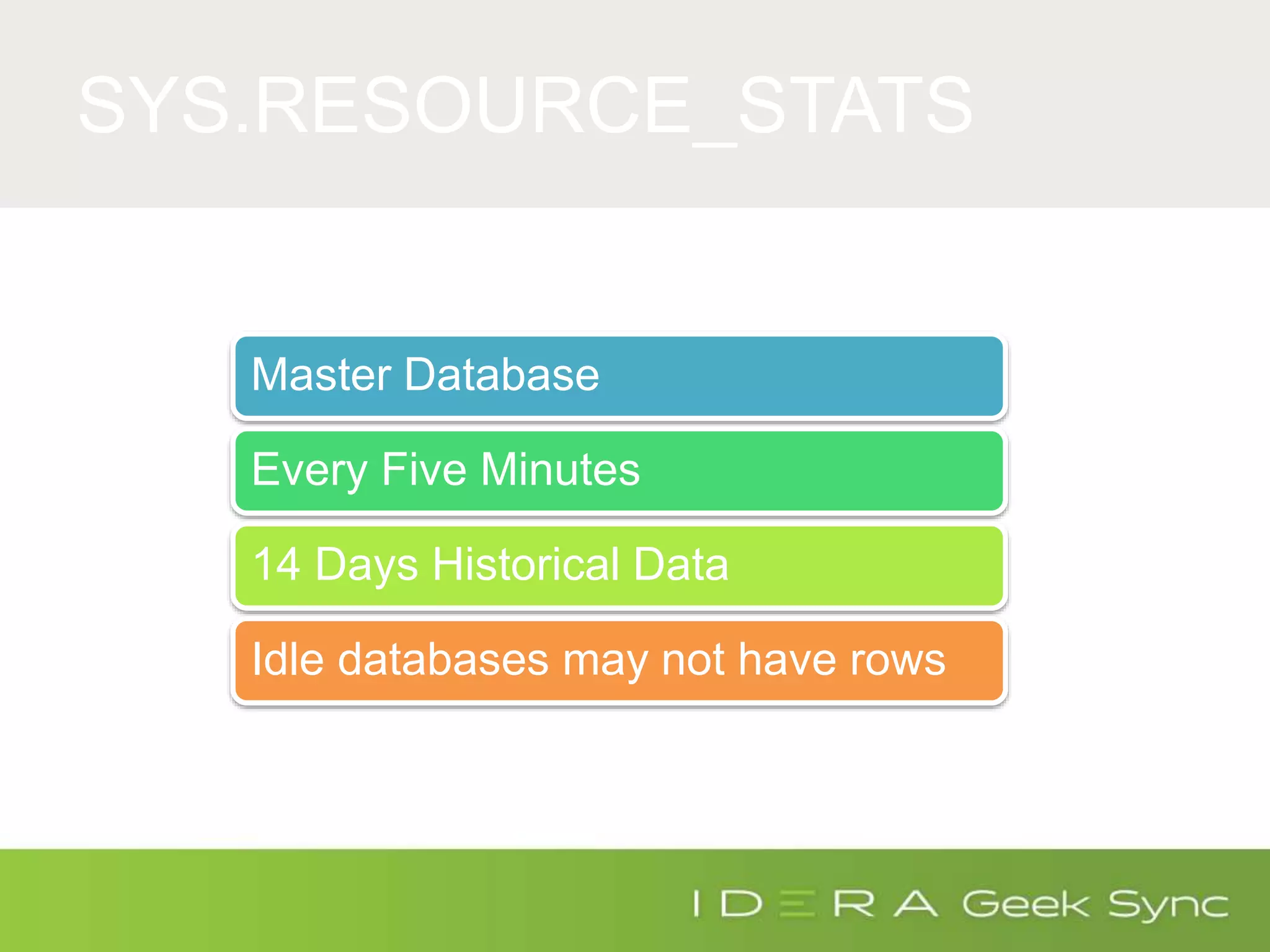
SYS.RESOURCE_STATS
Master Database
Every Five Minutes
14 Days Historical Data
Idle databases may not have rows
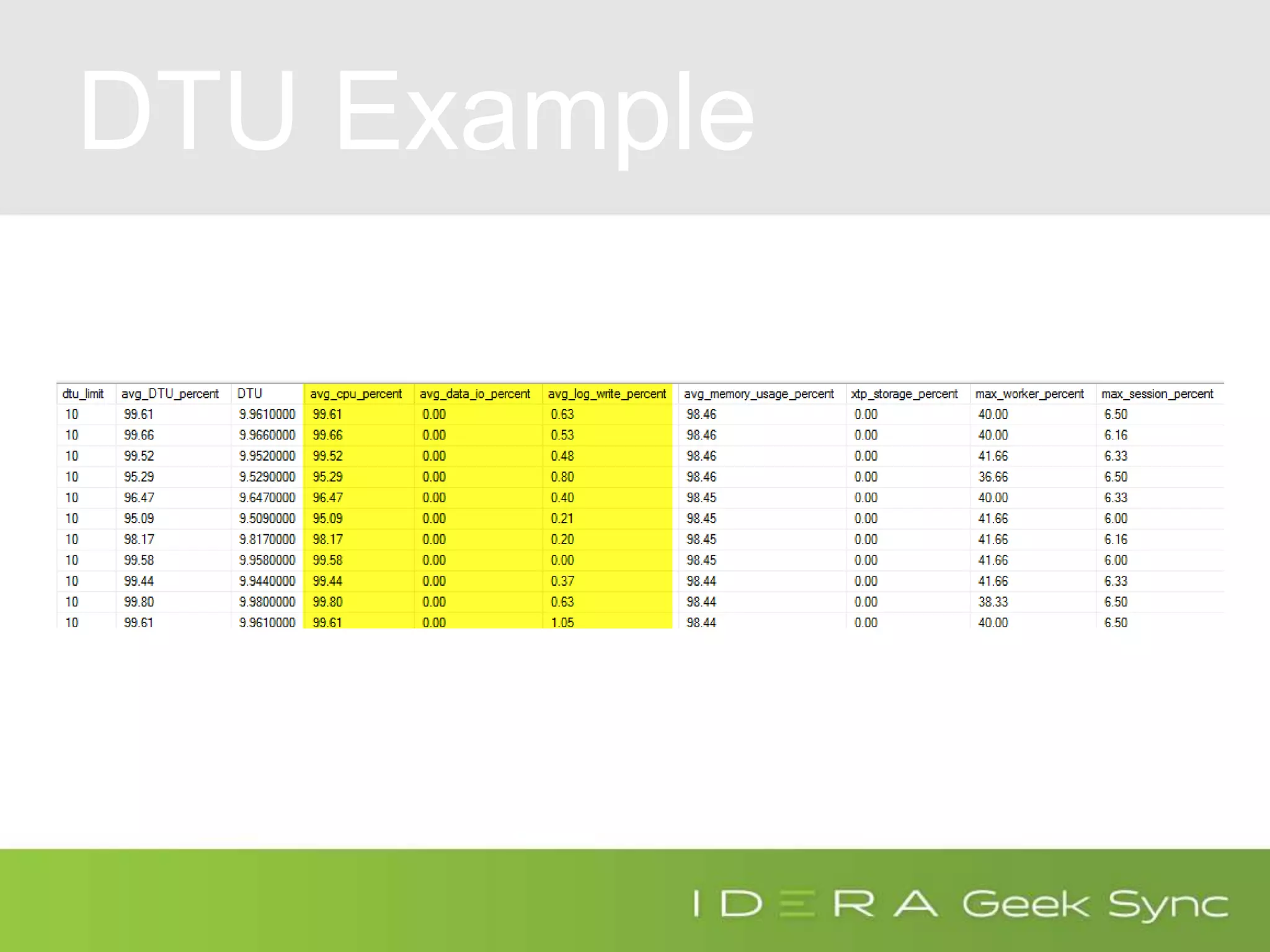
DTU Example
Azure Wait Stats
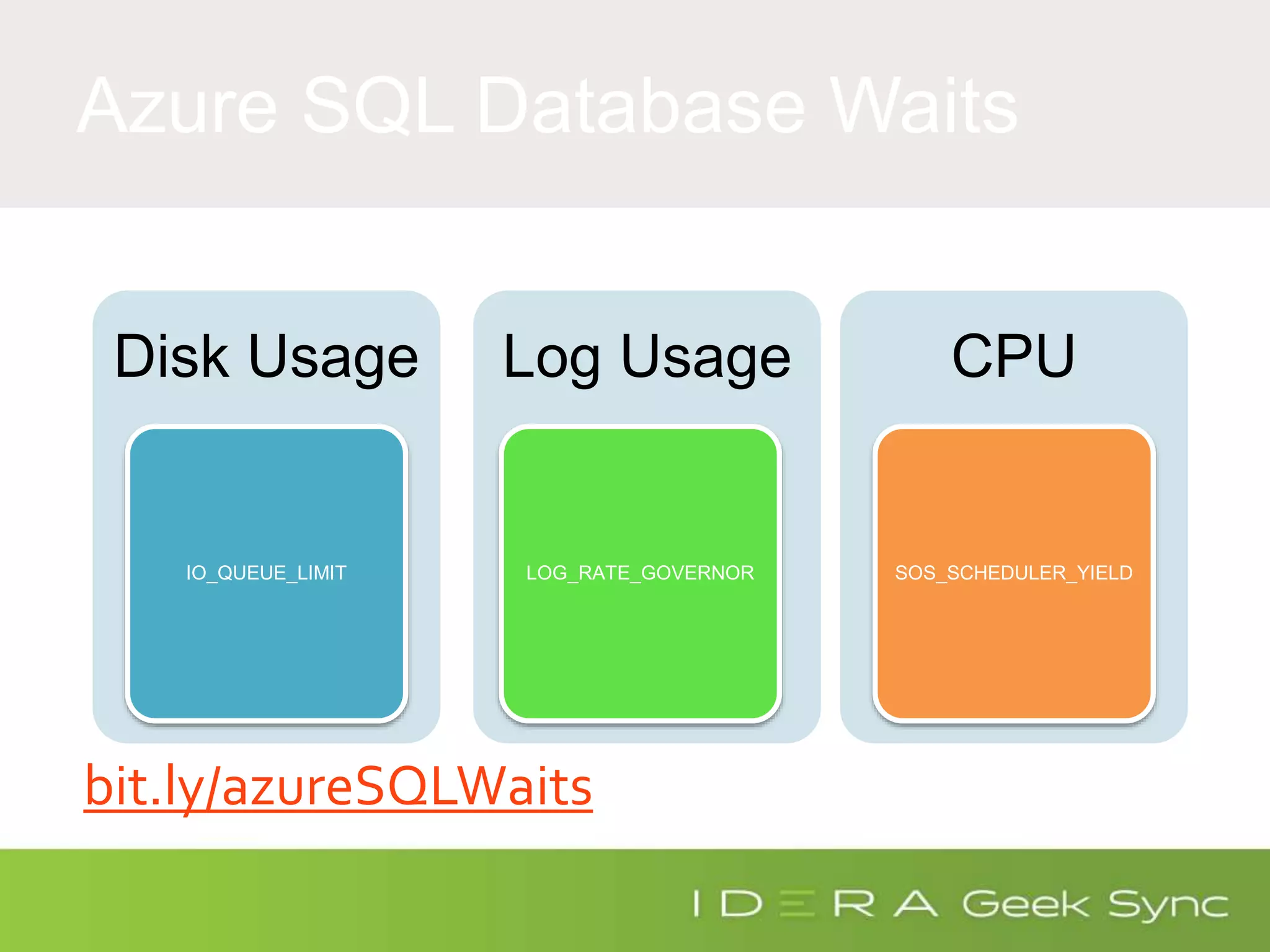
Azure SQL Database Waits
Disk Usage
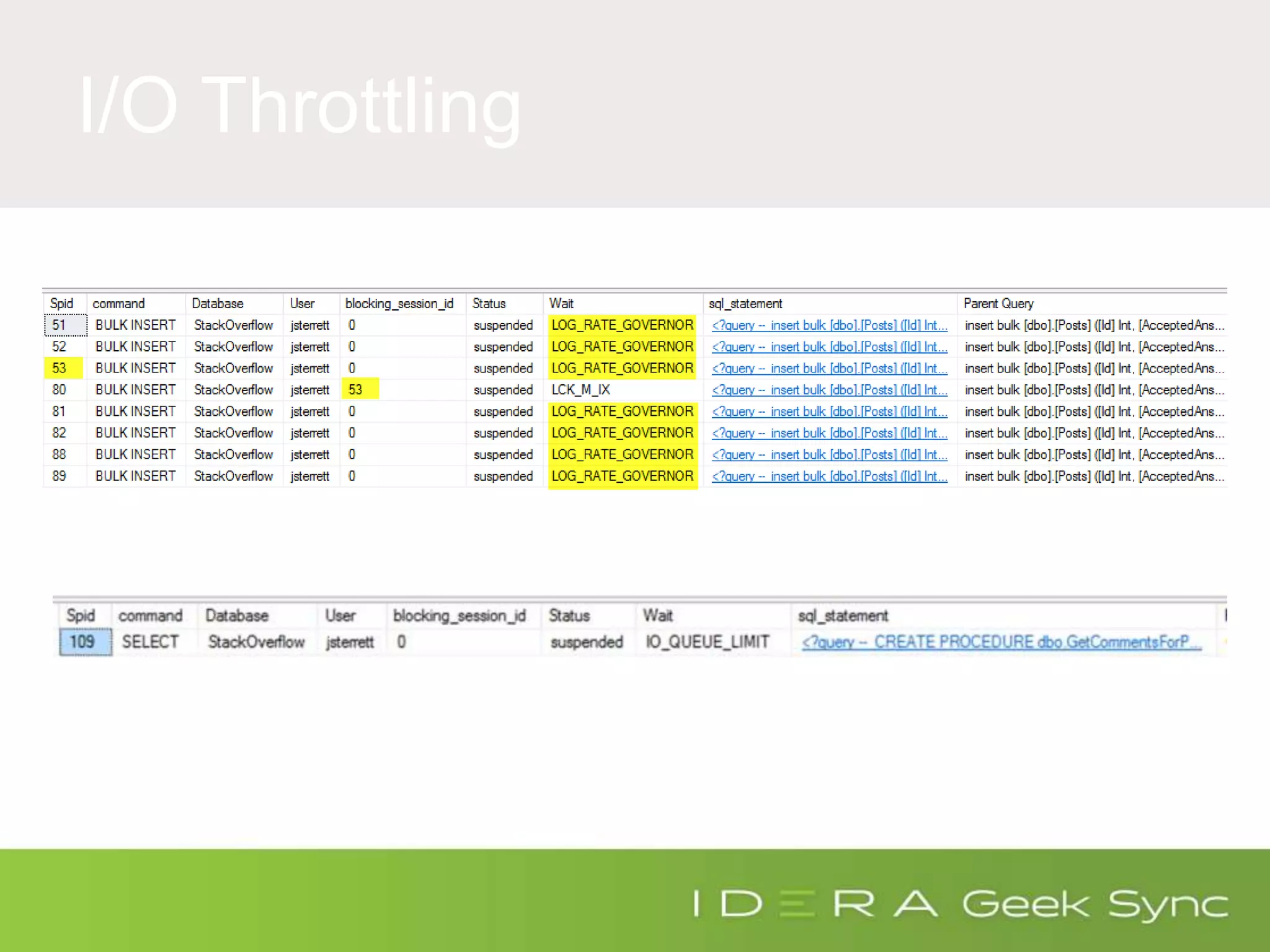
IO_QUEUE_LIMIT
Log Usage
LOG_RATE_GOVERNOR
CPU
SOS_SCHEDULER_YIELD
bit.ly/azureSQLWaits
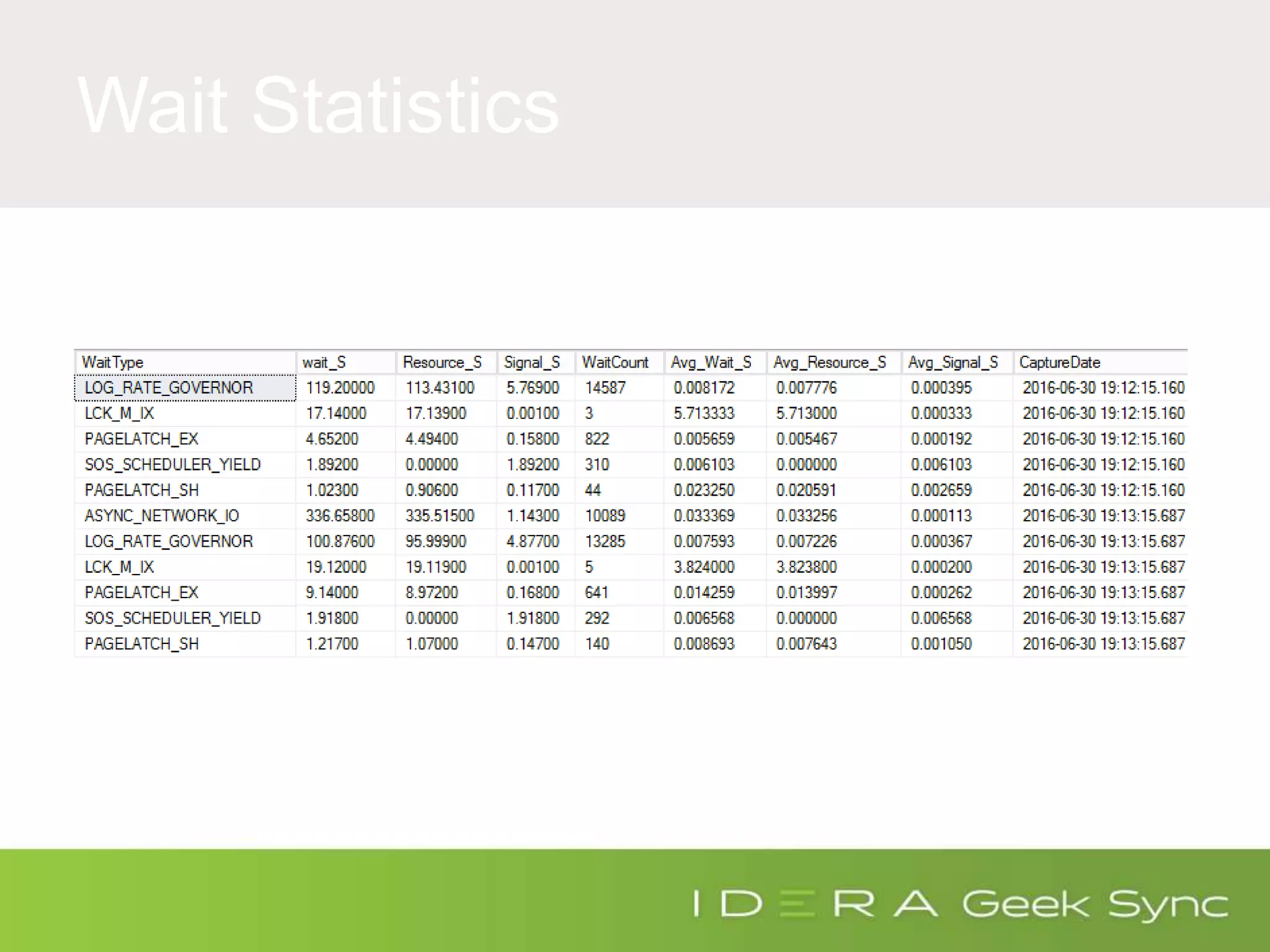
Wait Statistics
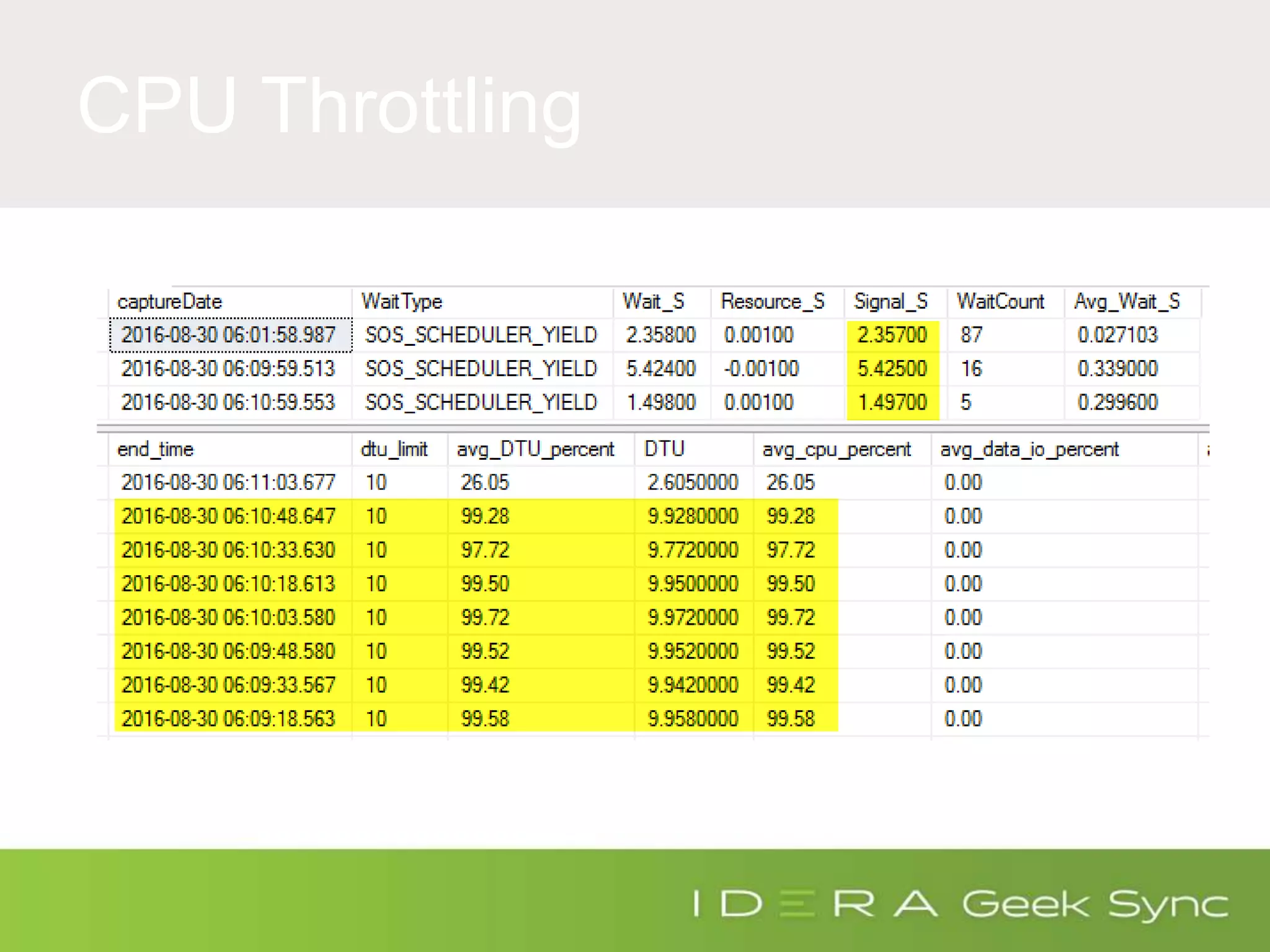
CPU Throttling
I/O Throttling
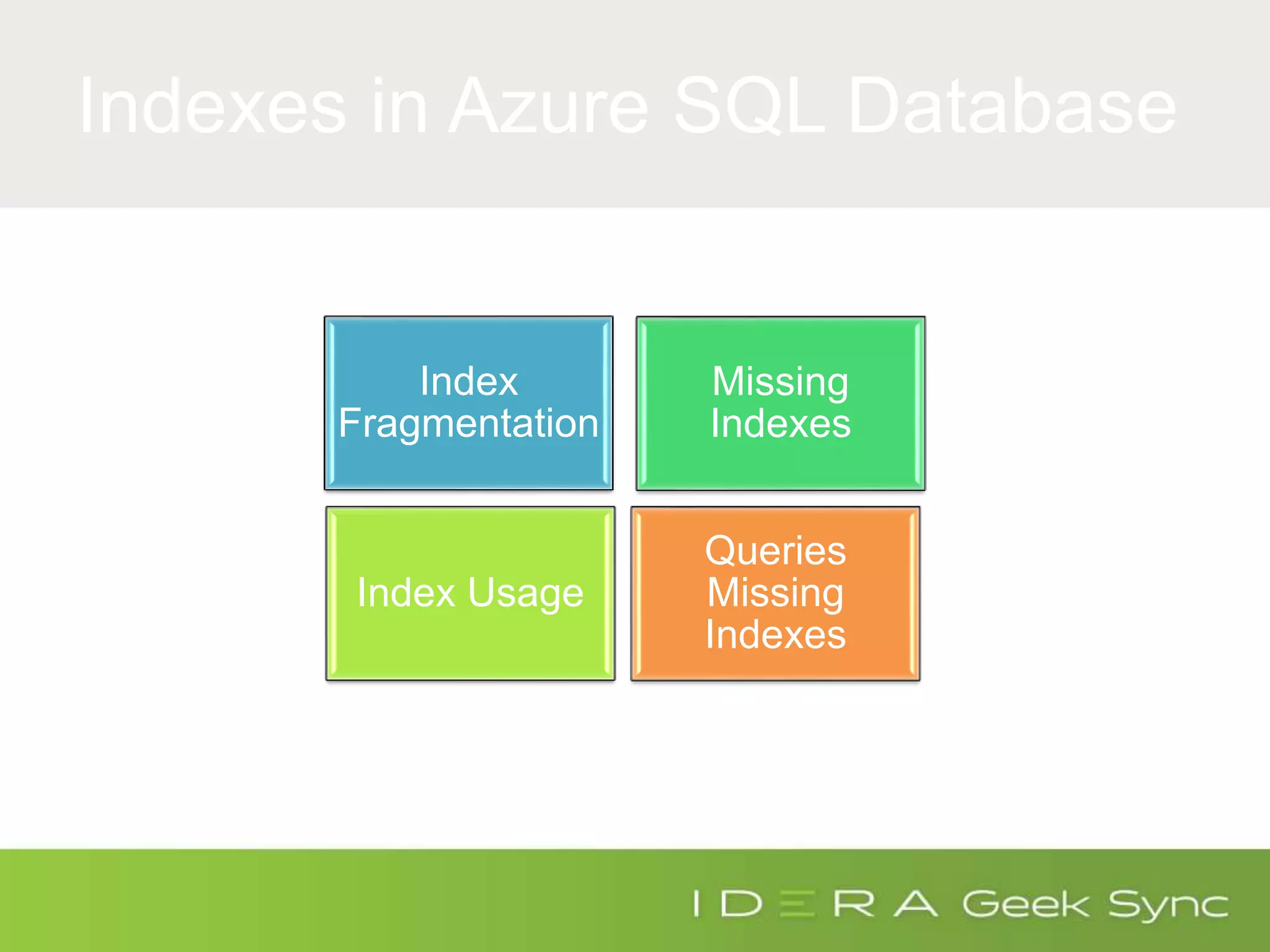
Indexes in Azure SQL Database
Index
Fragmentation
Missing
Indexes
Index Usage
Queries
Missing
Indexes
Performance Tuning
Tools
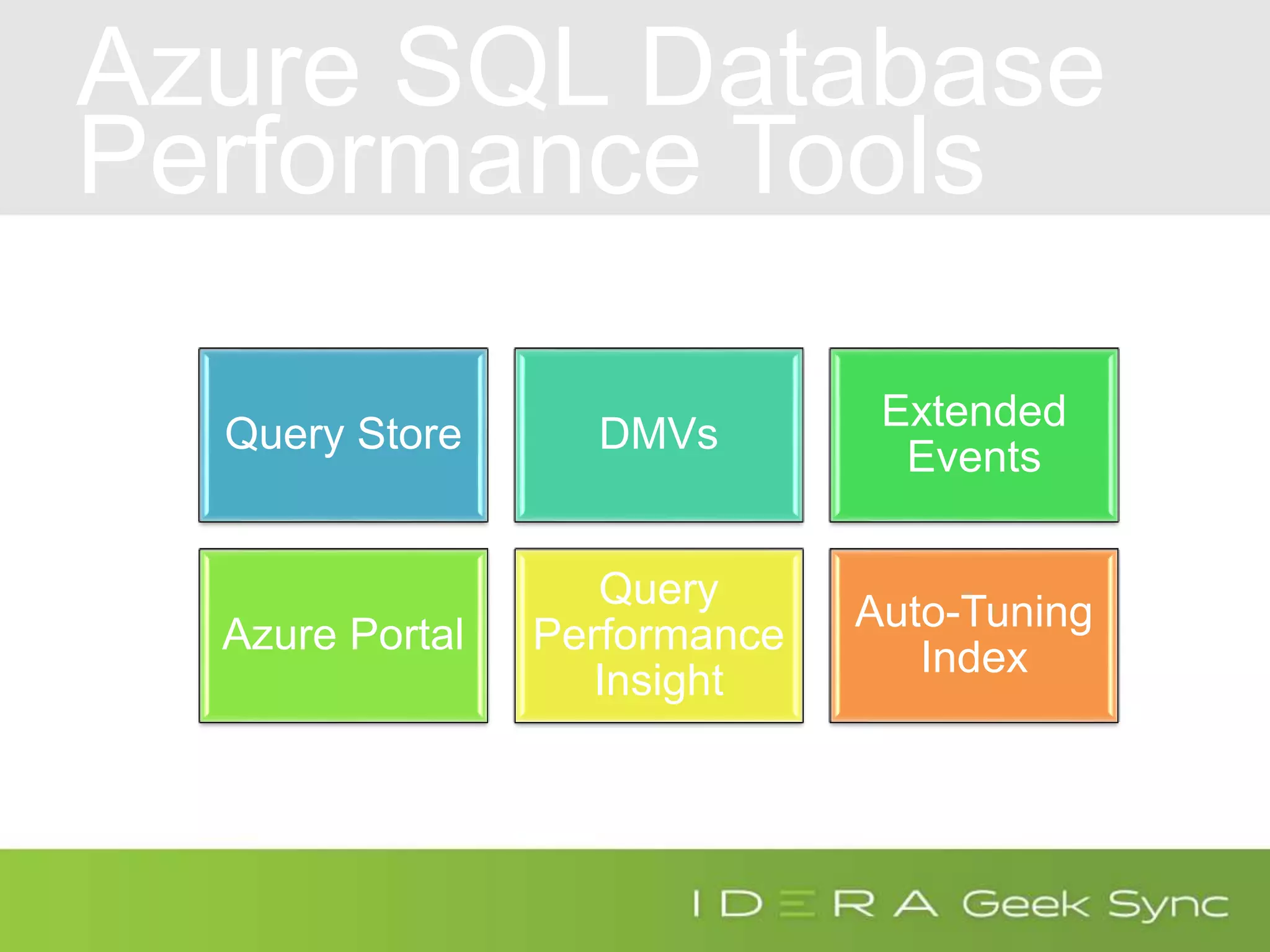
Azure SQL Database
Performance Tools
Query Store DMVs
Extended
Events
Azure Portal
Query
Performance
Insight
Auto-Tuning
Index
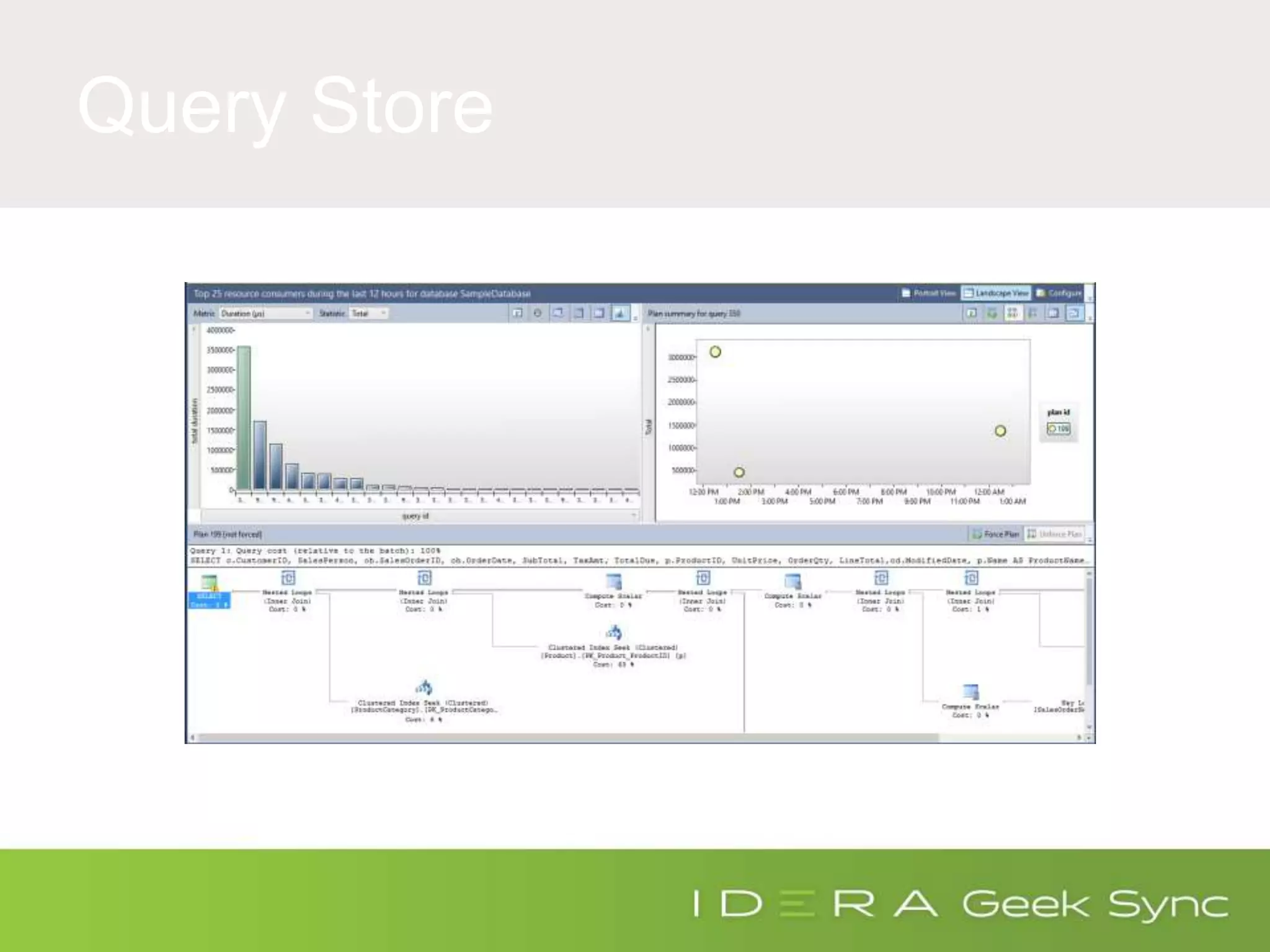
Query Store
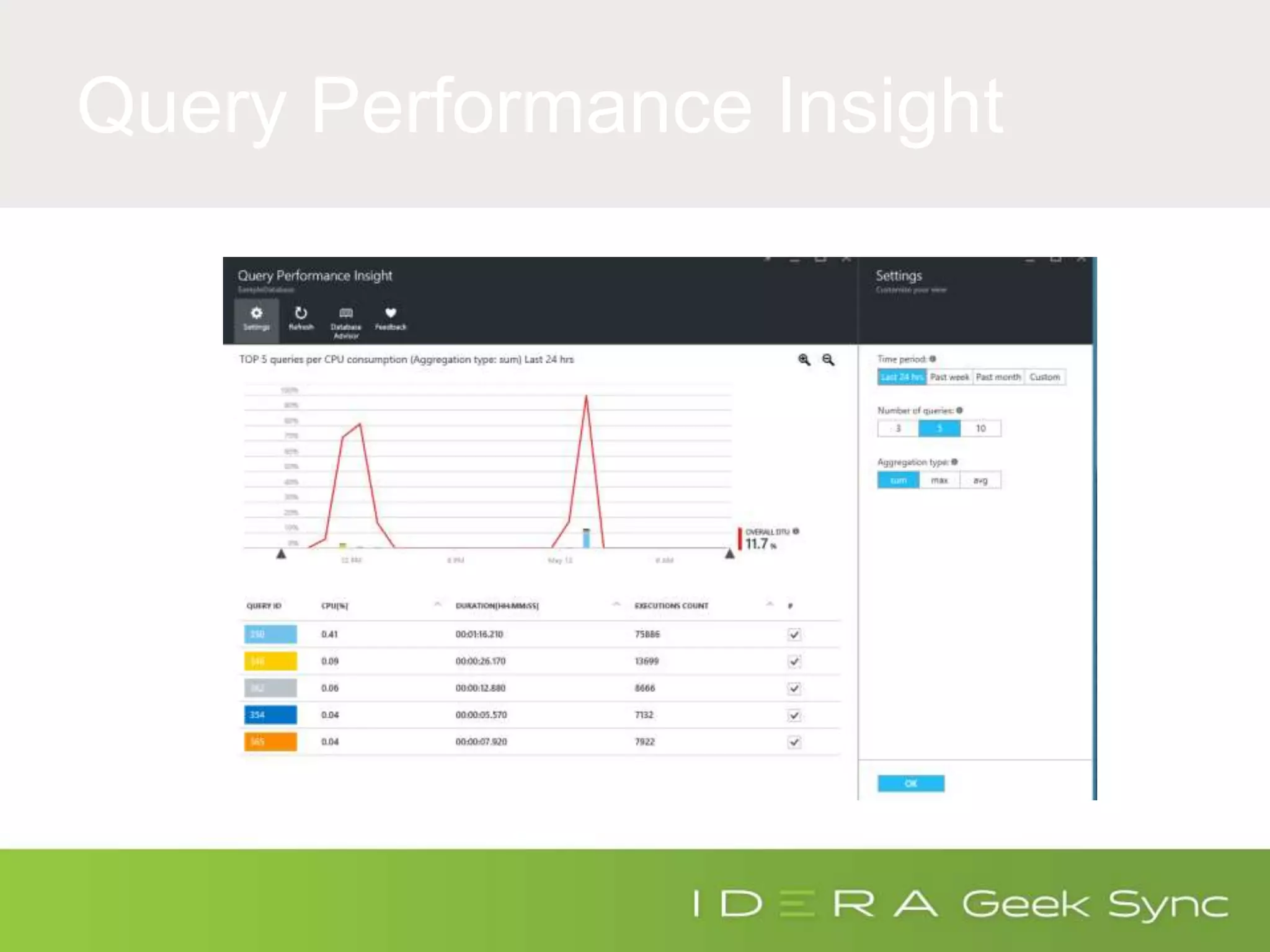
Query Performance Insight
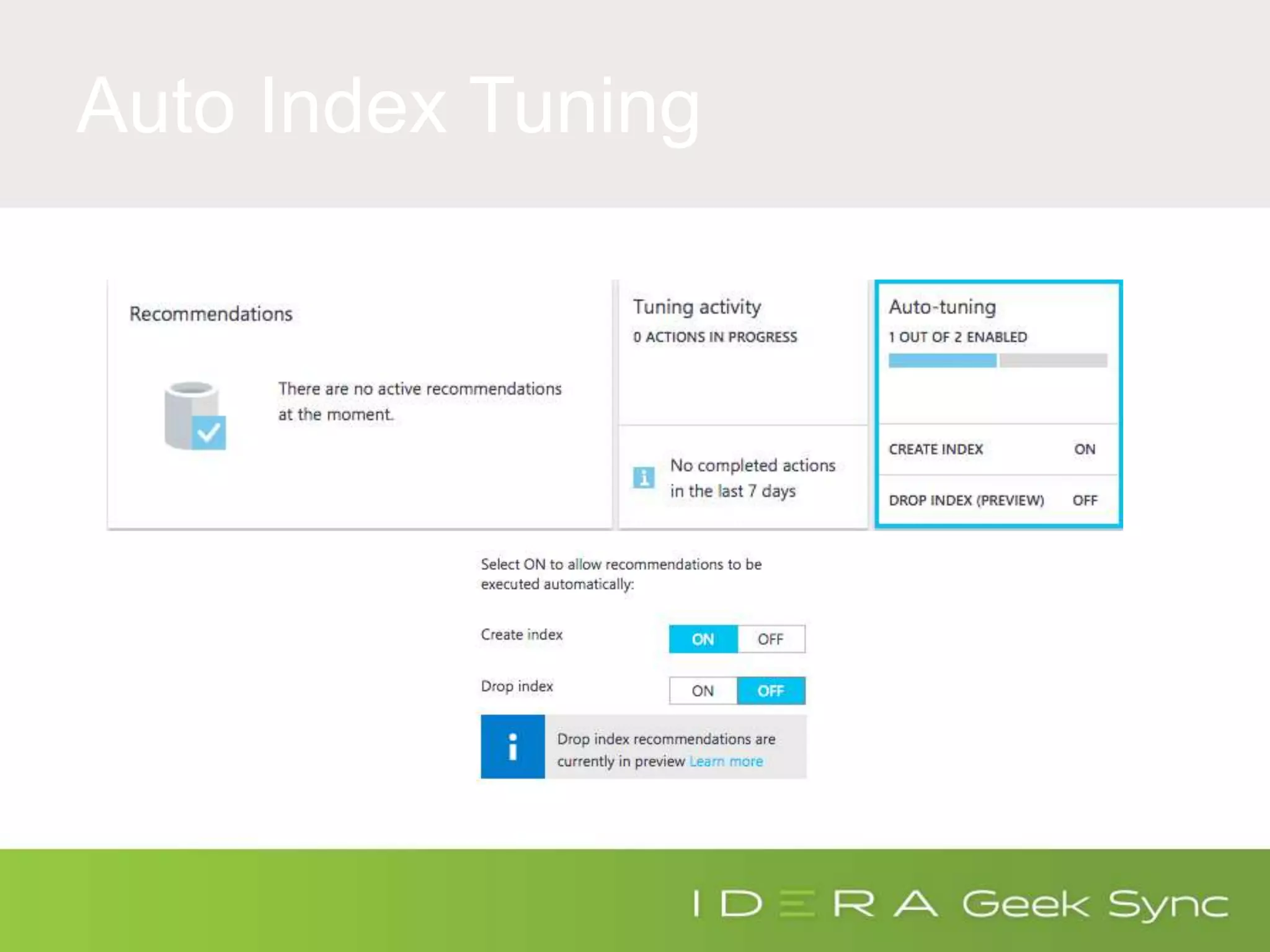
Auto Index Tuning
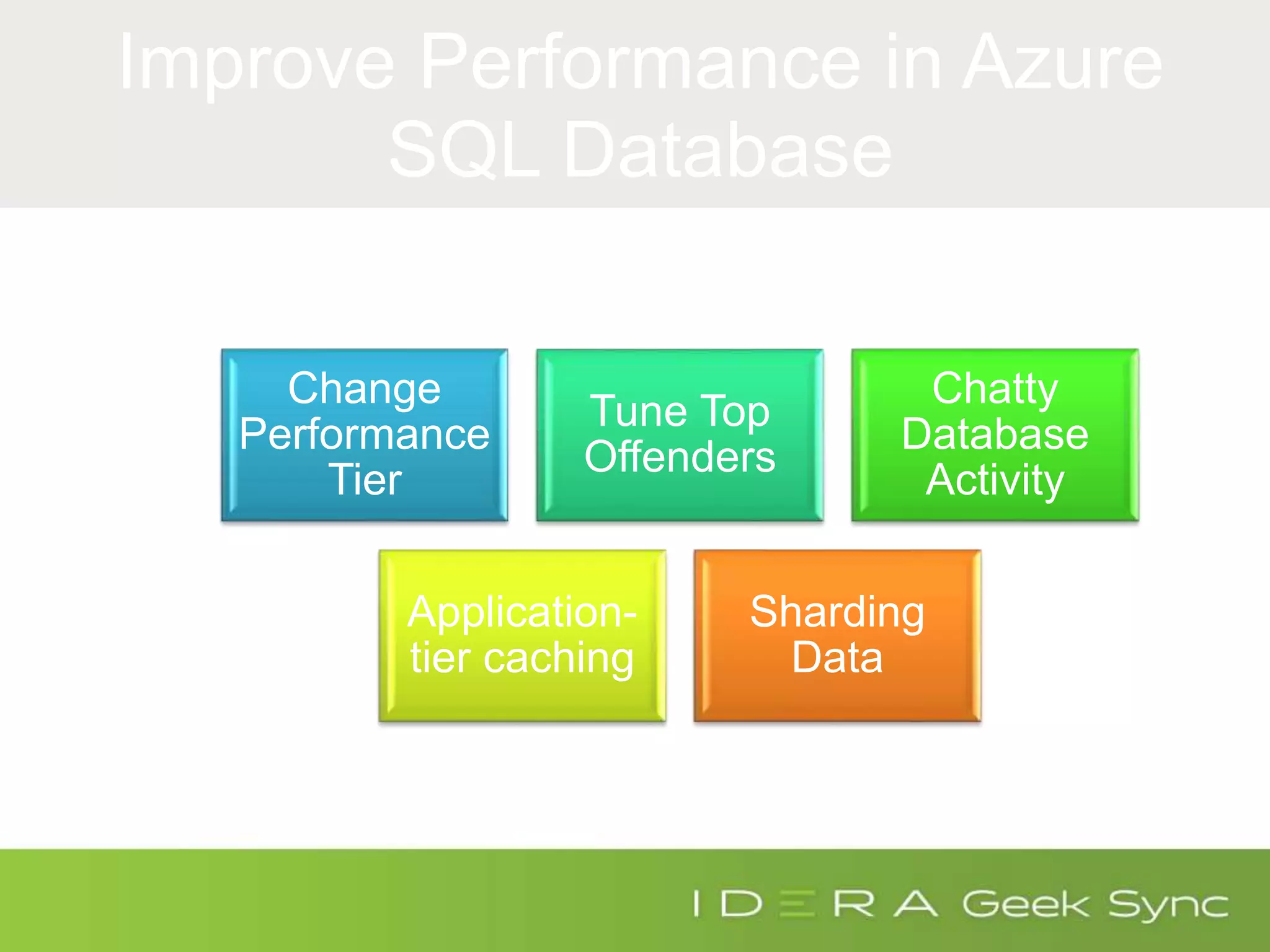
Improve Performance in Azure
SQL Database
Change
Performance
Tier
Tune Top
Offenders
Chatty
Database
Activity
Application-
tier caching
Sharding
Data
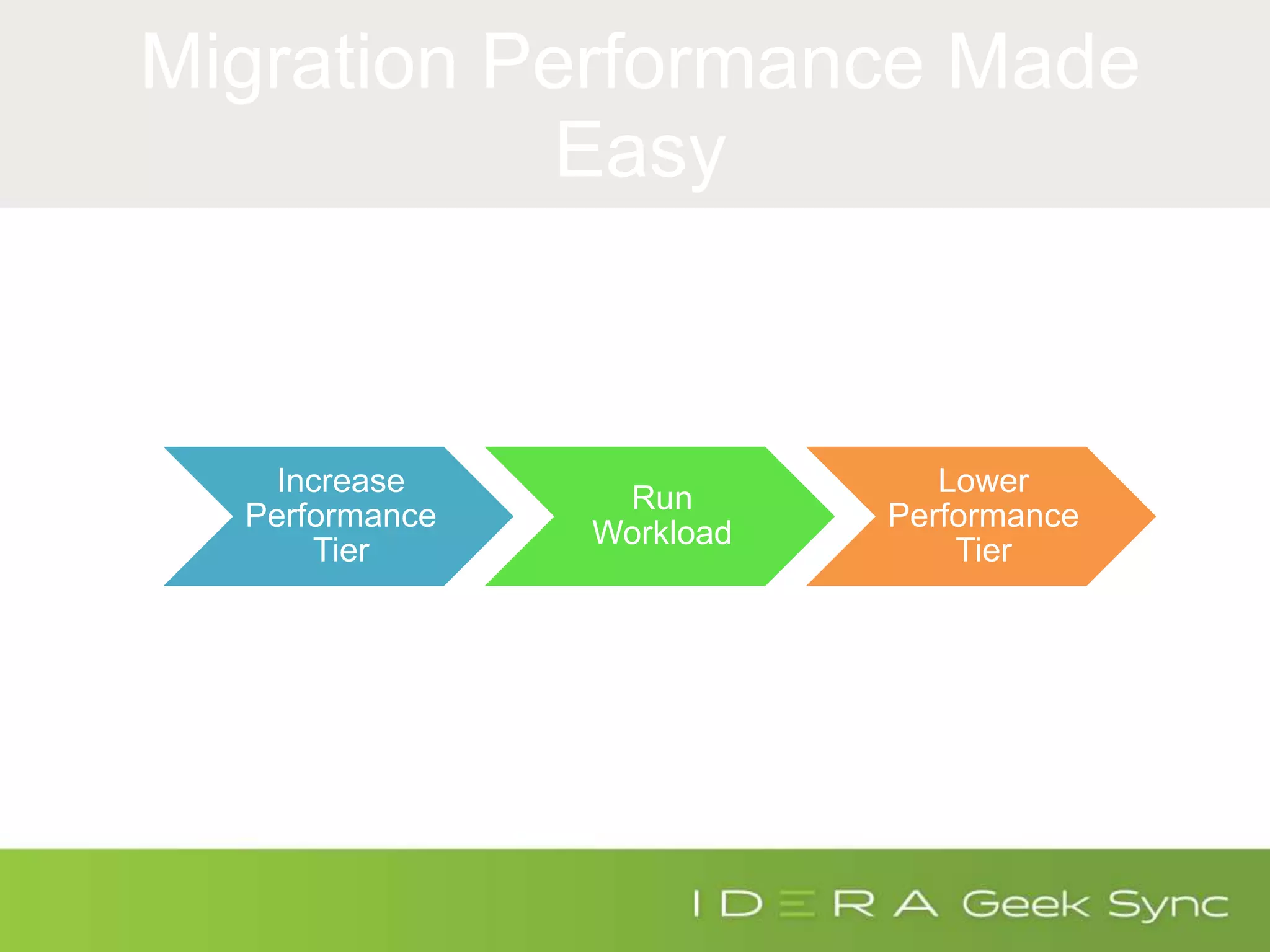
Migration Performance Made
Easy
Increase
Performance
Tier
Run
Workload
Lower
Performance
Tier
Real World
Migration
Example
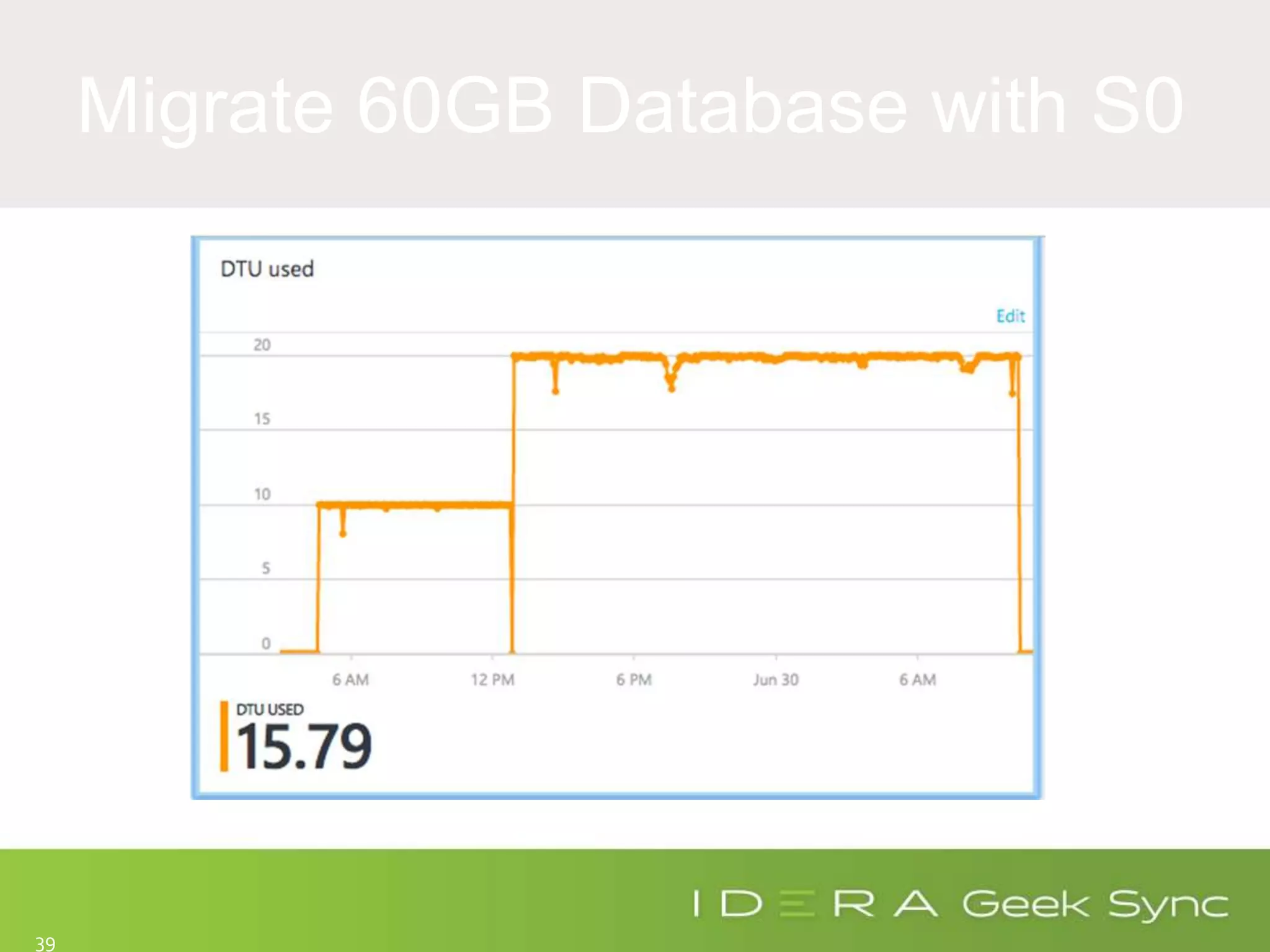
Migrate 60GB Database with S0
39
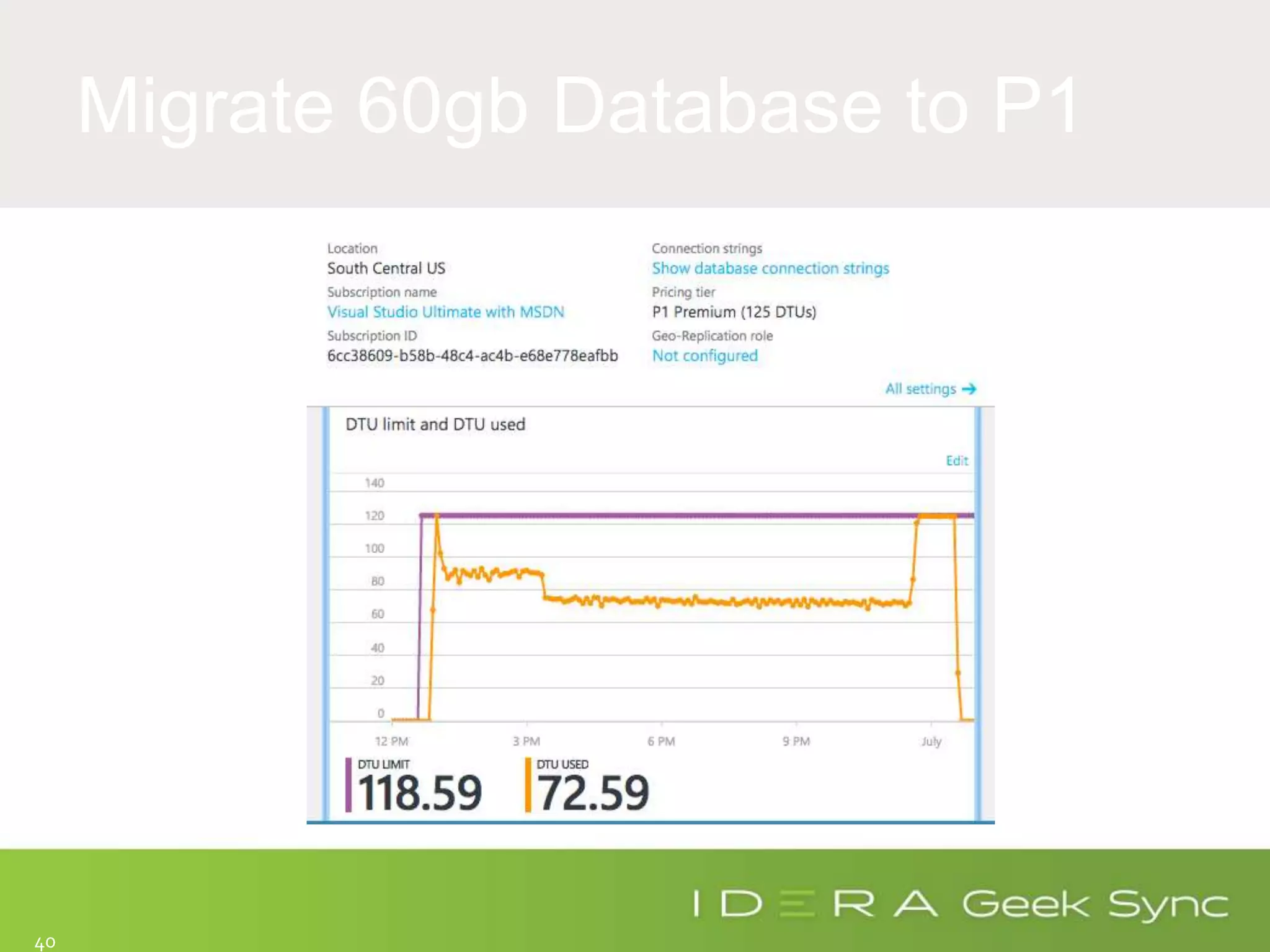
Migrate 60gb Database to P1
40
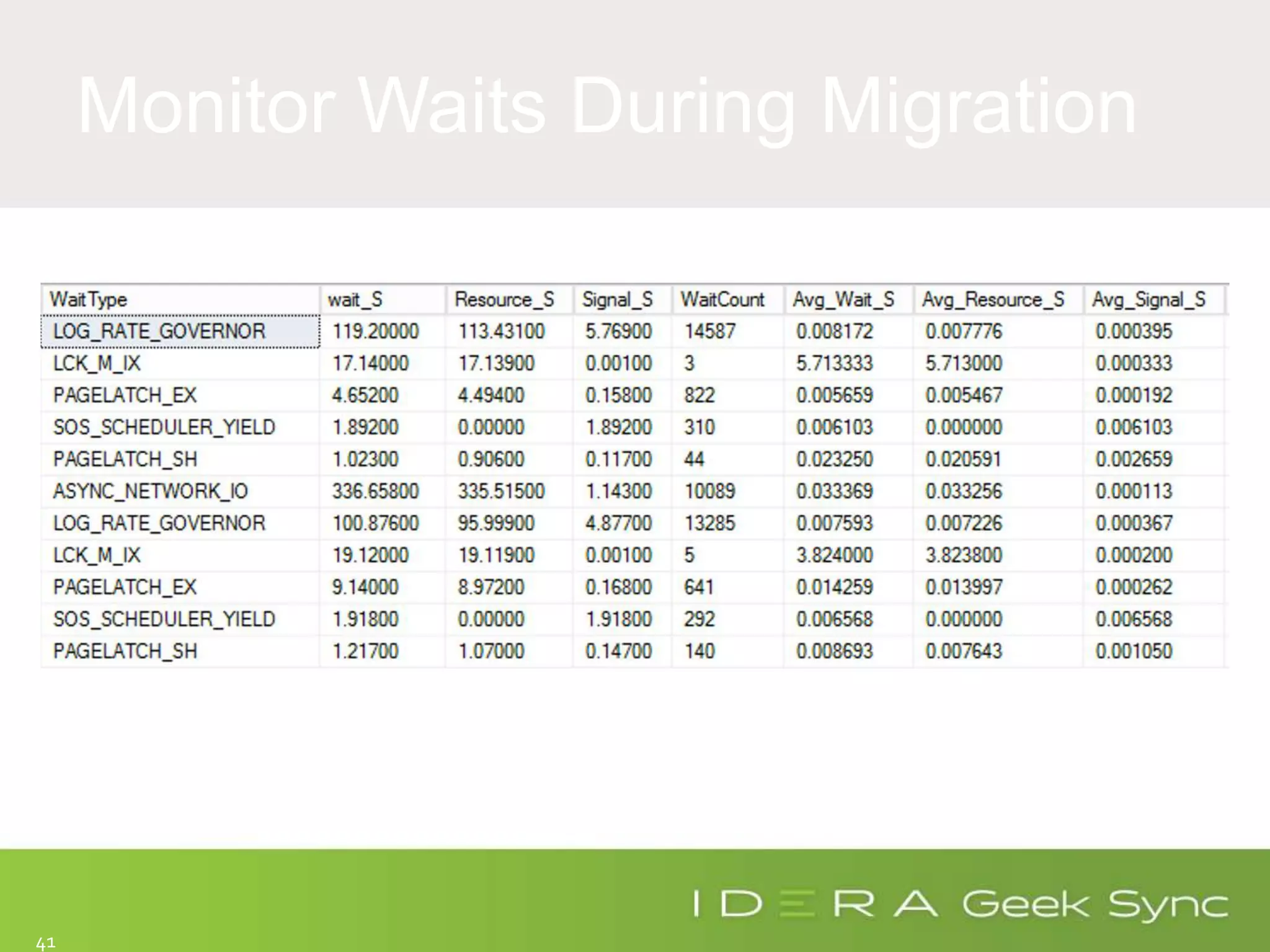
Monitor Waits During Migration
41
• http://bit.ly/SQLPerformanceRCA
• http://bit.ly/AzureDTU
• http://bit.ly/azureSQLWaits
• http://bit.ly/WhatIsRunning
Links/QA…

Geek Sync - Azure SQL Database Performance Tuning

Editor's Notes

  • #4 Today, briefly we will cover how you monitor performance today. Next were going to talk about how we can leverage those skills to monitor performance in Azure SQL Database. Finally, we will cover new ways to monitor performance in Azure SQL DB that you cannot use in Onprem.
  • #8 We are not going to focus on Locking here because we are going to focus on resource that contend for DTU.
  • #10 DMVs can do so much here. You can probe the plan cache for usage statistics or specific details in execution plans that are in memory. Jason Strate and Jason Brimhall both have great blog series on these topics. Perfmon has been used since the beginning of time. You can answer basic questions like, how many request are running? How many index scans do I have vs index seeks and a lot more. Profiler or Server Side Traces can be very helpful for capturing a specific workload and doing analysis to find top offenders. You can also add perfmon data into profiler to see how statements impact specific counters.
  • #13 With DaaS we have less knobs to uses. Therefore, we have less things to benchmark.
  • #18 Talk about using Query Store to find DTU. DTU is calculated based on usage of CPU, read or writes.
  • #20 Talk about using Query Store to find DTU. DTU is calculated based on usage of CPU, read or writes.
  • #27 Want to focus on a new DMV that only exists in Azure SQL Database. Sys.dm_db_wait_stats IO_QUEUE_LIMIT -> Occurs when the asynchronous IO queue for the Azure SQL Database has too many IOs pending. Tasks trying to issue another IO are blocked on this wait type until the number of pending IOs drop below the threshold. The threshold is proportional to the DTUs assigned to the database. LOG_RATE_GOVERNOR -> Occurs when DB is waiting for quota to write to the log.
  • #33 DMVs can do so much here. You can probe the plan cache for usage statistics or specific details in execution plans that are in memory. Jason Strate and Jason Brimhall both have great blog series on these topics. Perfmon has been used since the beginning of time. You can answer basic questions like, how many request are running? How many index scans do I have vs index seeks and a lot more. Profiler or Server Side Traces can be very helpful for capturing a specific workload and doing analysis to find top offenders. You can also add perfmon data into profiler to see how statements impact specific counters.
  • #37 Changing Performance Tier can get you a quick hit but will not scale. You will either run out of money or performance tier options. Tuning Top Offenders by identifying top I/O and CPU consumers and adding indexes or rewriting queries to be optimizer friendly and utilize less resources. Multiple times I will see slow process occurring due to chatty database activity. Chatty database activity occurs when there are several calls between the application layer and the database. A perfect example is processing row by row instead of processing sets of data between database calls.
  • #40 The end line is not the process completing. It was me giving up after looking at the difference in rows. You can actually see six hours in I change from S0 to S1 and it still didn’t help much. Lesson learned, use a premium tier for the upgrade to improve time it takes to move data. You can bring it back down once the migration is completed.
  • #41 I Suggest planning and using a much higher tier to cut down the time it take to migrate data and then flip to your planned performance tier.