FILE HANDLING
Introduction
Files are places where data can be stored
permanently.
Some programs expect the same set of data to be
fed as input every time it is run.
Cumbersome.
Better if the data are kept in a file, and the program
reads from the file.
Programs generating large volumes of output.
Difficult to view on the screen.
Better to store them in a file for later viewing/
processing
Basic File Operations
Opening a file
Reading data from a file
Writing data to a file
Closing a file
Opening a File
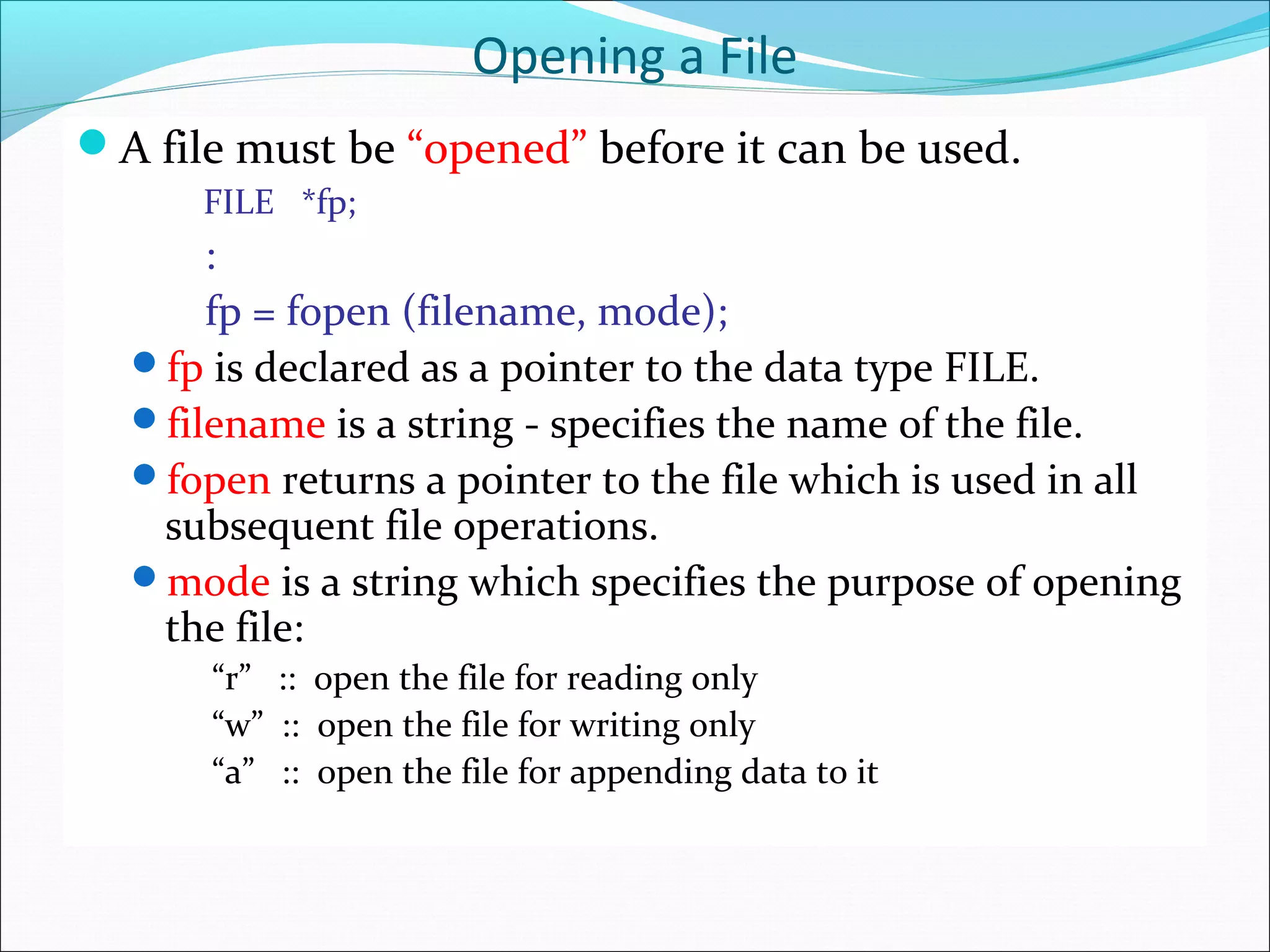
A file must be “opened” before it can be used.
FILE *fp;
:
fp = fopen (filename, mode);
fp is declared as a pointer to the data type FILE.
filename is a string - specifies the name of the file.
fopen returns a pointer to the file which is used in all
subsequent file operations.
mode is a string which specifies the purpose of opening
the file:
“r” :: open the file for reading only
“w” :: open the file for writing only
“a” :: open the file for appending data to it
Closing a File
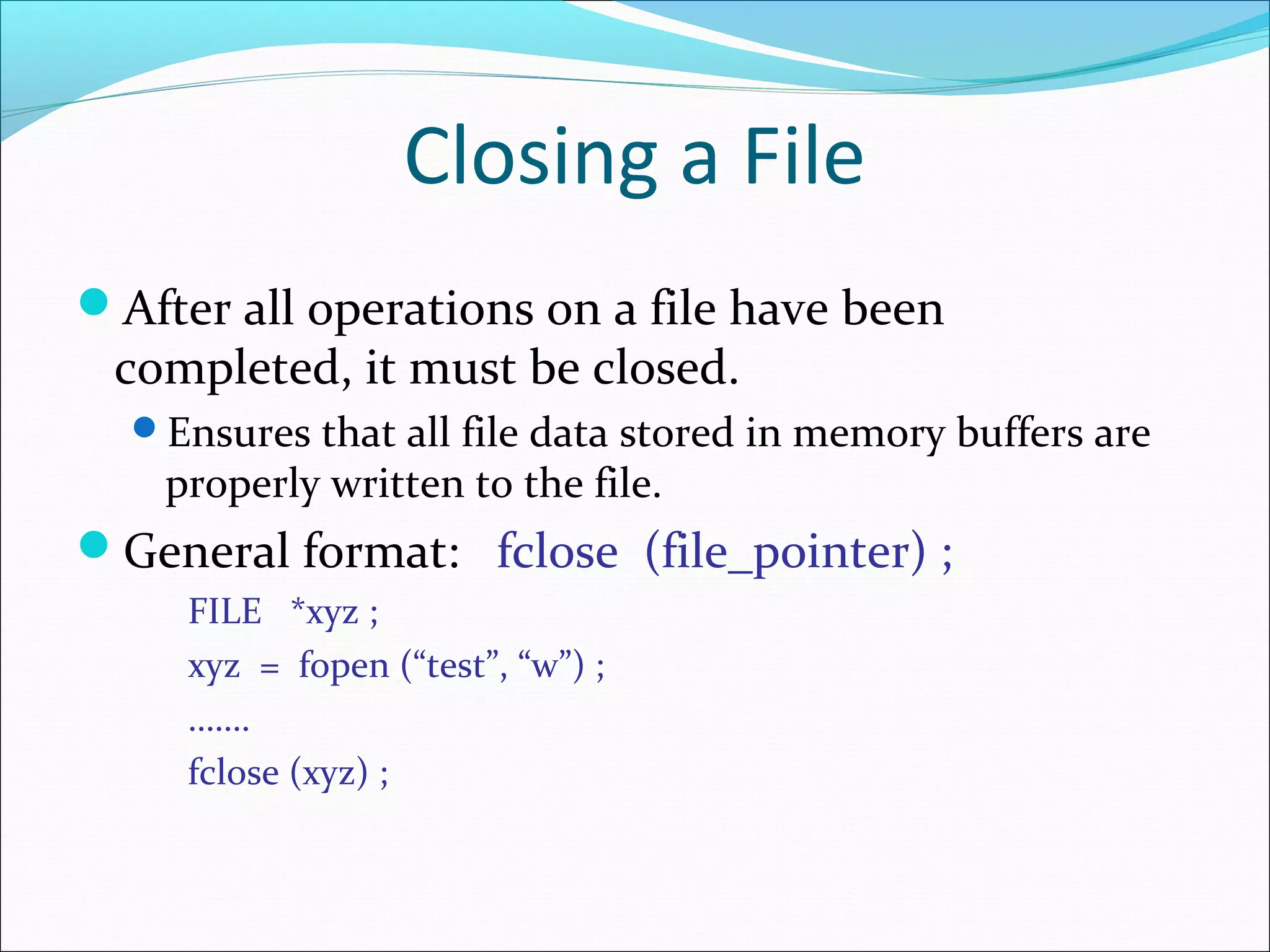
After all operations on a file have been
completed, it must be closed.
Ensures that all file data stored in memory buffers are
properly written to the file.
General format: fclose (file_pointer) ;
FILE *xyz ;
xyz = fopen (“test”, “w”) ;
…….
fclose (xyz) ;
Read/Write Operations on Files
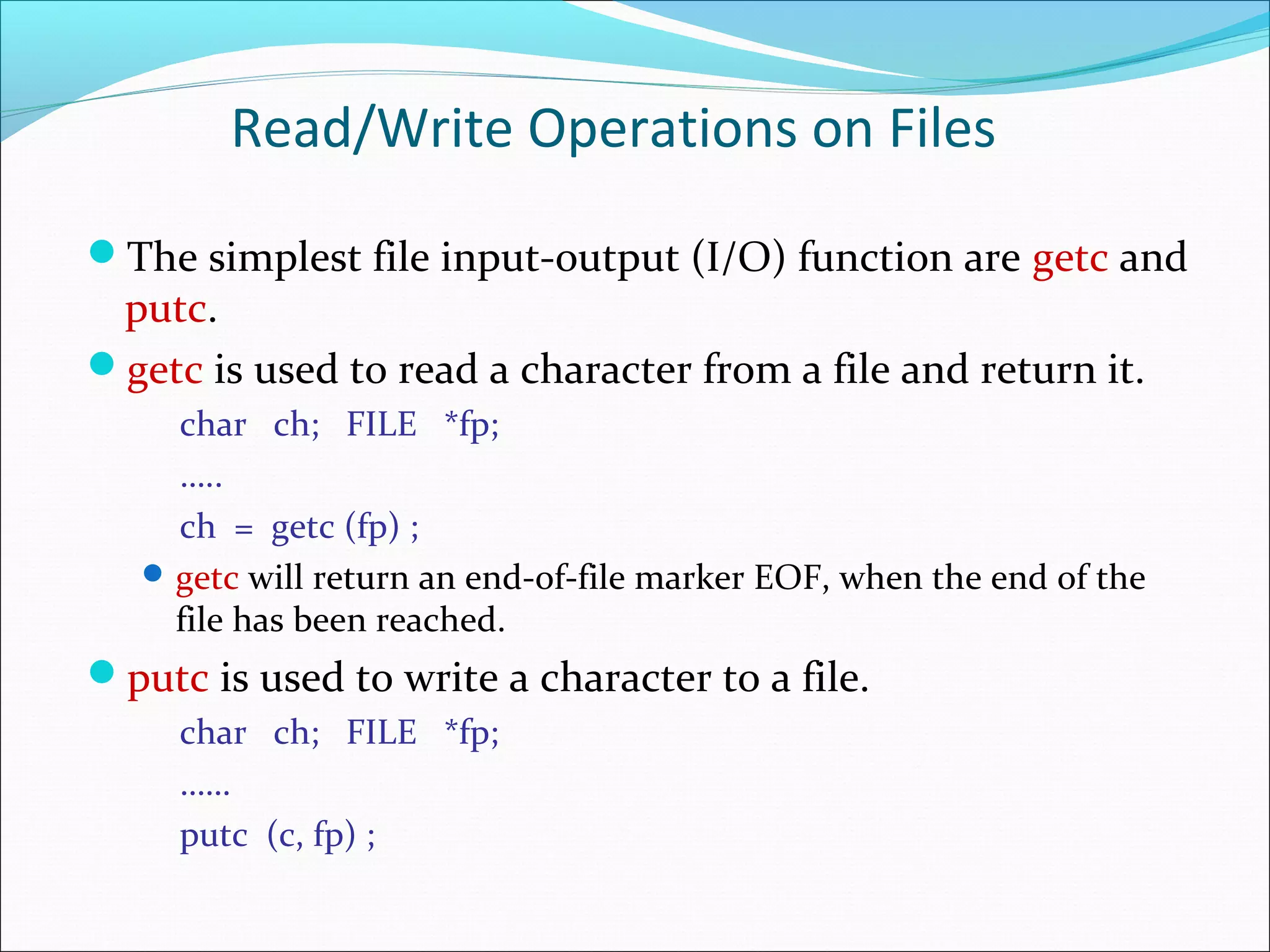
The simplest file input-output (I/O) function are getc and
putc.
getc is used to read a character from a file and return it.
char ch; FILE *fp;
…..
ch = getc (fp) ;
getc will return an end-of-file marker EOF, when the end of the
file has been reached.
putc is used to write a character to a file.
char ch; FILE *fp;
……
putc (c, fp) ;
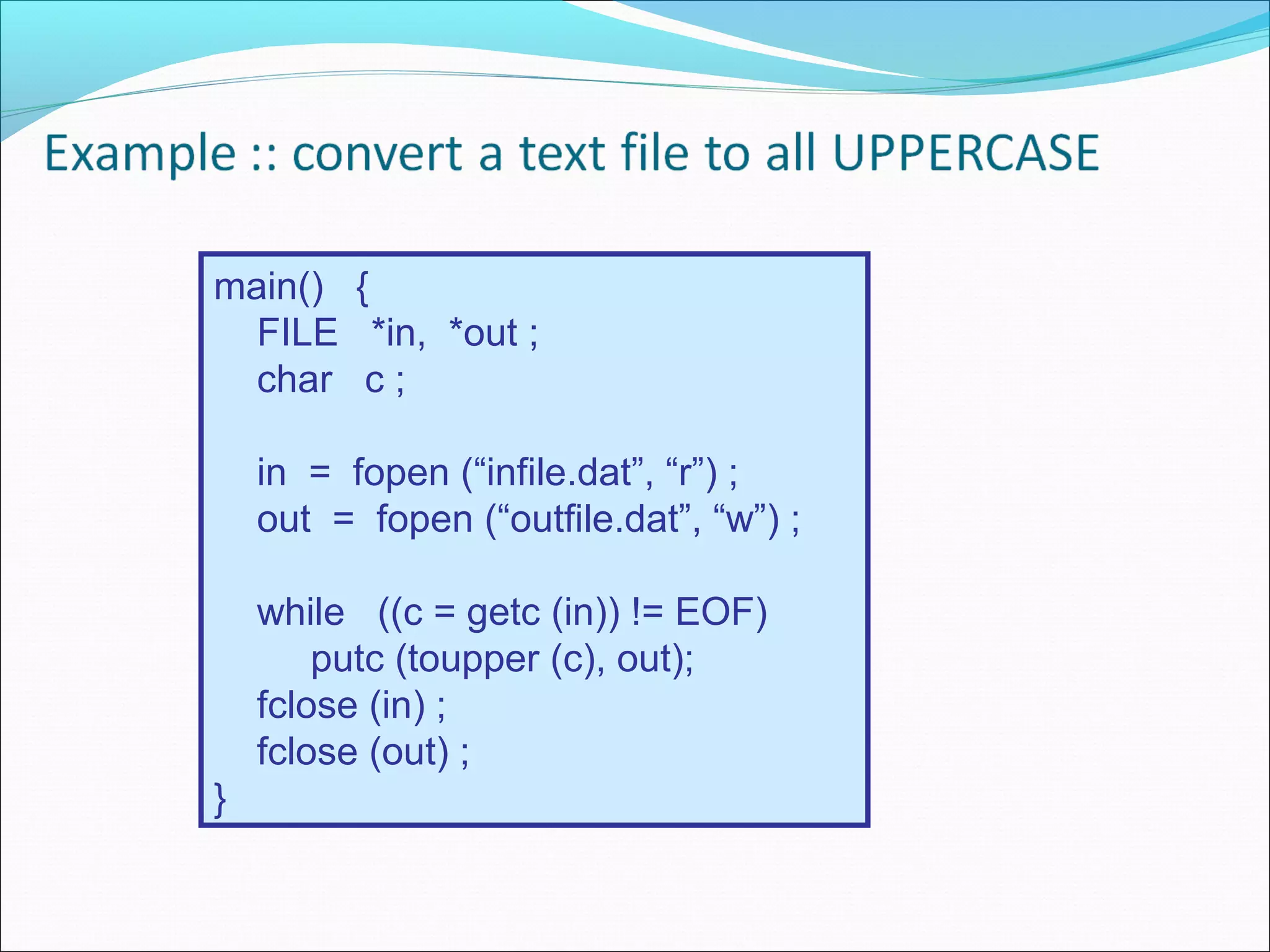
main() {
FILE *in, *out ;
char c ;
in = fopen (“infile.dat”, “r”) ;
out = fopen (“outfile.dat”, “w”) ;
while ((c = getc (in)) != EOF)
putc (toupper (c), out);
fclose (in) ;
fclose (out) ;
}
Basic operations of files(Contd.)
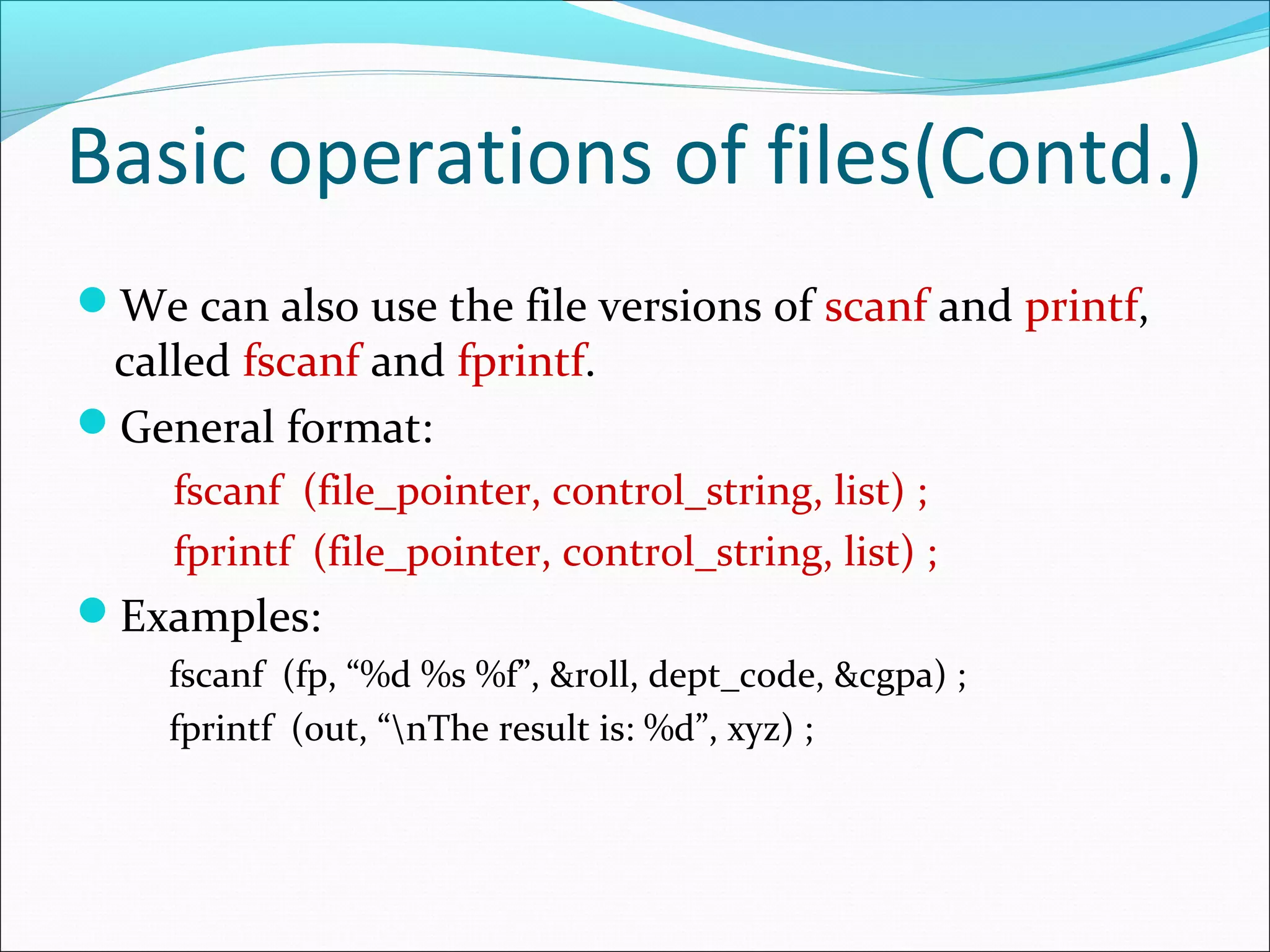
We can also use the file versions of scanf and printf,
called fscanf and fprintf.
General format:
fscanf (file_pointer, control_string, list) ;
fprintf (file_pointer, control_string, list) ;
Examples:
fscanf (fp, “%d %s %f”, &roll, dept_code, &cgpa) ;
fprintf (out, “nThe result is: %d”, xyz) ;
Command line argument
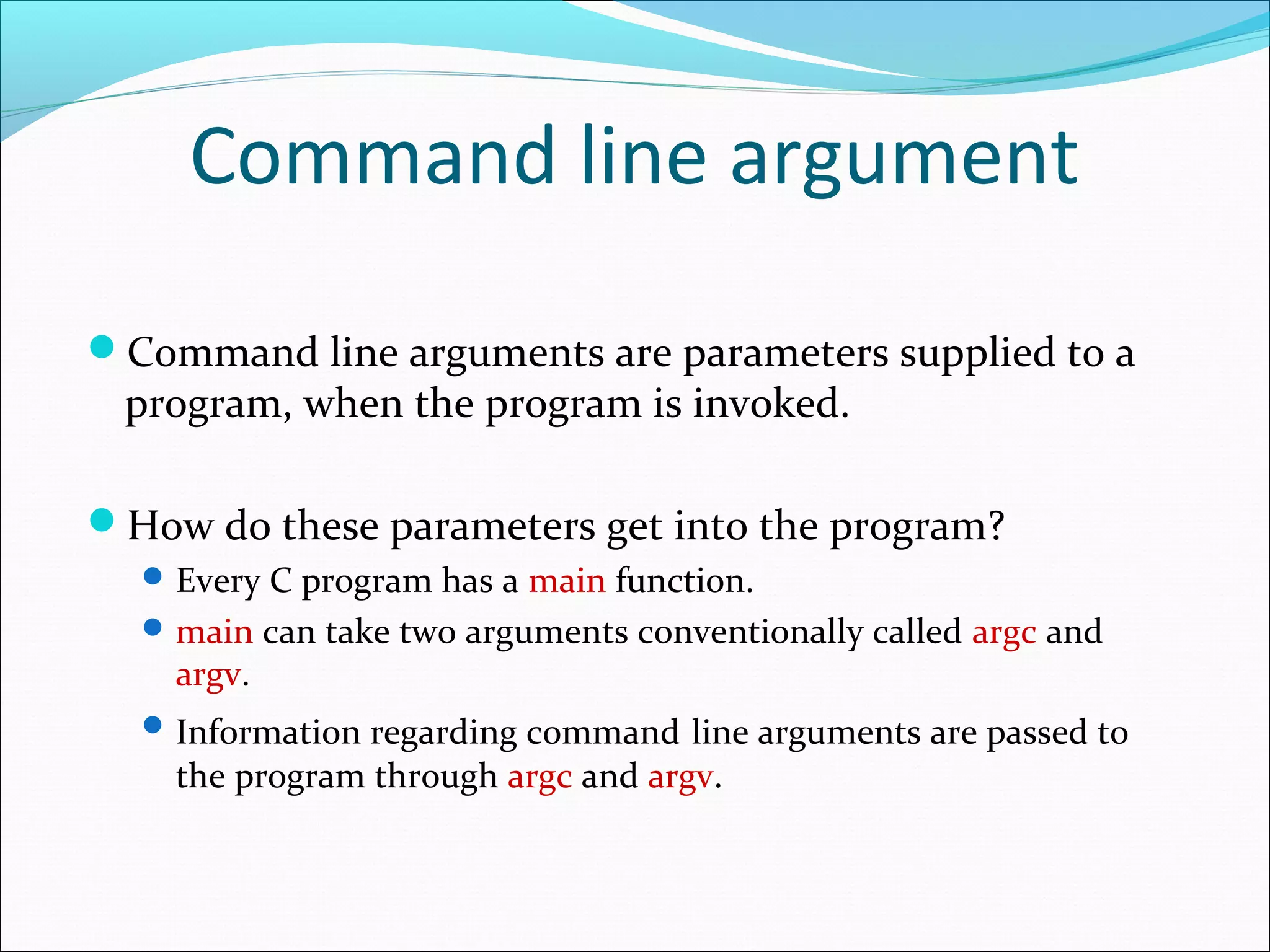
Command line arguments are parameters supplied to a
program, when the program is invoked.
How do these parameters get into the program?
Every C program has a main function.
main can take two arguments conventionally called argc and
argv.
Information regarding command line arguments are passed to
the program through argc and argv.
Command line argument
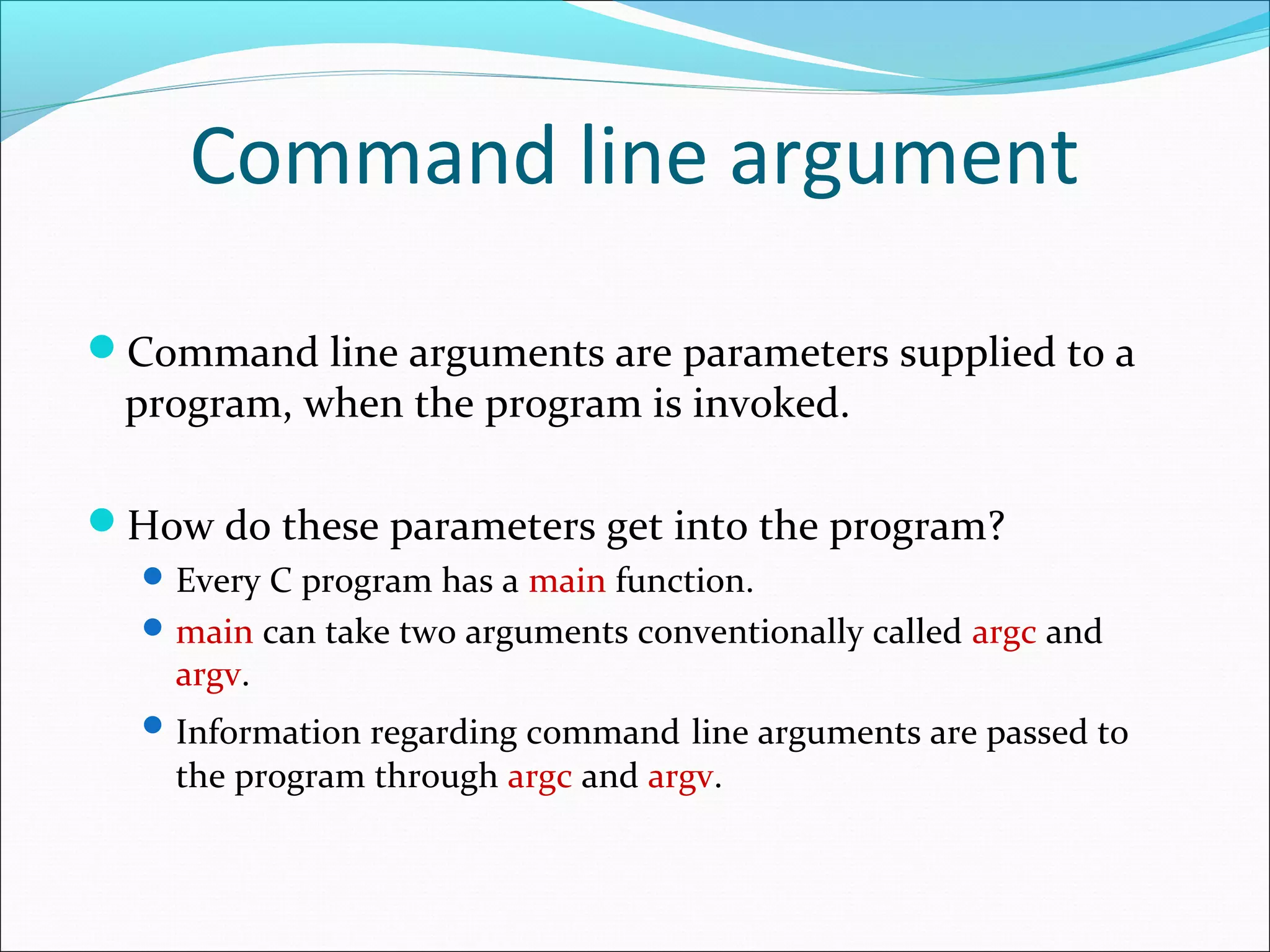
Command line arguments are parameters supplied to a
program, when the program is invoked.
How do these parameters get into the program?
Every C program has a main function.
main can take two arguments conventionally called argc and
argv.
Information regarding command line arguments are passed to
the program through argc and argv.

File in c

  • 1.
  • 2.
    Introduction Files are placeswhere data can be stored permanently. Some programs expect the same set of data to be fed as input every time it is run. Cumbersome. Better if the data are kept in a file, and the program reads from the file. Programs generating large volumes of output. Difficult to view on the screen. Better to store them in a file for later viewing/ processing
  • 3.
    Basic File Operations Openinga file Reading data from a file Writing data to a file Closing a file
  • 4.
    Opening a File Afile must be “opened” before it can be used. FILE *fp; : fp = fopen (filename, mode); fp is declared as a pointer to the data type FILE. filename is a string - specifies the name of the file. fopen returns a pointer to the file which is used in all subsequent file operations. mode is a string which specifies the purpose of opening the file: “r” :: open the file for reading only “w” :: open the file for writing only “a” :: open the file for appending data to it
  • 5.
    Closing a File Afterall operations on a file have been completed, it must be closed. Ensures that all file data stored in memory buffers are properly written to the file. General format: fclose (file_pointer) ; FILE *xyz ; xyz = fopen (“test”, “w”) ; ……. fclose (xyz) ;
  • 6.
    Read/Write Operations onFiles The simplest file input-output (I/O) function are getc and putc. getc is used to read a character from a file and return it. char ch; FILE *fp; ….. ch = getc (fp) ; getc will return an end-of-file marker EOF, when the end of the file has been reached. putc is used to write a character to a file. char ch; FILE *fp; …… putc (c, fp) ;
  • 7.
    main() { FILE *in,*out ; char c ; in = fopen (“infile.dat”, “r”) ; out = fopen (“outfile.dat”, “w”) ; while ((c = getc (in)) != EOF) putc (toupper (c), out); fclose (in) ; fclose (out) ; }
  • 8.
    Basic operations offiles(Contd.) We can also use the file versions of scanf and printf, called fscanf and fprintf. General format: fscanf (file_pointer, control_string, list) ; fprintf (file_pointer, control_string, list) ; Examples: fscanf (fp, “%d %s %f”, &roll, dept_code, &cgpa) ; fprintf (out, “nThe result is: %d”, xyz) ;
  • 9.
    Command line argument Commandline arguments are parameters supplied to a program, when the program is invoked. How do these parameters get into the program? Every C program has a main function. main can take two arguments conventionally called argc and argv. Information regarding command line arguments are passed to the program through argc and argv.
  • 10.
    Command line argument Commandline arguments are parameters supplied to a program, when the program is invoked. How do these parameters get into the program? Every C program has a main function. main can take two arguments conventionally called argc and argv. Information regarding command line arguments are passed to the program through argc and argv.