C Files
Module VIII
What is a File?
 A file is a collection of related data that a computers treats as a single unit.
 Computers store files to secondary storage so that the contents of files remain
intact when a computer shuts down.
 When a computer reads a file, it copies the file from the storage device to
memory; when it writes to a file, it transfers data from memory to the storage
device.
 C uses a structure called FILE (defined in stdio.h) to store the attributes of a
file.
Console oriented Input / Output
 Console oriented – use terminal (keyboard/screen)
 scanf(“%d”,&i) – read data from keyboard
 printf(“%d”,i) – print data to monitor
 Suitable for small volumes of data
 Data lost when program terminated
Real-life applications
 Large data volumes
 E.g. physical experiments (CERN collider), human genome, population
records etc.
 Need for flexible approach to store/retrieve data
 Concept of files
Files
 File – place on disc where group of related data is stored
E.g. your C programs, executables
 High-level programming languages support file operations
 Naming
 Opening
 Reading
 Writing
 Closing
Defining and opening file
 To store data file in secondary memory (disc) must specify to OS
 Filename (e.g. sort.c, input.data)
 Data structure (e.g. FILE)
 Purpose (e.g. reading, writing, appending)
Filename
 String of characters that make up a valid filename for OS
 May contain two parts
 Primary
 Optional period with extension
 Examples: a.out, prog.c, temp, text.out
General format for opening file
 FILE *fp; /*variable fp is pointer to type FILE*/
 fp = fopen(“filename”, “mode”); /*opens file with name filename , assigns identifier to fp */
fp
 contains all information about file
 Communication link between system and program
mode can be
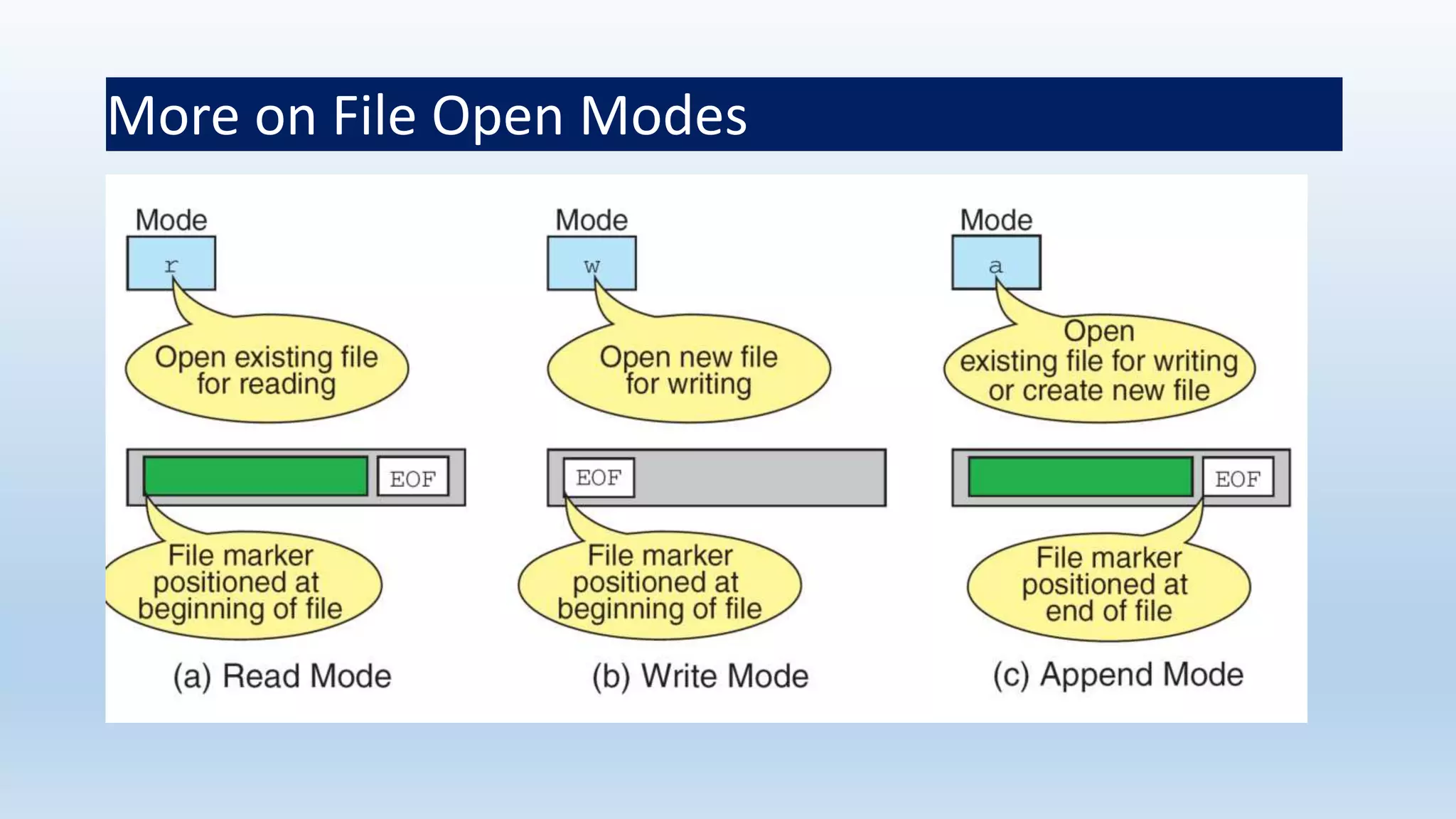
 r open file for reading only
 w open file for writing only
 a open file for appending (adding) data
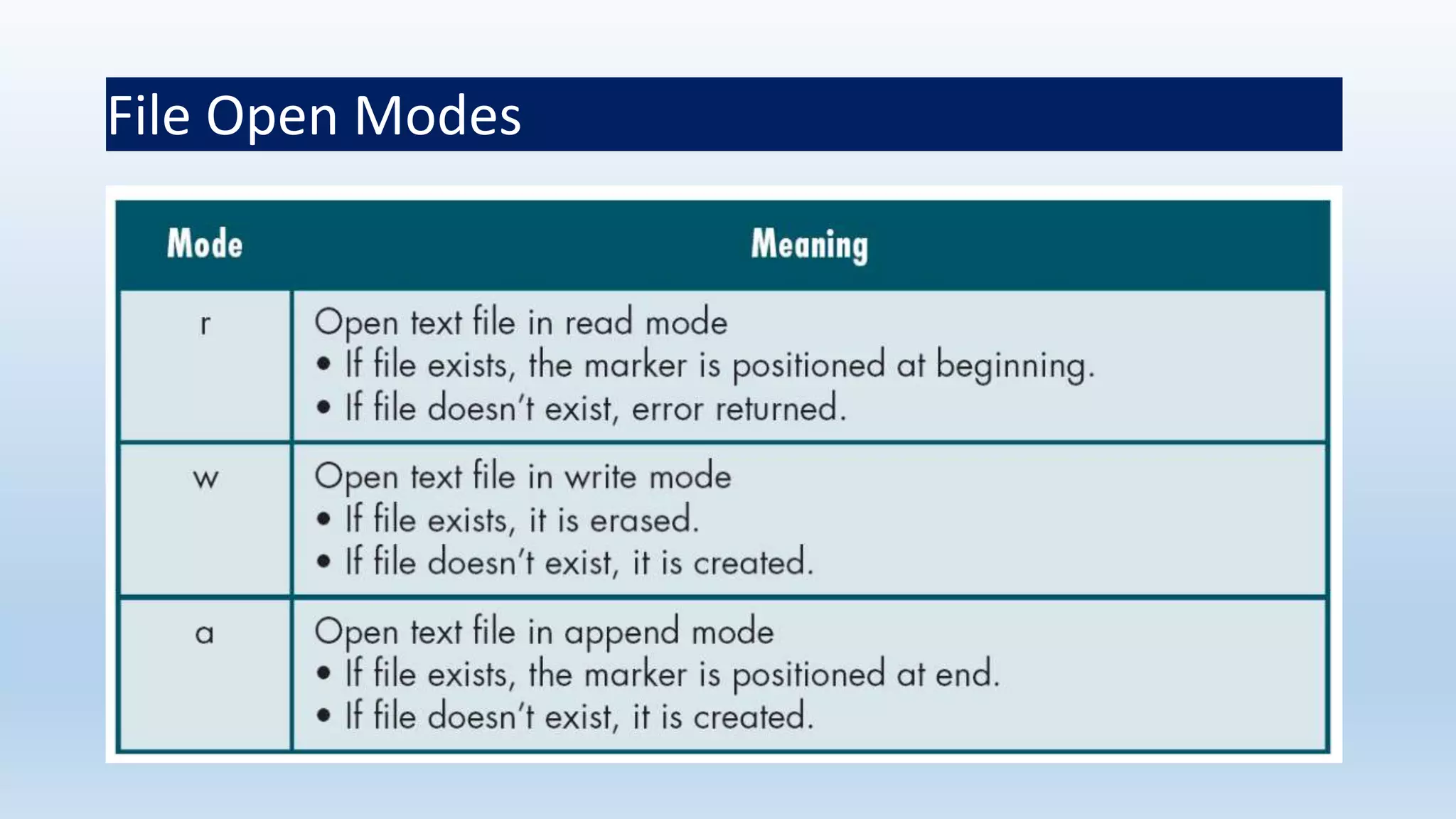
Different modes
 Writing mode
 if file already exists then contents are deleted
 else new file with specified name created
 Appending mode
 if file already exists then file opened with contents safe
 else new file created
 Reading mode
 if file already exists then opened with contents safe
 else error occurs.
FILE *p1, *p2;
p1 = fopen(“data”,”r”);
p2= fopen(“results”, w”);
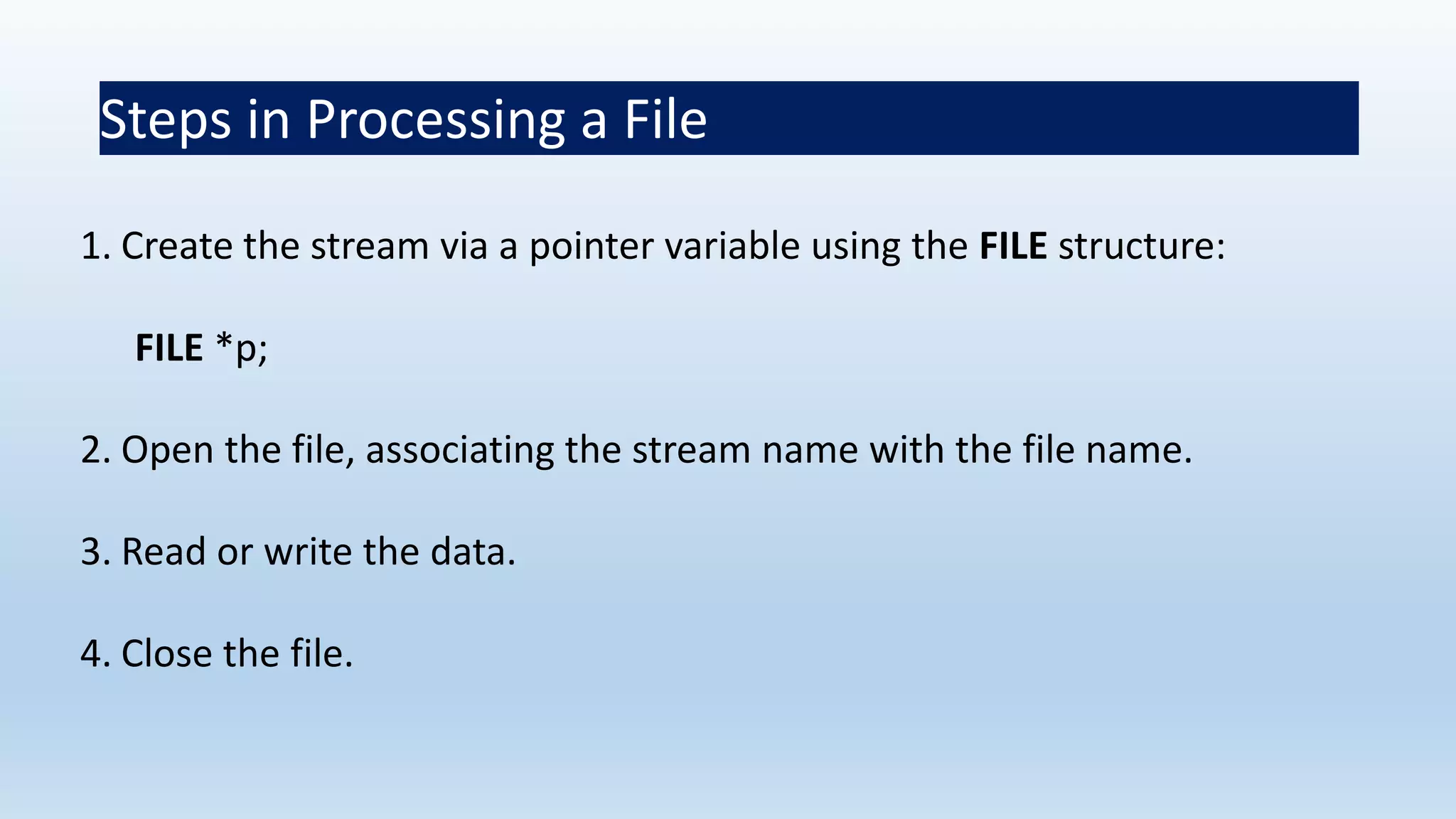
Steps in Processing a File
1. Create the stream via a pointer variable using the FILE structure:
FILE *p;
2. Open the file, associating the stream name with the file name.
3. Read or write the data.
4. Close the file.
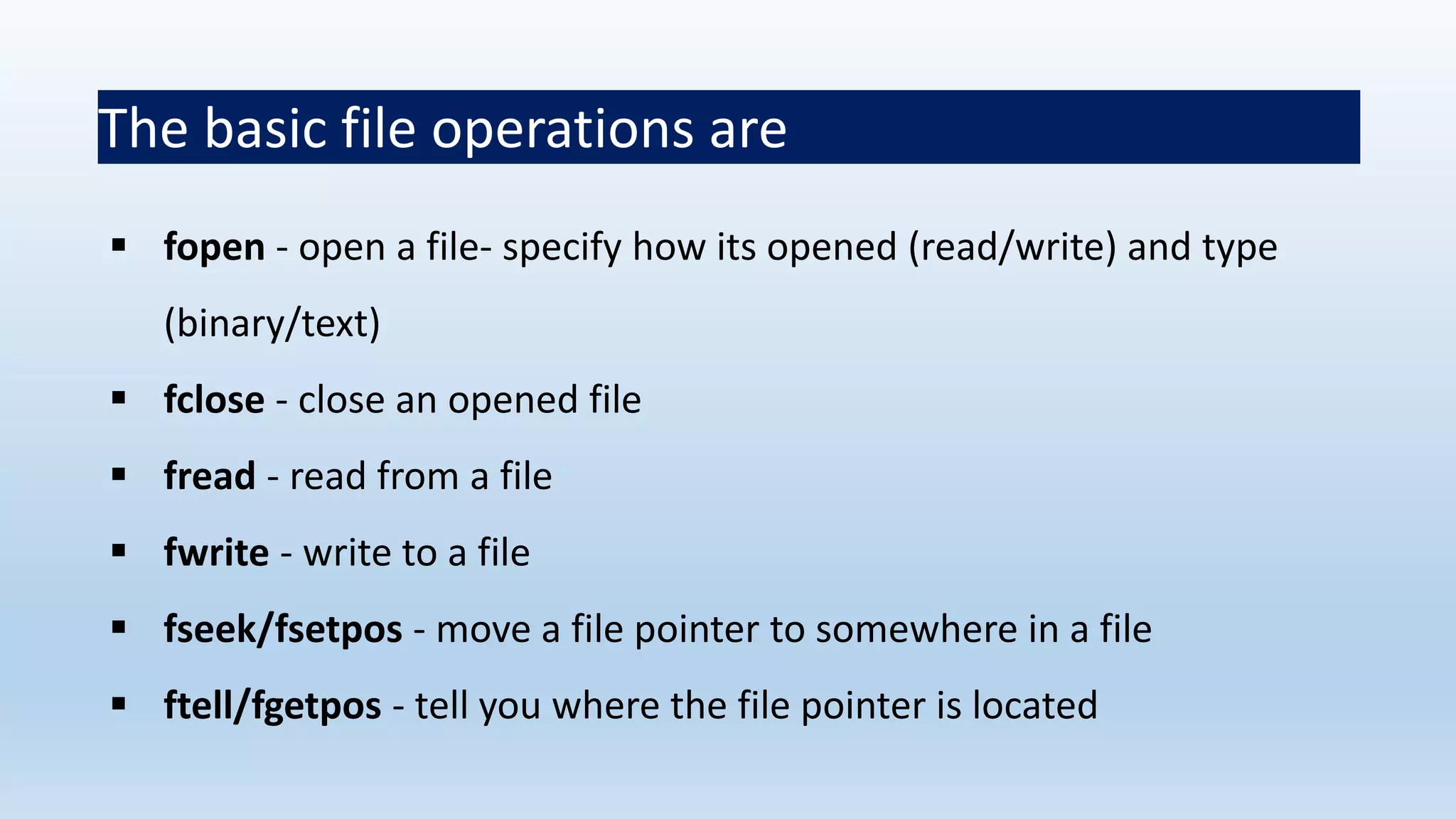
The basic file operations are
 fopen - open a file- specify how its opened (read/write) and type
(binary/text)
 fclose - close an opened file
 fread - read from a file
 fwrite - write to a file
 fseek/fsetpos - move a file pointer to somewhere in a file
 ftell/fgetpos - tell you where the file pointer is located
 String of characters that make up a valid filename for OS
 May contain two parts
 Primary
 Optional period with extension
 Examples: a.out, prog.c, temp, text.out
Filename
File Open Modes
More on File Open Modes
Additionally
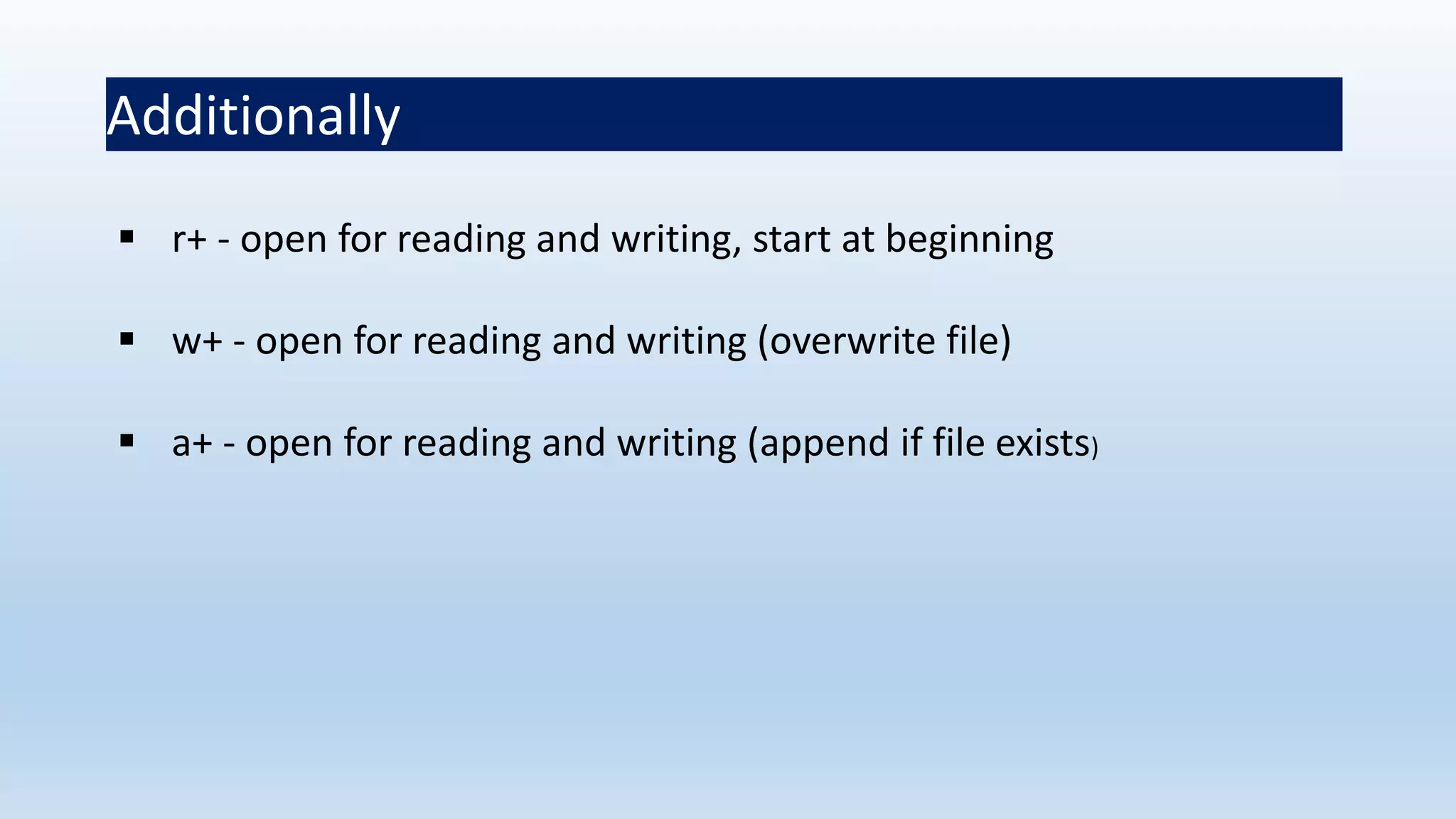
 r+ - open for reading and writing, start at beginning
 w+ - open for reading and writing (overwrite file)
 a+ - open for reading and writing (append if file exists)
File Open
 The file open function ( fopen) serves two purposes:
 It makes the connection between the physical file and the
stream.
 It creates “a program file structure to store the information” C
needs to process the file.
 Syntax:
filepointer= fopen(“filename”, “mode”);
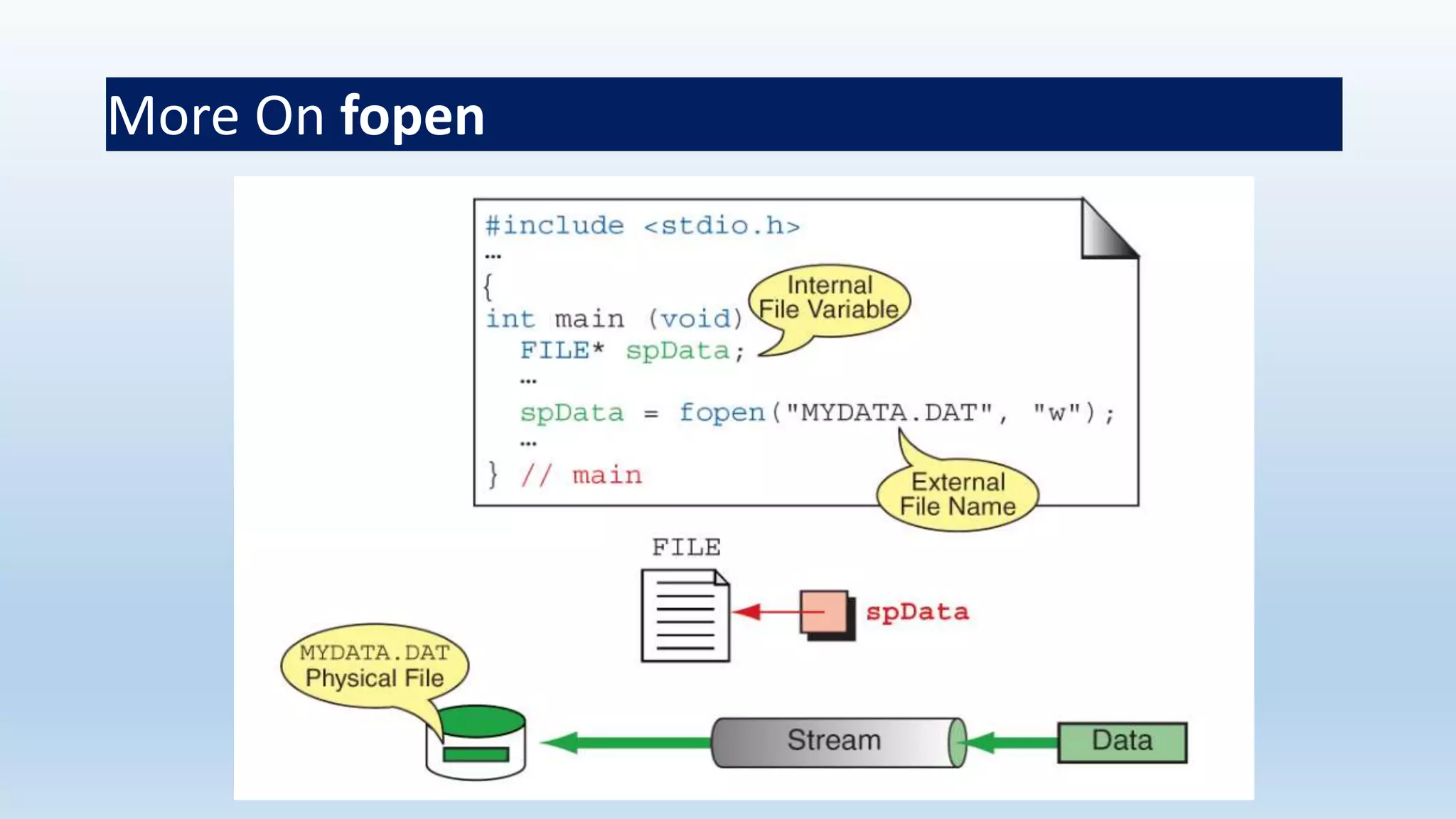
More On fopen
 The file mode tells C how the program will use the file.
 The filename indicates the system name and location for the file.
 We assign the return value of fopen to our pointer variable:
spData = fopen(“MYFILE.TXT”, “w”);
spData = fopen(“A:MYFILE.TXT”, “w”);
More On fopen
Closing a File
 When we finish with a mode, we need to close the file before
ending the program or beginning another mode with that same file.
 To close a file, we use fclose and the pointer variable:
fclose(spData);
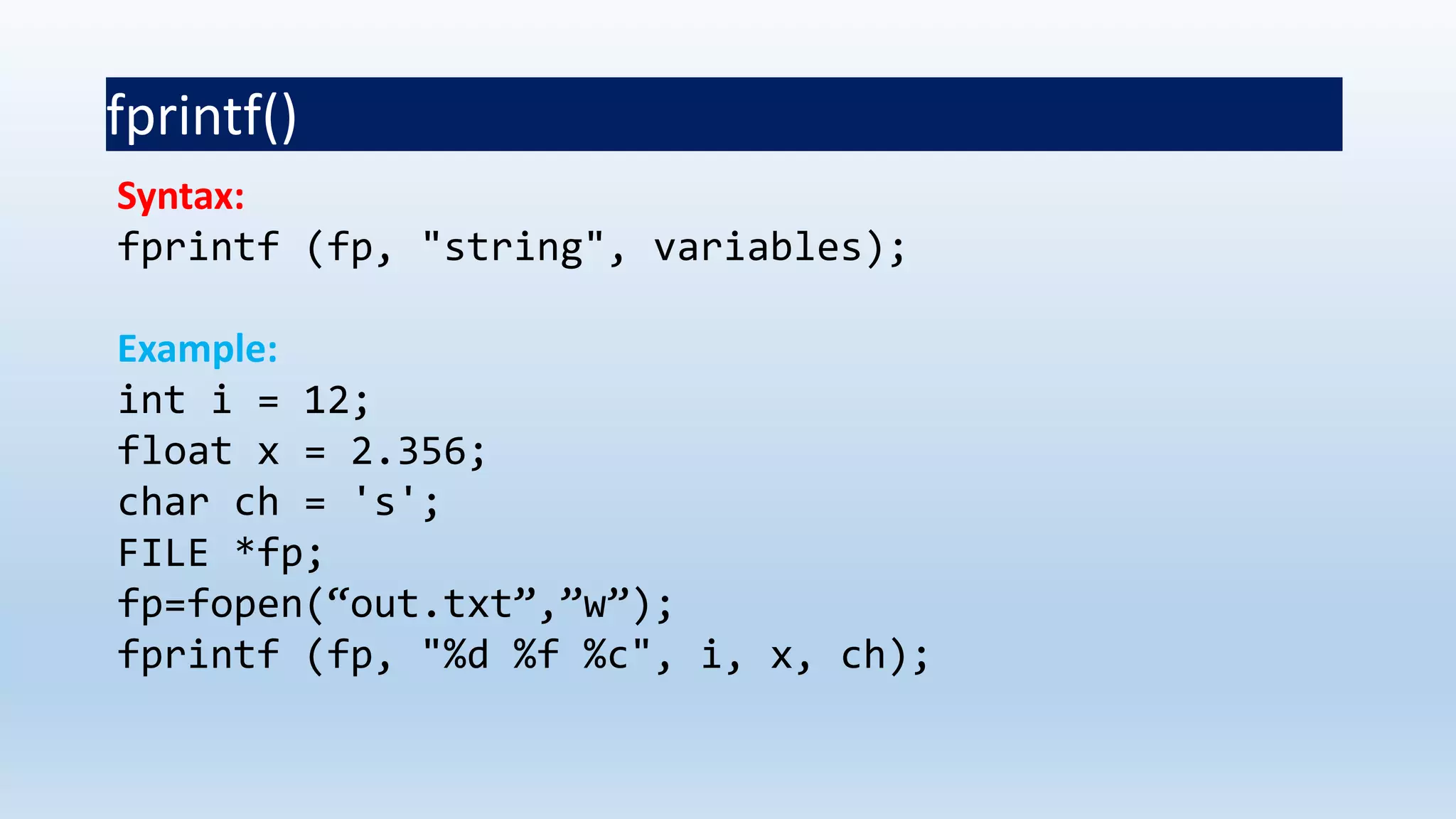
fprintf()
Syntax:
fprintf (fp, "string", variables);
Example:
int i = 12;
float x = 2.356;
char ch = 's';
FILE *fp;
fp=fopen(“out.txt”,”w”);
fprintf (fp, "%d %f %c", i, x, ch);
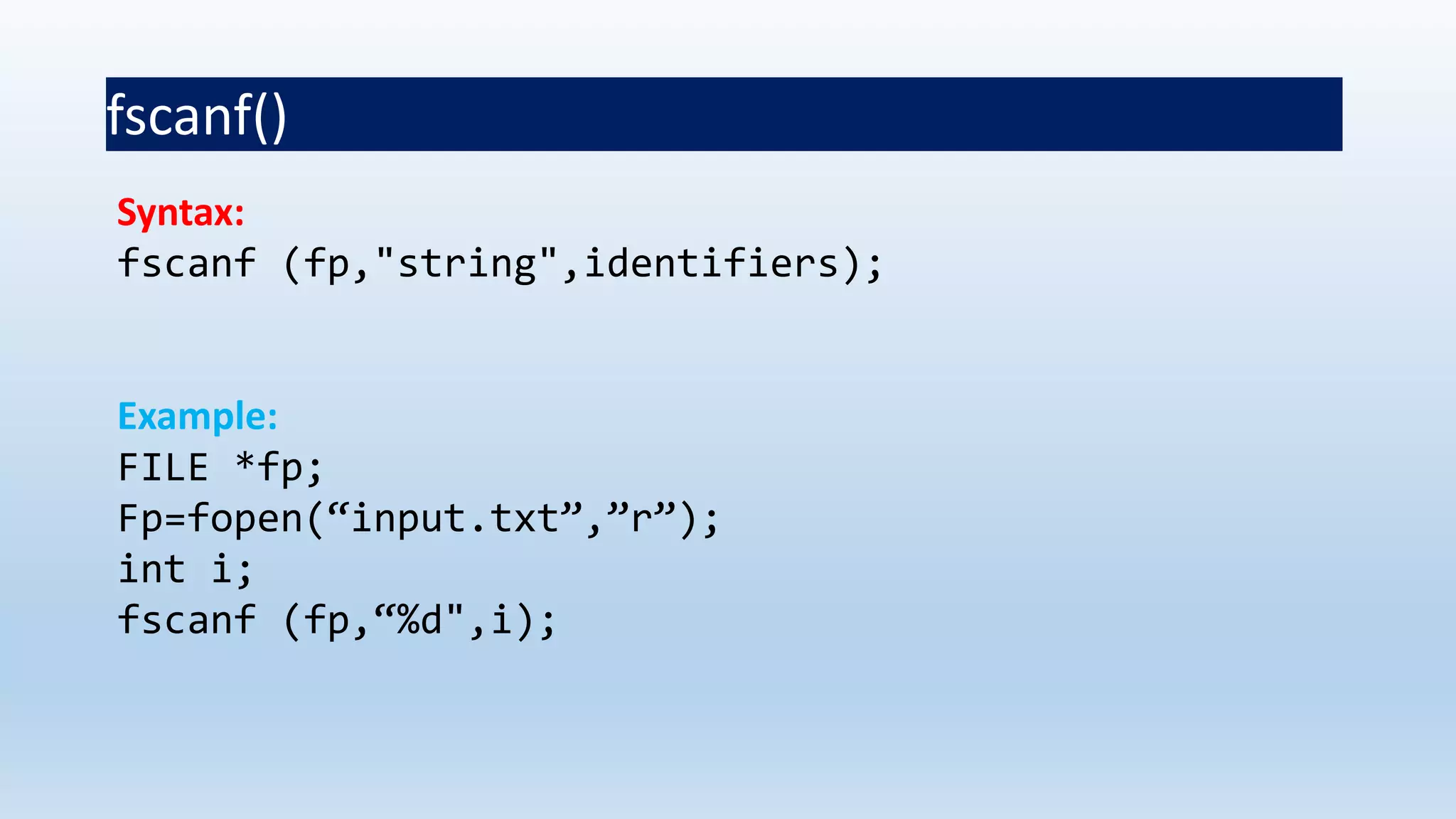
fscanf()
Syntax:
fscanf (fp,"string",identifiers);
Example:
FILE *fp;
Fp=fopen(“input.txt”,”r”);
int i;
fscanf (fp,“%d",i);
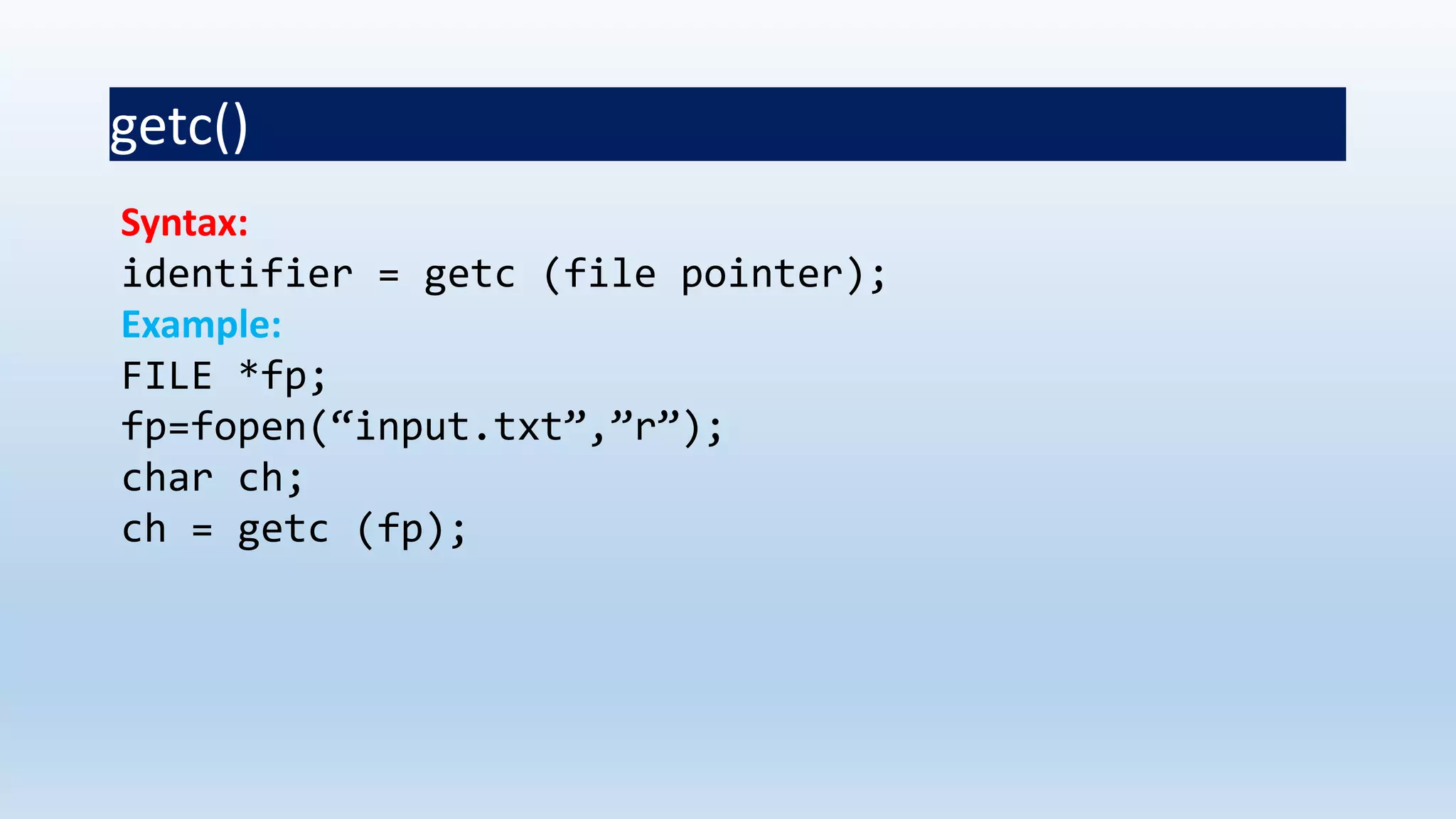
getc()
Syntax:
identifier = getc (file pointer);
Example:
FILE *fp;
fp=fopen(“input.txt”,”r”);
char ch;
ch = getc (fp);
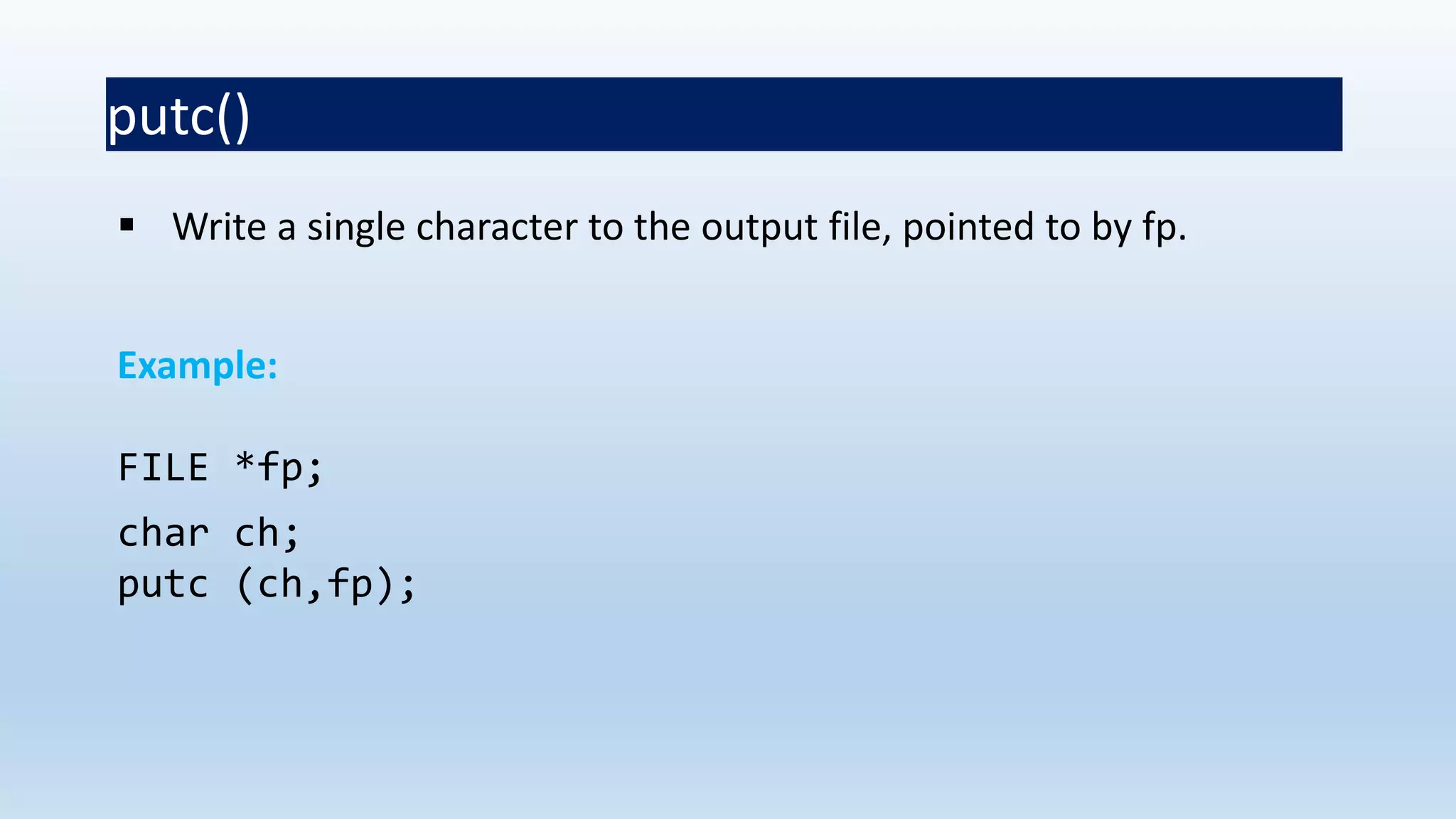
putc()
 Write a single character to the output file, pointed to by fp.
Example:
FILE *fp;
char ch;
putc (ch,fp);
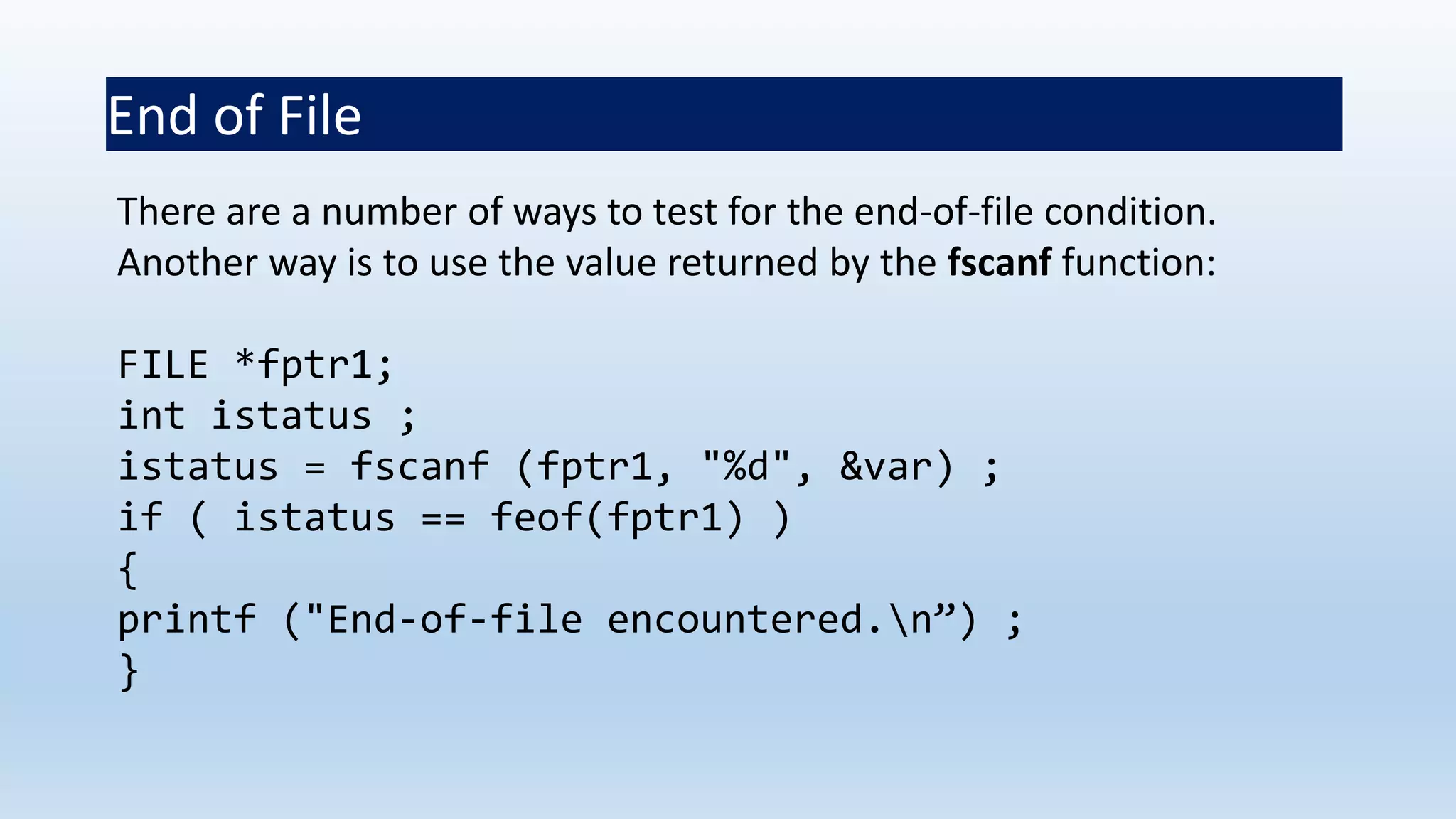
End of File
There are a number of ways to test for the end-of-file condition.
Another way is to use the value returned by the fscanf function:
FILE *fptr1;
int istatus ;
istatus = fscanf (fptr1, "%d", &var) ;
if ( istatus == feof(fptr1) )
{
printf ("End-of-file encountered.n”) ;
}
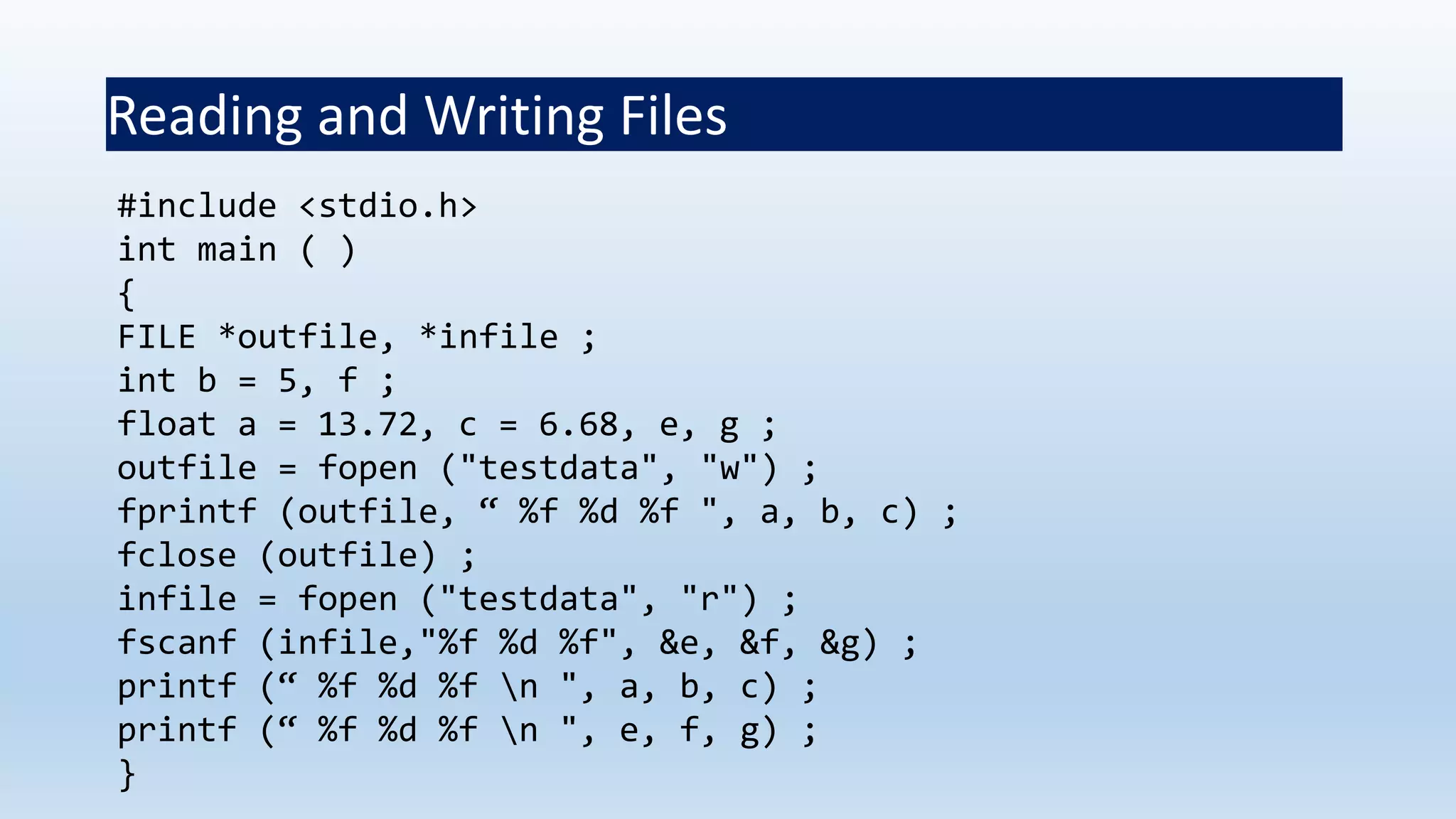
Reading and Writing Files
#include <stdio.h>
int main ( )
{
FILE *outfile, *infile ;
int b = 5, f ;
float a = 13.72, c = 6.68, e, g ;
outfile = fopen ("testdata", "w") ;
fprintf (outfile, “ %f %d %f ", a, b, c) ;
fclose (outfile) ;
infile = fopen ("testdata", "r") ;
fscanf (infile,"%f %d %f", &e, &f, &g) ;
printf (“ %f %d %f n ", a, b, c) ;
printf (“ %f %d %f n ", e, f, g) ;
}
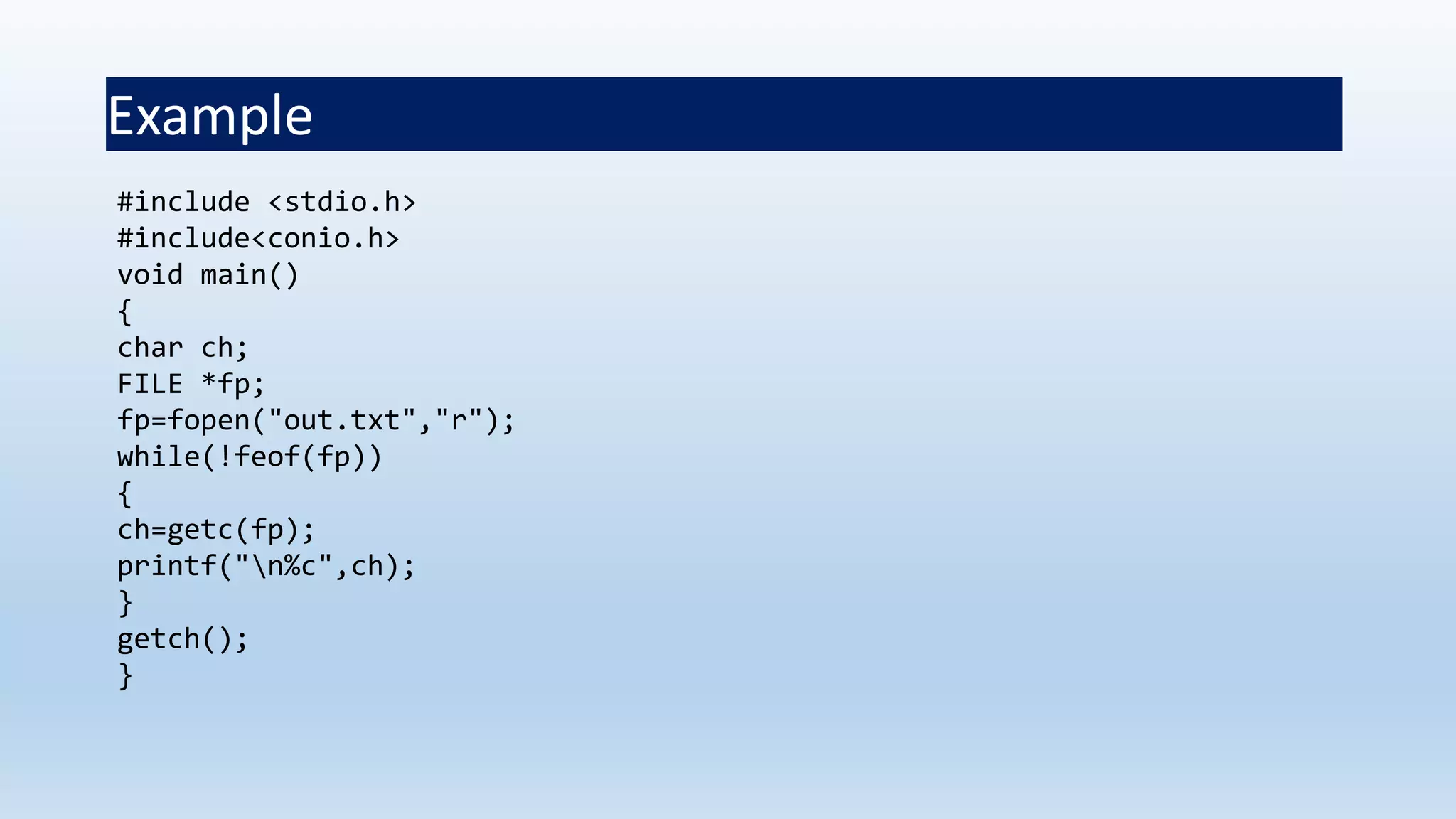
Example
#include <stdio.h>
#include<conio.h>
void main()
{
char ch;
FILE *fp;
fp=fopen("out.txt","r");
while(!feof(fp))
{
ch=getc(fp);
printf("n%c",ch);
}
getch();
}
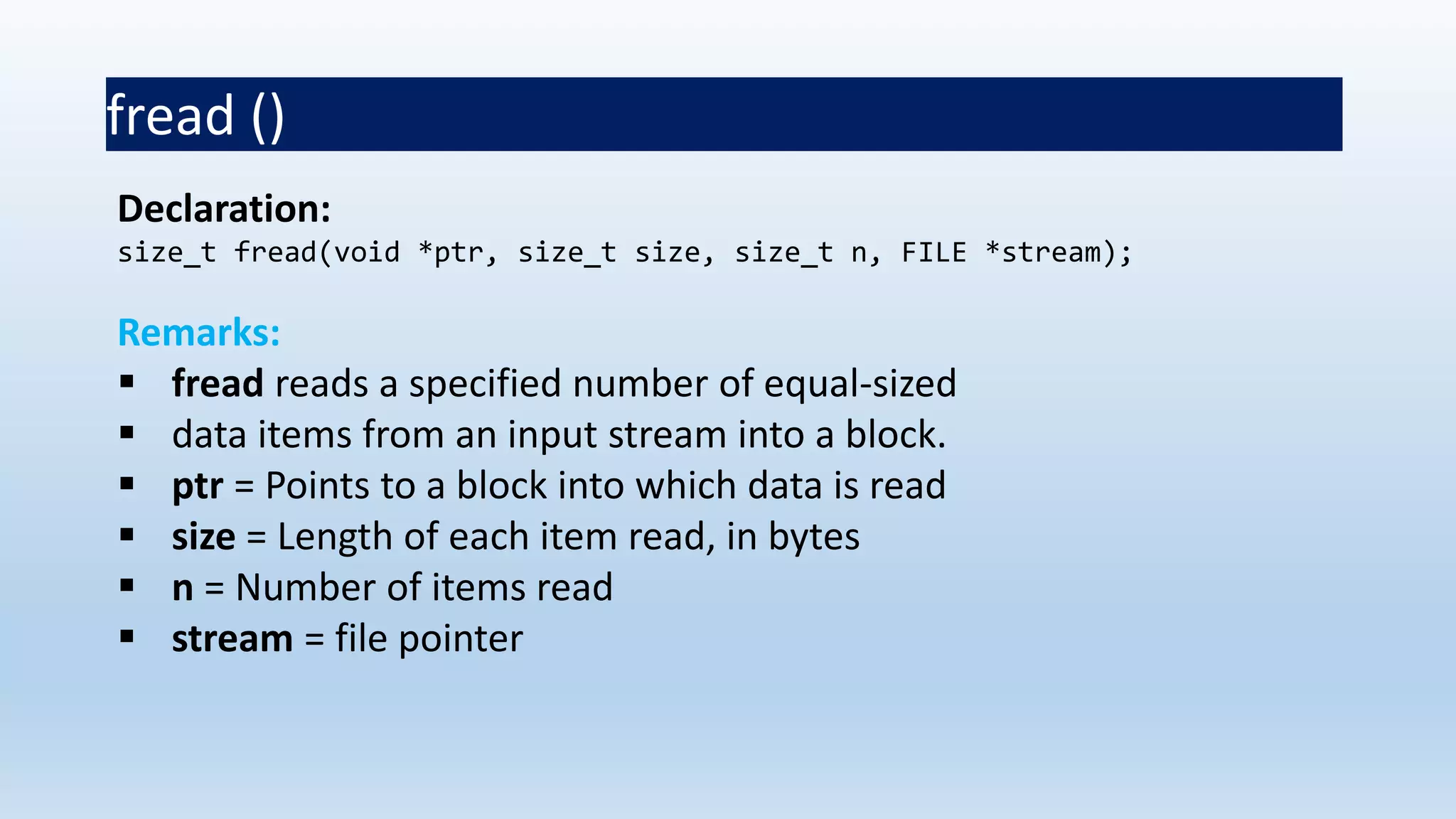
fread ()
Declaration:
size_t fread(void *ptr, size_t size, size_t n, FILE *stream);
Remarks:
 fread reads a specified number of equal-sized
 data items from an input stream into a block.
 ptr = Points to a block into which data is read
 size = Length of each item read, in bytes
 n = Number of items read
 stream = file pointer
Example
Example:
#include <stdio.h>
int main()
{
FILE *f;
char buffer[11];
if (f = fopen("fred.txt", “r”))
{
fread(buffer, 1, 10, f);
buffer[10] = 0;
fclose(f);
printf("first 10 characters of the file:n%sn", buffer);
}
return 0;
}
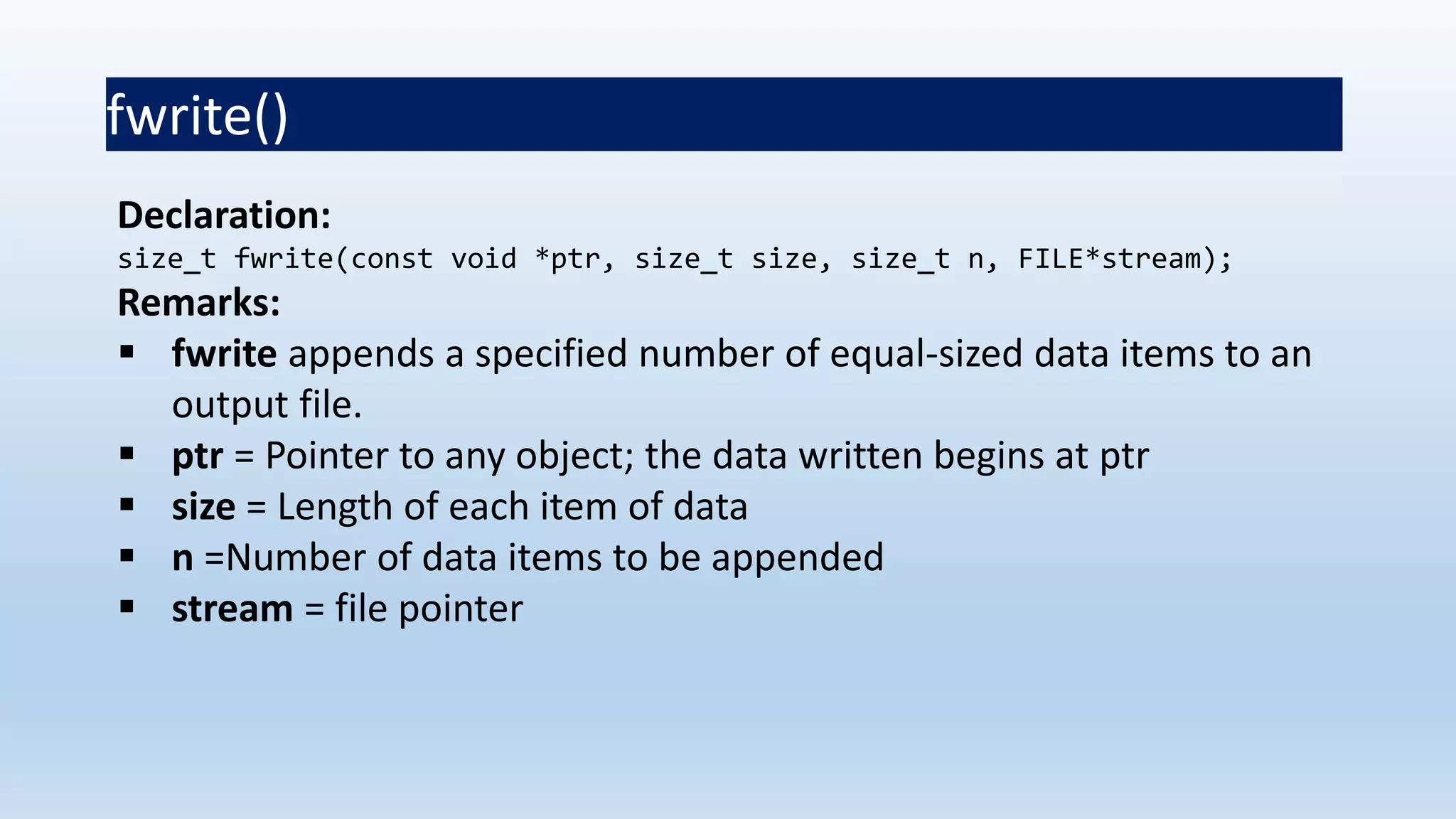
fwrite()
Declaration:
size_t fwrite(const void *ptr, size_t size, size_t n, FILE*stream);
Remarks:
 fwrite appends a specified number of equal-sized data items to an
output file.
 ptr = Pointer to any object; the data written begins at ptr
 size = Length of each item of data
 n =Number of data items to be appended
 stream = file pointer
Example
#include <stdio.h>
int main()
{
char a[10]={'1','2','3','4','5','6','7','8','9','a'};
FILE *fs;
fs=fopen("Project.txt","w");
fwrite(a,1,10,fs);
fclose(fs);
return 0;
}
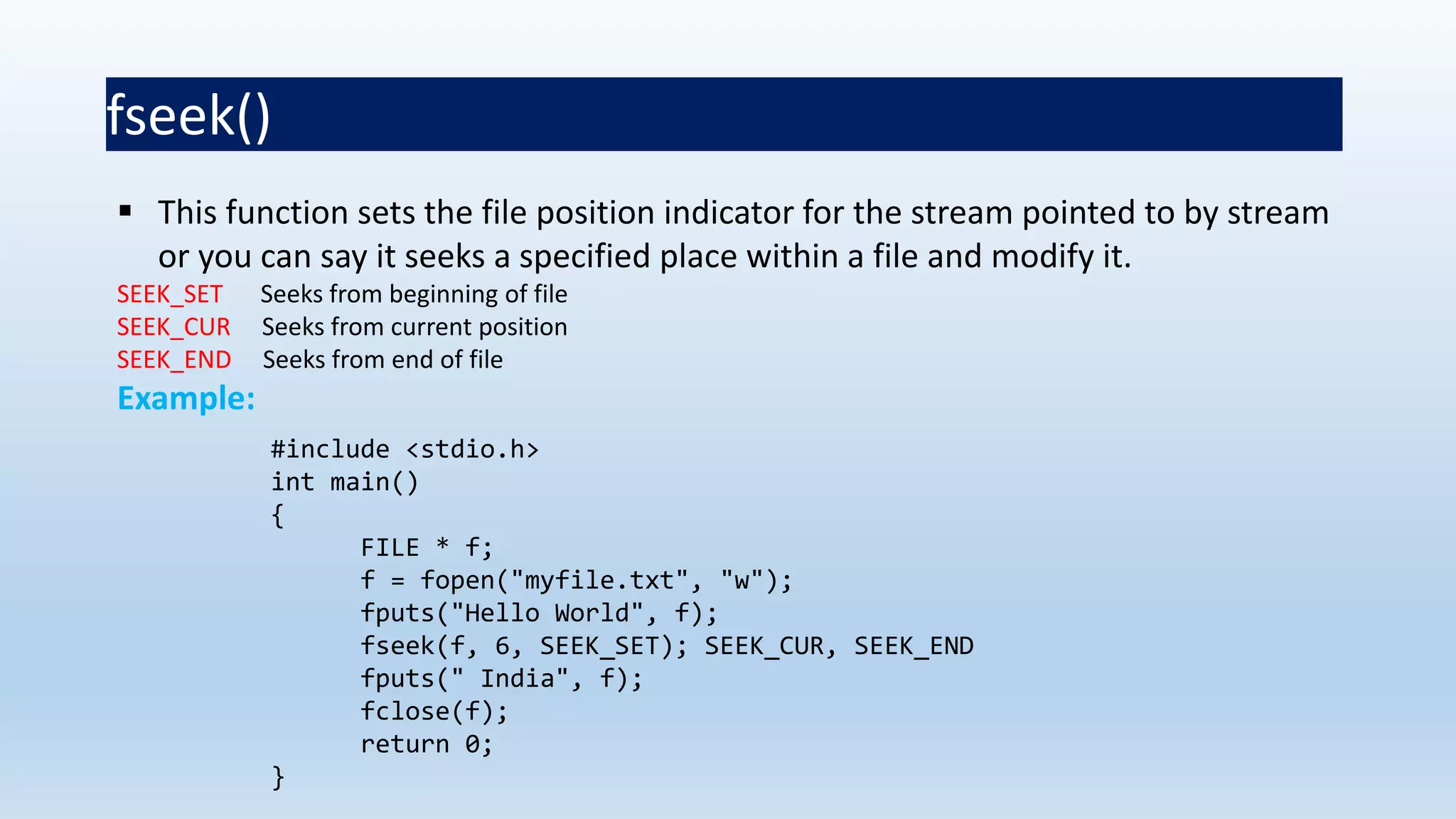
fseek()
 This function sets the file position indicator for the stream pointed to by stream
or you can say it seeks a specified place within a file and modify it.
SEEK_SET Seeks from beginning of file
SEEK_CUR Seeks from current position
SEEK_END Seeks from end of file
Example:
#include <stdio.h>
int main()
{
FILE * f;
f = fopen("myfile.txt", "w");
fputs("Hello World", f);
fseek(f, 6, SEEK_SET); SEEK_CUR, SEEK_END
fputs(" India", f);
fclose(f);
return 0;
}
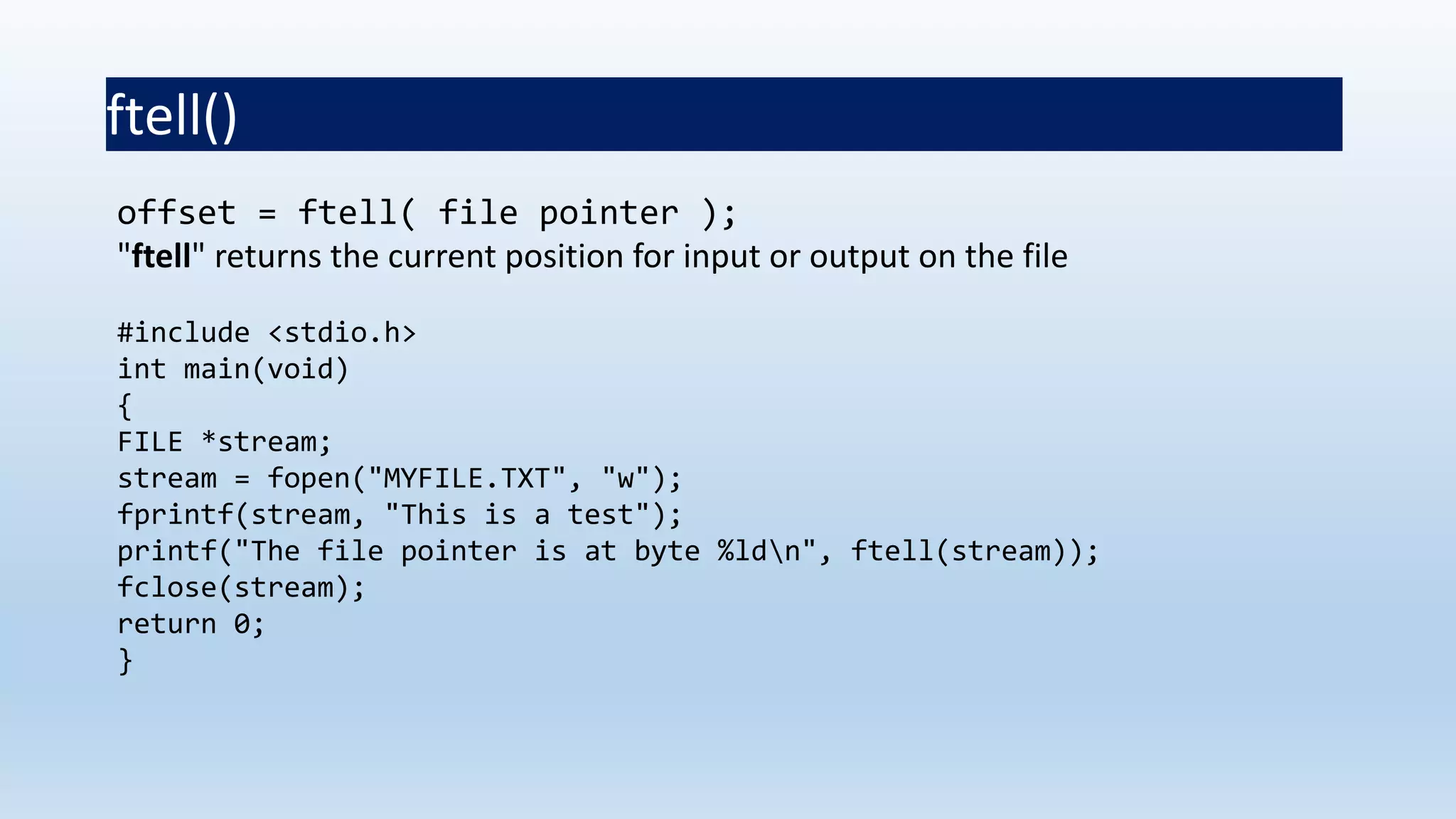
ftell()
offset = ftell( file pointer );
"ftell" returns the current position for input or output on the file
#include <stdio.h>
int main(void)
{
FILE *stream;
stream = fopen("MYFILE.TXT", "w");
fprintf(stream, "This is a test");
printf("The file pointer is at byte %ldn", ftell(stream));
fclose(stream);
return 0;
}
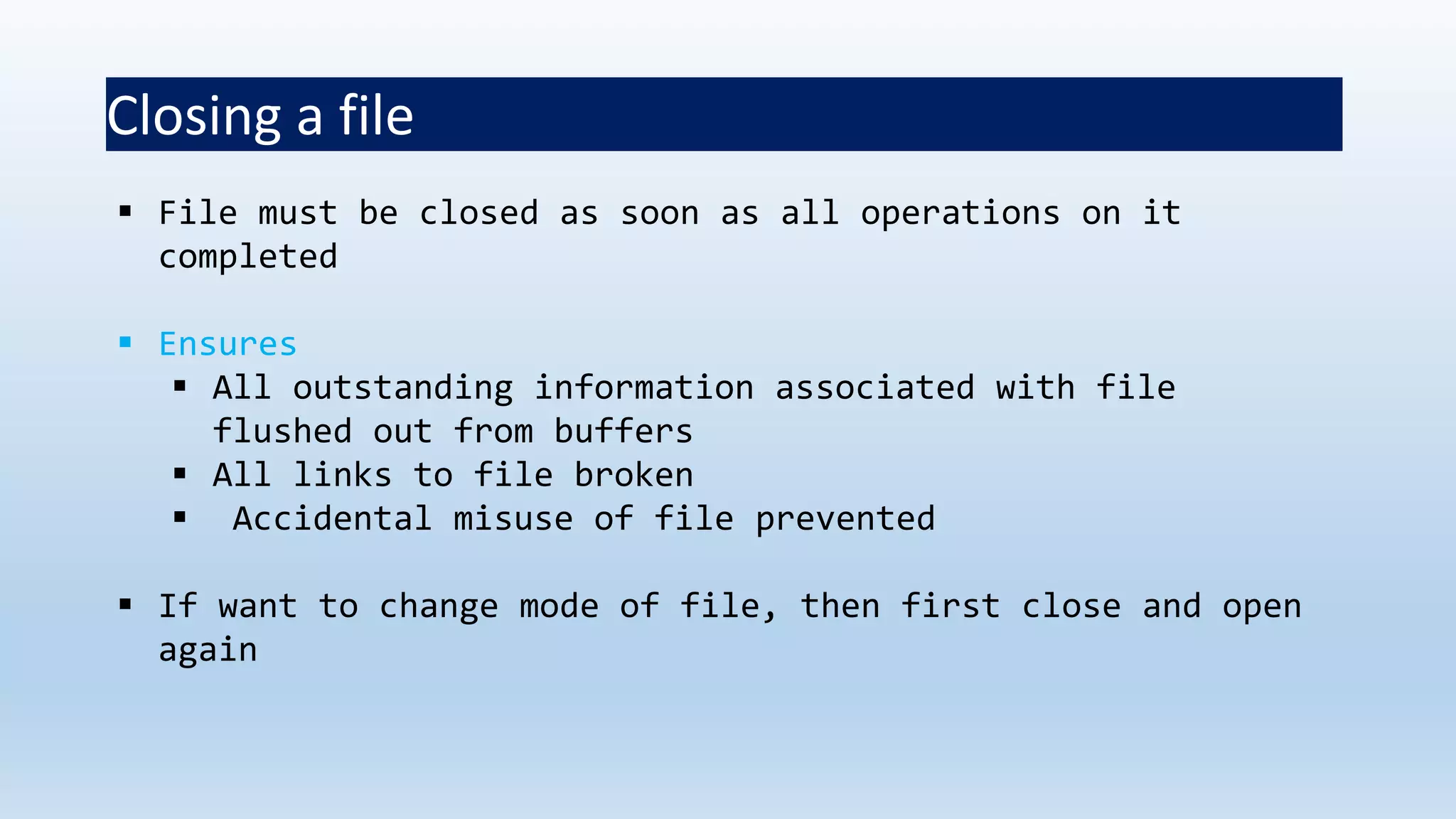
Closing a file
 File must be closed as soon as all operations on it
completed
 Ensures
 All outstanding information associated with file
flushed out from buffers
 All links to file broken
 Accidental misuse of file prevented
 If want to change mode of file, then first close and open
again
Closing a file
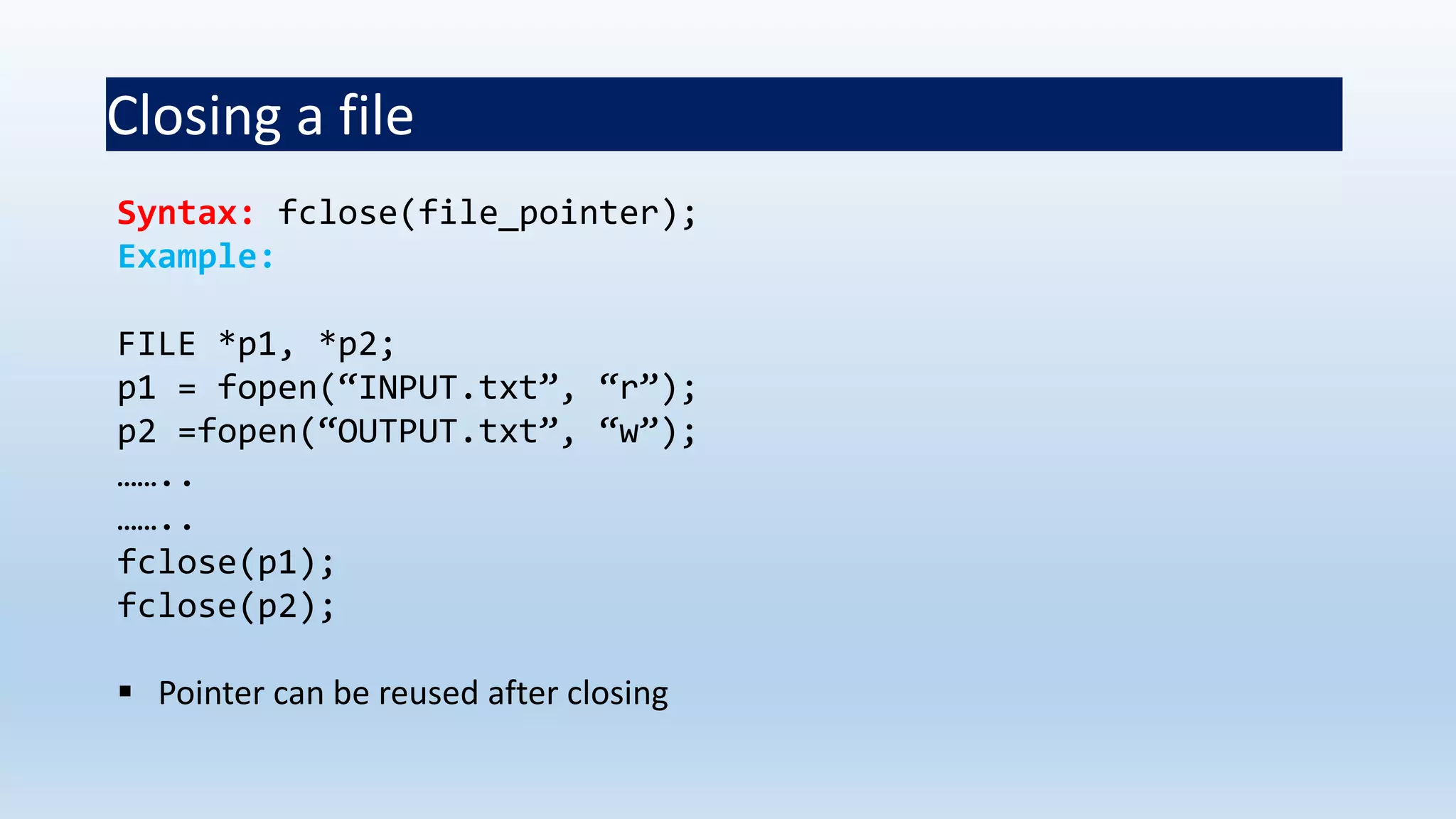
Syntax: fclose(file_pointer);
Example:
FILE *p1, *p2;
p1 = fopen(“INPUT.txt”, “r”);
p2 =fopen(“OUTPUT.txt”, “w”);
……..
……..
fclose(p1);
fclose(p2);
 Pointer can be reused after closing
Input/Output operations on files
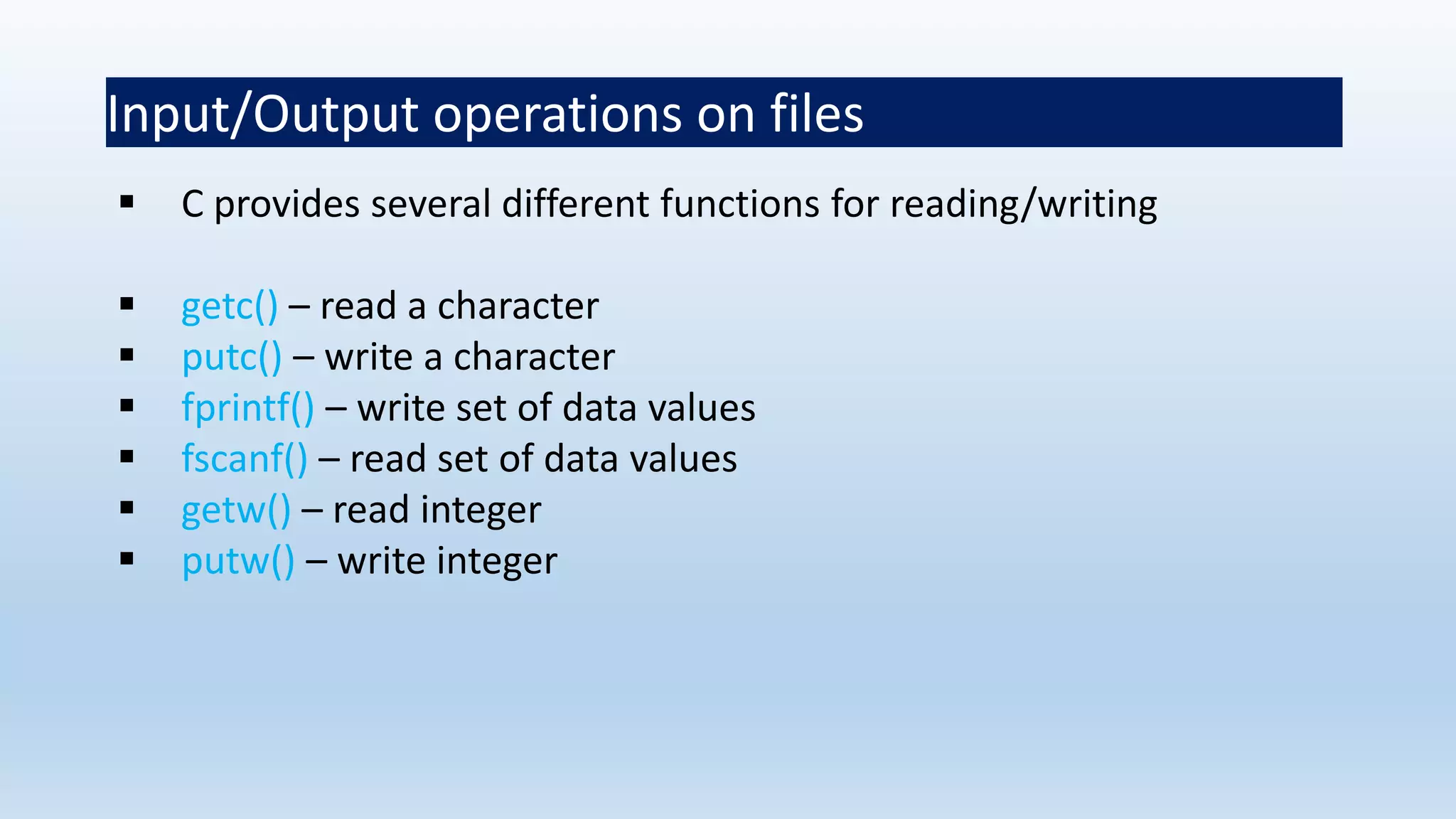
 C provides several different functions for reading/writing
 getc() – read a character
 putc() – write a character
 fprintf() – write set of data values
 fscanf() – read set of data values
 getw() – read integer
 putw() – write integer
getc() and putc()
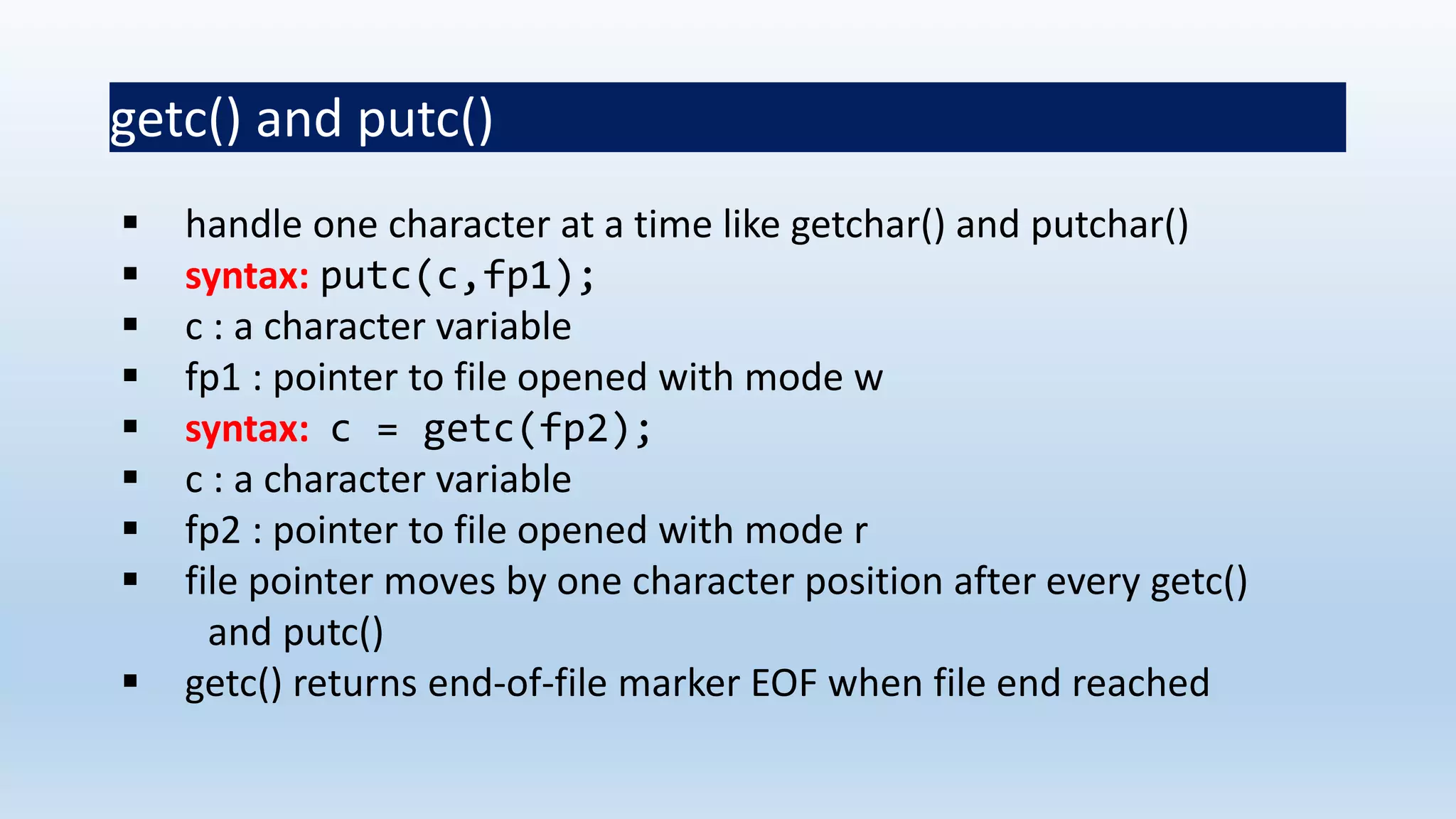
 handle one character at a time like getchar() and putchar()
 syntax: putc(c,fp1);
 c : a character variable
 fp1 : pointer to file opened with mode w
 syntax: c = getc(fp2);
 c : a character variable
 fp2 : pointer to file opened with mode r
 file pointer moves by one character position after every getc()
and putc()
 getc() returns end-of-file marker EOF when file end reached
Program to read/write using getc/putc
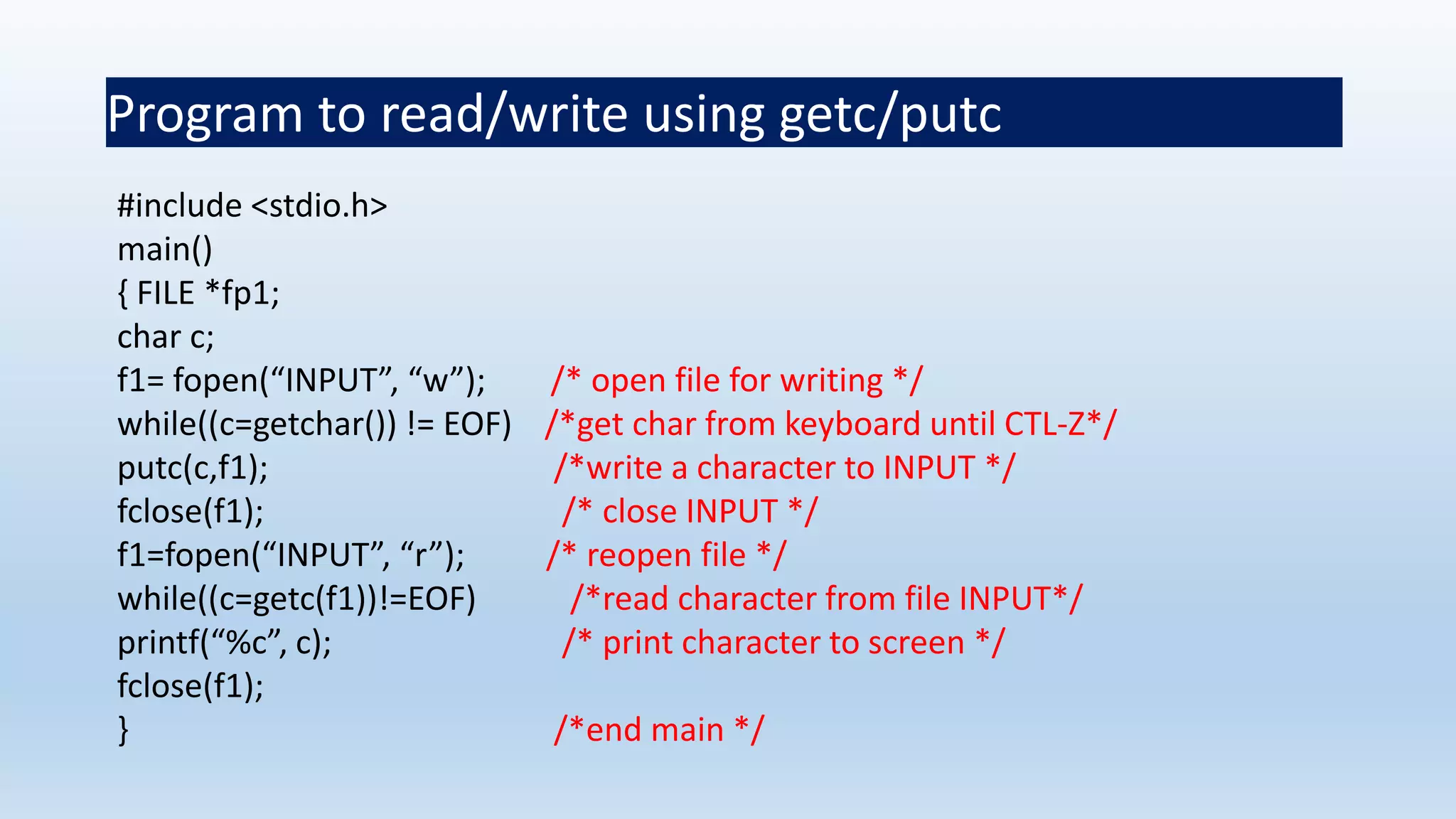
#include <stdio.h>
main()
{ FILE *fp1;
char c;
f1= fopen(“INPUT”, “w”); /* open file for writing */
while((c=getchar()) != EOF) /*get char from keyboard until CTL-Z*/
putc(c,f1); /*write a character to INPUT */
fclose(f1); /* close INPUT */
f1=fopen(“INPUT”, “r”); /* reopen file */
while((c=getc(f1))!=EOF) /*read character from file INPUT*/
printf(“%c”, c); /* print character to screen */
fclose(f1);
} /*end main */
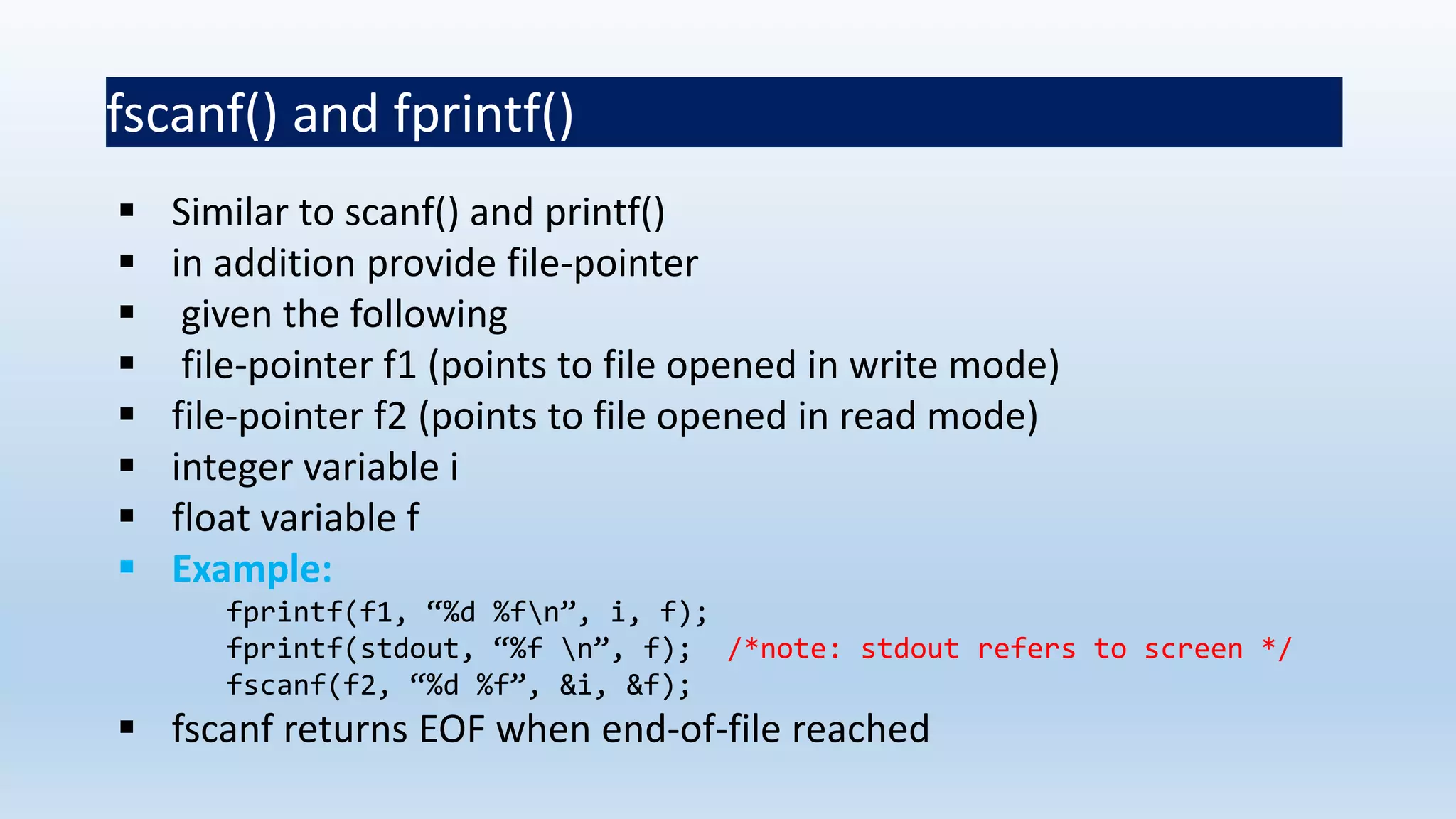
fscanf() and fprintf()
 Similar to scanf() and printf()
 in addition provide file-pointer
 given the following
 file-pointer f1 (points to file opened in write mode)
 file-pointer f2 (points to file opened in read mode)
 integer variable i
 float variable f
 Example:
fprintf(f1, “%d %fn”, i, f);
fprintf(stdout, “%f n”, f); /*note: stdout refers to screen */
fscanf(f2, “%d %f”, &i, &f);
 fscanf returns EOF when end-of-file reached
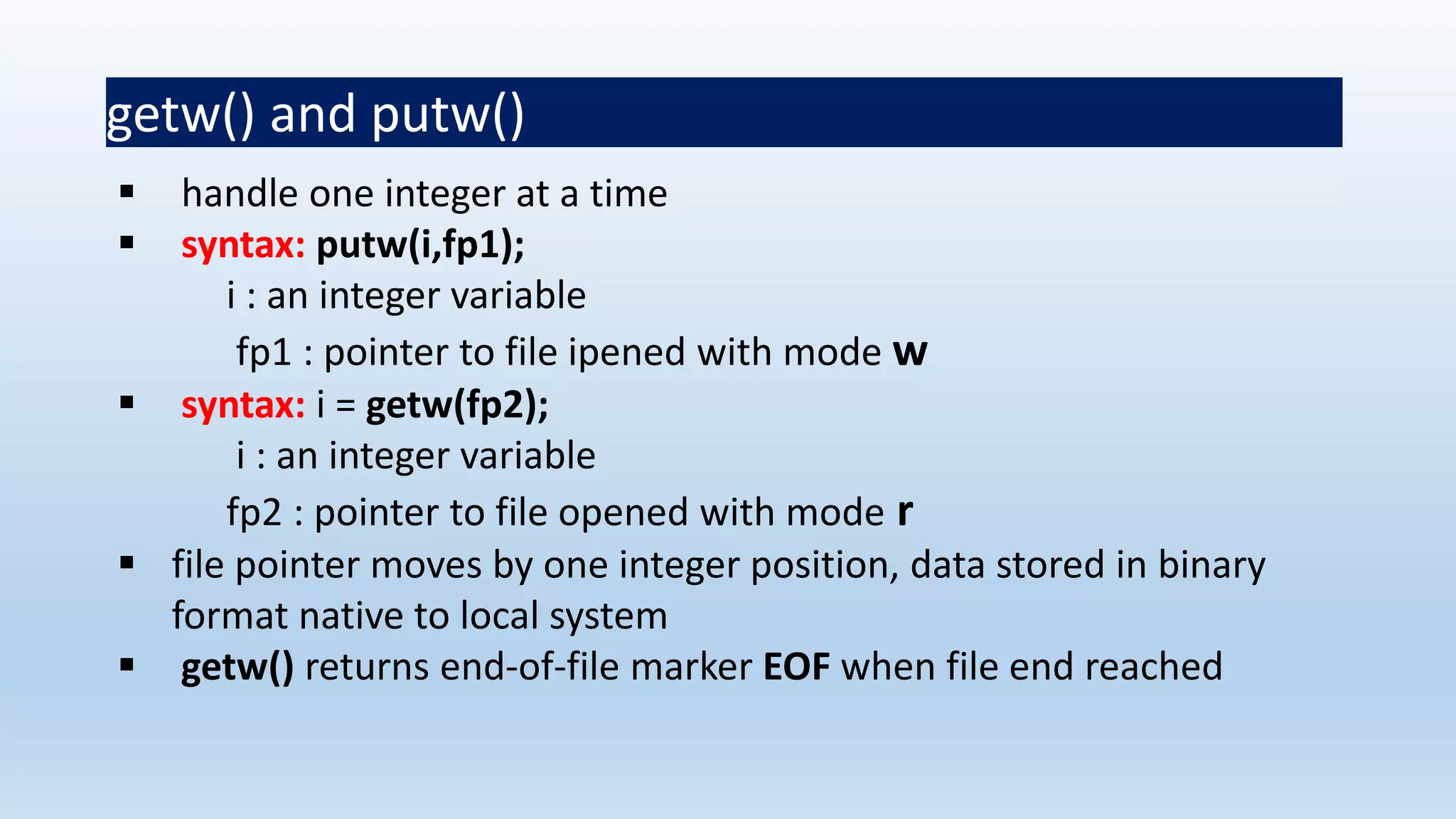
getw() and putw()
 handle one integer at a time
 syntax: putw(i,fp1);
i : an integer variable
fp1 : pointer to file ipened with mode w
 syntax: i = getw(fp2);
i : an integer variable
fp2 : pointer to file opened with mode r
 file pointer moves by one integer position, data stored in binary
format native to local system
 getw() returns end-of-file marker EOF when file end reached
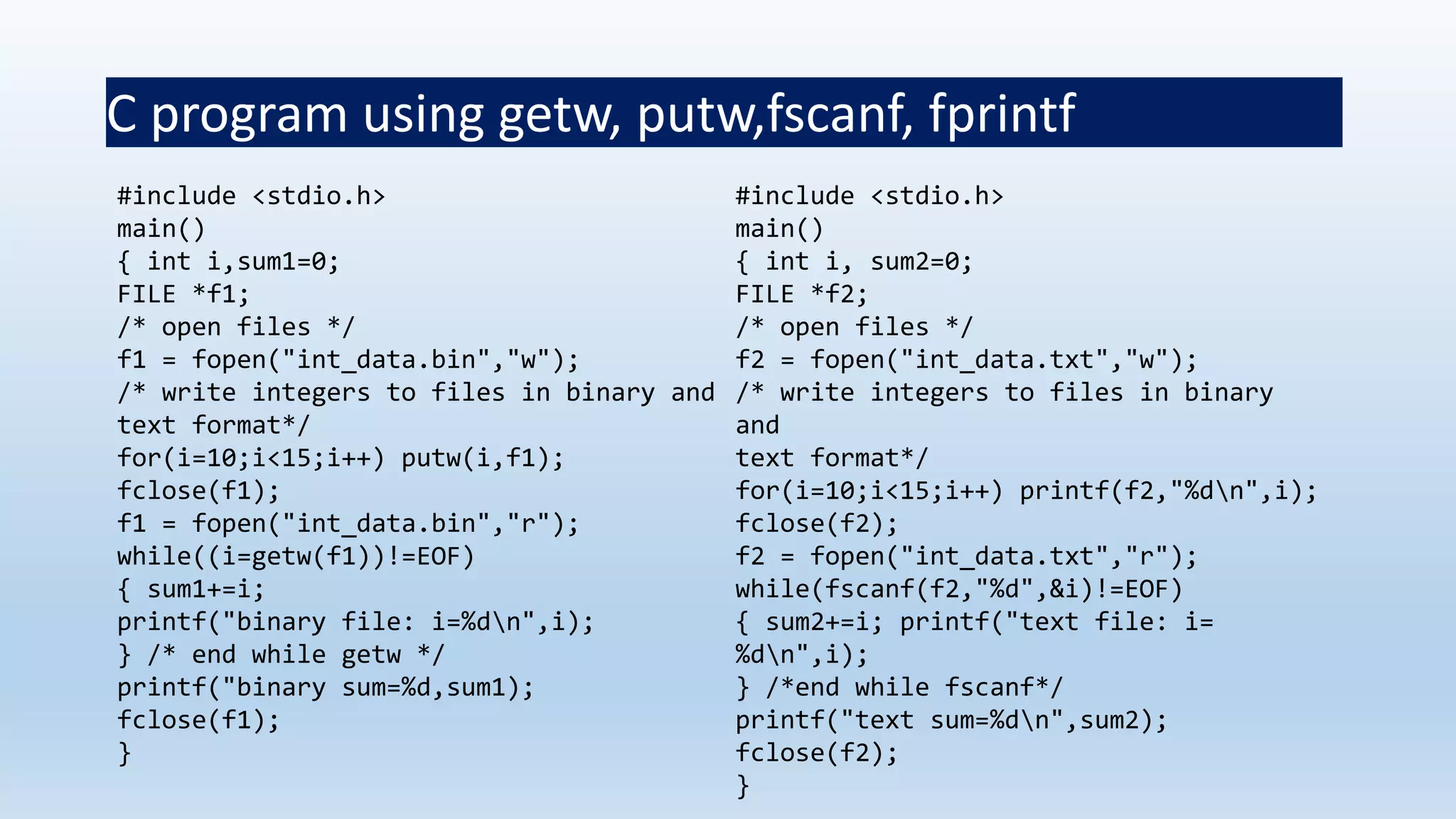
C program using getw, putw,fscanf, fprintf
#include <stdio.h>
main()
{ int i,sum1=0;
FILE *f1;
/* open files */
f1 = fopen("int_data.bin","w");
/* write integers to files in binary and
text format*/
for(i=10;i<15;i++) putw(i,f1);
fclose(f1);
f1 = fopen("int_data.bin","r");
while((i=getw(f1))!=EOF)
{ sum1+=i;
printf("binary file: i=%dn",i);
} /* end while getw */
printf("binary sum=%d,sum1);
fclose(f1);
}
#include <stdio.h>
main()
{ int i, sum2=0;
FILE *f2;
/* open files */
f2 = fopen("int_data.txt","w");
/* write integers to files in binary
and
text format*/
for(i=10;i<15;i++) printf(f2,"%dn",i);
fclose(f2);
f2 = fopen("int_data.txt","r");
while(fscanf(f2,"%d",&i)!=EOF)
{ sum2+=i; printf("text file: i=
%dn",i);
} /*end while fscanf*/
printf("text sum=%dn",sum2);
fclose(f2);
}
Thank You

File in C language

  • 1.
  • 2.
    What is aFile?  A file is a collection of related data that a computers treats as a single unit.  Computers store files to secondary storage so that the contents of files remain intact when a computer shuts down.  When a computer reads a file, it copies the file from the storage device to memory; when it writes to a file, it transfers data from memory to the storage device.  C uses a structure called FILE (defined in stdio.h) to store the attributes of a file.
  • 3.
    Console oriented Input/ Output  Console oriented – use terminal (keyboard/screen)  scanf(“%d”,&i) – read data from keyboard  printf(“%d”,i) – print data to monitor  Suitable for small volumes of data  Data lost when program terminated
  • 4.
    Real-life applications  Largedata volumes  E.g. physical experiments (CERN collider), human genome, population records etc.  Need for flexible approach to store/retrieve data  Concept of files
  • 5.
    Files  File –place on disc where group of related data is stored E.g. your C programs, executables  High-level programming languages support file operations  Naming  Opening  Reading  Writing  Closing
  • 6.
    Defining and openingfile  To store data file in secondary memory (disc) must specify to OS  Filename (e.g. sort.c, input.data)  Data structure (e.g. FILE)  Purpose (e.g. reading, writing, appending)
  • 7.
    Filename  String ofcharacters that make up a valid filename for OS  May contain two parts  Primary  Optional period with extension  Examples: a.out, prog.c, temp, text.out
  • 8.
    General format foropening file  FILE *fp; /*variable fp is pointer to type FILE*/  fp = fopen(“filename”, “mode”); /*opens file with name filename , assigns identifier to fp */ fp  contains all information about file  Communication link between system and program mode can be  r open file for reading only  w open file for writing only  a open file for appending (adding) data
  • 9.
    Different modes  Writingmode  if file already exists then contents are deleted  else new file with specified name created  Appending mode  if file already exists then file opened with contents safe  else new file created  Reading mode  if file already exists then opened with contents safe  else error occurs. FILE *p1, *p2; p1 = fopen(“data”,”r”); p2= fopen(“results”, w”);
  • 10.
    Steps in Processinga File 1. Create the stream via a pointer variable using the FILE structure: FILE *p; 2. Open the file, associating the stream name with the file name. 3. Read or write the data. 4. Close the file.
  • 11.
    The basic fileoperations are  fopen - open a file- specify how its opened (read/write) and type (binary/text)  fclose - close an opened file  fread - read from a file  fwrite - write to a file  fseek/fsetpos - move a file pointer to somewhere in a file  ftell/fgetpos - tell you where the file pointer is located
  • 12.
     String ofcharacters that make up a valid filename for OS  May contain two parts  Primary  Optional period with extension  Examples: a.out, prog.c, temp, text.out Filename
  • 13.
  • 14.
    More on FileOpen Modes
  • 15.
    Additionally  r+ -open for reading and writing, start at beginning  w+ - open for reading and writing (overwrite file)  a+ - open for reading and writing (append if file exists)
  • 16.
    File Open  Thefile open function ( fopen) serves two purposes:  It makes the connection between the physical file and the stream.  It creates “a program file structure to store the information” C needs to process the file.  Syntax: filepointer= fopen(“filename”, “mode”);
  • 17.
    More On fopen The file mode tells C how the program will use the file.  The filename indicates the system name and location for the file.  We assign the return value of fopen to our pointer variable: spData = fopen(“MYFILE.TXT”, “w”); spData = fopen(“A:MYFILE.TXT”, “w”);
  • 18.
  • 19.
    Closing a File When we finish with a mode, we need to close the file before ending the program or beginning another mode with that same file.  To close a file, we use fclose and the pointer variable: fclose(spData);
  • 20.
    fprintf() Syntax: fprintf (fp, "string",variables); Example: int i = 12; float x = 2.356; char ch = 's'; FILE *fp; fp=fopen(“out.txt”,”w”); fprintf (fp, "%d %f %c", i, x, ch);
  • 21.
  • 22.
    getc() Syntax: identifier = getc(file pointer); Example: FILE *fp; fp=fopen(“input.txt”,”r”); char ch; ch = getc (fp);
  • 23.
    putc()  Write asingle character to the output file, pointed to by fp. Example: FILE *fp; char ch; putc (ch,fp);
  • 24.
    End of File Thereare a number of ways to test for the end-of-file condition. Another way is to use the value returned by the fscanf function: FILE *fptr1; int istatus ; istatus = fscanf (fptr1, "%d", &var) ; if ( istatus == feof(fptr1) ) { printf ("End-of-file encountered.n”) ; }
  • 25.
    Reading and WritingFiles #include <stdio.h> int main ( ) { FILE *outfile, *infile ; int b = 5, f ; float a = 13.72, c = 6.68, e, g ; outfile = fopen ("testdata", "w") ; fprintf (outfile, “ %f %d %f ", a, b, c) ; fclose (outfile) ; infile = fopen ("testdata", "r") ; fscanf (infile,"%f %d %f", &e, &f, &g) ; printf (“ %f %d %f n ", a, b, c) ; printf (“ %f %d %f n ", e, f, g) ; }
  • 26.
    Example #include <stdio.h> #include<conio.h> void main() { charch; FILE *fp; fp=fopen("out.txt","r"); while(!feof(fp)) { ch=getc(fp); printf("n%c",ch); } getch(); }
  • 27.
    fread () Declaration: size_t fread(void*ptr, size_t size, size_t n, FILE *stream); Remarks:  fread reads a specified number of equal-sized  data items from an input stream into a block.  ptr = Points to a block into which data is read  size = Length of each item read, in bytes  n = Number of items read  stream = file pointer
  • 28.
    Example Example: #include <stdio.h> int main() { FILE*f; char buffer[11]; if (f = fopen("fred.txt", “r”)) { fread(buffer, 1, 10, f); buffer[10] = 0; fclose(f); printf("first 10 characters of the file:n%sn", buffer); } return 0; }
  • 29.
    fwrite() Declaration: size_t fwrite(const void*ptr, size_t size, size_t n, FILE*stream); Remarks:  fwrite appends a specified number of equal-sized data items to an output file.  ptr = Pointer to any object; the data written begins at ptr  size = Length of each item of data  n =Number of data items to be appended  stream = file pointer
  • 30.
    Example #include <stdio.h> int main() { chara[10]={'1','2','3','4','5','6','7','8','9','a'}; FILE *fs; fs=fopen("Project.txt","w"); fwrite(a,1,10,fs); fclose(fs); return 0; }
  • 31.
    fseek()  This functionsets the file position indicator for the stream pointed to by stream or you can say it seeks a specified place within a file and modify it. SEEK_SET Seeks from beginning of file SEEK_CUR Seeks from current position SEEK_END Seeks from end of file Example: #include <stdio.h> int main() { FILE * f; f = fopen("myfile.txt", "w"); fputs("Hello World", f); fseek(f, 6, SEEK_SET); SEEK_CUR, SEEK_END fputs(" India", f); fclose(f); return 0; }
  • 32.
    ftell() offset = ftell(file pointer ); "ftell" returns the current position for input or output on the file #include <stdio.h> int main(void) { FILE *stream; stream = fopen("MYFILE.TXT", "w"); fprintf(stream, "This is a test"); printf("The file pointer is at byte %ldn", ftell(stream)); fclose(stream); return 0; }
  • 33.
    Closing a file File must be closed as soon as all operations on it completed  Ensures  All outstanding information associated with file flushed out from buffers  All links to file broken  Accidental misuse of file prevented  If want to change mode of file, then first close and open again
  • 34.
    Closing a file Syntax:fclose(file_pointer); Example: FILE *p1, *p2; p1 = fopen(“INPUT.txt”, “r”); p2 =fopen(“OUTPUT.txt”, “w”); …….. …….. fclose(p1); fclose(p2);  Pointer can be reused after closing
  • 35.
    Input/Output operations onfiles  C provides several different functions for reading/writing  getc() – read a character  putc() – write a character  fprintf() – write set of data values  fscanf() – read set of data values  getw() – read integer  putw() – write integer
  • 36.
    getc() and putc() handle one character at a time like getchar() and putchar()  syntax: putc(c,fp1);  c : a character variable  fp1 : pointer to file opened with mode w  syntax: c = getc(fp2);  c : a character variable  fp2 : pointer to file opened with mode r  file pointer moves by one character position after every getc() and putc()  getc() returns end-of-file marker EOF when file end reached
  • 37.
    Program to read/writeusing getc/putc #include <stdio.h> main() { FILE *fp1; char c; f1= fopen(“INPUT”, “w”); /* open file for writing */ while((c=getchar()) != EOF) /*get char from keyboard until CTL-Z*/ putc(c,f1); /*write a character to INPUT */ fclose(f1); /* close INPUT */ f1=fopen(“INPUT”, “r”); /* reopen file */ while((c=getc(f1))!=EOF) /*read character from file INPUT*/ printf(“%c”, c); /* print character to screen */ fclose(f1); } /*end main */
  • 38.
    fscanf() and fprintf() Similar to scanf() and printf()  in addition provide file-pointer  given the following  file-pointer f1 (points to file opened in write mode)  file-pointer f2 (points to file opened in read mode)  integer variable i  float variable f  Example: fprintf(f1, “%d %fn”, i, f); fprintf(stdout, “%f n”, f); /*note: stdout refers to screen */ fscanf(f2, “%d %f”, &i, &f);  fscanf returns EOF when end-of-file reached
  • 39.
    getw() and putw() handle one integer at a time  syntax: putw(i,fp1); i : an integer variable fp1 : pointer to file ipened with mode w  syntax: i = getw(fp2); i : an integer variable fp2 : pointer to file opened with mode r  file pointer moves by one integer position, data stored in binary format native to local system  getw() returns end-of-file marker EOF when file end reached
  • 40.
    C program usinggetw, putw,fscanf, fprintf #include <stdio.h> main() { int i,sum1=0; FILE *f1; /* open files */ f1 = fopen("int_data.bin","w"); /* write integers to files in binary and text format*/ for(i=10;i<15;i++) putw(i,f1); fclose(f1); f1 = fopen("int_data.bin","r"); while((i=getw(f1))!=EOF) { sum1+=i; printf("binary file: i=%dn",i); } /* end while getw */ printf("binary sum=%d,sum1); fclose(f1); } #include <stdio.h> main() { int i, sum2=0; FILE *f2; /* open files */ f2 = fopen("int_data.txt","w"); /* write integers to files in binary and text format*/ for(i=10;i<15;i++) printf(f2,"%dn",i); fclose(f2); f2 = fopen("int_data.txt","r"); while(fscanf(f2,"%d",&i)!=EOF) { sum2+=i; printf("text file: i= %dn",i); } /*end while fscanf*/ printf("text sum=%dn",sum2); fclose(f2); }
  • 41.