Contributing by
Testing WordPress
Dive into Contributing to WordPress
and Make a Difference by Testing
Evan Mullins @circlecube
evanmullins.com
I use WordPress every day in my role at
Bluehost, where I build WordPress tools for
customers and contribute back to the project.
I also use it for my own freelance and hobby
projects. I love the visual problem-solving side of
websites and strive to make the web a better
place for everyone—even your grandma.
Letʼs explore the ways you can
contribute by testing WordPress.
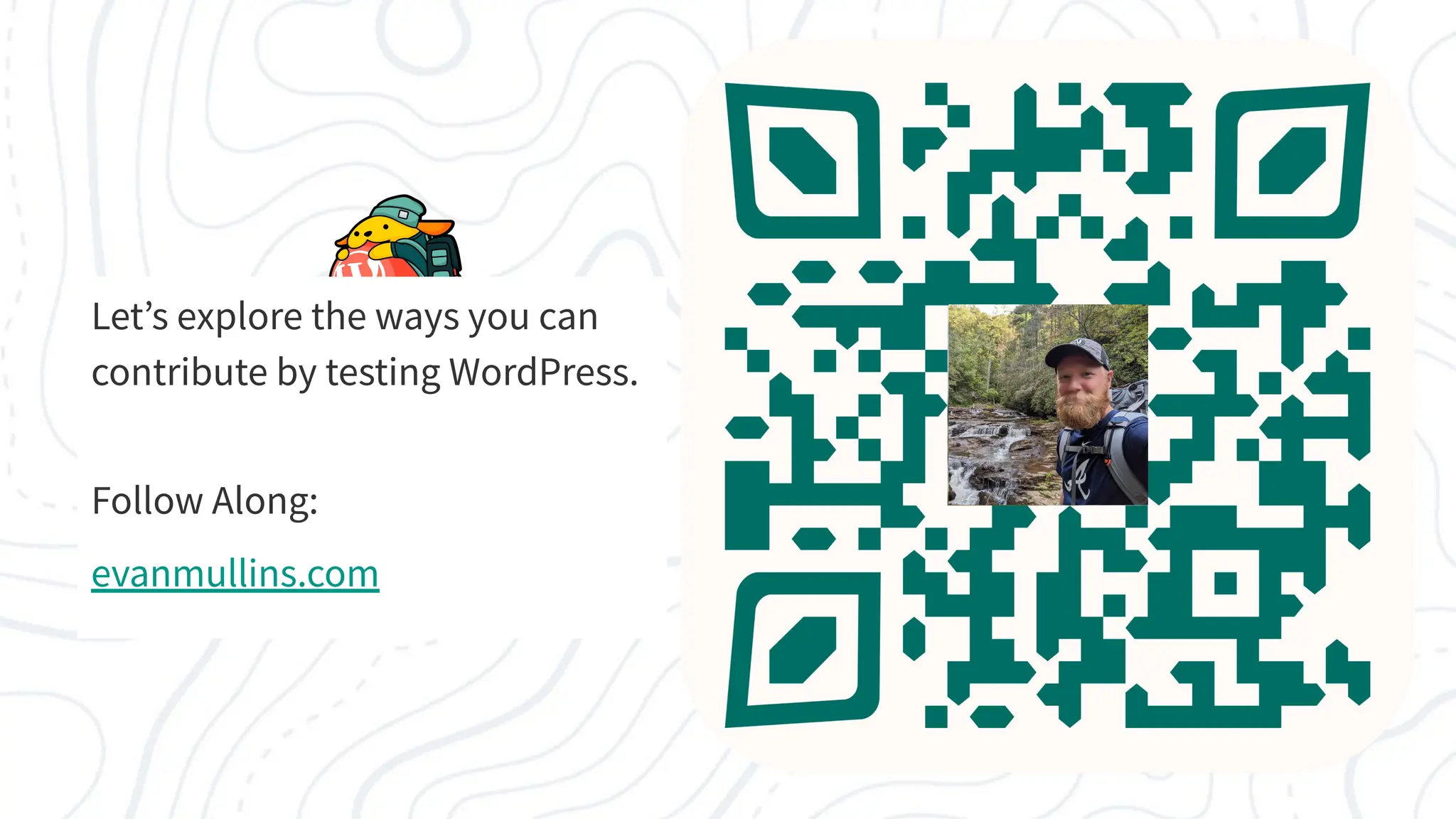
Follow Along:
evanmullins.com
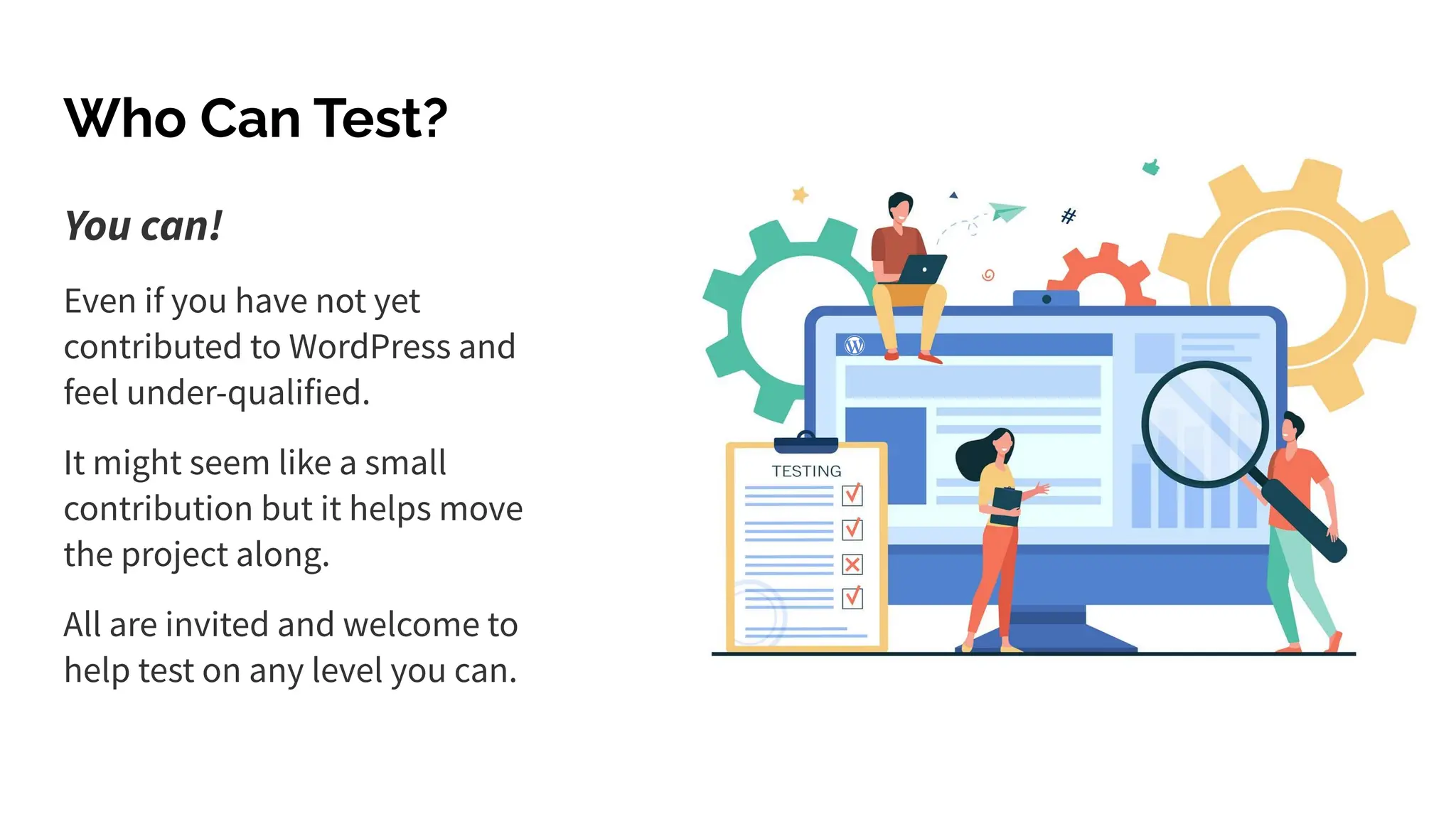
You can!
Even if you have not yet
contributed to WordPress and
feel under-qualified.
It might seem like a small
contribution but it helps move
the project along.
All are invited and welcome to
help test on any level you can.
Who Can Test?
Even You Can Test WordPress!
Testing WordPress is a valuable contribution that anyone can make!
Why? Contributions keep open source projects alive and moving!
Opportunities to Test WordPress
1. Test Releases ✹
2. Test Tickets/Issues ✹
3. Outreach & Usability Tests
4. Accessibility Tests
5. Automated Tests
1. Testing Releases
Release Cycle Testing
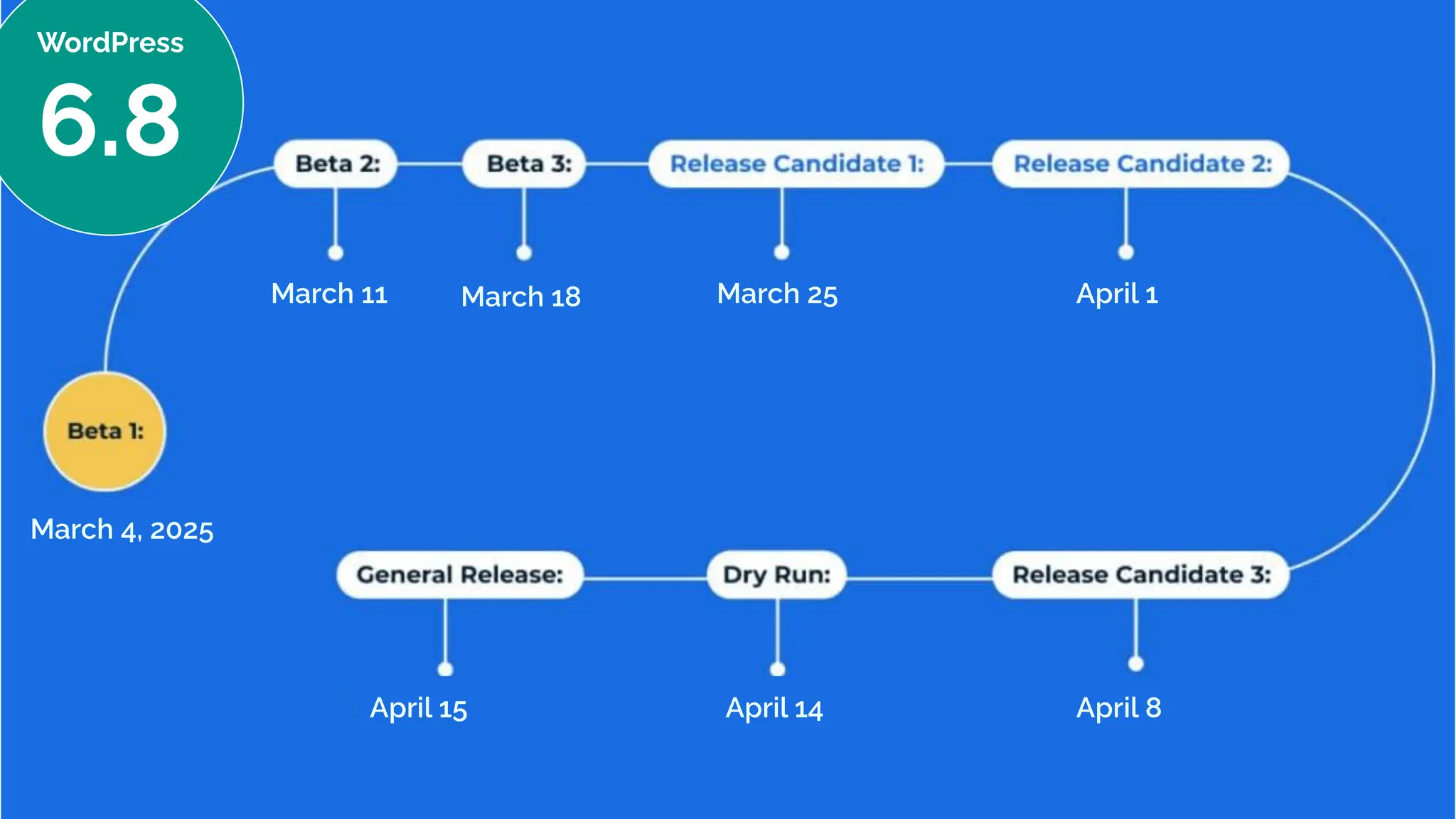
WordPress
6.8
March 4, 2025
March 11 March 18 March 25 April 1
April 8
April 14
April 15
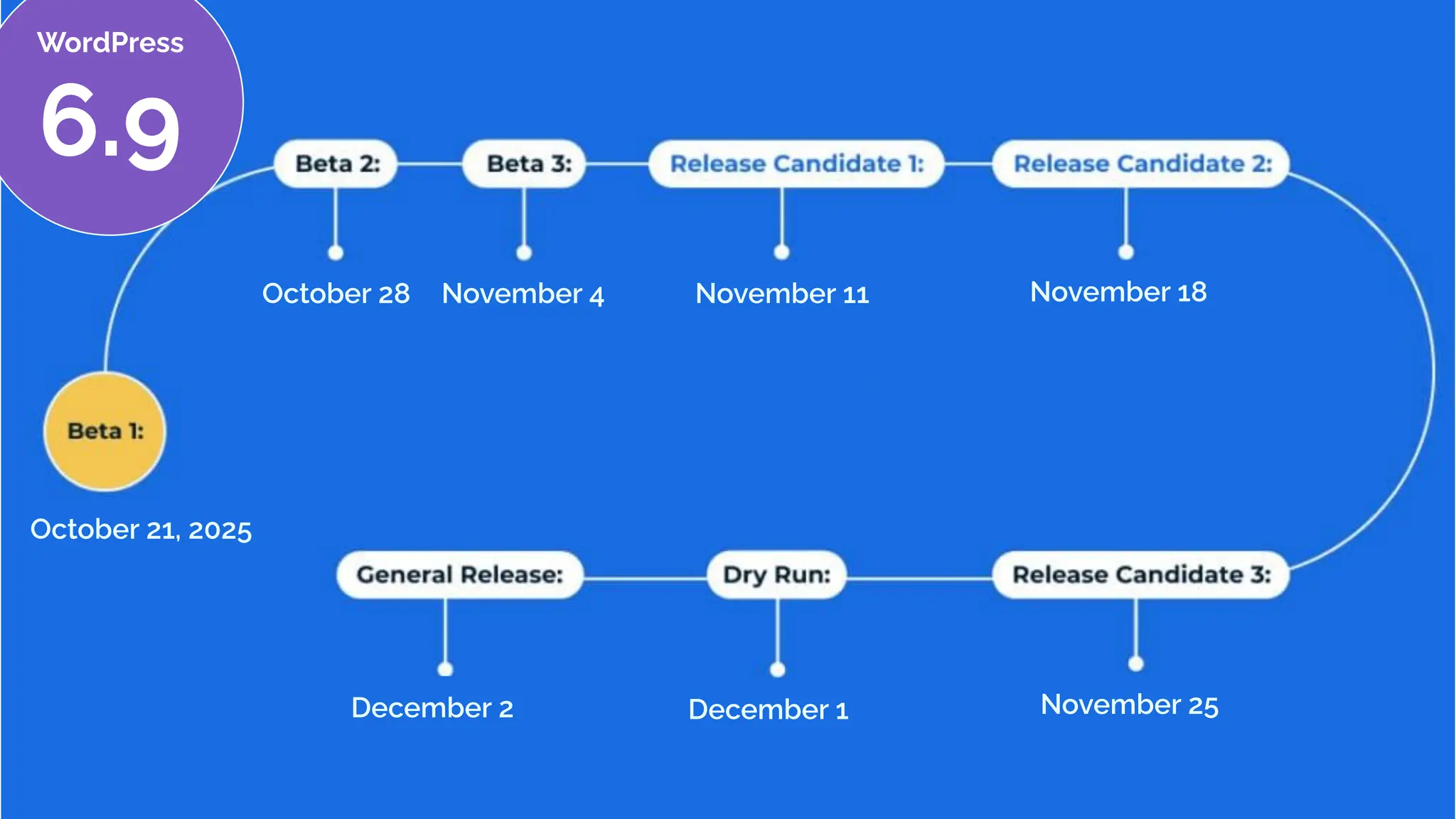
October 21, 2025
October 28 November 4 November 11 November 18
November 25
December 1
December 2
WordPress
6.9
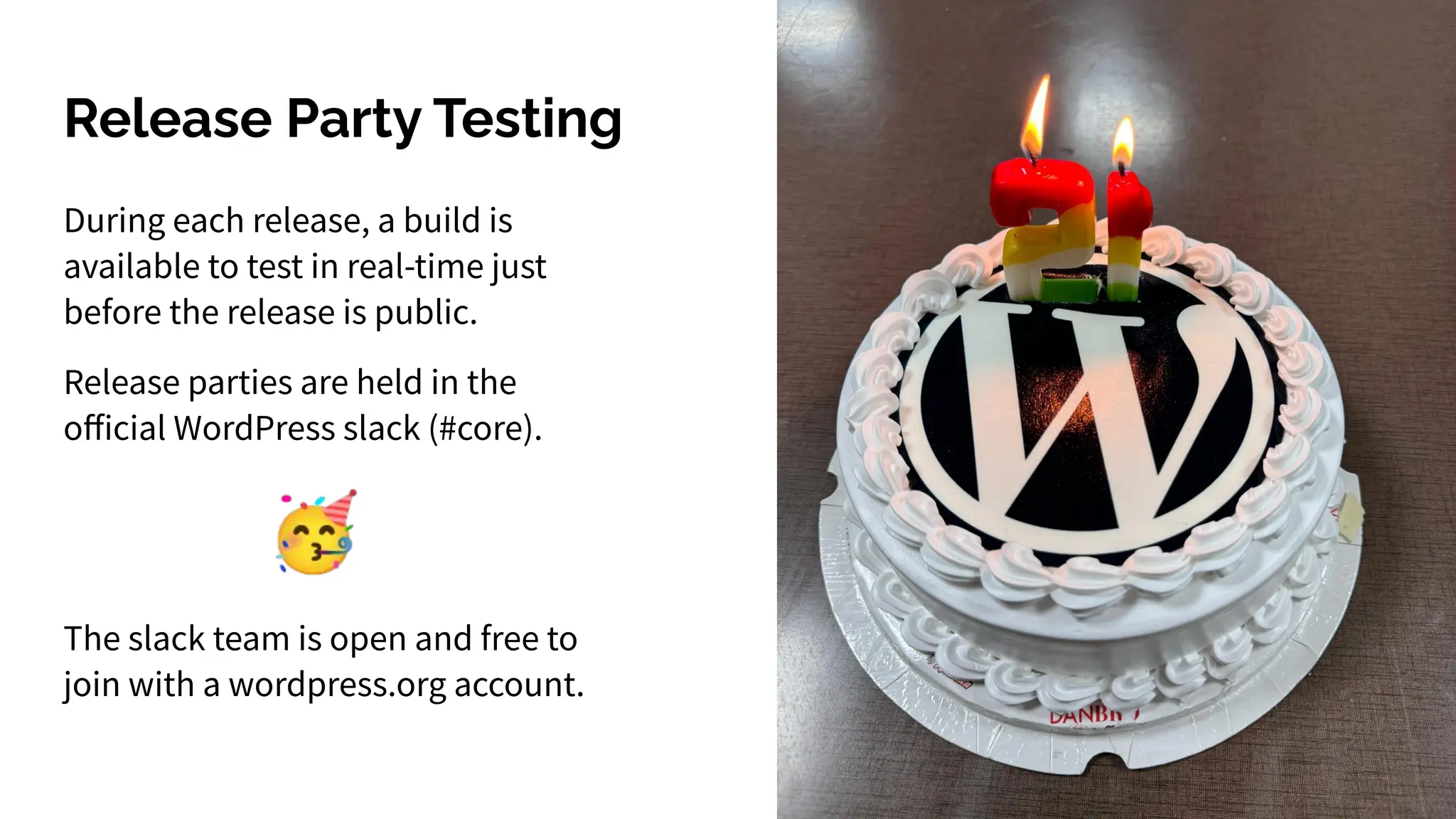
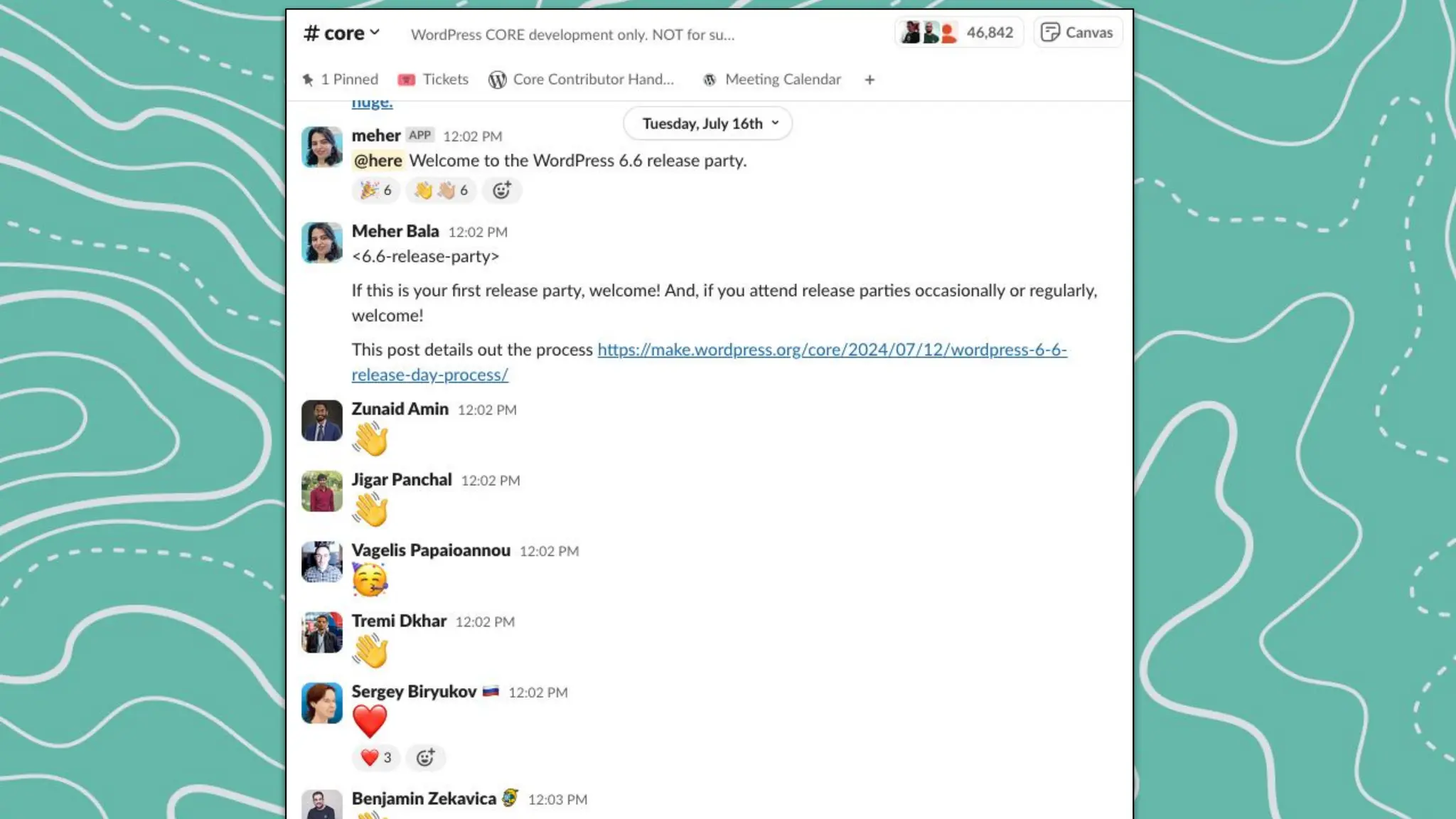
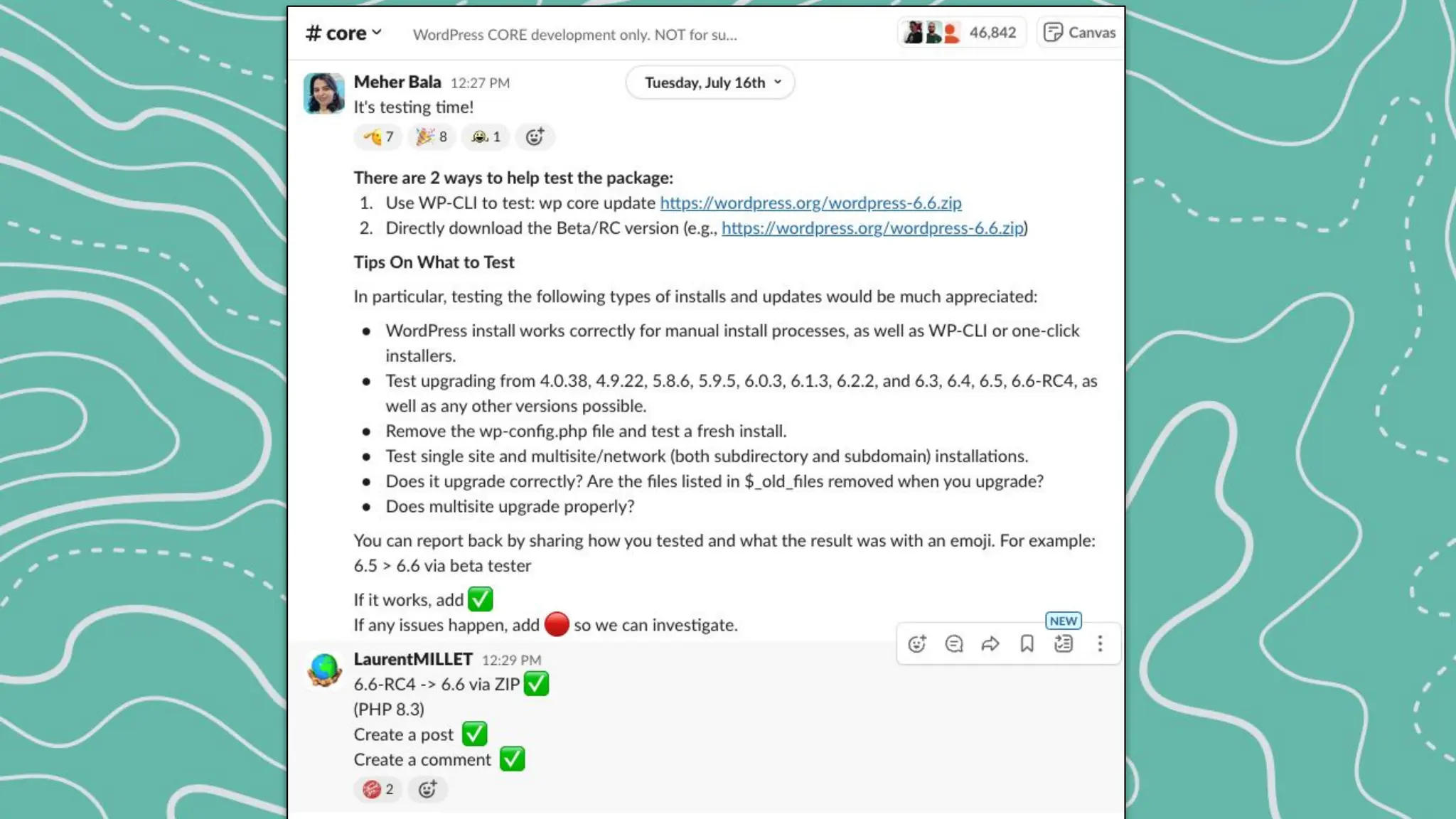
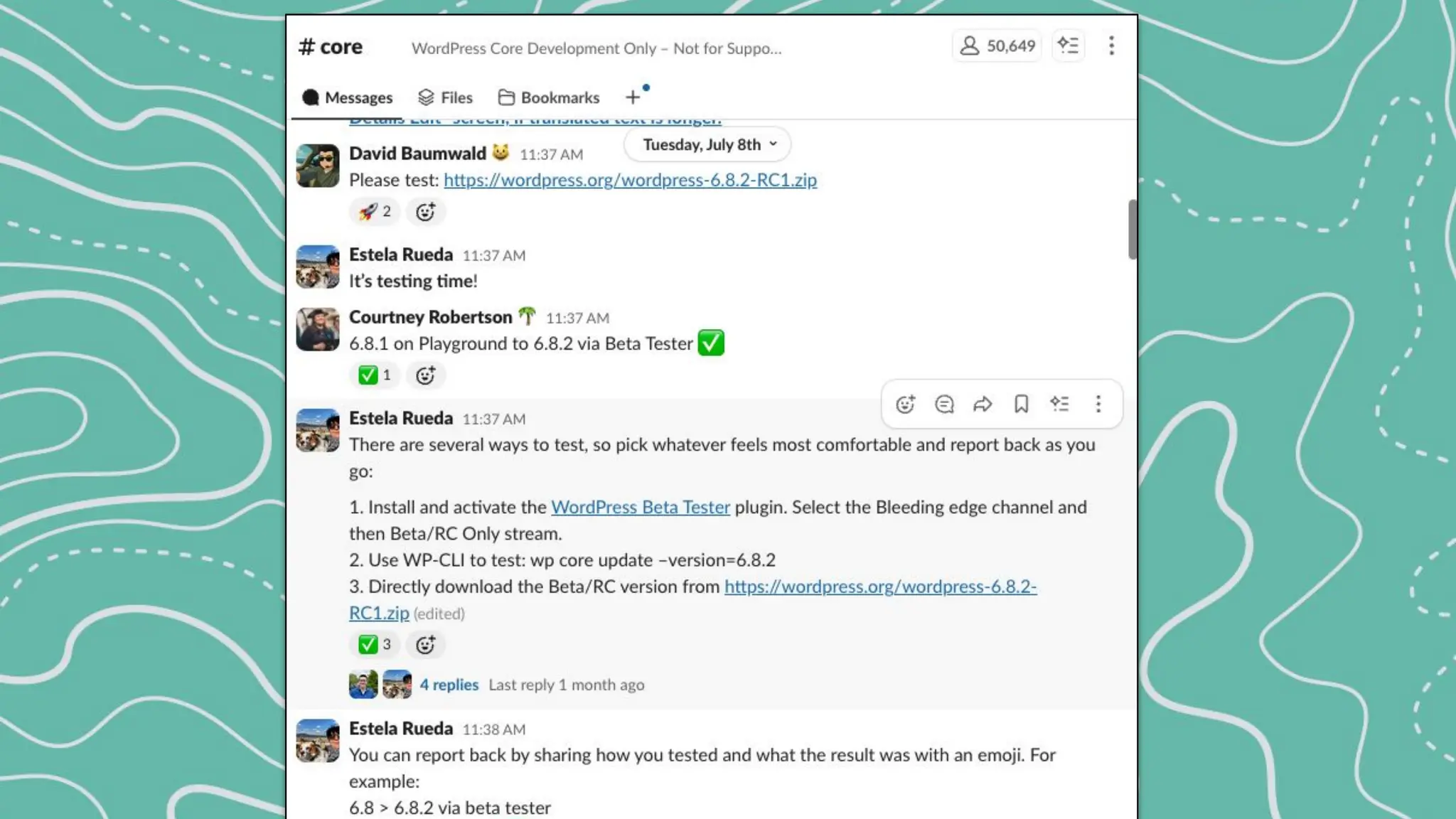
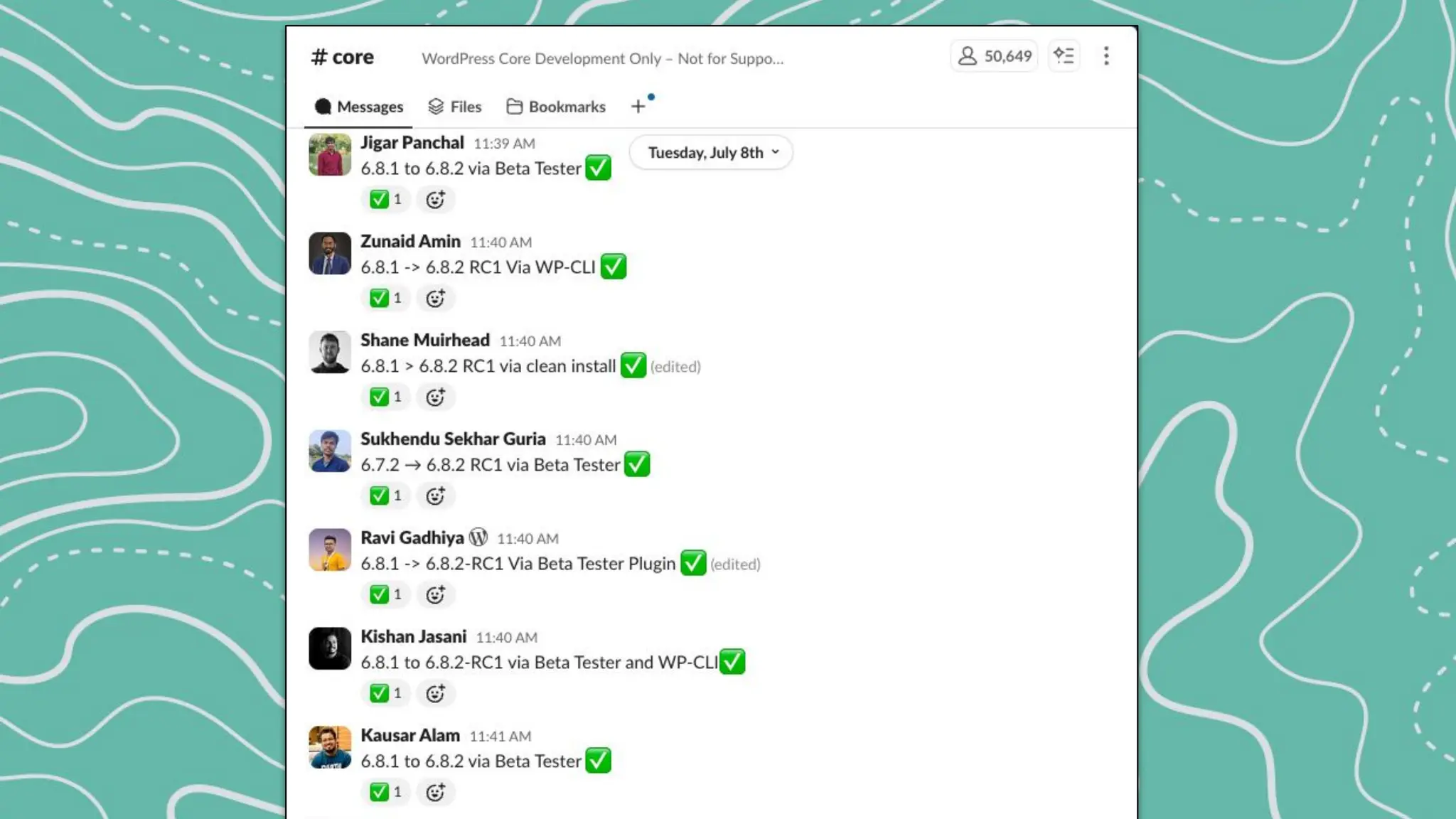
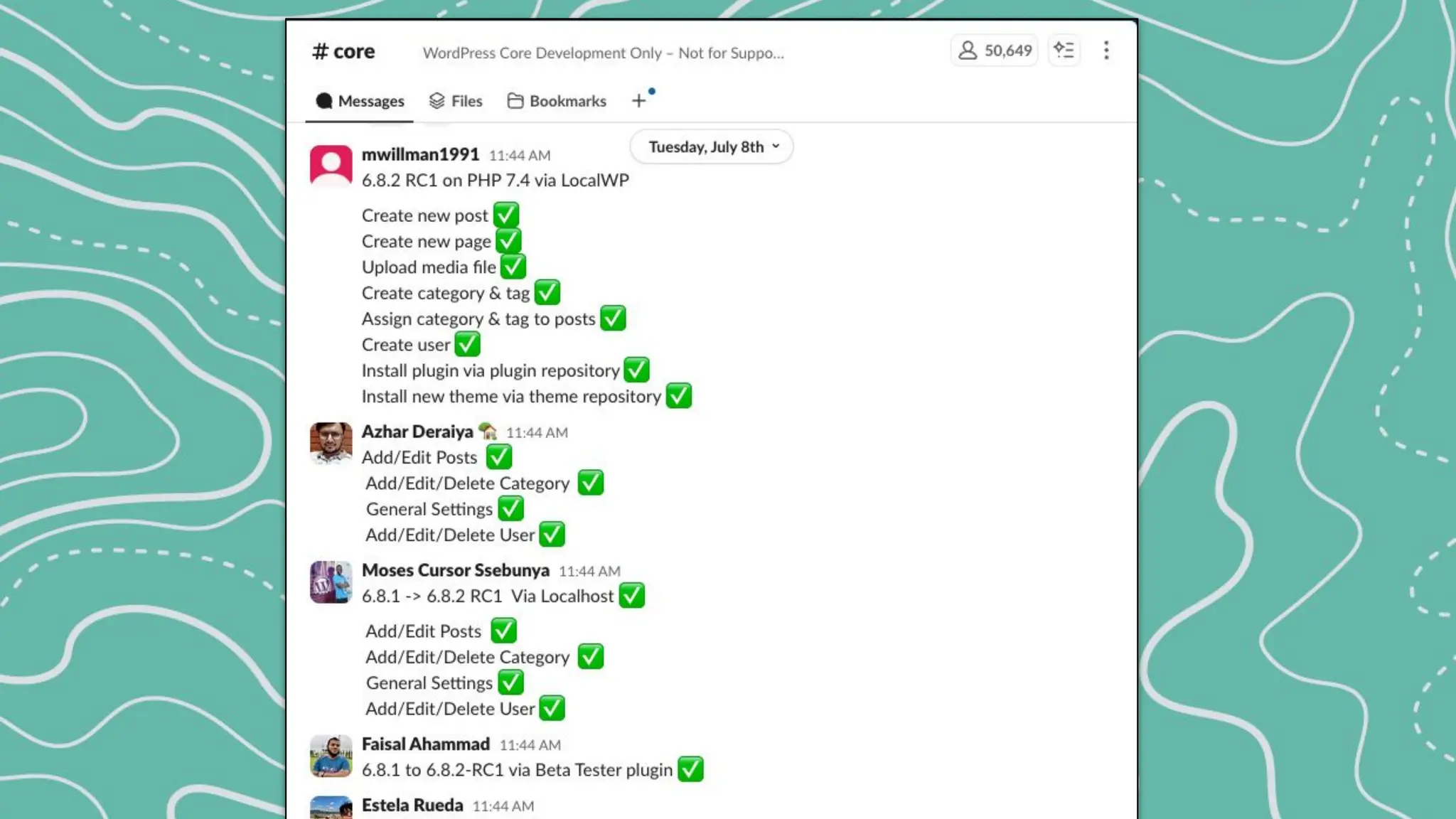
Release Party Testing
During each release, a build is
available to test in real-time just
before the release is public.
Release parties are held in the
official WordPress slack (#core).
The slack team is open and free to
join with a wordpress.org account.
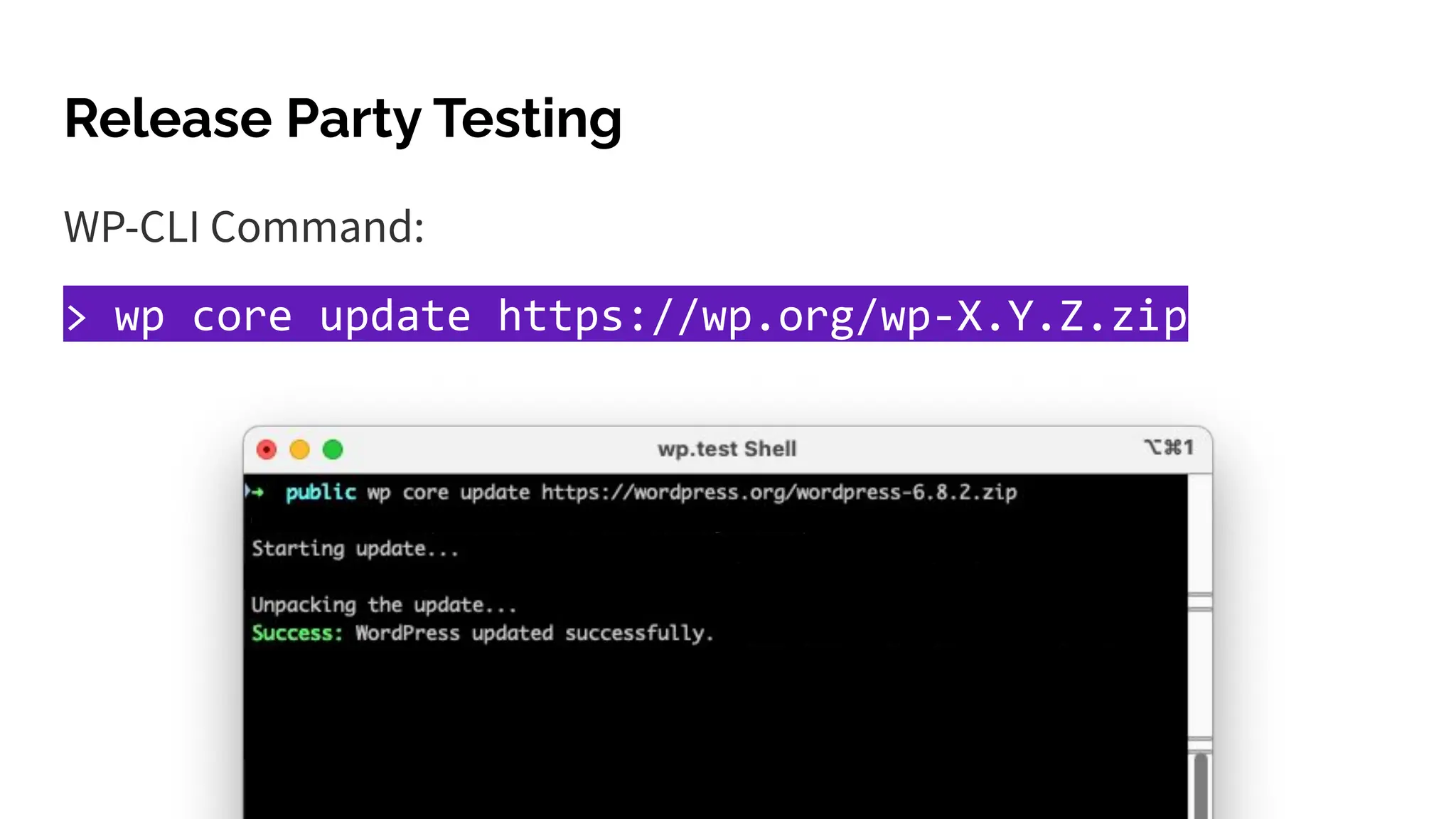
Release Party Testing
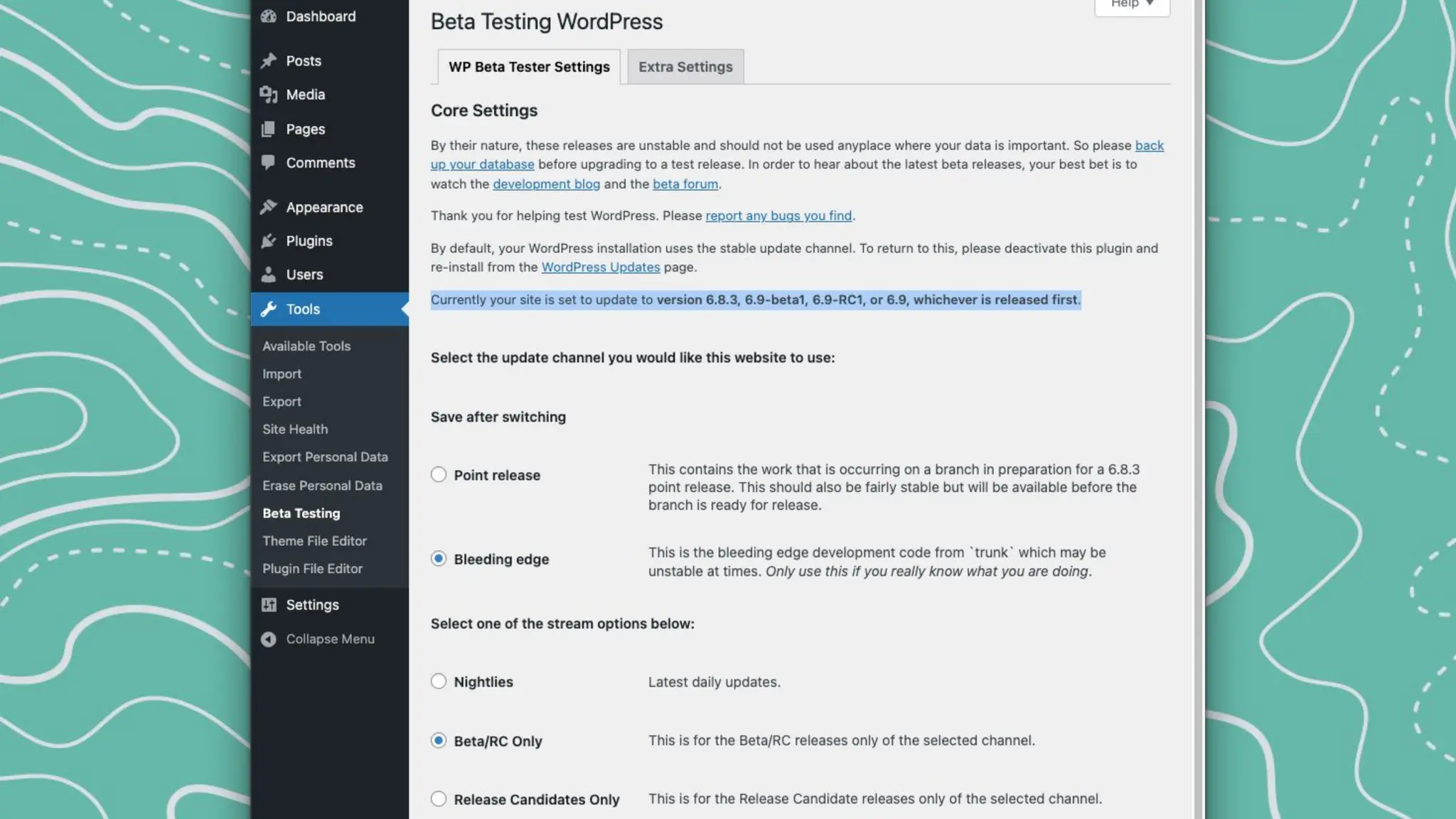
WP-CLI Command:
> wp core update https://wp.org/wp-X.Y.Z.zip
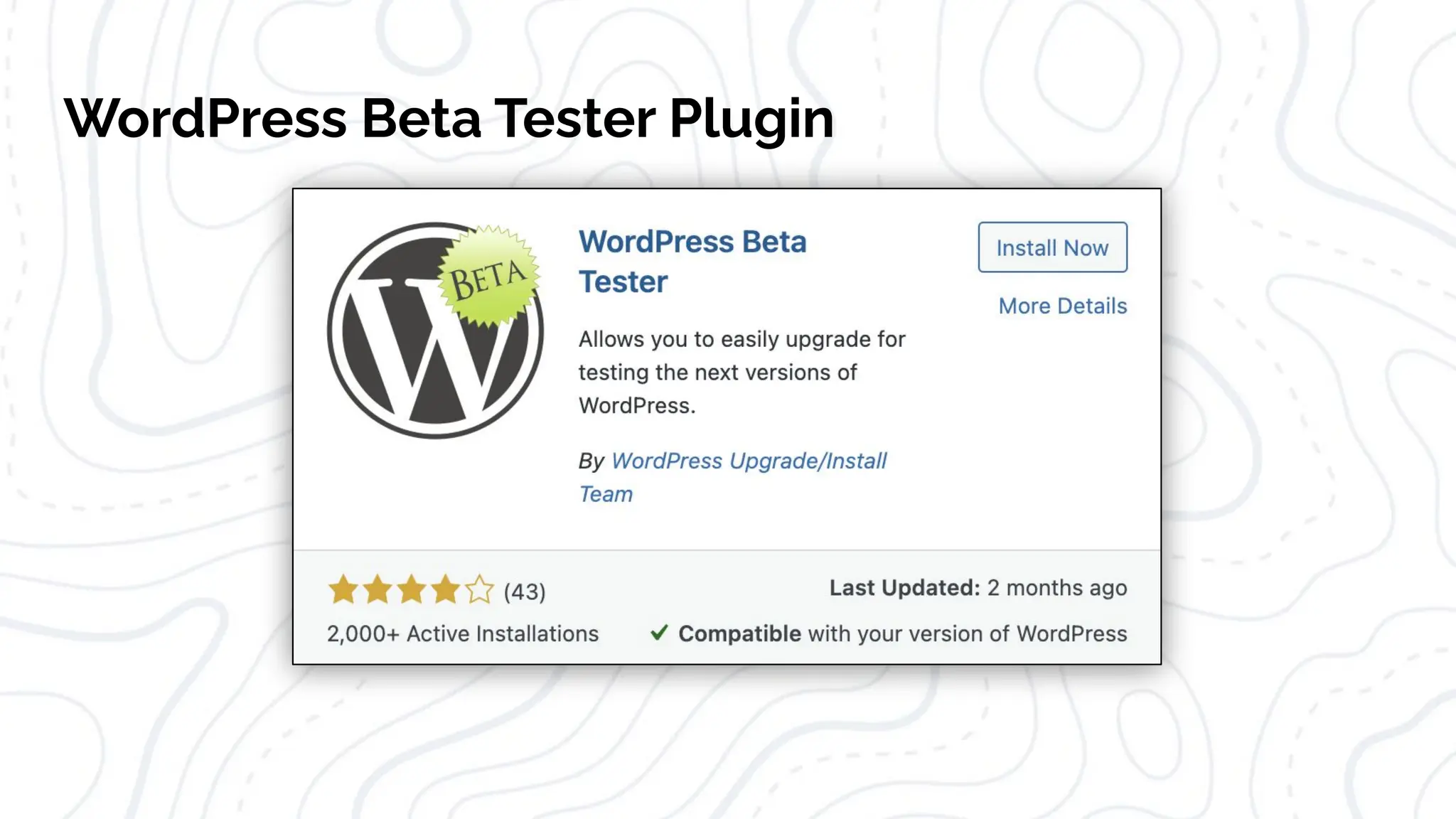
WordPress Beta Tester Plugin
More Slack Meeting Shout-outs
<testing-onboarding> in #core-test
Open meeting to ask questions about testing and
working with Trac.
<patch-testing-scrub> in #core-test
Go through a list of tickets and help move each one
towards resolution. Determining the next step
needed, test, and update the ticket.
2. Testing Issues
Testing Bug Fixes
With every bug or issue that is
reported in WordPress, we have the
opportunity to:
1. reproduce the issue
2. test that a patch fixes the issue
3. that it doesnʼt cause other issues.
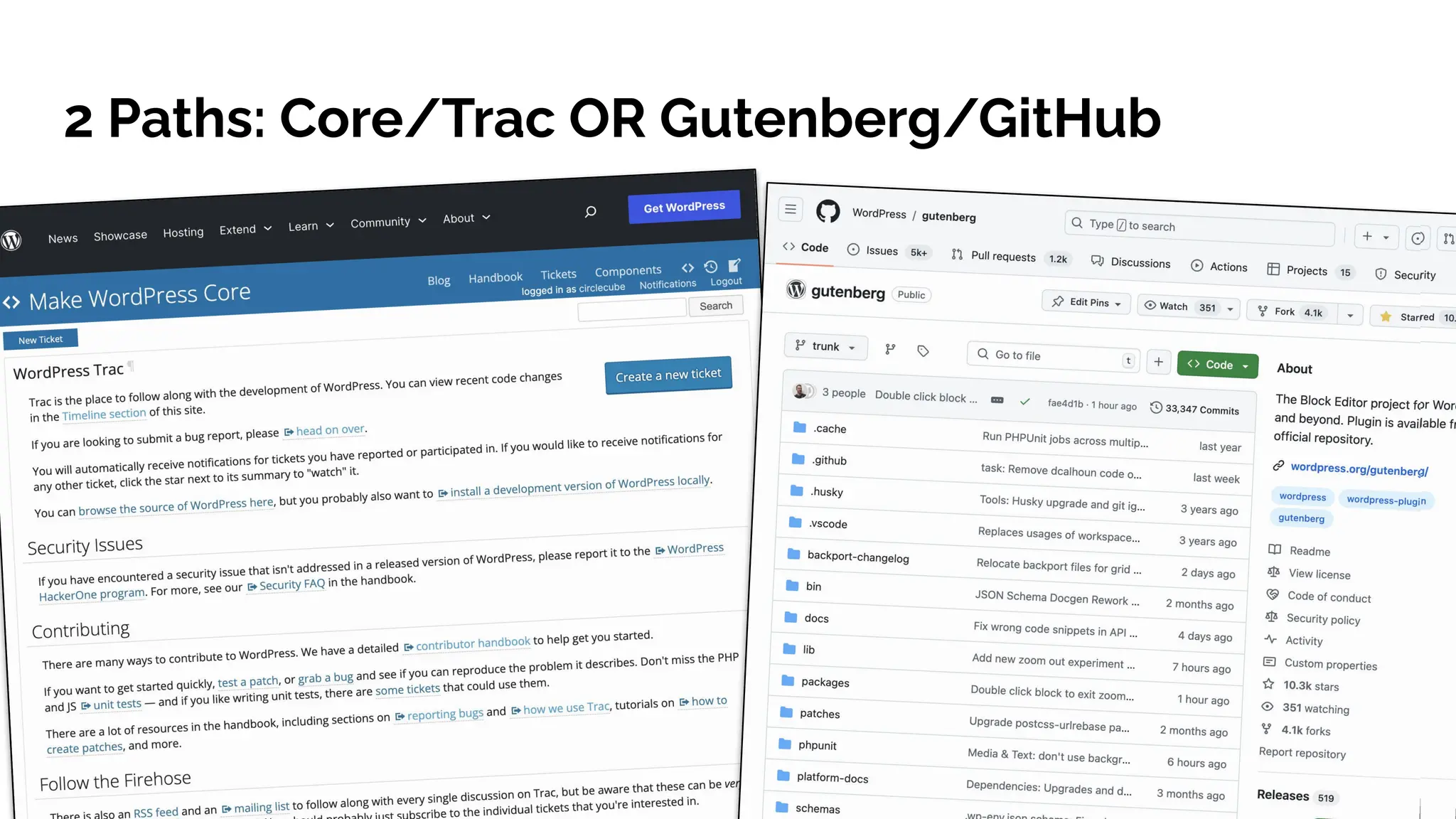
2 Paths: Core/Trac OR Gutenberg/GitHub
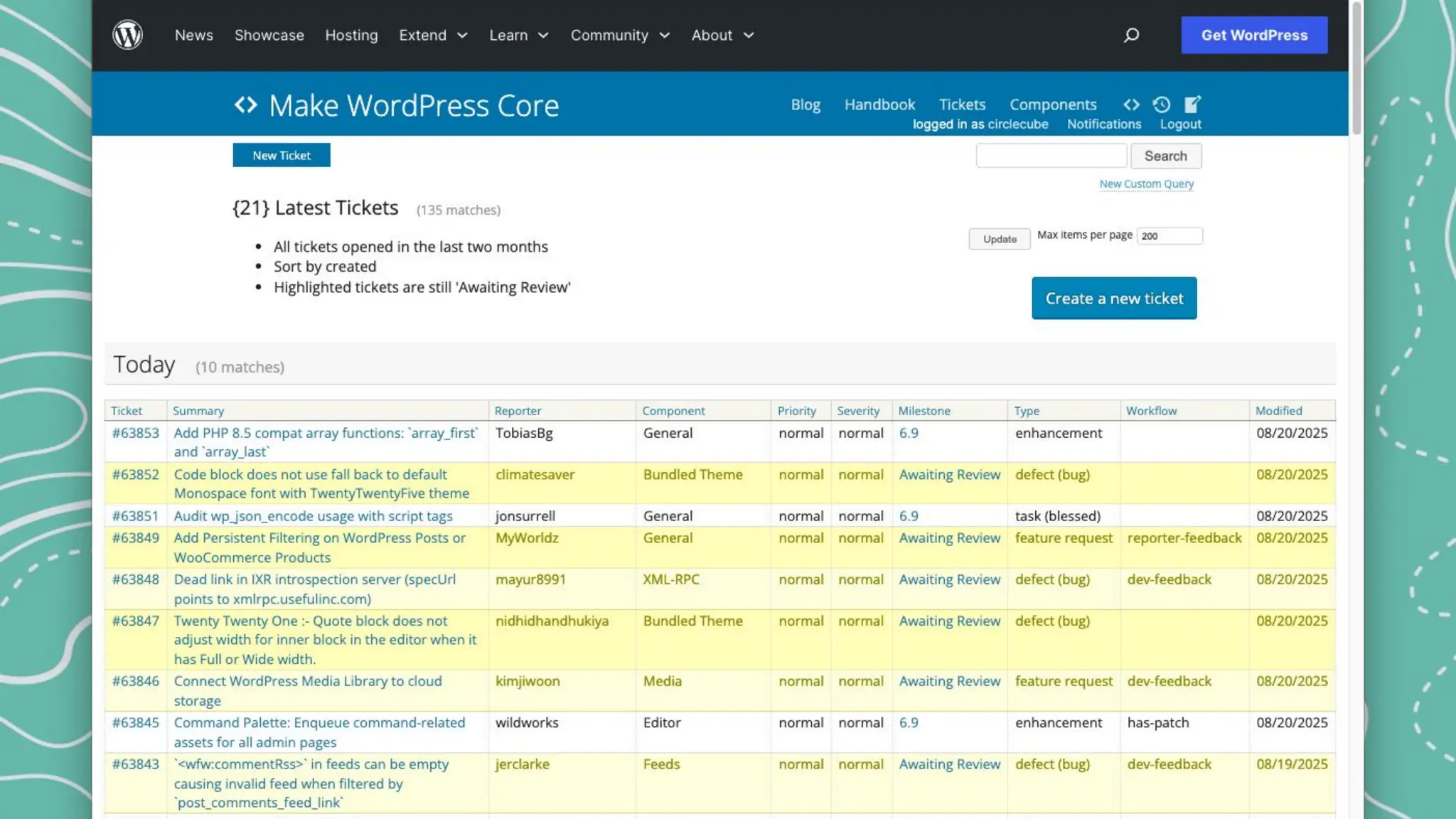
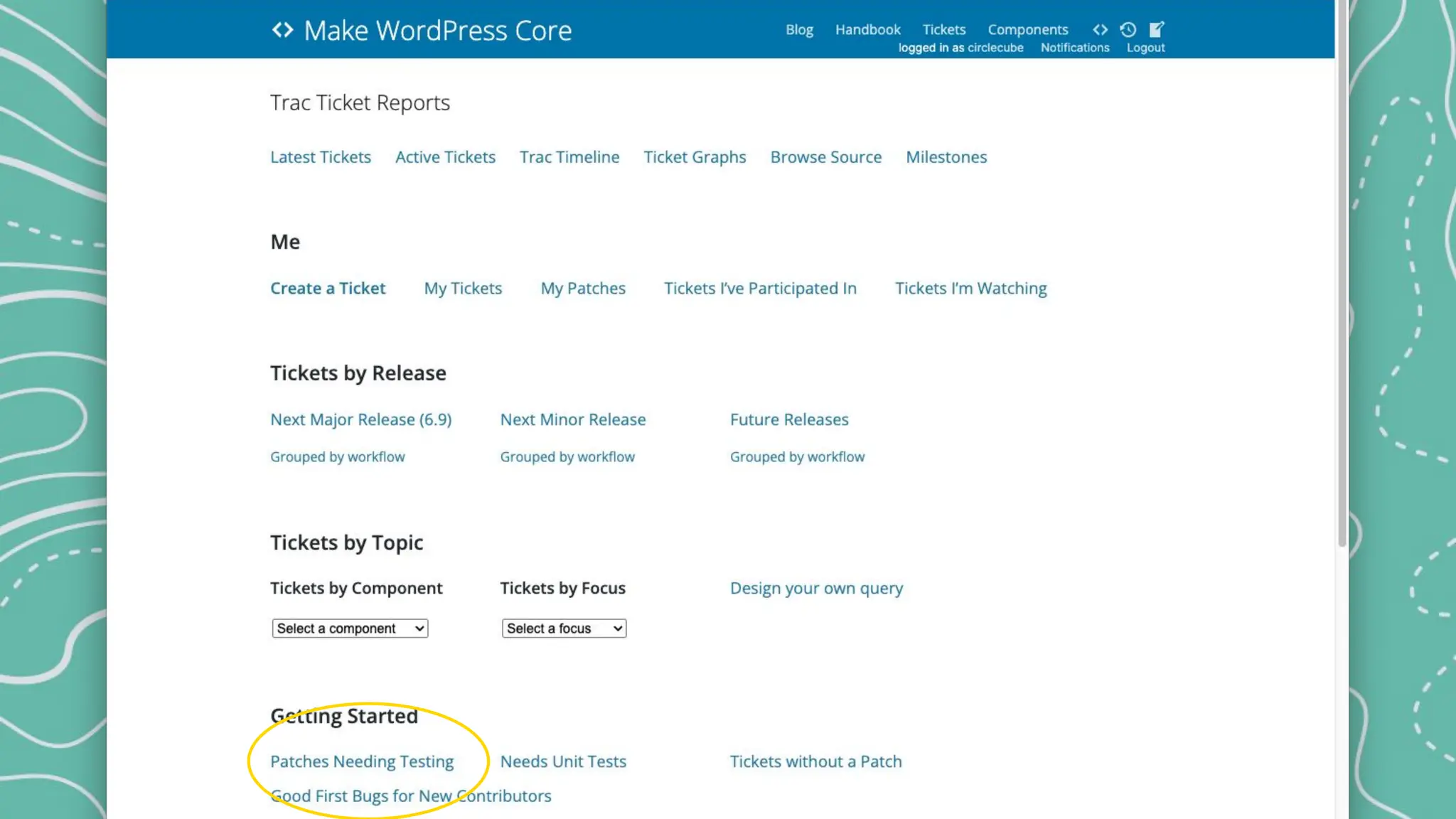
Trac Tickets - Path 1
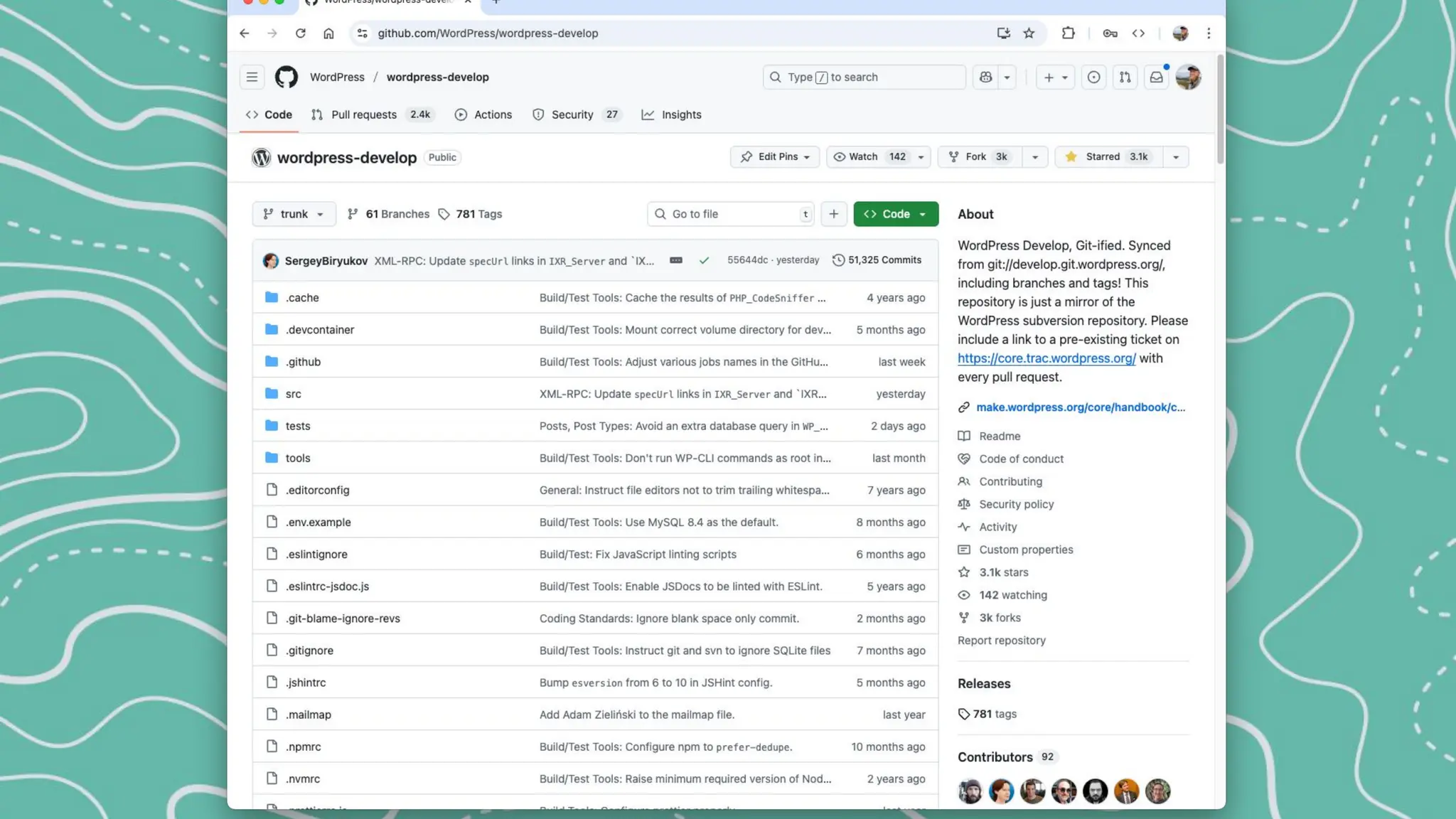
WordPress uses Trac, an open source bug tracker tool.
Tickets are used for both bug reports and feature development.
Tickets may be created by anyone with a WordPress.org account.
Goal to keep in mind: Participate in constructive dialog to resolve issues.
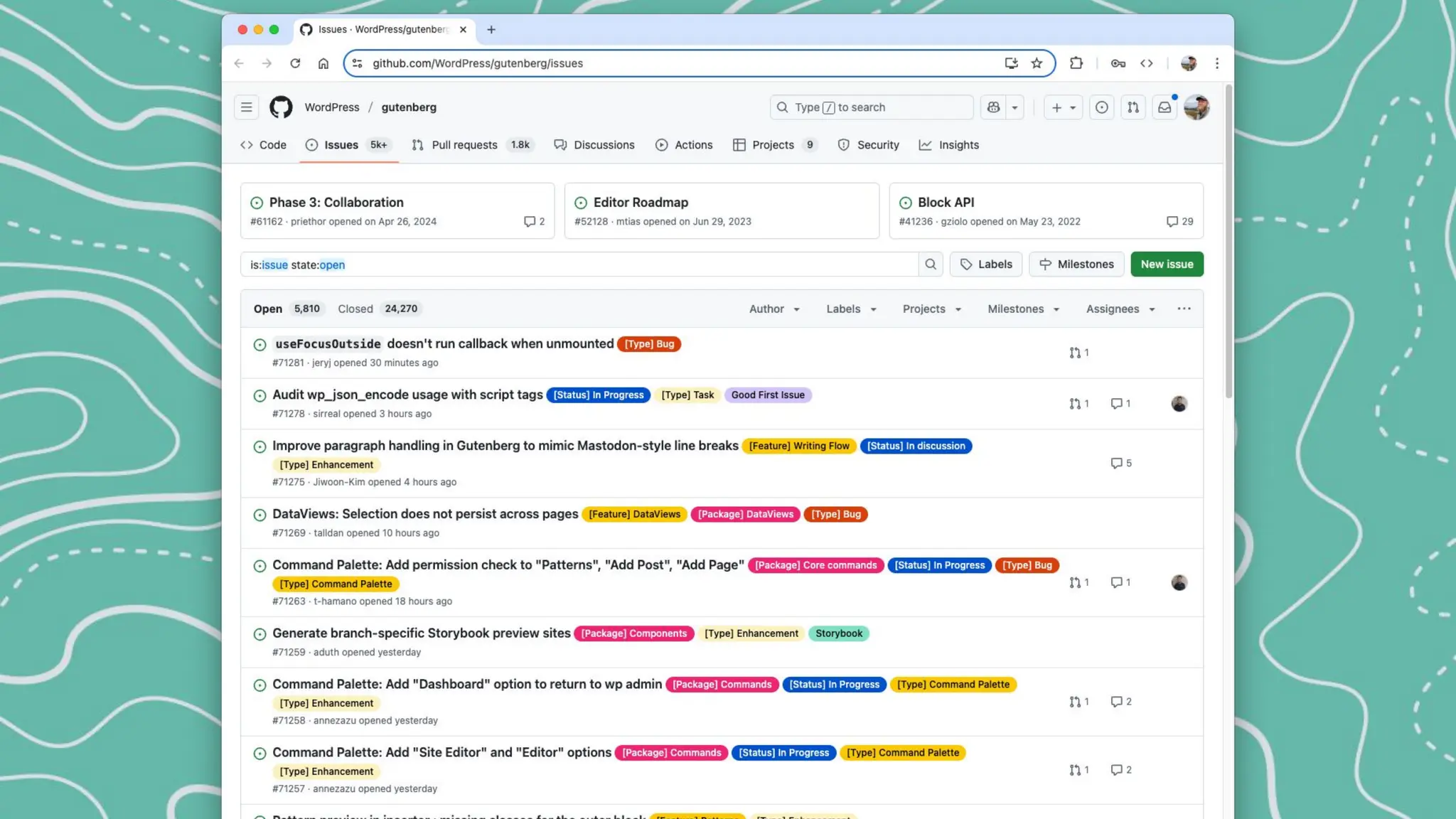
GitHub Issues - Path 2
The block and site editor are both part of the Gutenberg feature plugin.
Issues related to these are in the github gutenberg project.
The ticket lifecycle is essentially the same.
Not to be confused with the WordPress mirror on github, which integrates with trac.
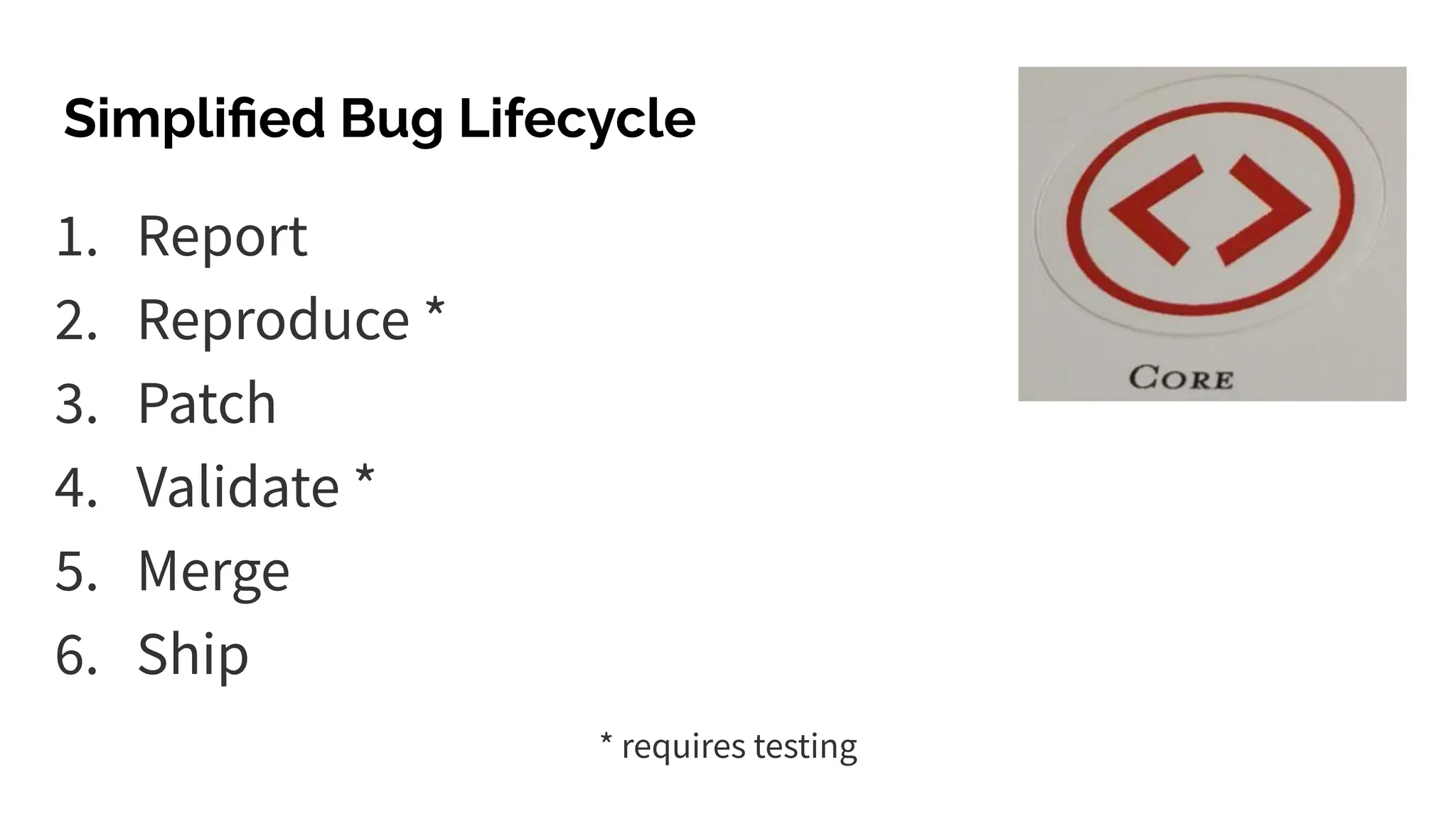
1. Report
2. Reproduce *
3. Patch
4. Validate *
5. Merge
6. Ship
Simplified Bug Lifecycle
* requires testing
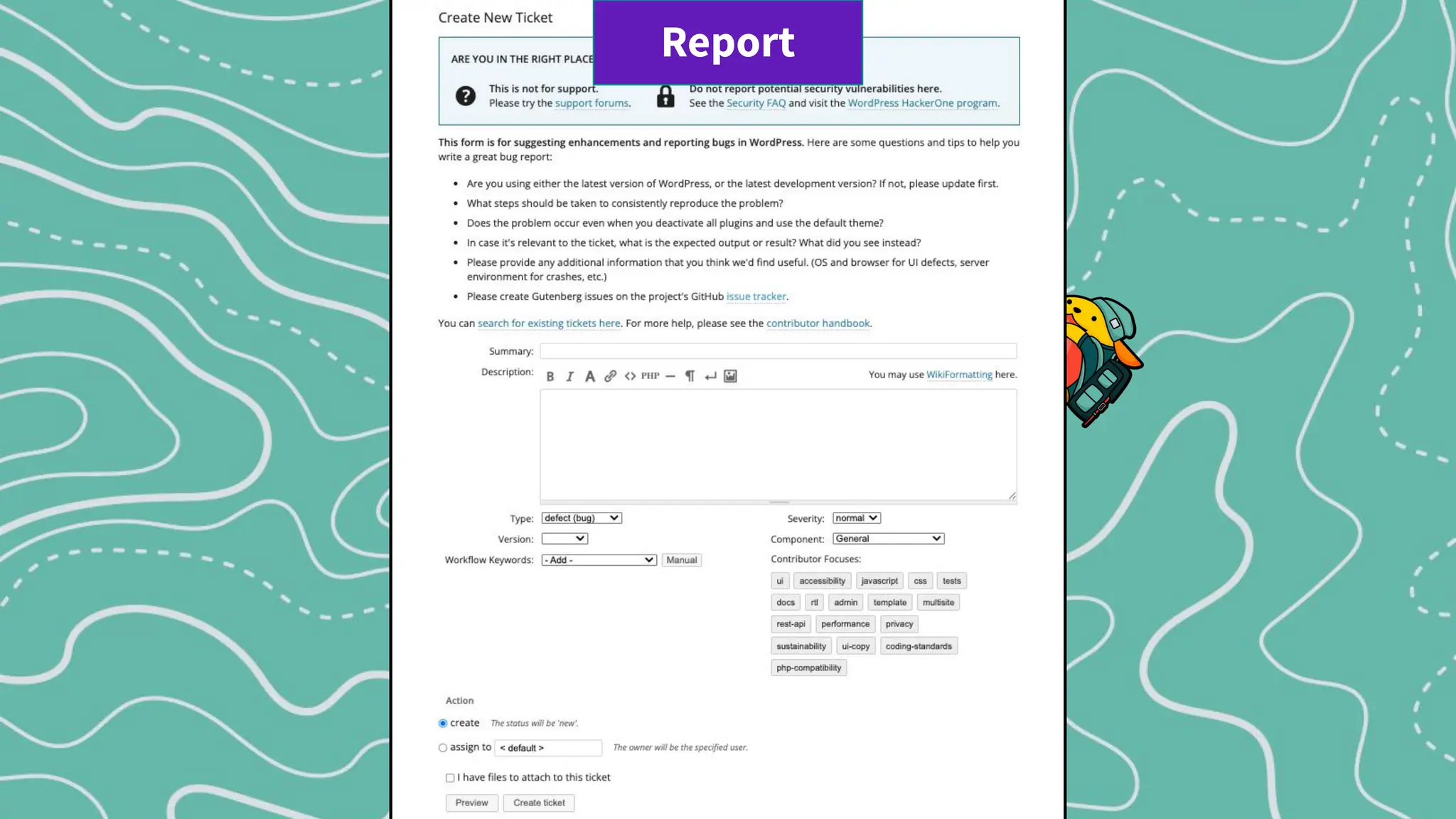
Report
Report
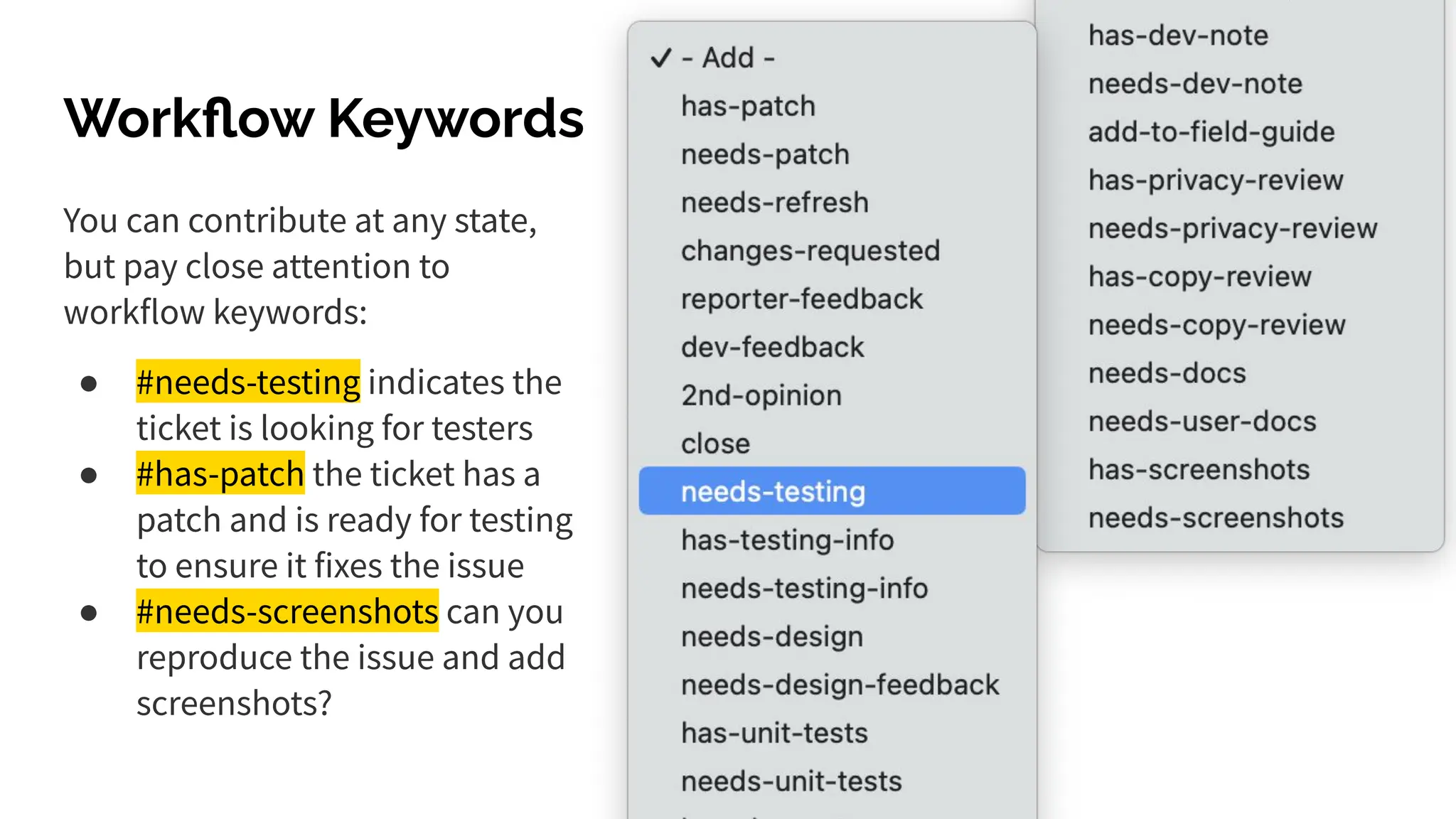
Workflow Keywords
You can contribute at any state,
but pay close attention to
workflow keywords:
● #needs-testing indicates the
ticket is looking for testers
● #has-patch the ticket has a
patch and is ready for testing
to ensure it fixes the issue
● #needs-screenshots can you
reproduce the issue and add
screenshots?
Security Vulnerabilities
should be reported at HackerOne
and not publicly on trac!
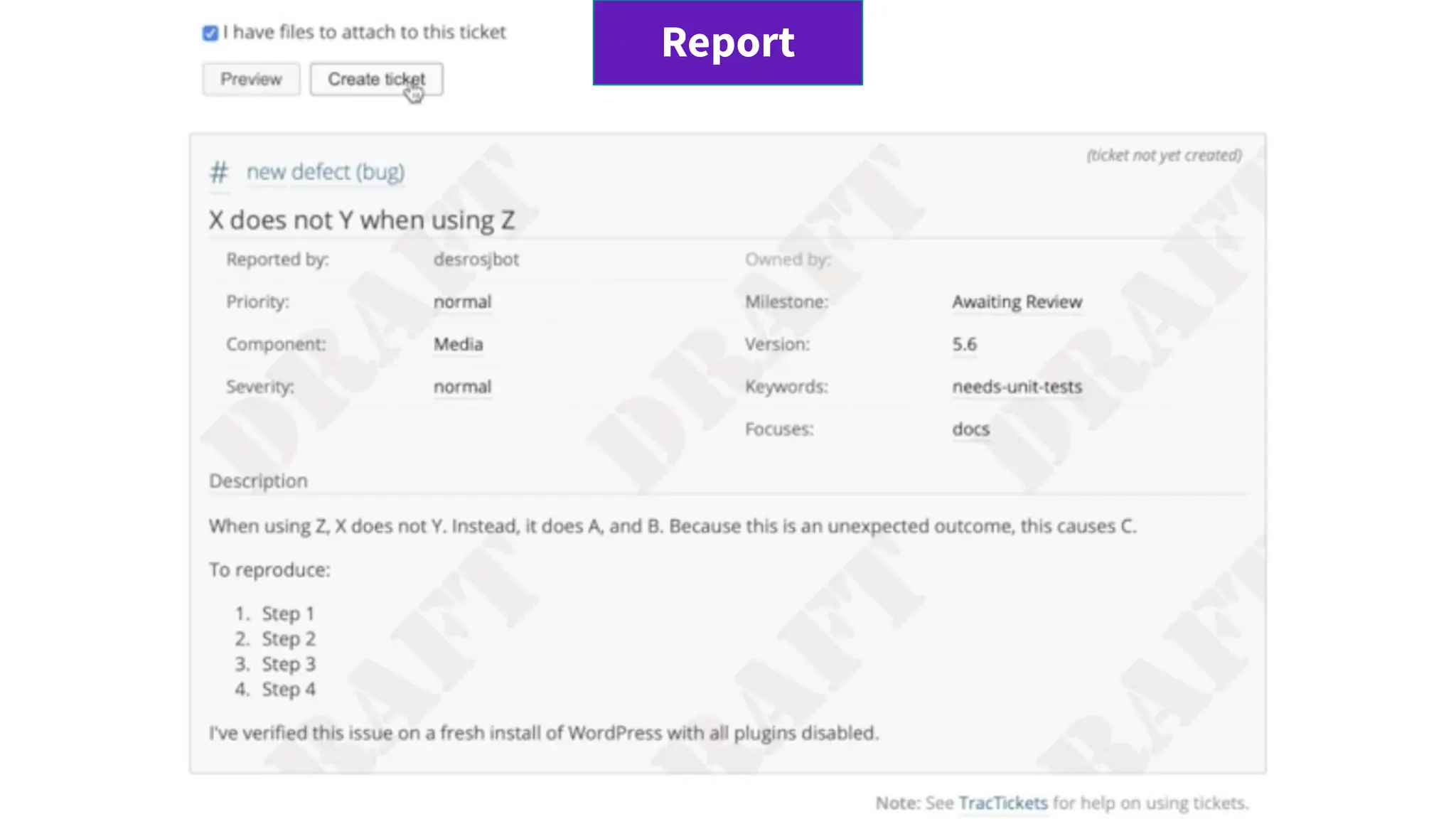
Report
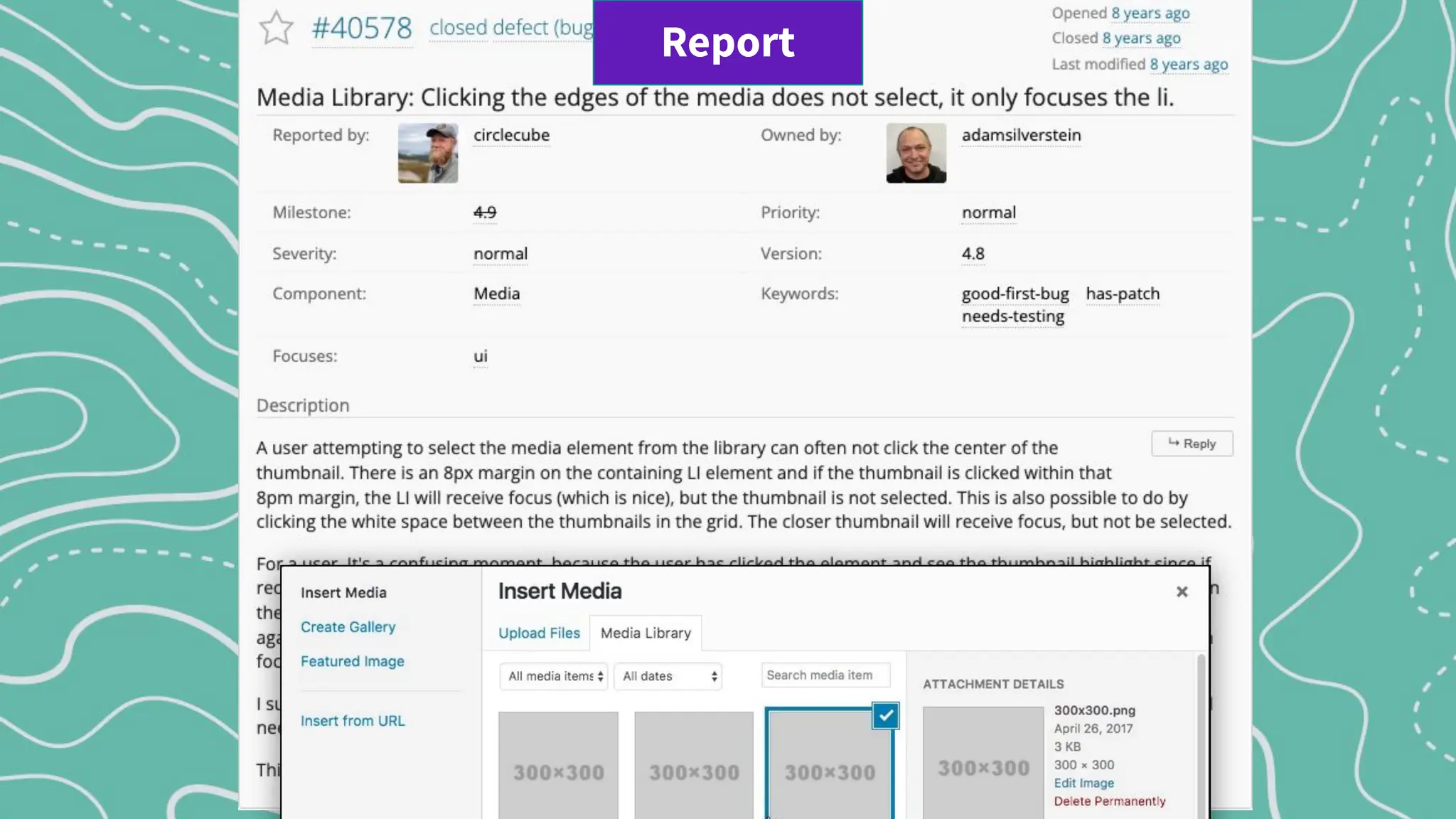
Reporting
A user (Issue Reporter) submits a bug in WordPress core.
The Reporterʼs involvement doesnʼt end after submitting the ticket. Others may
request more information with the #reporter-feedback keyword.
Reporters can also help validate and test that proposed patches fix the bug.
Report
Report
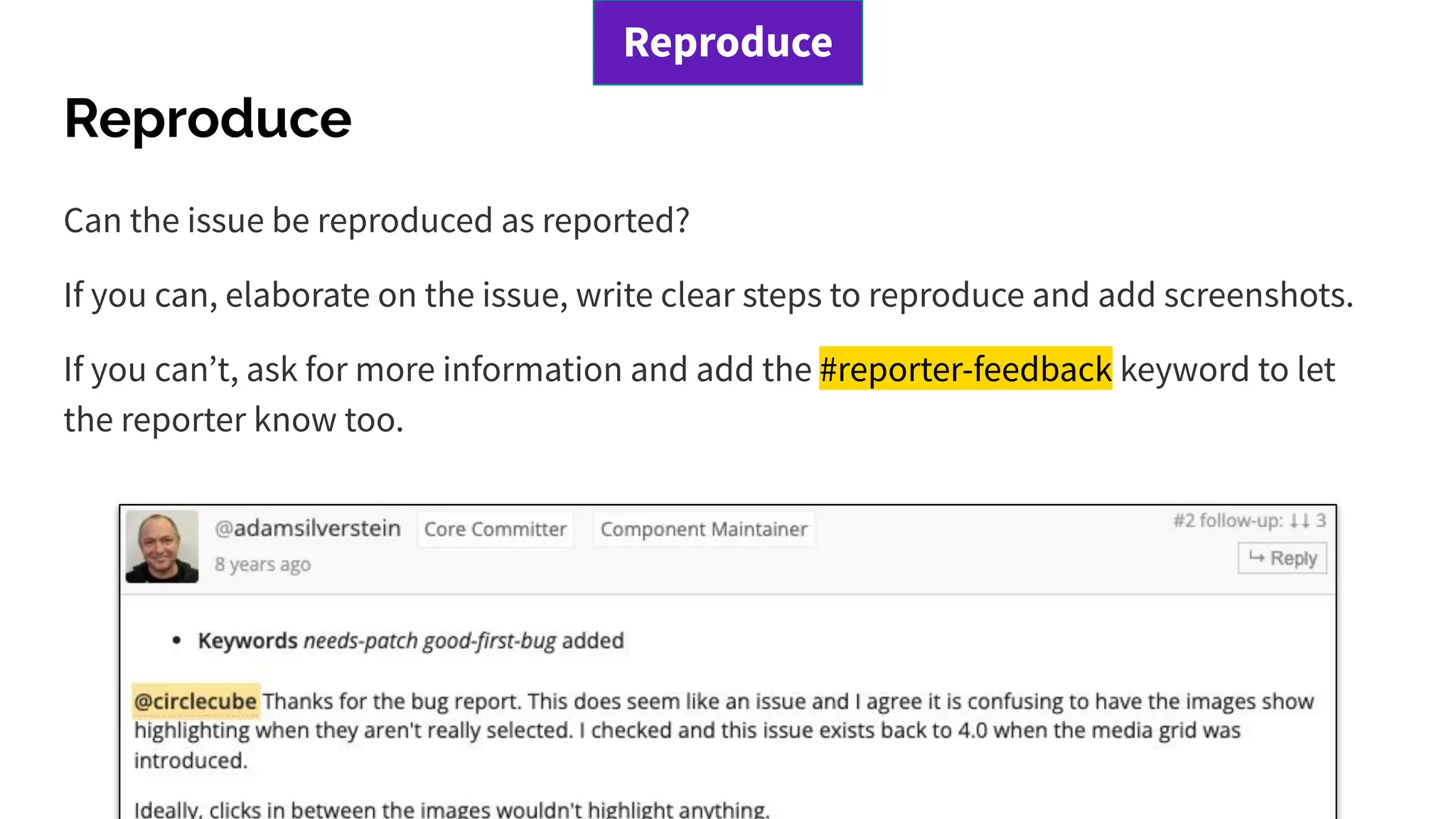
Reproduce
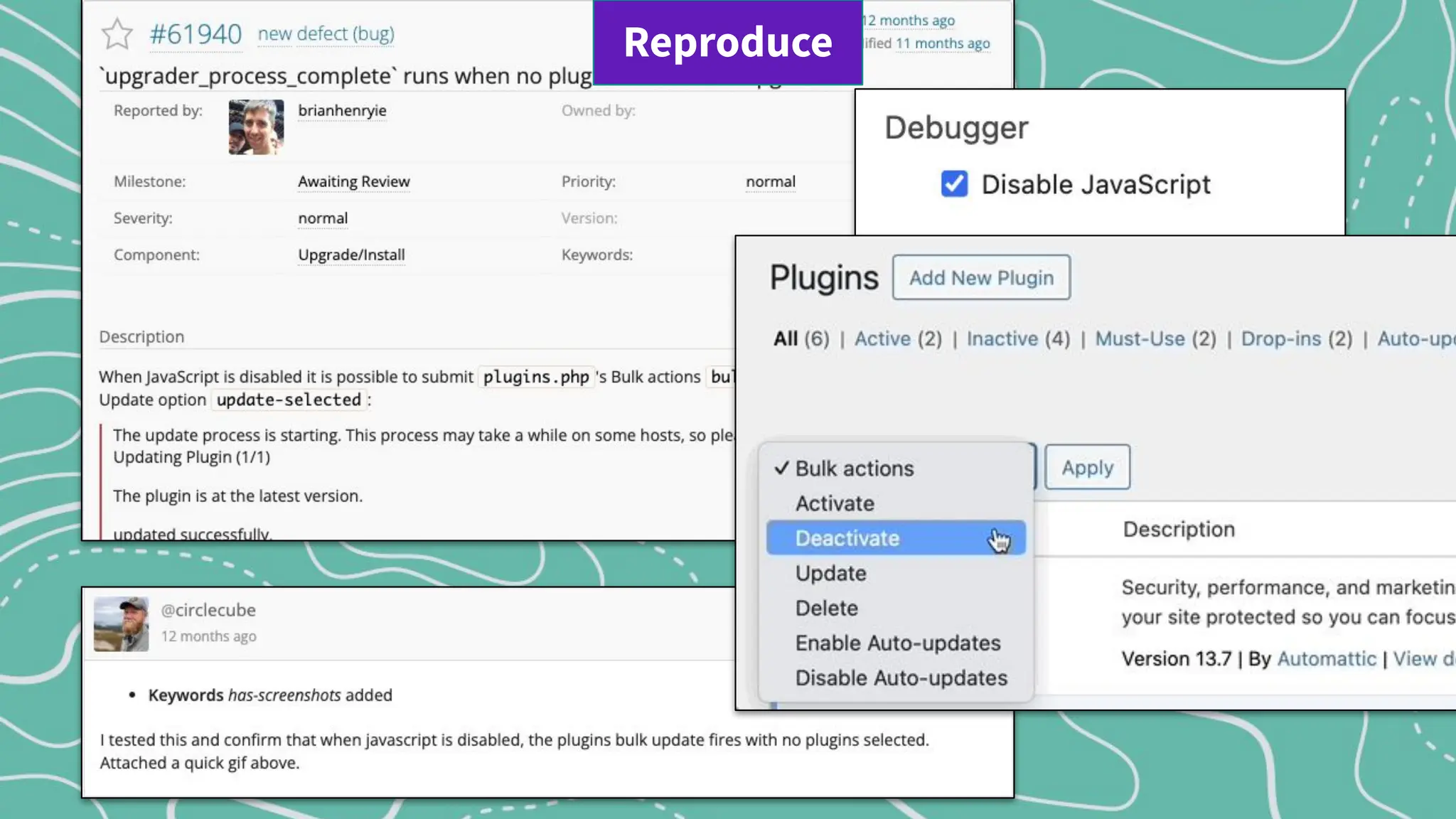
Can the issue be reproduced as reported?
If you can, elaborate on the issue, write clear steps to reproduce and add screenshots.
If you canʼt, ask for more information and add the #reporter-feedback keyword to let
the reporter know too.
Reproduce
Reproduce
Patch
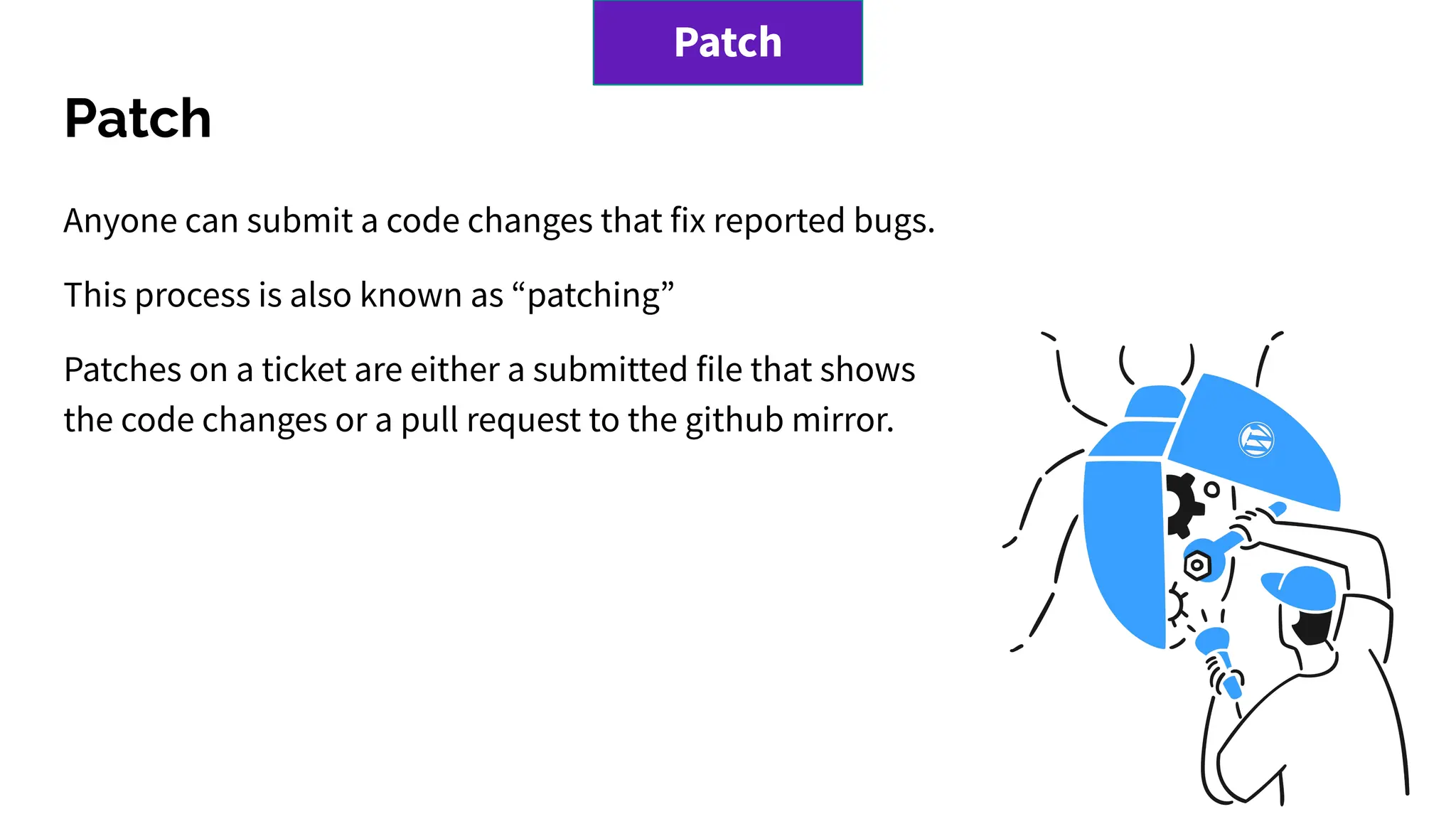
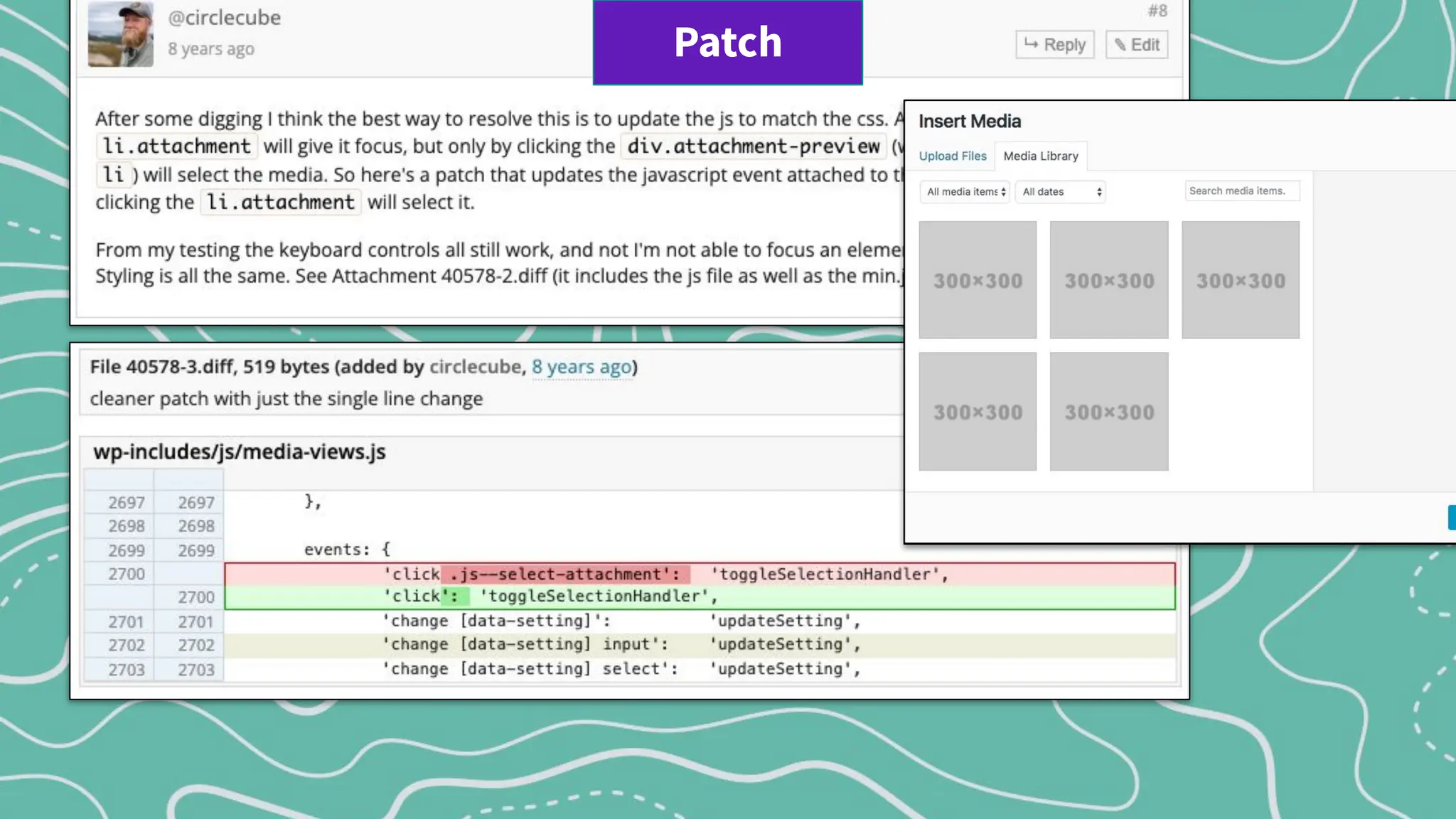
Anyone can submit a code changes that fix reported bugs.
This process is also known as “patching”
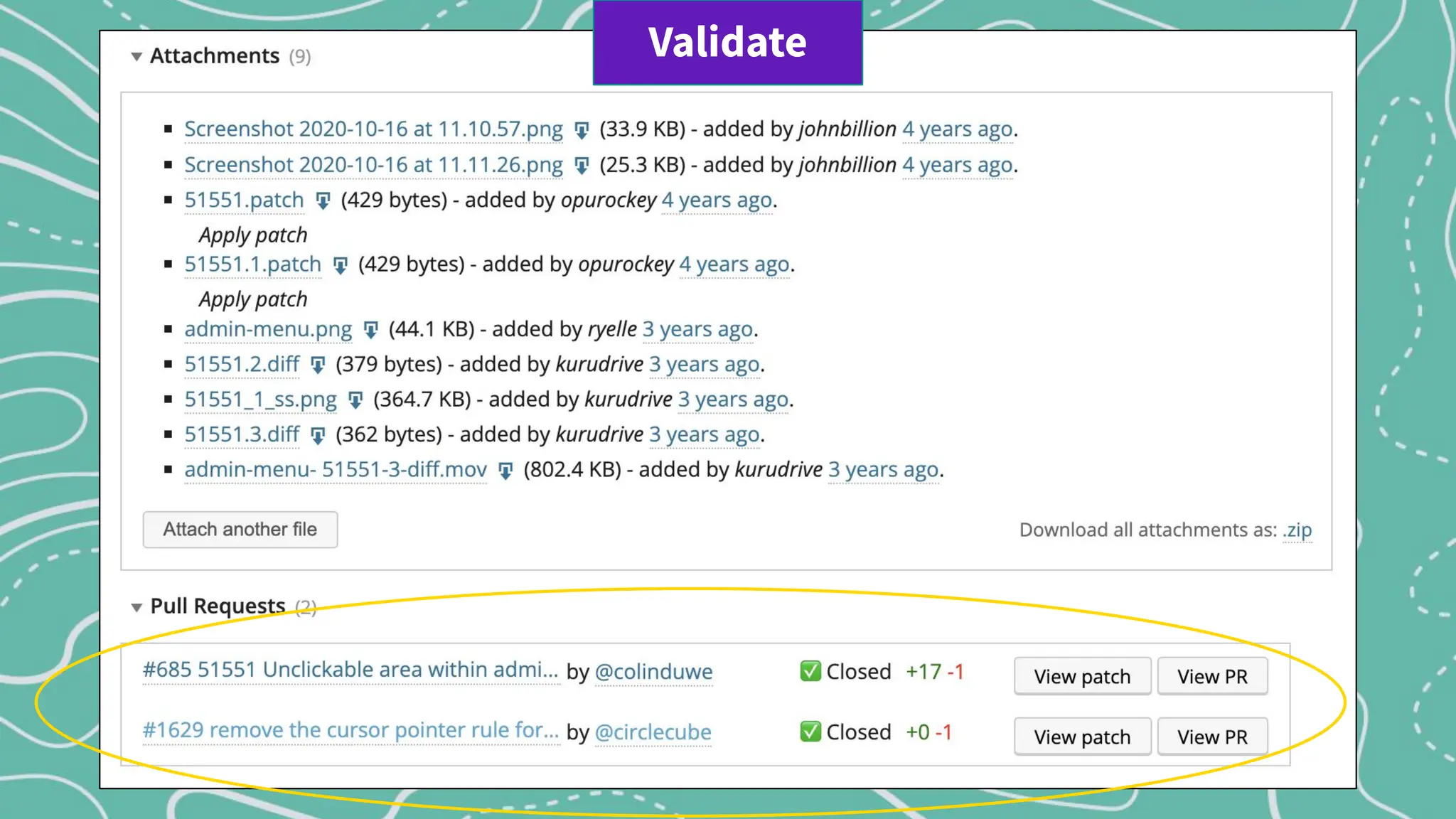
Patches on a ticket are either a submitted file that shows
the code changes or a pull request to the github mirror.
Patch
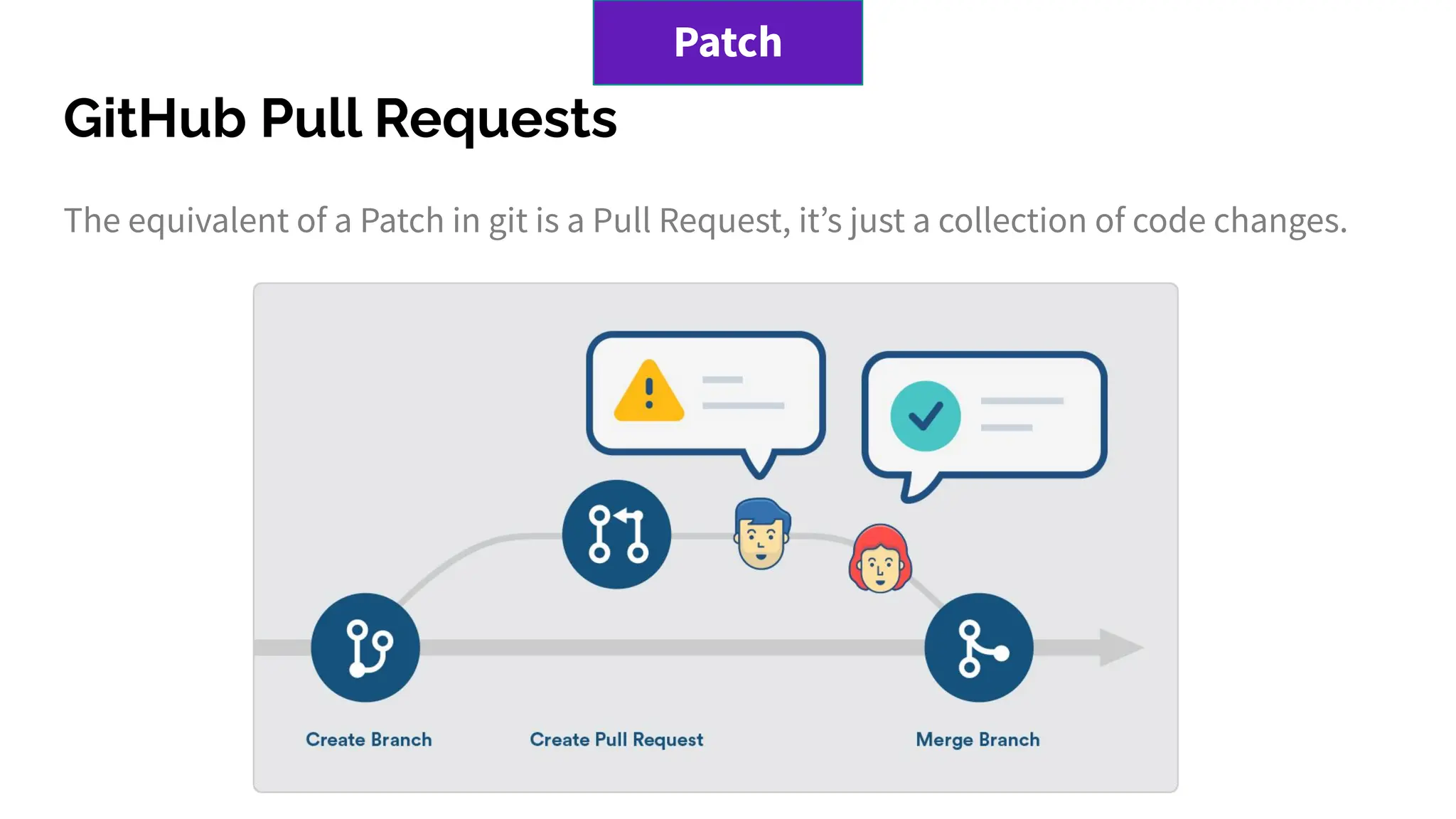
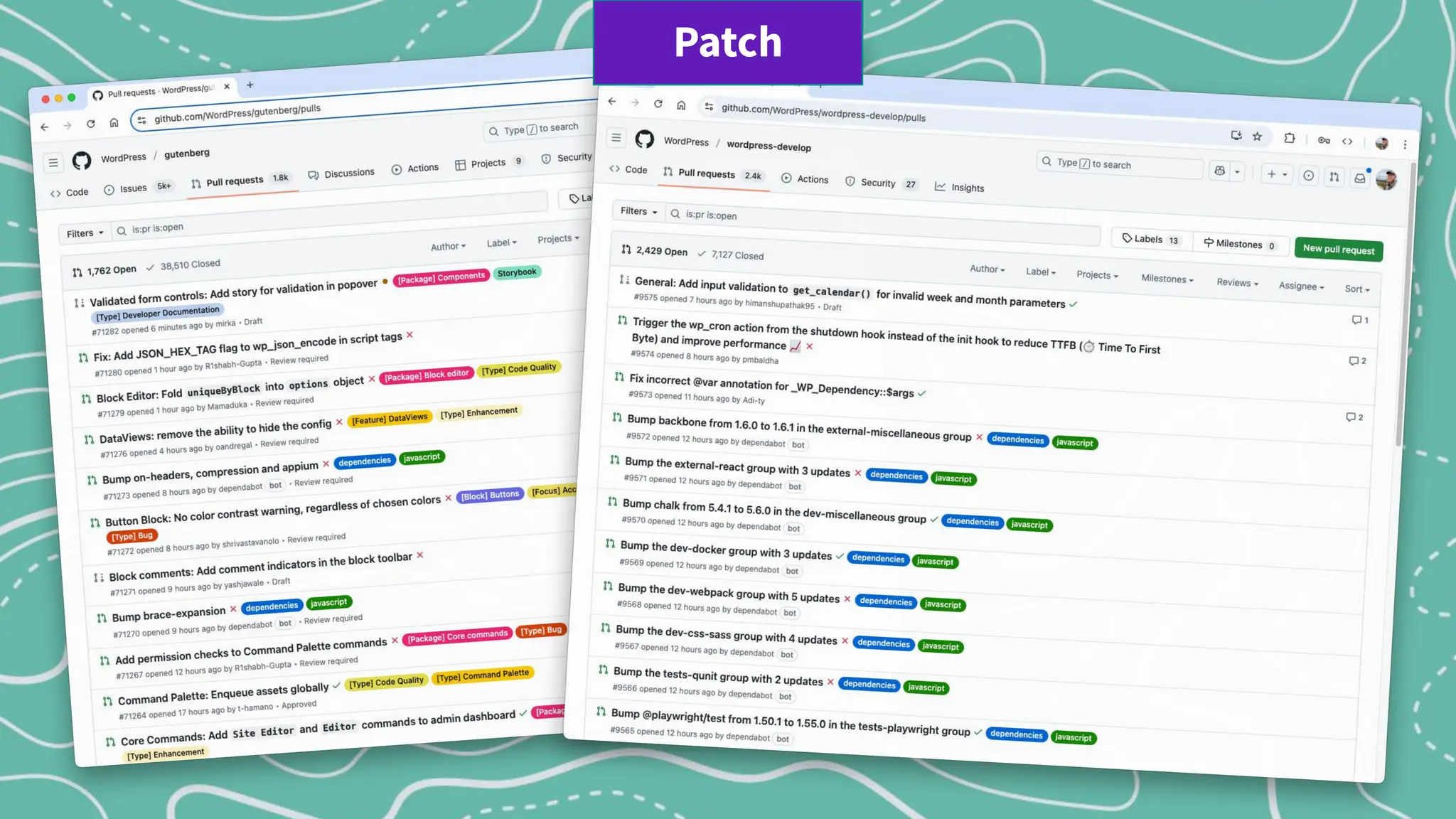
GitHub Pull Requests
The equivalent of a Patch in git is a Pull Request, itʼs just a collection of code changes.
Patch
Patch
Patch
Validate or Test a Patch
Testing patches is an important part of ensuring the quality of WordPress.
Steps:
1. WordPress Environment
2. Reproduce the issue
3. Apply the patch
4. Perform Testing: try to reproduce the issue again
5. Give feedback
Validate
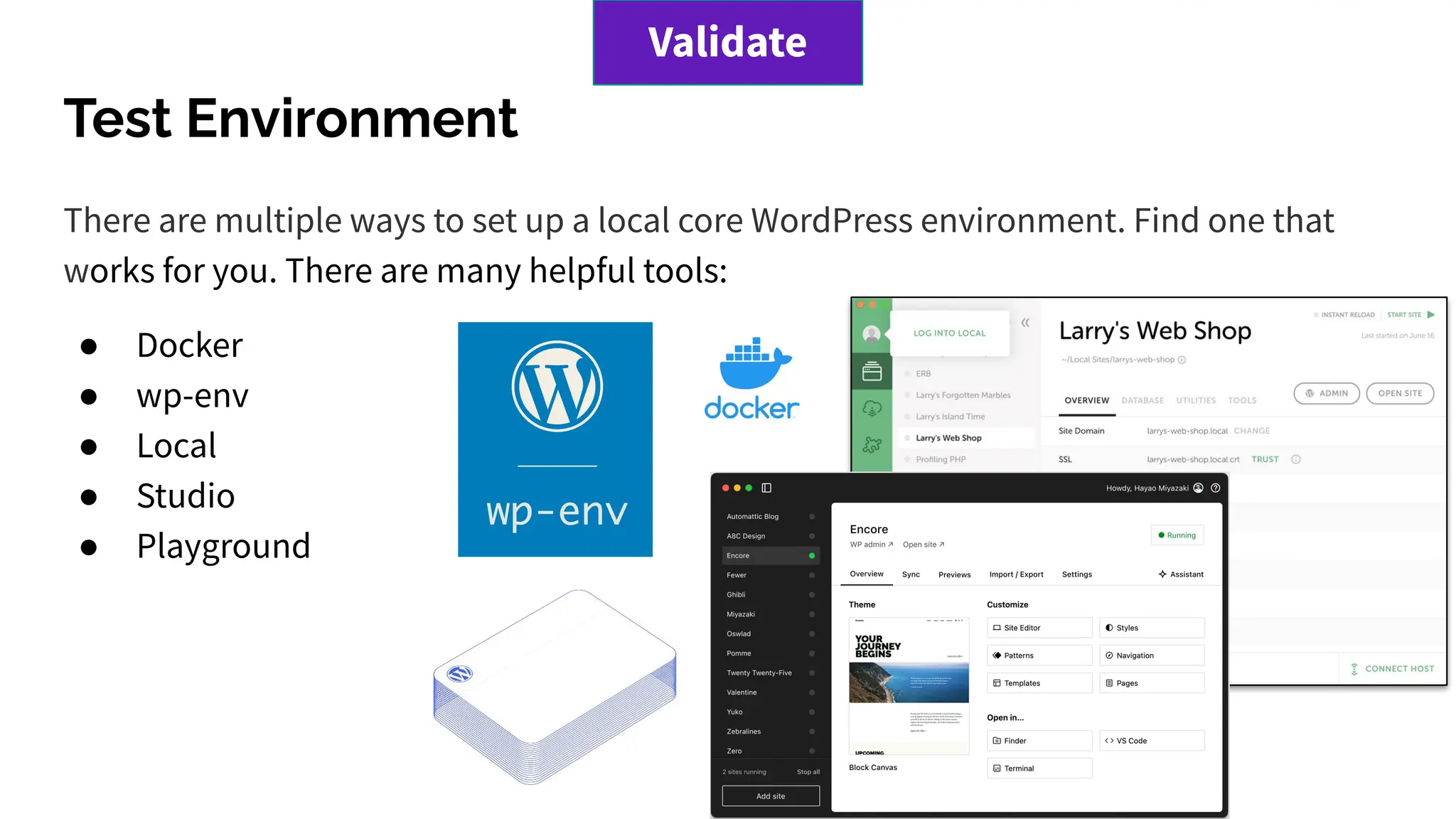
Test Environment
There are multiple ways to set up a local core WordPress environment. Find one that
works for you. There are many helpful tools:
● Docker
● wp-env
● Local
● Studio
● Playground
Validate
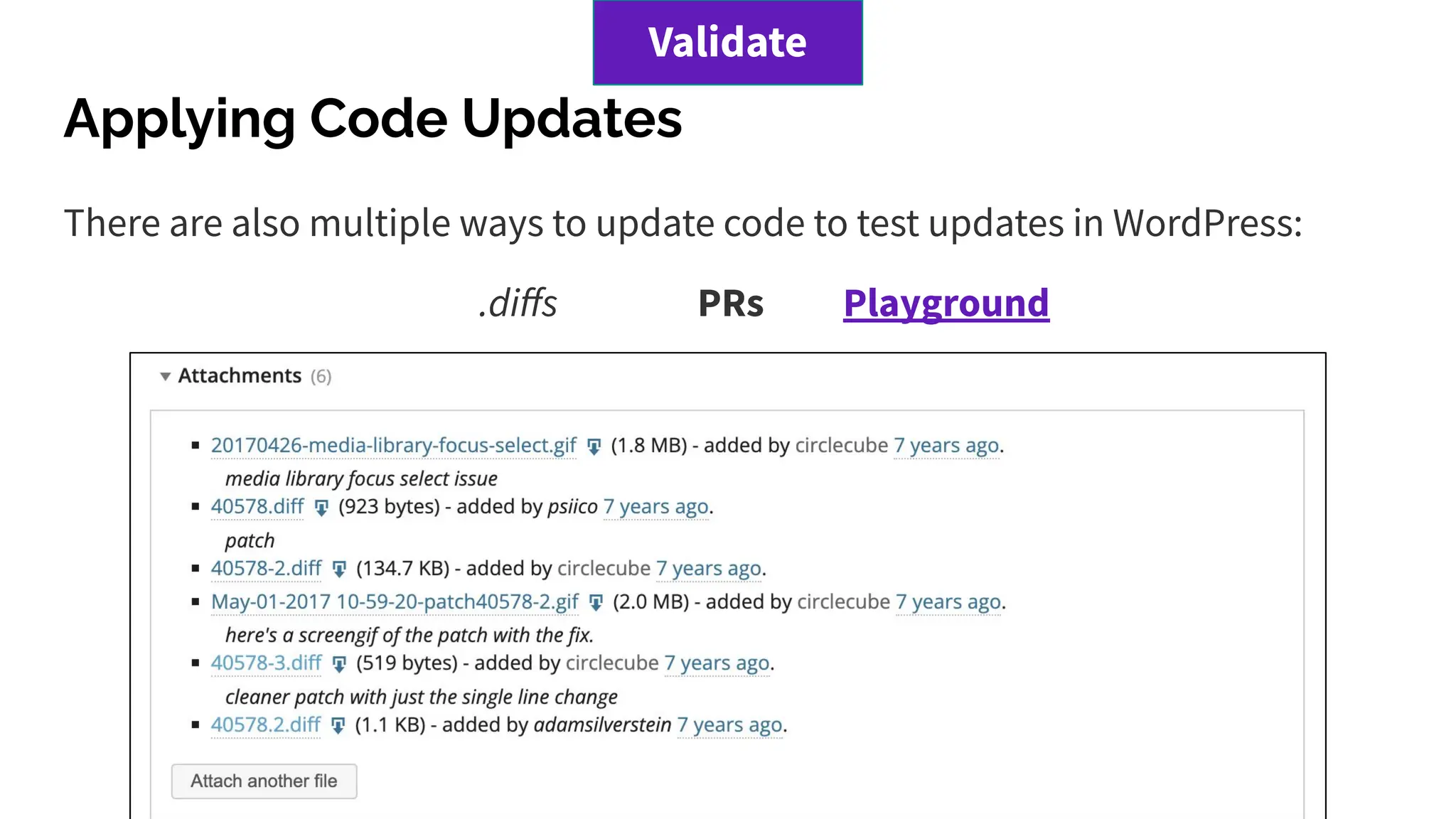
Applying Code Updates
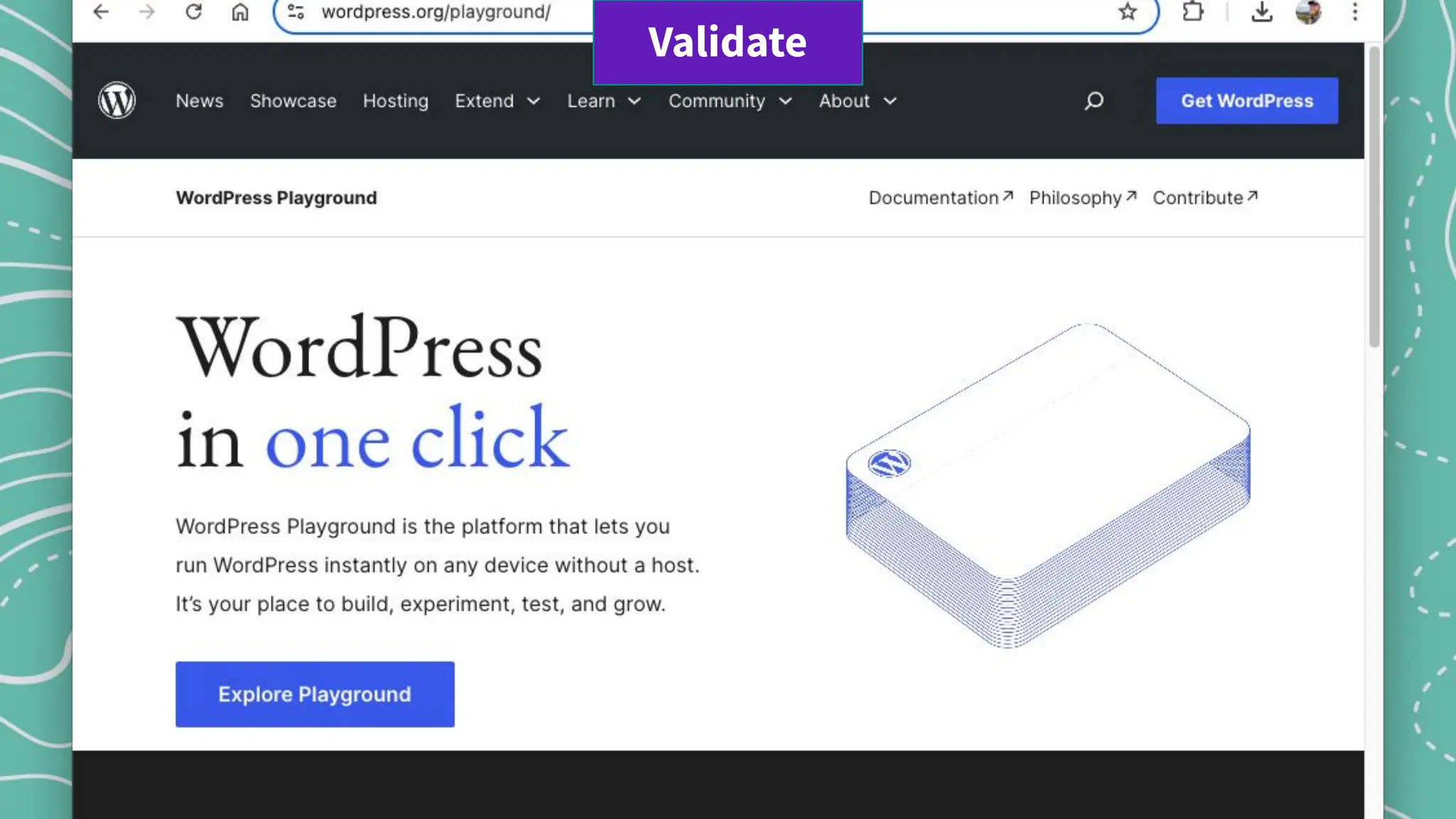
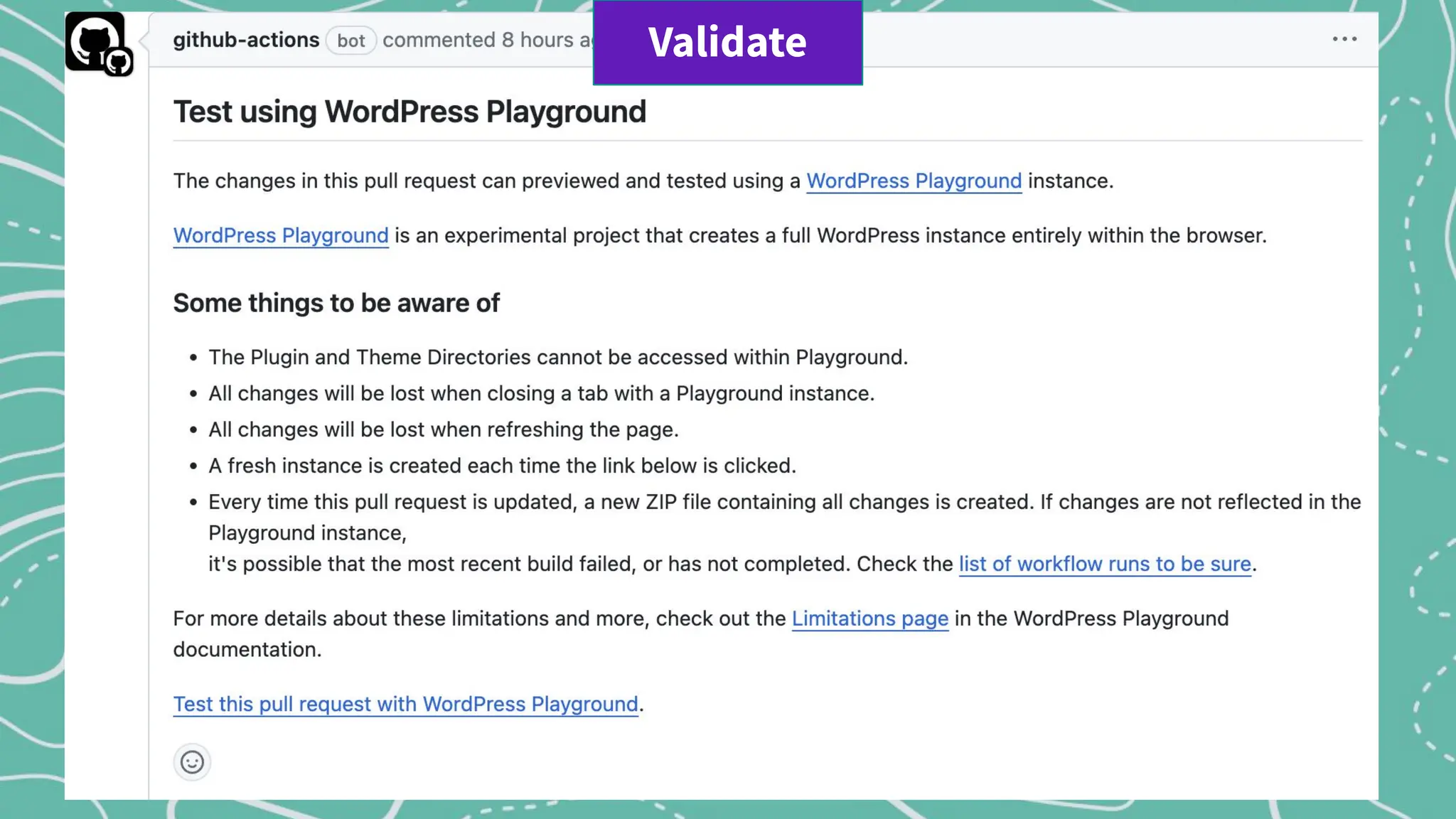
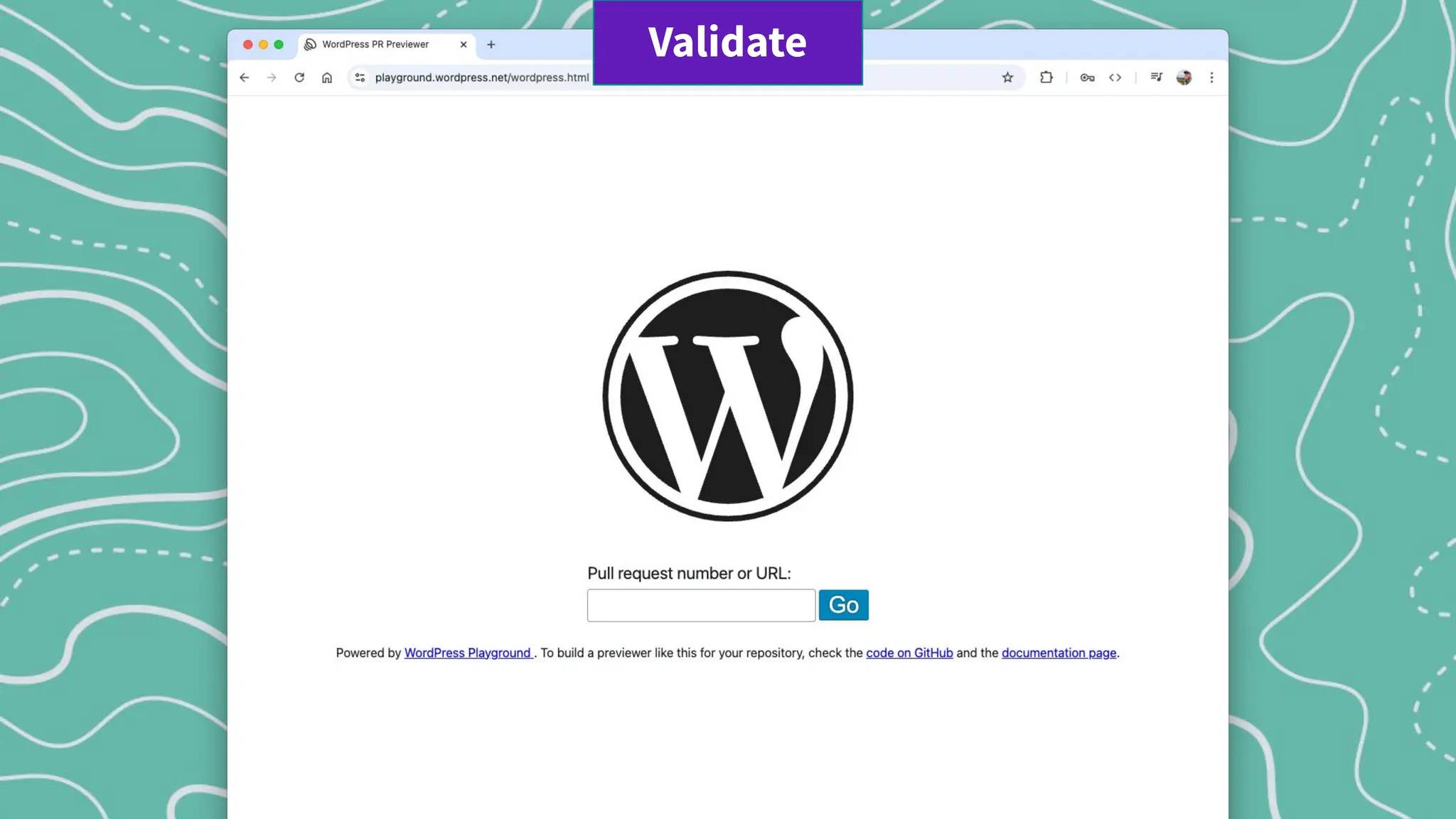
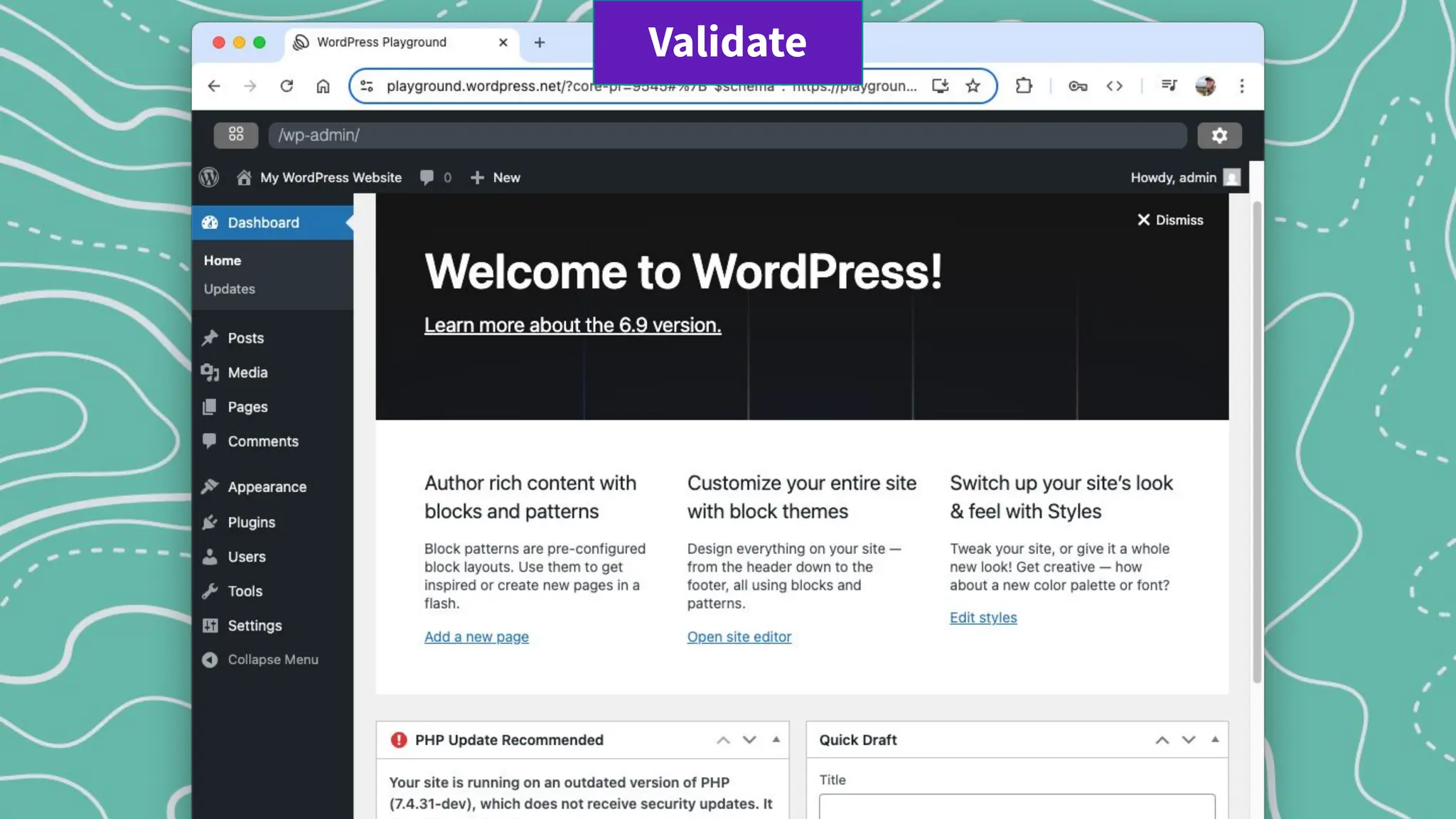
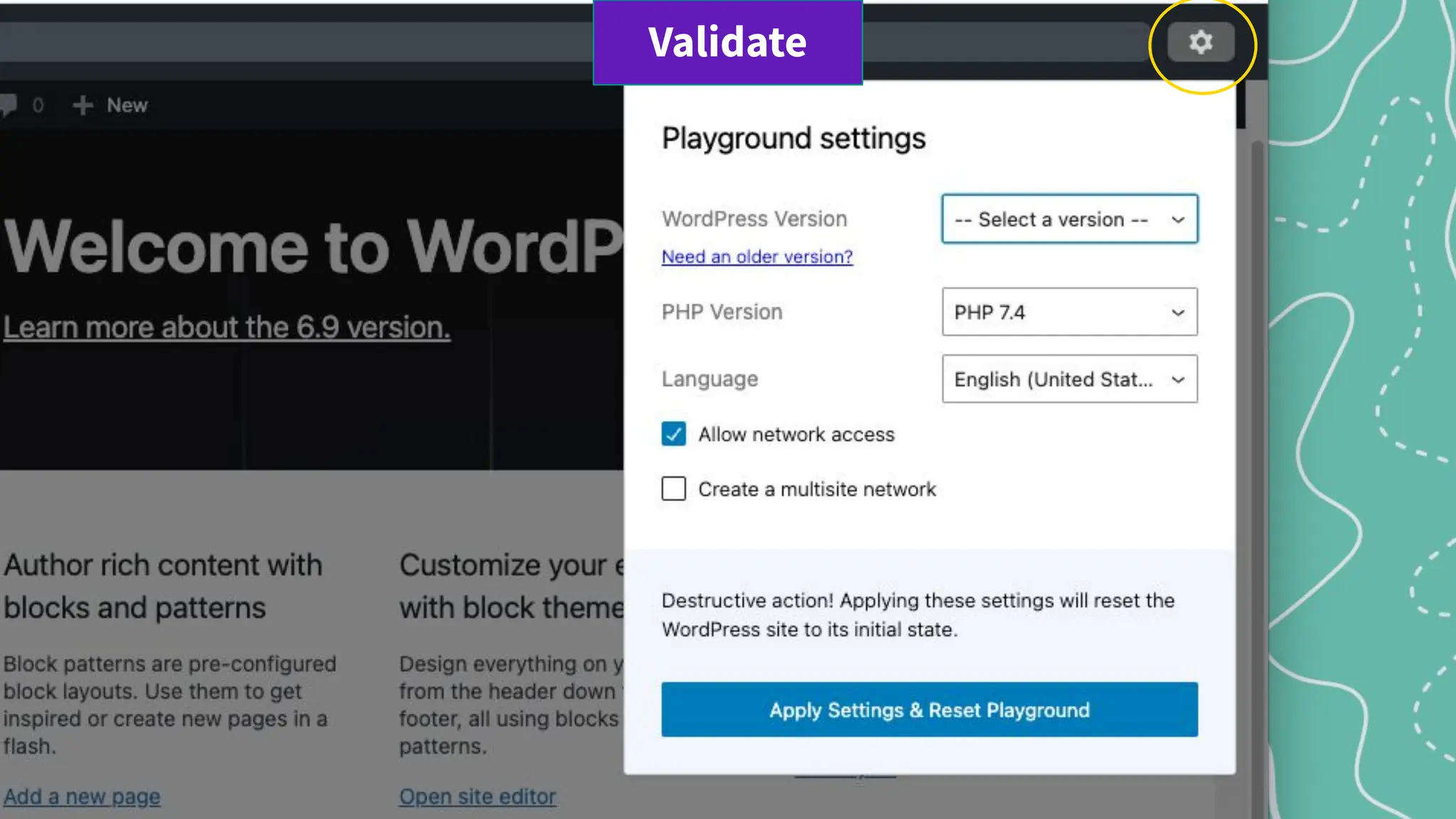
There are also multiple ways to update code to test updates in WordPress:
.diffs PRs Playground
Validate
Apply .diff for testing
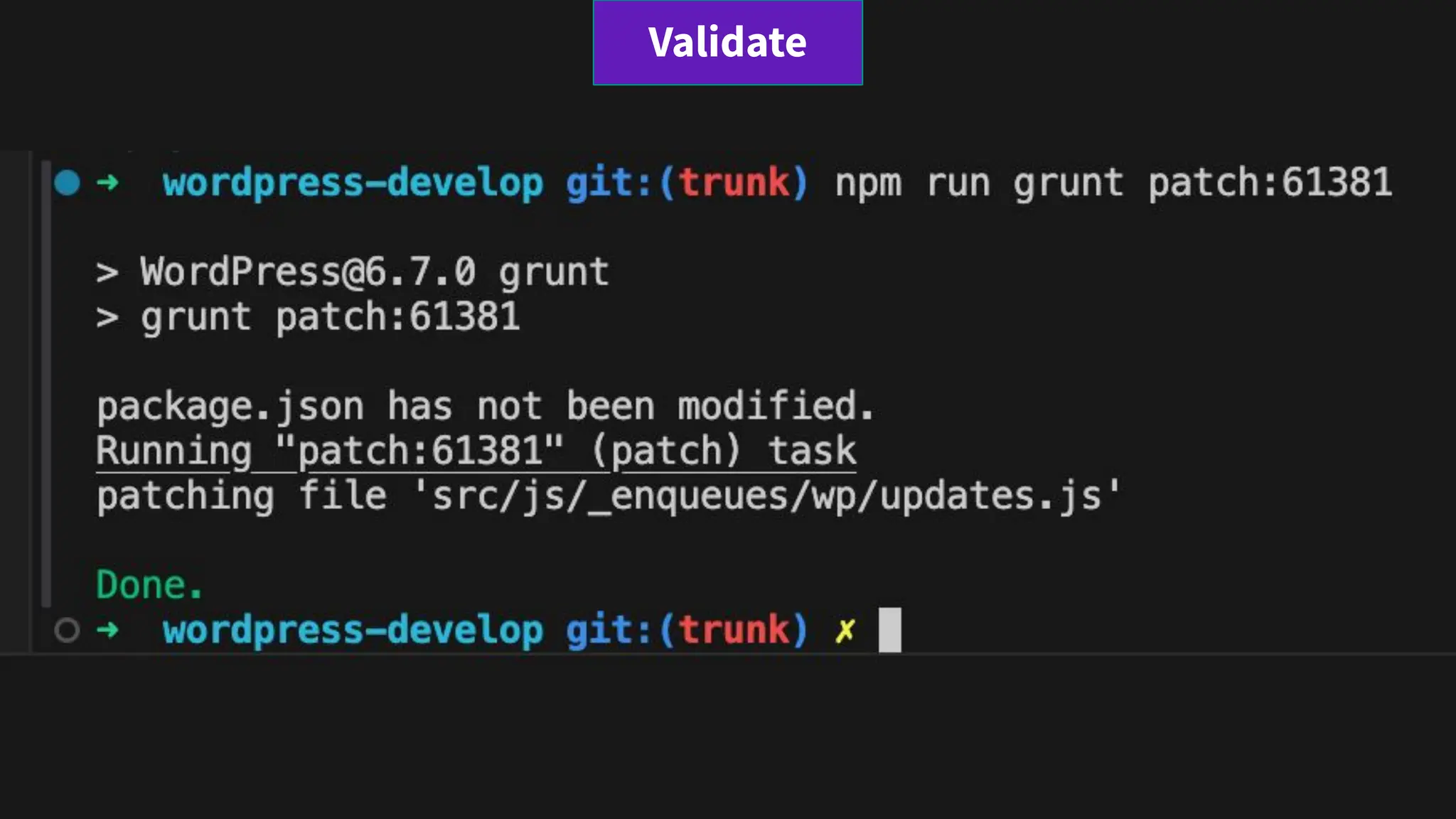
Apply a patch to your local working copy with grunt commands.
> npm run grunt patch - after download the diff
> npm run grunt patch:00000 - include ticket number
> npm run grunt patch:<link.to/ticket/00000> - link
> npm run grunt patch:<link.to/00000.diff> - diff link
Validate
Validate
Validate
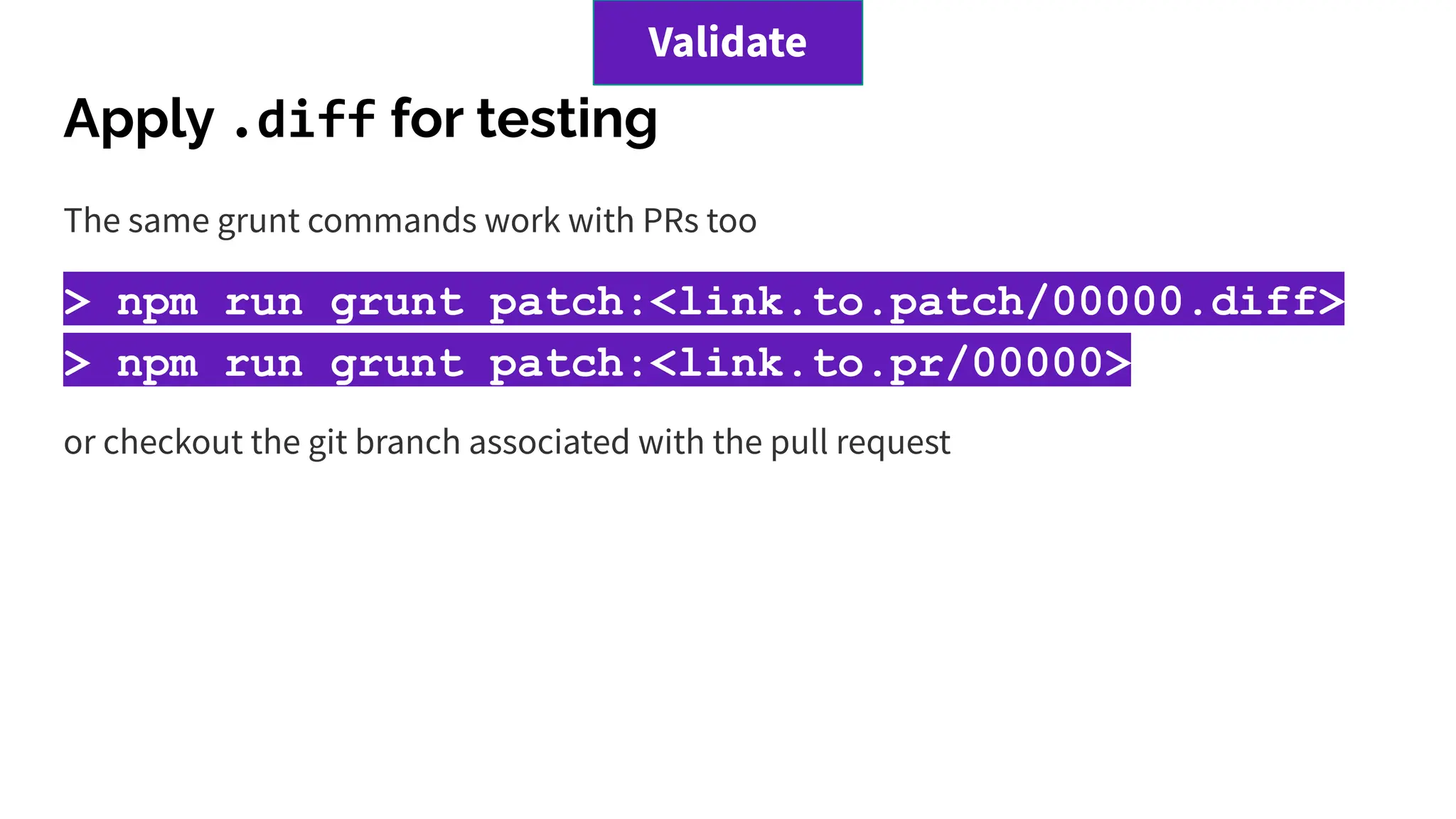
Apply .diff for testing
The same grunt commands work with PRs too
> npm run grunt patch:<link.to.patch/00000.diff>
> npm run grunt patch:<link.to.pr/00000>
or checkout the git branch associated with the pull request
Validate
Validate
Validate
Validate
Validate
Validate
Give Feedback, Continue the Discussion
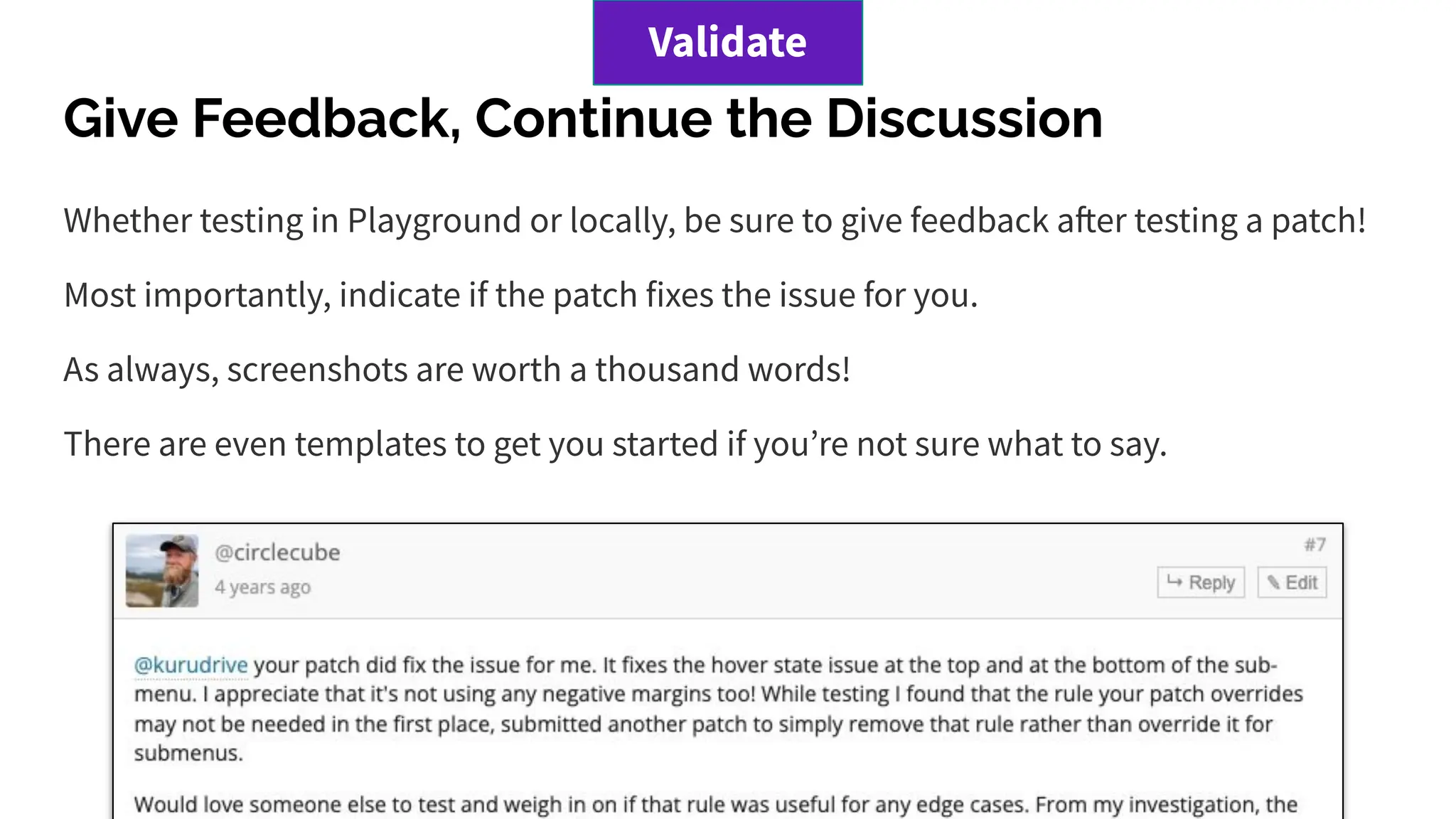
Whether testing in Playground or locally, be sure to give feedback after testing a patch!
Most importantly, indicate if the patch fixes the issue for you.
As always, screenshots are worth a thousand words!
There are even templates to get you started if youʼre not sure what to say.
Validate
== Test Report
This report validates that the indicated patch addresses the issue.
Patch tested: REPLACE_WITH_PATCH_URL
=== Environment
- OS: macOS 12.3.1
- Web Server: Nginx
- PHP: 7.4.29
- WordPress: 6.0-RC1-53341-src
- Browser: Safari 15.4
- Theme: Twenty Twenty-Two
- Active Plugins:
- Gutenberg 13.2.0
- WordPress Beta Tester 3.2.1
=== Actual Results
- ✅ Issue resolved with patch.
=== Additional Notes
- Any additional details worth mention.
=== Supplemental Artifacts
Add Inline: [[Image(REPLACE_WITH_IMAGE_URL)]]
Or
Add as Attachment
Validate
Once the bug is reported, reproduced, patched and
validated a core committer may then merge the code
changes.
This updates the source code to WordPress and is
typically then released in the next release!
Merge and Ship
Merge & Ship
3. Usability Testing/Outreach
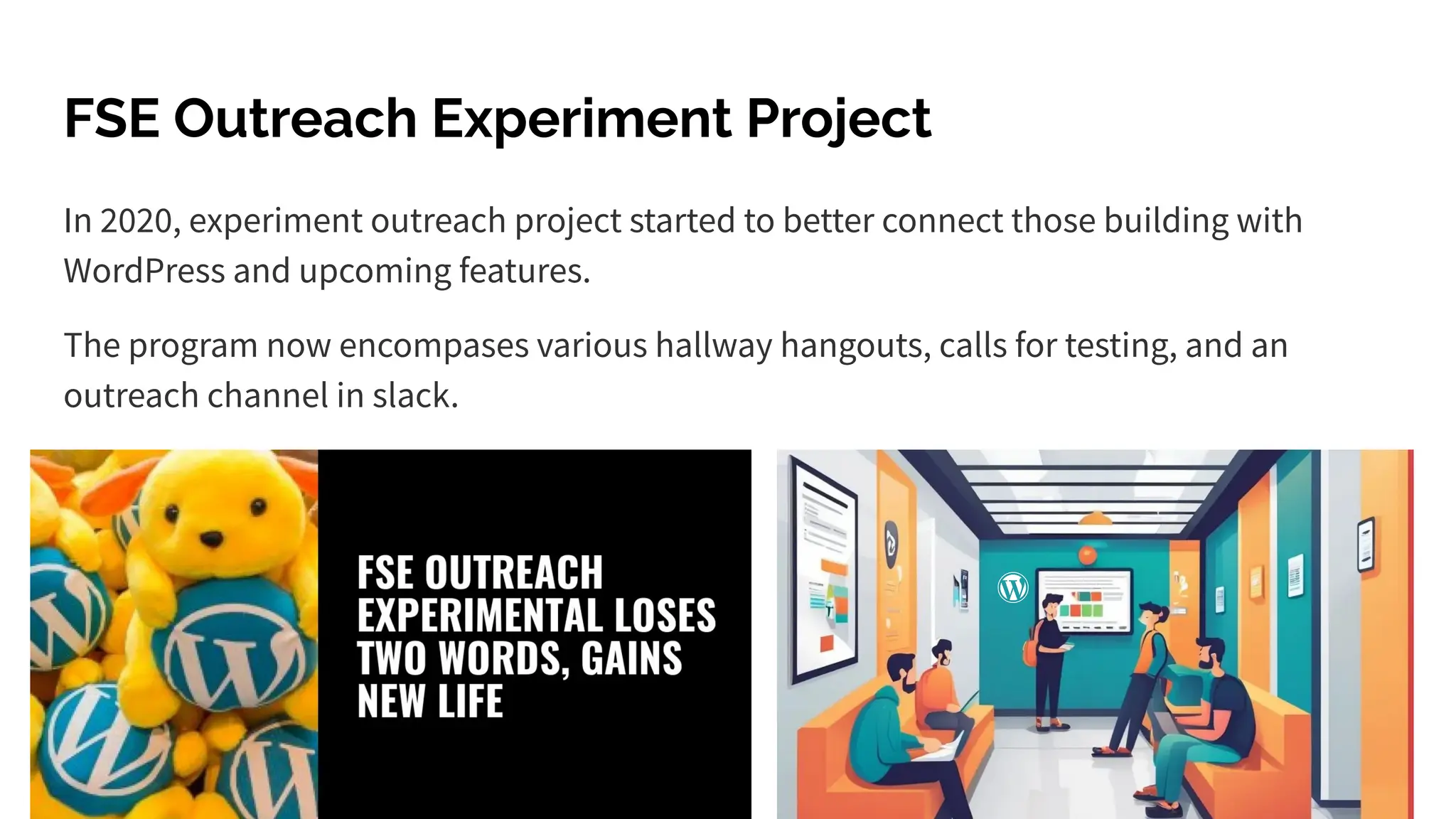
FSE Outreach Experiment Project
In 2020, experiment outreach project started to better connect those building with
WordPress and upcoming features.
The program now encompases various hallway hangouts, calls for testing, and an
outreach channel in slack.
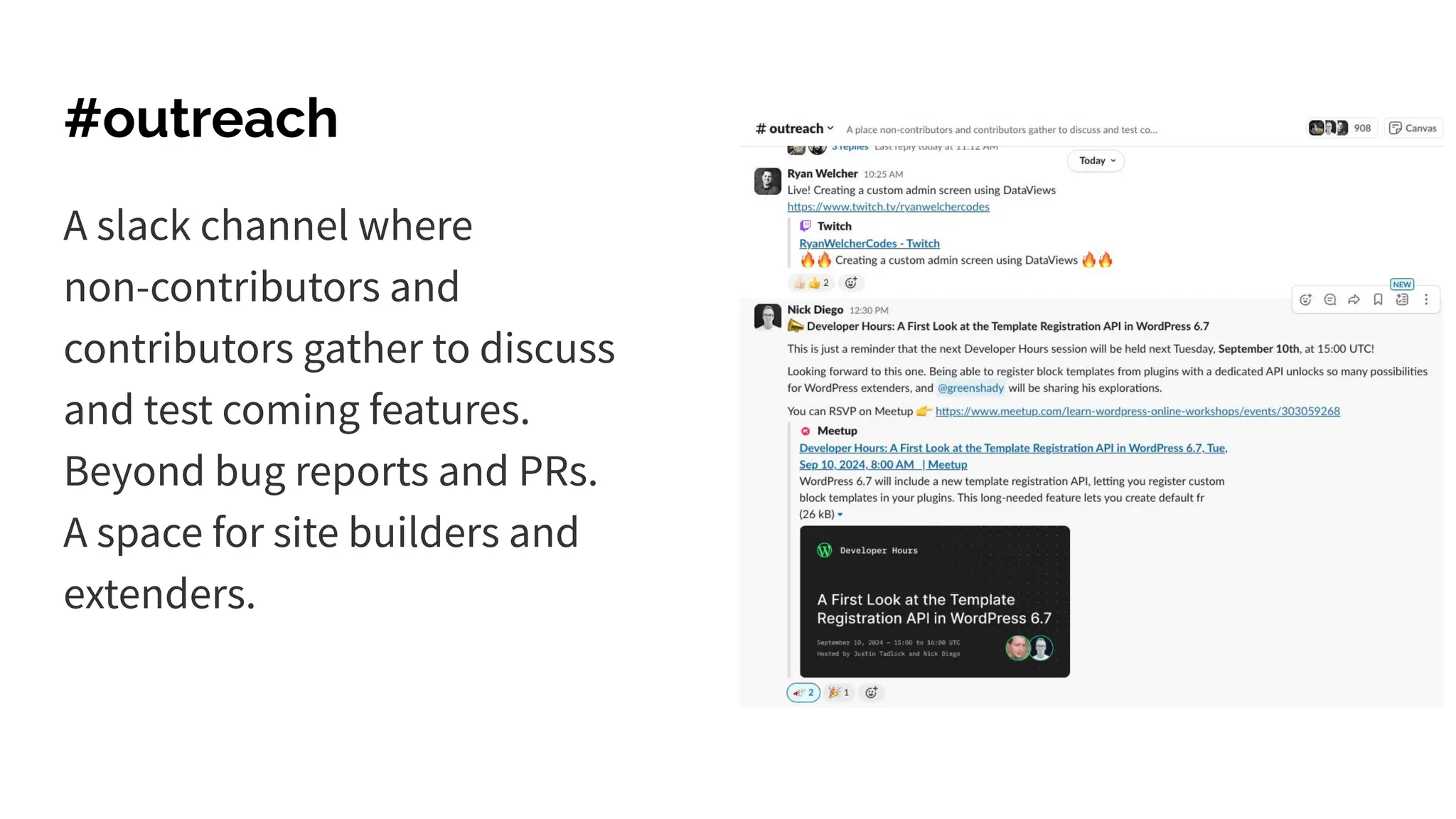
#outreach
A slack channel where
non-contributors and
contributors gather to discuss
and test coming features.
Beyond bug reports and PRs.
A space for site builders and
extenders.
4. Accessibility Testing
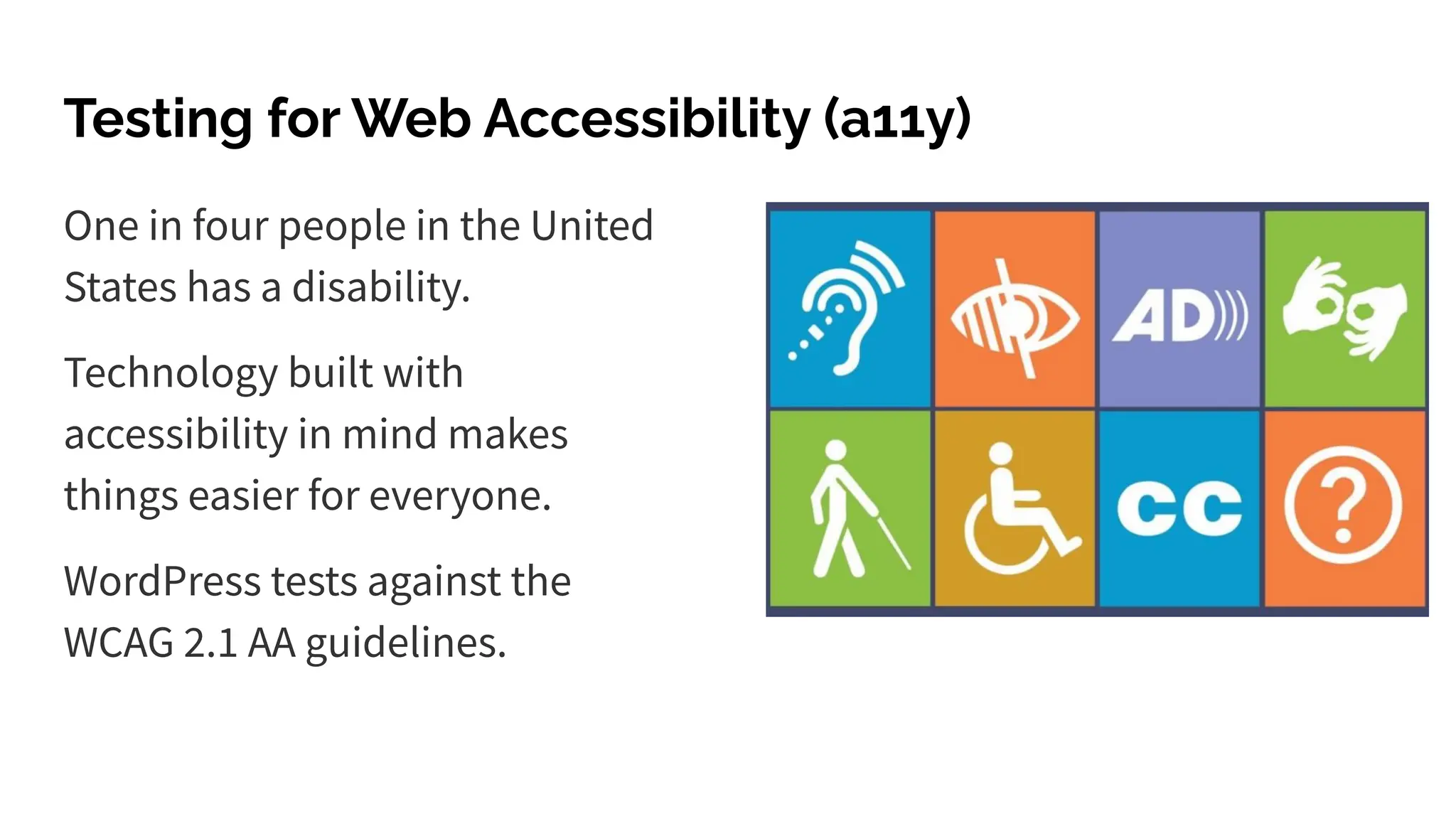
Testing for Web Accessibility (a11y)
One in four people in the United
States has a disability.
Technology built with
accessibility in mind makes
things easier for everyone.
WordPress tests against the
WCAG 2.1 AA guidelines.
A11y
● Keyboard Navigation
● Color Contrast
● Screen Reader Compatibility
● Image alt text
● …
1. Perceivable
Is all content available to everyone?
2. Operable
Can visitors use all functionality?
3. Understandable
Can visitors comprehend all content?
4. Robust
Can visitors use any device?
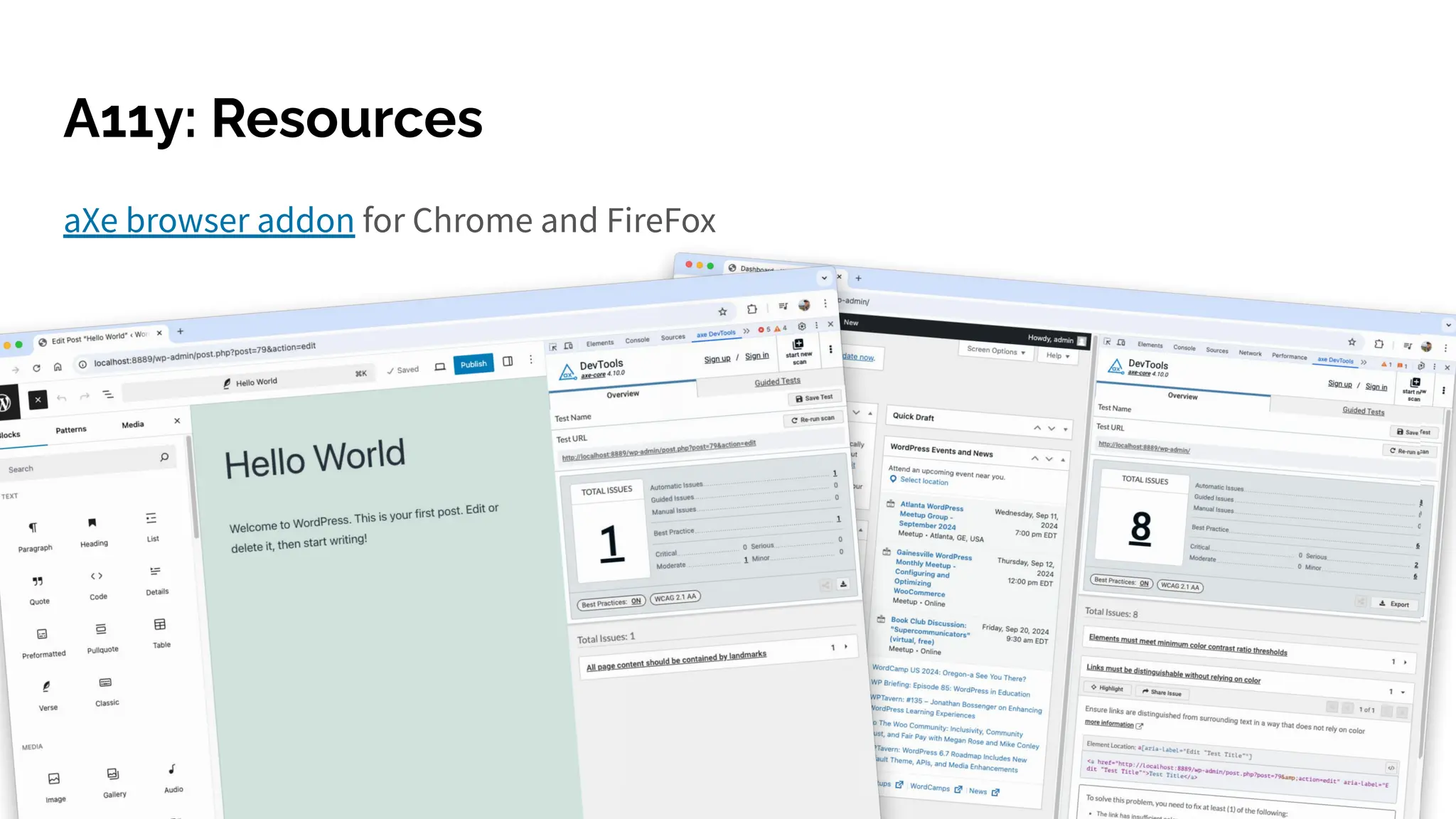
aXe browser addon for Chrome and FireFox
A11y: Resources
A11y: Get Involved
WordPress Accessibility Day 2025
October 15th-16th - Free Livestream
Accessibility Handbook | Gutenberg
Trac tickets with an accessibility focus
Gutenberg ticket labels:
Needs Accessibility Feedback
[Focus] Accessibility (a11y)
5. Automated Testing
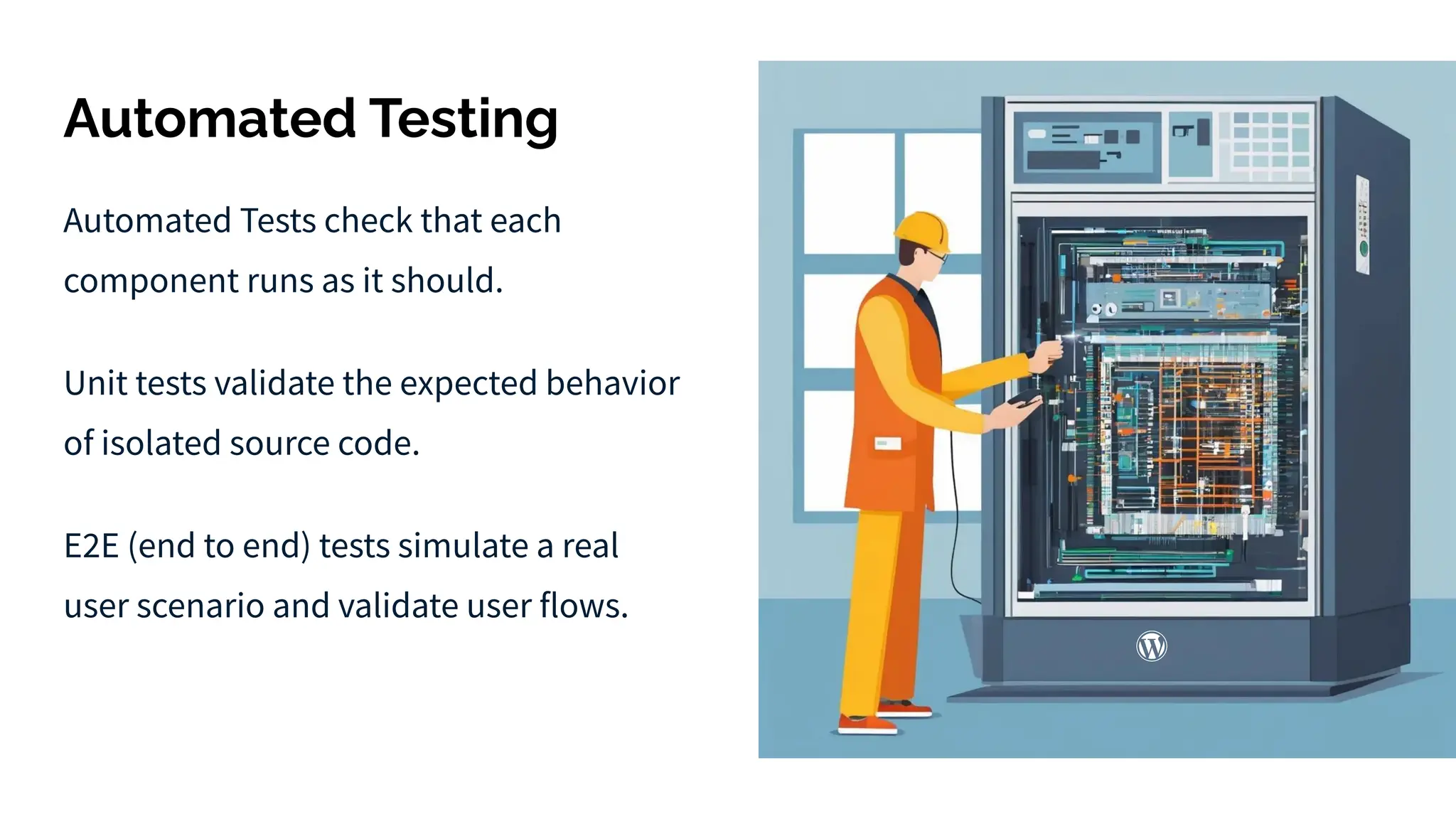
Automated Testing
Automated Tests check that each
component runs as it should.
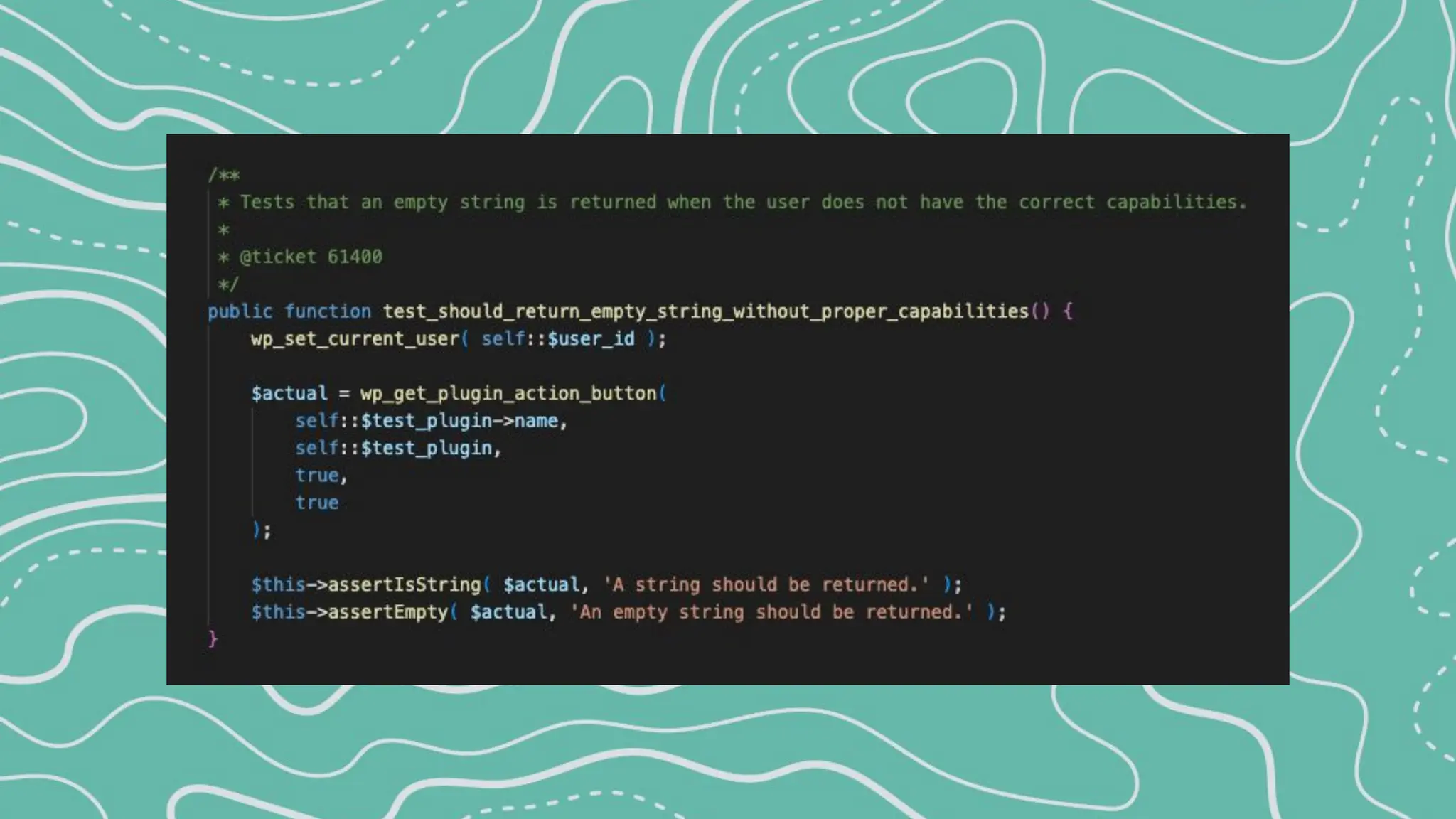
Unit tests validate the expected behavior
of isolated source code.
E2E (end to end) tests simulate a real
user scenario and validate user flows.
PHP Unit Tests - PHPUnit
PHPUnit for PHP testing:
npm install
npm run build:dev
npm run env:start
npm run env:install
npm run test:php
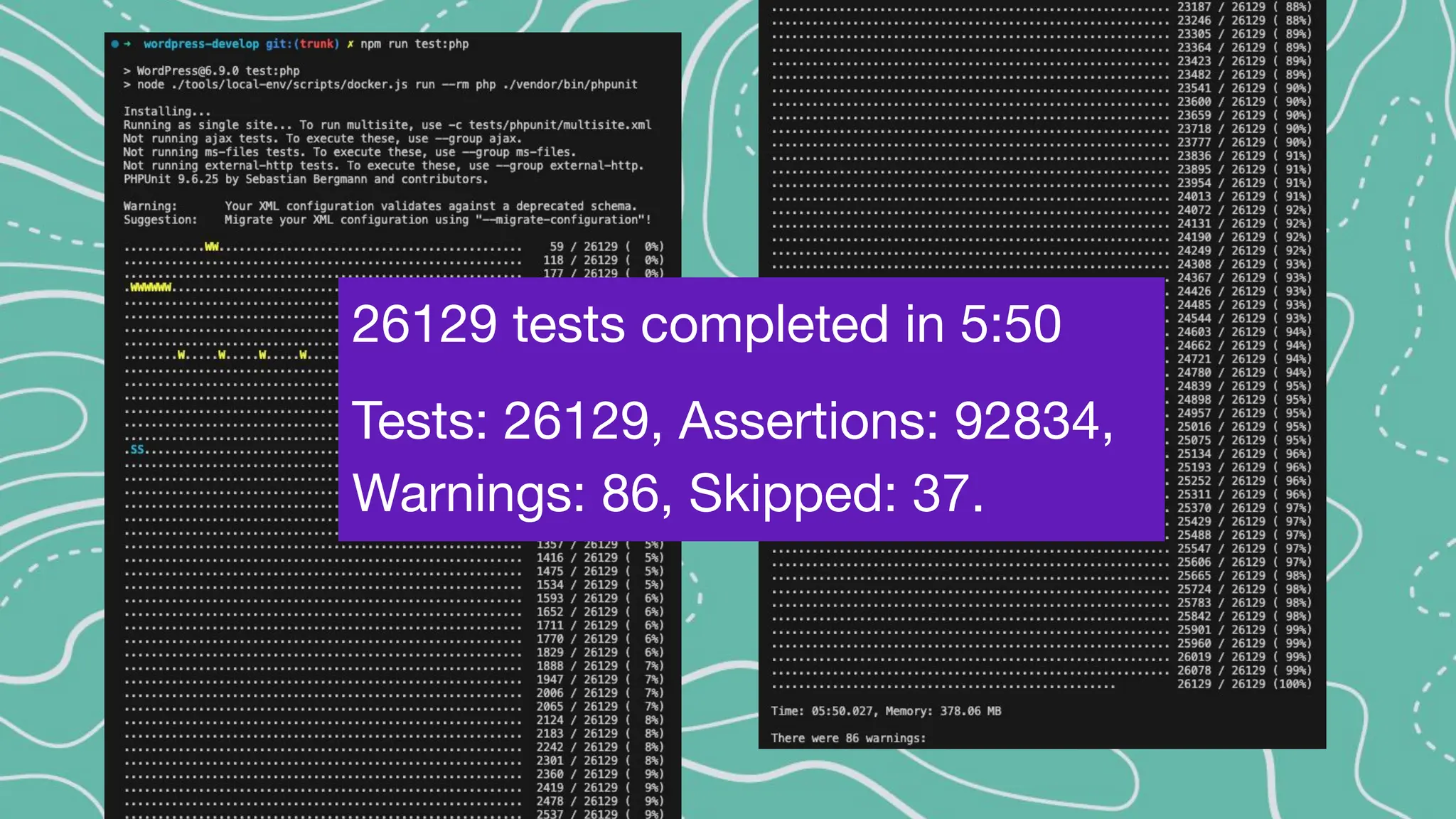
26129 tests completed in 5:50
Tests: 26129, Assertions: 92834,
Warnings: 86, Skipped: 37.
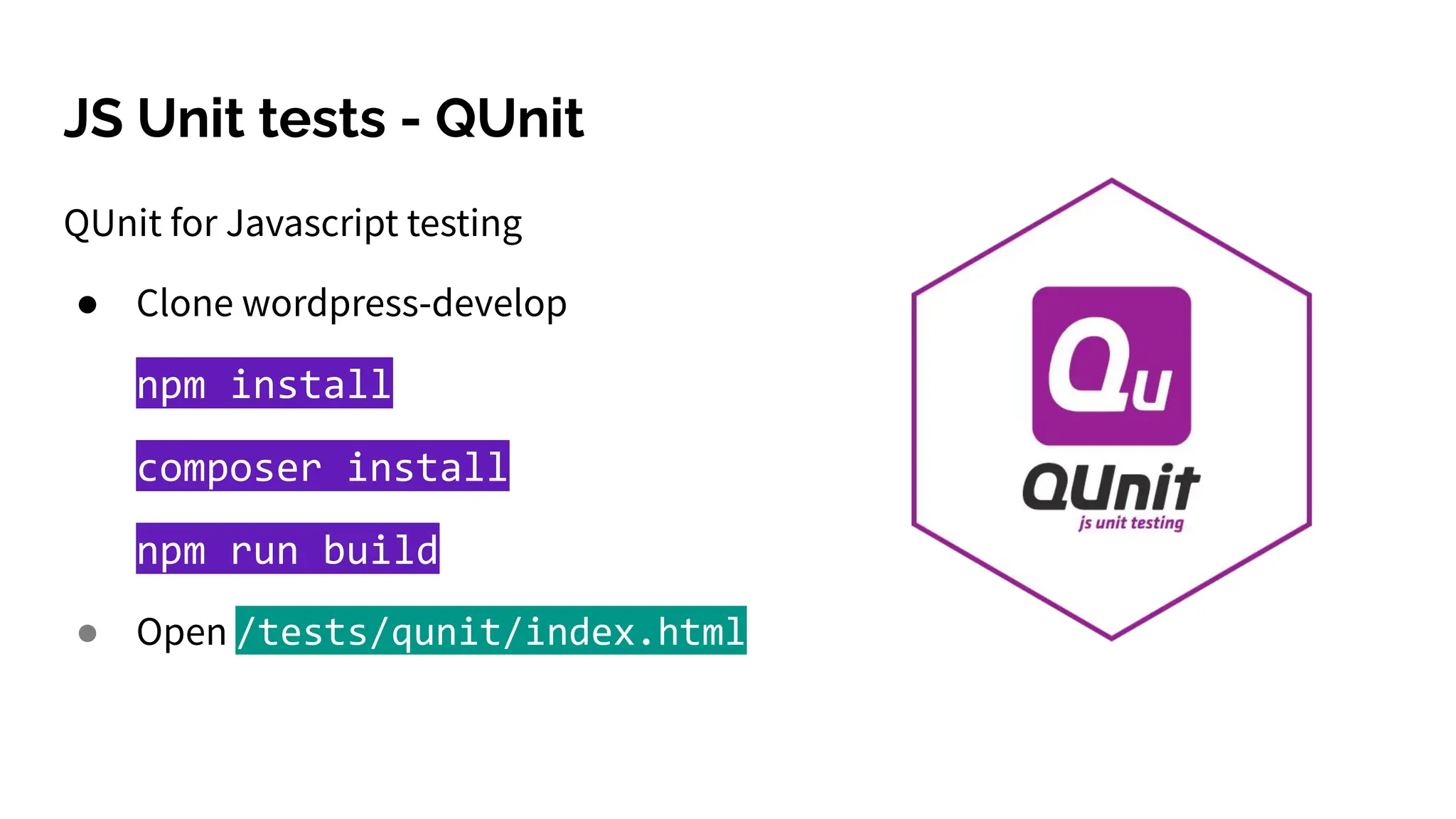
JS Unit tests - QUnit
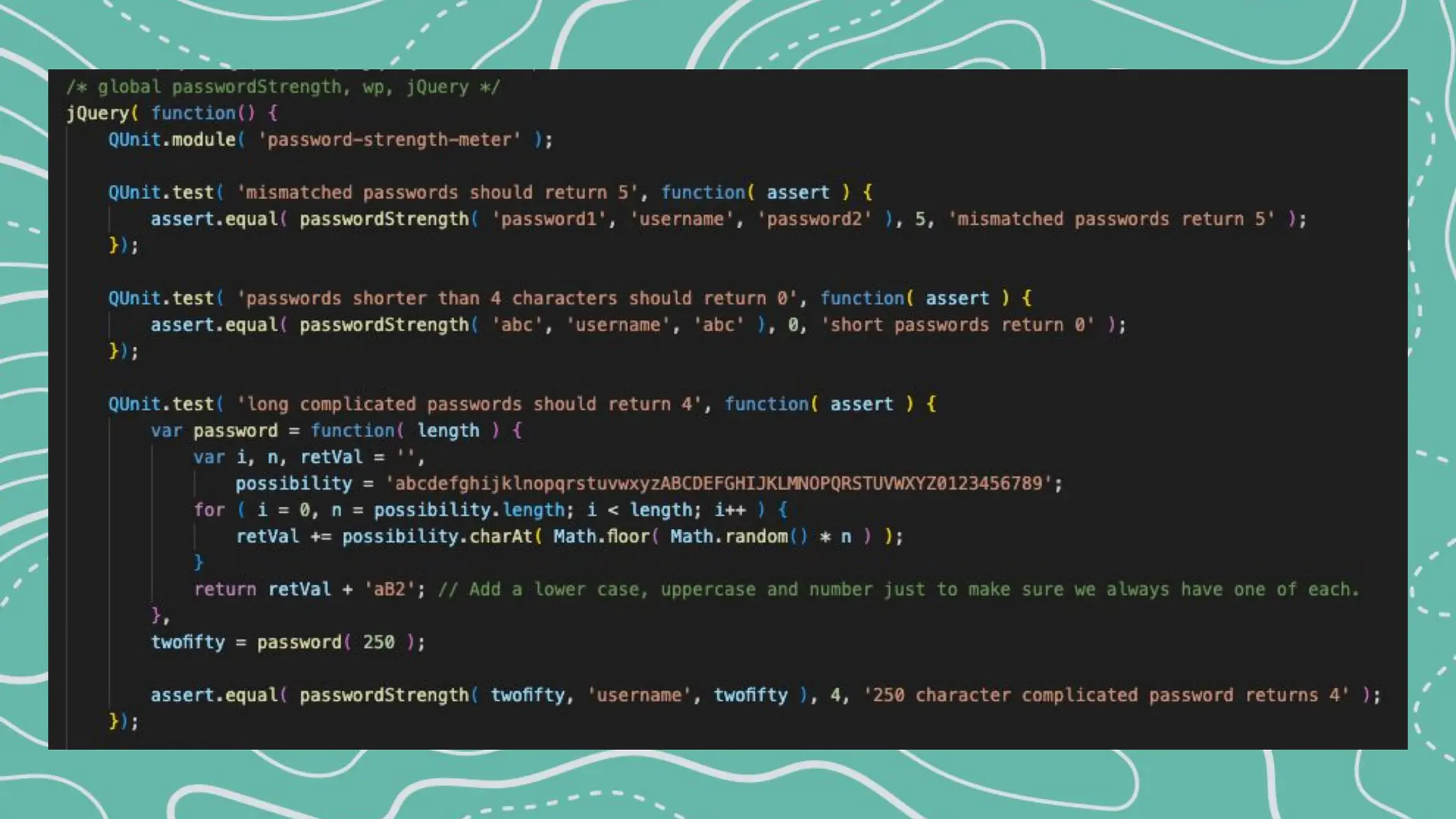
QUnit for Javascript testing
● Clone wordpress-develop
npm install
composer install
npm run build
● Open /tests/qunit/index.html
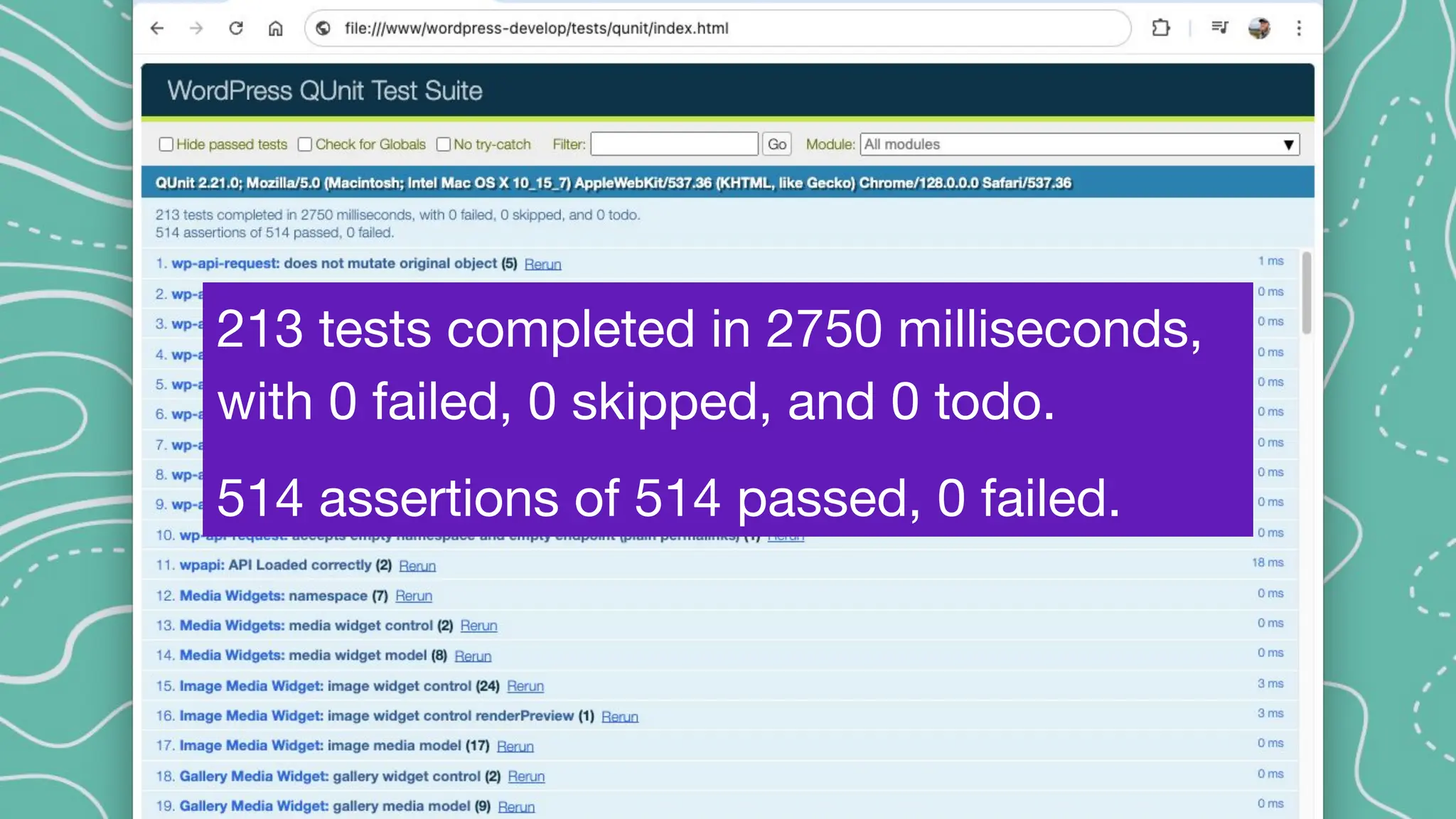
213 tests completed in 2750 milliseconds,
with 0 failed, 0 skipped, and 0 todo.
514 assertions of 514 passed, 0 failed.
● Clone wordpress-develop
● Setup and run the wordpress environment
npm install
npm run env:start
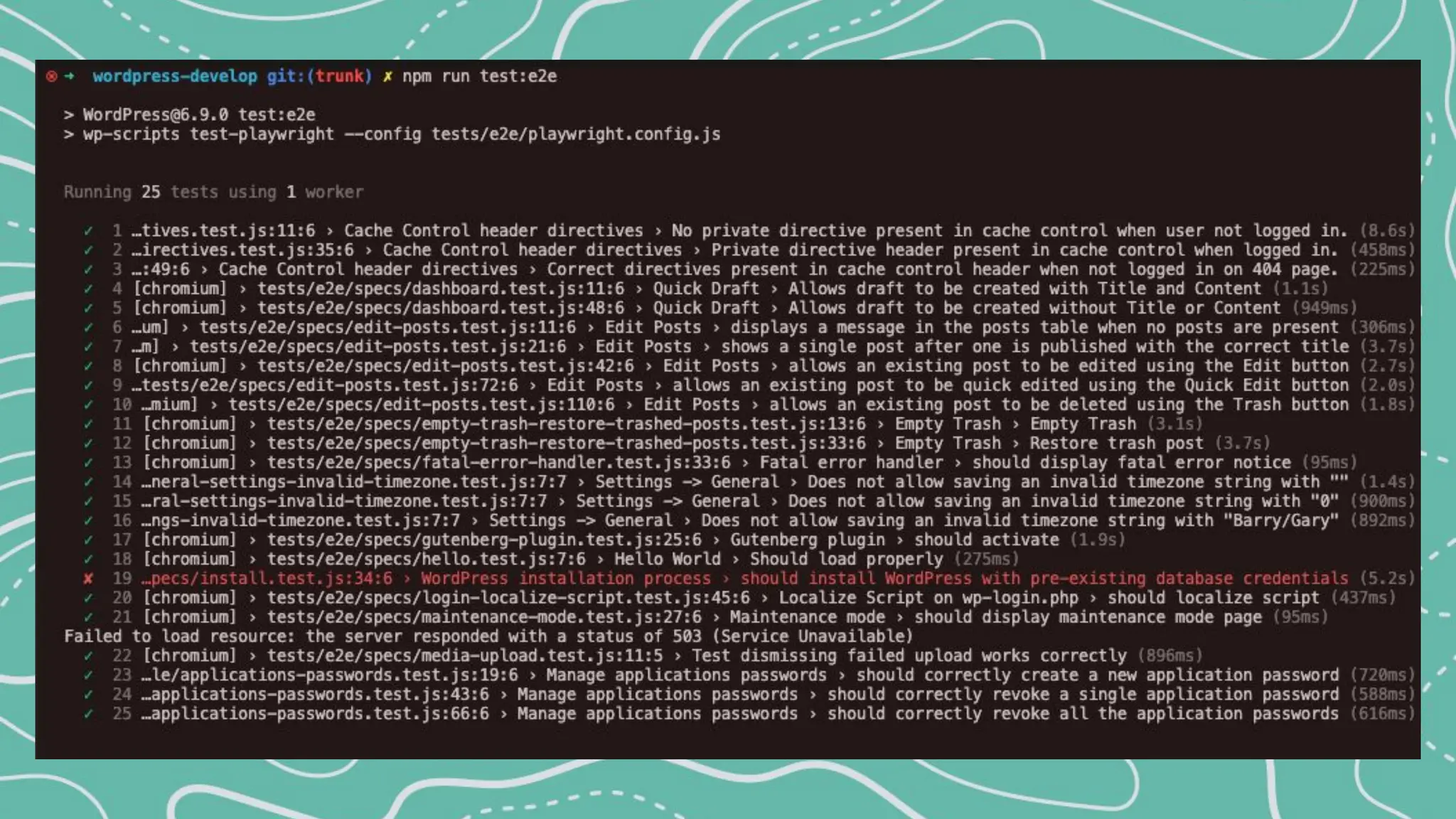
npm run test:e2e
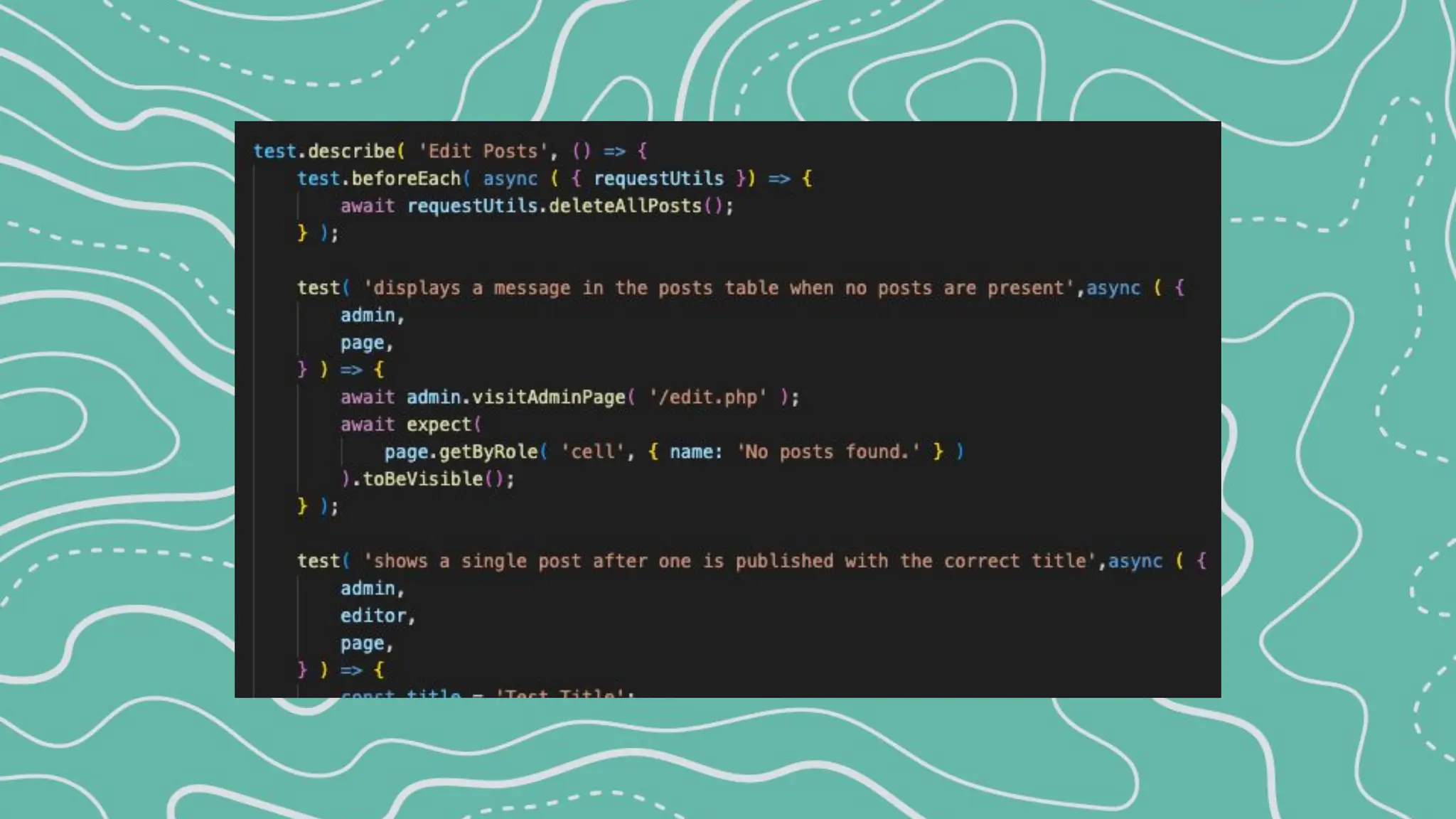
Gutenberg also has it’s own playwright tests.
End to End (e2e) Tests - Playwright
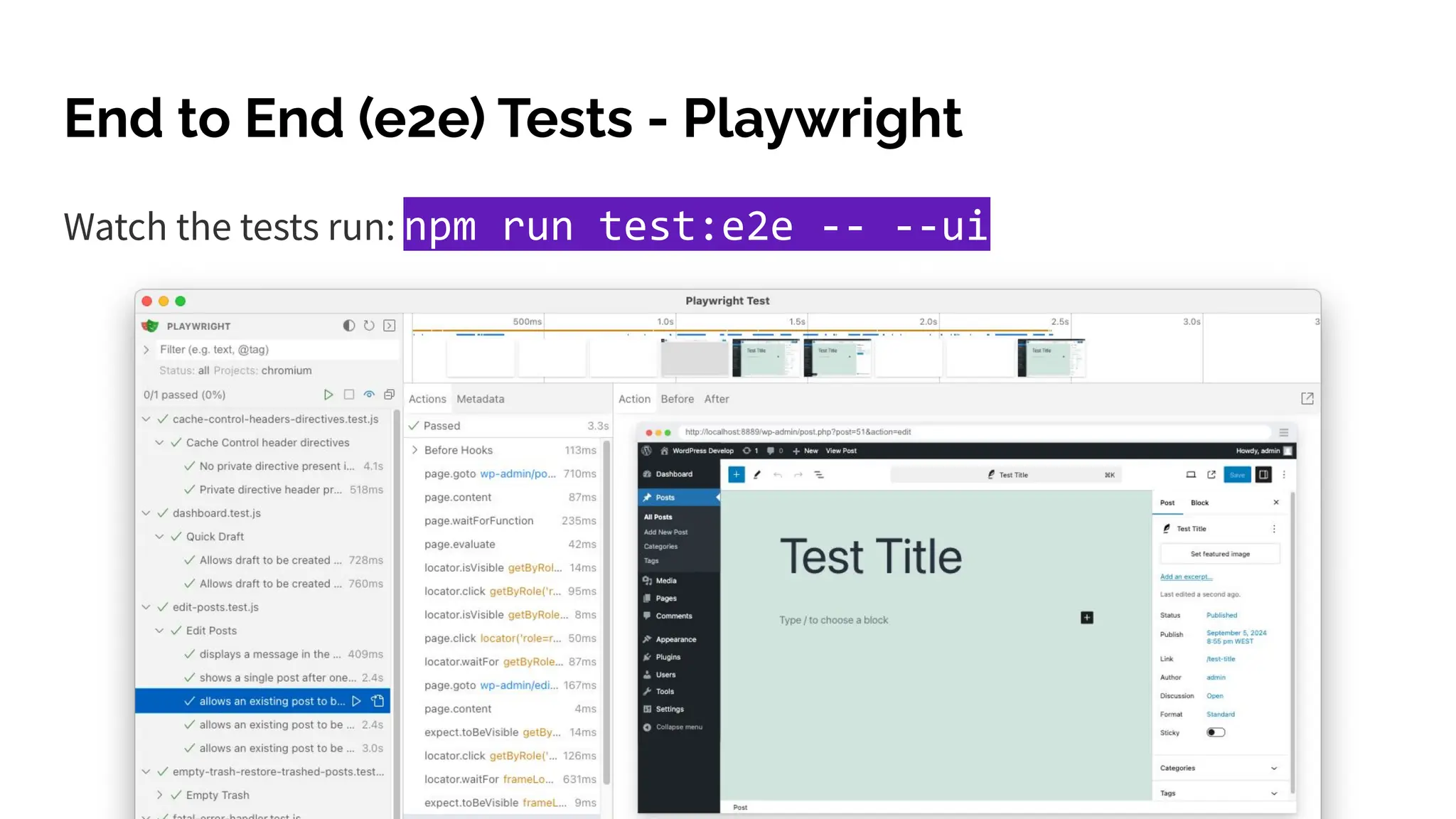
Watch the tests run: npm run test:e2e -- --ui
End to End (e2e) Tests - Playwright
Recap Testing Opportunities
1. Test Releases
2. Test Tickets/Issues
3. Outreach & Usability Tests
4. Accessibility Tests
5. Automated Tests
WordPress Wants You to Contribute via Testing
Questions?
evanmullins.com
Thank You!

Evan Mullins WCUS 2025 - Contributing to WordPress by Testing.pdf

  • 1.
    Contributing by Testing WordPress Diveinto Contributing to WordPress and Make a Difference by Testing
  • 2.
    Evan Mullins @circlecube evanmullins.com Iuse WordPress every day in my role at Bluehost, where I build WordPress tools for customers and contribute back to the project. I also use it for my own freelance and hobby projects. I love the visual problem-solving side of websites and strive to make the web a better place for everyone—even your grandma.
  • 3.
    Letʼs explore theways you can contribute by testing WordPress. Follow Along: evanmullins.com
  • 4.
    You can! Even ifyou have not yet contributed to WordPress and feel under-qualified. It might seem like a small contribution but it helps move the project along. All are invited and welcome to help test on any level you can. Who Can Test?
  • 5.
    Even You CanTest WordPress! Testing WordPress is a valuable contribution that anyone can make! Why? Contributions keep open source projects alive and moving!
  • 6.
    Opportunities to TestWordPress 1. Test Releases ✹ 2. Test Tickets/Issues ✹ 3. Outreach & Usability Tests 4. Accessibility Tests 5. Automated Tests
  • 7.
  • 8.
  • 9.
    WordPress 6.8 March 4, 2025 March11 March 18 March 25 April 1 April 8 April 14 April 15
  • 10.
    October 21, 2025 October28 November 4 November 11 November 18 November 25 December 1 December 2 WordPress 6.9
  • 11.
  • 12.
    Release Party Testing Duringeach release, a build is available to test in real-time just before the release is public. Release parties are held in the official WordPress slack (#core). The slack team is open and free to join with a wordpress.org account.
  • 15.
    Release Party Testing WP-CLICommand: > wp core update https://wp.org/wp-X.Y.Z.zip
  • 16.
  • 22.
    More Slack MeetingShout-outs <testing-onboarding> in #core-test Open meeting to ask questions about testing and working with Trac. <patch-testing-scrub> in #core-test Go through a list of tickets and help move each one towards resolution. Determining the next step needed, test, and update the ticket.
  • 23.
  • 24.
    Testing Bug Fixes Withevery bug or issue that is reported in WordPress, we have the opportunity to: 1. reproduce the issue 2. test that a patch fixes the issue 3. that it doesnʼt cause other issues.
  • 25.
    2 Paths: Core/TracOR Gutenberg/GitHub
  • 26.
    Trac Tickets -Path 1 WordPress uses Trac, an open source bug tracker tool. Tickets are used for both bug reports and feature development. Tickets may be created by anyone with a WordPress.org account. Goal to keep in mind: Participate in constructive dialog to resolve issues.
  • 29.
    GitHub Issues -Path 2 The block and site editor are both part of the Gutenberg feature plugin. Issues related to these are in the github gutenberg project. The ticket lifecycle is essentially the same. Not to be confused with the WordPress mirror on github, which integrates with trac.
  • 32.
    1. Report 2. Reproduce* 3. Patch 4. Validate * 5. Merge 6. Ship Simplified Bug Lifecycle * requires testing
  • 33.
  • 34.
  • 35.
    Workflow Keywords You cancontribute at any state, but pay close attention to workflow keywords: ● #needs-testing indicates the ticket is looking for testers ● #has-patch the ticket has a patch and is ready for testing to ensure it fixes the issue ● #needs-screenshots can you reproduce the issue and add screenshots?
  • 36.
    Security Vulnerabilities should bereported at HackerOne and not publicly on trac! Report
  • 37.
    Reporting A user (IssueReporter) submits a bug in WordPress core. The Reporterʼs involvement doesnʼt end after submitting the ticket. Others may request more information with the #reporter-feedback keyword. Reporters can also help validate and test that proposed patches fix the bug. Report
  • 38.
  • 39.
    Reproduce Can the issuebe reproduced as reported? If you can, elaborate on the issue, write clear steps to reproduce and add screenshots. If you canʼt, ask for more information and add the #reporter-feedback keyword to let the reporter know too. Reproduce
  • 40.
  • 41.
    Patch Anyone can submita code changes that fix reported bugs. This process is also known as “patching” Patches on a ticket are either a submitted file that shows the code changes or a pull request to the github mirror. Patch
  • 42.
    GitHub Pull Requests Theequivalent of a Patch in git is a Pull Request, itʼs just a collection of code changes. Patch
  • 43.
  • 44.
  • 45.
    Validate or Testa Patch Testing patches is an important part of ensuring the quality of WordPress. Steps: 1. WordPress Environment 2. Reproduce the issue 3. Apply the patch 4. Perform Testing: try to reproduce the issue again 5. Give feedback Validate
  • 46.
    Test Environment There aremultiple ways to set up a local core WordPress environment. Find one that works for you. There are many helpful tools: ● Docker ● wp-env ● Local ● Studio ● Playground Validate
  • 47.
    Applying Code Updates Thereare also multiple ways to update code to test updates in WordPress: .diffs PRs Playground Validate
  • 48.
    Apply .diff fortesting Apply a patch to your local working copy with grunt commands. > npm run grunt patch - after download the diff > npm run grunt patch:00000 - include ticket number > npm run grunt patch:<link.to/ticket/00000> - link > npm run grunt patch:<link.to/00000.diff> - diff link Validate
  • 49.
  • 50.
  • 51.
    Apply .diff fortesting The same grunt commands work with PRs too > npm run grunt patch:<link.to.patch/00000.diff> > npm run grunt patch:<link.to.pr/00000> or checkout the git branch associated with the pull request Validate
  • 52.
  • 53.
  • 54.
  • 55.
  • 56.
  • 57.
    Give Feedback, Continuethe Discussion Whether testing in Playground or locally, be sure to give feedback after testing a patch! Most importantly, indicate if the patch fixes the issue for you. As always, screenshots are worth a thousand words! There are even templates to get you started if youʼre not sure what to say. Validate
  • 58.
    == Test Report Thisreport validates that the indicated patch addresses the issue. Patch tested: REPLACE_WITH_PATCH_URL === Environment - OS: macOS 12.3.1 - Web Server: Nginx - PHP: 7.4.29 - WordPress: 6.0-RC1-53341-src - Browser: Safari 15.4 - Theme: Twenty Twenty-Two - Active Plugins: - Gutenberg 13.2.0 - WordPress Beta Tester 3.2.1 === Actual Results - ✅ Issue resolved with patch. === Additional Notes - Any additional details worth mention. === Supplemental Artifacts Add Inline: [[Image(REPLACE_WITH_IMAGE_URL)]] Or Add as Attachment Validate
  • 59.
    Once the bugis reported, reproduced, patched and validated a core committer may then merge the code changes. This updates the source code to WordPress and is typically then released in the next release! Merge and Ship Merge & Ship
  • 61.
  • 62.
    FSE Outreach ExperimentProject In 2020, experiment outreach project started to better connect those building with WordPress and upcoming features. The program now encompases various hallway hangouts, calls for testing, and an outreach channel in slack.
  • 63.
    #outreach A slack channelwhere non-contributors and contributors gather to discuss and test coming features. Beyond bug reports and PRs. A space for site builders and extenders.
  • 64.
  • 65.
    Testing for WebAccessibility (a11y) One in four people in the United States has a disability. Technology built with accessibility in mind makes things easier for everyone. WordPress tests against the WCAG 2.1 AA guidelines.
  • 66.
    A11y ● Keyboard Navigation ●Color Contrast ● Screen Reader Compatibility ● Image alt text ● … 1. Perceivable Is all content available to everyone? 2. Operable Can visitors use all functionality? 3. Understandable Can visitors comprehend all content? 4. Robust Can visitors use any device?
  • 67.
    aXe browser addonfor Chrome and FireFox A11y: Resources
  • 68.
    A11y: Get Involved WordPressAccessibility Day 2025 October 15th-16th - Free Livestream Accessibility Handbook | Gutenberg Trac tickets with an accessibility focus Gutenberg ticket labels: Needs Accessibility Feedback [Focus] Accessibility (a11y)
  • 69.
  • 70.
    Automated Testing Automated Testscheck that each component runs as it should. Unit tests validate the expected behavior of isolated source code. E2E (end to end) tests simulate a real user scenario and validate user flows.
  • 71.
    PHP Unit Tests- PHPUnit PHPUnit for PHP testing: npm install npm run build:dev npm run env:start npm run env:install npm run test:php
  • 72.
    26129 tests completedin 5:50 Tests: 26129, Assertions: 92834, Warnings: 86, Skipped: 37.
  • 74.
    JS Unit tests- QUnit QUnit for Javascript testing ● Clone wordpress-develop npm install composer install npm run build ● Open /tests/qunit/index.html
  • 75.
    213 tests completedin 2750 milliseconds, with 0 failed, 0 skipped, and 0 todo. 514 assertions of 514 passed, 0 failed.
  • 77.
    ● Clone wordpress-develop ●Setup and run the wordpress environment npm install npm run env:start npm run test:e2e Gutenberg also has it’s own playwright tests. End to End (e2e) Tests - Playwright
  • 80.
    Watch the testsrun: npm run test:e2e -- --ui End to End (e2e) Tests - Playwright
  • 81.
    Recap Testing Opportunities 1.Test Releases 2. Test Tickets/Issues 3. Outreach & Usability Tests 4. Accessibility Tests 5. Automated Tests
  • 82.
    WordPress Wants Youto Contribute via Testing
  • 83.