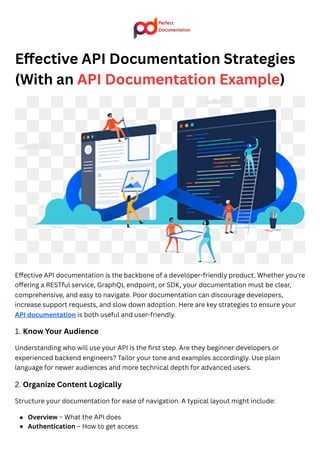
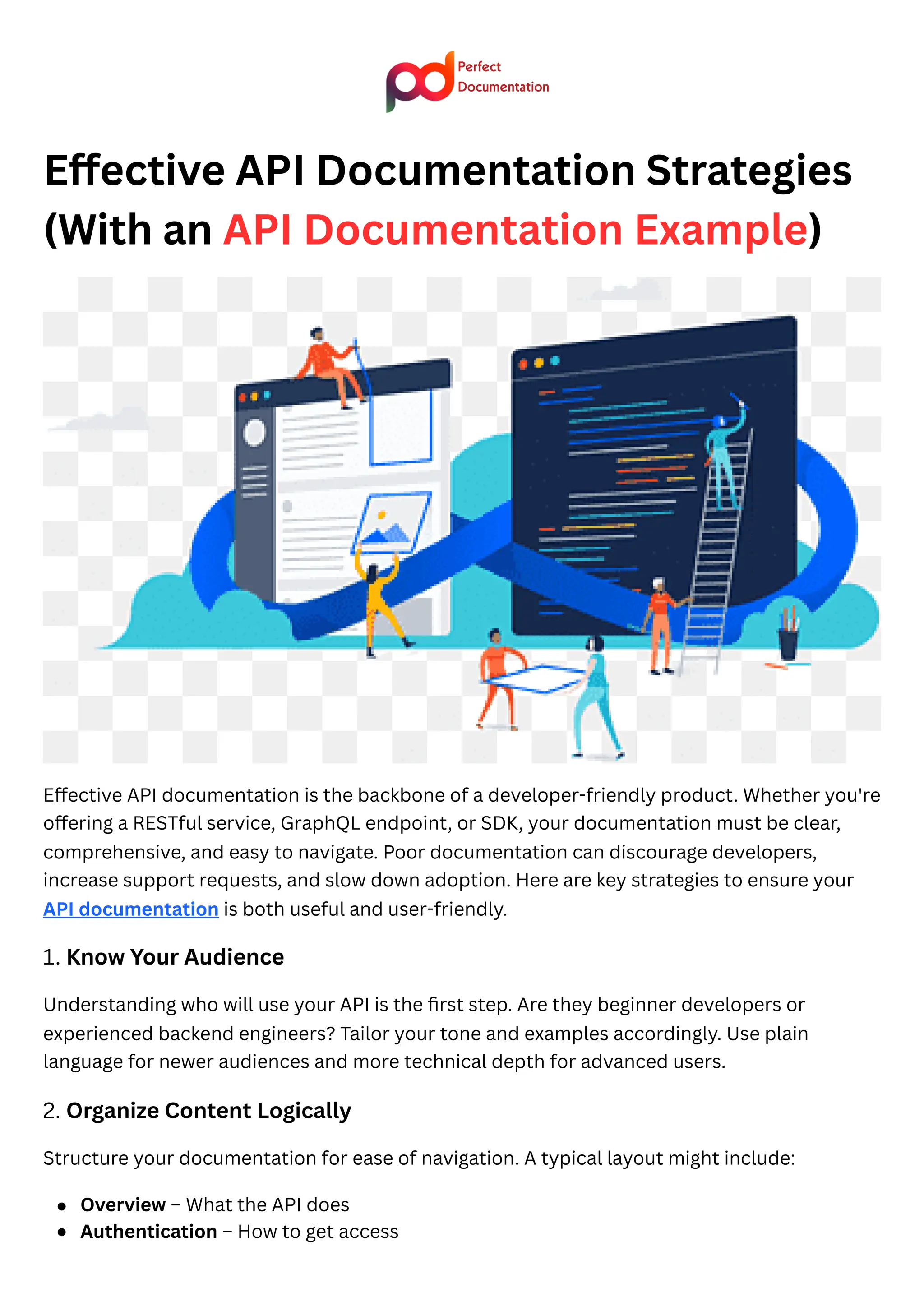
Effective API Documentation Strategies (With an API Documentation Example
Effective API documentation is the backbone of a developer-friendly product. Whether you're offering a RESTful service, GraphQL endpoint, or SDK, your documentation must be clear, comprehensive, and easy to navigate.
Effective API Documentation Strategies (With an API Documentation Example
1.
Effective API DocumentationStrategies
(With an API Documentation Example)
Effective API documentation is the backbone of a developer-friendly product. Whether you're
offering a RESTful service, GraphQL endpoint, or SDK, your documentation must be clear,
comprehensive, and easy to navigate. Poor documentation can discourage developers,
increase support requests, and slow down adoption. Here are key strategies to ensure your
API documentation is both useful and user-friendly.
1. Know Your Audience
Understanding who will use your API is the first step. Are they beginner developers or
experienced backend engineers? Tailor your tone and examples accordingly. Use plain
language for newer audiences and more technical depth for advanced users.
2. Organize Content Logically
Structure your documentation for ease of navigation. A typical layout might include:
Overview – What the API does
Authentication – How to get access
2.
Endpoints – Corefunctionality
Examples – Real-world use cases
Errors – How to interpret error messages
SDKs & Tools – Any helper libraries available
Using a sidebar or table of contents can help users quickly jump to the relevant section.
3. Use Interactive Elements
Interactive documentation improves the developer experience. Tools like Perfect
Documentation, Swagger (OpenAPI), Postman, and Redoc allow developers to test endpoints
directly in the browser. This can dramatically reduce the time it takes to understand and use
the API.
4. Provide Clear Code Examples
Examples are often the most viewed part of API docs. Include request and response examples
in multiple languages if possible (e.g., cURL, Python, JavaScript). Annotate them to explain
each part of the request and what to expect from the response.
5. Be Honest and Upfront About Limitations
Transparency about rate limits, known issues, or incomplete features helps build trust.
Include a changelog or release notes section so developers can track updates.
6. Keep It Updated
Outdated documentation is worse than no documentation. Set up version control and a
documentation workflow that updates the docs with each API change. Use automation when
possible.
✅API Documentation Example (REST API – Notes Service)
Base URL: https://api.notesapp.io/v1
🔐Authentication
All requests must include a bearer token:
http
CopyEdit
Authorization: Bearer YOUR_API_TOKEN
📄GET /notes
Description: Retrieve a list of notes.
{
"title": "New Note",
"content":"This is a test note"
}
Response:
json
CopyEdit
{
"id": "note_456",
"title": "New Note",
"content": "This is a test note",
"created_at": "2025-04-17T14:32:00Z"
}
Conclusion
Great API documentation empowers developers, reduces friction, and enhances your
product’s adoption. By combining clear structure, real-world API documentation examples,
interactive elements, and ongoing maintenance, you create a reference that developers trust
—and love to use.
![Request:
http
CopyEdit
GET /notes
Host: api.notesapp.io
Authorization: Bearer YOUR_API_TOKEN
Response:
json
CopyEdit
[
{
"id": "note_123",
"title": "Meeting Notes",
"content": "Discuss Q2 goals...",
"created_at": "2025-04-15T09:00:00Z"
}
]
📝POST /notes
Description: Create a new note.
Request:
http
CopyEdit
POST /notes
Content-Type: application/json
Authorization: Bearer YOUR_API_TOKEN](https://image.slidesharecdn.com/effectiveapidocumentationstrategieswithanapidocumentationexample-250417164650-4f487337/85/Effective-API-Documentation-Strategies-With-an-API-Documentation-Example-3-320.jpg)