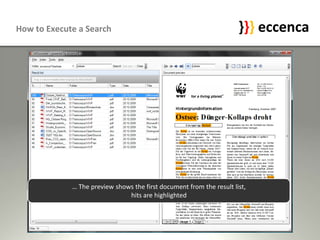
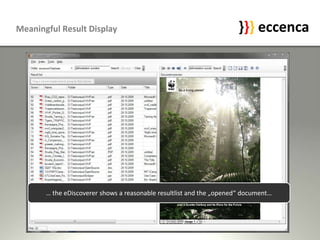
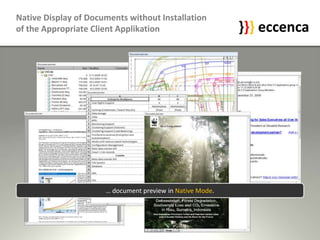
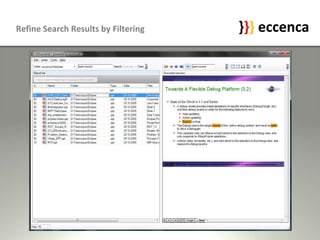
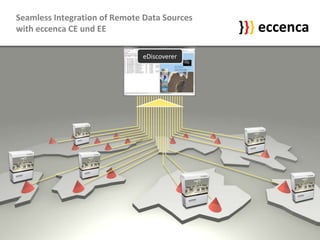
1) The quick guide introduces the main features of eDiscoverer including executing searches, viewing search results with highlighted hits and previews of opened documents.
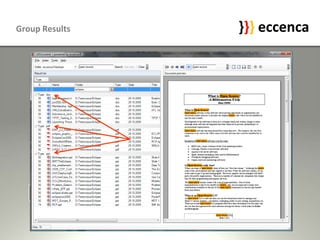
2) It describes how users can refine search results by filtering by document type or property and group results by dragging column headers.
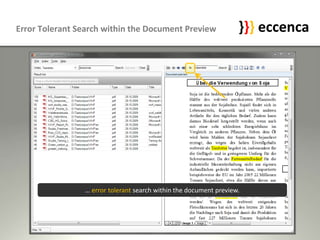
3) The guide also explains that eDiscoverer allows error tolerant search within document previews and enables native display of documents without requiring additional applications thanks to seamless integration with remote data sources.