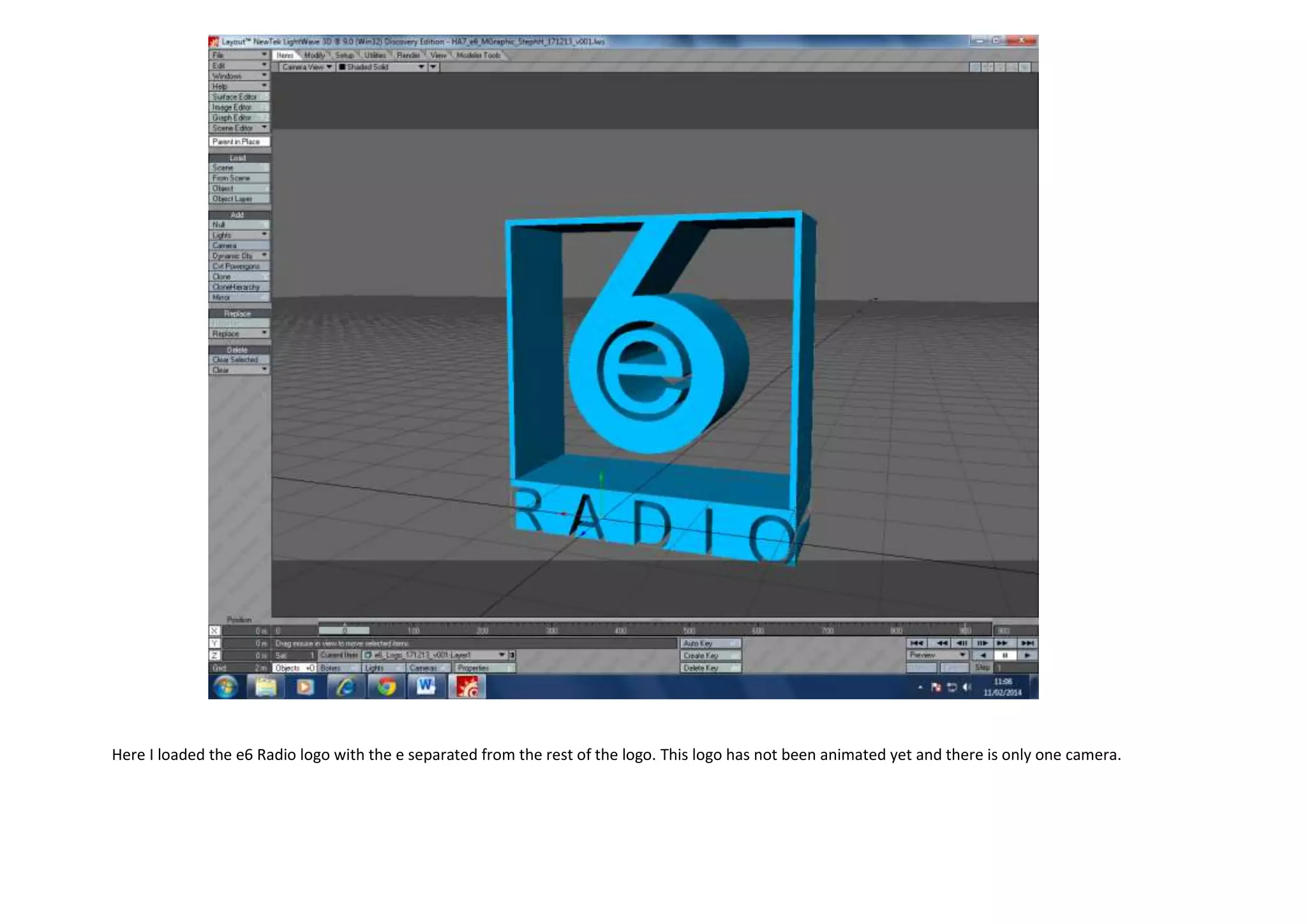
Here I loaded the e6 Radio logo with the e separated from the rest of the logo. This logo has not been animated yet and there is only one camera.
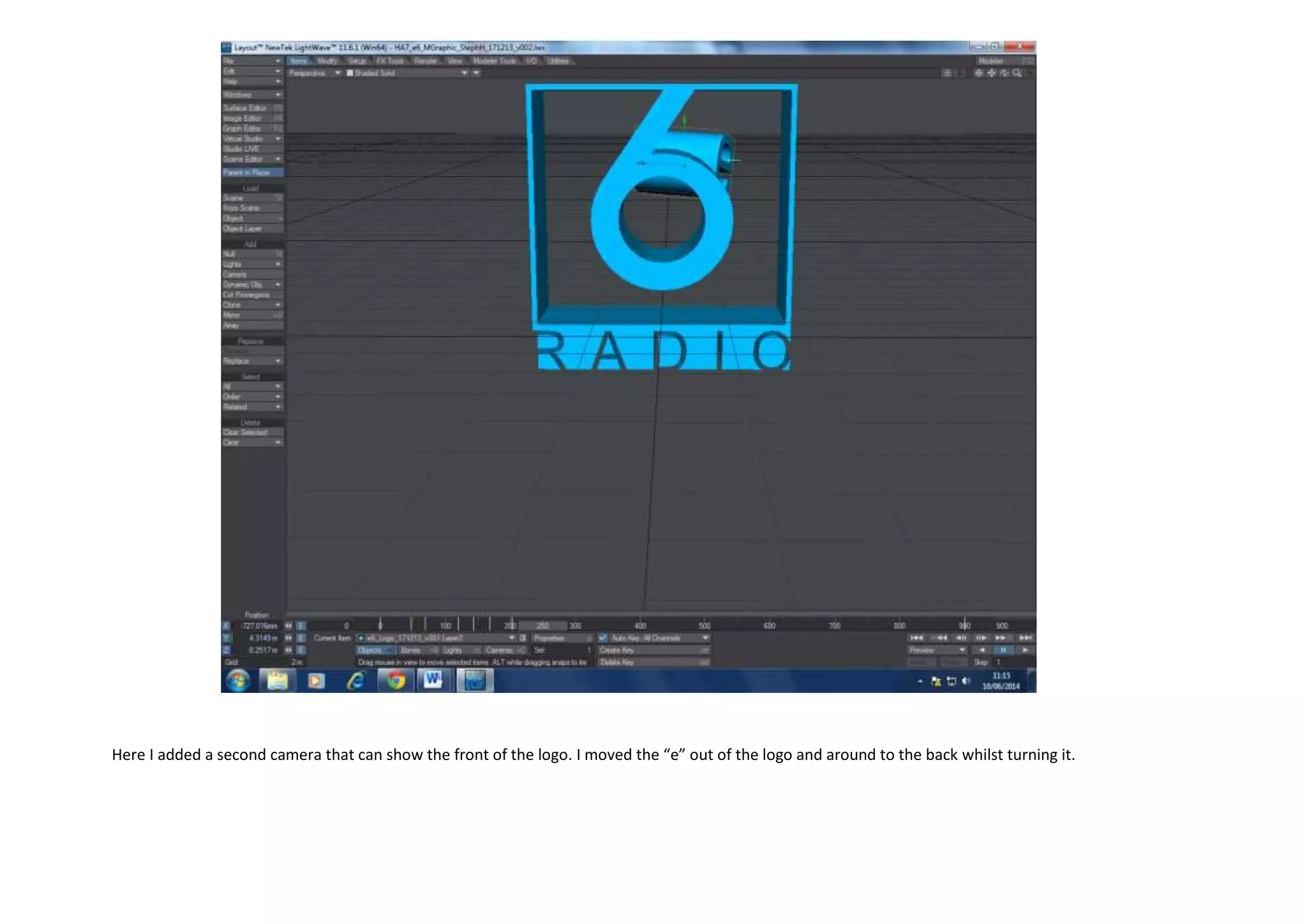
Here I added a second camera that can show the front of the logo. I moved the “e” out of the logo and around to the back whilst turning it.
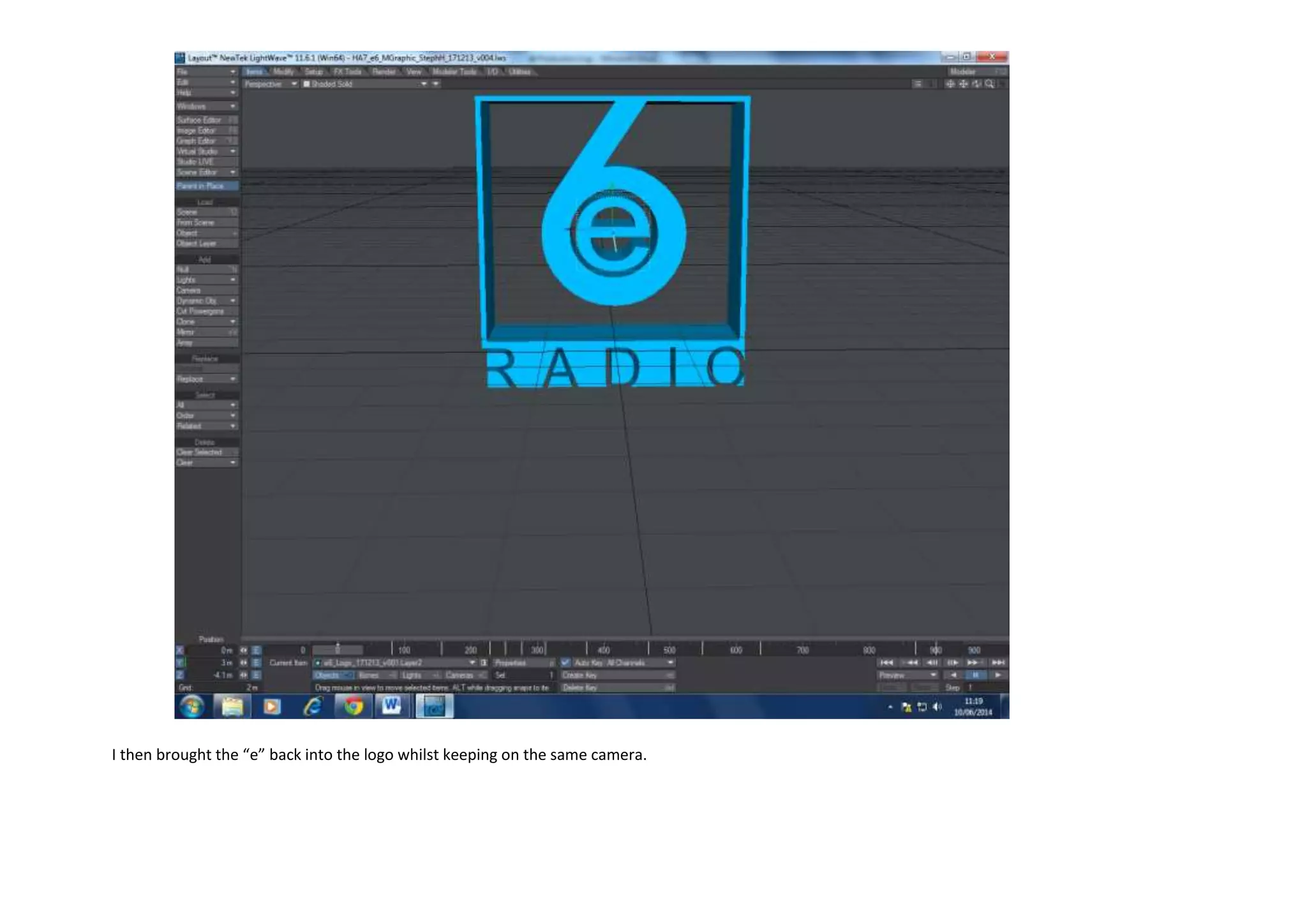
I then brought the “e” back into the logo whilst keeping on the same camera.
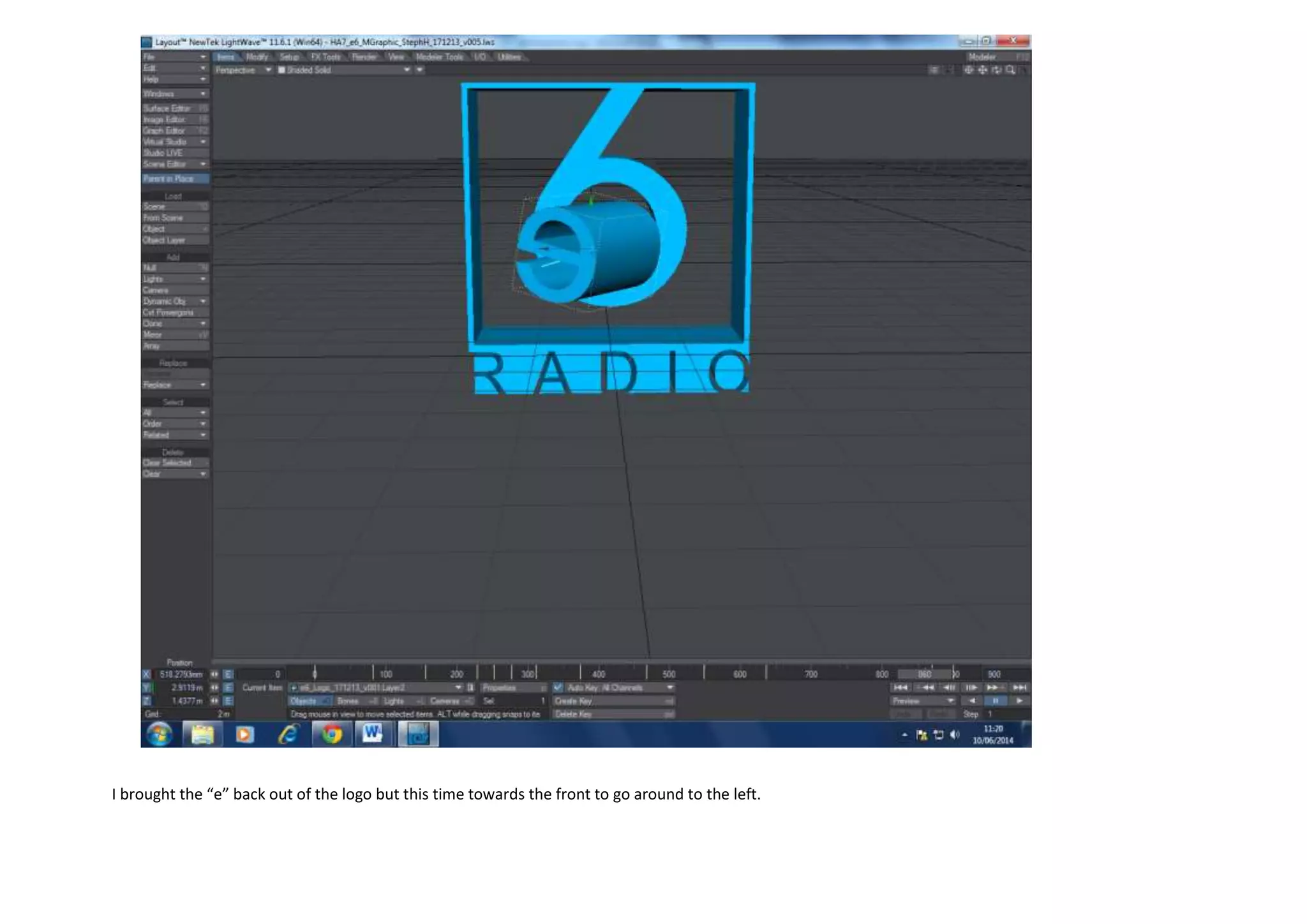
I brought the “e” back out of the logo but this time towards the front to go around to the left.
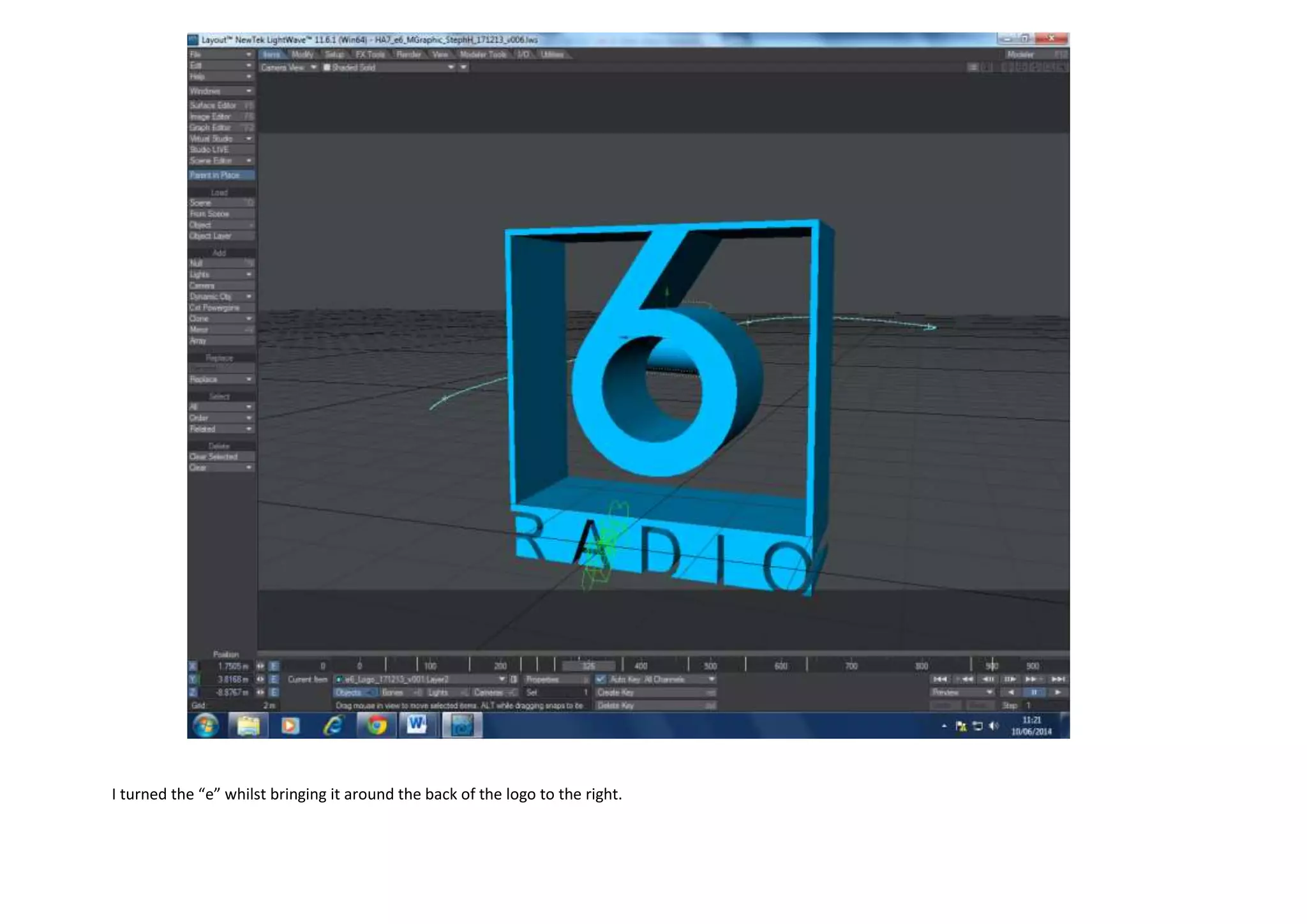
I turned the “e” whilst bringing it around the back of the logo to the right.
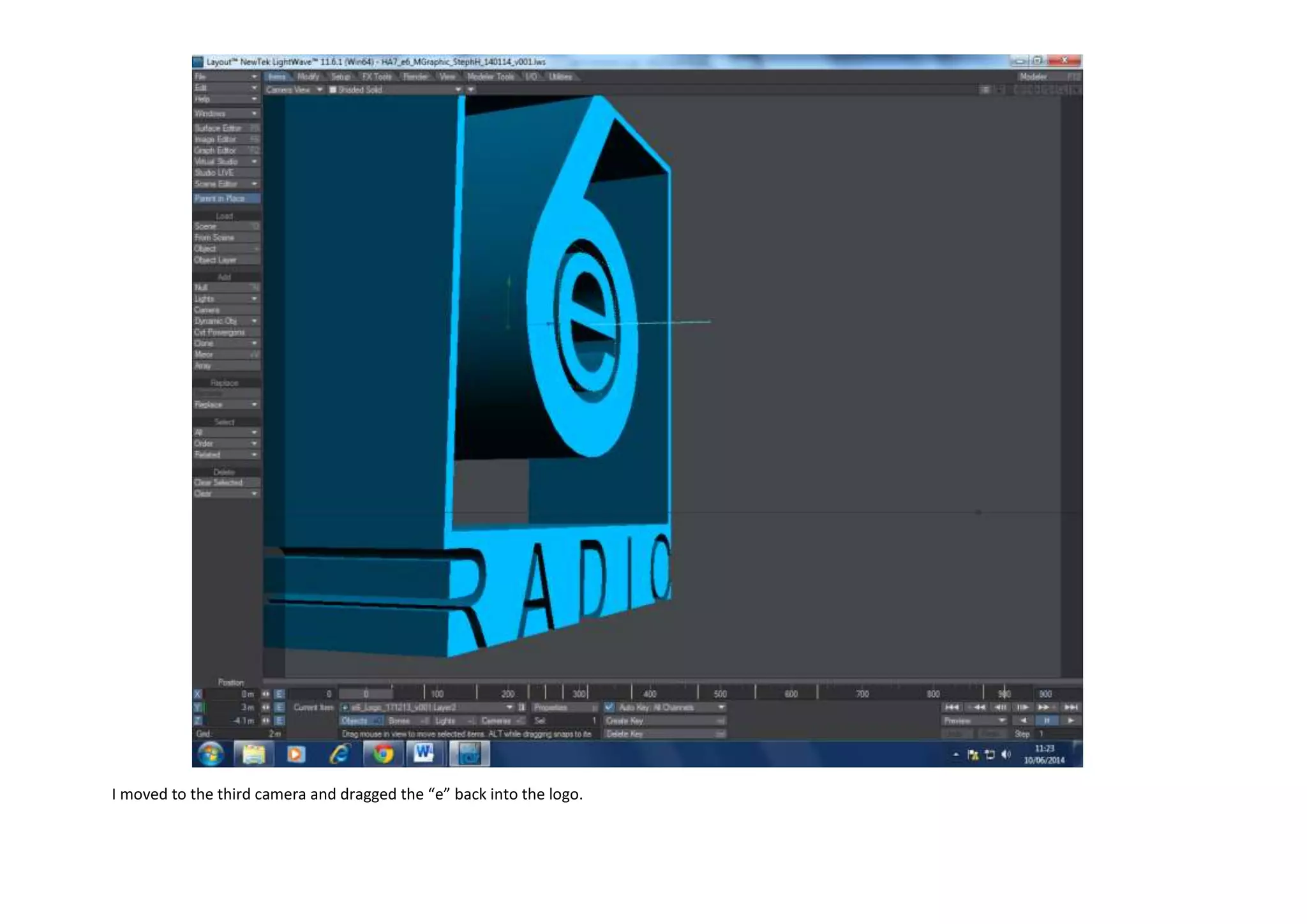
I moved to the third camera and dragged the “e” back into the logo.
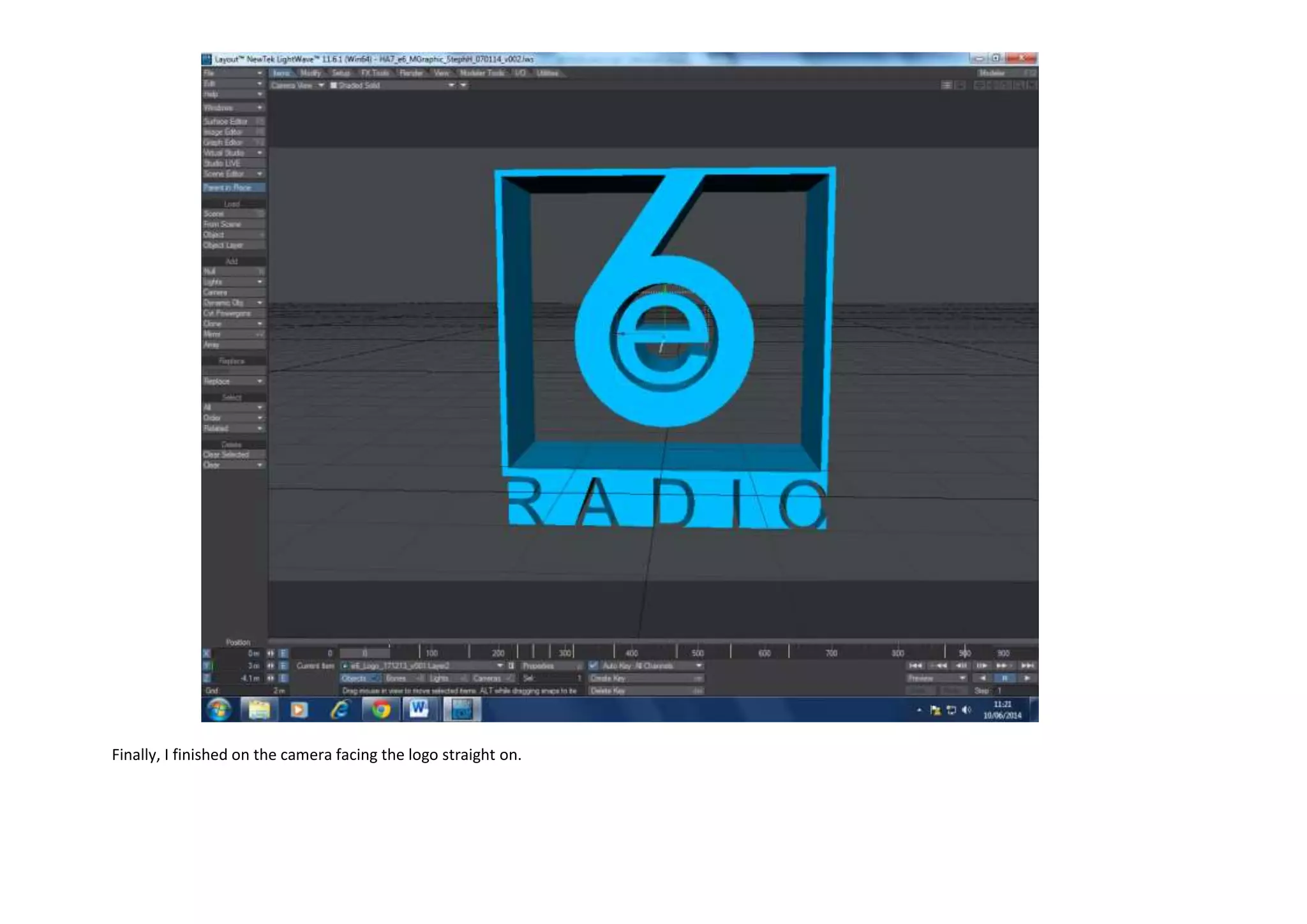
Finally, I finished on the camera facing the logo straight on.
E6 production log

E6 production log

  • 1.
    Here I loadedthe e6 Radio logo with the e separated from the rest of the logo. This logo has not been animated yet and there is only one camera.
  • 2.
    Here I addeda second camera that can show the front of the logo. I moved the “e” out of the logo and around to the back whilst turning it.
  • 3.
    I then broughtthe “e” back into the logo whilst keeping on the same camera.
  • 4.
    I brought the“e” back out of the logo but this time towards the front to go around to the left.
  • 5.
    I turned the“e” whilst bringing it around the back of the logo to the right.
  • 6.
    I moved tothe third camera and dragged the “e” back into the logo.
  • 7.
    Finally, I finishedon the camera facing the logo straight on.