Download to read offline

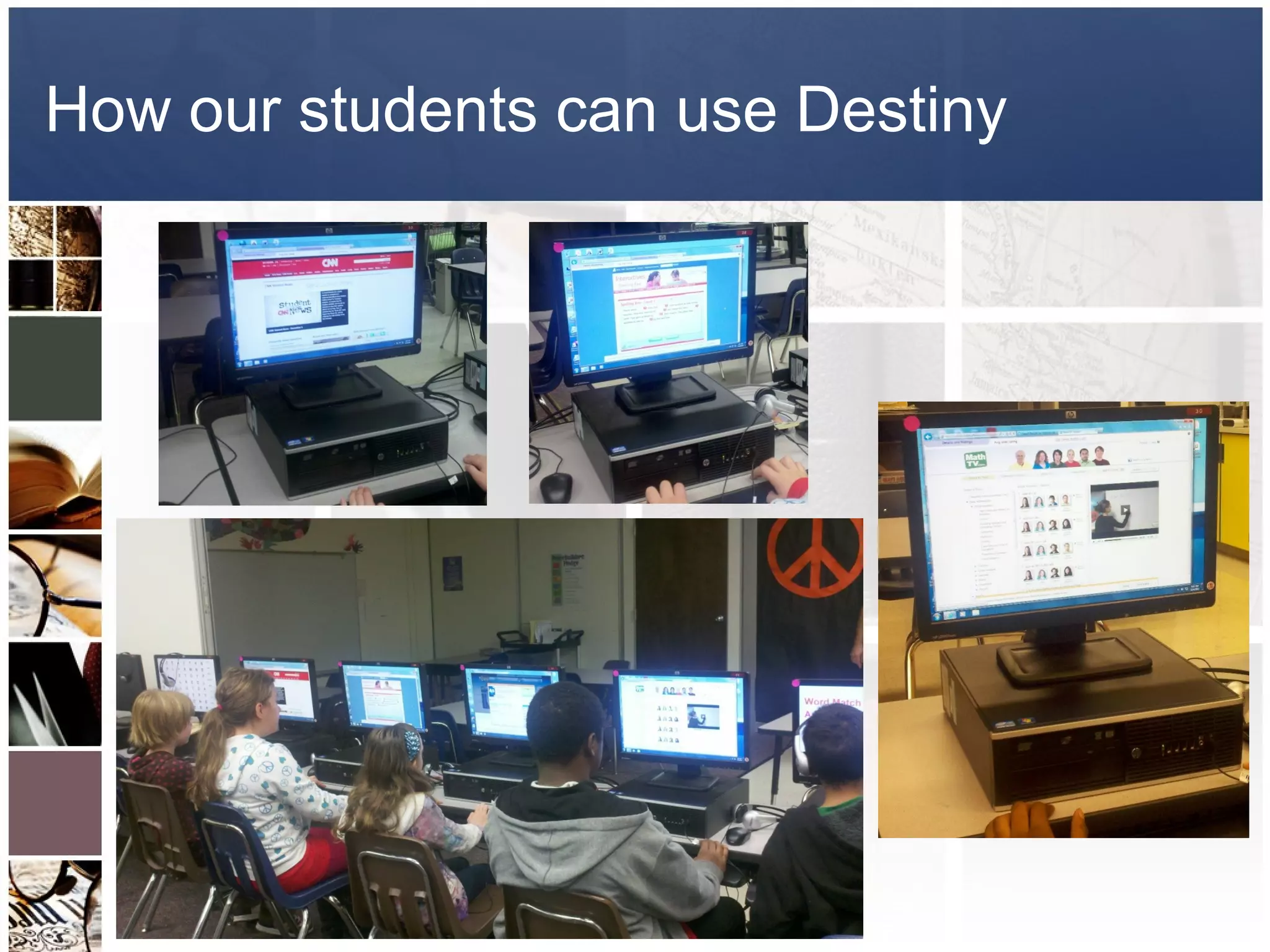
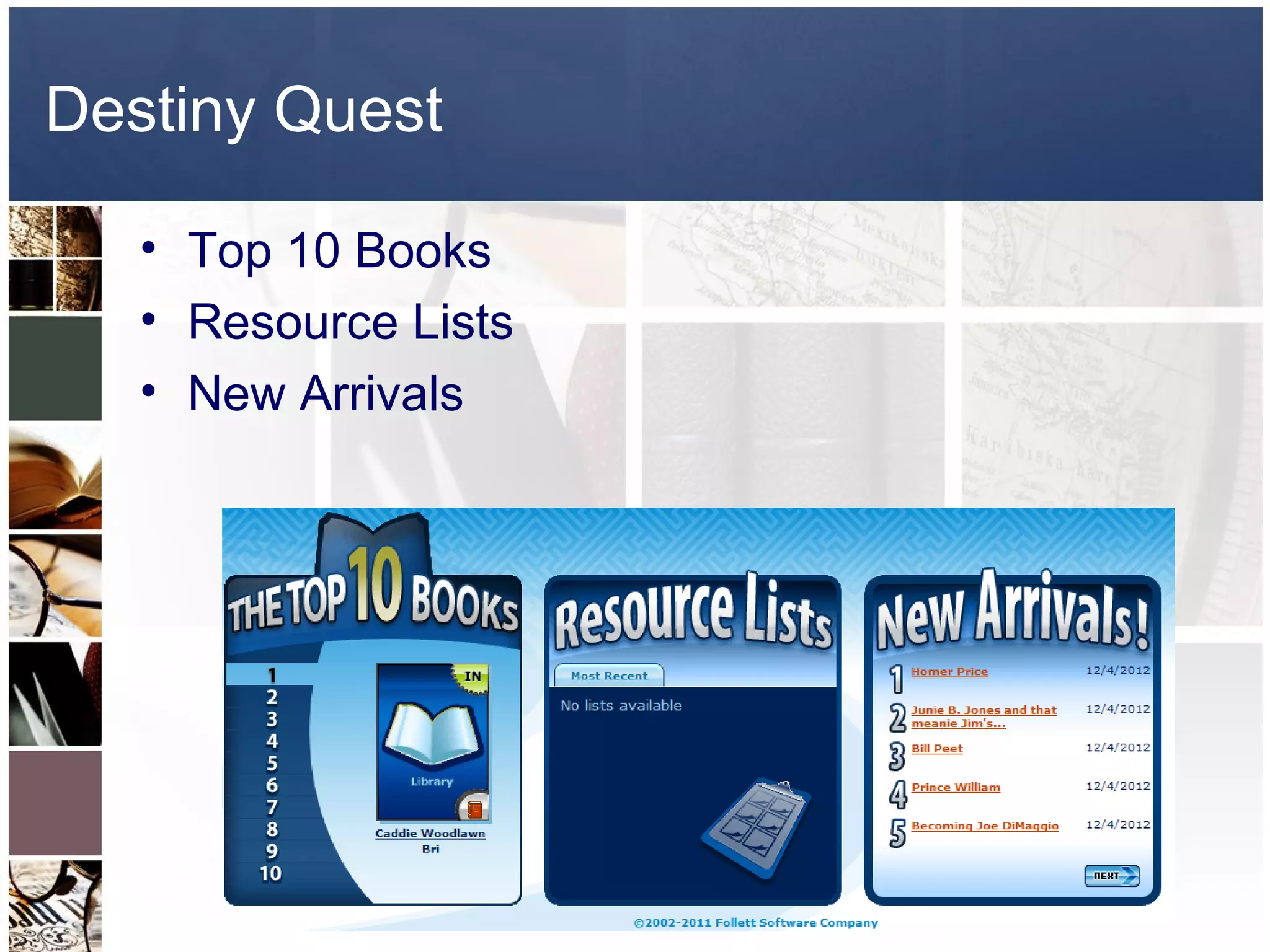
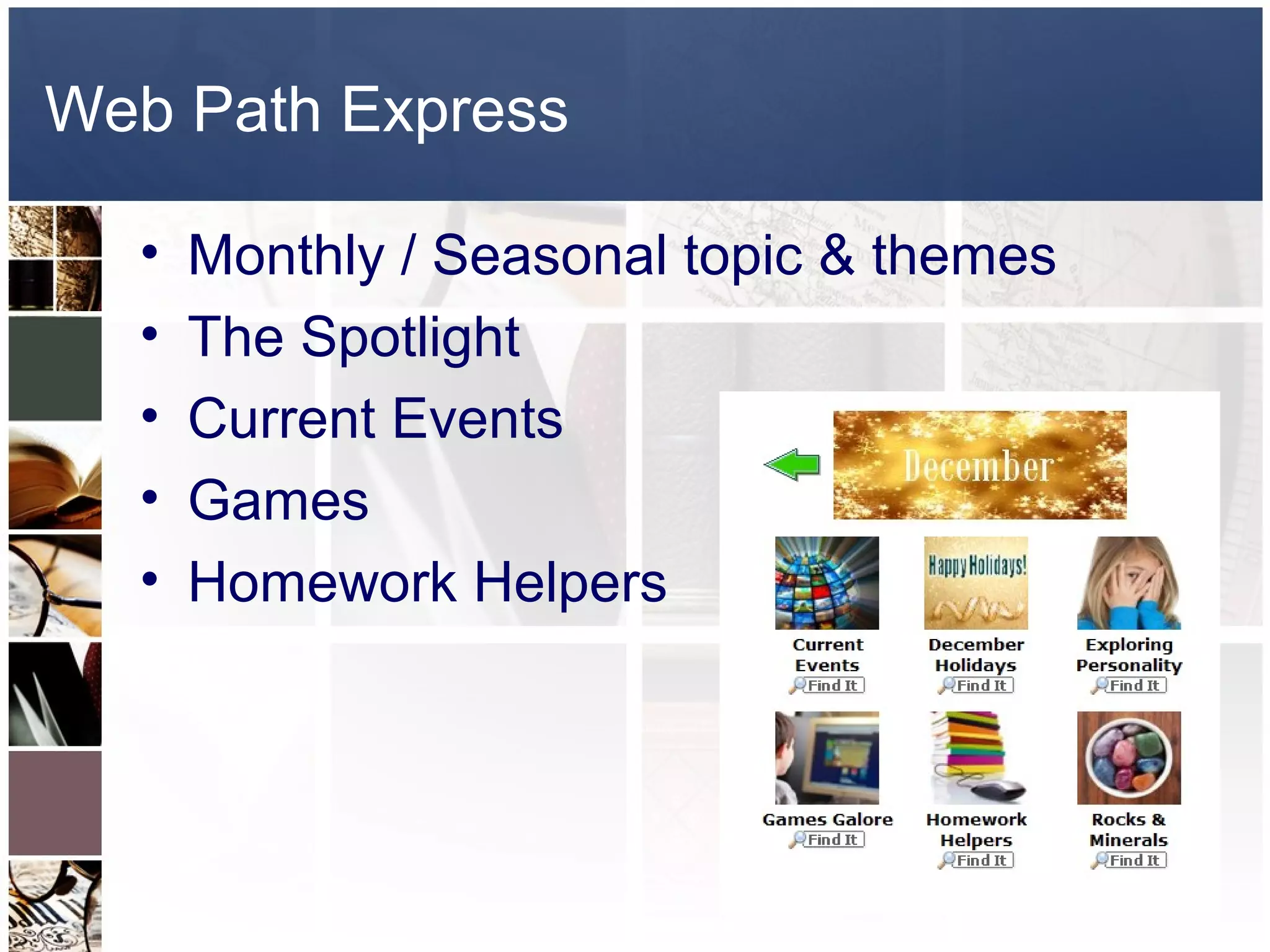
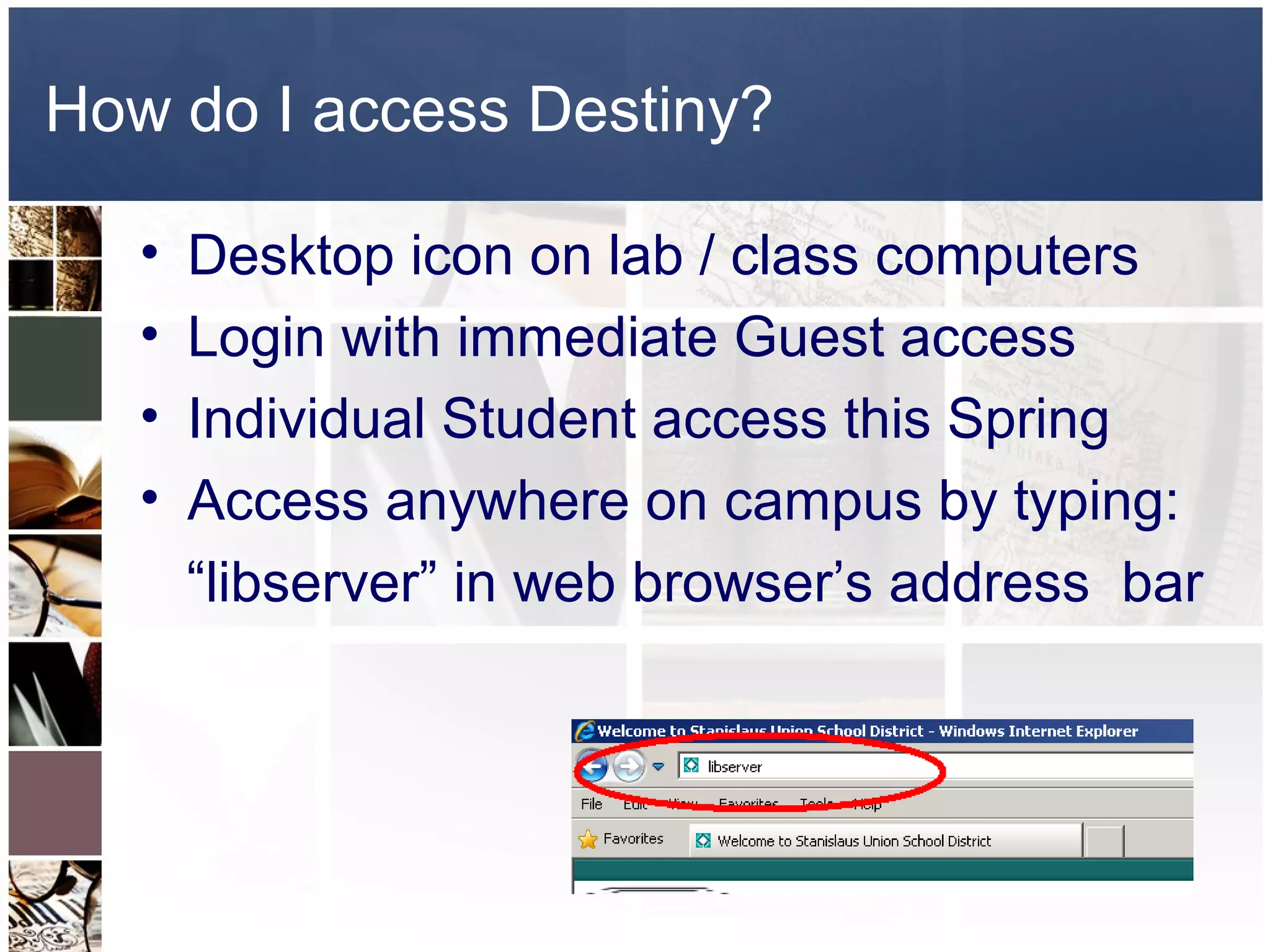


This document provides an introduction to the Destiny Library Manager software for classroom and student use. It outlines how students can use Destiny to search the library catalog by keyword, title, author, and more, and access features like the top books, resource lists, new arrivals, and monthly topic themes. It also explains that students can access Destiny through desktop icons, as a guest, or with their own login once individual logins are set up, and that they can access it anywhere on campus by typing "libserver" in their web browser.


