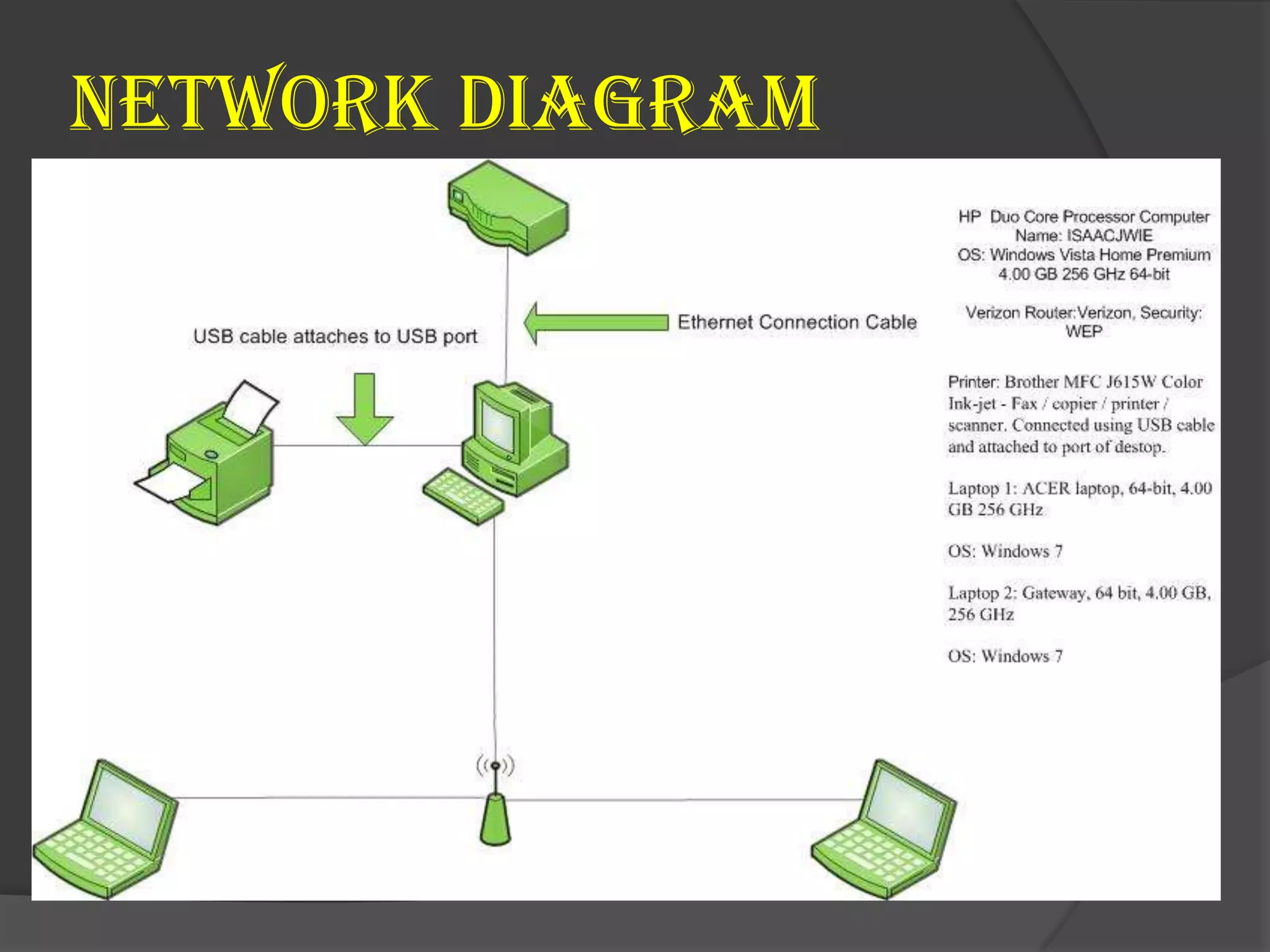
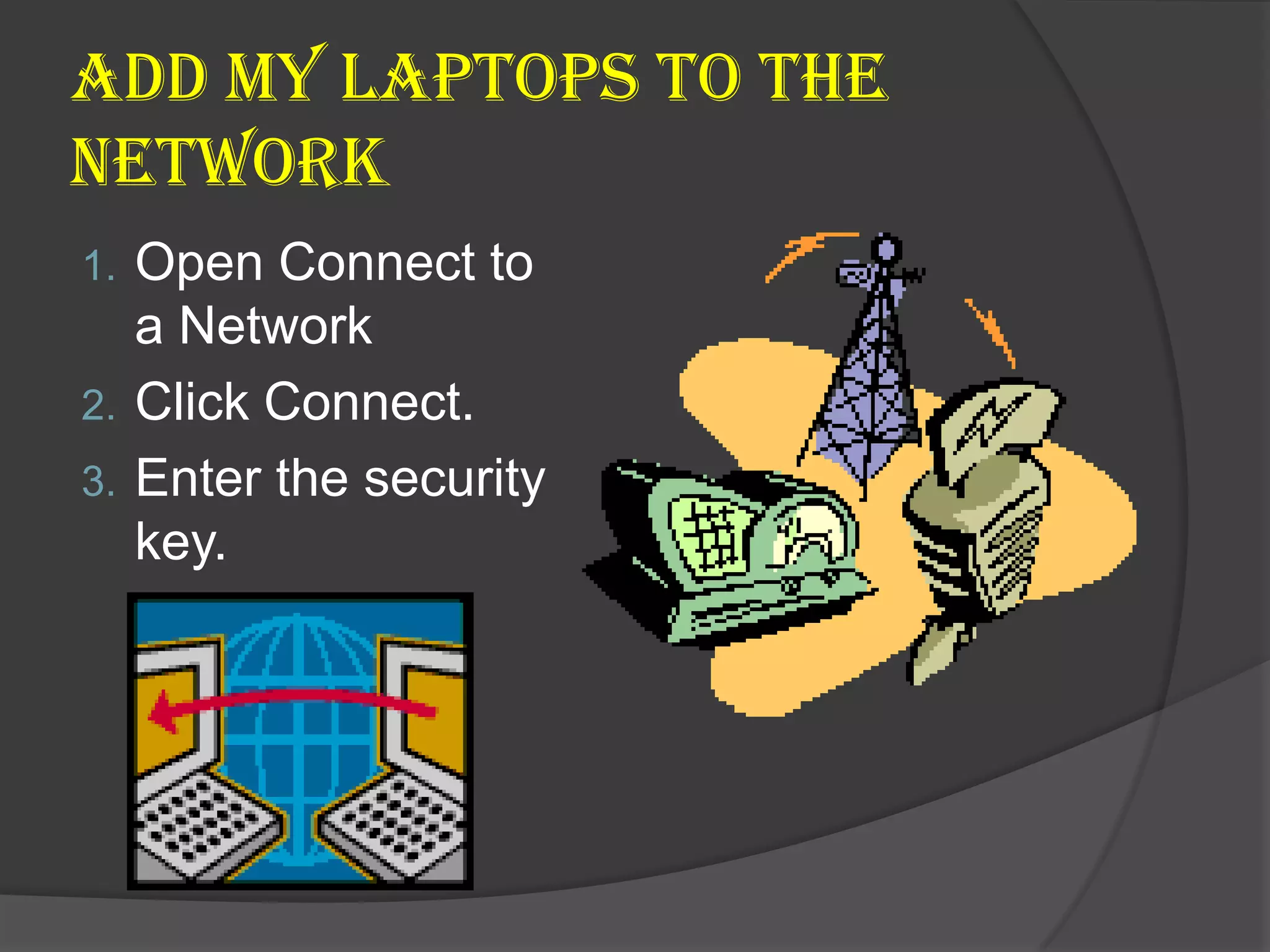
This document provides instructions for adding a laptop to a home network. It outlines 3 steps: 1) open the Connect to a Network menu, 2) click Connect, and 3) enter the provided security key. It also recommends changing the default username and password for security and using a firewall to enhance security.



![Treat[ment] final](https://cdn.slidesharecdn.com/ss_thumbnails/treatment-eiffinal-120626195231-phpapp01-thumbnail.jpg?width=640&height=640&fit=bounds)


