Download to read offline


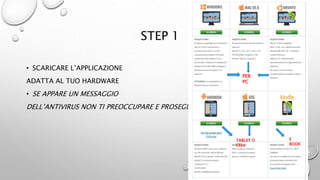
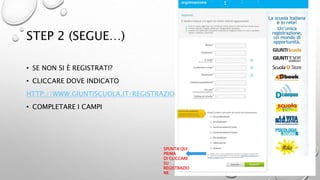
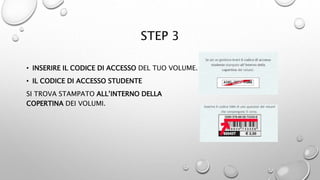

This document provides instructions for parents on how to download a digital book (dBook) for their child's school textbook. It is a 4 step process that involves: 1) Downloading the correct app for their device, 2) Opening the app and logging in, 3) Entering the access code found in the printed textbook, 4) Selecting and installing the desired textbook from the library. Any issues are to be brought to the attention of the child's teachers.


