Download to read offline




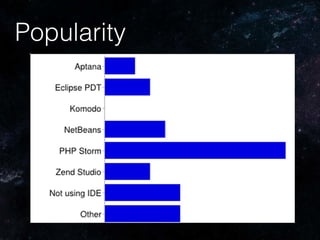
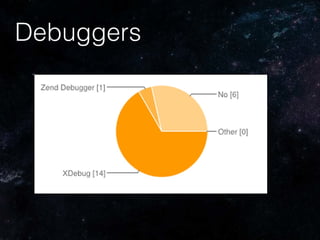
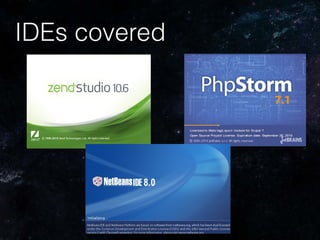
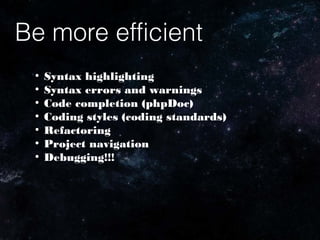
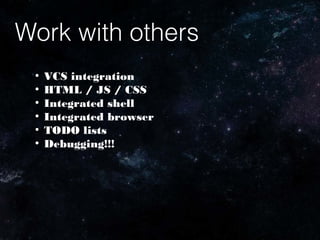
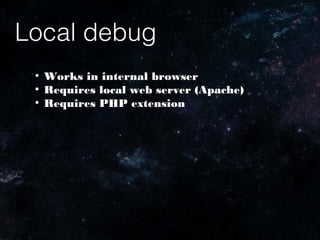
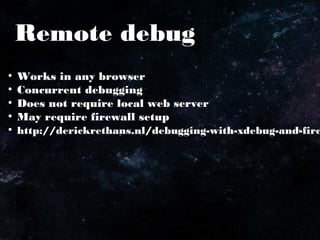
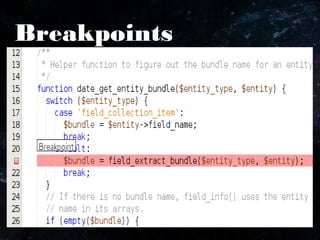
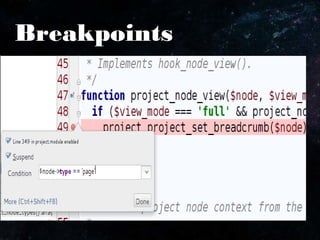
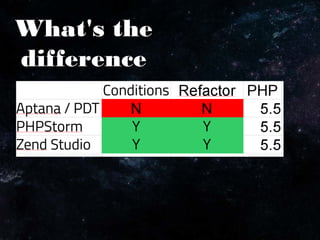
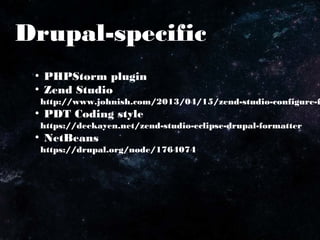
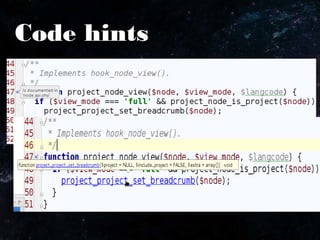


This document discusses using popular PHP integrated development environments (IDEs) with Drupal to improve efficiency. It covers features like syntax highlighting, error checking, code completion, version control integration, and debugging both locally and remotely. Specific IDEs mentioned that have Drupal plugins or configurations include PHPStorm, Zend Studio, and NetBeans. Remote debugging allows debugging in any browser without a local web server, while local debugging works within an internal browser but requires a local web server and PHP extensions.


![Php[tek] 2016 - BDD with Behat for Beginners](https://cdn.slidesharecdn.com/ss_thumbnails/phptek2016-bddwithbehatforbeginners-160524224418-thumbnail.jpg?width=640&height=640&fit=bounds)


