Introduction to
Jetpack DataStore
Wonyoung Choi (Toru)
Android Advocate,
Singapore Tourism Board
Introduction
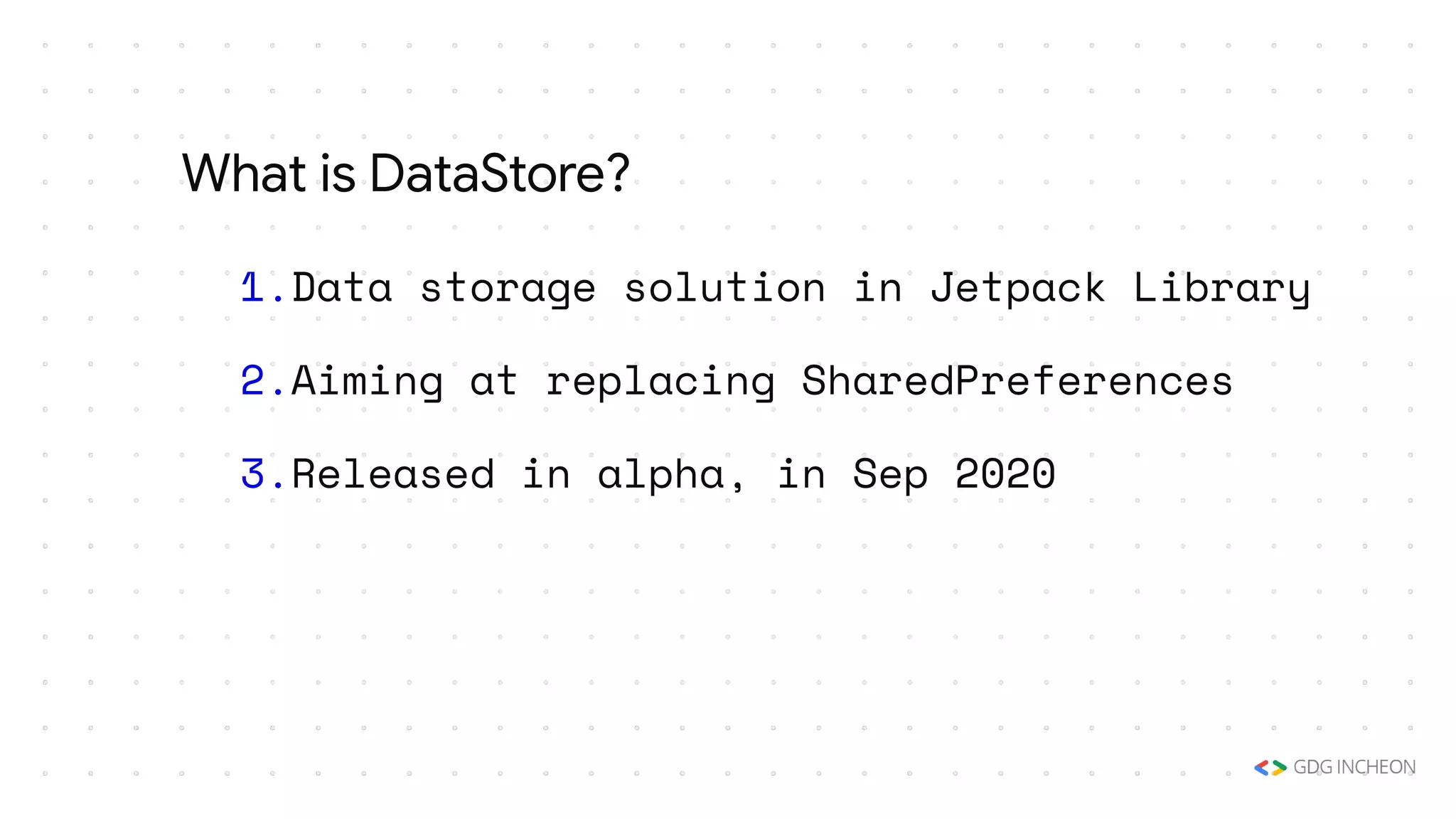
1.Data storage solution in Jetpack Library
2.Aiming at replacing SharedPreferences
3.Released in alpha, in Sep 2020
What is DataStore?
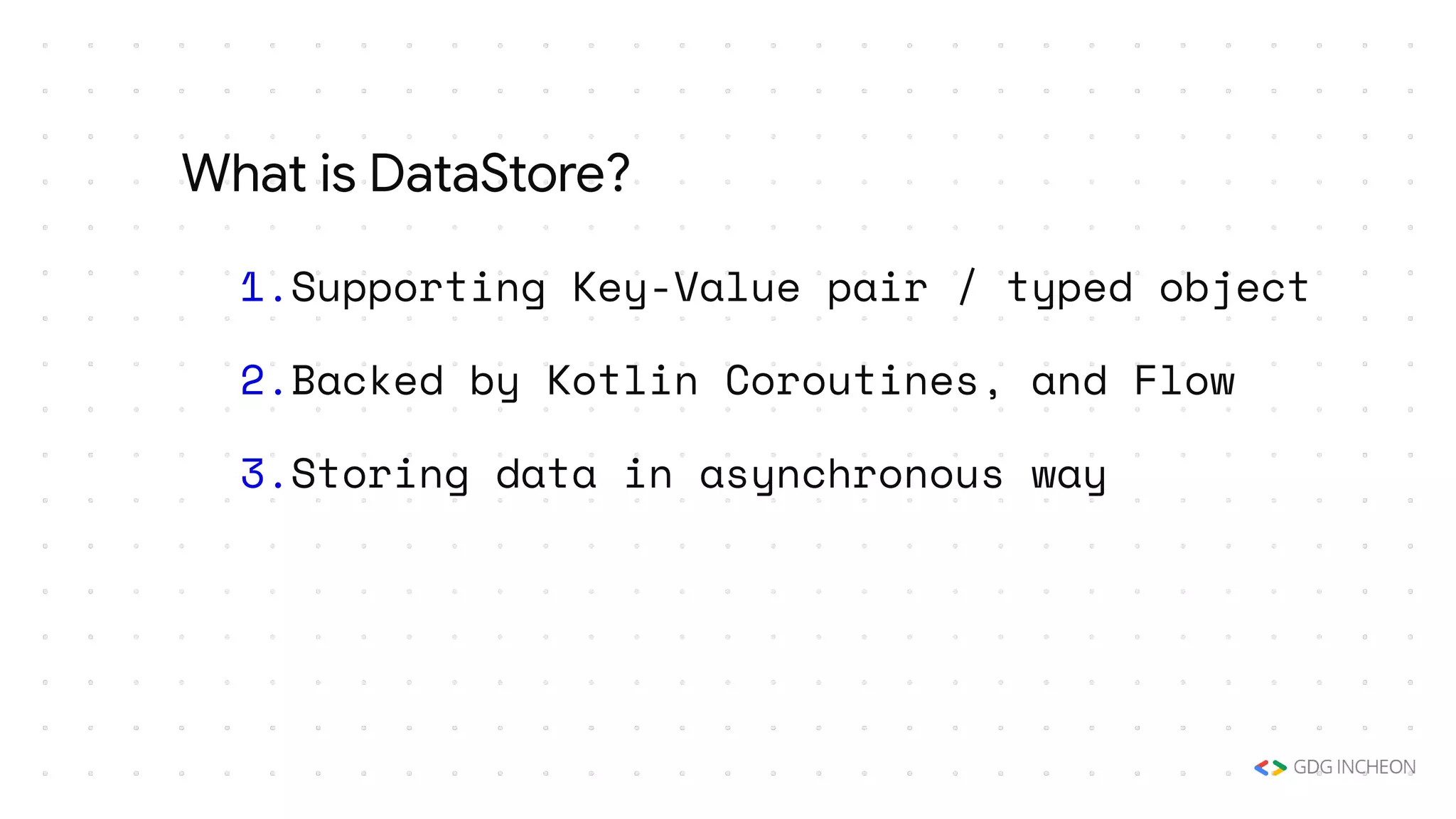
1.Supporting Key-Value pair / typed object
2.Backed by Kotlin Coroutines, and Flow
3.Storing data in asynchronous way
What is DataStore?
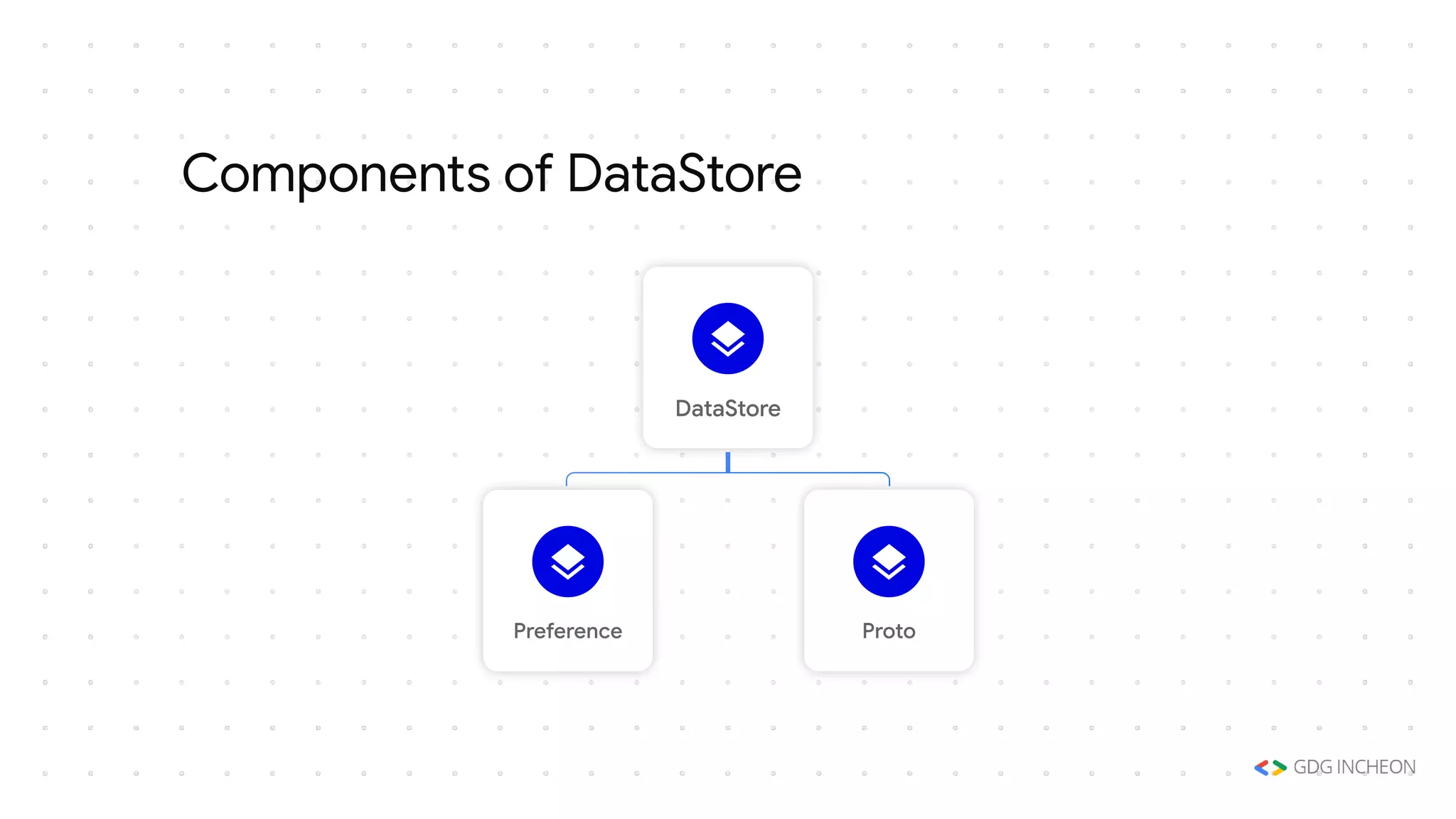
Components of DataStore
DataStore
Preference Proto
1.Preference:Key-Value Pair to store data
2.Proto:custom data type with specified
Schema using Protocol Buffers
Components of DataStore
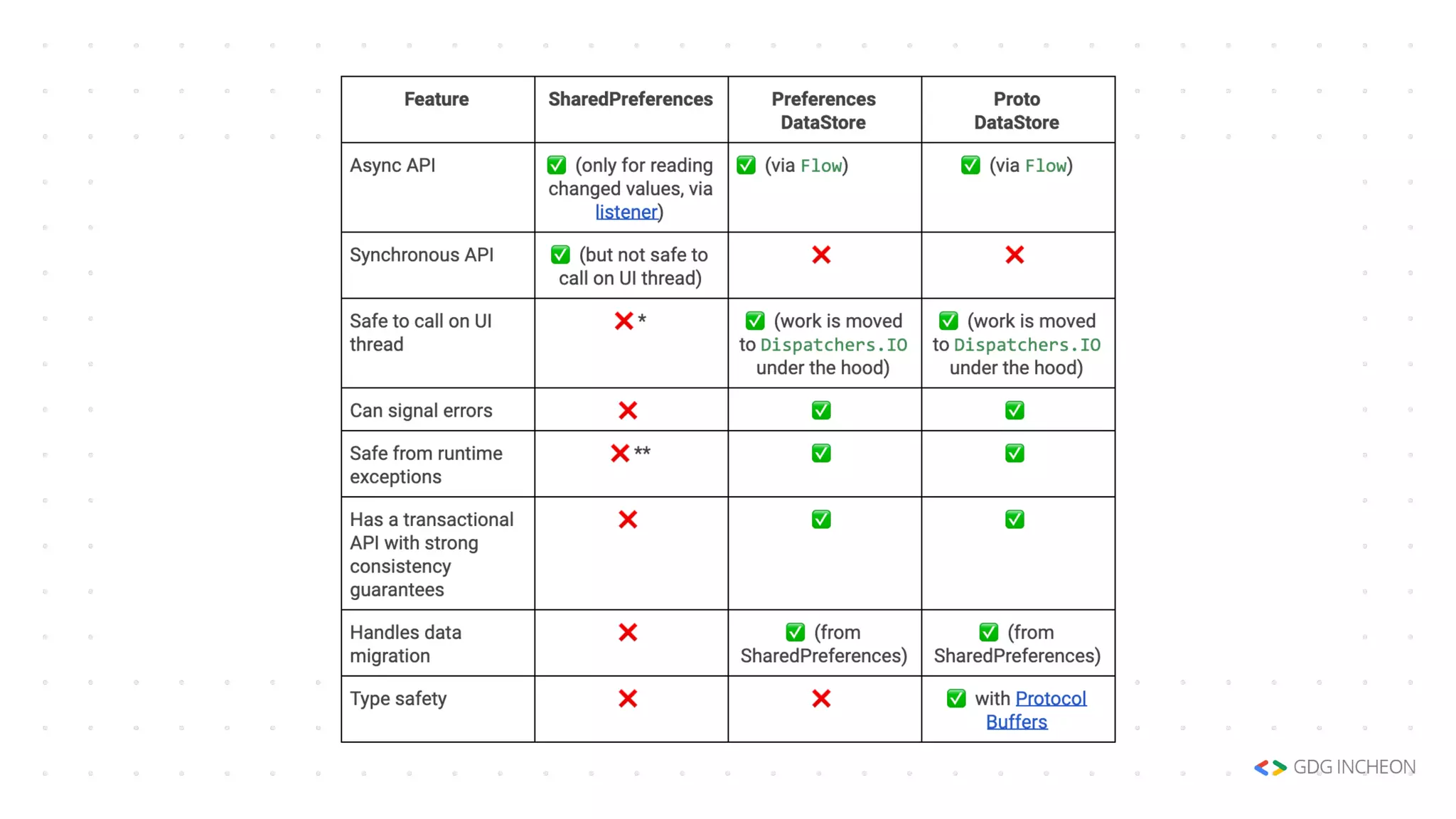
Comparison to SharedPreference
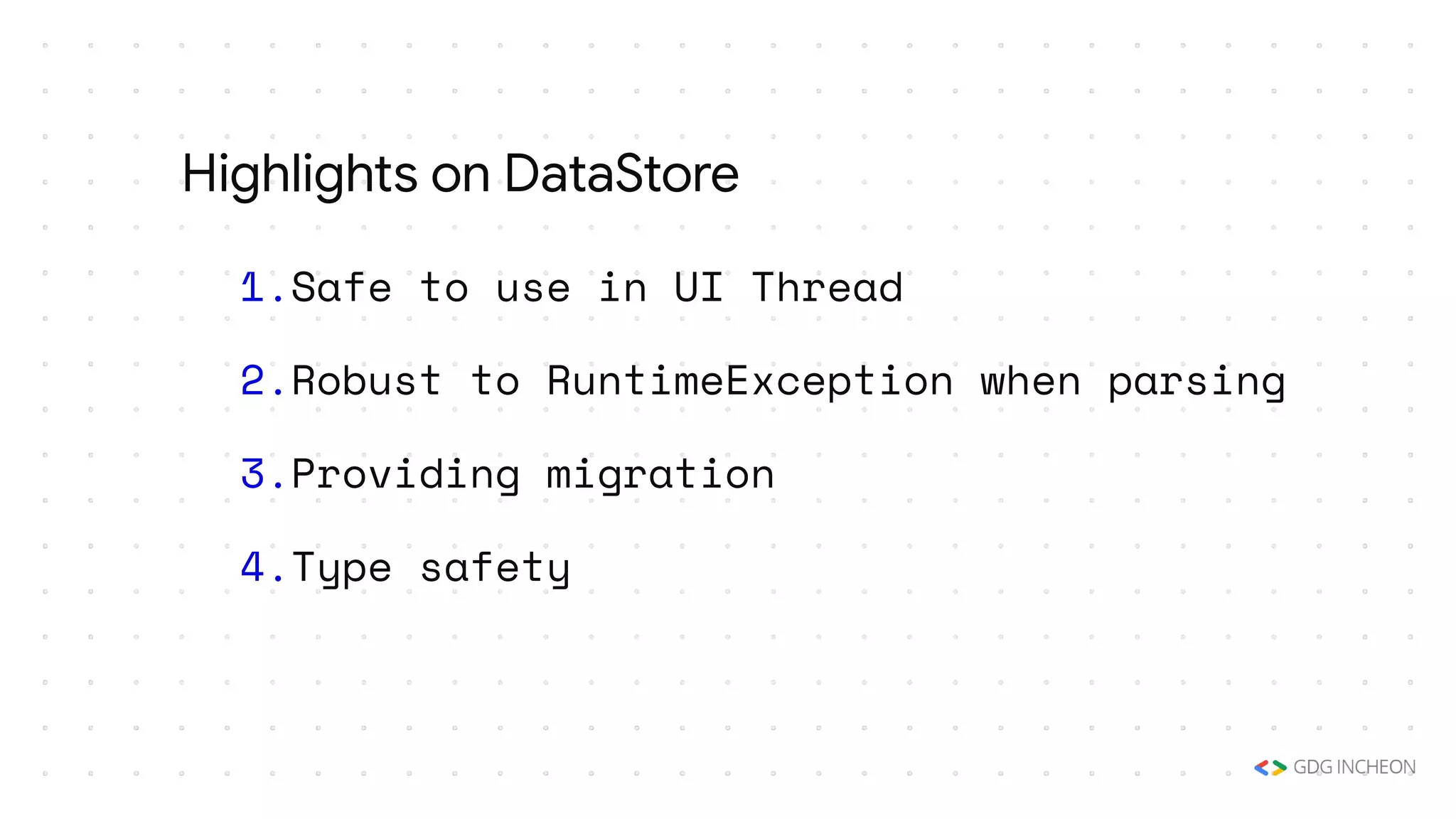
1.Safe to use in UI Thread
2.Robust to RuntimeException when parsing
3.Providing migration
4.Type safety
Highlights on DataStore
Using DataStore
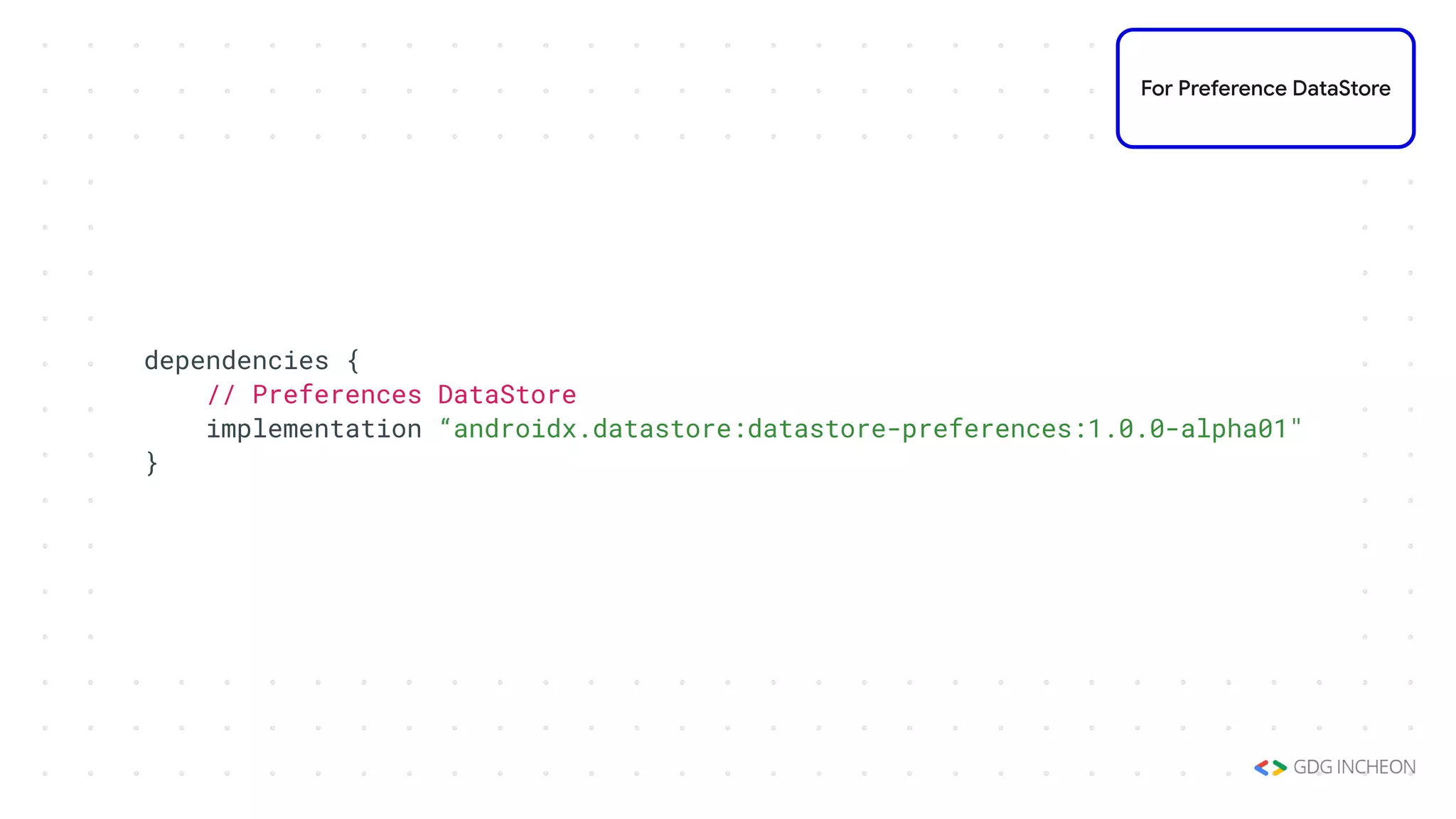
dependencies {
// Preferences DataStore
implementation “androidx.datastore:datastore-preferences:1.0.0-alpha01"
}
For Preference DataStore
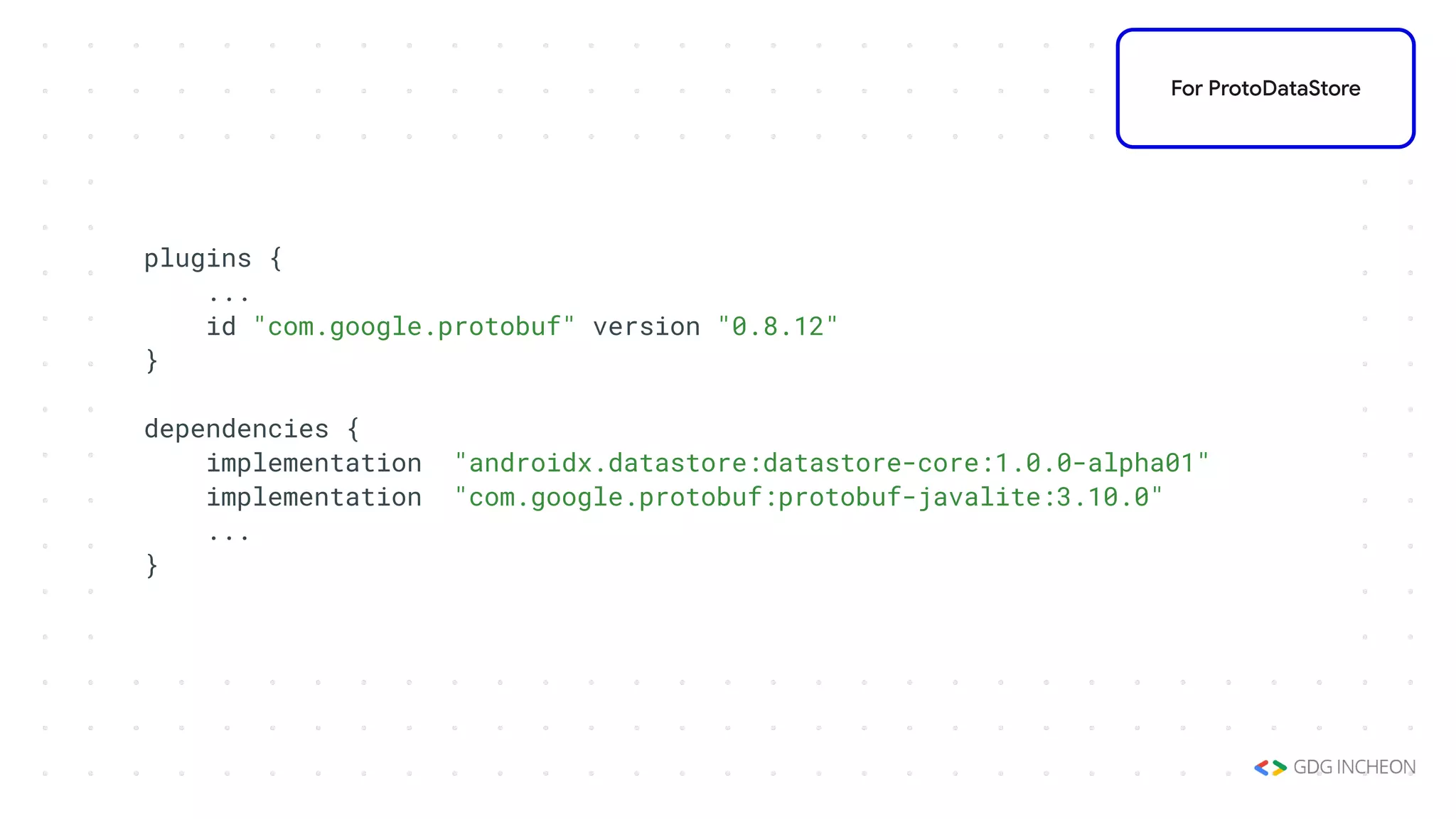
plugins {
...
id "com.google.protobuf" version "0.8.12"
}
dependencies {
implementation "androidx.datastore:datastore-core:1.0.0-alpha01"
implementation "com.google.protobuf:protobuf-javalite:3.10.0"
...
}
For ProtoDataStore
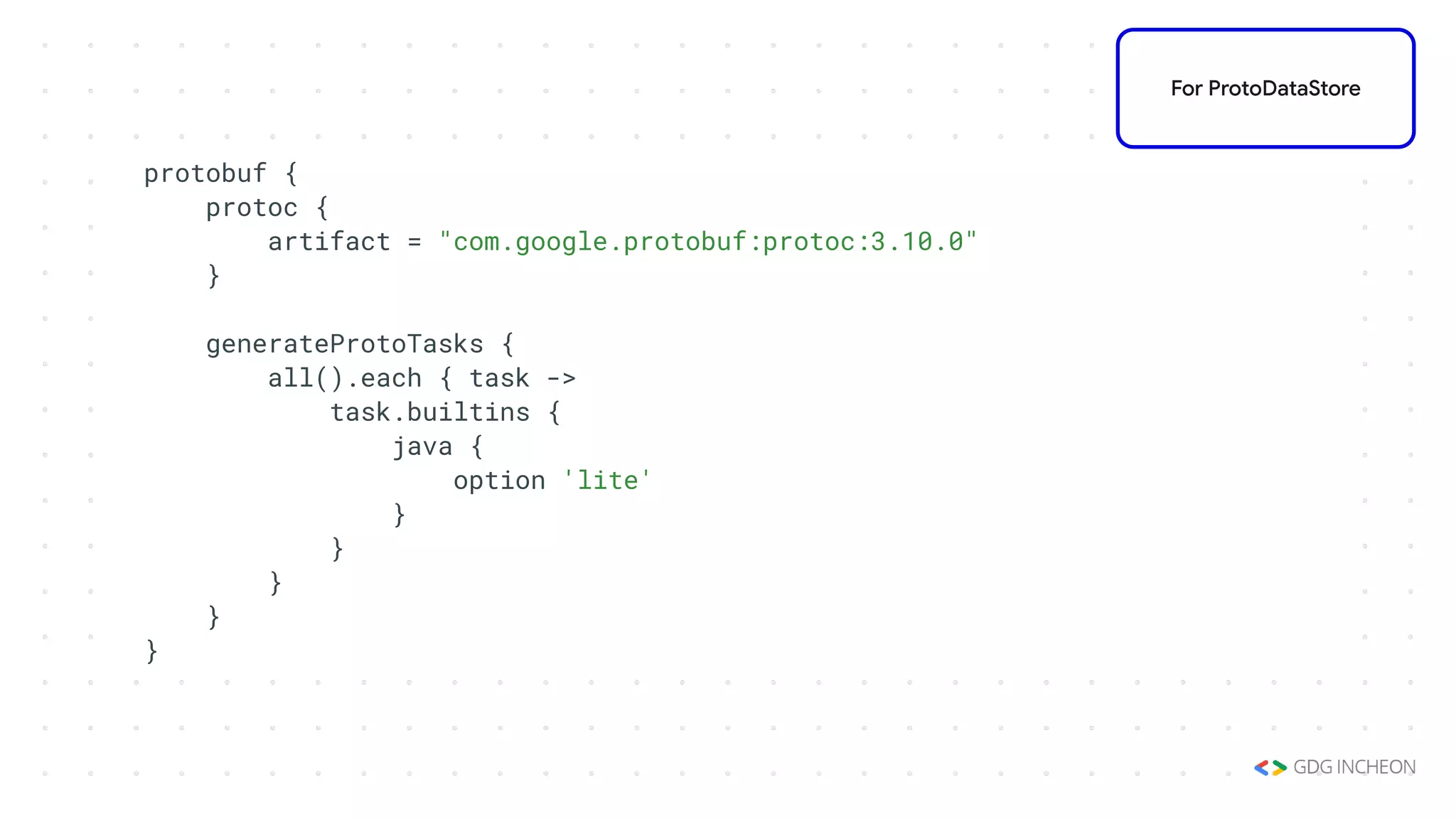
protobuf {
protoc {
artifact = "com.google.protobuf:protoc:3.10.0"
}
generateProtoTasks {
all().each { task ->
task.builtins {
java {
option 'lite'
}
}
}
}
}
For ProtoDataStore
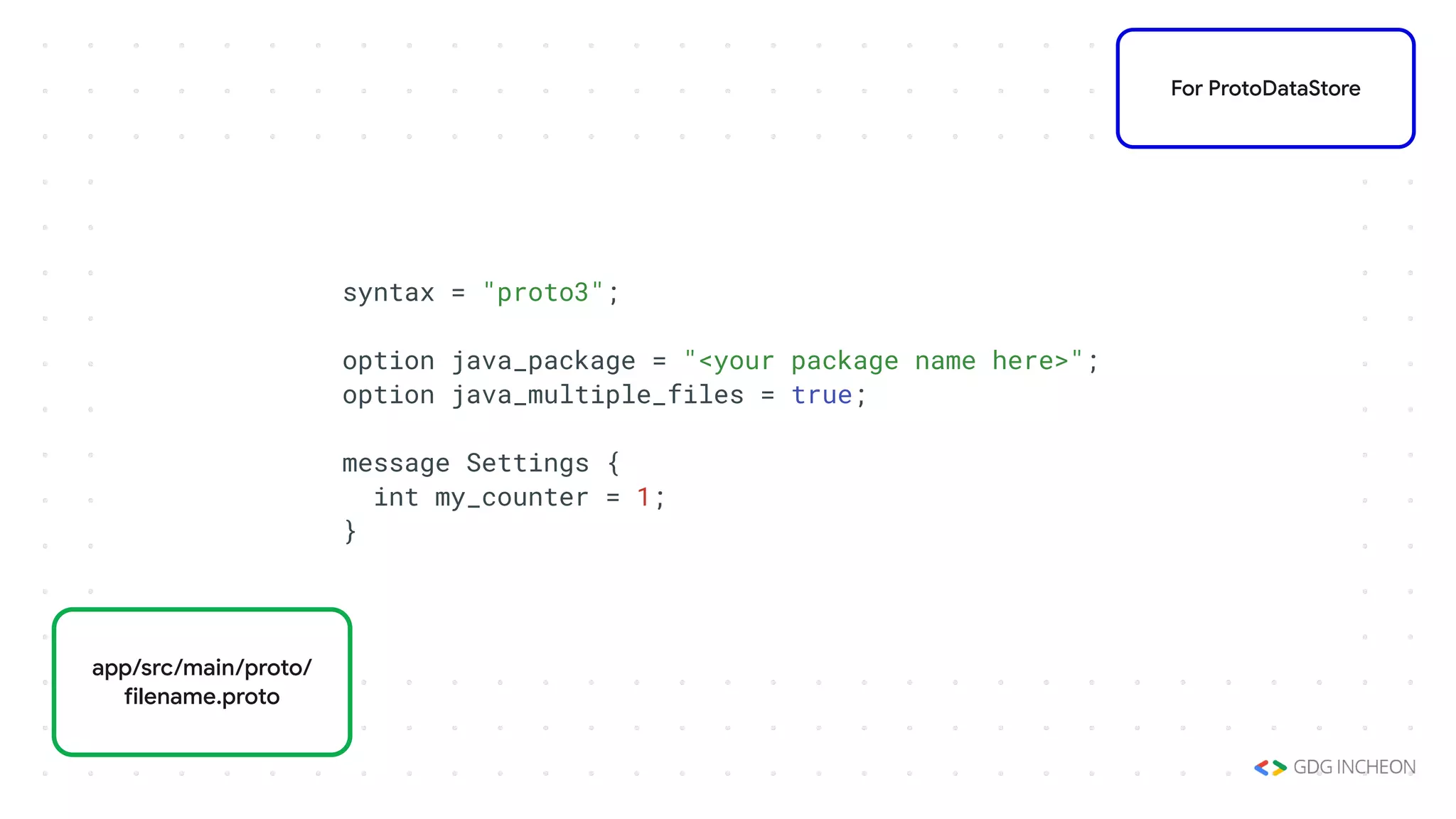
syntax = "proto3";
option java_package = "<your package name here>";
option java_multiple_files = true;
message Settings {
int my_counter = 1;
}
For ProtoDataStore
app/src/main/proto/
filename.proto
Create DataStore
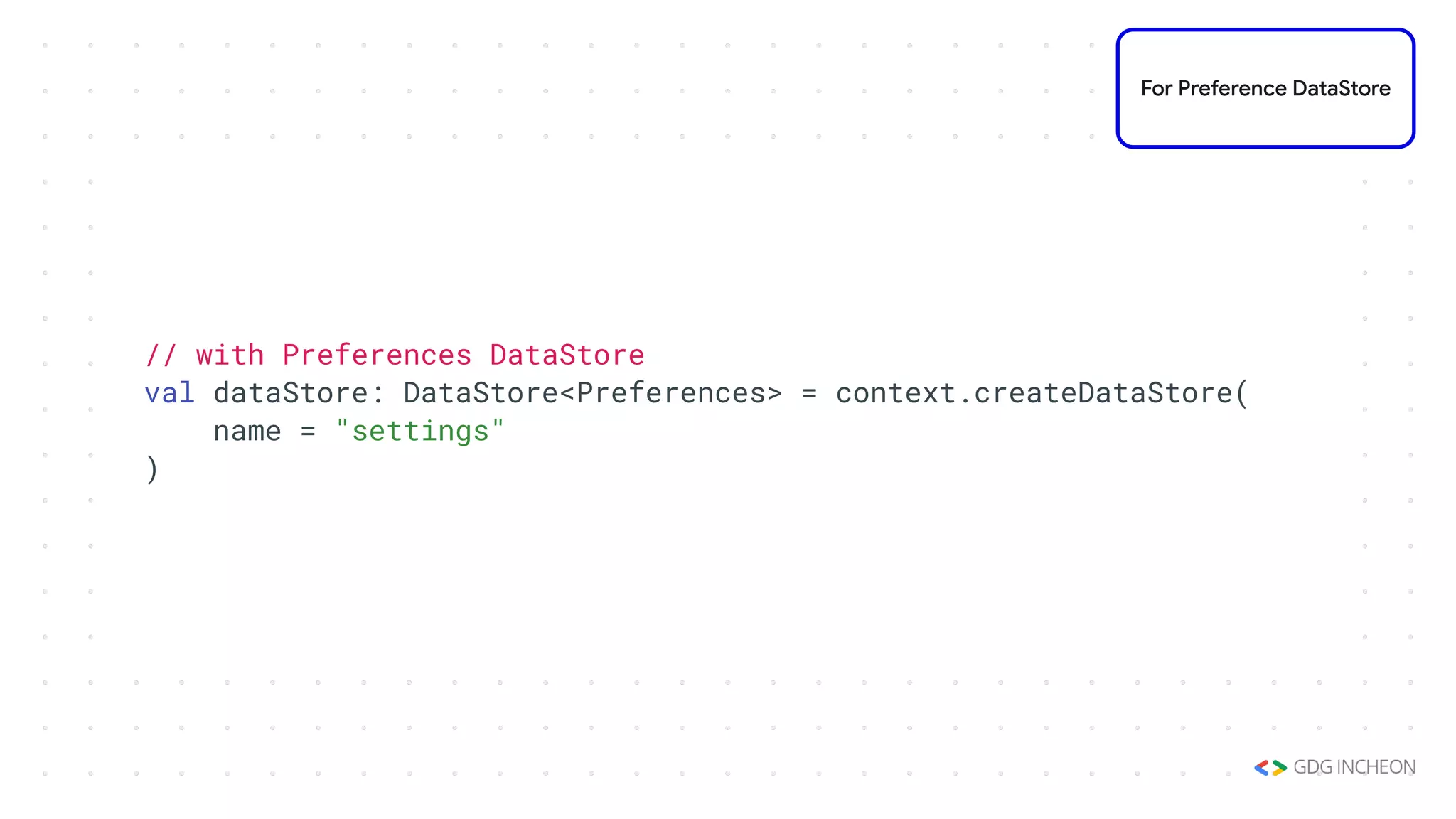
// with Preferences DataStore
val dataStore: DataStore<Preferences> = context.createDataStore(
name = "settings"
)
For Preference DataStore
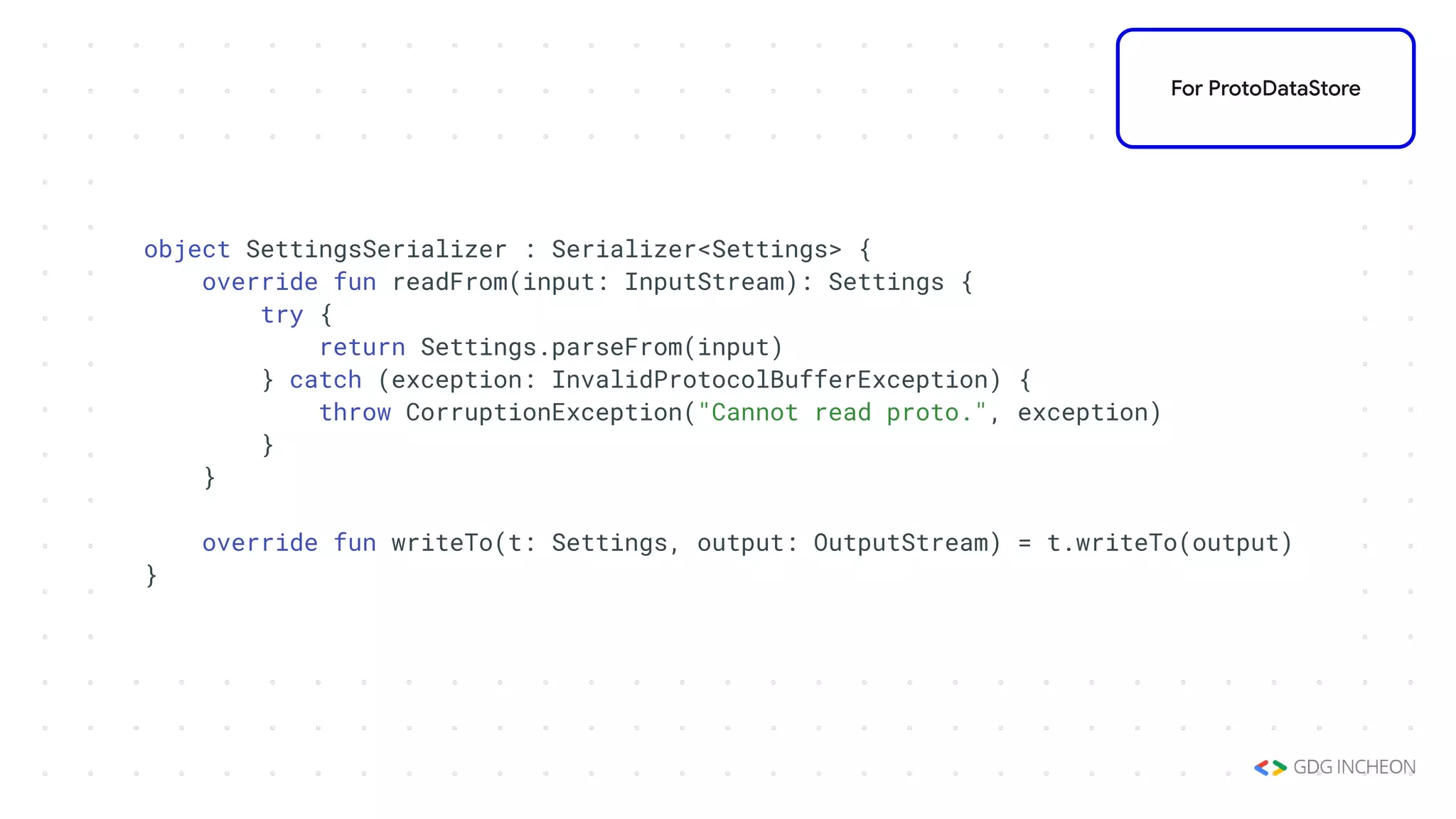
object SettingsSerializer : Serializer<Settings> {
override fun readFrom(input: InputStream): Settings {
try {
return Settings.parseFrom(input)
} catch (exception: InvalidProtocolBufferException) {
throw CorruptionException("Cannot read proto.", exception)
}
}
override fun writeTo(t: Settings, output: OutputStream) = t.writeTo(output)
}
For ProtoDataStore
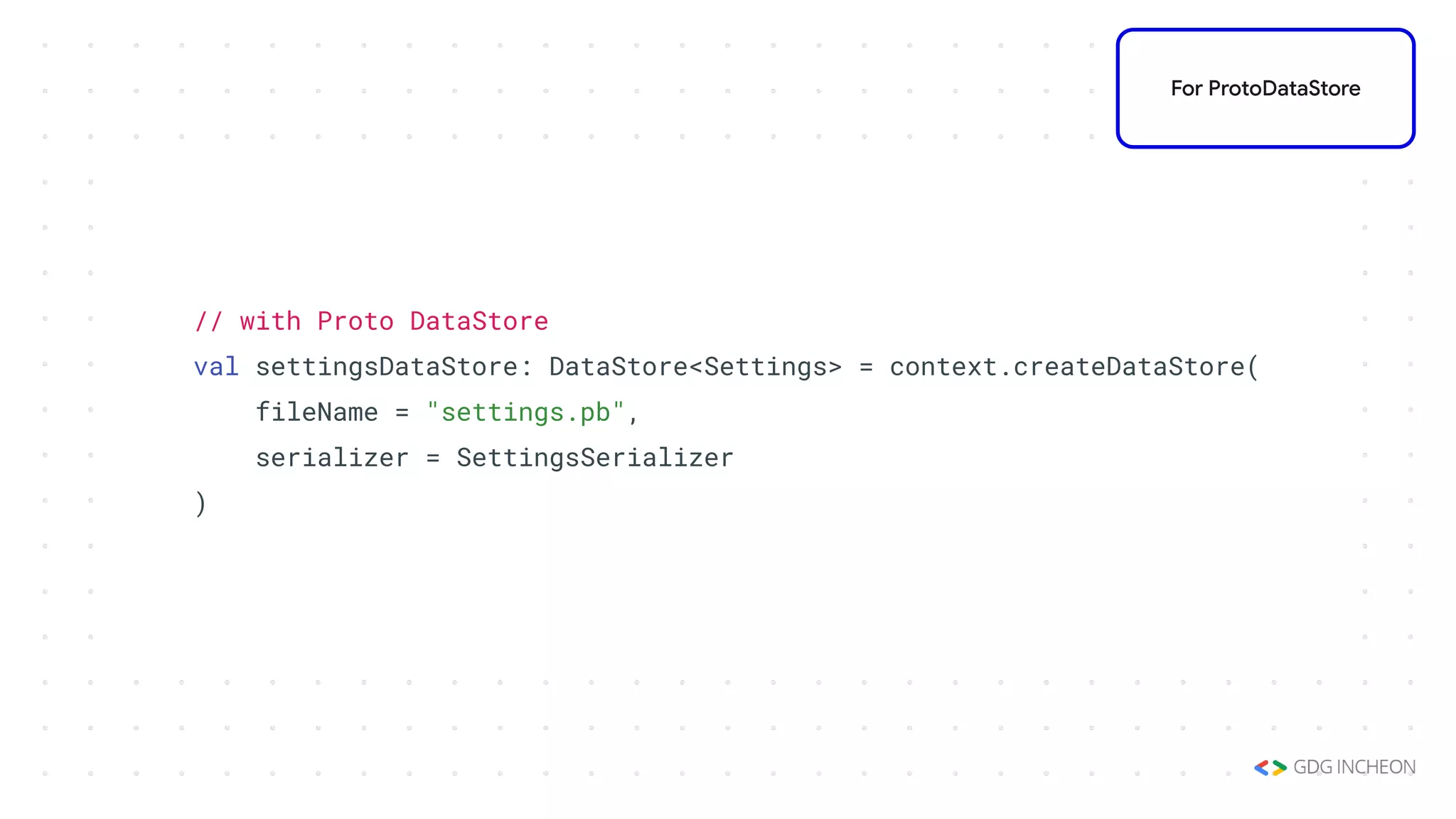
// with Proto DataStore
val settingsDataStore: DataStore<Settings> = context.createDataStore(
fileName = "settings.pb",
serializer = SettingsSerializer
)
For ProtoDataStore
Read from DataStore
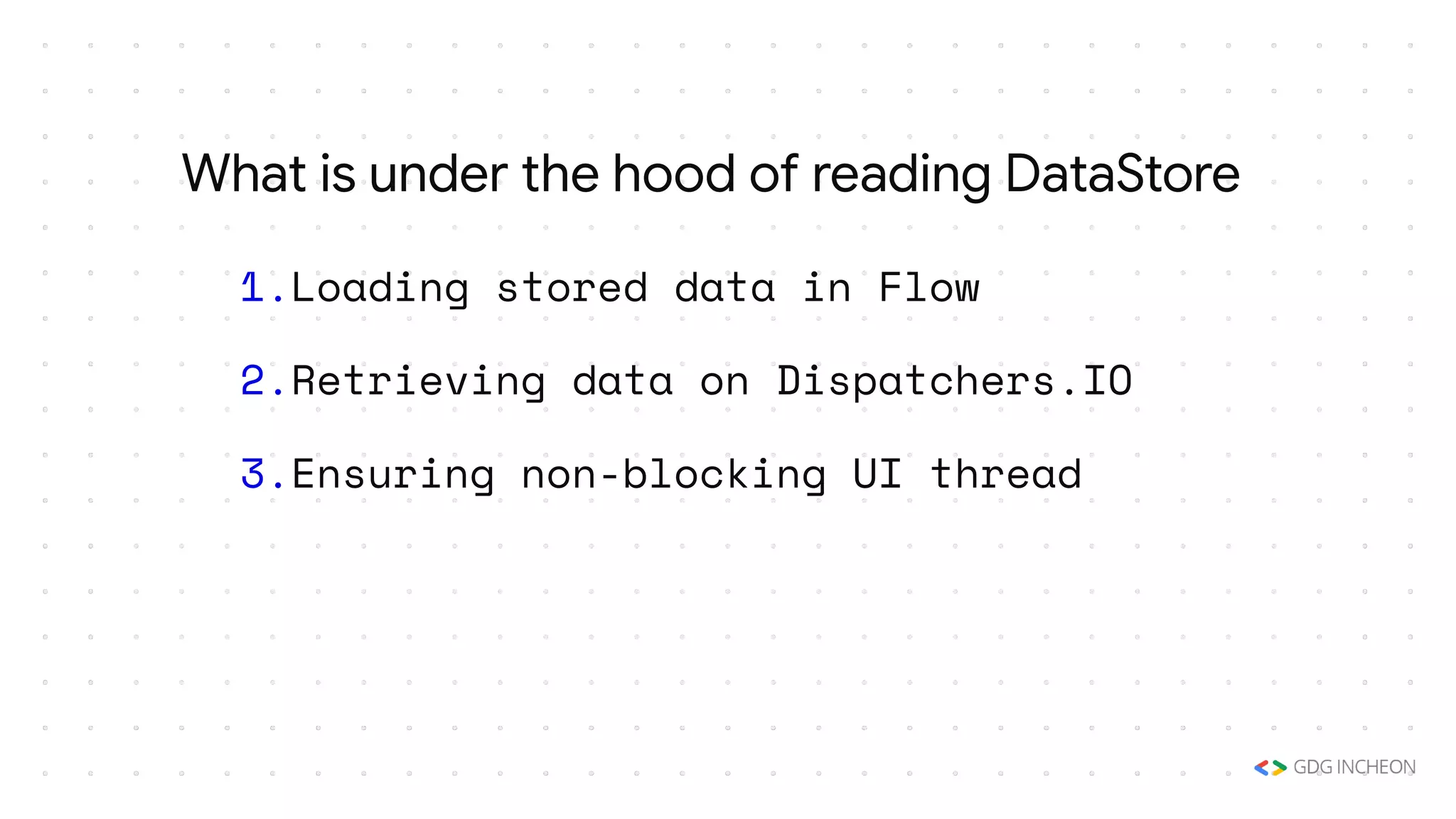
1.Loading stored data in Flow
2.Retrieving data on Dispatchers.IO
3.Ensuring non-blocking UI thread
What is under the hood of reading DataStore
val MY_COUNTER = preferencesKey<Int>("my_counter")
val myCounterFlow: Flow<Int> = dataStore.data
.map { currentPreferences ->
// Unlike Proto DataStore, there's no type safety here.
currentPreferences[MY_COUNTER] ?: 0
}
For Preference DataStore
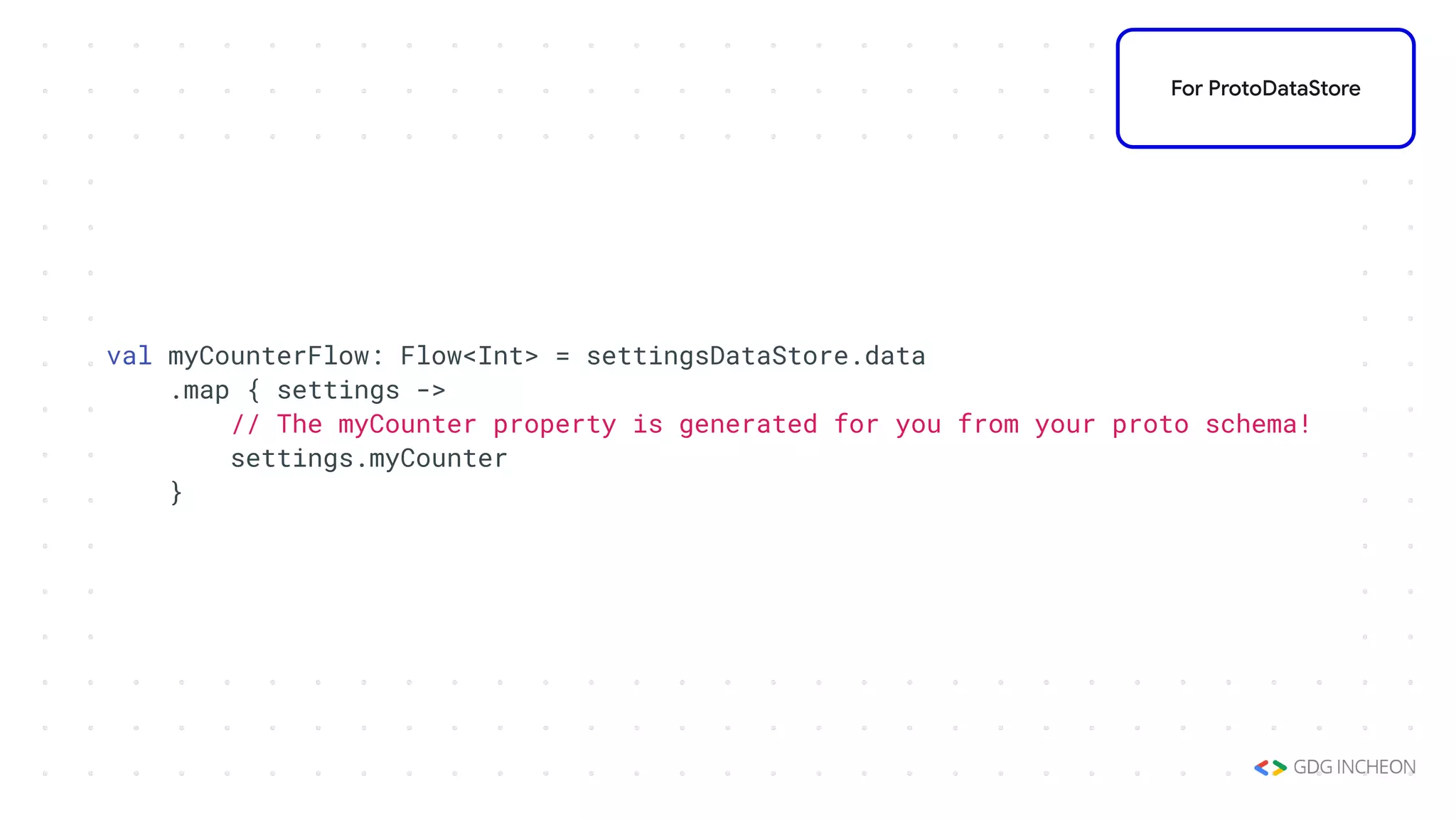
val myCounterFlow: Flow<Int> = settingsDataStore.data
.map { settings ->
// The myCounter property is generated for you from your proto schema!
settings.myCounter
}
For ProtoDataStore
Write to DataStore
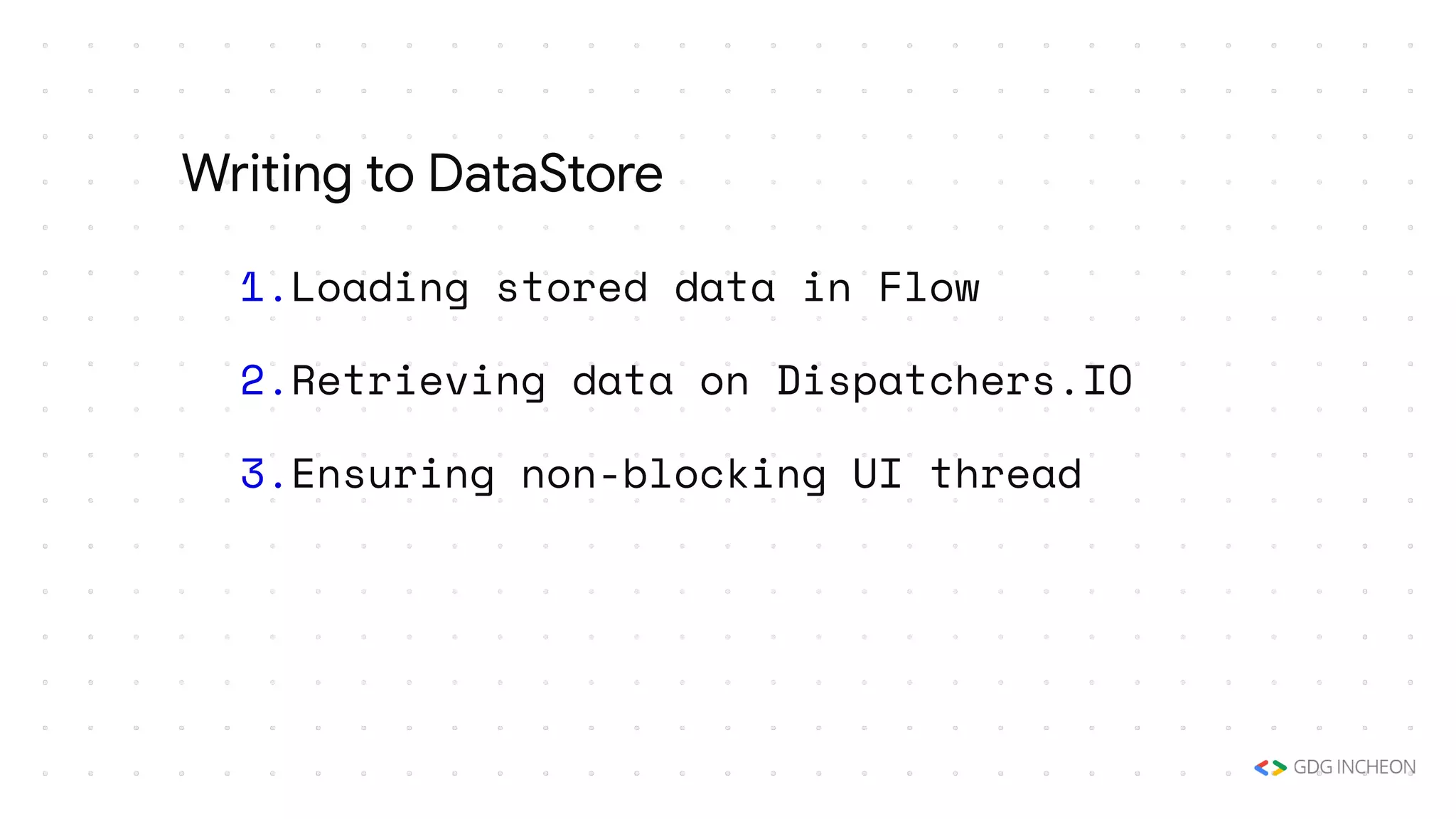
1.Loading stored data in Flow
2.Retrieving data on Dispatchers.IO
3.Ensuring non-blocking UI thread
Writing to DataStore
suspend fun incrementCounter() {
dataStore.edit { settings ->
// We can safely increment our counter without losing data due to races!
val currentCounterValue = settings[MY_COUNTER] ?: 0
settings[MY_COUNTER] = currentCounterValue + 1
}
}
For Preference DataStore
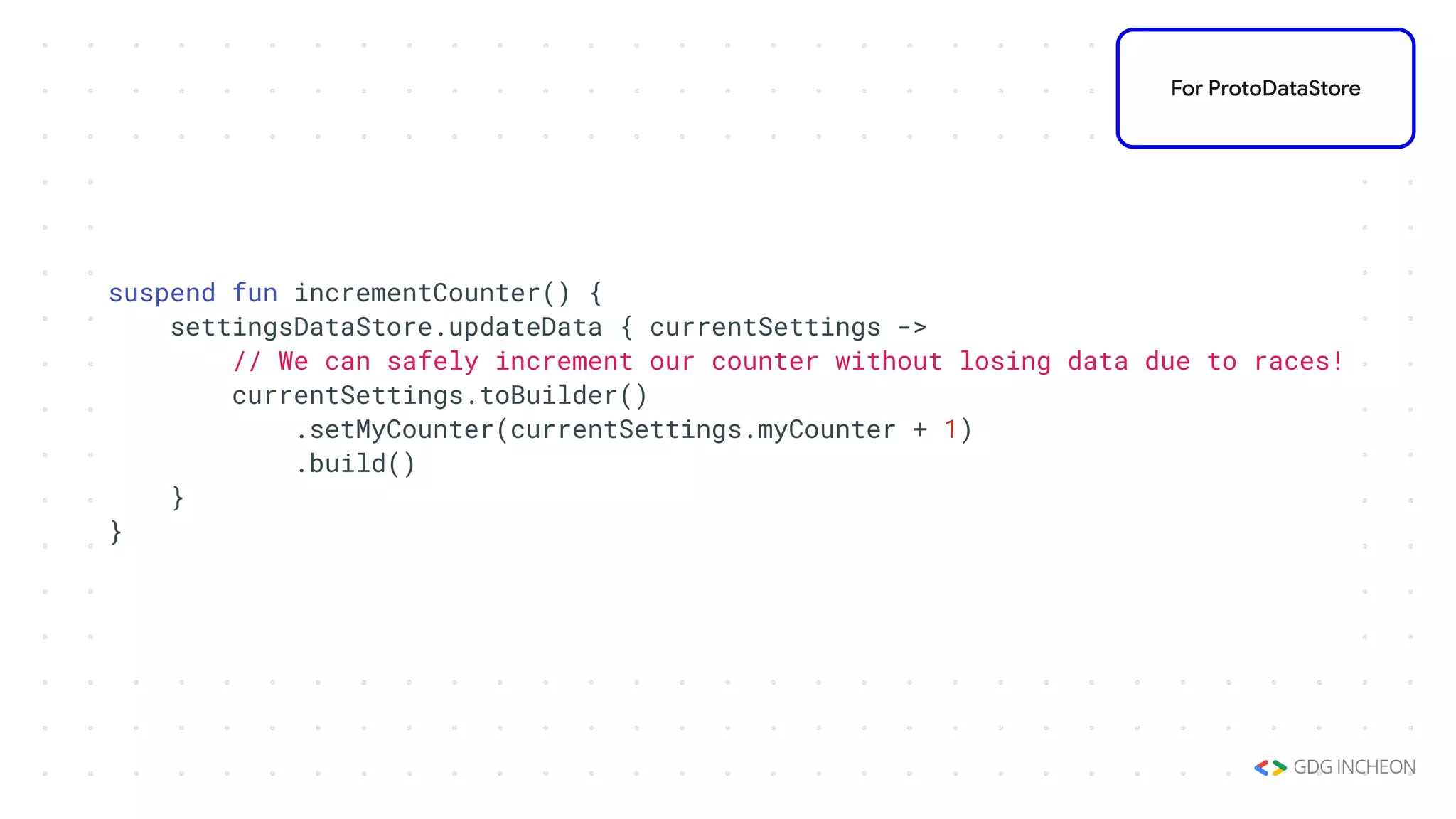
suspend fun incrementCounter() {
settingsDataStore.updateData { currentSettings ->
// We can safely increment our counter without losing data due to races!
currentSettings.toBuilder()
.setMyCounter(currentSettings.myCounter + 1)
.build()
}
}
For ProtoDataStore
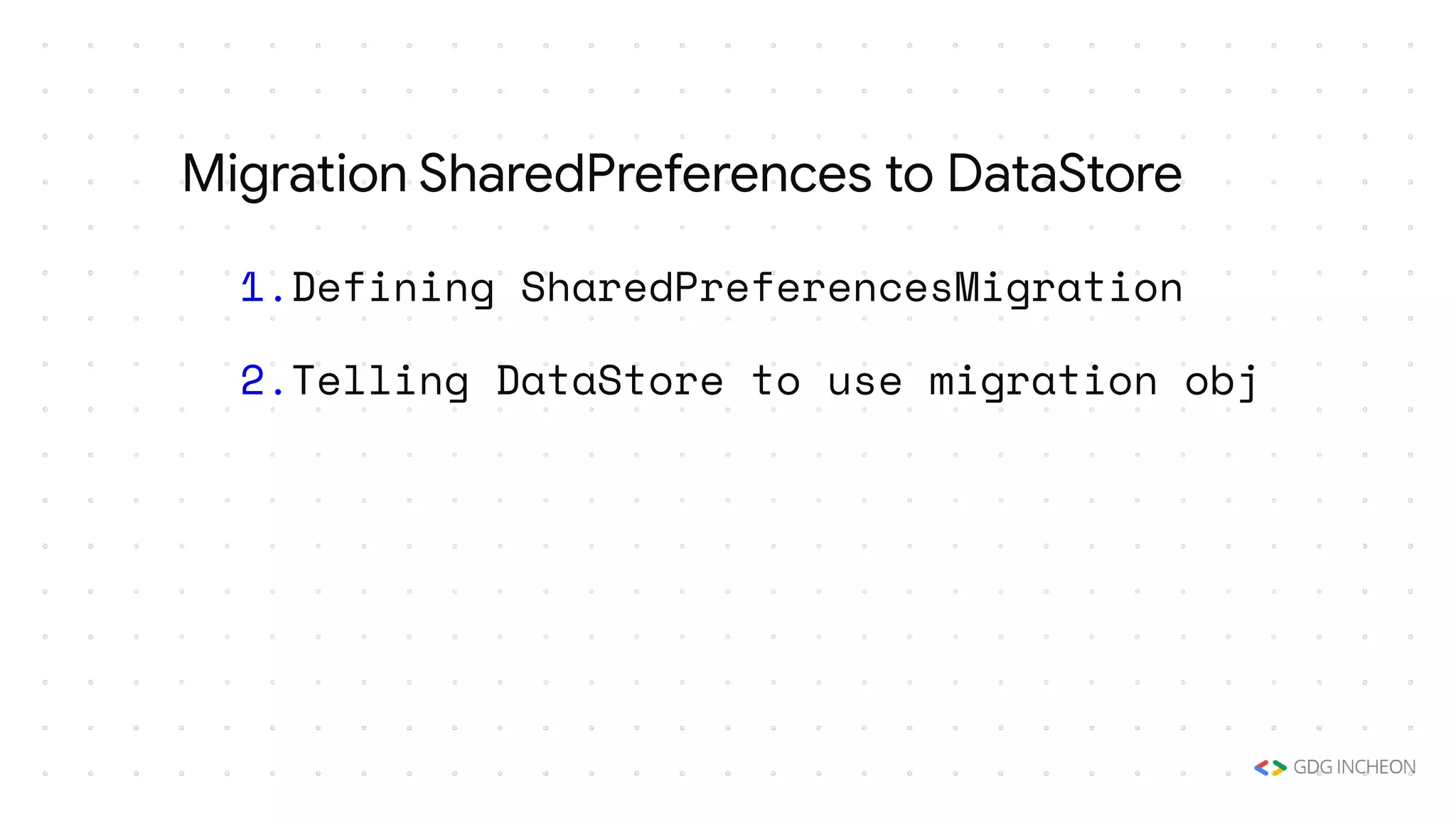
Migration
1.Defining SharedPreferencesMigration
2.Telling DataStore to use migration obj
Migration SharedPreferences to DataStore
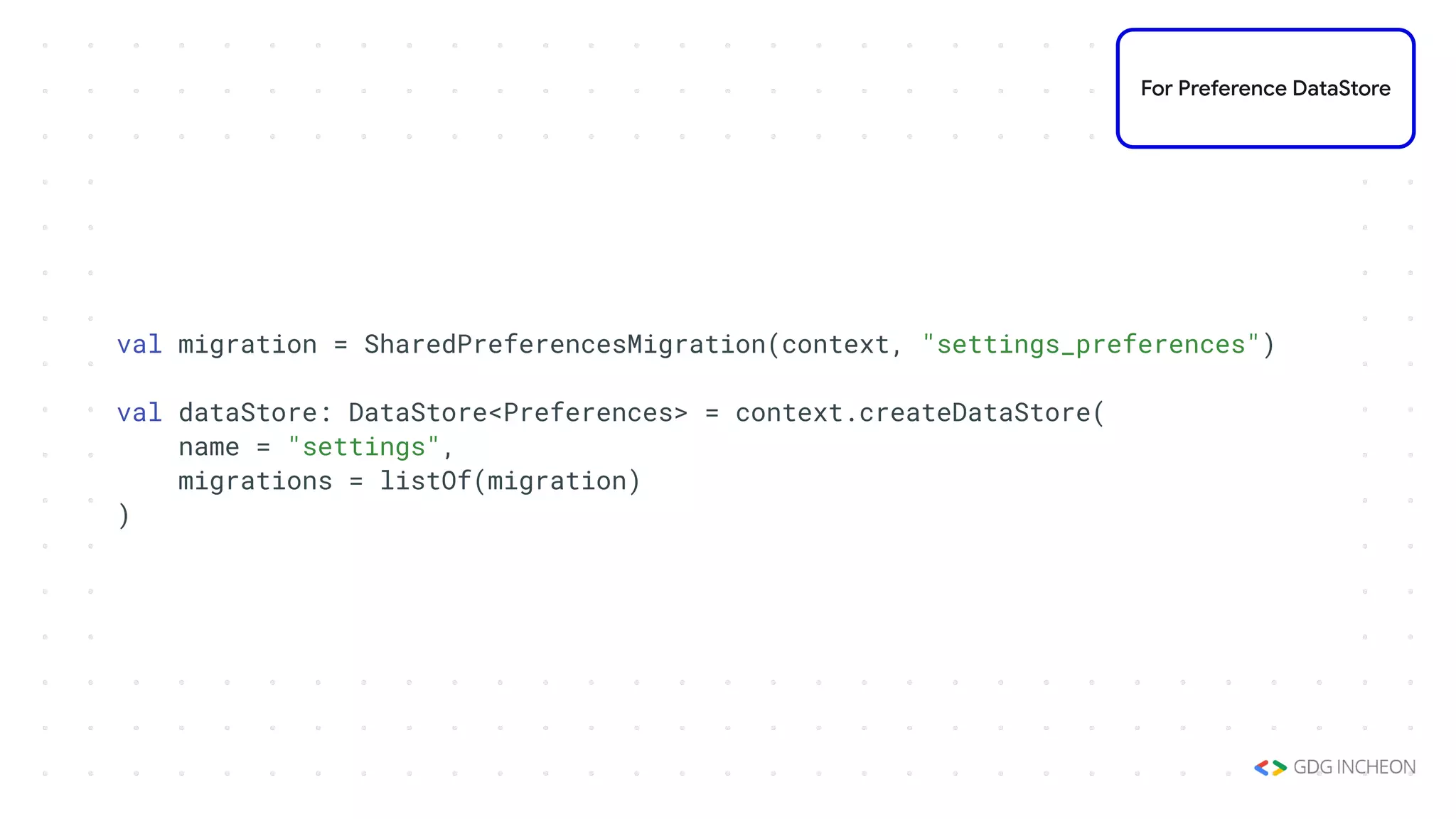
val migration = SharedPreferencesMigration(context, "settings_preferences")
val dataStore: DataStore<Preferences> = context.createDataStore(
name = "settings",
migrations = listOf(migration)
)
For Preference DataStore
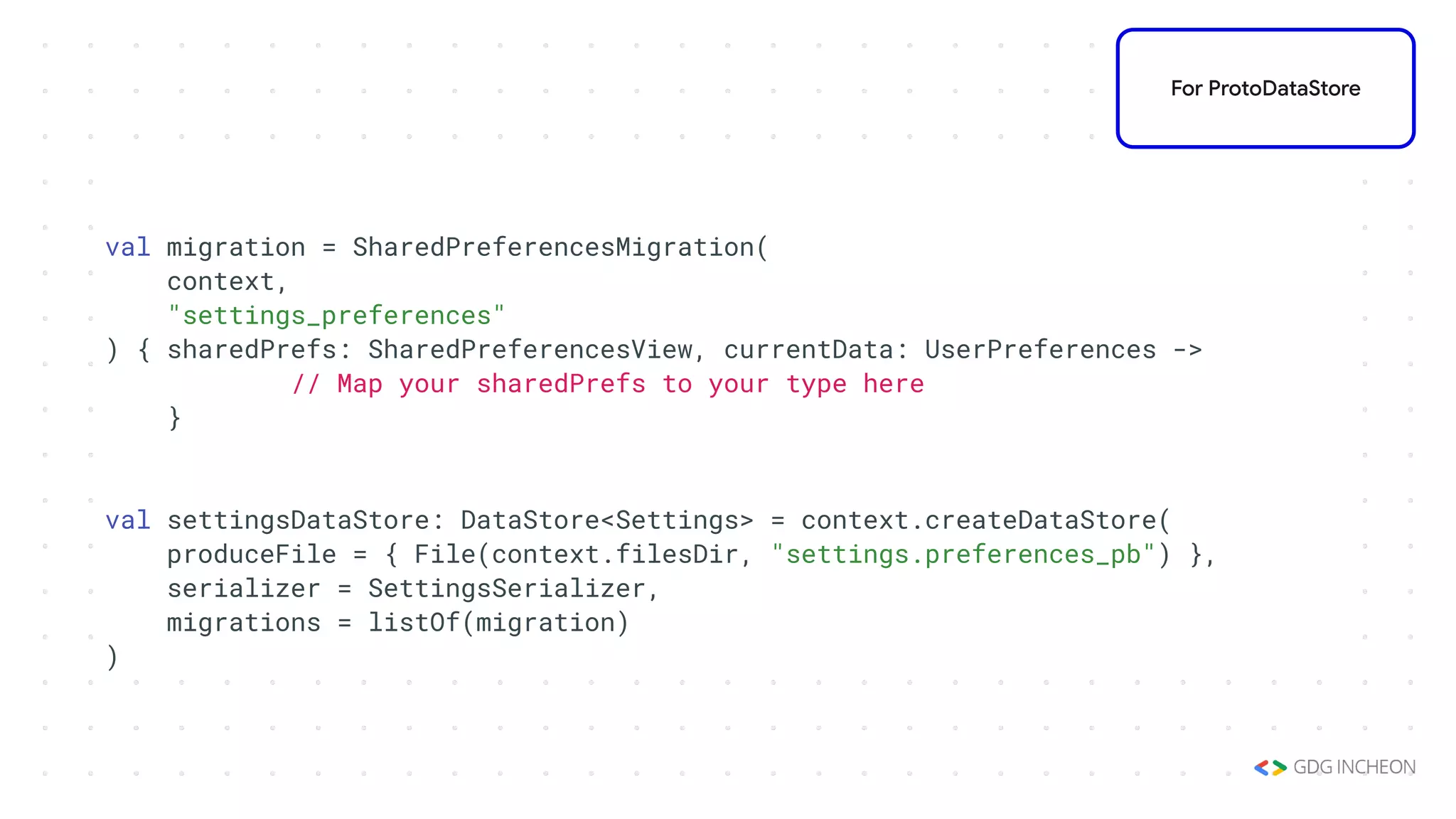
val migration = SharedPreferencesMigration(
context,
"settings_preferences"
) { sharedPrefs: SharedPreferencesView, currentData: UserPreferences ->
// Map your sharedPrefs to your type here
}
val settingsDataStore: DataStore<Settings> = context.createDataStore(
produceFile = { File(context.filesDir, "settings.preferences_pb") },
serializer = SettingsSerializer,
migrations = listOf(migration)
)
For ProtoDataStore
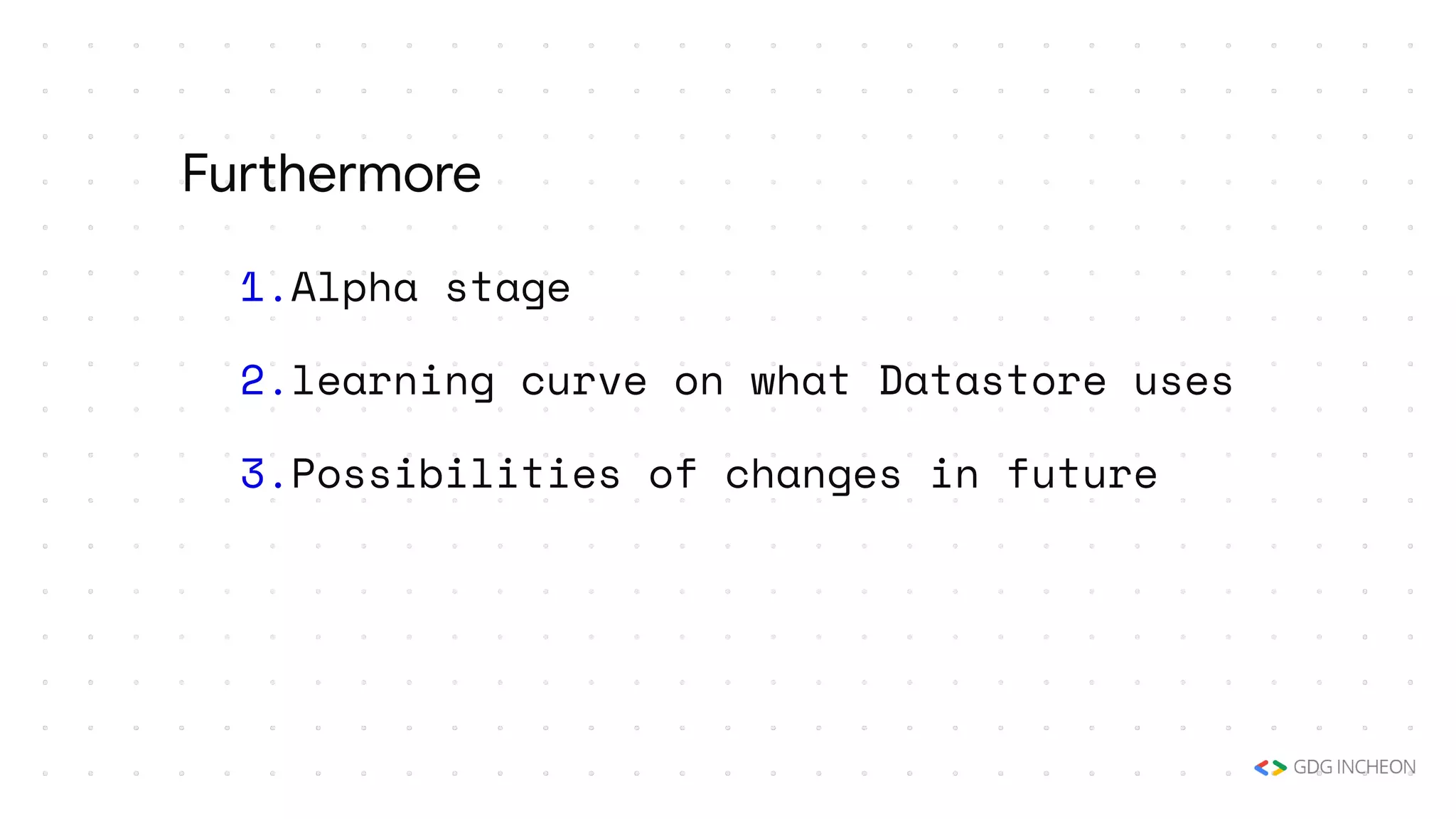
Furthermore
1.Alpha stage
2.learning curve on what Datastore uses
3.Possibilities of changes in future
Furthermore
Thank you!
TORU0239
TORU_0239

datastore_devfest2020_incheon

  • 1.
    Introduction to Jetpack DataStore WonyoungChoi (Toru) Android Advocate, Singapore Tourism Board
  • 2.
  • 3.
    1.Data storage solutionin Jetpack Library 2.Aiming at replacing SharedPreferences 3.Released in alpha, in Sep 2020 What is DataStore?
  • 4.
    1.Supporting Key-Value pair/ typed object 2.Backed by Kotlin Coroutines, and Flow 3.Storing data in asynchronous way What is DataStore?
  • 5.
  • 6.
    1.Preference:Key-Value Pair tostore data 2.Proto:custom data type with specified Schema using Protocol Buffers Components of DataStore
  • 7.
  • 9.
    1.Safe to usein UI Thread 2.Robust to RuntimeException when parsing 3.Providing migration 4.Type safety Highlights on DataStore
  • 10.
  • 11.
    dependencies { // PreferencesDataStore implementation “androidx.datastore:datastore-preferences:1.0.0-alpha01" } For Preference DataStore
  • 12.
    plugins { ... id "com.google.protobuf"version "0.8.12" } dependencies { implementation "androidx.datastore:datastore-core:1.0.0-alpha01" implementation "com.google.protobuf:protobuf-javalite:3.10.0" ... } For ProtoDataStore
  • 13.
    protobuf { protoc { artifact= "com.google.protobuf:protoc:3.10.0" } generateProtoTasks { all().each { task -> task.builtins { java { option 'lite' } } } } } For ProtoDataStore
  • 14.
    syntax = "proto3"; optionjava_package = "<your package name here>"; option java_multiple_files = true; message Settings { int my_counter = 1; } For ProtoDataStore app/src/main/proto/ filename.proto
  • 15.
  • 16.
    // with PreferencesDataStore val dataStore: DataStore<Preferences> = context.createDataStore( name = "settings" ) For Preference DataStore
  • 17.
    object SettingsSerializer :Serializer<Settings> { override fun readFrom(input: InputStream): Settings { try { return Settings.parseFrom(input) } catch (exception: InvalidProtocolBufferException) { throw CorruptionException("Cannot read proto.", exception) } } override fun writeTo(t: Settings, output: OutputStream) = t.writeTo(output) } For ProtoDataStore
  • 18.
    // with ProtoDataStore val settingsDataStore: DataStore<Settings> = context.createDataStore( fileName = "settings.pb", serializer = SettingsSerializer ) For ProtoDataStore
  • 19.
  • 20.
    1.Loading stored datain Flow 2.Retrieving data on Dispatchers.IO 3.Ensuring non-blocking UI thread What is under the hood of reading DataStore
  • 21.
    val MY_COUNTER =preferencesKey<Int>("my_counter") val myCounterFlow: Flow<Int> = dataStore.data .map { currentPreferences -> // Unlike Proto DataStore, there's no type safety here. currentPreferences[MY_COUNTER] ?: 0 } For Preference DataStore
  • 22.
    val myCounterFlow: Flow<Int>= settingsDataStore.data .map { settings -> // The myCounter property is generated for you from your proto schema! settings.myCounter } For ProtoDataStore
  • 23.
  • 24.
    1.Loading stored datain Flow 2.Retrieving data on Dispatchers.IO 3.Ensuring non-blocking UI thread Writing to DataStore
  • 25.
    suspend fun incrementCounter(){ dataStore.edit { settings -> // We can safely increment our counter without losing data due to races! val currentCounterValue = settings[MY_COUNTER] ?: 0 settings[MY_COUNTER] = currentCounterValue + 1 } } For Preference DataStore
  • 26.
    suspend fun incrementCounter(){ settingsDataStore.updateData { currentSettings -> // We can safely increment our counter without losing data due to races! currentSettings.toBuilder() .setMyCounter(currentSettings.myCounter + 1) .build() } } For ProtoDataStore
  • 27.
  • 28.
    1.Defining SharedPreferencesMigration 2.Telling DataStoreto use migration obj Migration SharedPreferences to DataStore
  • 29.
    val migration =SharedPreferencesMigration(context, "settings_preferences") val dataStore: DataStore<Preferences> = context.createDataStore( name = "settings", migrations = listOf(migration) ) For Preference DataStore
  • 30.
    val migration =SharedPreferencesMigration( context, "settings_preferences" ) { sharedPrefs: SharedPreferencesView, currentData: UserPreferences -> // Map your sharedPrefs to your type here } val settingsDataStore: DataStore<Settings> = context.createDataStore( produceFile = { File(context.filesDir, "settings.preferences_pb") }, serializer = SettingsSerializer, migrations = listOf(migration) ) For ProtoDataStore
  • 31.
  • 32.
    1.Alpha stage 2.learning curveon what Datastore uses 3.Possibilities of changes in future Furthermore
  • 33.