Data Visualization Tools:
Enhancing Business
Intelligence
Welcome! Today we'll explore powerful data visualization tools that
transform data into compelling insights for better decision-making.
Introduction to Data Visualization
Data Visualization Defined
The process of presenting data in a visual format, using
charts, graphs, and other visual elements.
Key Benefits
Enhanced understanding, easier identification of patterns
and trends, improved decision-making, and compelling
storytelling.
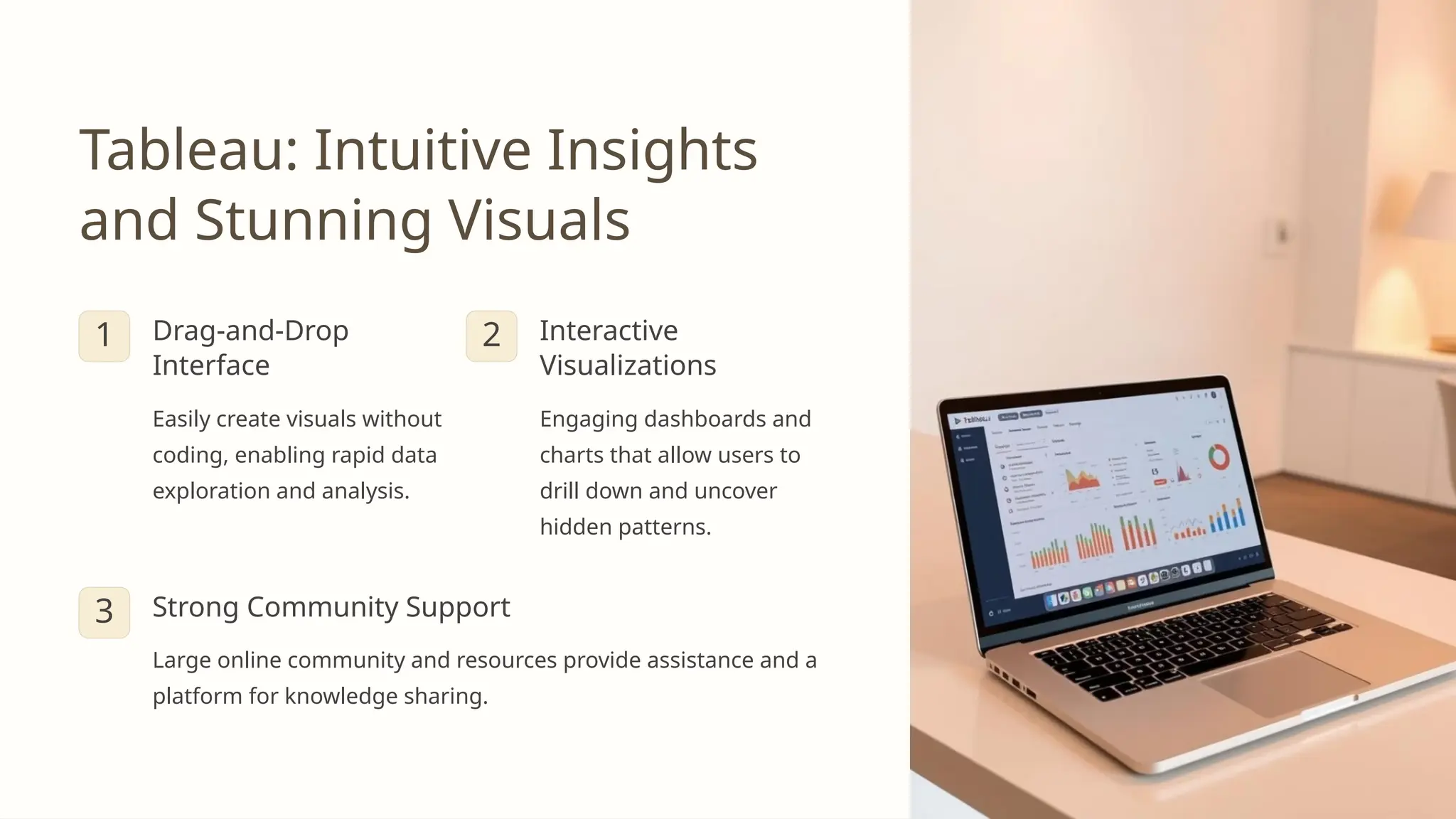
Tableau: Intuitive Insights
and Stunning Visuals
1 Drag-and-Drop
Interface
Easily create visuals without
coding, enabling rapid data
exploration and analysis.
2 Interactive
Visualizations
Engaging dashboards and
charts that allow users to
drill down and uncover
hidden patterns.
3 Strong Community Support
Large online community and resources provide assistance and a
platform for knowledge sharing.
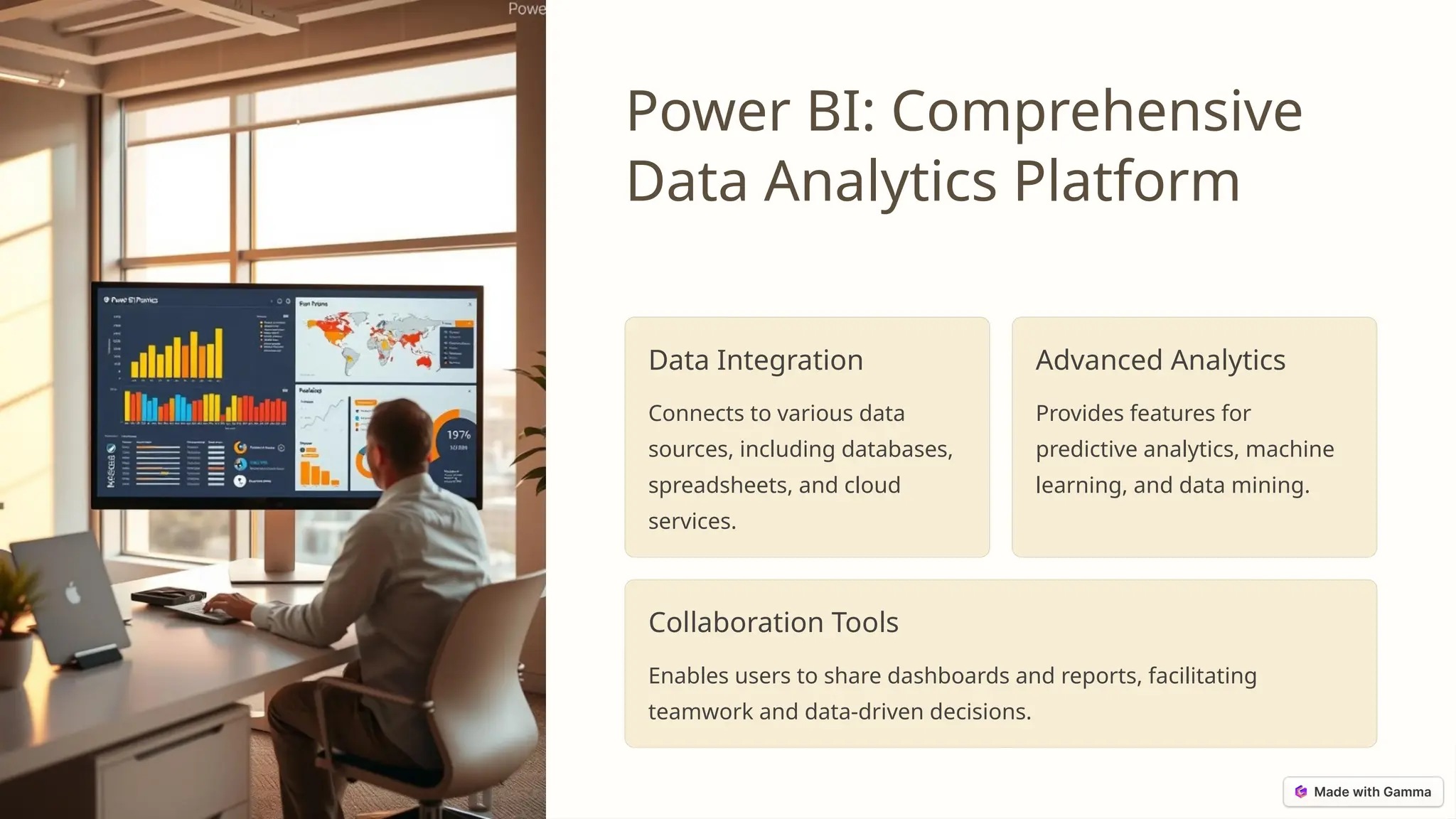
Power BI: Comprehensive
Data Analytics Platform
Data Integration
Connects to various data
sources, including databases,
spreadsheets, and cloud
services.
Advanced Analytics
Provides features for
predictive analytics, machine
learning, and data mining.
Collaboration Tools
Enables users to share dashboards and reports, facilitating
teamwork and data-driven decisions.
Zoho Analytics: Streamlined
Reporting and Dashboards
Cloud-Based Solution
Access and manage data from anywhere with internet connectivity.
Automated Reporting
Schedule reports and dashboards to be delivered automatically.
Mobile-Friendly Interface
Access and interact with dashboards from your smartphone or tablet.
Infogram: Engaging Infographics and Presentations
1
Pre-built Templates
Choose from a wide selection of templates to quickly create
stunning infographics.
2
Interactive Elements
Add interactive elements, such as maps, charts, and animations, to
increase engagement.
3
Sharing and Collaboration
Easily share your infographics and presentations with colleagues or
on social media.
Qlik Sense: Dynamic Data Exploration and Discovery
Associative Engine
Qlik Sense's unique technology allows
users to explore data relationships
intuitively.
Data Storytelling
Create compelling narratives with
interactive visualizations that guide
users through insights.
Self-Service Analytics
Empower users to perform data
analysis and create visualizations
without relying on IT.
Comparing Features and Benefits of Top
Tools
Tool Key Features Benefits
Tableau Drag-and-drop interface,
interactive visualizations, strong
community support
User-friendly, versatile, robust
visualization capabilities
Power BI Data integration, advanced
analytics, collaboration tools
Comprehensive data analysis
platform, suitable for large
organizations
Zoho Analytics Cloud-based solution,
automated reporting, mobile-
friendly interface
Accessible, efficient, cost-
effective for businesses of all
sizes
Infogram Pre-built templates, interactive
elements, sharing and
collaboration features
Easy to use, visually appealing,
ideal for creating engaging
infographics
Qlik Sense Associative engine, data
storytelling capabilities, self-
service analytics
Dynamic data exploration,
intuitive user experience,
promotes data discovery
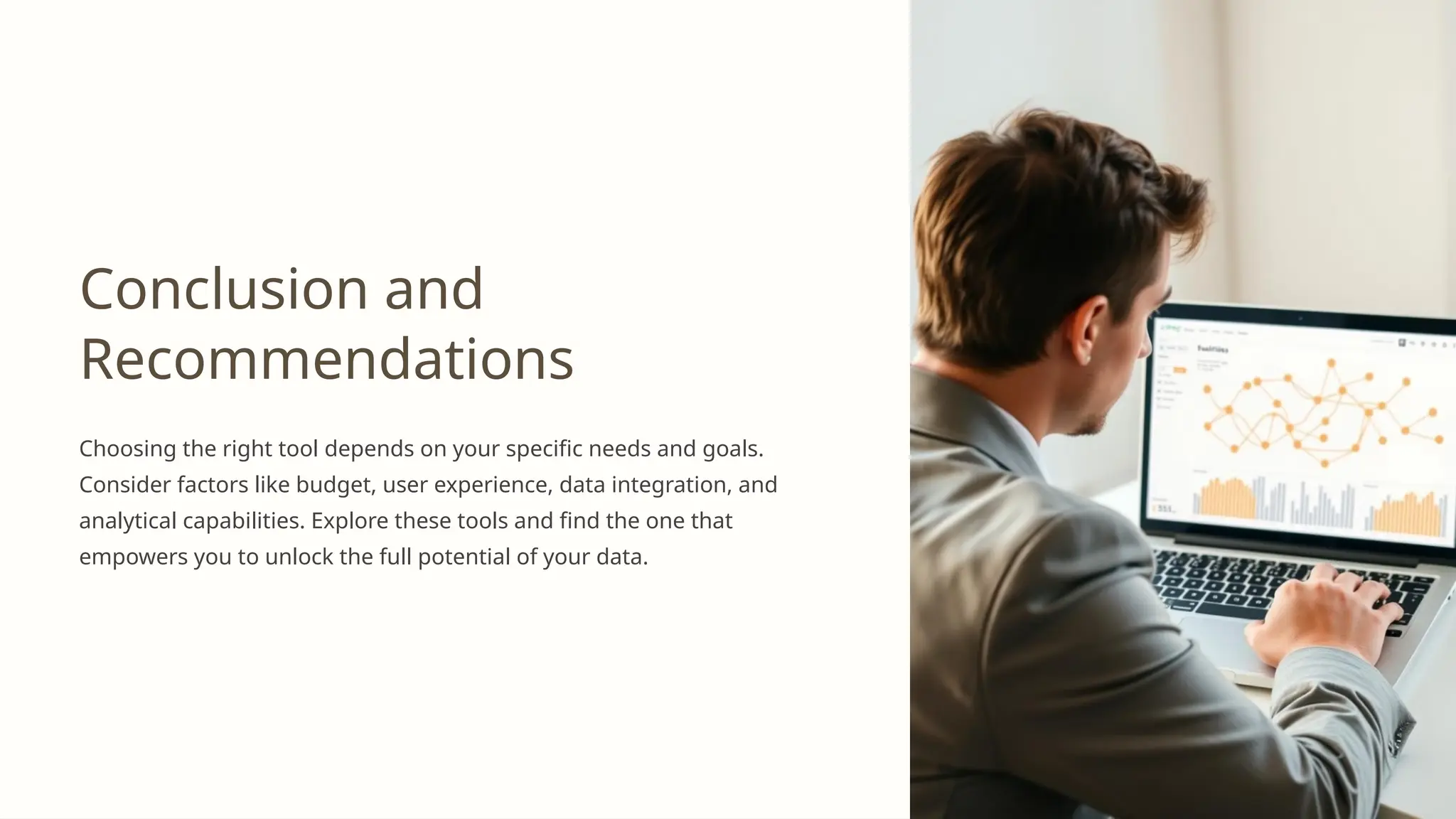
Conclusion and
Recommendations
Choosing the right tool depends on your specific needs and goals.
Consider factors like budget, user experience, data integration, and
analytical capabilities. Explore these tools and find the one that
empowers you to unlock the full potential of your data.

Data Visualization Tools: Must-Have Solutions for 2024

  • 1.
    Data Visualization Tools: EnhancingBusiness Intelligence Welcome! Today we'll explore powerful data visualization tools that transform data into compelling insights for better decision-making.
  • 2.
    Introduction to DataVisualization Data Visualization Defined The process of presenting data in a visual format, using charts, graphs, and other visual elements. Key Benefits Enhanced understanding, easier identification of patterns and trends, improved decision-making, and compelling storytelling.
  • 3.
    Tableau: Intuitive Insights andStunning Visuals 1 Drag-and-Drop Interface Easily create visuals without coding, enabling rapid data exploration and analysis. 2 Interactive Visualizations Engaging dashboards and charts that allow users to drill down and uncover hidden patterns. 3 Strong Community Support Large online community and resources provide assistance and a platform for knowledge sharing.
  • 4.
    Power BI: Comprehensive DataAnalytics Platform Data Integration Connects to various data sources, including databases, spreadsheets, and cloud services. Advanced Analytics Provides features for predictive analytics, machine learning, and data mining. Collaboration Tools Enables users to share dashboards and reports, facilitating teamwork and data-driven decisions.
  • 5.
    Zoho Analytics: Streamlined Reportingand Dashboards Cloud-Based Solution Access and manage data from anywhere with internet connectivity. Automated Reporting Schedule reports and dashboards to be delivered automatically. Mobile-Friendly Interface Access and interact with dashboards from your smartphone or tablet.
  • 6.
    Infogram: Engaging Infographicsand Presentations 1 Pre-built Templates Choose from a wide selection of templates to quickly create stunning infographics. 2 Interactive Elements Add interactive elements, such as maps, charts, and animations, to increase engagement. 3 Sharing and Collaboration Easily share your infographics and presentations with colleagues or on social media.
  • 7.
    Qlik Sense: DynamicData Exploration and Discovery Associative Engine Qlik Sense's unique technology allows users to explore data relationships intuitively. Data Storytelling Create compelling narratives with interactive visualizations that guide users through insights. Self-Service Analytics Empower users to perform data analysis and create visualizations without relying on IT.
  • 8.
    Comparing Features andBenefits of Top Tools Tool Key Features Benefits Tableau Drag-and-drop interface, interactive visualizations, strong community support User-friendly, versatile, robust visualization capabilities Power BI Data integration, advanced analytics, collaboration tools Comprehensive data analysis platform, suitable for large organizations Zoho Analytics Cloud-based solution, automated reporting, mobile- friendly interface Accessible, efficient, cost- effective for businesses of all sizes Infogram Pre-built templates, interactive elements, sharing and collaboration features Easy to use, visually appealing, ideal for creating engaging infographics Qlik Sense Associative engine, data storytelling capabilities, self- service analytics Dynamic data exploration, intuitive user experience, promotes data discovery
  • 9.
    Conclusion and Recommendations Choosing theright tool depends on your specific needs and goals. Consider factors like budget, user experience, data integration, and analytical capabilities. Explore these tools and find the one that empowers you to unlock the full potential of your data.