The document discusses data visualization tools. It begins with an overview of data visualization, describing how visualizing data can help identify patterns and trends. It then discusses advantages like aiding quick understanding. Five types of data visualization are mentioned but not described. The document primarily focuses on reviewing popular data visualization tools like Tableau, FusionCharts, Datawrapper, Highcharts, Excel, Sisense, Plotly, and others. It provides brief descriptions of each tool's features and capabilities. In closing, it references additional resources on the topic.
TOPICS
Overview ofData Visualization
Advantages of Data Visualization
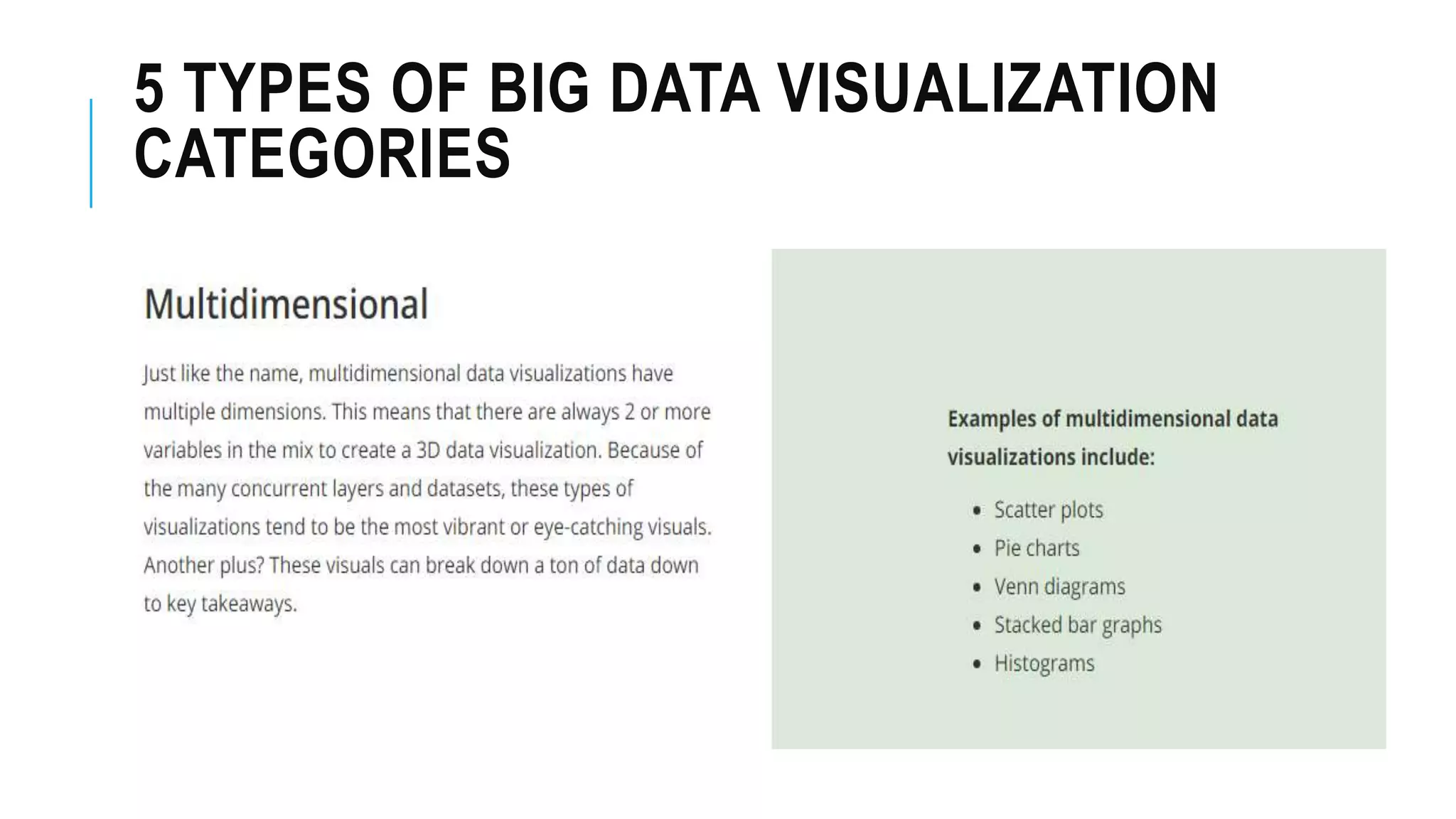
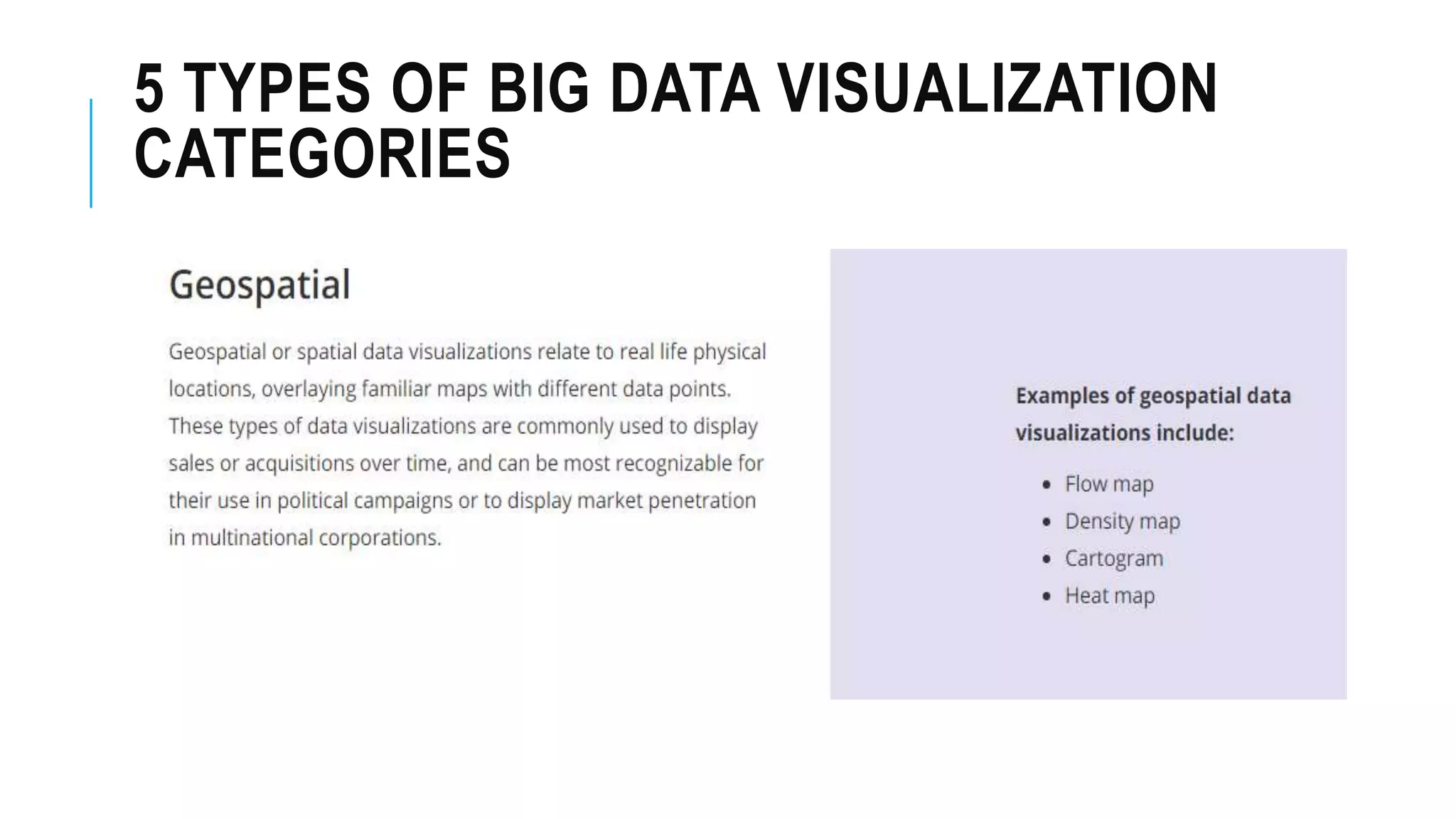
5 Types of Data Visualization
Data Visualization Tools
3.
OVERVIEW OF DATAVISUALIZATION
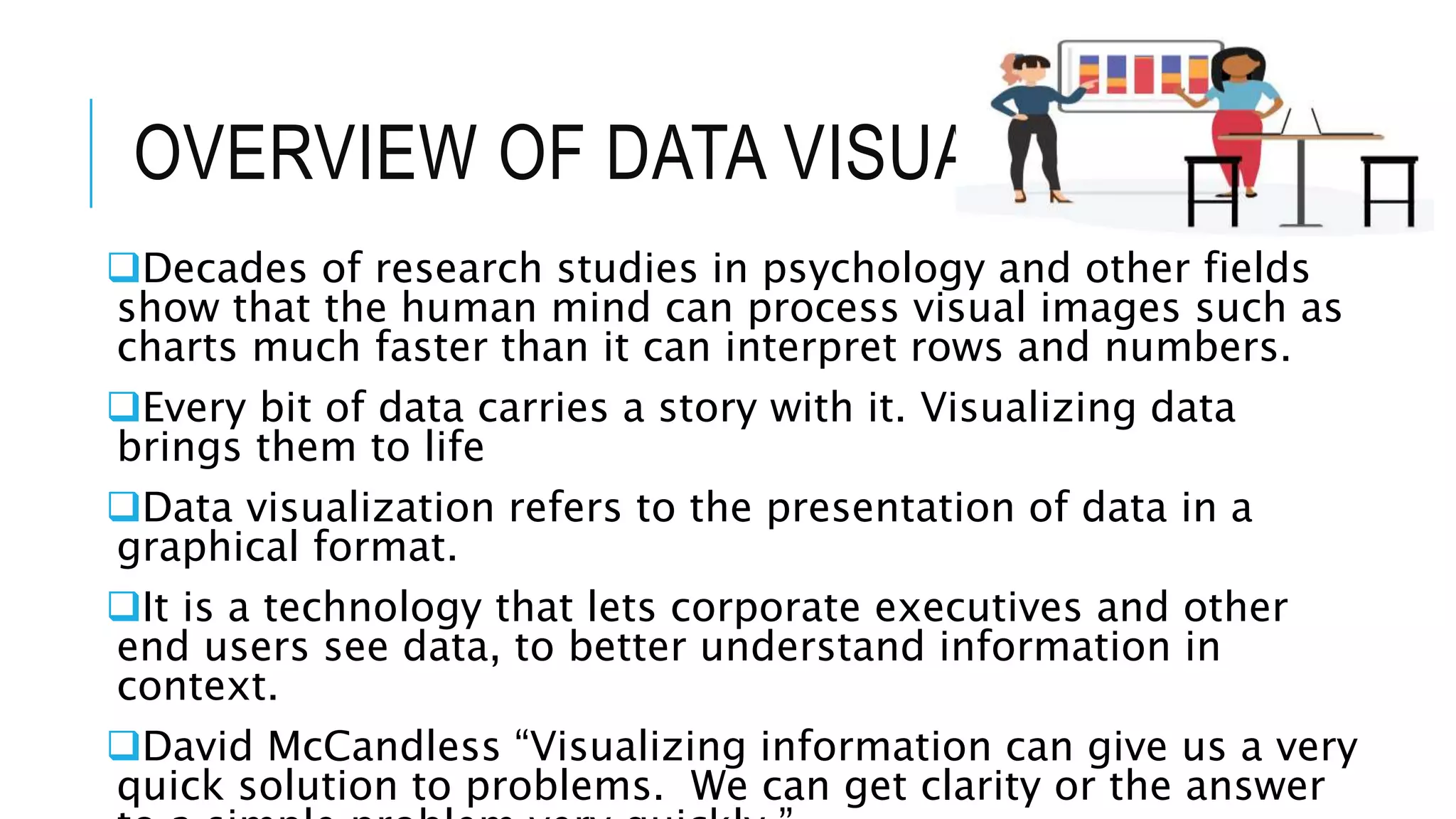
Decades of research studies in psychology and other fields
show that the human mind can process visual images such as
charts much faster than it can interpret rows and numbers.
Every bit of data carries a story with it. Visualizing data
brings them to life
Data visualization refers to the presentation of data in a
graphical format.
It is a technology that lets corporate executives and other
end users see data, to better understand information in
context.
David McCandless “Visualizing information can give us a very
quick solution to problems. We can get clarity or the answer
4.
OVERVIEW OF DATAVISUALIZATION
It assists people in understanding the significance
of data by projecting it in a visual context.
Trends, patterns and correlations that might go
unnoticed in a usual text-based data presentation
can be identified and located easily with data
visualization software.
5.
ADVANTAGES OF DATAVISUALIZATION
Data visualization provides with a quick, clear
understanding of information.
Help decision makers to identify emerging trends and
act quickly based on what they see.
The infographics and data allows the reader to identify
relationship and patterns within digital assets
Visualizing data provides reader with analysis at various
level of detail.
THE TOP 7DATA VISUALIZATION TOOLS
FOR 2018
BY JAMES WARNER , LAST MODIFIED DEC 01, 2017
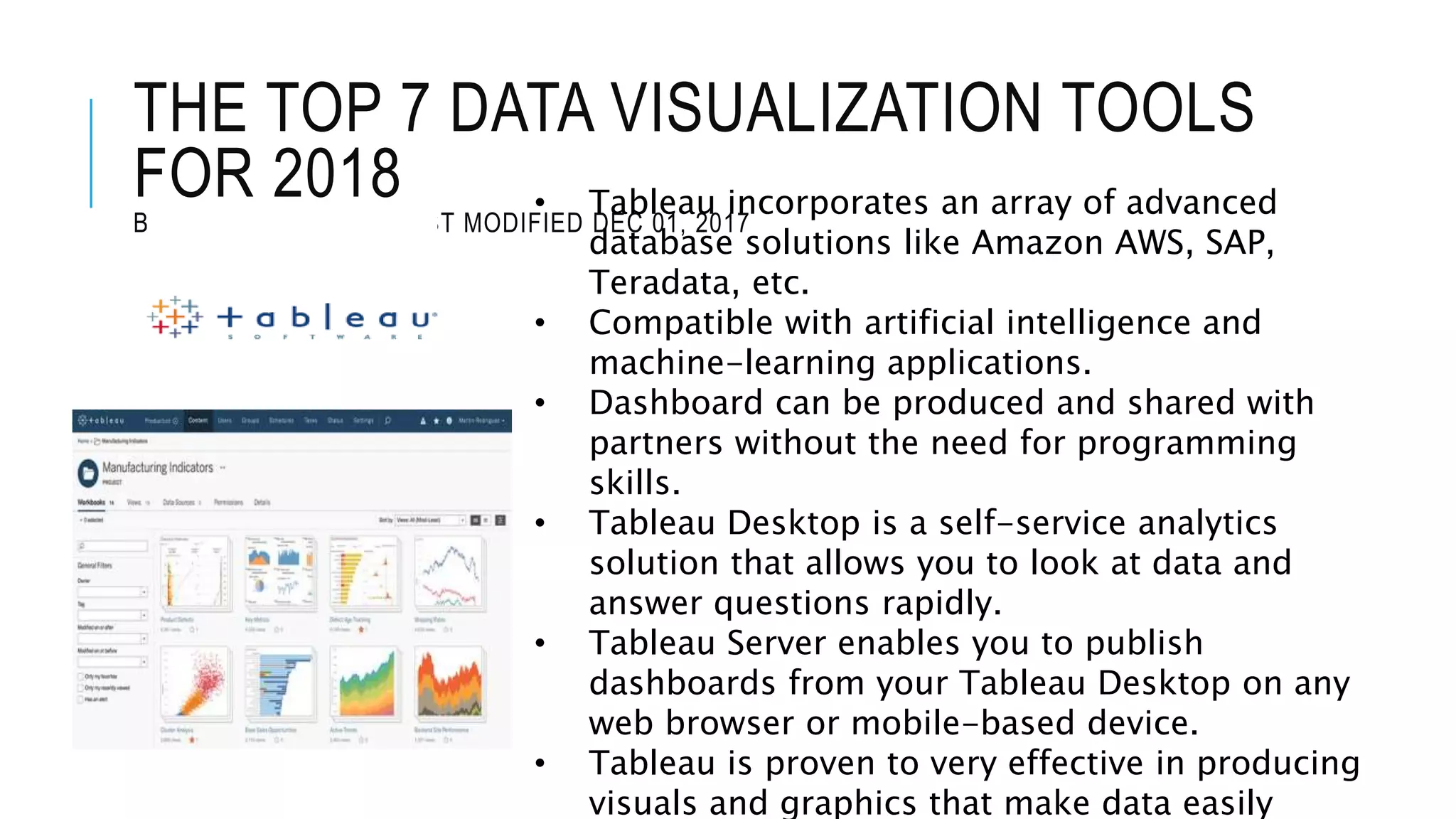
• Tableau incorporates an array of advanced
database solutions like Amazon AWS, SAP,
Teradata, etc.
• Compatible with artificial intelligence and
machine-learning applications.
• Dashboard can be produced and shared with
partners without the need for programming
skills.
• Tableau Desktop is a self-service analytics
solution that allows you to look at data and
answer questions rapidly.
• Tableau Server enables you to publish
dashboards from your Tableau Desktop on any
web browser or mobile-based device.
• Tableau is proven to very effective in producing
visuals and graphics that make data easily
12.
THE TOP 7DATA VISUALIZATION TOOLS
FOR 2018
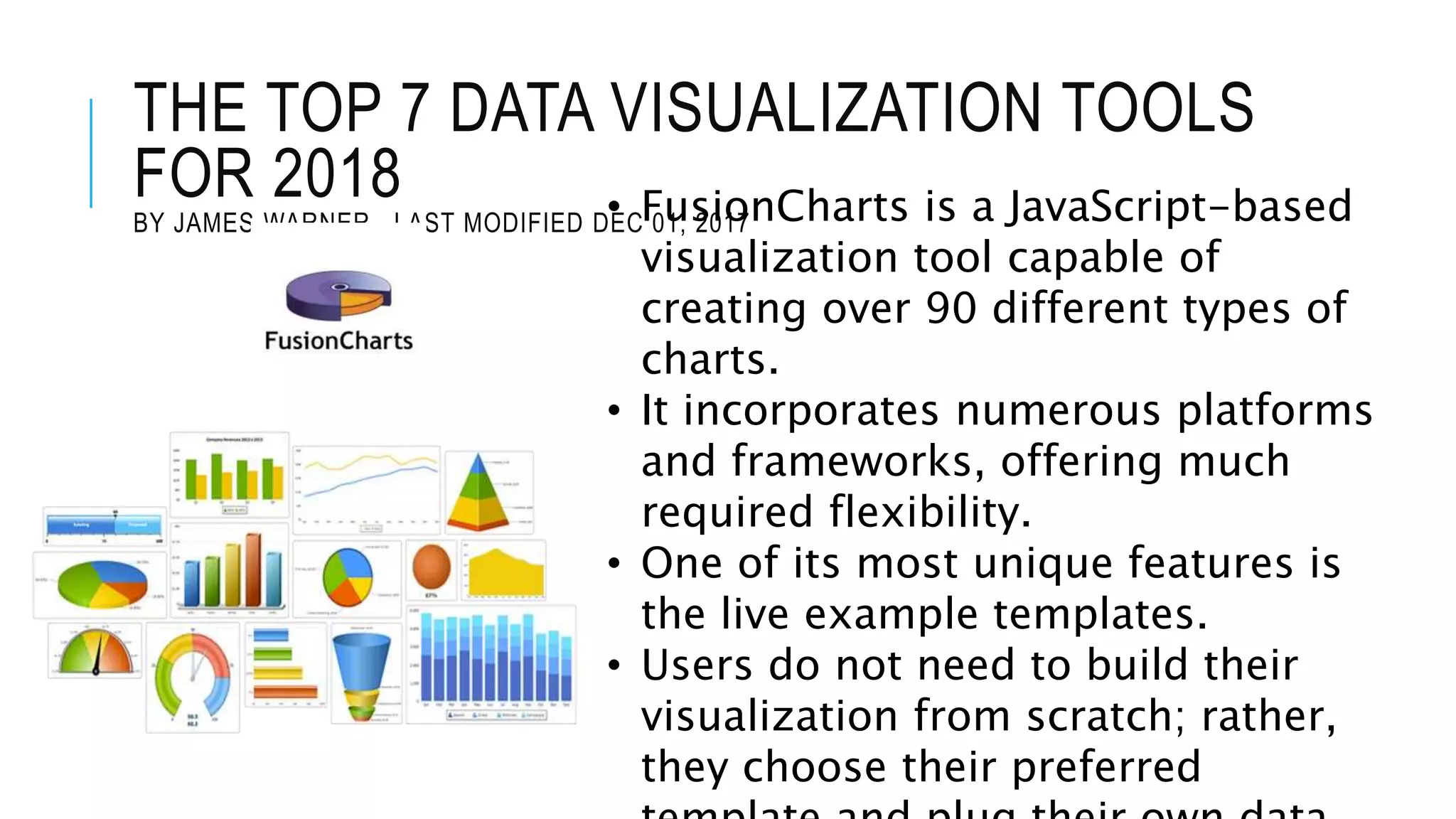
BY JAMES WARNER , LAST MODIFIED DEC 01, 2017• FusionCharts is a JavaScript-based
visualization tool capable of
creating over 90 different types of
charts.
• It incorporates numerous platforms
and frameworks, offering much
required flexibility.
• One of its most unique features is
the live example templates.
• Users do not need to build their
visualization from scratch; rather,
they choose their preferred
13.
THE TOP 7DATA VISUALIZATION TOOLS
FOR 2018
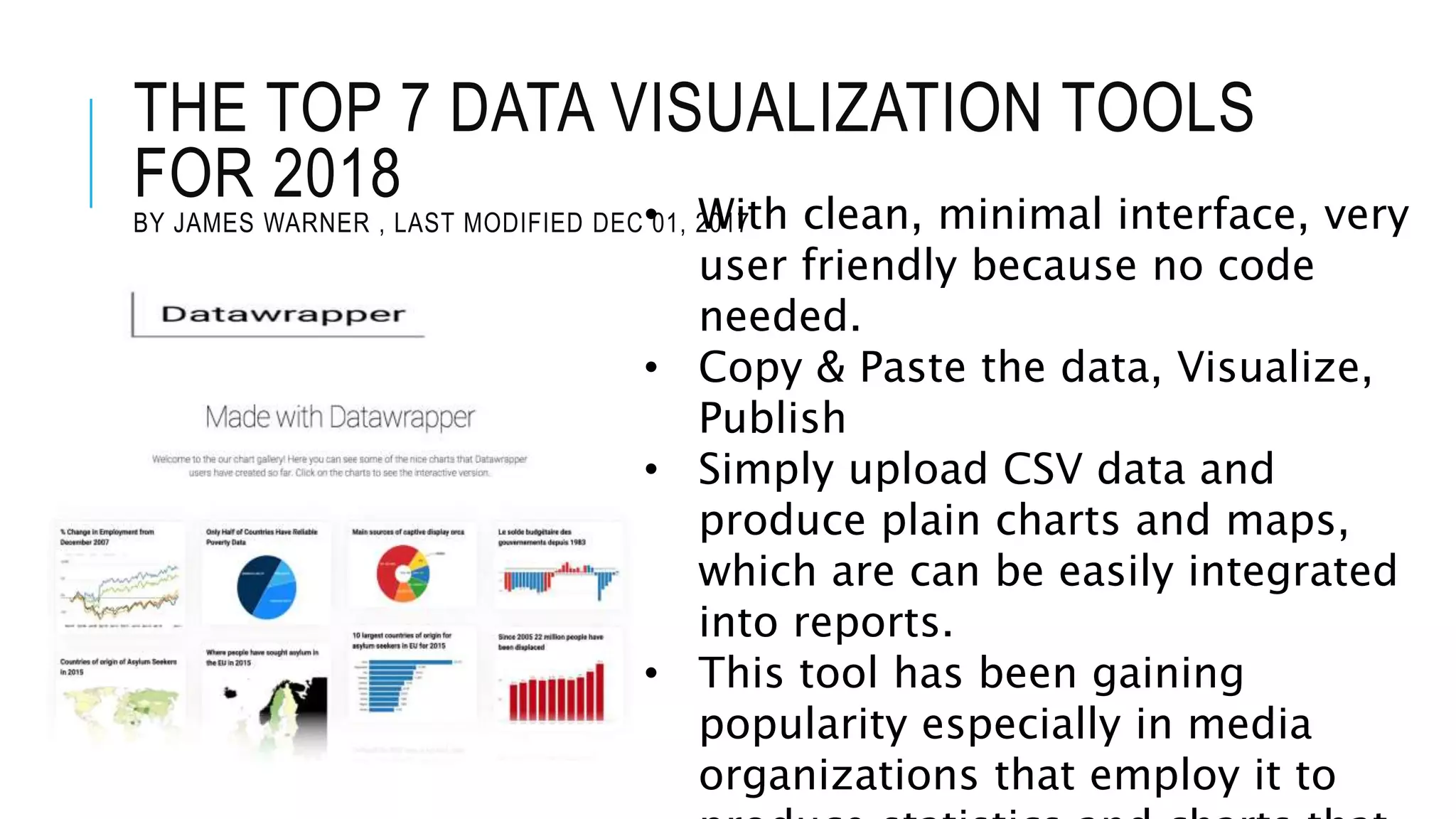
BY JAMES WARNER , LAST MODIFIED DEC 01, 2017• With clean, minimal interface, very
user friendly because no code
needed.
• Copy & Paste the data, Visualize,
Publish
• Simply upload CSV data and
produce plain charts and maps,
which are can be easily integrated
into reports.
• This tool has been gaining
popularity especially in media
organizations that employ it to
14.
THE TOP 7DATA VISUALIZATION TOOLS
FOR 2018
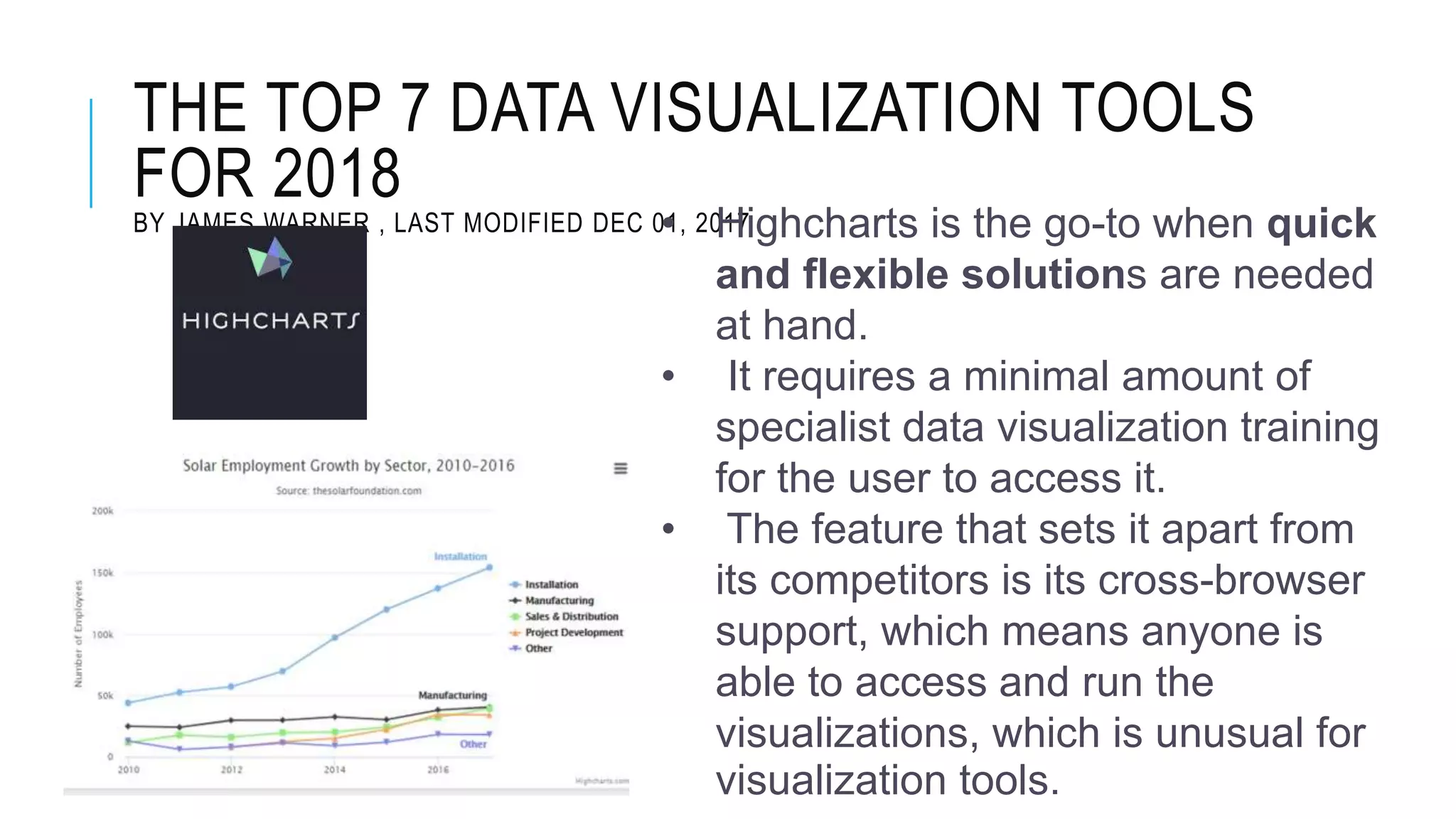
BY JAMES WARNER , LAST MODIFIED DEC 01, 2017• Highcharts is the go-to when quick
and flexible solutions are needed
at hand.
• It requires a minimal amount of
specialist data visualization training
for the user to access it.
• The feature that sets it apart from
its competitors is its cross-browser
support, which means anyone is
able to access and run the
visualizations, which is unusual for
visualization tools.
15.
THE TOP 7DATA VISUALIZATION TOOLS
FOR 2018
BY JAMES WARNER , LAST MODIFIED DEC 01, 2017
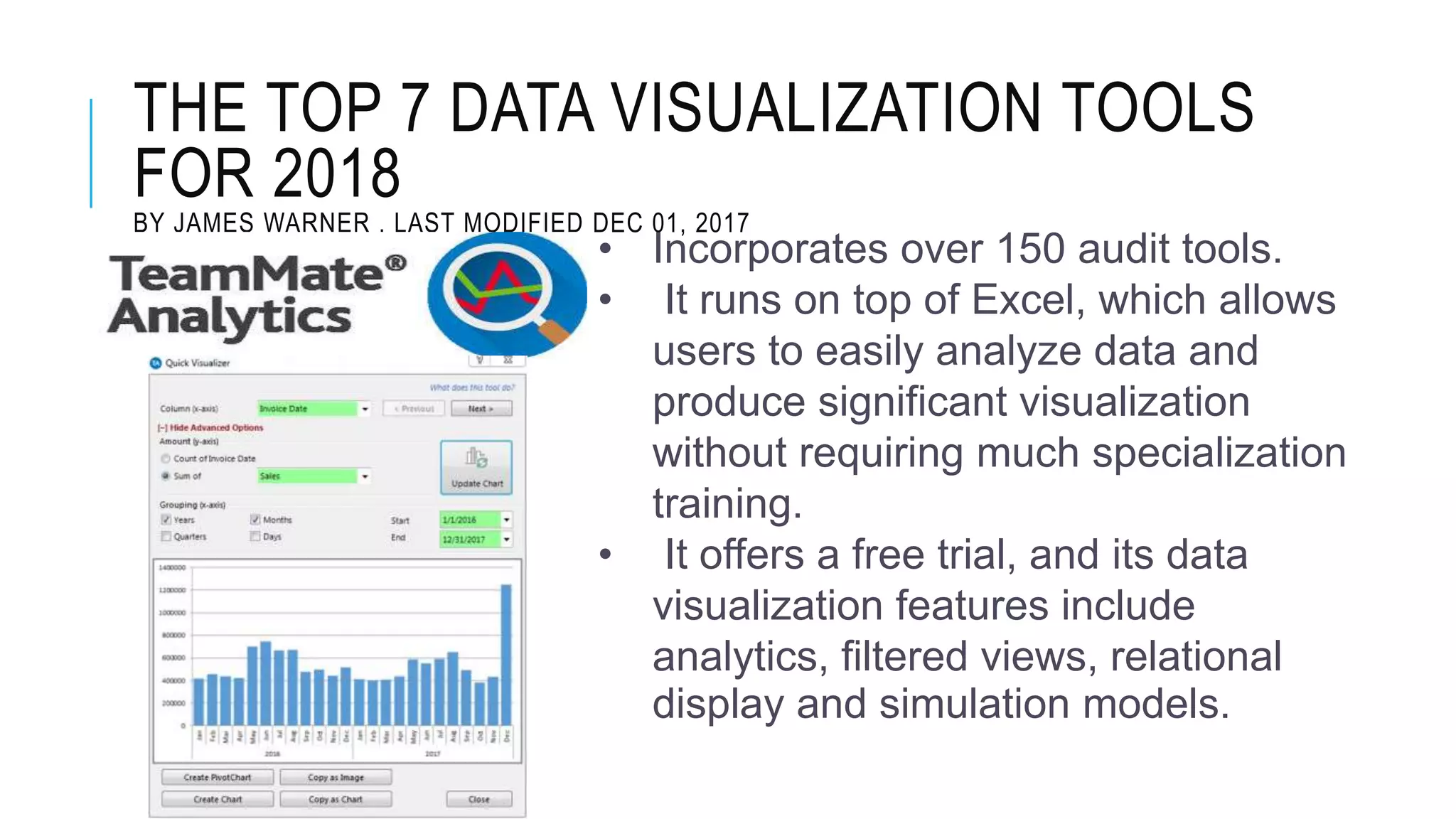
• Incorporates over 150 audit tools.
• It runs on top of Excel, which allows
users to easily analyze data and
produce significant visualization
without requiring much specialization
training.
• It offers a free trial, and its data
visualization features include
analytics, filtered views, relational
display and simulation models.
16.
THE TOP 7DATA VISUALIZATION TOOLS
FOR 2018
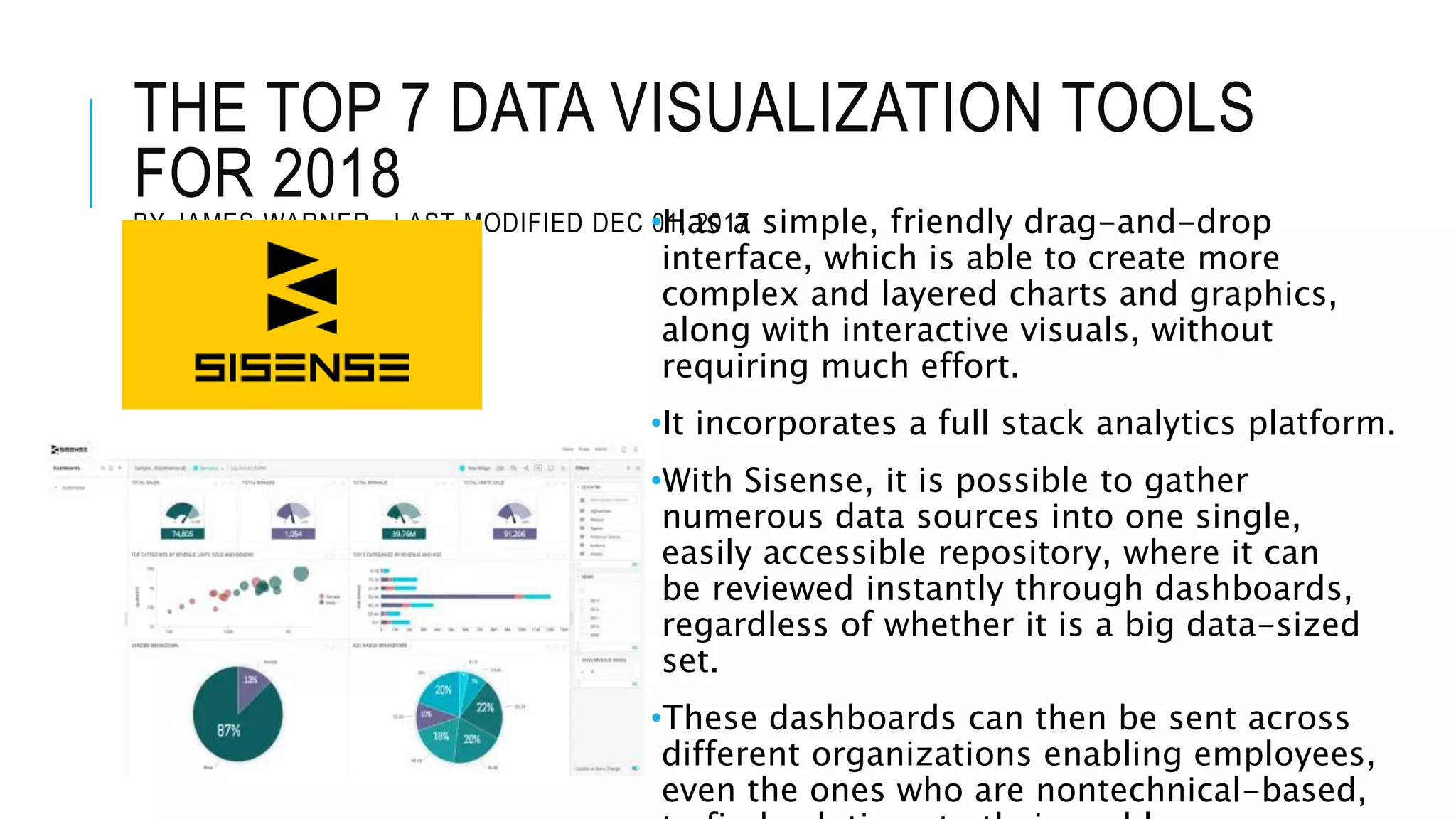
BY JAMES WARNER , LAST MODIFIED DEC 01, 2017•Has a simple, friendly drag-and-drop
interface, which is able to create more
complex and layered charts and graphics,
along with interactive visuals, without
requiring much effort.
•It incorporates a full stack analytics platform.
•With Sisense, it is possible to gather
numerous data sources into one single,
easily accessible repository, where it can
be reviewed instantly through dashboards,
regardless of whether it is a big data-sized
set.
•These dashboards can then be sent across
different organizations enabling employees,
even the ones who are nontechnical-based,
17.
THE TOP 7DATA VISUALIZATION TOOLS
FOR 2018
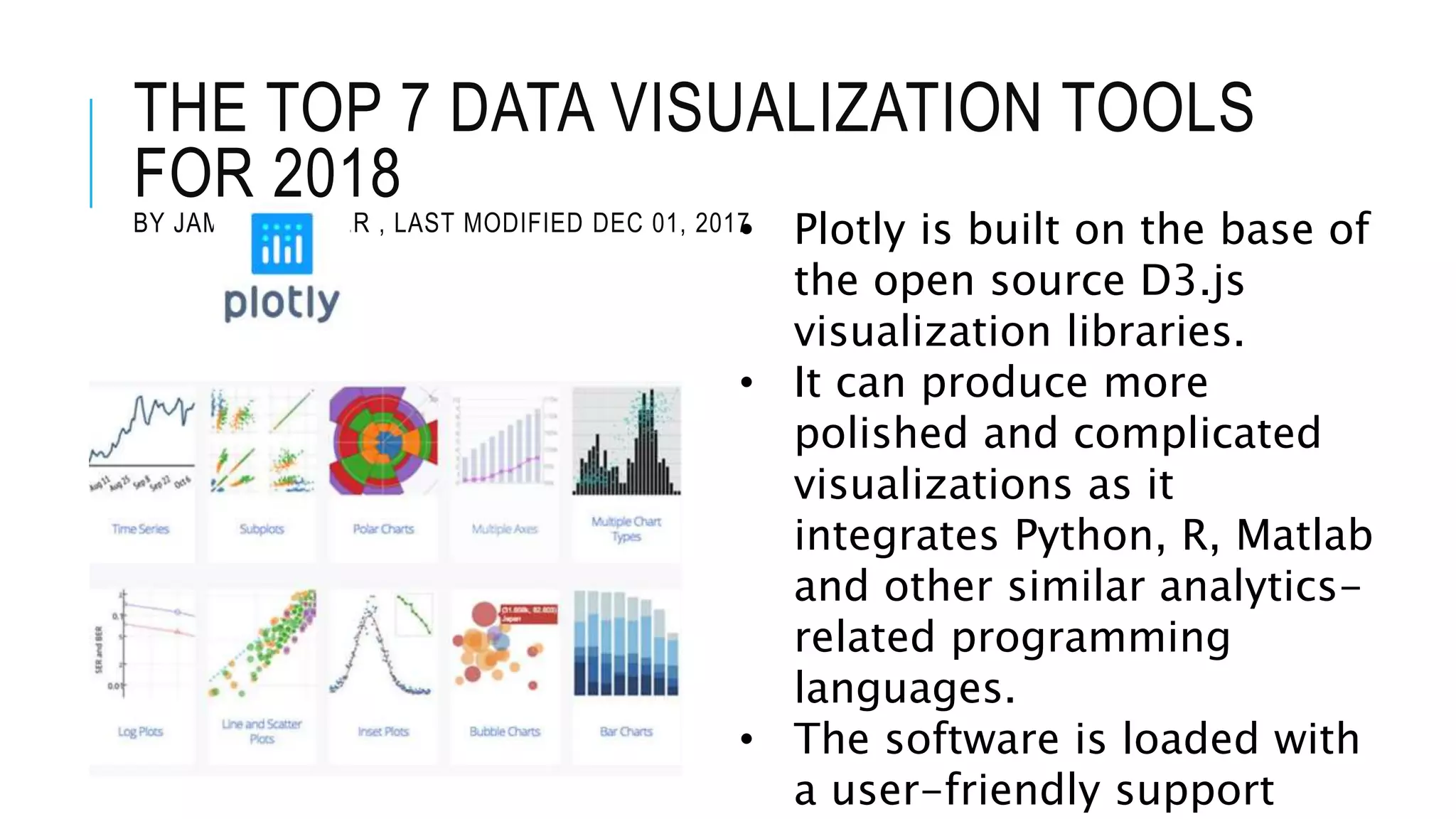
BY JAMES WARNER , LAST MODIFIED DEC 01, 2017• Plotly is built on the base of
the open source D3.js
visualization libraries.
• It can produce more
polished and complicated
visualizations as it
integrates Python, R, Matlab
and other similar analytics-
related programming
languages.
• The software is loaded with
a user-friendly support
18.
9 BEST FREEDATA VISUALIZATION
TOOLS
BY CRISTOPHER MARTIN
• This free tool allows you to create a
huge variety of interactive charts
that allow stakeholders to dive into
the data themselves.
• Good for large dataset
19.
9 BEST FREEDATA VISUALIZATION
TOOLS
BY CRISTOPHER MARTIN
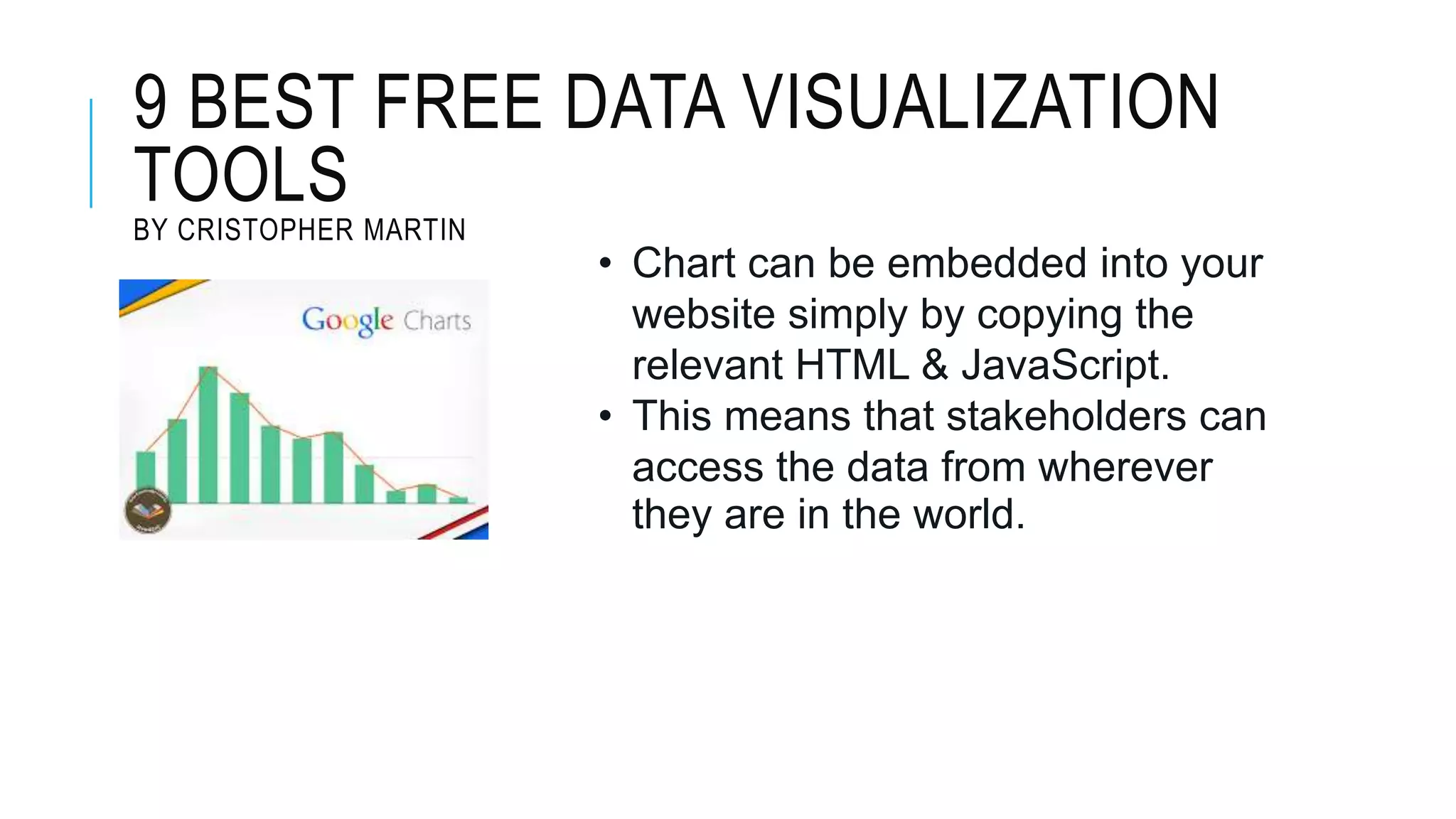
• Chart can be embedded into your
website simply by copying the
relevant HTML & JavaScript.
• This means that stakeholders can
access the data from wherever
they are in the world.
20.
9 BEST FREEDATA VISUALIZATION
TOOLS
BY CRISTOPHER MARTIN
• It is a JavaScript library that
manipulates datasets based on your
conditions, and predefined templates.
• The library is vast and ranges from
simple projects such as box plots to
more complex applications such as
interactive cross filters and Sankey
diagrams.
21.
9 BEST FREEDATA VISUALIZATION
TOOLS
BY CRISTOPHER MARTIN
•RAW is a free application that makes it
easy to use the D3 JavaScript library.
•Simply copy your data into the online
editor, choose a chart type and map your
axis.
•The tool comes with a range of
customization options that allow you to
style each of your creations.
•Allows to use the embed code to add the
graph to your website and show off your
research results.
•The only downside to RAW is the limited
graph library.
•There are currently 16 options to choose
from. However, if you are confident with
JavaScript, you can add your own and
still make use of the WYSIWIG builder to
22.
9 BEST FREEDATA VISUALIZATION
TOOLS
BY CRISTOPHER MARTIN
• Fusion Tables are an experimental app from
Google.
• What makes Fusion Tables unique is the ability to
integrate your data with thousands of
publicly available data sets already hosted on the
Fusion Tables website.
• This collaborative nature allows you to build
stunning visualizations, whilst adding even more
insight to your research by accessing new data.
• Fusion Tables are hosted on your Google Docs
account, meaning you can access them anywhere,
share them with stakeholders and even make
them public for others to build on and use in their
own research projects.
23.
9 BEST FREEDATA VISUALIZATION
TOOLS
BY CRISTOPHER MARTIN • Visualization Free - Online platform
that displays your data in an
advanced visualization supported by
Flash & HTML5.
• It has high degree of customization,
you’ll also benefit from highly
interactive creations that give
viewers the opportunity to edit the
data sets themselves.
24.
9 BEST FREEDATA VISUALIZATION
TOOLS
BY CRISTOPHER MARTIN
• Infogram is the first hybrid data
visualization tool.
• Use it to create both infographics and
standalone charts that have visual impact
and drive stakeholder engagement.
• A free account limits you to 10 creations,
and 10 custom image uploads (as well as
restrictions on how your graphs can be
viewed).
• But, you’ll still get access to 30 templates
and a range of graphs, each of which are
simple to build – saving you precious
time.
25.
9 BEST FREEDATA VISUALIZATION
TOOLS
BY CRISTOPHER MARTIN
• Templates are split into 4
categories: infographics,
reports, posters and
presentations.
• A free account grants you
access to the full editor
functionality, as well as
unlimited creations and
downloads.
26.
9 BEST FREEDATA VISUALIZATION
TOOLS
BY CRISTOPHER MARTIN
• It has a eccentric library of features,
fonts and icons – it’s easy to present
your research findings in an engaging
format.
#6 we can visualize large volumes of data in an understandable and coherent way, which in turn helps us comprehend the information and draw conclusions and insights. This helps us save time and lets us solve problems more efficiently.
These trends make more sense when they are graphically represented; that is, visuals and diagrams make it easier for us to detect highly correlated parameters. Some relationships are obvious, but others must be identified and highlighted to help our customers focus on a specific data point, which may influence the decisions they make.
since discerning trends in the data gives us a competitive advantage when it comes to factors that may be affecting product quality, or that may help us solve larger problems.
People want evidence of underlying analysis; even if they don’t understand the breakdown of the analytics, they want evidence that there is data behind it, because these stories are more convincing than a mere personal