Download to read offline

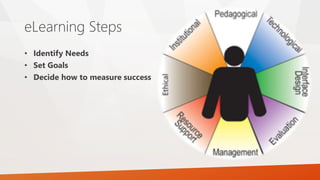
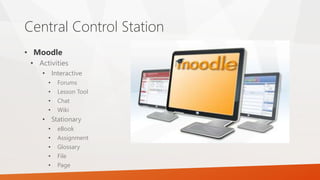
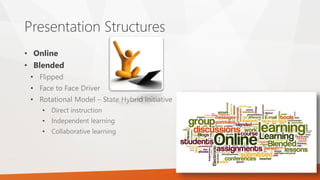
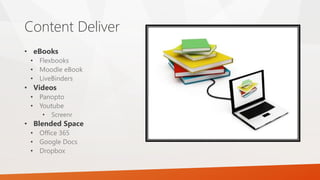
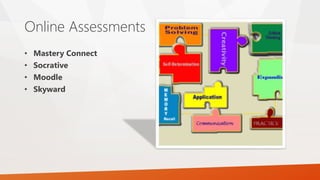

This document provides guidance on creating effective eLearning by outlining key steps and considerations. It recommends identifying learner needs, setting goals, and deciding how to measure success. It then discusses available resources like devices, content, and student experience. Various eLearning tools and platforms are presented, such as Moodle for activities, forums, and assignments. Different presentation structures like online, blended, and flipped classroom models are covered. The document concludes by encouraging the development of an action plan with measurable goals and associated student activities.


![2.[8 12]developing teaching material for e-learning environment](https://cdn.slidesharecdn.com/ss_thumbnails/2-8-12developingteachingmaterialfore-learningenvironment-111118182158-phpapp02-thumbnail.jpg?width=640&height=640&fit=bounds)


