Connecting the Distant Learner
Time left to mute again after making noise
Setting Ground Rules
• You have realized that creating noise is required but not always.
• Set ground rules in the beginning for better communication.
Participants will use Chat option for all communications.
To show willingness to speak, type : ‘Q please.’
When the presenter gives permission, the participant can speak.
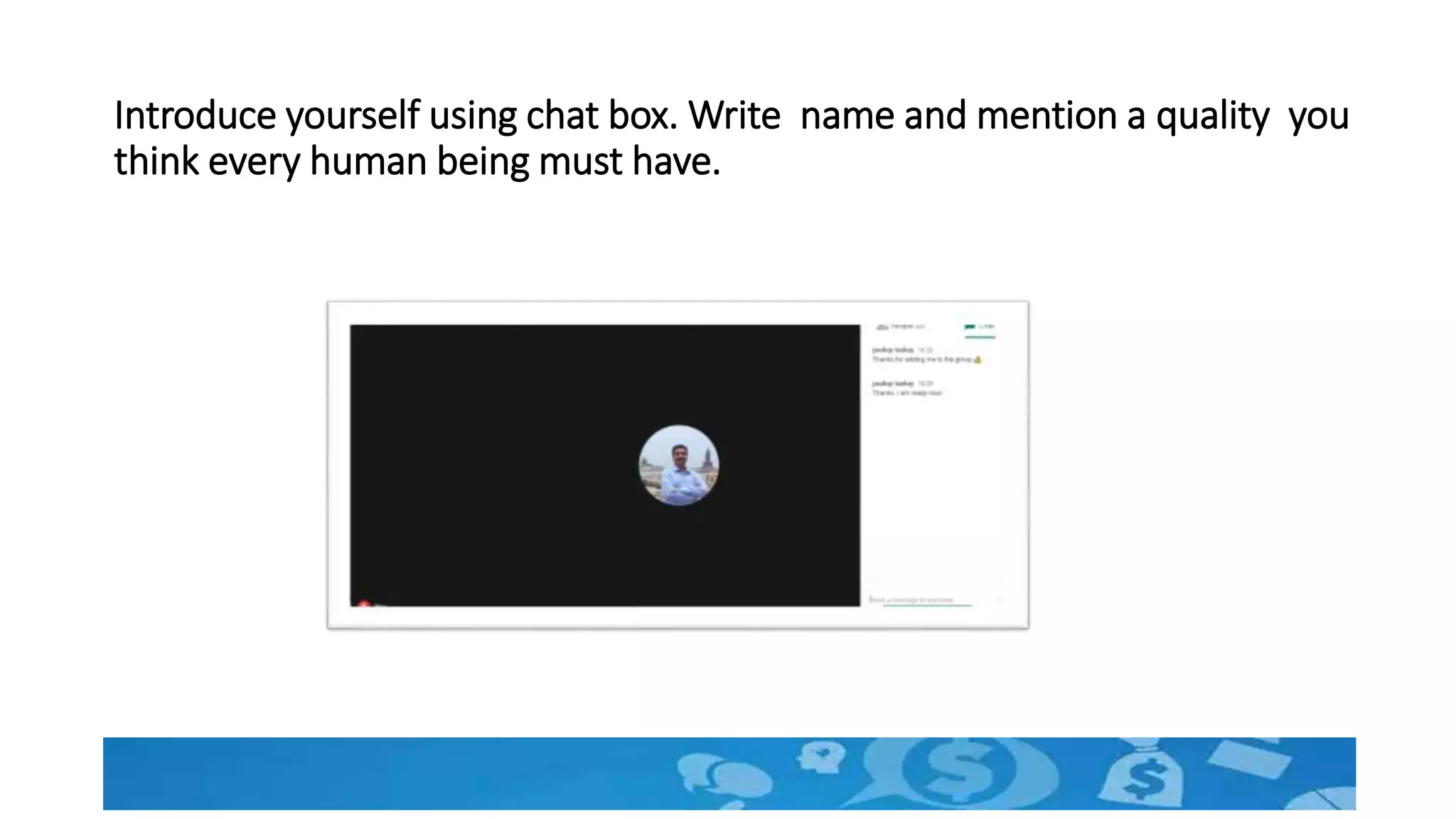
Introduce yourself using chat box. Write name and mention a quality you
think every human being must have.
Know the distant learners
Know the learner
• Skills and Knowledge required for effective participation
• Resources available for participation
• Motivation level
Learner should be Ready…..Create readiness.
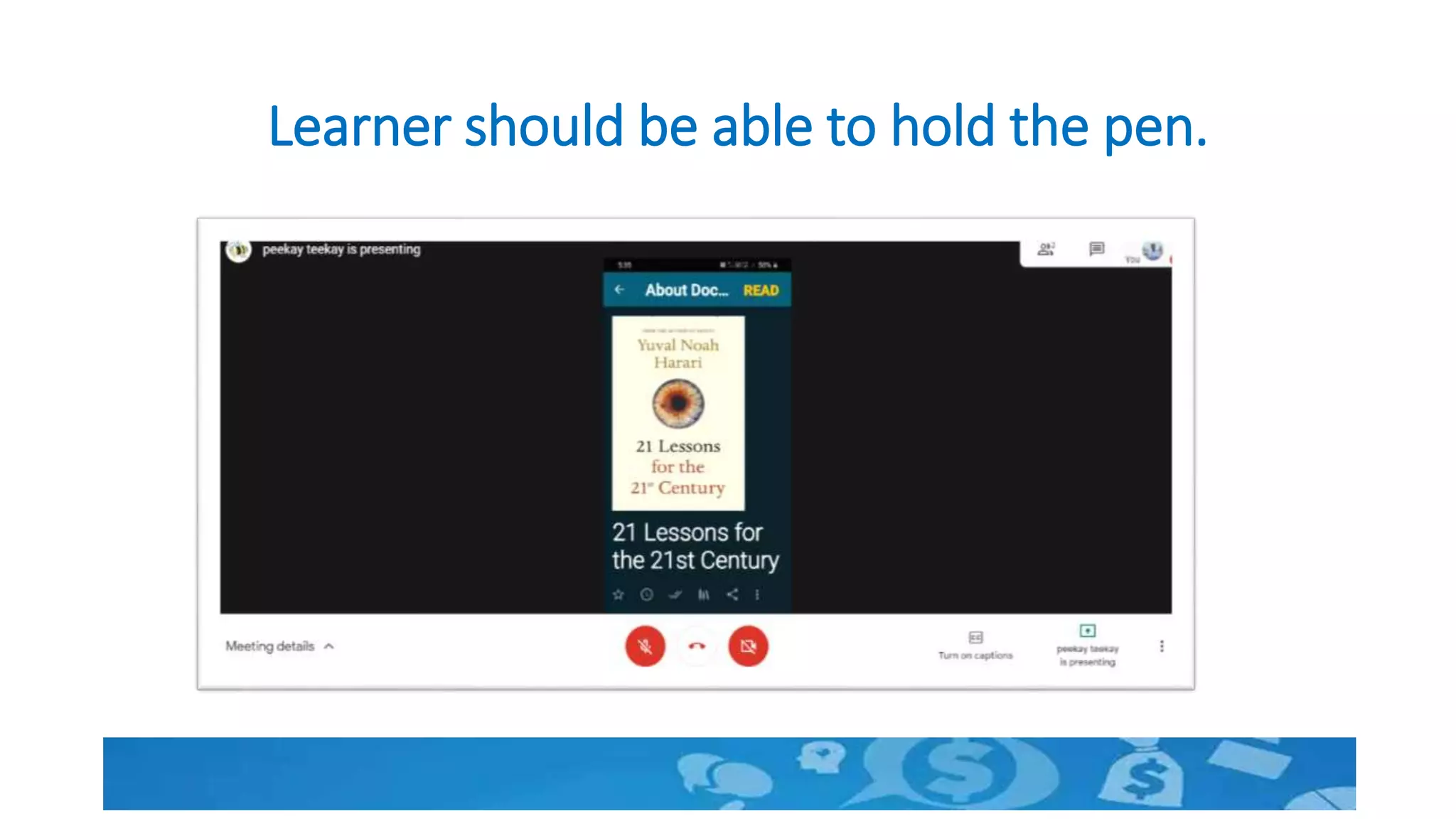
Learner should be able to hold the pen.
Address Isolation of the distant learner
• One topic related to use of technology will be shared in next slide.
• Use only chat box for expressing your ideas.
• Presenter will request some of you to explain if needed.
• We will discuss after 20 seconds
What is the most important challenge in conducting
online sessions using Google meet?
Write down only one point in the chat box.
Time left
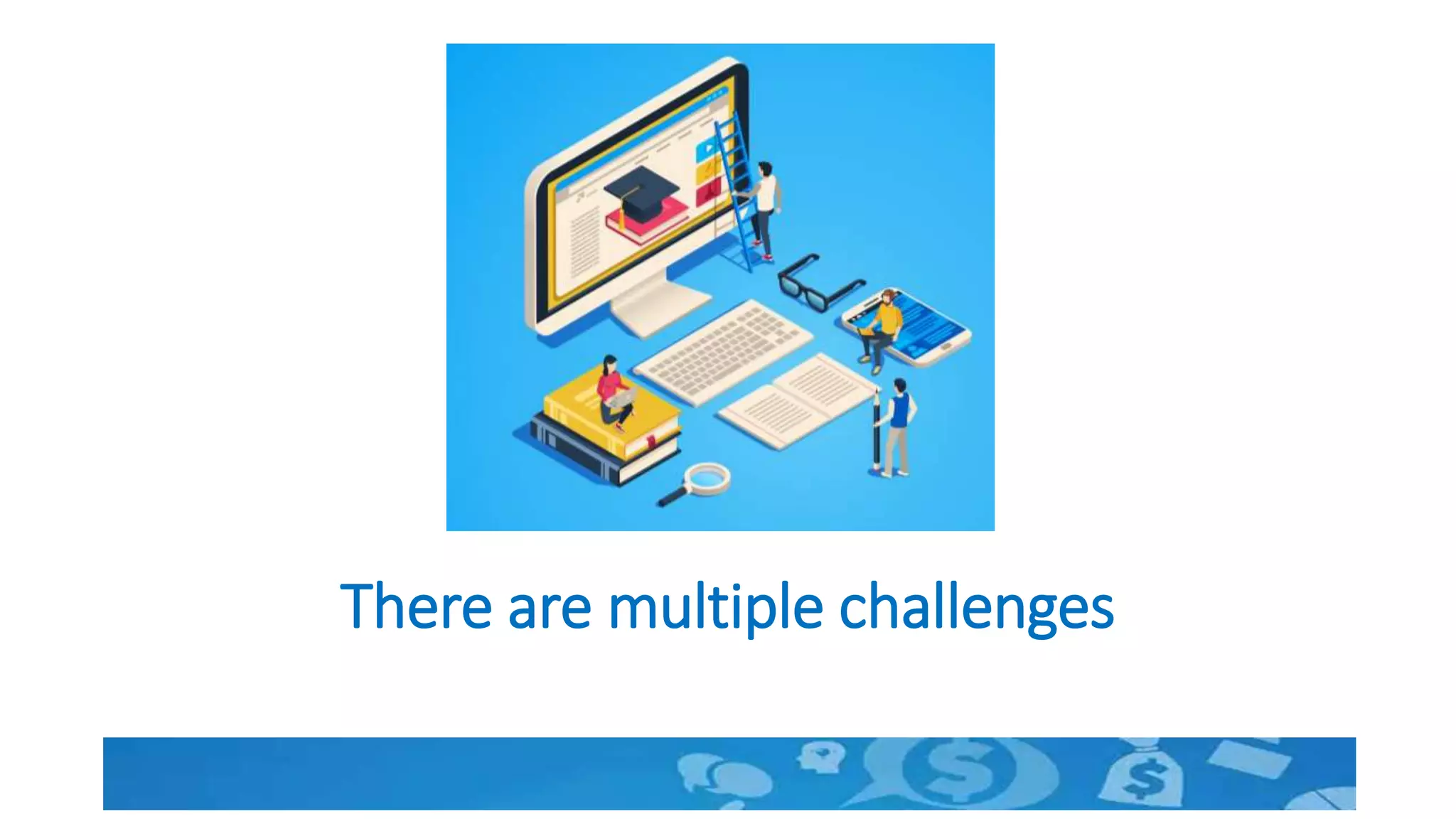
There are multiple challenges
Group Learning in the online world
• A jamboard is very useful. But we will discuss that later considering
some of you are new to the tool
• Create WhatsApp groups as per requirement
• Name the groups and inform the participants in advance.
• Group members may interact using whatsapp and one member may
be allowed to present.
Learner engagement- Flip mode
• Learners have resources like pen, pencil, geometry box, books and
other house hold items.
• One can easily conduct guided activities in a flip mode
• Let us see how to conduct a small activity.
• A Science experiment is taken for demonstration by each student
• Similarly any training activity can be conducted
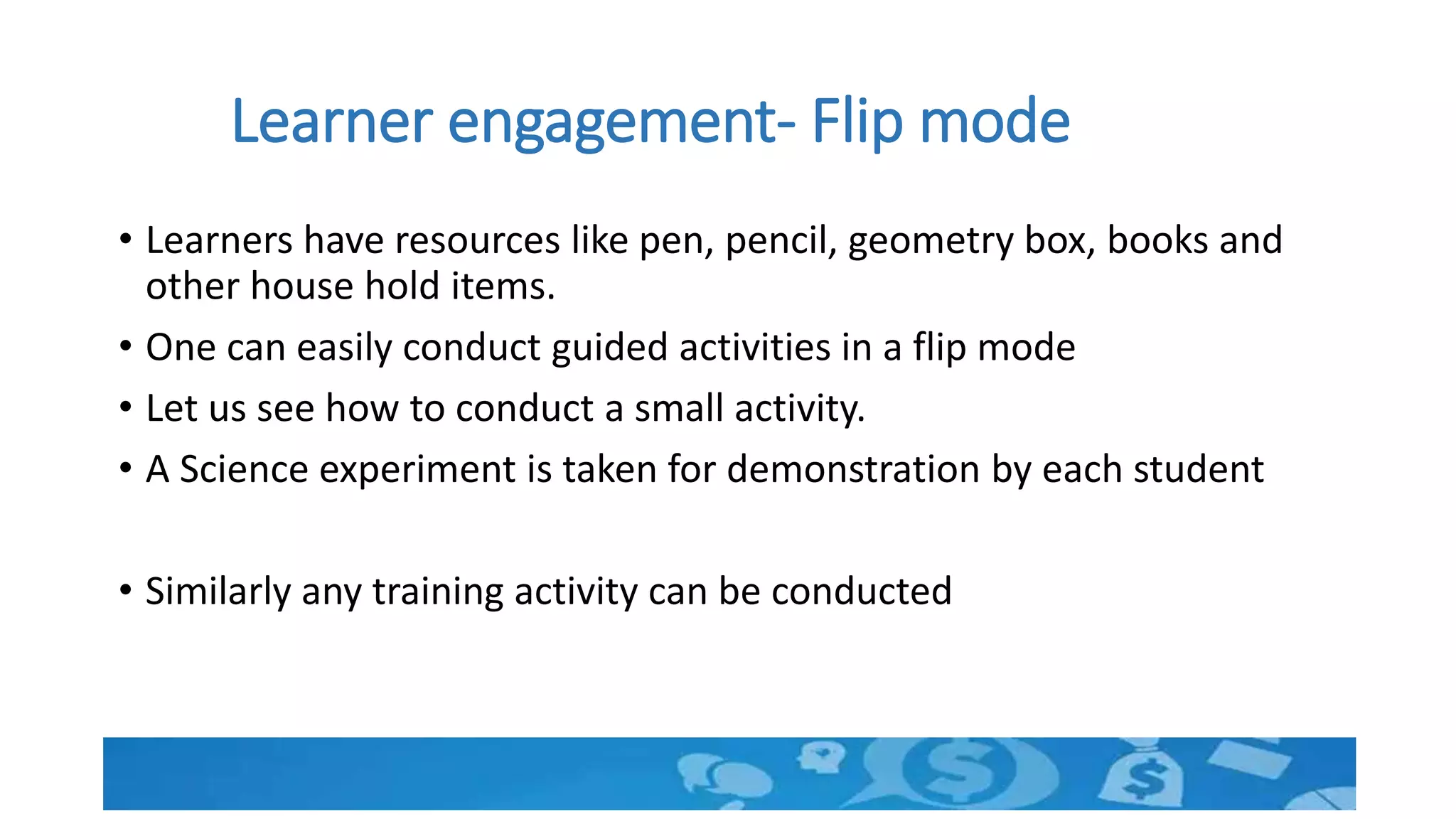
Preparation
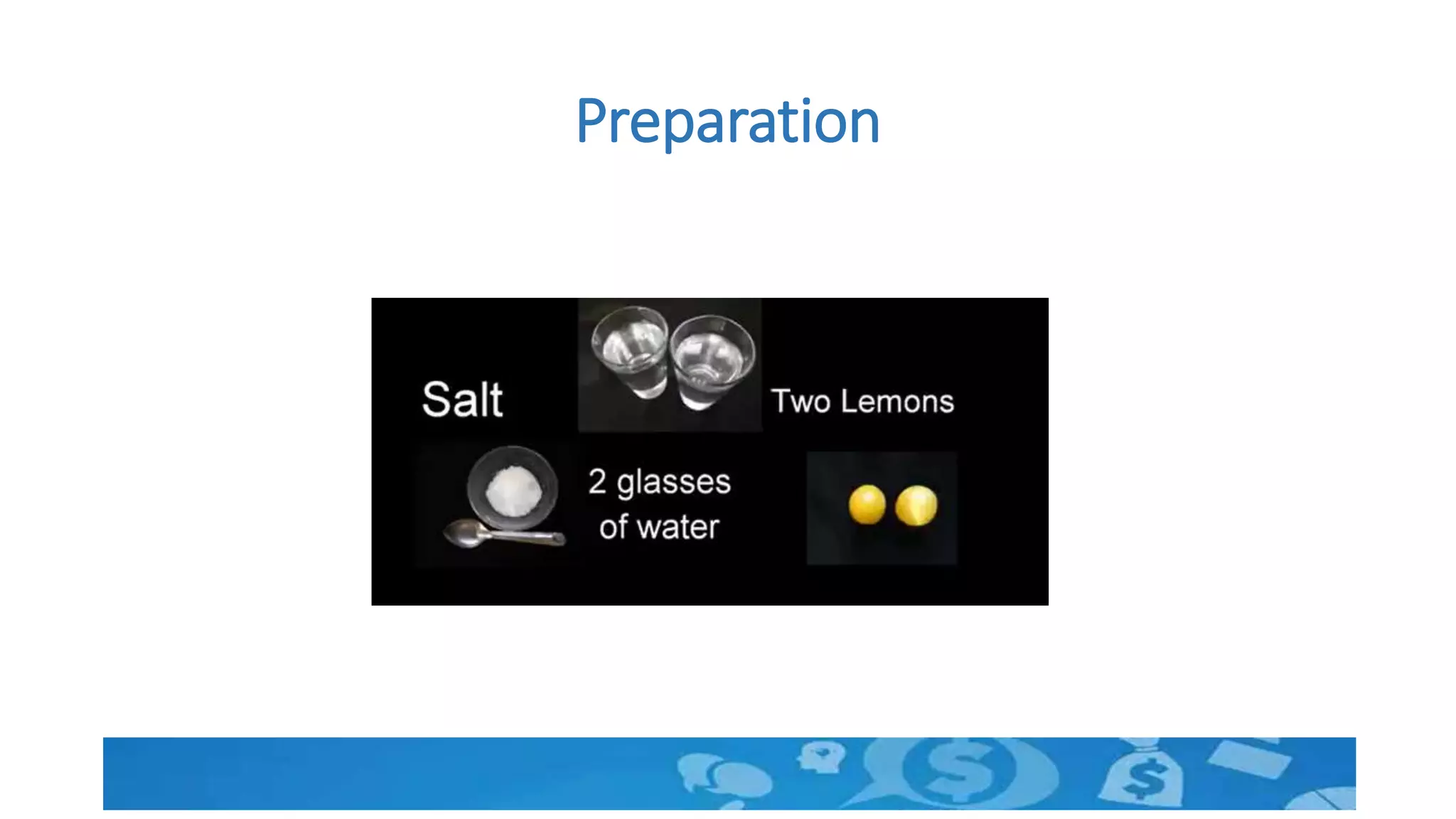
Drop the lemon in water and observe
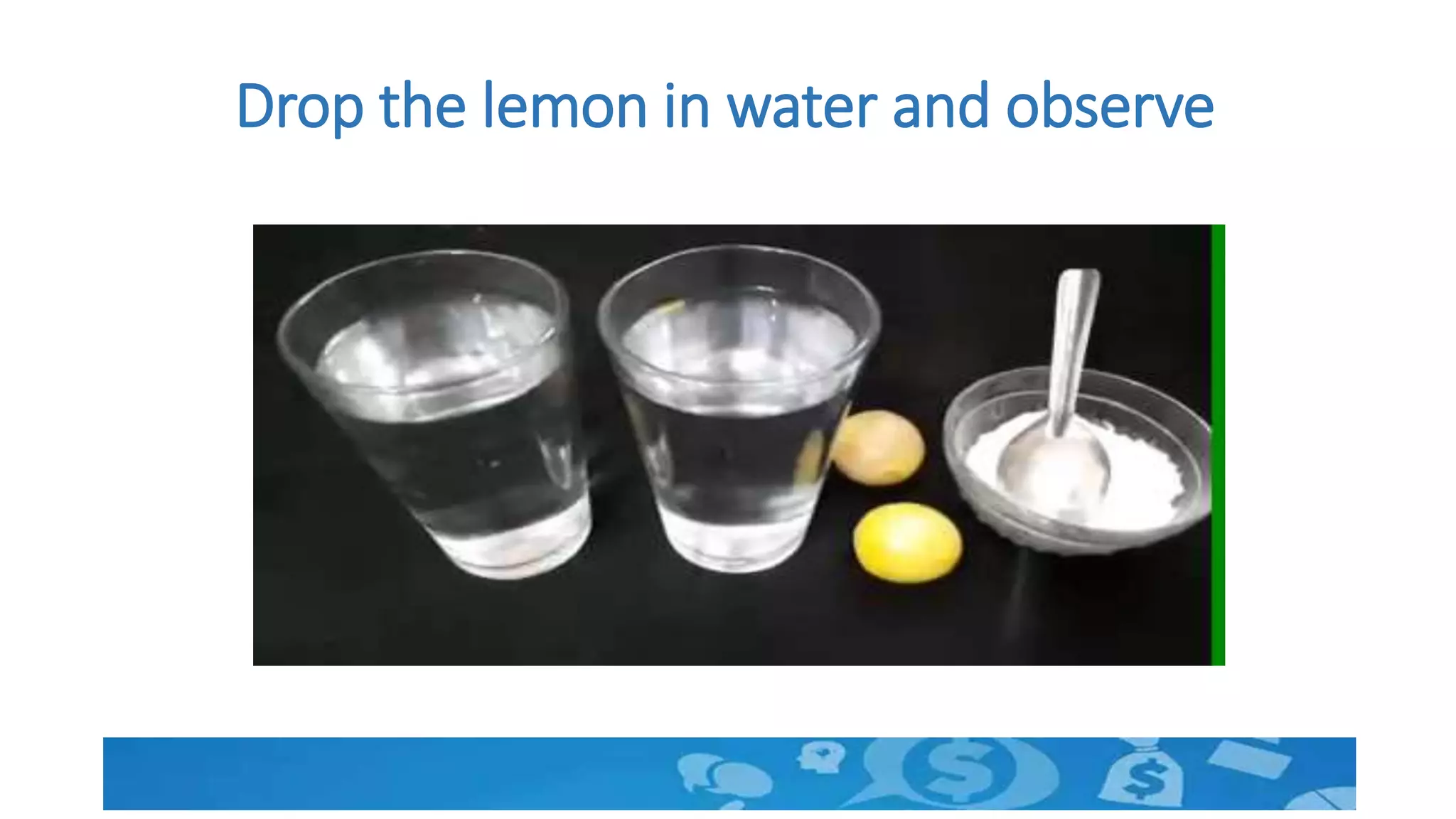
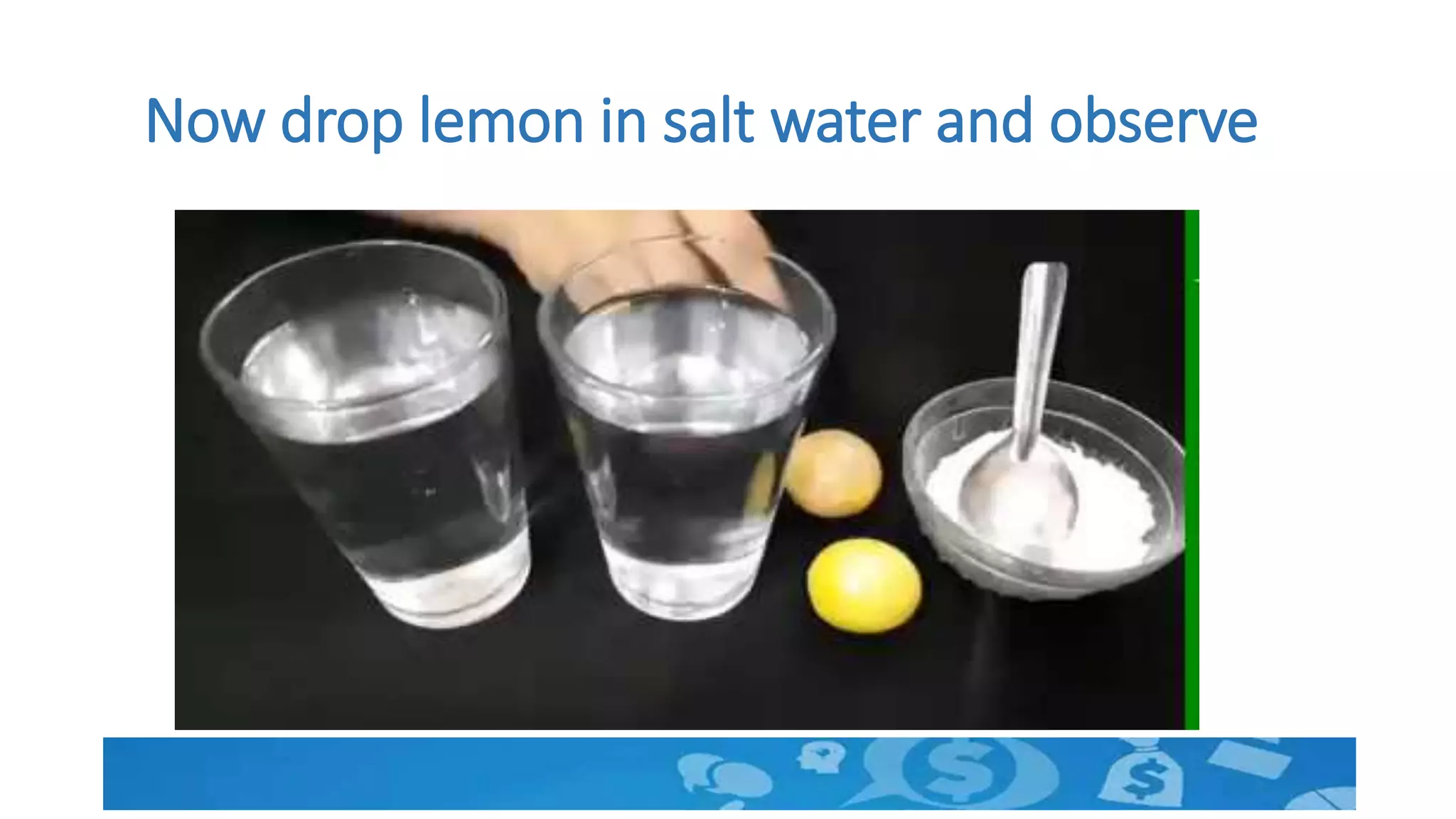
Now drop lemon in salt water and observe
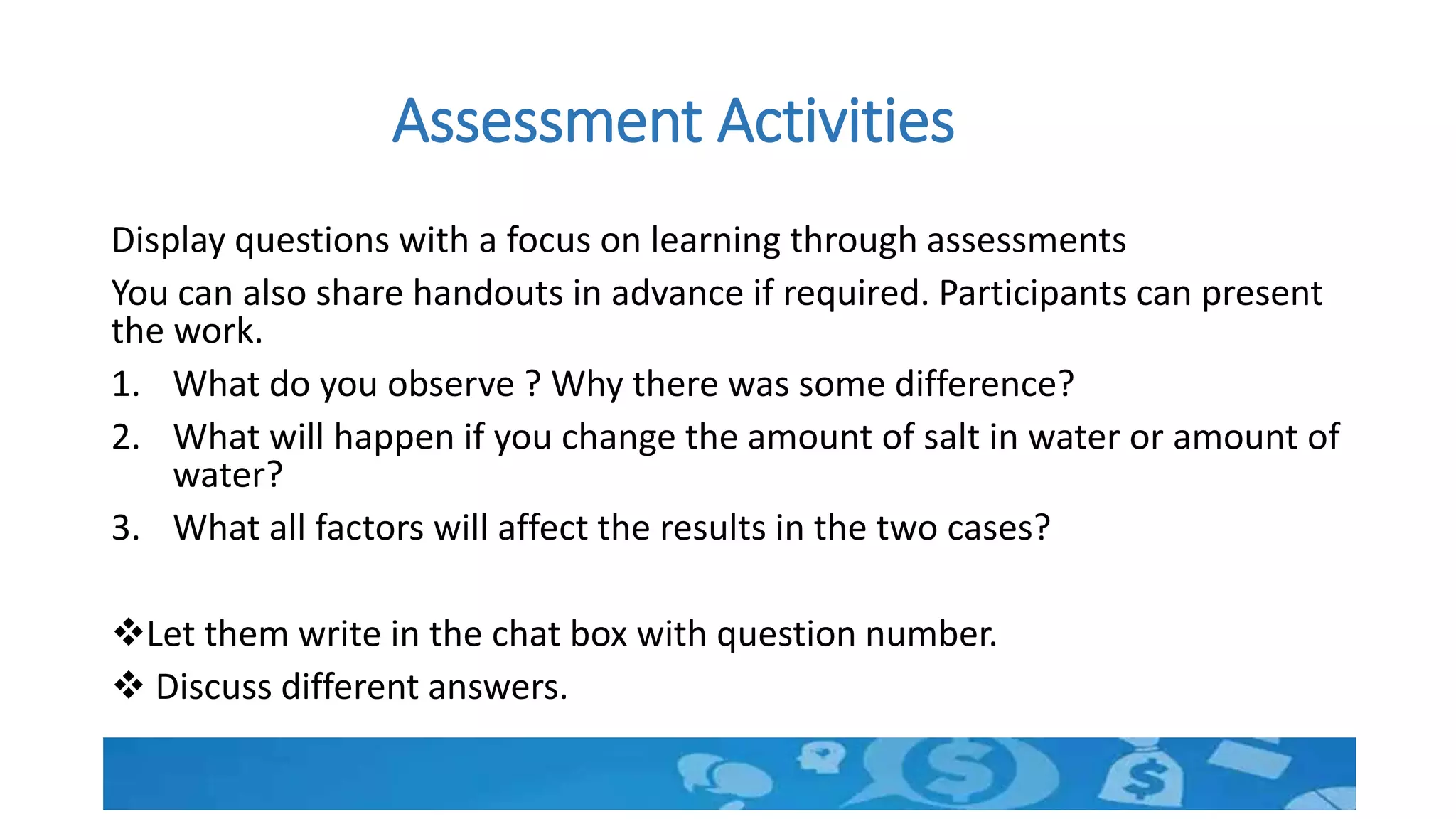
Assessment Activities
Display questions with a focus on learning through assessments
You can also share handouts in advance if required. Participants can present
the work.
1. What do you observe ? Why there was some difference?
2. What will happen if you change the amount of salt in water or amount of
water?
3. What all factors will affect the results in the two cases?
Let them write in the chat box with question number.
 Discuss different answers.
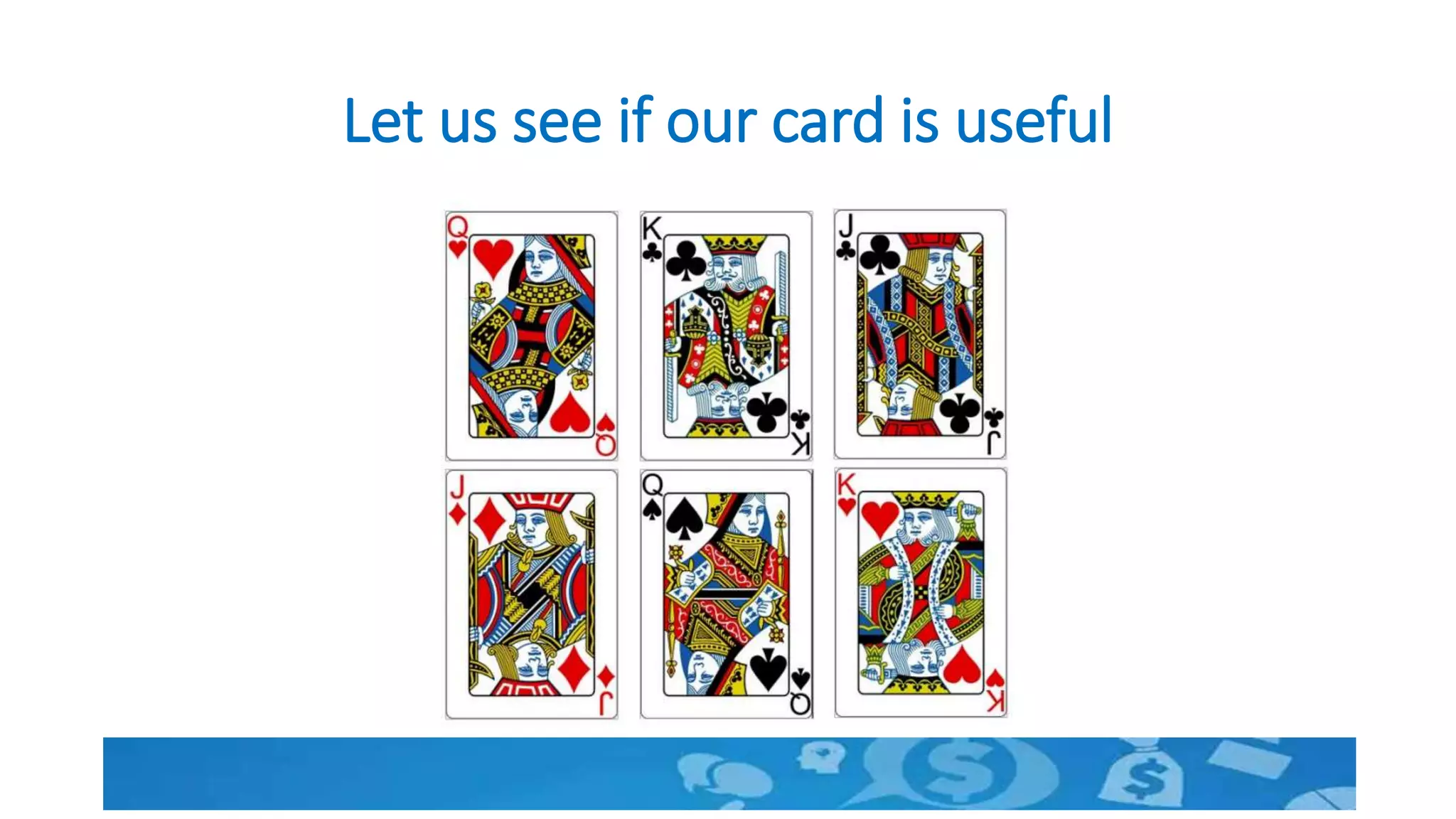
Let us see if our card is useful
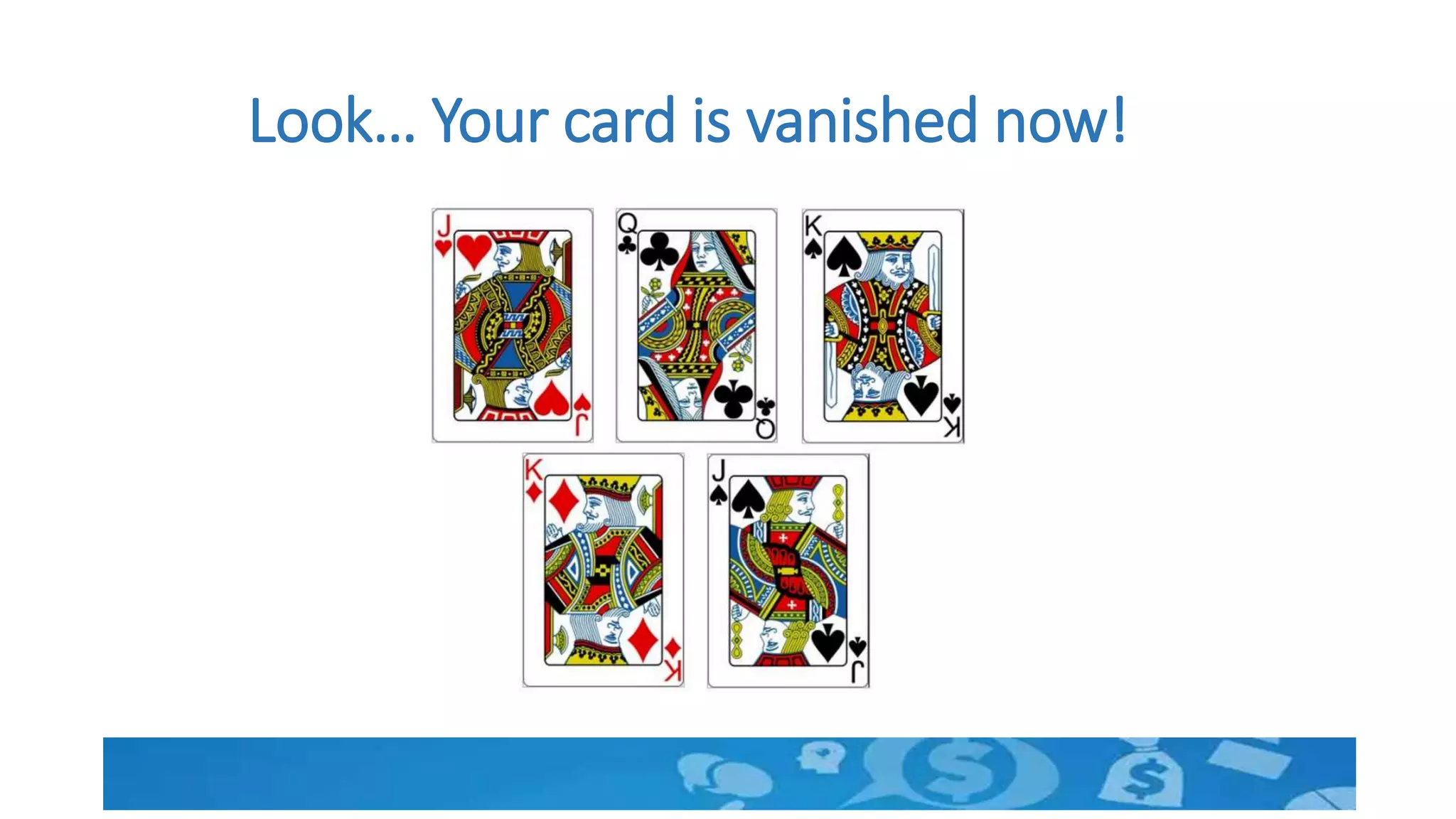
Look… Your card is vanished now!
Nothing vanished…Strategies are same.
• Simple to Complex
• Easy to Difficult
• Rule –example-Rule model
• Constructivism
• Use of sense organs
• Experiential learning
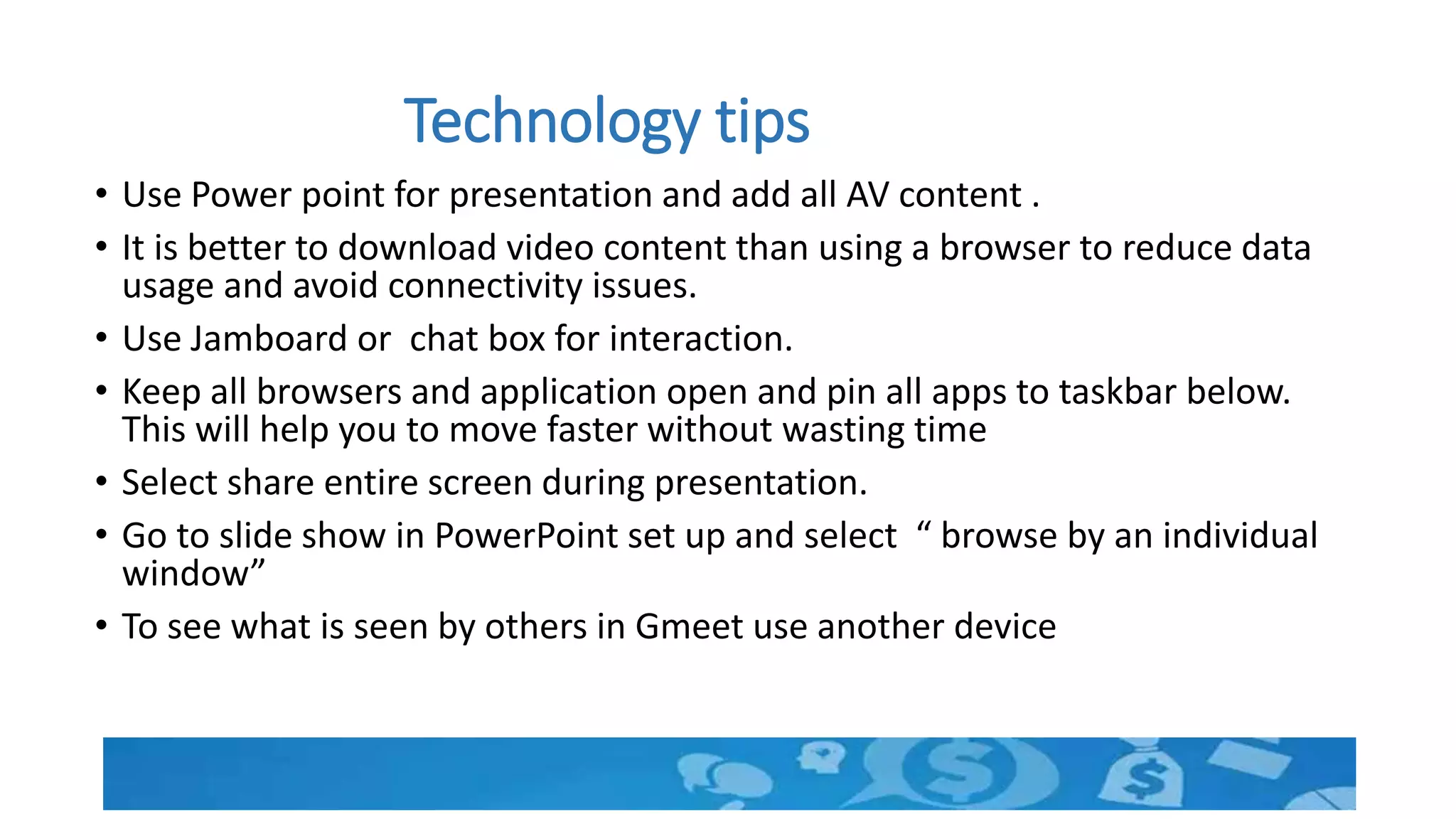
Technology tips
• Use Power point for presentation and add all AV content .
• It is better to download video content than using a browser to reduce data
usage and avoid connectivity issues.
• Use Jamboard or chat box for interaction.
• Keep all browsers and application open and pin all apps to taskbar below.
This will help you to move faster without wasting time
• Select share entire screen during presentation.
• Go to slide show in PowerPoint set up and select “ browse by an individual
window”
• To see what is seen by others in Gmeet use another device
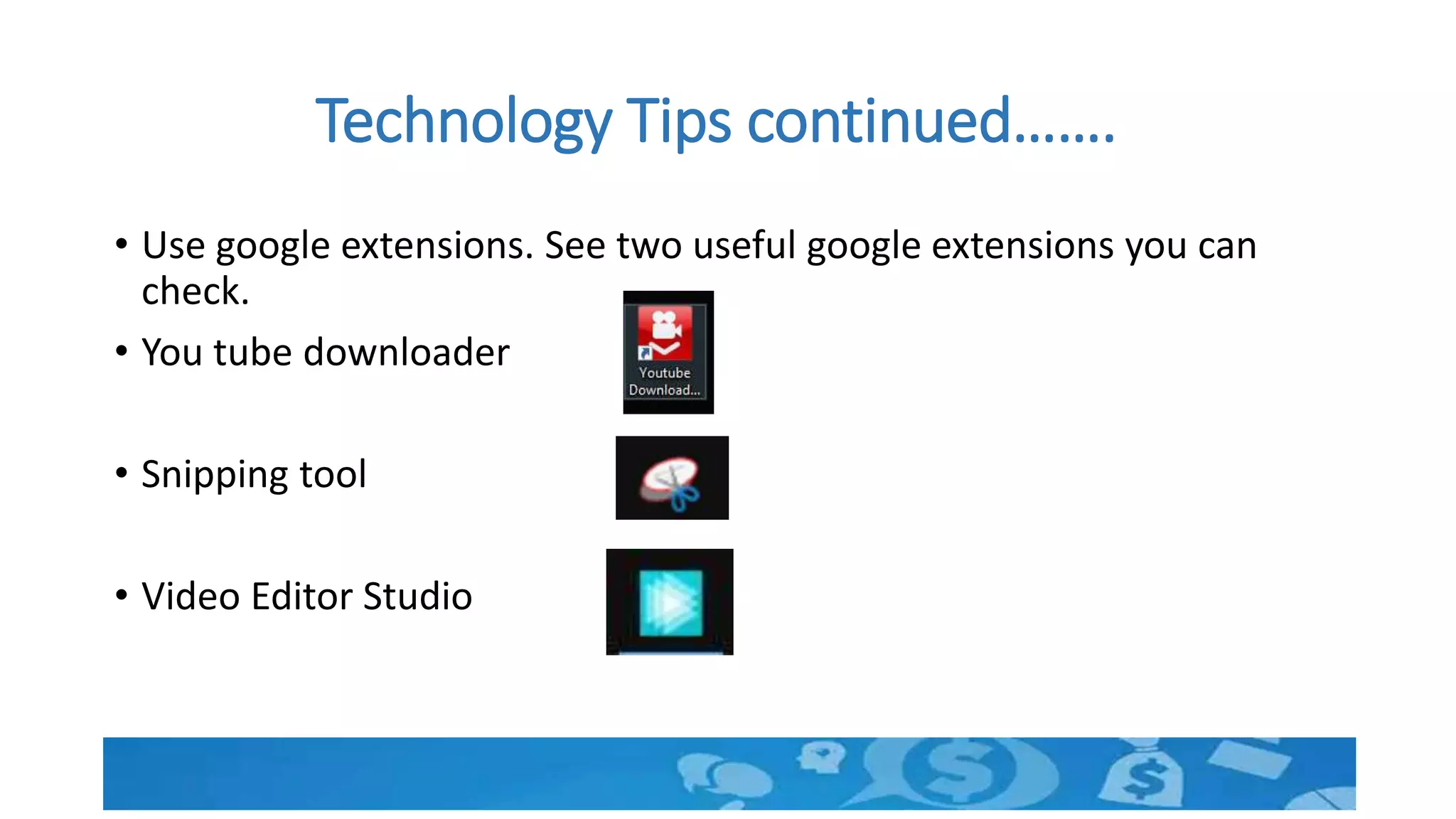
Technology Tips continued…….
• Use google extensions. See two useful google extensions you can
check.
• You tube downloader
• Snipping tool
• Video Editor Studio
Using the Jamboard
• Jamboard is a white board which can be used by all
• login to https://jamboard.google.com/ using your
gmail
• Now click on the link shared in the chat box
See…We have done all that is required
• Warming up activity and ice breaking
• Group activity
• Individual activity
• Brainstorming or Discussion or D’`ebate
• Question Answer Session
• Assessment
• Audio Visual presentation and use of white board
• Class control
Remember to ……
• ensure required online skills and material before the
session.
• address the isolation of the learner
• set ground rules and ensure maximum productivity.
• keep in mind the limitations of online mode and act
on its strengths.
• adapt ice breakers, energizers, assessments, activities
to suite the resources available and skills of learners.
• continuously sharpen our tools
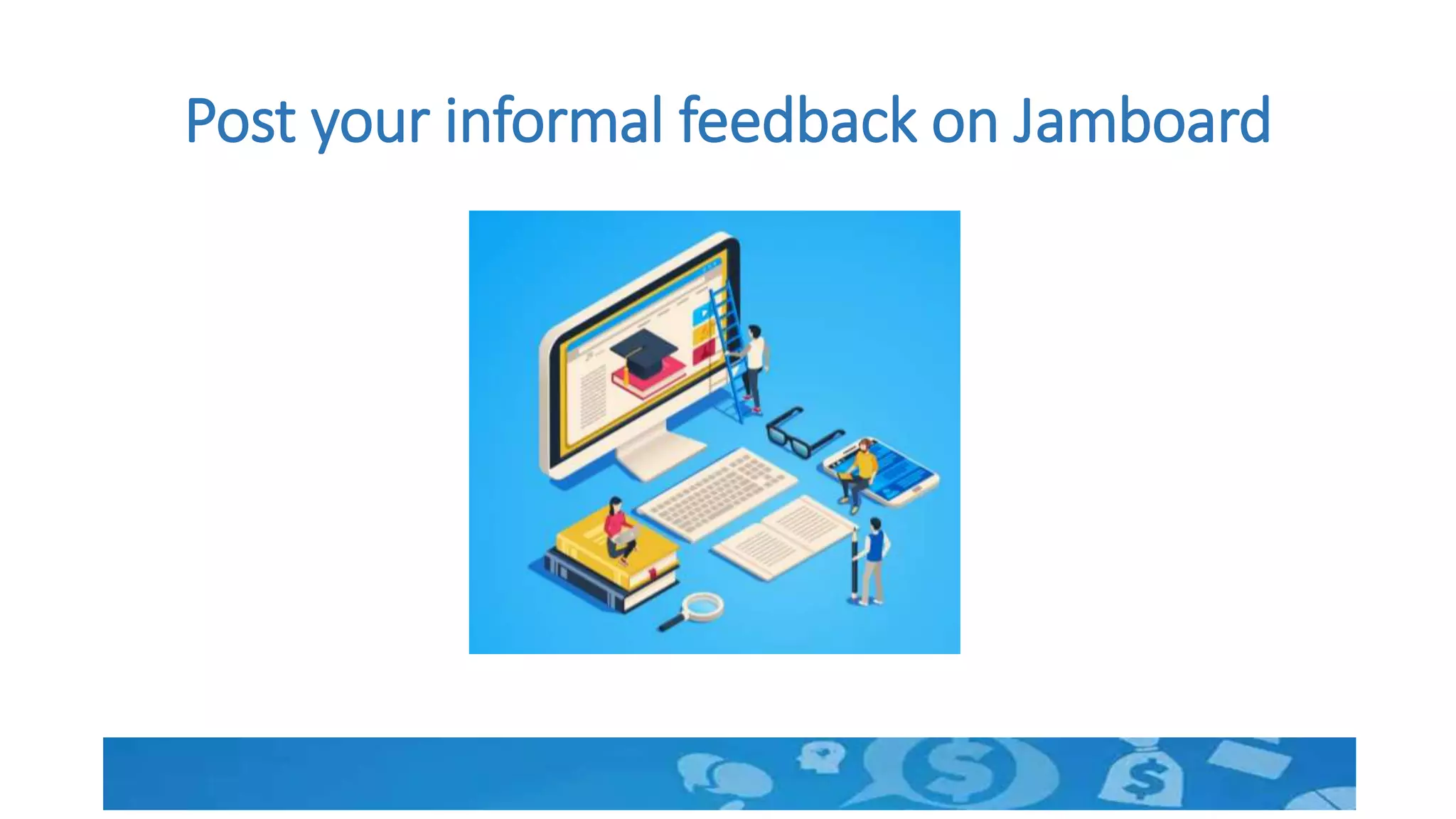
Post your informal feedback on Jamboard
Thank You. The house is open now.

Connecting distant learners

  • 1.
  • 2.
    Time left tomute again after making noise
  • 3.
    Setting Ground Rules •You have realized that creating noise is required but not always. • Set ground rules in the beginning for better communication. Participants will use Chat option for all communications. To show willingness to speak, type : ‘Q please.’ When the presenter gives permission, the participant can speak.
  • 4.
    Introduce yourself usingchat box. Write name and mention a quality you think every human being must have.
  • 5.
  • 6.
    Know the learner •Skills and Knowledge required for effective participation • Resources available for participation • Motivation level Learner should be Ready…..Create readiness.
  • 7.
    Learner should beable to hold the pen.
  • 8.
    Address Isolation ofthe distant learner • One topic related to use of technology will be shared in next slide. • Use only chat box for expressing your ideas. • Presenter will request some of you to explain if needed. • We will discuss after 20 seconds
  • 9.
    What is themost important challenge in conducting online sessions using Google meet? Write down only one point in the chat box.
  • 10.
  • 11.
  • 12.
    Group Learning inthe online world • A jamboard is very useful. But we will discuss that later considering some of you are new to the tool • Create WhatsApp groups as per requirement • Name the groups and inform the participants in advance. • Group members may interact using whatsapp and one member may be allowed to present.
  • 13.
    Learner engagement- Flipmode • Learners have resources like pen, pencil, geometry box, books and other house hold items. • One can easily conduct guided activities in a flip mode • Let us see how to conduct a small activity. • A Science experiment is taken for demonstration by each student • Similarly any training activity can be conducted
  • 14.
  • 15.
    Drop the lemonin water and observe
  • 16.
    Now drop lemonin salt water and observe
  • 17.
    Assessment Activities Display questionswith a focus on learning through assessments You can also share handouts in advance if required. Participants can present the work. 1. What do you observe ? Why there was some difference? 2. What will happen if you change the amount of salt in water or amount of water? 3. What all factors will affect the results in the two cases? Let them write in the chat box with question number.  Discuss different answers.
  • 18.
    Let us seeif our card is useful
  • 19.
    Look… Your cardis vanished now!
  • 20.
    Nothing vanished…Strategies aresame. • Simple to Complex • Easy to Difficult • Rule –example-Rule model • Constructivism • Use of sense organs • Experiential learning
  • 21.
    Technology tips • UsePower point for presentation and add all AV content . • It is better to download video content than using a browser to reduce data usage and avoid connectivity issues. • Use Jamboard or chat box for interaction. • Keep all browsers and application open and pin all apps to taskbar below. This will help you to move faster without wasting time • Select share entire screen during presentation. • Go to slide show in PowerPoint set up and select “ browse by an individual window” • To see what is seen by others in Gmeet use another device
  • 22.
    Technology Tips continued……. •Use google extensions. See two useful google extensions you can check. • You tube downloader • Snipping tool • Video Editor Studio
  • 23.
    Using the Jamboard •Jamboard is a white board which can be used by all • login to https://jamboard.google.com/ using your gmail • Now click on the link shared in the chat box
  • 25.
    See…We have doneall that is required • Warming up activity and ice breaking • Group activity • Individual activity • Brainstorming or Discussion or D’`ebate • Question Answer Session • Assessment • Audio Visual presentation and use of white board • Class control
  • 26.
    Remember to …… •ensure required online skills and material before the session. • address the isolation of the learner • set ground rules and ensure maximum productivity. • keep in mind the limitations of online mode and act on its strengths. • adapt ice breakers, energizers, assessments, activities to suite the resources available and skills of learners. • continuously sharpen our tools
  • 27.
    Post your informalfeedback on Jamboard
  • 28.
    Thank You. Thehouse is open now.

Editor's Notes

  • #2 Namaskaram….Thanks that majority of you have muted your microphone. Rest I have muted. The time has come for us to be with learners at distance. Connection is therefore very important
  • #3 Let us connect to each other first. All of you will unmute and say high to each other and enquire about their well being together. You are given 20 seconds to do so.
  • #4 You may be wondering as how by muting we can interact.
  • #8 Imagine there are learners, who cannot use the tools of learning. How effective will be your class. All the participants must be well versed with the tools. Otherwise it will be distraction. Let us see the tabs on google meet.
  • #9 You can see that one of the most important challenge in online mode is to conduct a group activity. Here we are going to demonstrate one. Using jamboard. You will write your name also in jamboard. Will ask one of you to summarise your points.
  • #12 We have already resolved some. You see first activity of switching on or off the mike is an ice breaker activity customized for online mode. You have just now expressed yourself, each one getting an opprutnity at a time.
  • #14 Another issue is conducting individual activities and how to monitor those activities. Let us see.
  • #15 One has to ensure that the items are available advance. You can also conduct a physical activity. Let there be some space for the participants to think and act. Do not tell everything.
  • #18 Assessment is a tool for learning. You can also effectively use chat box for your answers. But the students may copy and write. Therefore the question should be open ended and creative. A google form shared in the chat will help in getting individual inputs. You can also use a jamboard.
  • #19 Keep in mind one of the cards from the given cards. Do not share with us. If you are not sure about your memory note down. OK
  • #20 I am going to unmute one of you to explain what happned… Yes…………Here I have unmuted.
  • #23 Fast operations will help you avoid distractions
  • #24 The video highlights why the skills to use technology is as important as the technology itself. We also need to come out of stone age to use lighter and a tyre in place of fire and wheel. Let us all individually reflect on the challenges posed by online environment. You will not speak but will write using jamboard
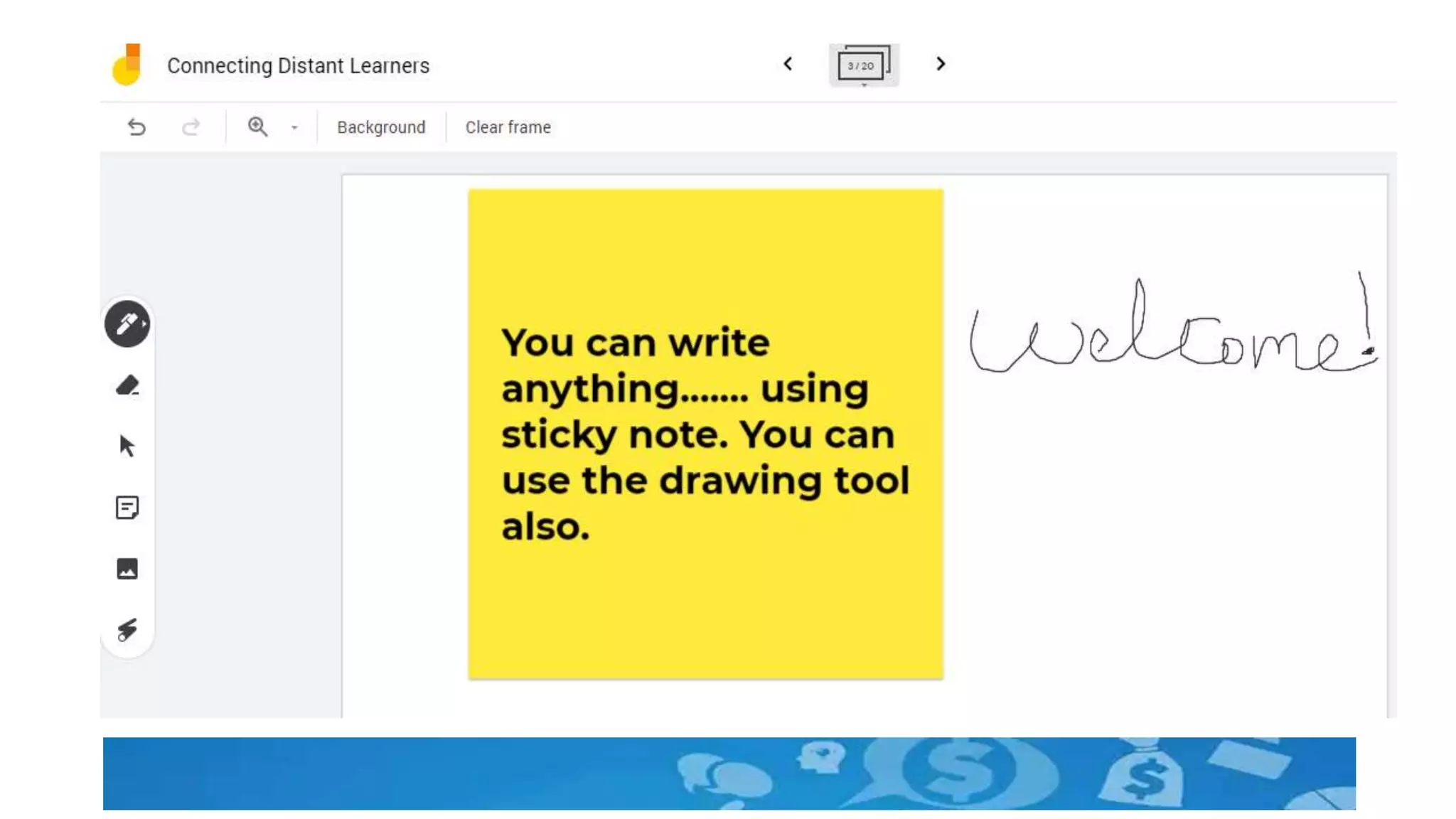
  • #25 Let us know about jamboard. See the icons. It is simple to use. We will use this to note our ideas now. You can share a handout here in the form of an image. Members can paste sticky notes with responses and name. Each one for a participant.