#techtuesdays
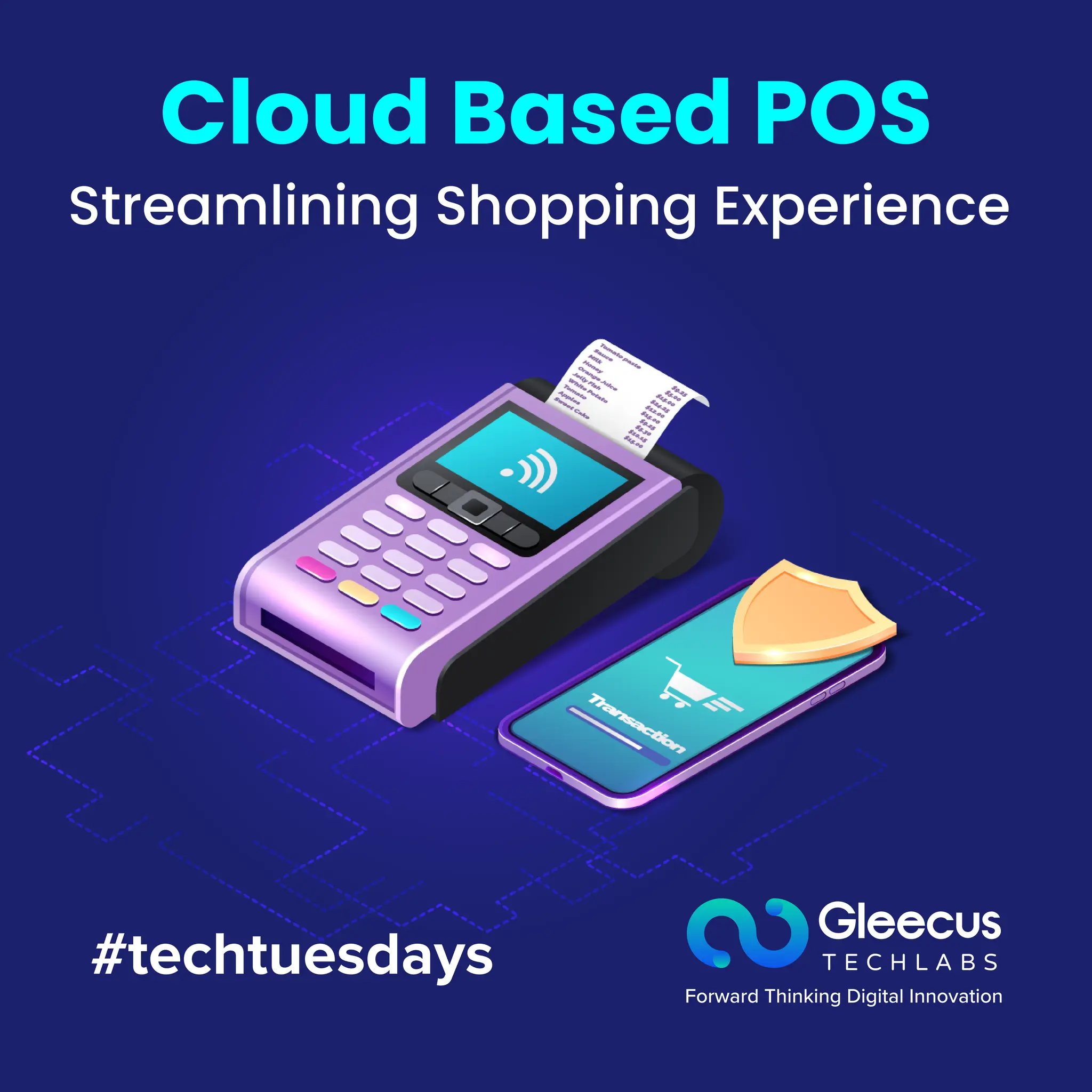
Cloud Based POS
Streamlining Shopping Experience
#techtuesdays
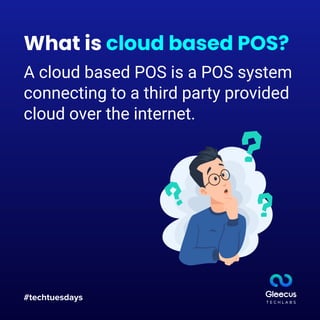
What is cloud based POS?
A cloud based POS is a POS system
connecting to a third party provided
cloud over the internet.
#techtuesdays
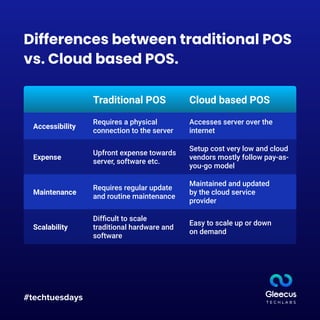
Differences between traditional POS
vs. Cloud based POS.
Traditional POS
Accessibility
Expense
Maintenance
Scalability
Cloud based POS
Requires a physical
connection to the server
Upfront expense towards
server, software etc.
Requires regular update
and routine maintenance
Difficult to scale
traditional hardware and
software
Maintained and updated
by the cloud service
provider
Easy to scale up or down
on demand
Accesses server over the
internet
Setup cost very low and cloud
vendors mostly follow pay-as-
you-go model
#techtuesdays
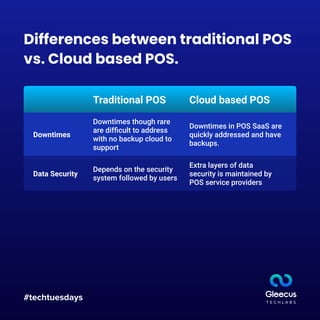
Traditional POS
Downtimes
Cloud based POS
Downtimes though rare
are difficult to address
with no backup cloud to
support
Data Security
Depends on the security
system followed by users
Extra layers of data
security is maintained by
POS service providers
Downtimes in POS SaaS are
quickly addressed and have
backups.
Differences between traditional POS
vs. Cloud based POS.
#techtuesdays
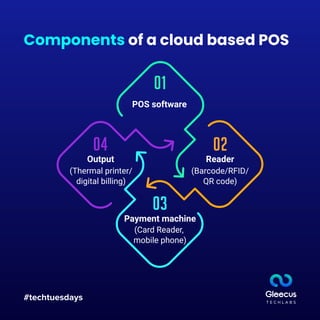
Components of a cloud based POS
POS software
Reader
Payment machine
Output
(Barcode/RFID/
QR code)
(Card Reader,
mobile phone)
(Thermal printer/
digital billing)
#techtuesdays
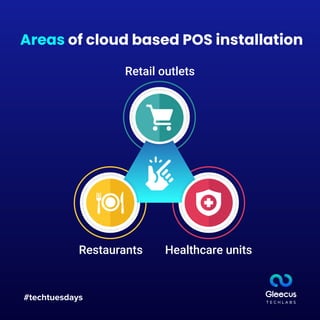
Areas of cloud based POS installation
Restaurants
Retail outlets
Healthcare units
#techtuesdays
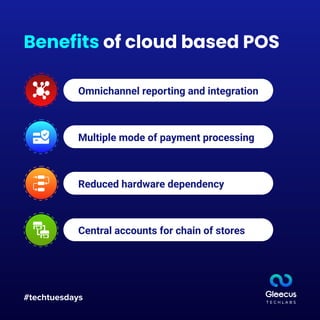
Benefits of cloud based POS
Omnichannel reporting and integration
Multiple mode of payment processing
Reduced hardware dependency
Central accounts for chain of stores
#techtuesdays
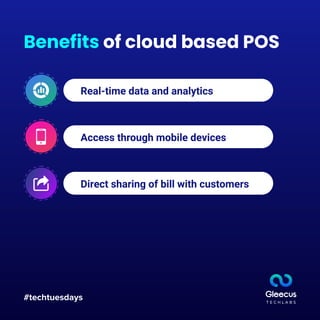
Benefits of cloud based POS
Real-time data and analytics
Access through mobile devices
Direct sharing of bill with customers
Thank you for
your time.
#techtuesdays www.Gleecus.com
hello@gleecus.com
Contact us:

Cloud Based POS Streamlining Shopping Experience

  • 1.
  • 2.
    #techtuesdays What is cloudbased POS? A cloud based POS is a POS system connecting to a third party provided cloud over the internet.
  • 3.
    #techtuesdays Differences between traditionalPOS vs. Cloud based POS. Traditional POS Accessibility Expense Maintenance Scalability Cloud based POS Requires a physical connection to the server Upfront expense towards server, software etc. Requires regular update and routine maintenance Difficult to scale traditional hardware and software Maintained and updated by the cloud service provider Easy to scale up or down on demand Accesses server over the internet Setup cost very low and cloud vendors mostly follow pay-as- you-go model
  • 4.
    #techtuesdays Traditional POS Downtimes Cloud basedPOS Downtimes though rare are difficult to address with no backup cloud to support Data Security Depends on the security system followed by users Extra layers of data security is maintained by POS service providers Downtimes in POS SaaS are quickly addressed and have backups. Differences between traditional POS vs. Cloud based POS.
  • 5.
    #techtuesdays Components of acloud based POS POS software Reader Payment machine Output (Barcode/RFID/ QR code) (Card Reader, mobile phone) (Thermal printer/ digital billing)
  • 6.
    #techtuesdays Areas of cloudbased POS installation Restaurants Retail outlets Healthcare units
  • 7.
    #techtuesdays Benefits of cloudbased POS Omnichannel reporting and integration Multiple mode of payment processing Reduced hardware dependency Central accounts for chain of stores
  • 8.
    #techtuesdays Benefits of cloudbased POS Real-time data and analytics Access through mobile devices Direct sharing of bill with customers
  • 9.
    Thank you for yourtime. #techtuesdays www.Gleecus.com hello@gleecus.com Contact us: