Find VisualBee on Your PowerPoint Ribbon1Click on the Enhance Presentation Button and Register2Welcome toJohn Doejohnny@visualbee.comjohnny@visualbee.comStart Enhancing Presentations with Ease! Try this presentation for a start3
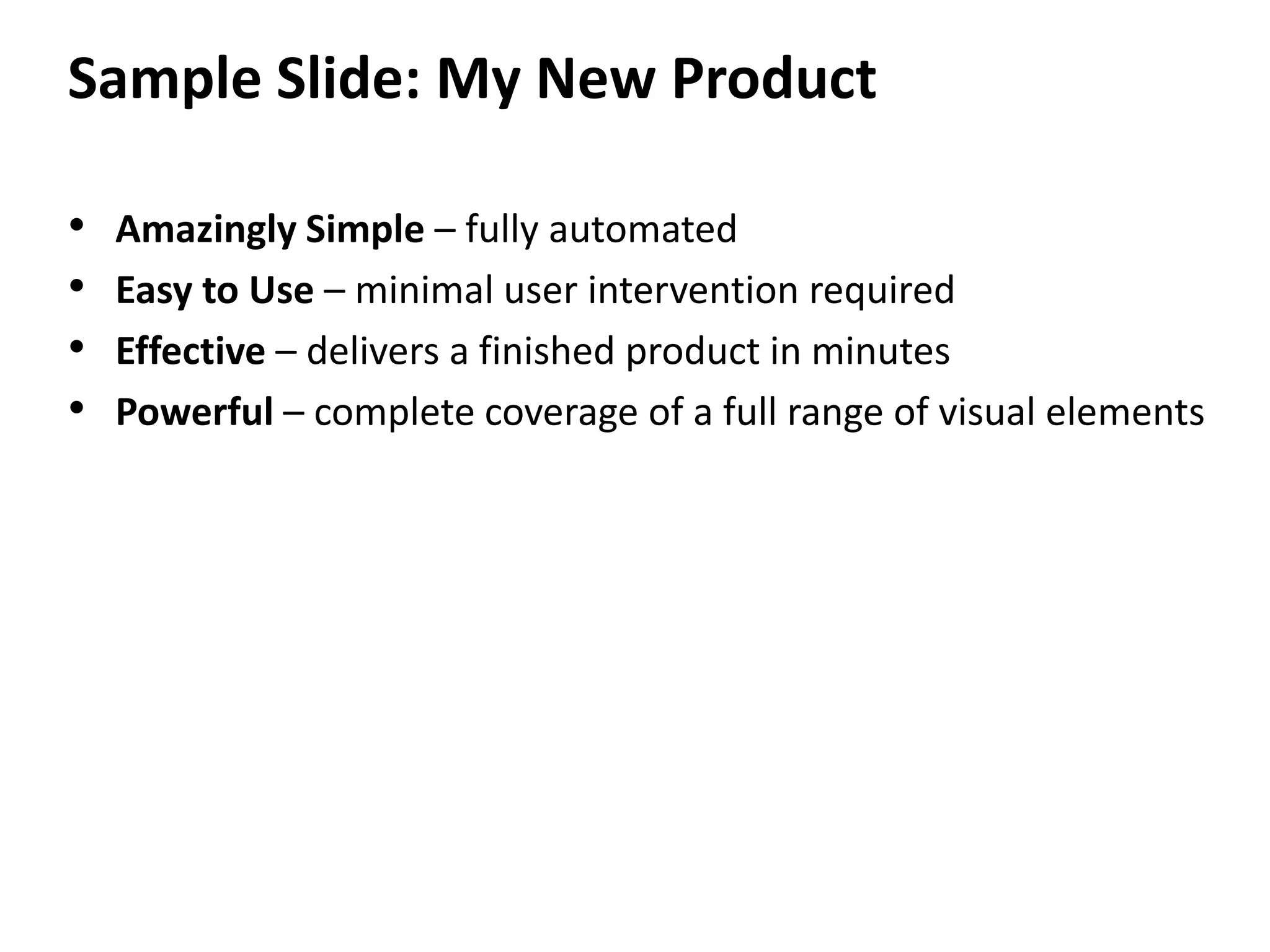
Sample Slide: My New ProductAmazingly Simple – fully automatedEasy to Use – minimal user intervention requiredEffective – delivers a finished product in minutesPowerful – complete coverage of a full range of visual elements
Sample Slide: Design FeaturesChange the appearance of the whole slideChange the structure of the slideReplace the background of the slideReplace the picture
Classroom

Class room mey jore

  • 1.
    Find VisualBee onYour PowerPoint Ribbon1Click on the Enhance Presentation Button and Register2Welcome toJohn Doejohnny@visualbee.comjohnny@visualbee.comStart Enhancing Presentations with Ease! Try this presentation for a start3
  • 2.
    Sample Slide: MyNew ProductAmazingly Simple – fully automatedEasy to Use – minimal user intervention requiredEffective – delivers a finished product in minutesPowerful – complete coverage of a full range of visual elements
  • 3.
    Sample Slide: DesignFeaturesChange the appearance of the whole slideChange the structure of the slideReplace the background of the slideReplace the picture
  • 4.