Introduction
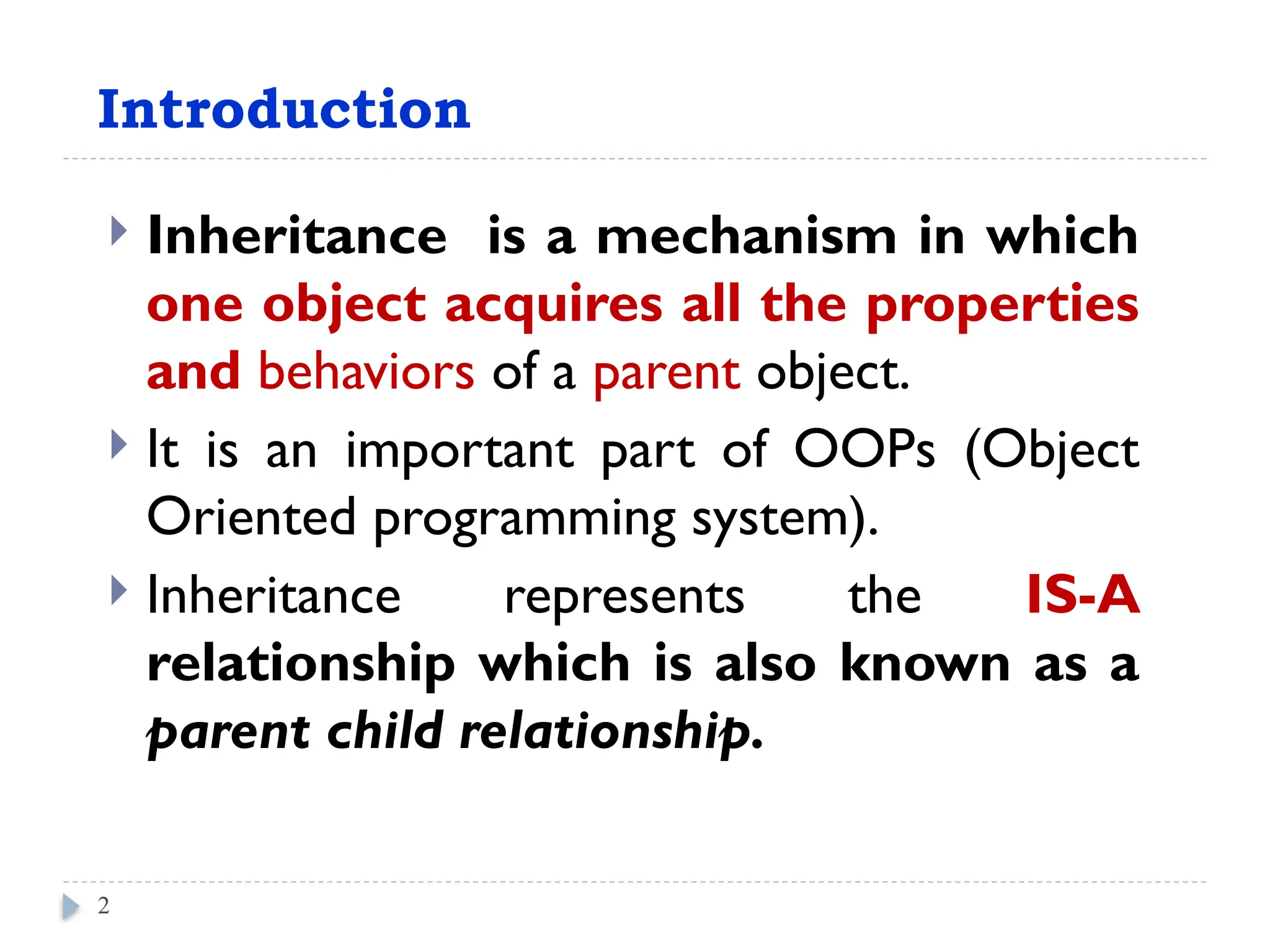
Inheritance isa mechanism in which
one object acquires all the properties
and behaviors of a parent object.
It is an important part of OOPs (Object
Oriented programming system).
Inheritance represents the IS-A
relationship which is also known as a
parent child relationship.
Belay Kal
2
Inheritance in java
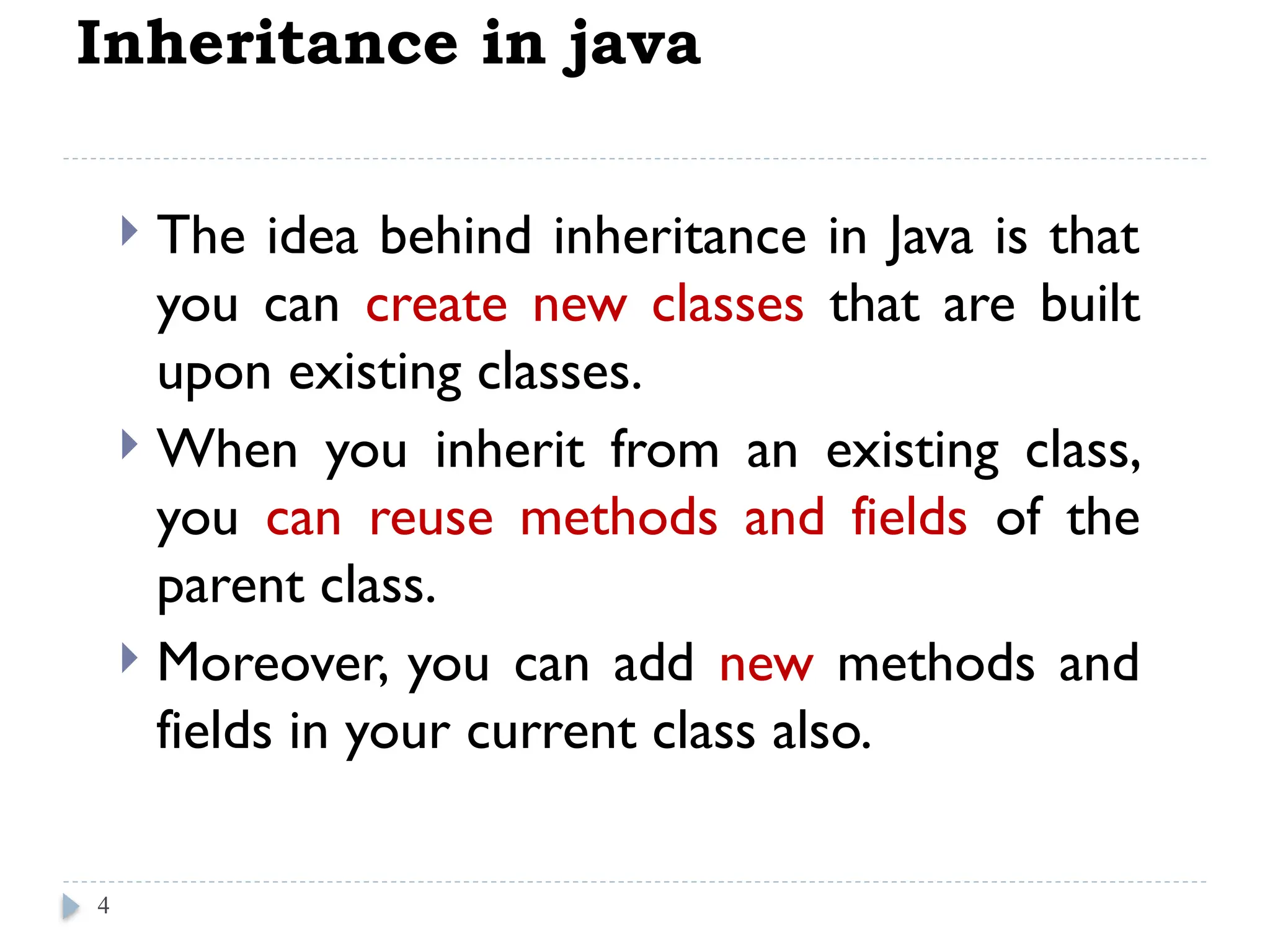
The idea behind inheritance in Java is that
you can create new classes that are built
upon existing classes.
When you inherit from an existing class,
you can reuse methods and fields of the
parent class.
Moreover, you can add new methods and
fields in your current class also.
4
5.
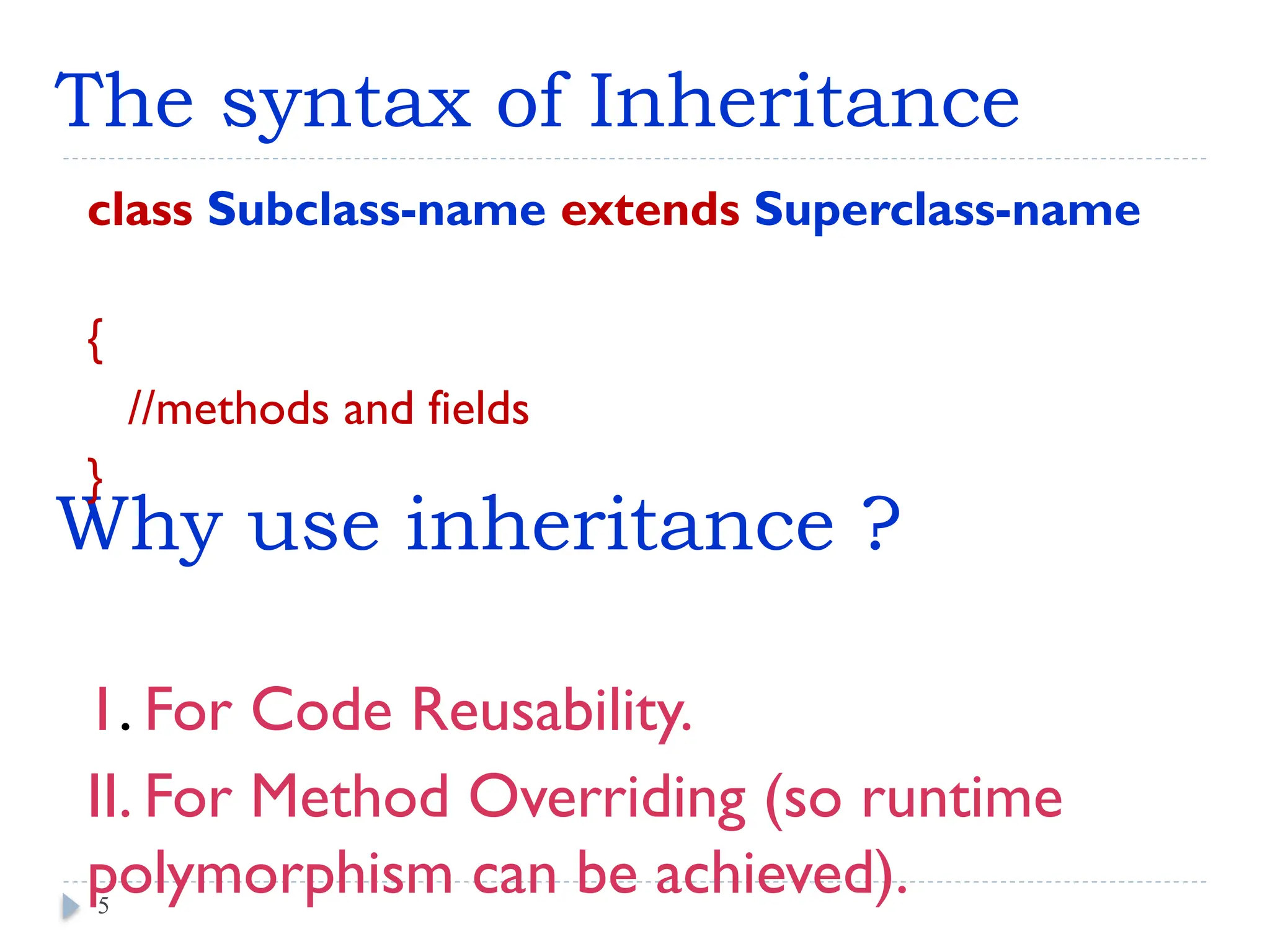
Why use inheritance?
class Subclass-name extends Superclass-name
{
//methods and fields
}
1. For Code Reusability.
II. For Method Overriding (so runtime
polymorphism can be achieved).
5
The syntax of Inheritance
6.
class Teacher {
Stringdesignation = "Teacher";
String collegeName = "Beginnersbook";
void does(){
System.out.println("Teaching"); }
} // end of class teacher
public class PhysicsTeacher extendsTeacher{
String mainSubject = "Physics";
public static void main(String args[]){
PhysicsTeacher obj = new PhysicsTeacher();
System.out.println(obj.collegeName);
System.out.println(obj.designation);
System.out.println(obj.mainSubject);
obj.does();
}//end of main
} // end of class physics teacher
6
e.g. For Code Reusability
Out put:
Beginnersbook
Teacher
Physics
Teaching
7.
e.g. For MethodOverriding
class Animal {
public void move()
{ System.out.println("Animals can move"); }
} // end of class Animal
class Dog extends Animal {
public void move()
{ System.out.println("Dogs can walk and run"); }
}// end of class Dog
public class TestDog //main class
{
public static void main(String args[]) {
Animal a = new Animal(); // Animal reference and object
Animal b = new Dog(); // Animal reference but Dog object
a.move(); // runs the method in Animal class
b.move(); // runs the method in Dog class
} // end of main
}// end of class TestDog
7
Oupt put:
Animals can move
Dogs can walk and run
8.
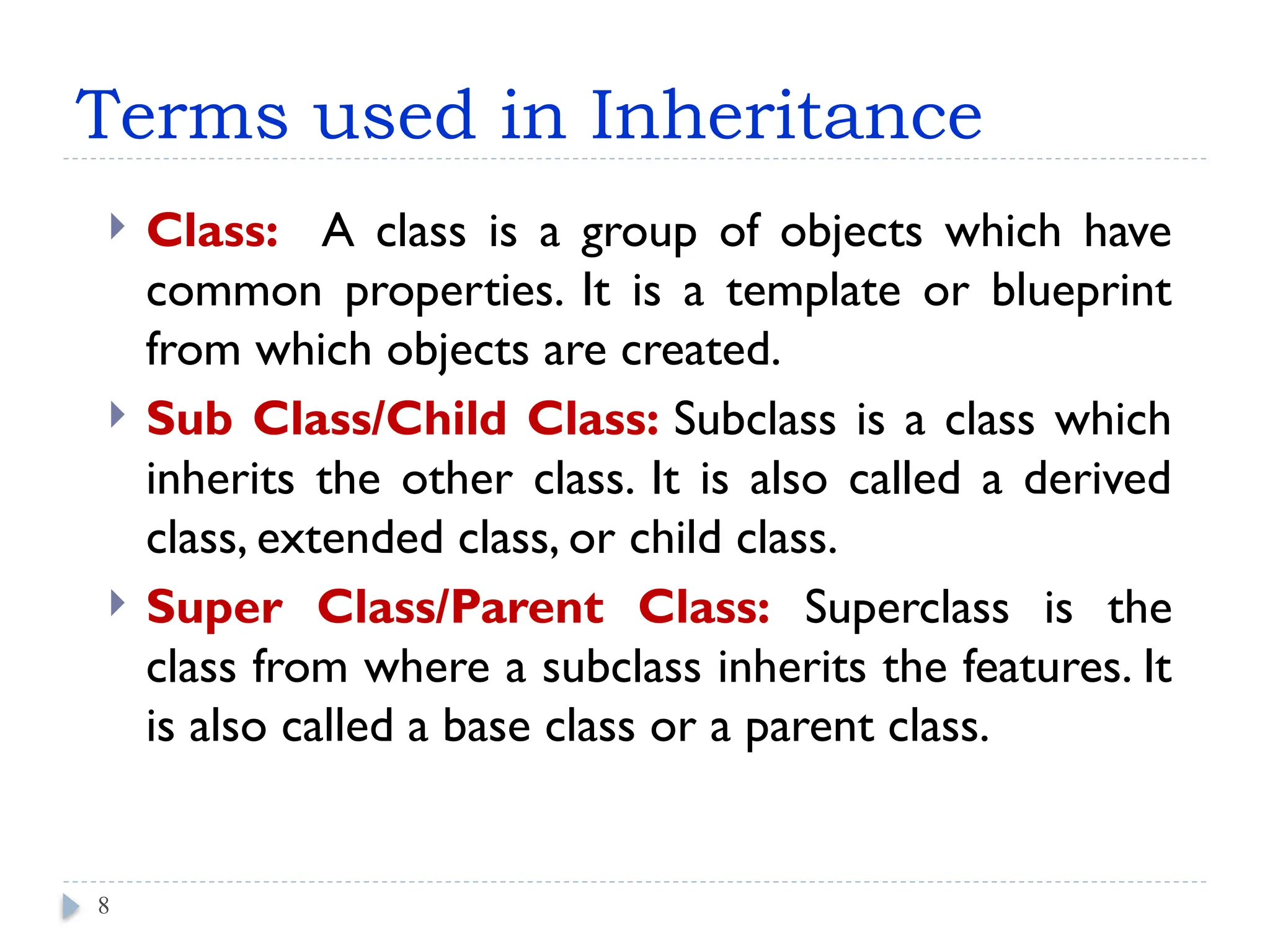
Terms used inInheritance
Class: A class is a group of objects which have
common properties. It is a template or blueprint
from which objects are created.
Sub Class/Child Class: Subclass is a class which
inherits the other class. It is also called a derived
class, extended class, or child class.
Super Class/Parent Class: Superclass is the
class from where a subclass inherits the features. It
is also called a base class or a parent class.
8
9.
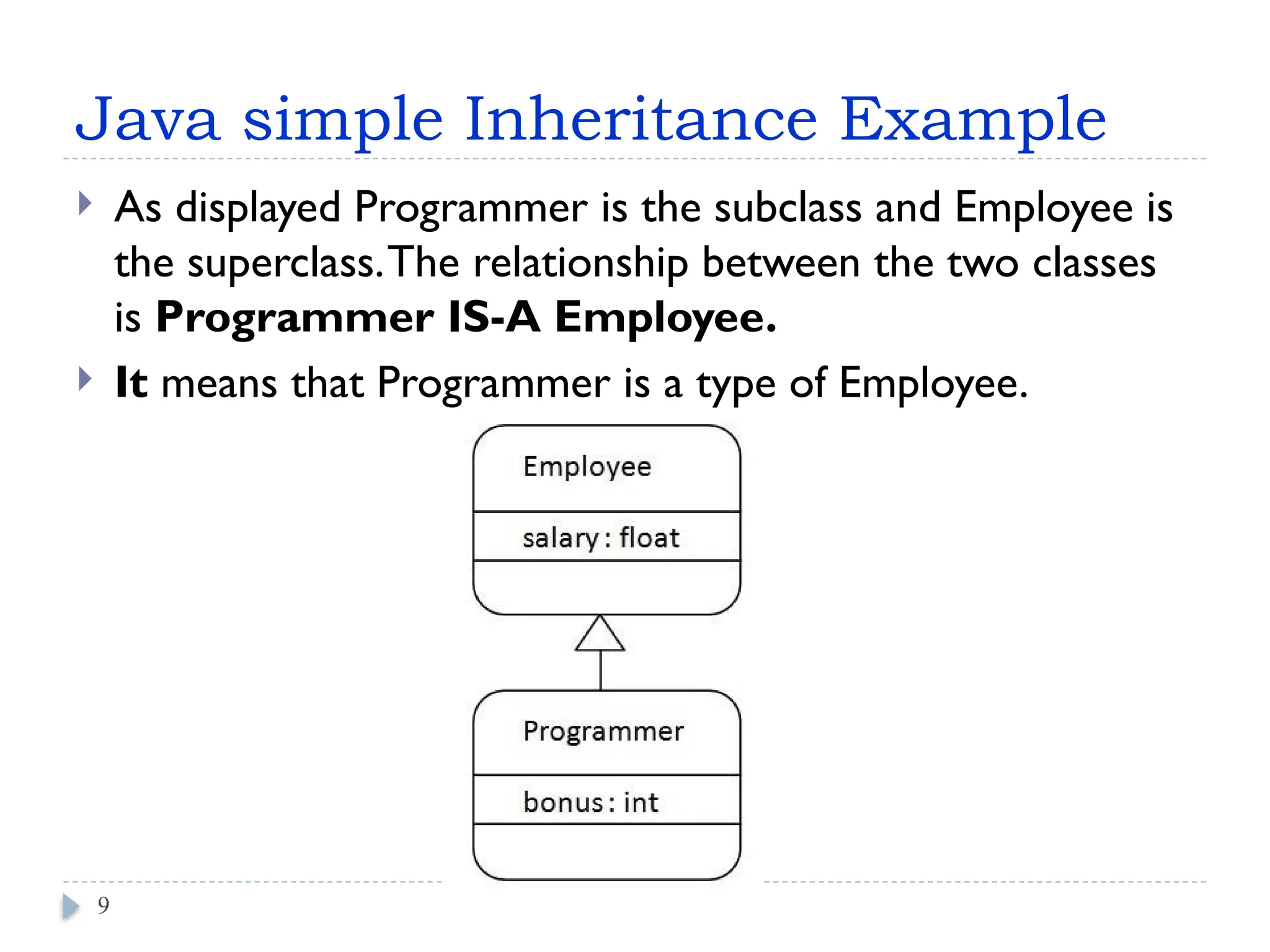
Java simple InheritanceExample
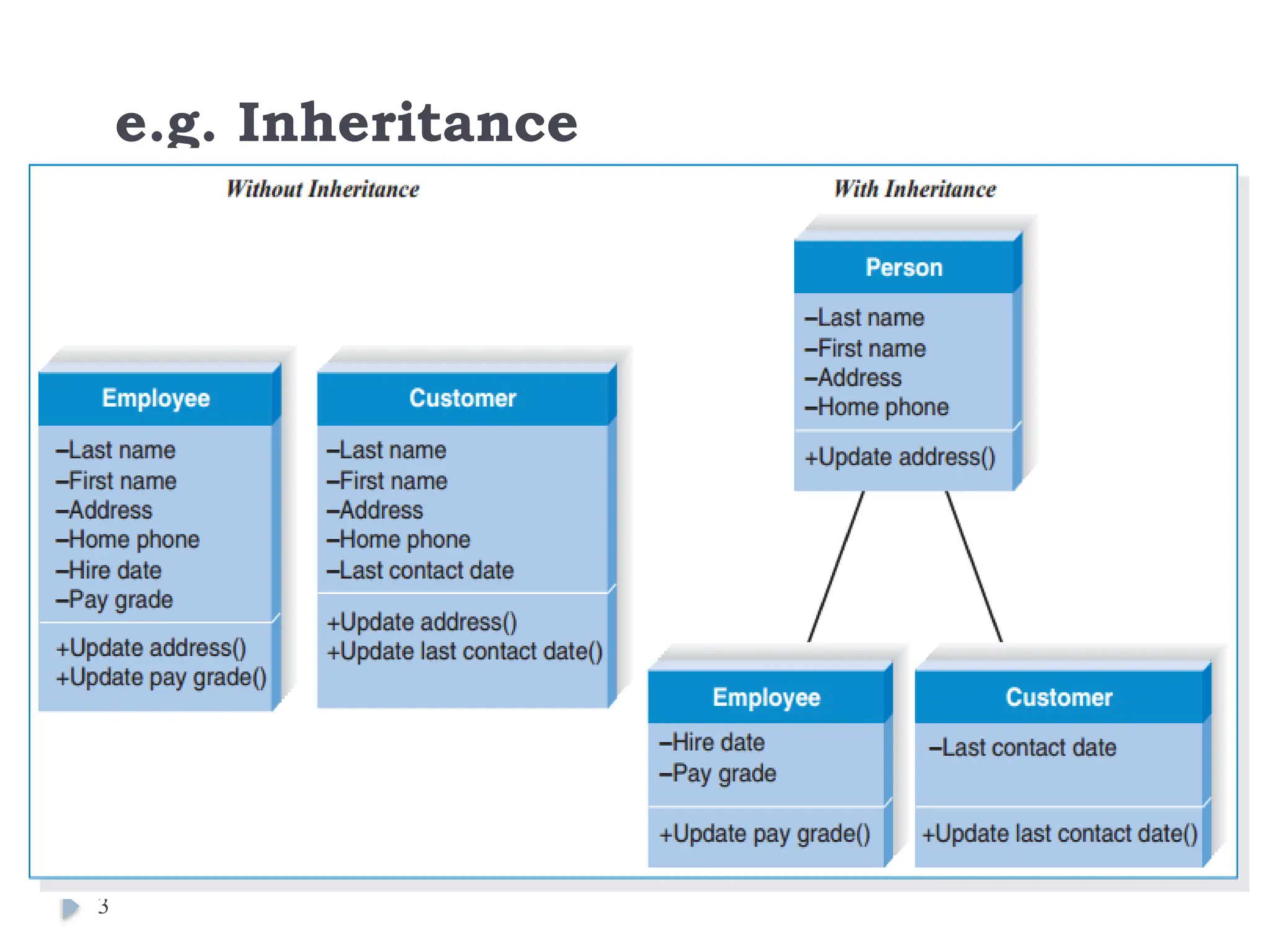
As displayed Programmer is the subclass and Employee is
the superclass.The relationship between the two classes
is Programmer IS-A Employee.
It means that Programmer is a type of Employee.
9
10.
class Employee {
floatsalary=40000;
}
class Programmer extends Employee{
int bonus=10000;
public static void main(String args[]){
Programmer p=new Programmer();
System.out.println("Programmer salary is:"+p.salary);
System.out.println("Bonus of Programmer is:"+p.bonus);
}
}
The extends keyword indicates that you are making a new
class that derives from an existing class.
A class which is inherited is called a parent or superclass, and
the new class is called child or subclass.
Out put:
Programmer salary is:40000.0
Bonus of programmer is:10000
11.
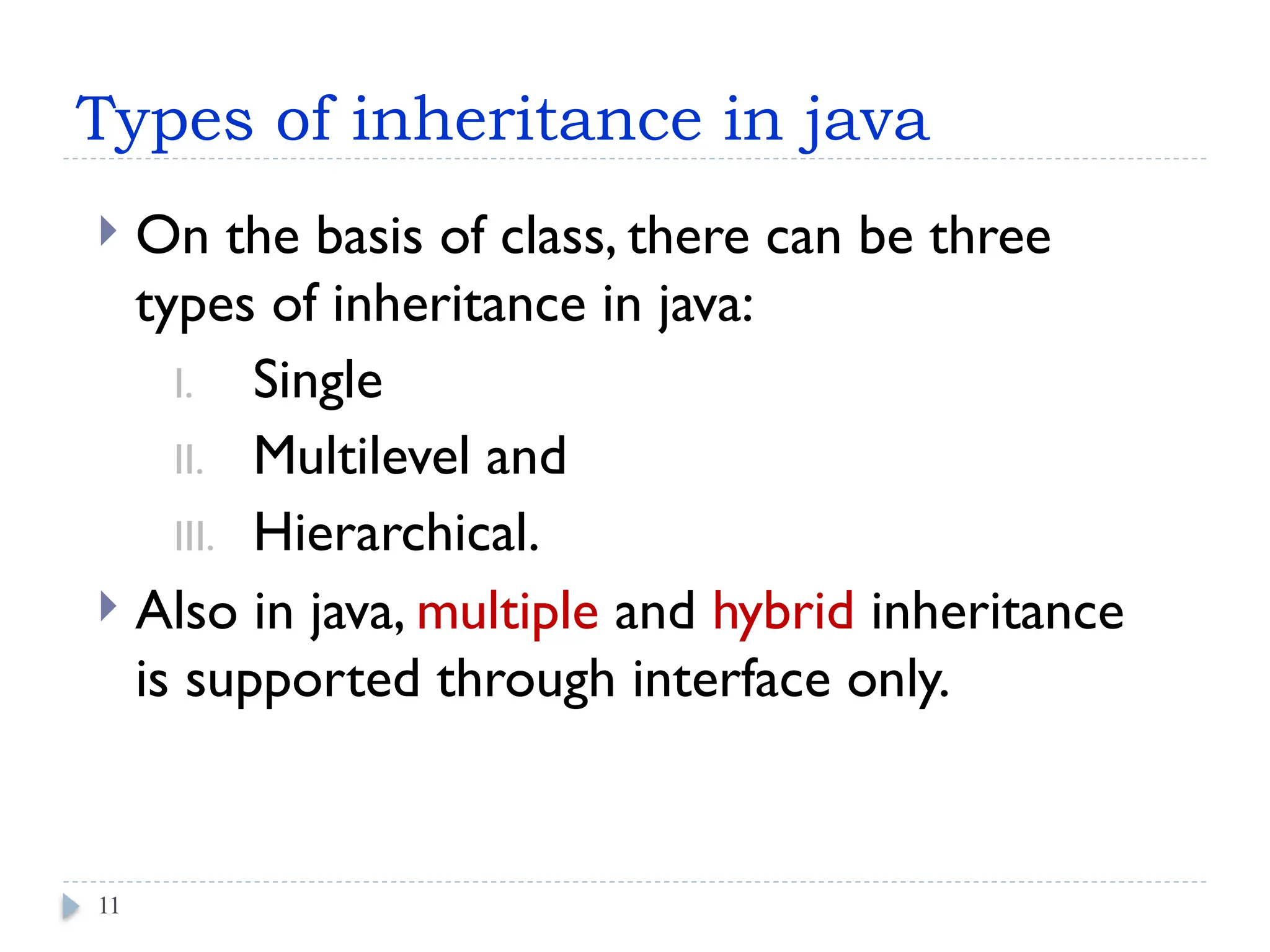
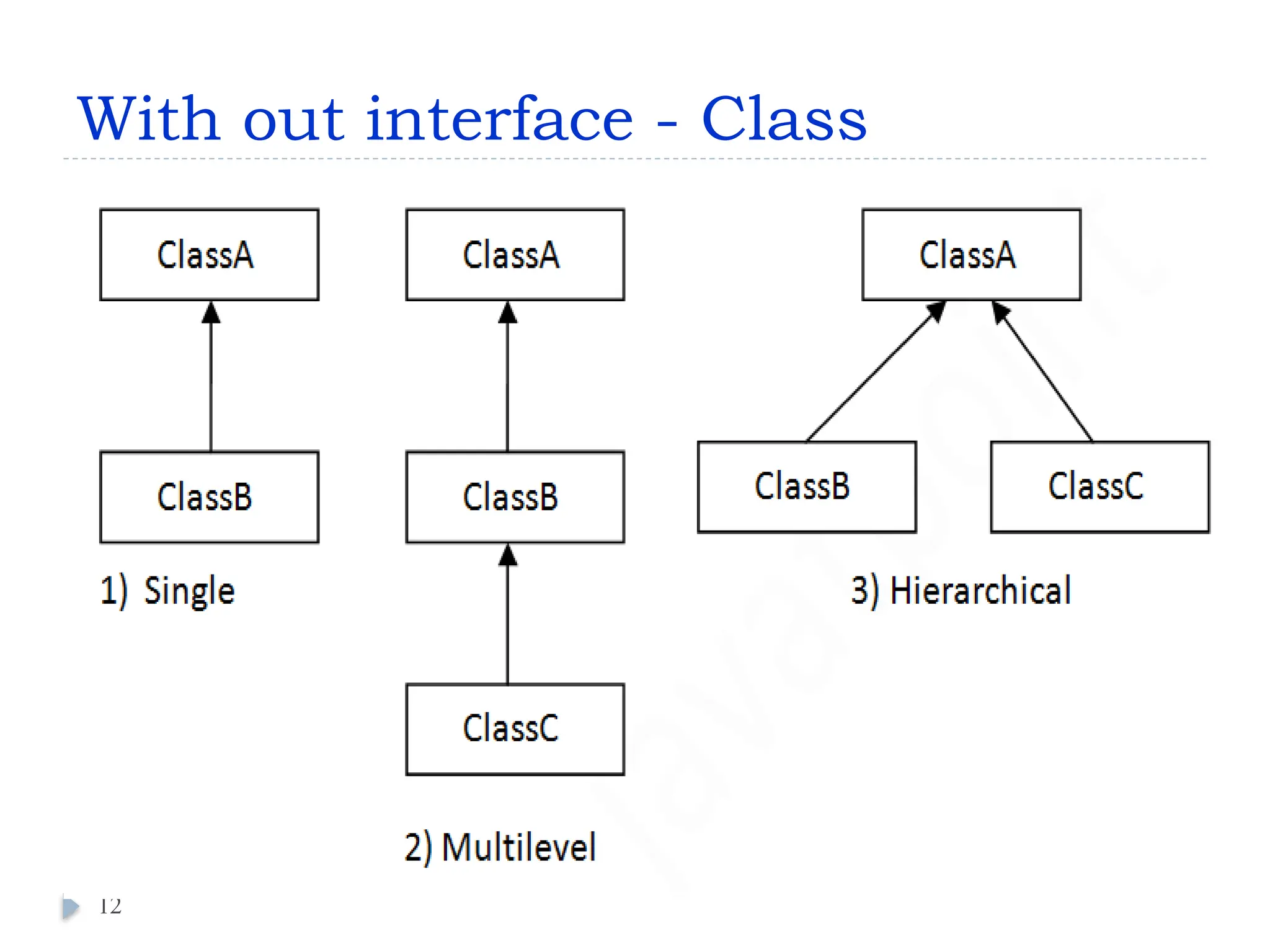
Types of inheritancein java
On the basis of class, there can be three
types of inheritance in java:
I. Single
II. Multilevel and
III. Hierarchical.
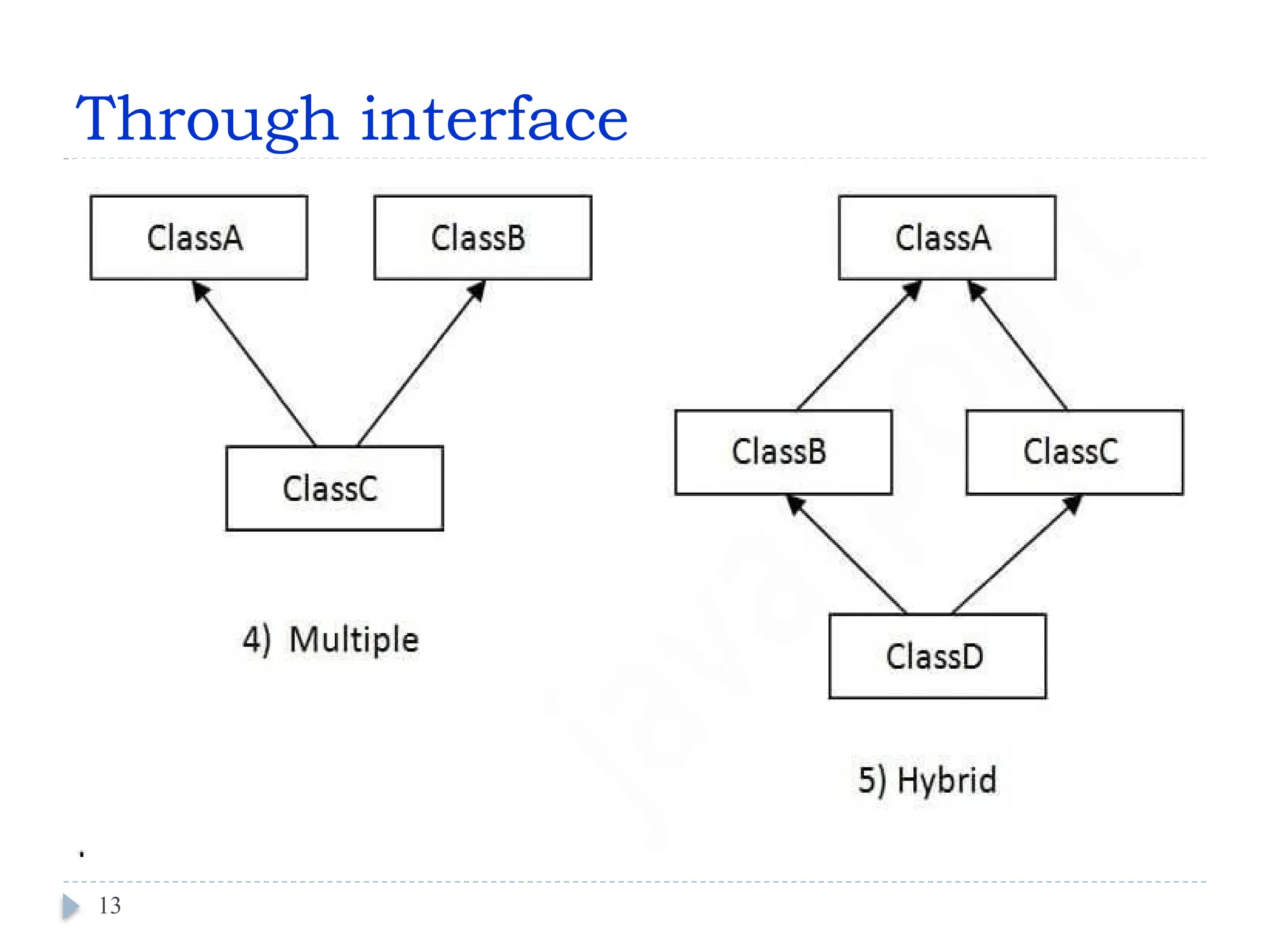
Also in java, multiple and hybrid inheritance
is supported through interface only.
11
Single Inheritance Example
classAnimal{
void eat(){System.out.println("eating...");}
}
class Dog extends Animal{
void bark(){System.out.println("barking...");}
}
class TestInheritance{
public static void main(String args[]){
Dog d=new Dog();
d.bark();
d.eat();
}
}
14
Output:
barking...
eating...
15.
Multilevel Inheritance Example
classAnimal{
void eat(){System.out.println("eating...");}
}
class Dog extends Animal{
void bark(){System.out.println("barking...");}
}
class BabyDog extends Dog{
void weep(){System.out.println("weeping...");}
}
class TestInheritance2{
public static void main(String args[]){
BabyDog d=new BabyDog();
d.weep();
d.bark();
d.eat();
}}
15
Output:
weeping...
barking...
eating...
16.
Hierarchical Inheritance Example
classAnimal{
void eat(){System.out.println("eating...");}
}
class Dog extends Animal{
void bark(){System.out.println("barking...");}
}
class Cat extends Animal{
void meow(){System.out.println("meowing...");}
}
class TestInheritance3{
public static void main(String args[]){
Cat c=new Cat();
c.meow();
c.eat();
//c.bark();//C.T.Error
}}
16
Output:
meowing...
eating...
17.
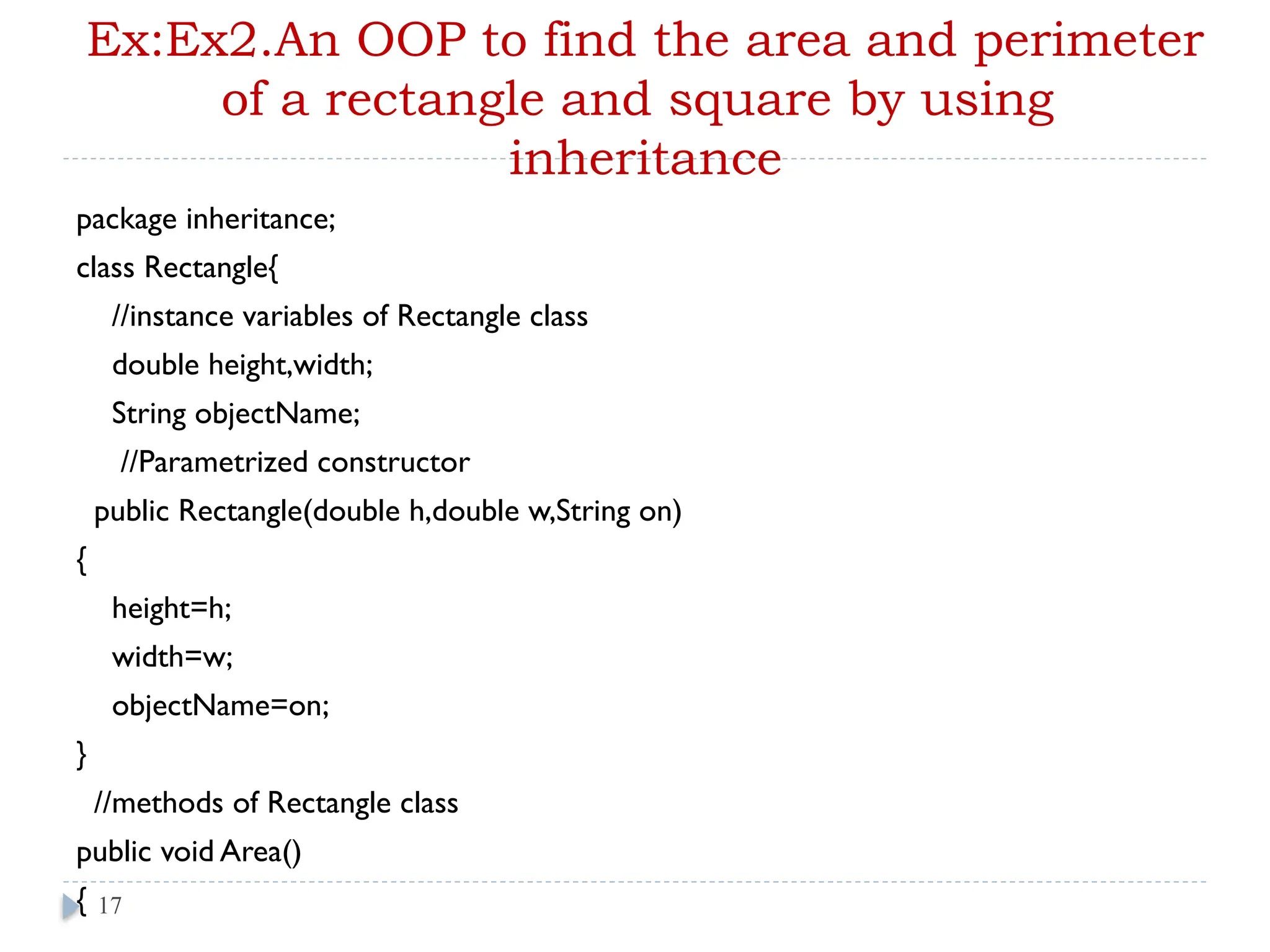
Ex:Ex2.An OOP tofind the area and perimeter
of a rectangle and square by using
inheritance
package inheritance;
class Rectangle{
//instance variables of Rectangle class
double height,width;
String objectName;
//Parametrized constructor
public Rectangle(double h,double w,String on)
{
height=h;
width=w;
objectName=on;
}
//methods of Rectangle class
public void Area()
{ 17
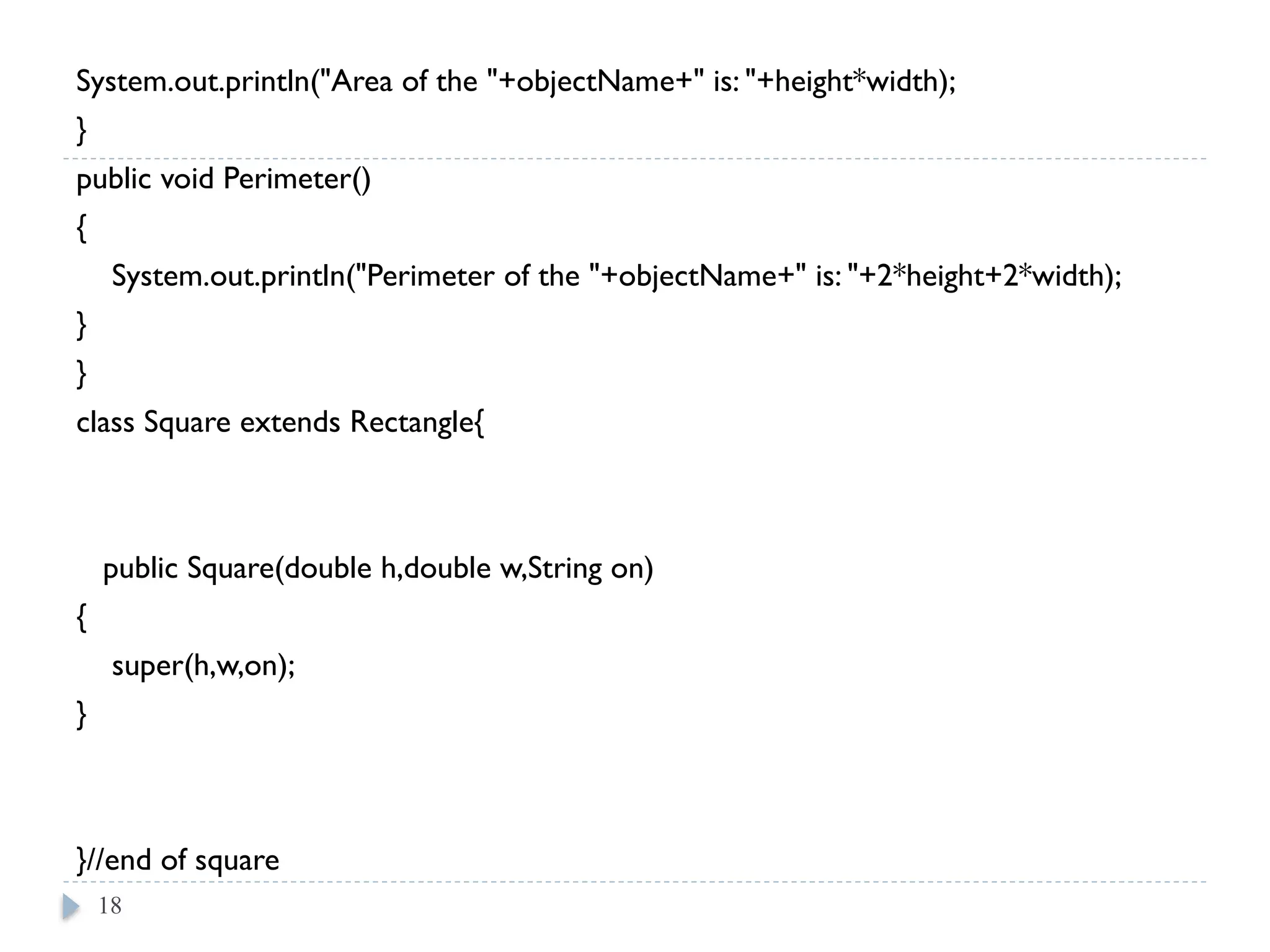
18.
System.out.println("Area of the"+objectName+" is: "+height*width);
}
public void Perimeter()
{
System.out.println("Perimeter of the "+objectName+" is: "+2*height+2*width);
}
}
class Square extends Rectangle{
public Square(double h,double w,String on)
{
super(h,w,on);
}
}//end of square
18
19.
public class Inheritance{
public static void main(String[] args) {
Rectangle ob=new Rectangle(15.5,16.5,"Rectangle");
ob.Area();
ob.Perimeter();
Rectangle sob=new Square(15,15,"Square");
// or //Square sob=new Square(15,15,"Square");
sob.Area();
sob.Perimeter();
}
}
19
Out Put
Area of the Rectangle is: 255.75
Perimeter of the Rectangle is: 31.033.0
Area of the Square is: 225.0
Perimeter of the Square is: 30.030.0
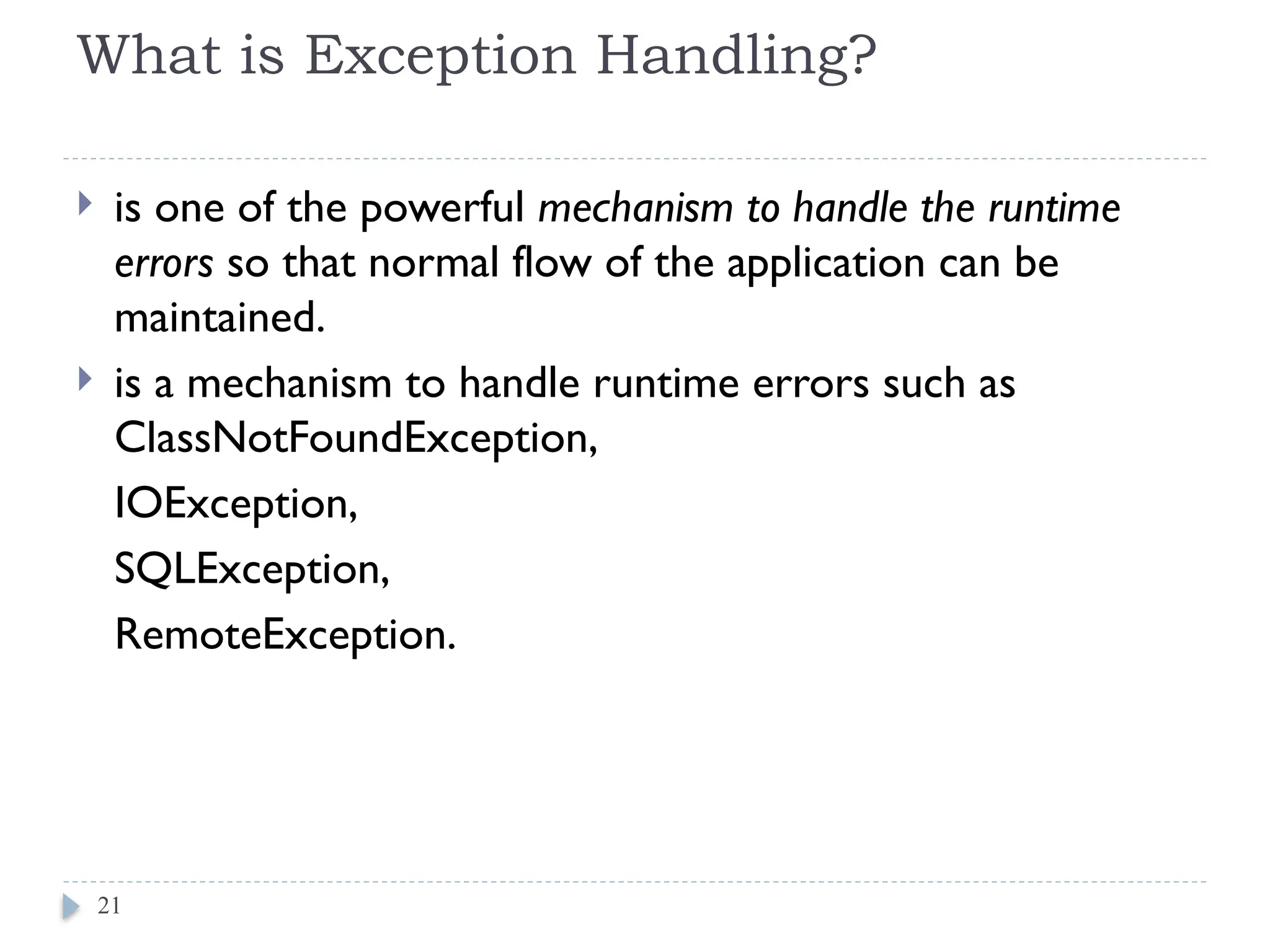
What is ExceptionHandling?
is one of the powerful mechanism to handle the runtime
errors so that normal flow of the application can be
maintained.
is a mechanism to handle runtime errors such as
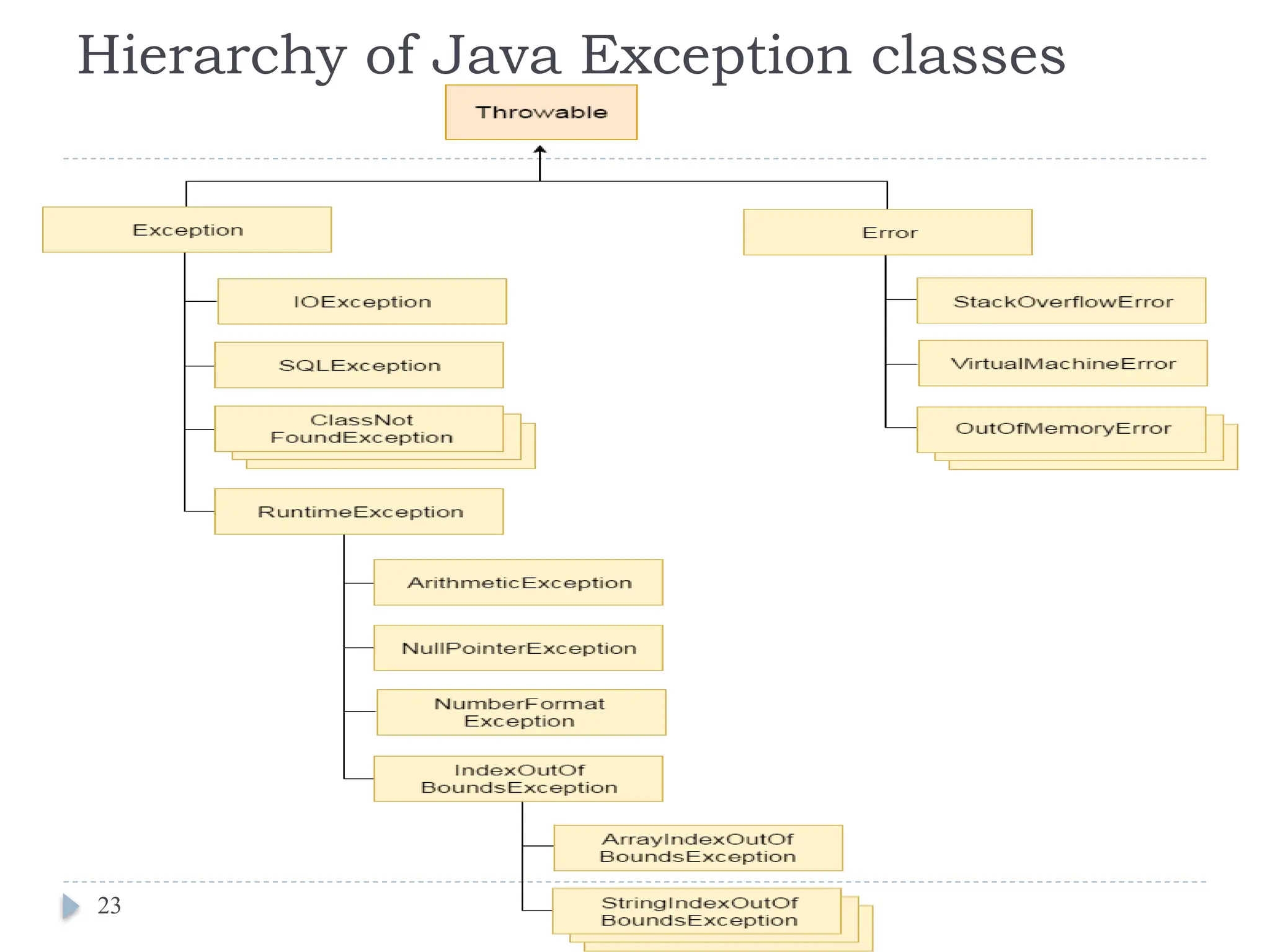
ClassNotFoundException,
IOException,
SQLException,
RemoteException.
21
22.
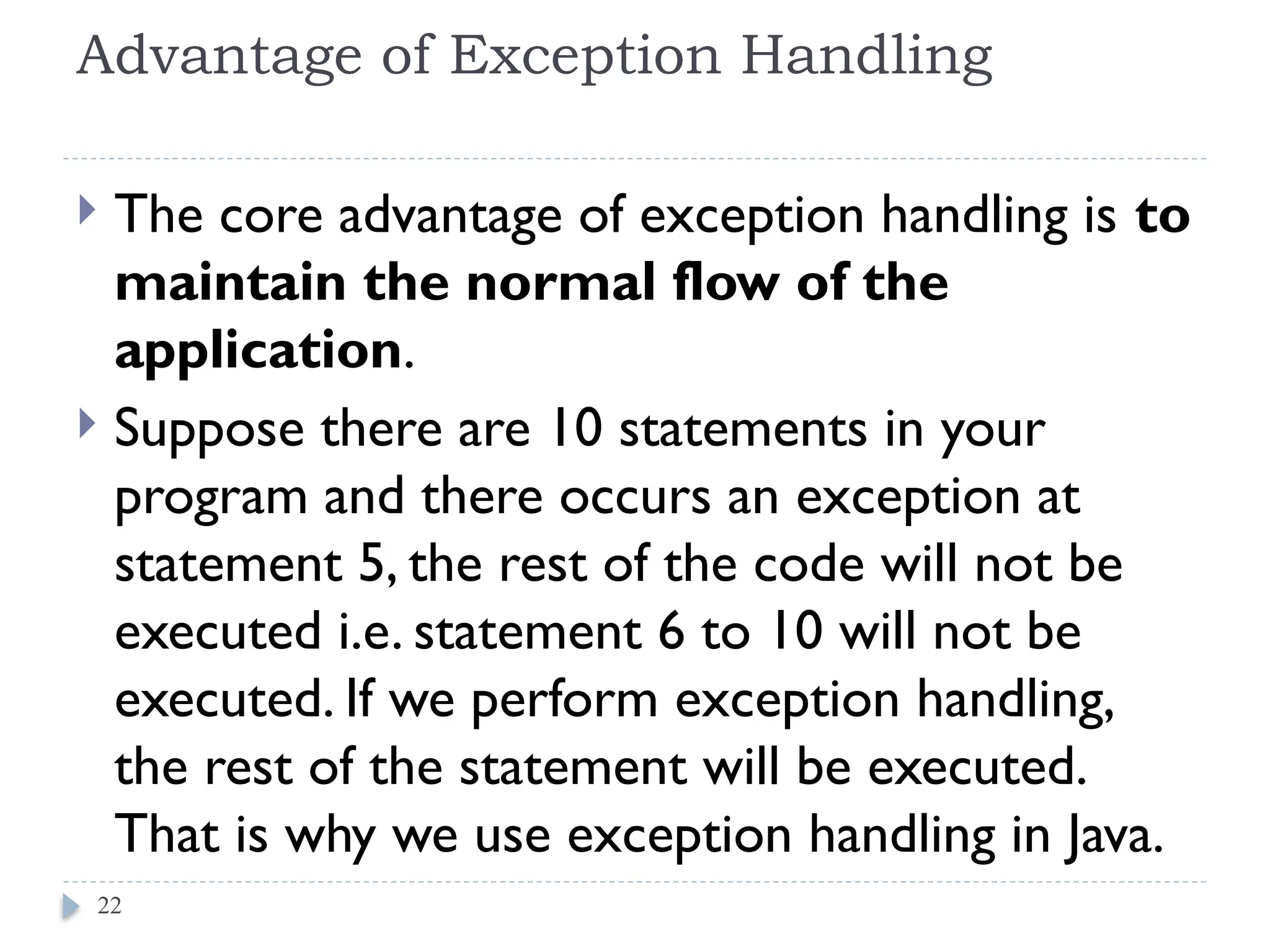
Advantage of ExceptionHandling
The core advantage of exception handling is to
maintain the normal flow of the
application.
Suppose there are 10 statements in your
program and there occurs an exception at
statement 5, the rest of the code will not be
executed i.e. statement 6 to 10 will not be
executed. If we perform exception handling,
the rest of the statement will be executed.
That is why we use exception handling in Java.
22
Java Exceptions Index
Java Try-Catch Block
Java Multiple Catch Block
Java NestedTry
Java Finally Block
JavaThrow Keyword
Java Exception Propagation
JavaThrows Keyword
JavaThrow vsThrows
Java Final vs Finally vs Finalize
Java Exception Handling with Method Overriding
Java Custom Exceptions
24
25.
Java try-catch
Javatry block is used to enclose the code that might
throw an exception. It must be used within the method.
Java try block must be followed by either catch or finally
block.
25
26.
Syntax of Javatry-catch
try{
//code that may throw exception
}catch(Exception_class_Name ref){}
Syntax of try-finally block
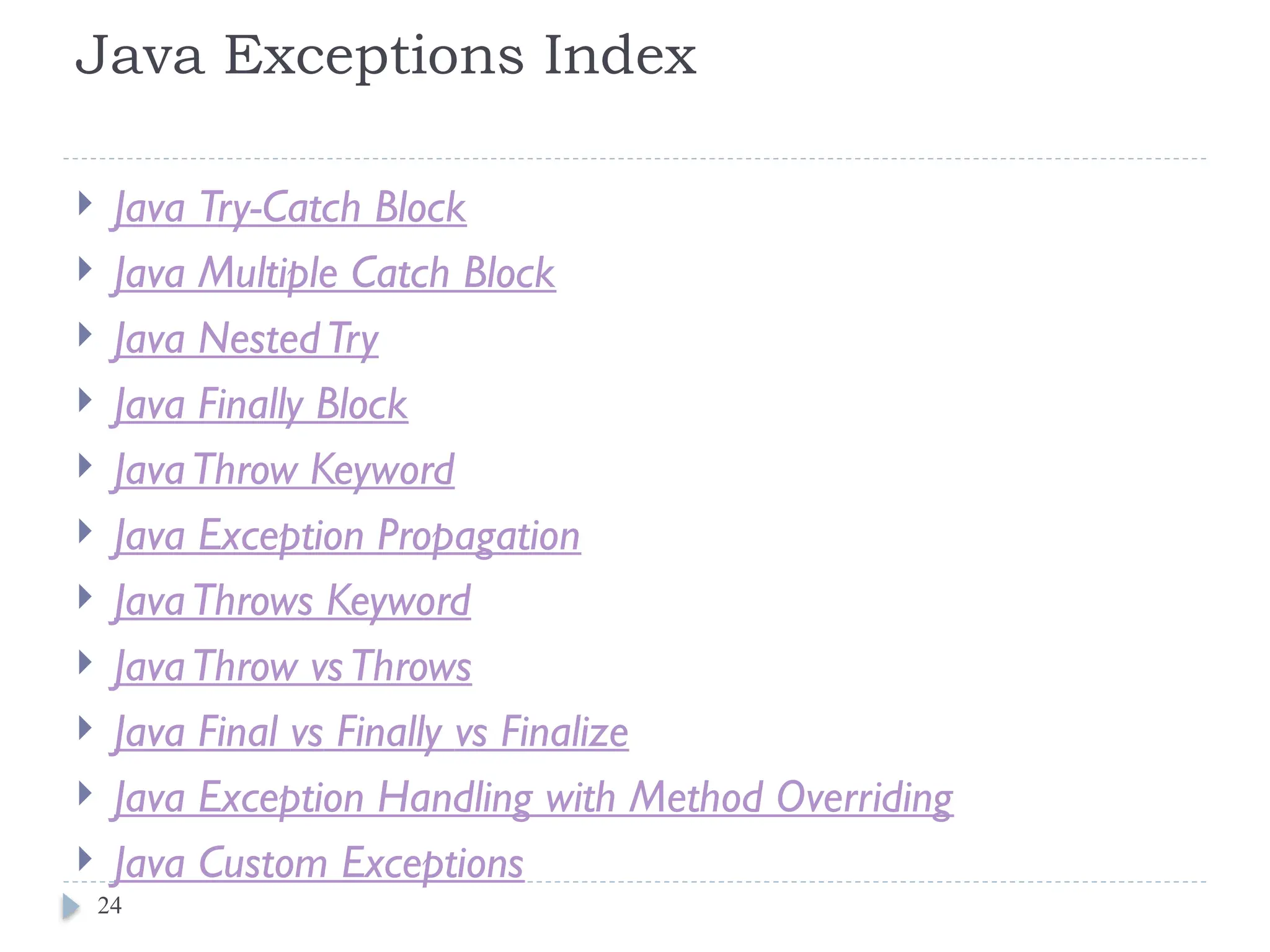
try{
//code that may throw exception
}finally{}
26
27.
Exception handling usingtry-catch
block
public class Testtrycatch1{
public static void main(String args[]){
int data=50/0;//may throw exception
System.out.println("rest of the code...");
}
}
Output:
Exception in thread main java.lang.ArithmeticException:/
by zero.
If there are 100 lines of code after exception. So all the
code after exception will not be executed.
27
28.
Solution by exceptionhandling
public class Testtrycatch2{
public static void main(String args[]){
try{
int data=50/0;
}catch(ArithmeticException e){System.out.println(e);}
System.out.println("rest of the code...");
}
}
Output:
Exception in thread main java.lang.ArithmeticException:/ by zero
rest of the code...
28
![class Teacher {
String designation = "Teacher";
String collegeName = "Beginnersbook";
void does(){
System.out.println("Teaching"); }
} // end of class teacher
public class PhysicsTeacher extendsTeacher{
String mainSubject = "Physics";
public static void main(String args[]){
PhysicsTeacher obj = new PhysicsTeacher();
System.out.println(obj.collegeName);
System.out.println(obj.designation);
System.out.println(obj.mainSubject);
obj.does();
}//end of main
} // end of class physics teacher
6
e.g. For Code Reusability
Out put:
Beginnersbook
Teacher
Physics
Teaching](https://image.slidesharecdn.com/chapter5-250405074505-e9e70f40/75/Chapter5-pptxfghwryhYETHYETH67IOIKUTJJUILOUI-6-2048.jpg)
![e.g. For Method Overriding
class Animal {
public void move()
{ System.out.println("Animals can move"); }
} // end of class Animal
class Dog extends Animal {
public void move()
{ System.out.println("Dogs can walk and run"); }
}// end of class Dog
public class TestDog //main class
{
public static void main(String args[]) {
Animal a = new Animal(); // Animal reference and object
Animal b = new Dog(); // Animal reference but Dog object
a.move(); // runs the method in Animal class
b.move(); // runs the method in Dog class
} // end of main
}// end of class TestDog
7
Oupt put:
Animals can move
Dogs can walk and run](https://image.slidesharecdn.com/chapter5-250405074505-e9e70f40/75/Chapter5-pptxfghwryhYETHYETH67IOIKUTJJUILOUI-7-2048.jpg)
![class Employee {
float salary=40000;
}
class Programmer extends Employee{
int bonus=10000;
public static void main(String args[]){
Programmer p=new Programmer();
System.out.println("Programmer salary is:"+p.salary);
System.out.println("Bonus of Programmer is:"+p.bonus);
}
}
The extends keyword indicates that you are making a new
class that derives from an existing class.
A class which is inherited is called a parent or superclass, and
the new class is called child or subclass.
Out put:
Programmer salary is:40000.0
Bonus of programmer is:10000](https://image.slidesharecdn.com/chapter5-250405074505-e9e70f40/75/Chapter5-pptxfghwryhYETHYETH67IOIKUTJJUILOUI-10-2048.jpg)
![Single Inheritance Example
class Animal{
void eat(){System.out.println("eating...");}
}
class Dog extends Animal{
void bark(){System.out.println("barking...");}
}
class TestInheritance{
public static void main(String args[]){
Dog d=new Dog();
d.bark();
d.eat();
}
}
14
Output:
barking...
eating...](https://image.slidesharecdn.com/chapter5-250405074505-e9e70f40/75/Chapter5-pptxfghwryhYETHYETH67IOIKUTJJUILOUI-14-2048.jpg)
![Multilevel Inheritance Example
class Animal{
void eat(){System.out.println("eating...");}
}
class Dog extends Animal{
void bark(){System.out.println("barking...");}
}
class BabyDog extends Dog{
void weep(){System.out.println("weeping...");}
}
class TestInheritance2{
public static void main(String args[]){
BabyDog d=new BabyDog();
d.weep();
d.bark();
d.eat();
}}
15
Output:
weeping...
barking...
eating...](https://image.slidesharecdn.com/chapter5-250405074505-e9e70f40/75/Chapter5-pptxfghwryhYETHYETH67IOIKUTJJUILOUI-15-2048.jpg)
![Hierarchical Inheritance Example
class Animal{
void eat(){System.out.println("eating...");}
}
class Dog extends Animal{
void bark(){System.out.println("barking...");}
}
class Cat extends Animal{
void meow(){System.out.println("meowing...");}
}
class TestInheritance3{
public static void main(String args[]){
Cat c=new Cat();
c.meow();
c.eat();
//c.bark();//C.T.Error
}}
16
Output:
meowing...
eating...](https://image.slidesharecdn.com/chapter5-250405074505-e9e70f40/75/Chapter5-pptxfghwryhYETHYETH67IOIKUTJJUILOUI-16-2048.jpg)
![public class Inheritance {
public static void main(String[] args) {
Rectangle ob=new Rectangle(15.5,16.5,"Rectangle");
ob.Area();
ob.Perimeter();
Rectangle sob=new Square(15,15,"Square");
// or //Square sob=new Square(15,15,"Square");
sob.Area();
sob.Perimeter();
}
}
19
Out Put
Area of the Rectangle is: 255.75
Perimeter of the Rectangle is: 31.033.0
Area of the Square is: 225.0
Perimeter of the Square is: 30.030.0](https://image.slidesharecdn.com/chapter5-250405074505-e9e70f40/75/Chapter5-pptxfghwryhYETHYETH67IOIKUTJJUILOUI-19-2048.jpg)
![Exception handling using try-catch
block
public class Testtrycatch1{
public static void main(String args[]){
int data=50/0;//may throw exception
System.out.println("rest of the code...");
}
}
Output:
Exception in thread main java.lang.ArithmeticException:/
by zero.
If there are 100 lines of code after exception. So all the
code after exception will not be executed.
27](https://image.slidesharecdn.com/chapter5-250405074505-e9e70f40/75/Chapter5-pptxfghwryhYETHYETH67IOIKUTJJUILOUI-27-2048.jpg)
![Solution by exception handling
public class Testtrycatch2{
public static void main(String args[]){
try{
int data=50/0;
}catch(ArithmeticException e){System.out.println(e);}
System.out.println("rest of the code...");
}
}
Output:
Exception in thread main java.lang.ArithmeticException:/ by zero
rest of the code...
28](https://image.slidesharecdn.com/chapter5-250405074505-e9e70f40/75/Chapter5-pptxfghwryhYETHYETH67IOIKUTJJUILOUI-28-2048.jpg)


![[DSC Europe 25] Bassam Maharmeh - Artificial Intelligence: Opportunities and ...](https://cdn.slidesharecdn.com/ss_thumbnails/thhfmr2fqpawzj7hsjpg-5-251211083048-2c23204f-thumbnail.jpg?width=640&height=640&fit=bounds)

![[DSC Europe 25] Nikolay Burlutskiy - Best Practices for Building Enterprise M...](https://cdn.slidesharecdn.com/ss_thumbnails/uirvaiuvq8y1w8hzd9tx-7-251212103249-2619edb4-thumbnail.jpg?width=640&height=640&fit=bounds)


![[DSC Europe 25] Jovan Bogicevic - Legacy to AI-Driven Defense: Transforming D...](https://cdn.slidesharecdn.com/ss_thumbnails/rsarluadt563hntyfc8q-3-251211083849-3e7bc4c0-thumbnail.jpg?width=640&height=640&fit=bounds)

![[DSC Europe 25] Jon Dajci - Bridging TradFi and DeFi: Building the Future of ...](https://cdn.slidesharecdn.com/ss_thumbnails/fqmhfvlbqhkihjvqvhmu-7-251211083849-6af7e325-thumbnail.jpg?width=640&height=640&fit=bounds)
![[DSC Europe 25] Branko Urosevic -Rethinking Financial Talent: Integrating Cod...](https://cdn.slidesharecdn.com/ss_thumbnails/8jjrus8ttko6qj64f58f-3-251212103250-642c6374-thumbnail.jpg?width=640&height=640&fit=bounds)
![[DSC Europe 25] Dragana Ilic - AI for Big Data in Astronomy.pptx](https://cdn.slidesharecdn.com/ss_thumbnails/8palya86qaatvjhva1ms-2-dragana-ilic-ai-ilic-251208151906-652b819c-thumbnail.jpg?width=640&height=640&fit=bounds)
![[DSC Europe 25] Imai Jen-La Plante - The New Generation: AI and the Future of...](https://cdn.slidesharecdn.com/ss_thumbnails/kxi8t2l5rggivgcenyba-1-jenlaplante-dsc-251208152532-d1e076c2-thumbnail.jpg?width=640&height=640&fit=bounds)

![[DSC Europe 25] Miodrag Pesovic & Vladislav Radonjic - Federated Data Archite...](https://cdn.slidesharecdn.com/ss_thumbnails/gsbe3y5it5uhndi4e08e-1-251212103249-f1008e0c-thumbnail.jpg?width=640&height=640&fit=bounds)
![[DSC Europe 25] Sara Polak - The Archaeology of Innovation: AI as the Next Cr...](https://cdn.slidesharecdn.com/ss_thumbnails/7ecbscdnt8mlcuqbd2ln-2-sara-polak-ai-creative-industries-251208152533-aa1fcf54-thumbnail.jpg?width=640&height=640&fit=bounds)

![[DSC Europe 25] Katherine Forrest - AI NOW: Understanding the Velocity of Cha...](https://cdn.slidesharecdn.com/ss_thumbnails/wvvbruqfrci0sfq9xwgb-4-251212104007-e5ad1987-thumbnail.jpg?width=640&height=640&fit=bounds)