Chapter No:2
Operating System Structure
MSBTE Questions on Operating system services
1. List any four operating system services and describe in
one/two sentence.
2. List and state any four services provided by an operating
system
3. List any four services provided by OS and explain any two of
them.
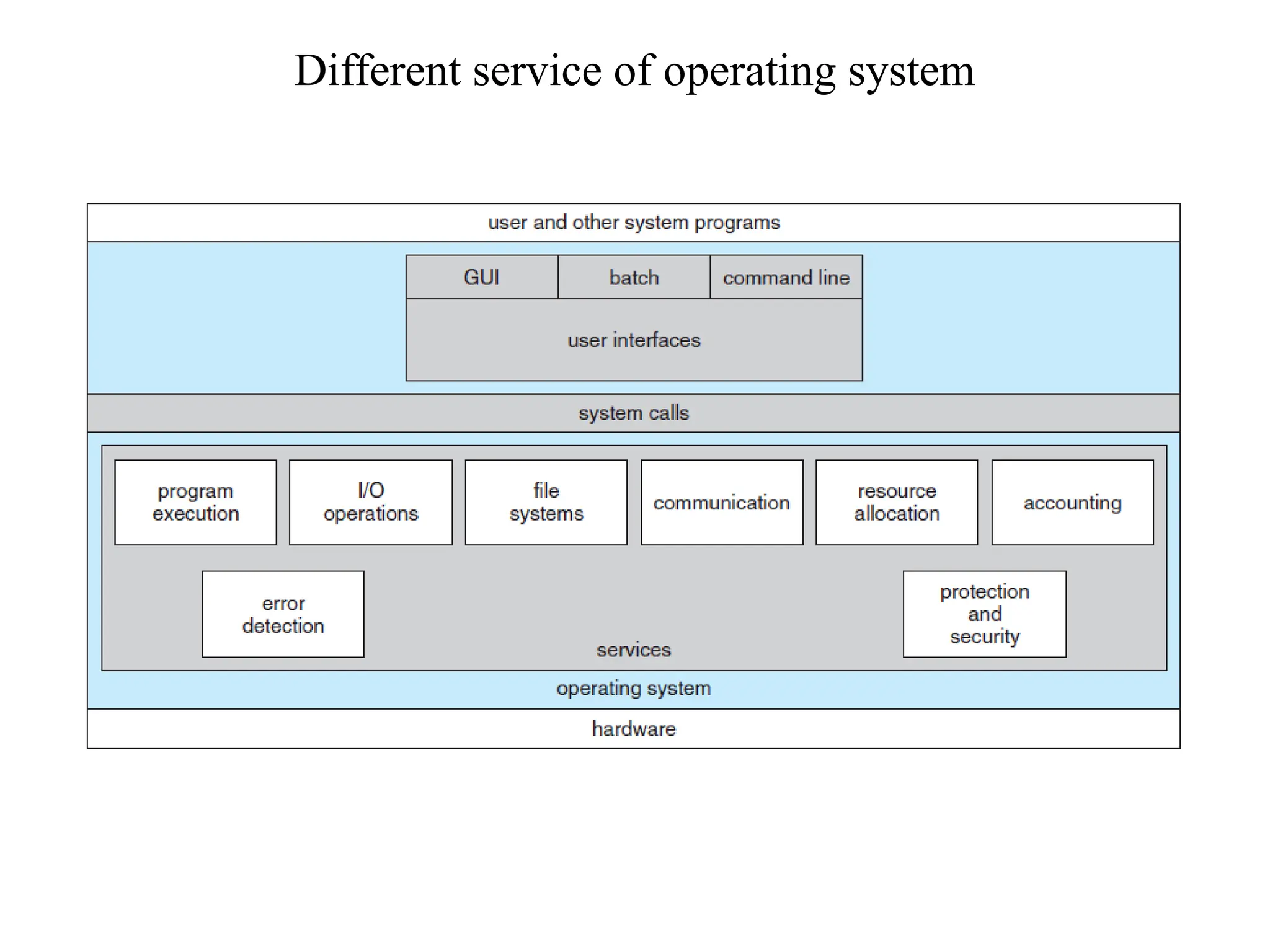
4. Explain any six service of operating system. Draw diagram of
services of operating system.
Different service of operating system
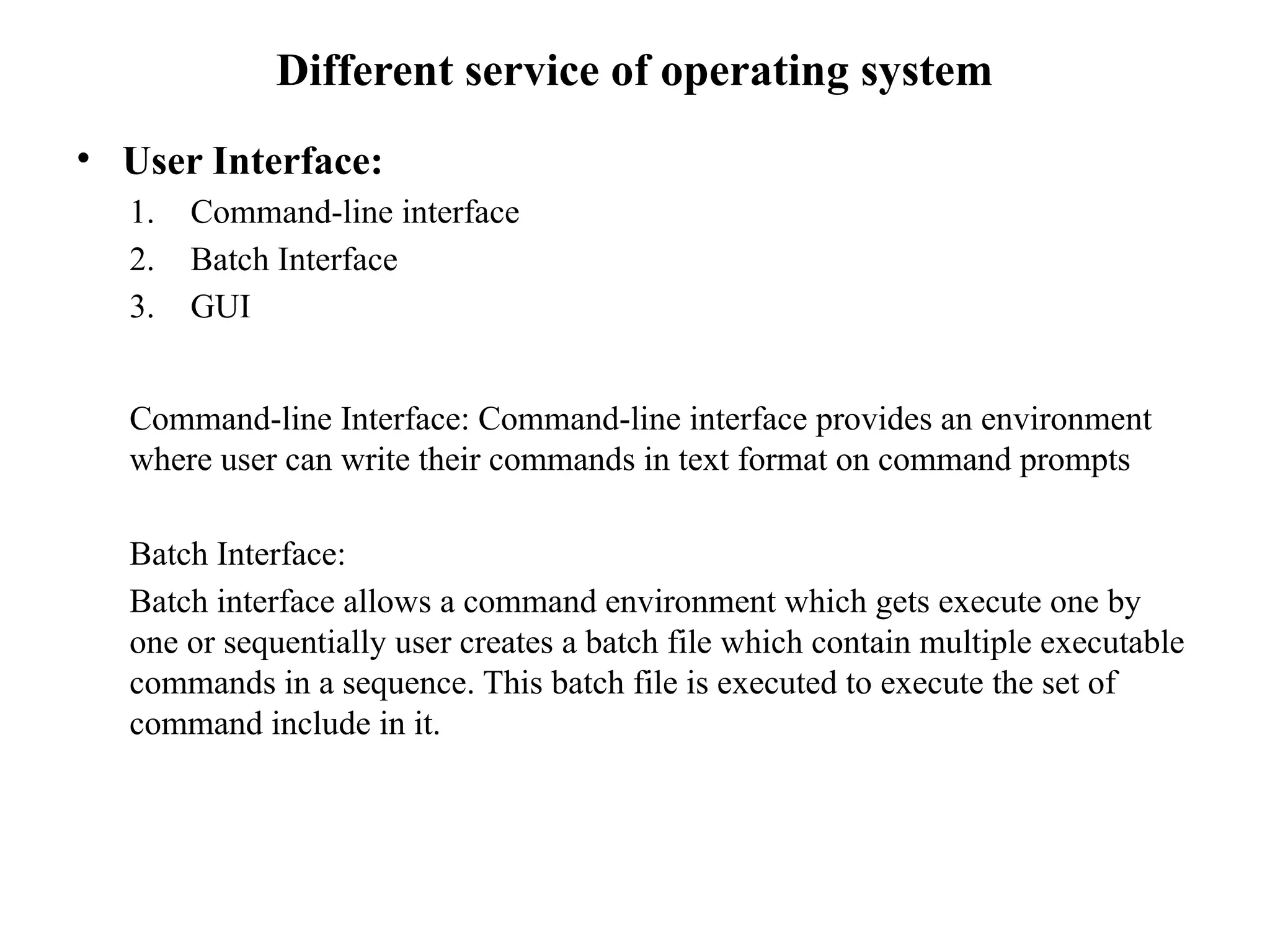
• User Interface:
1. Command-line interface
2. Batch Interface
3. GUI
Command-line Interface: Command-line interface provides an environment
where user can write their commands in text format on command prompts
Batch Interface:
Batch interface allows a command environment which gets execute one by
one or sequentially user creates a batch file which contain multiple executable
commands in a sequence. This batch file is executed to execute the set of
command include in it.
• Graphical user interface (GUI)
Most of the operating system provide graphical interface which have tool
like pointing device which direct the input/ output operation with the help of
graphical control like menu etc.
• Program Execution
Program execution allows user written programs to get execute or run. Program
execution is the most important aspect of the computer system.
One of the core functions of operating system is to support program execution.
Operating system takes care of assigning work to the CPU (CPU job scheduling ) for
the purpose of program execution.
Every Program that runs on computer system needs memory. This memory is done
by operating system.
Also multitasking, multiprogramming etc features are provides by operating system.
After executing the program memory de-allocation of memory is done by operating
system
• Input/ Output operation
• Each program requires as input and produce output. This involves the use
of I/O device or files.
• The operating system hide details of underlying hardware of an I/O from
the user.
• User can run their program conveniently because they are not aware about
the I/O system of operating system.
• For better efficiency and protection, the user are not allowed to directly
interact with I/O devices. So, operating system here becomes the bridge
between I/O devices and user.
• Operating system makes I/O devices available to user in a user friendly
manner whenever required by user
• File system manipulation
• The output of a program may need to be written into new files or can be
given as input to other files. The operating system provide this service. The
user does not have to worry about secondary storage.
• User gives a command for reading or writing to a file and can see his task
accomplished. Thus operating system make it easier for user program to
accomplish their task.
• Operating system even handles the issue related to the different permission
like read, write, execute and even deny depending on the ownership of the
file.
• It also involves creating, deleting or even searching of the files by its
name. It is done by operating system.
• Communication
• The communication here refers to the communication that take place
among the different processes. It might happen that processes need to
communicate with each other for some purpose. Also processes can be
present on the same machine or another machine.
• When processes are present on different computers communication can be
done through the network.
• User written program can help in transmitting message among the different
processes.
• Error Detection:
• An error is one part of the system that may cause malfunction of the
complete system. To avoid such a situation the operating system constantly
monitors the system for detecting the error.
• Operating system ensure that the user should not be worried for error
propagation to various part of the system and causing malfunctioning.
• This service cannot be controlled by user programs because it involves
monitoring and in case altering area of memory or de-allocation of
memory for facility process. It cab be even relinquishing the CPU of a
process that goes into an infinite loop.
• These tasks are too critical to be handed over to the user program. A user
program may interface with the normal operation of the operating systems
if they are allowed to control errors.
• Resources Allocation
• When multiple user or multiple jobs running concurrently, resources must
be allocated to each of them.
• Many types of resource such as CPU cycle, main memory and file storage
etc may have special allocation code, other ( such as I/O devices) may have
general request and release code.
• Accounting
• To keep track of which users use how much and what kind of computer
resources. It also helps in finding out the usage statistics.
• It is even useful for the researchers to find out the usage and the
requirement to reconfigure the system.
• Protection & Security
• The owner of information stored in a multi-user or networked computer
system may want to control use of that information. ie access to data and
other related privileges like reading, writing, executing etc.
• Even the concurrent processes should not interface with each other which
may cause damage to the information.
• Protection: This involves ensuring that all access to system resources is
controlled.
• Security: Security of the system from unwanted users requires user
authentication. The defending of external I/O devices from invalid access
is important. It is important to protect the system and keep it secured. The
precaution must be instituted throughout the system.
MSBTE Questions on System call
• What is system call?
• State any four file related system calls. Write in brief about any one.
• Explain how parameter passing is done while implementing system calls.
• Describe device management system operating system in details.
• Enlist any four system calls related to device management.
• Describe the information management in details
• What is purpose of system call?
• Describe any four services provided by operating system.
• Describe device management of operating system.
• How to implement system call? Explain in detail.
• Describe any eight operating system service in detail.
• Describe the purpose of system calls? State two system calls with its functions.
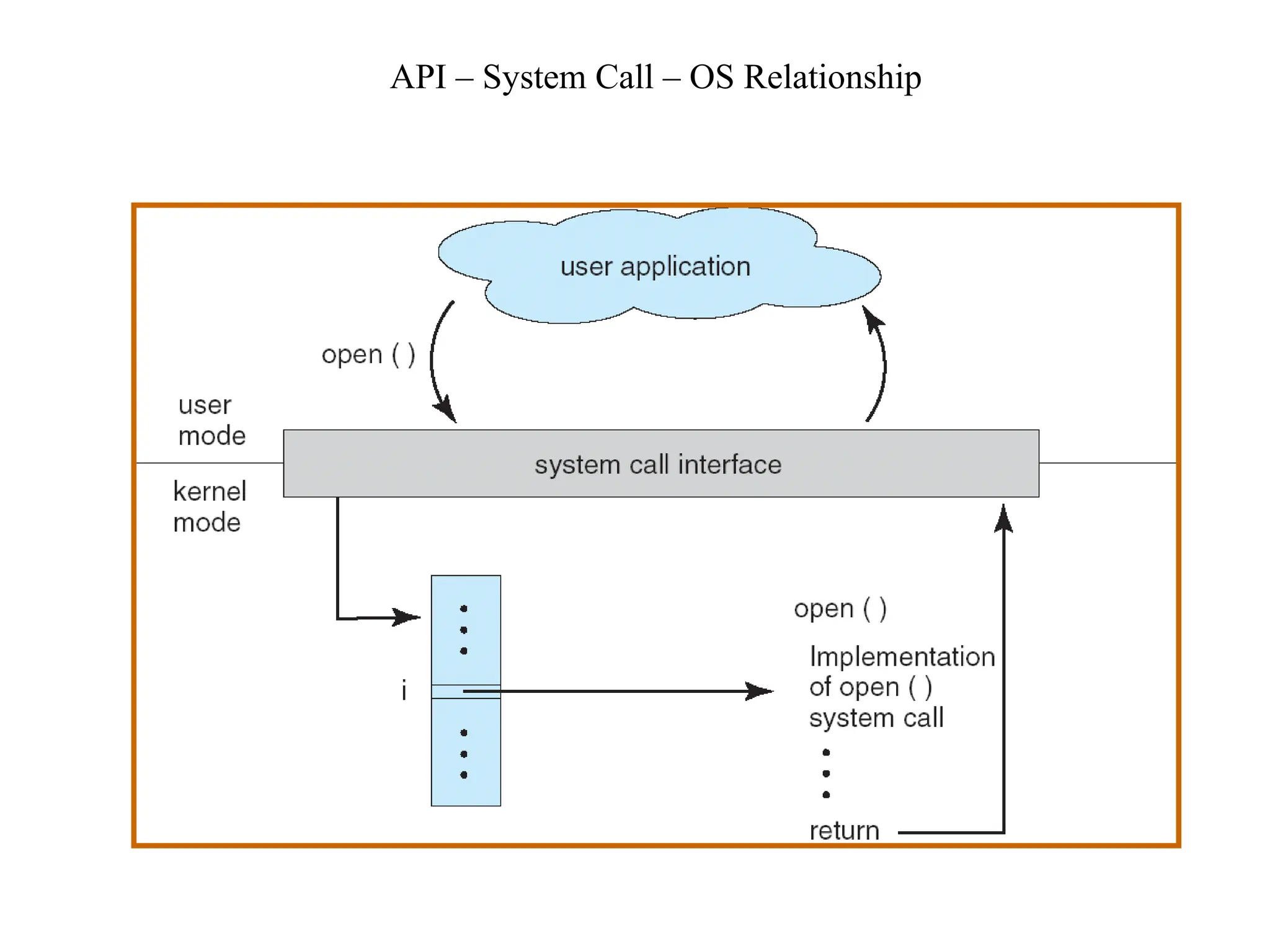
• What is system call? With the help of diagram explain open() system call.
• What is system call? Enlist any four system calls related with process management.
• Explain any four file related system calls.
System Calls
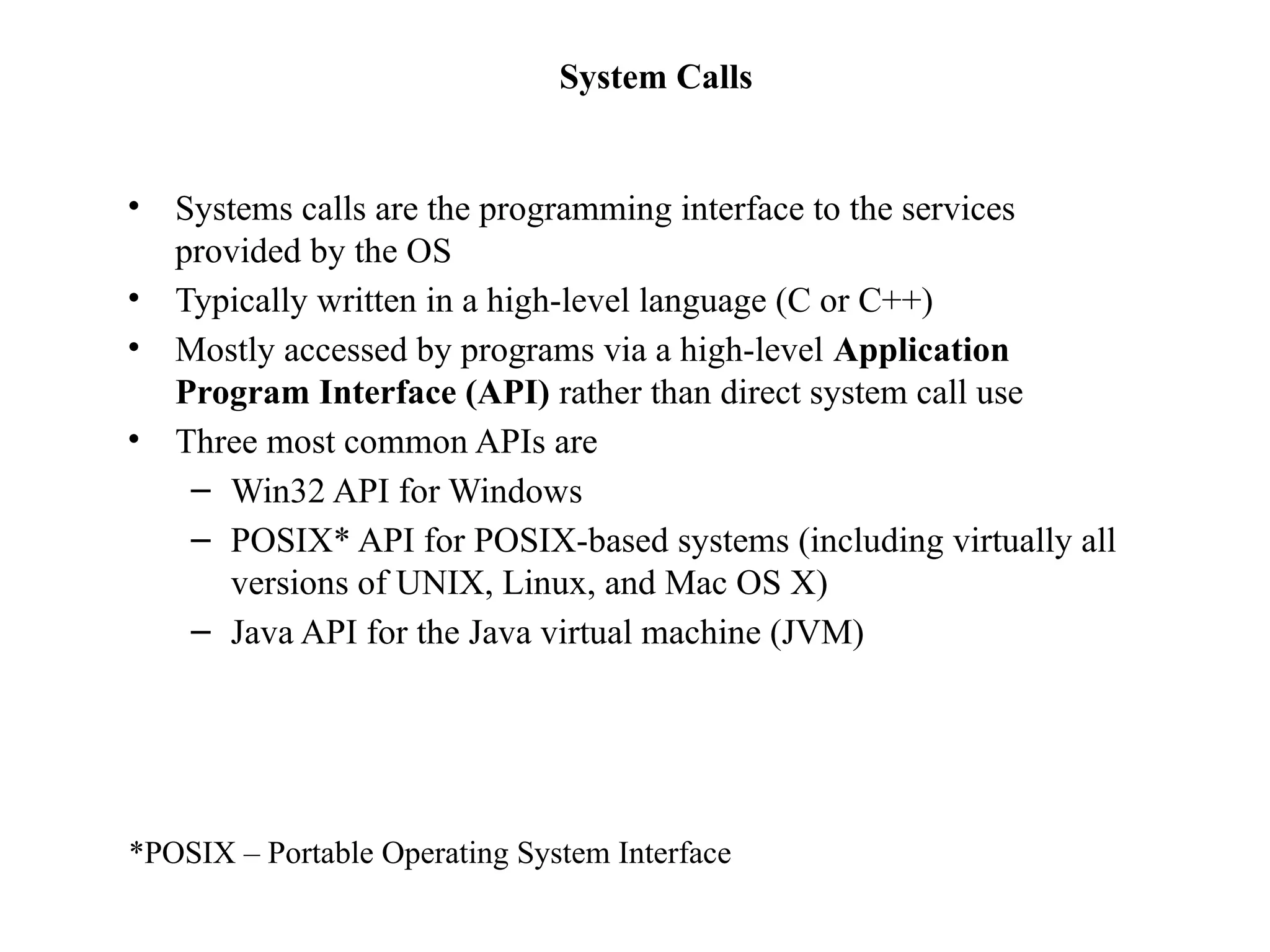
• Systems calls are the programming interface to the services
provided by the OS
• Typically written in a high-level language (C or C++)
• Mostly accessed by programs via a high-level Application
Program Interface (API) rather than direct system call use
• Three most common APIs are
– Win32 API for Windows
– POSIX* API for POSIX-based systems (including virtually all
versions of UNIX, Linux, and Mac OS X)
– Java API for the Java virtual machine (JVM)
*POSIX – Portable Operating System Interface
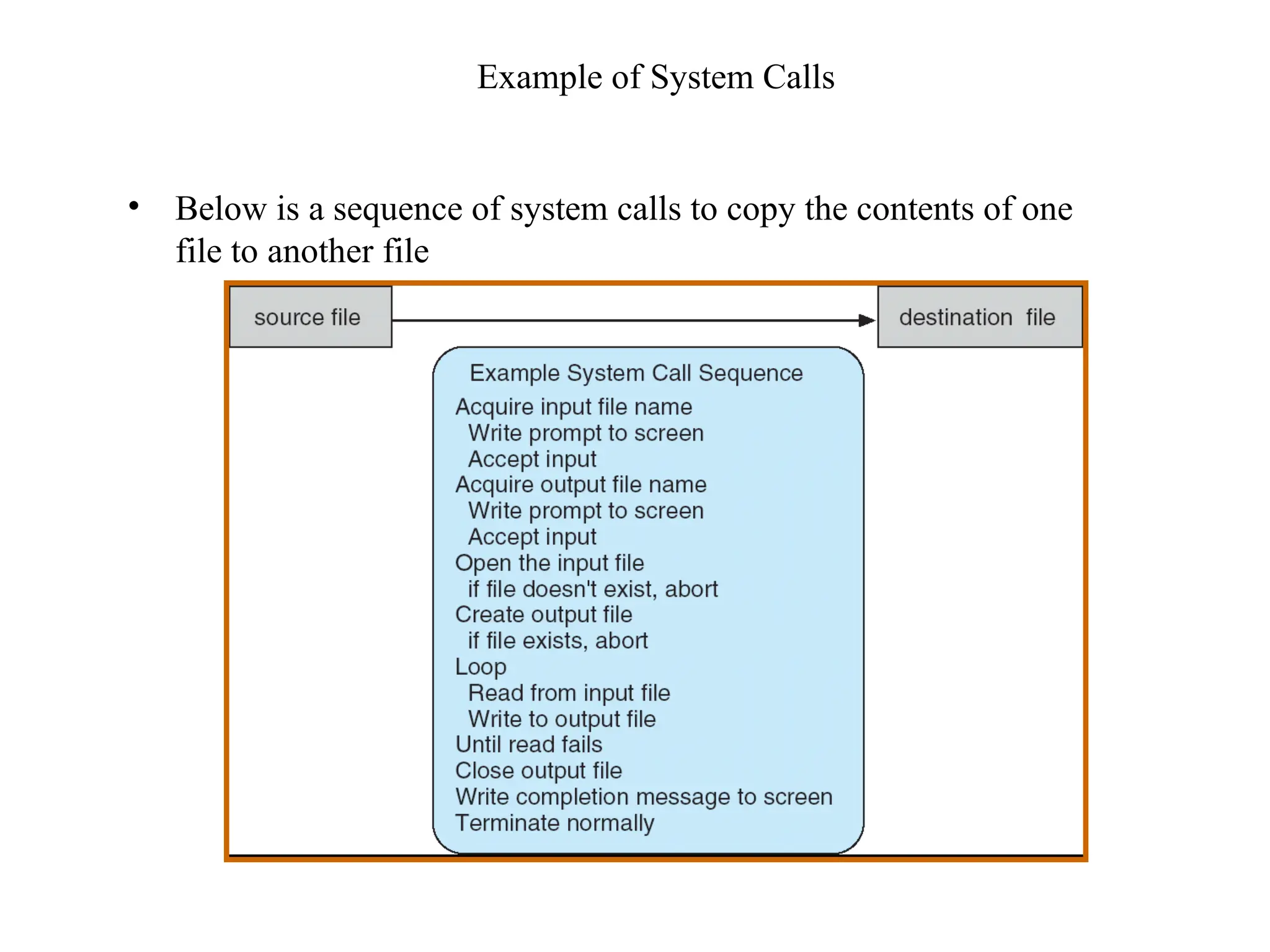
Example of System Calls
• Below is a sequence of system calls to copy the contents of one
file to another file
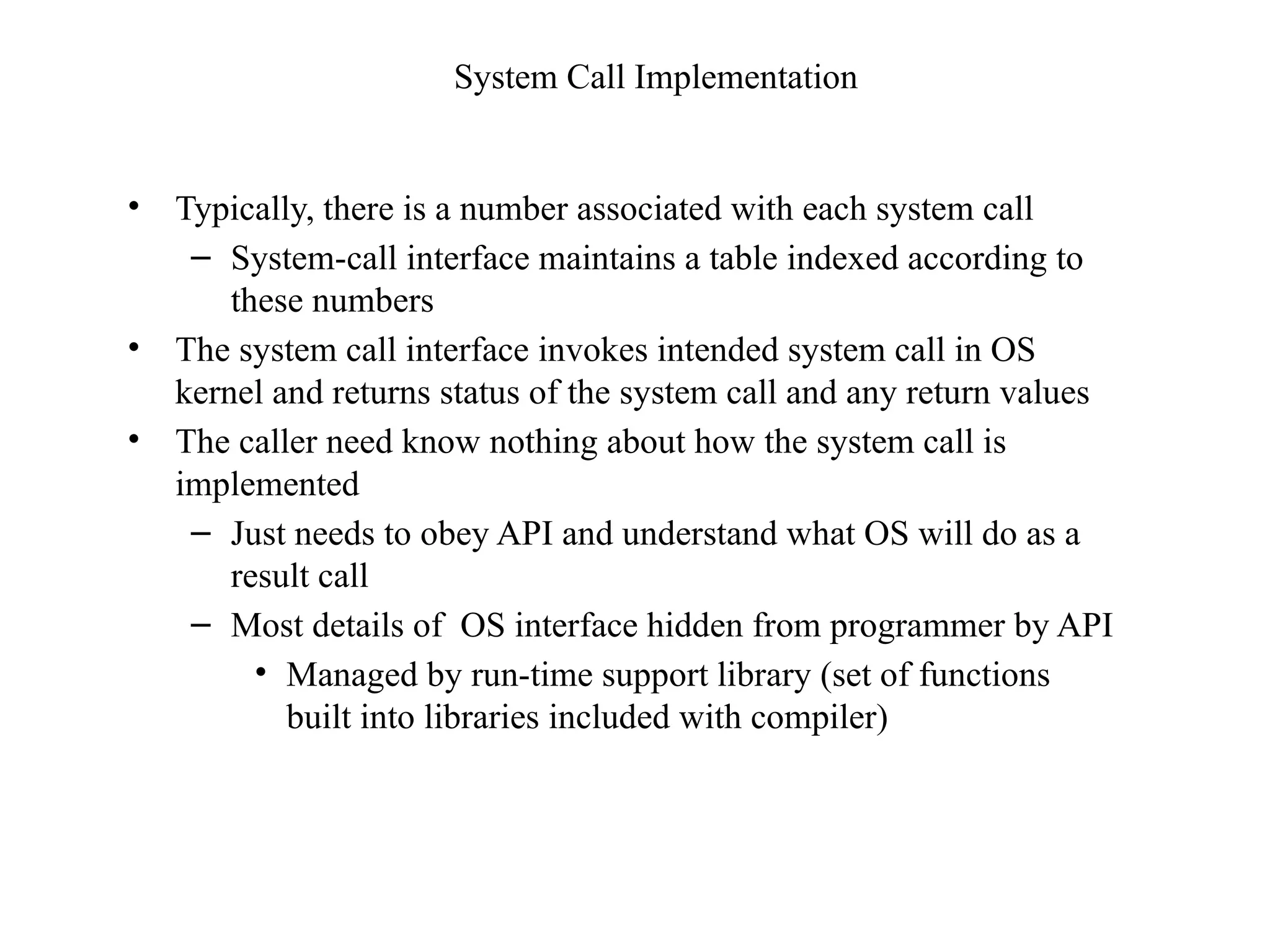
System Call Implementation
• Typically, there is a number associated with each system call
– System-call interface maintains a table indexed according to
these numbers
• The system call interface invokes intended system call in OS
kernel and returns status of the system call and any return values
• The caller need know nothing about how the system call is
implemented
– Just needs to obey API and understand what OS will do as a
result call
– Most details of OS interface hidden from programmer by API
• Managed by run-time support library (set of functions
built into libraries included with compiler)
API – System Call – OS Relationship
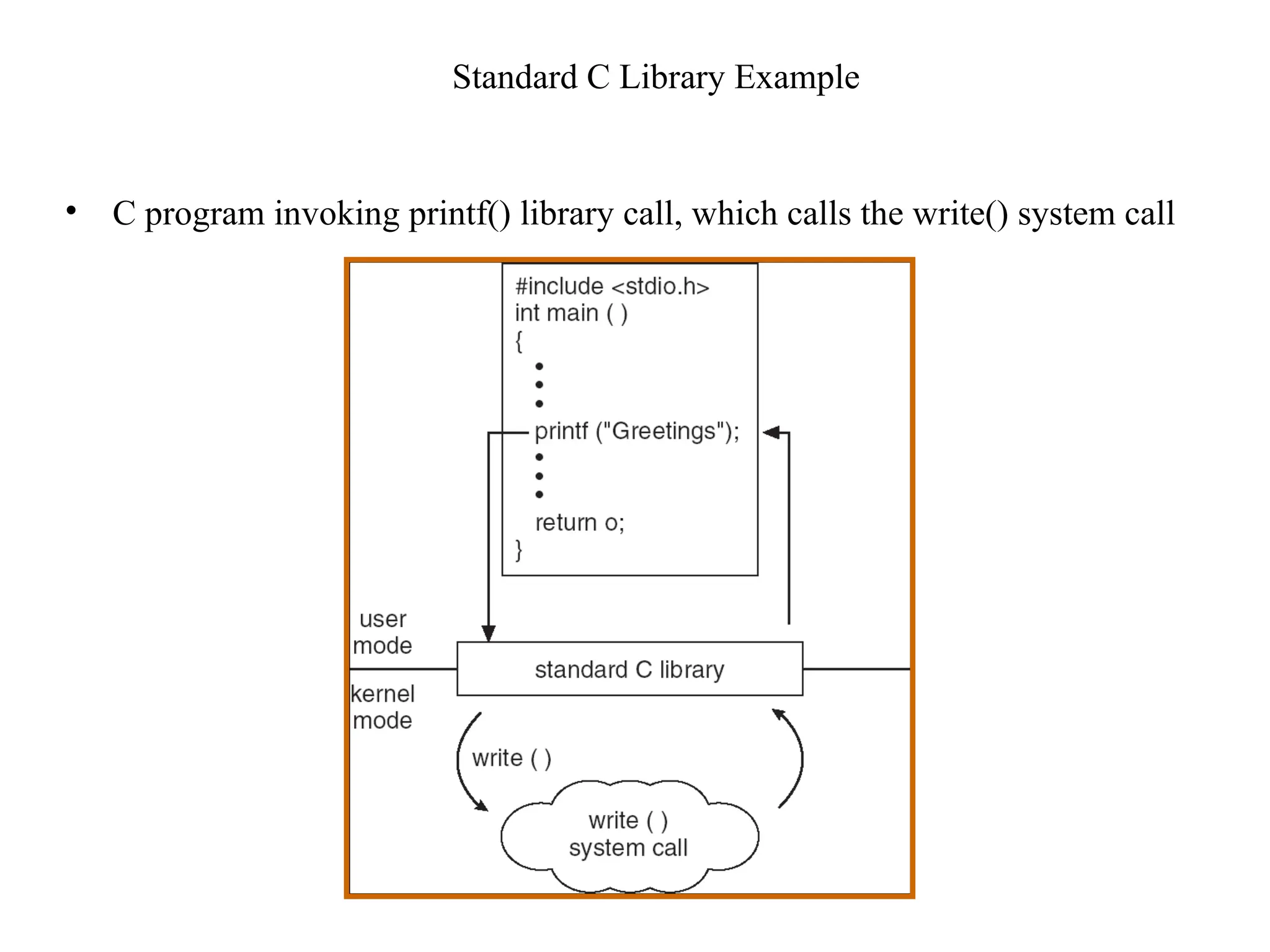
Standard C Library Example
• C program invoking printf() library call, which calls the write() system call
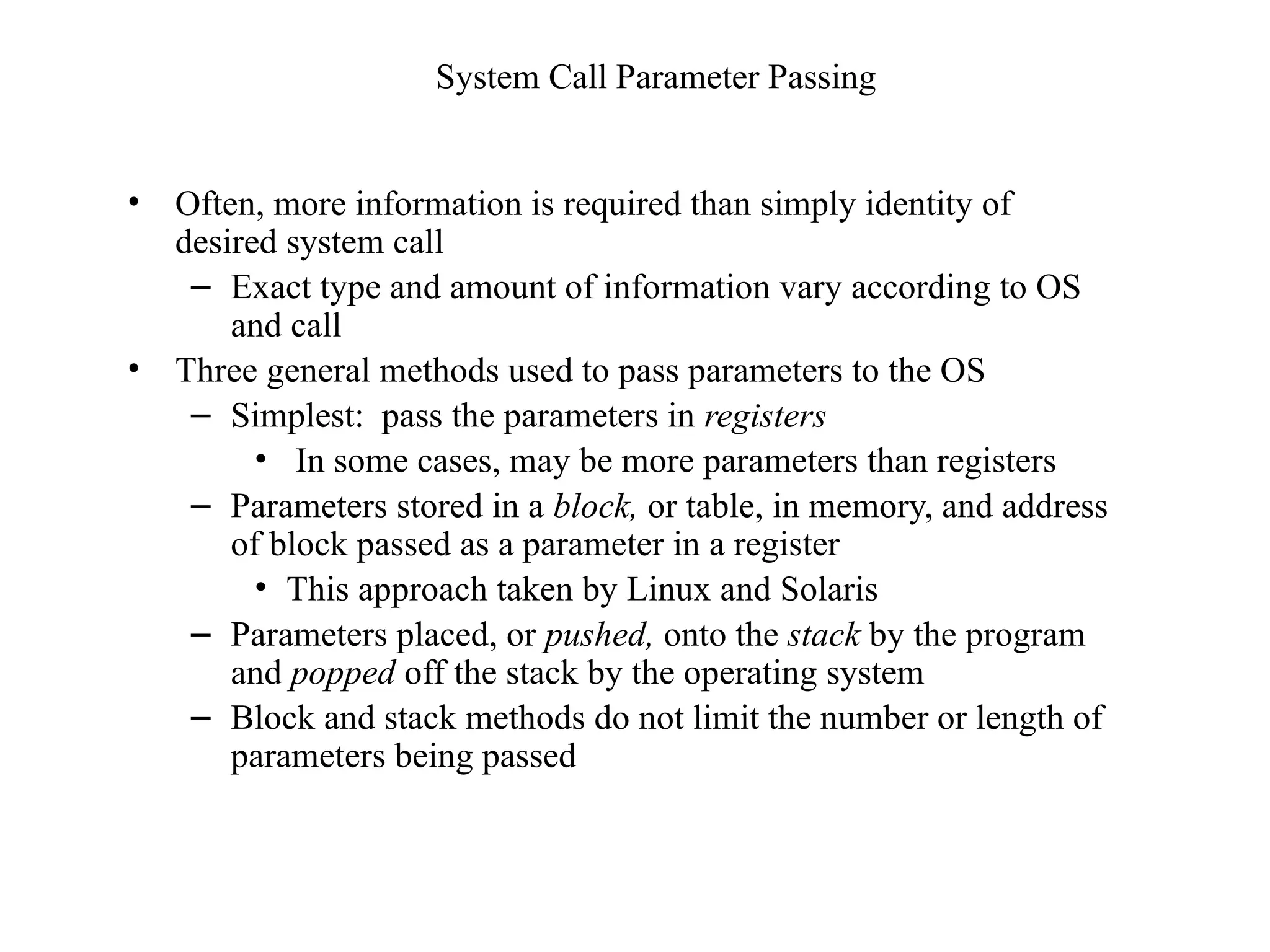
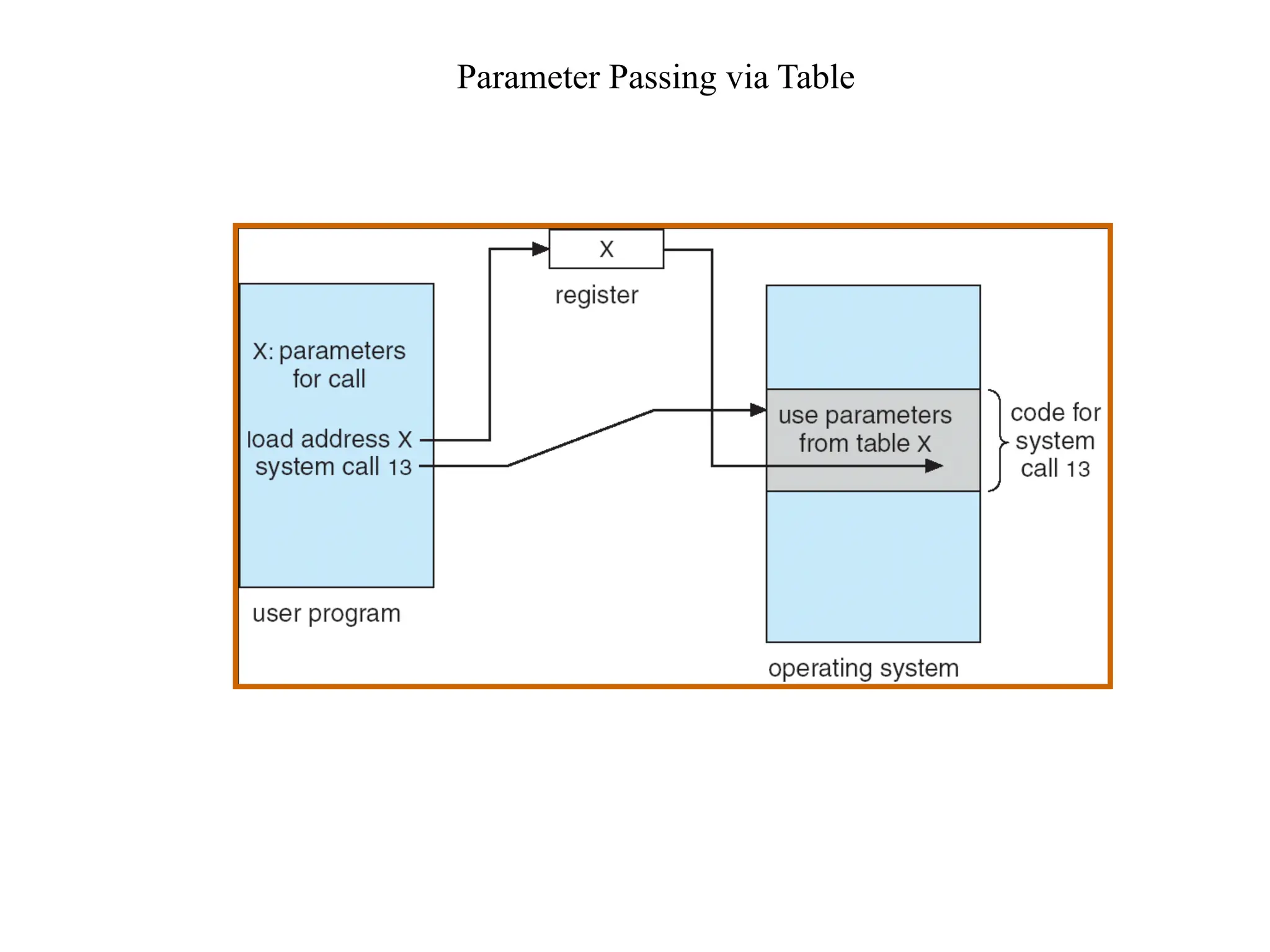
System Call Parameter Passing
• Often, more information is required than simply identity of
desired system call
– Exact type and amount of information vary according to OS
and call
• Three general methods used to pass parameters to the OS
– Simplest: pass the parameters in registers
• In some cases, may be more parameters than registers
– Parameters stored in a block, or table, in memory, and address
of block passed as a parameter in a register
• This approach taken by Linux and Solaris
– Parameters placed, or pushed, onto the stack by the program
and popped off the stack by the operating system
– Block and stack methods do not limit the number or length of
parameters being passed
Parameter Passing via Table
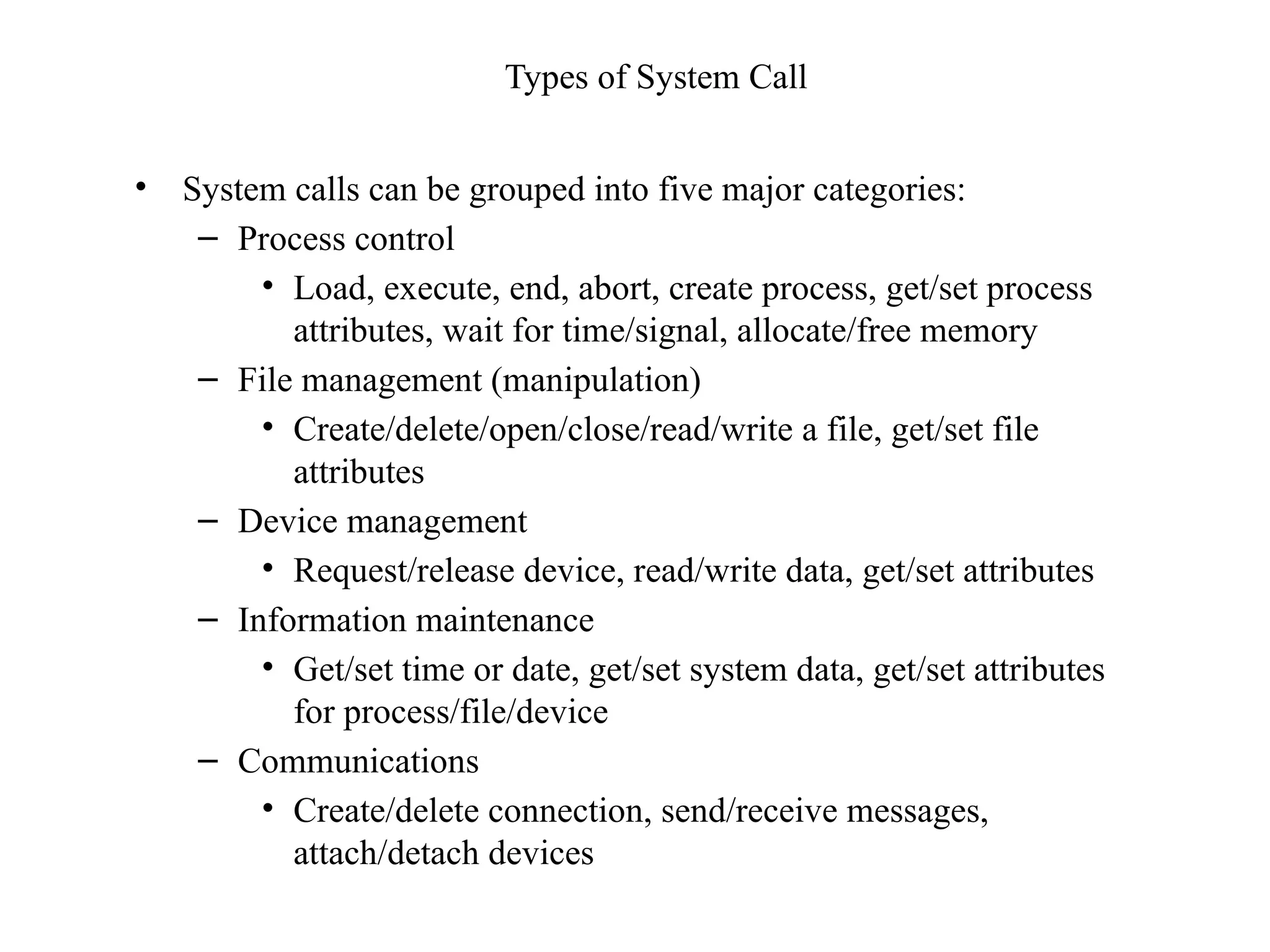
Types of System Call
• System calls can be grouped into five major categories:
– Process control
• Load, execute, end, abort, create process, get/set process
attributes, wait for time/signal, allocate/free memory
– File management (manipulation)
• Create/delete/open/close/read/write a file, get/set file
attributes
– Device management
• Request/release device, read/write data, get/set attributes
– Information maintenance
• Get/set time or date, get/set system data, get/set attributes
for process/file/device
– Communications
• Create/delete connection, send/receive messages,
attach/detach devices
MSBTE: question on Operating system components
• Describe device management system operating system in details.
• What is process management? State four functions to be performed by operating
system for process management
• What are the activities involved in secondary storage management?
• Describe activities of I/O system and secondary storage management.
• Explain major activities of memory management component of an operating
system.
• What is process management? State any four functions of process management.
• Explain different activities of I/O system management components of operating
system
• Explain main memory management component of operating system with its
activities.
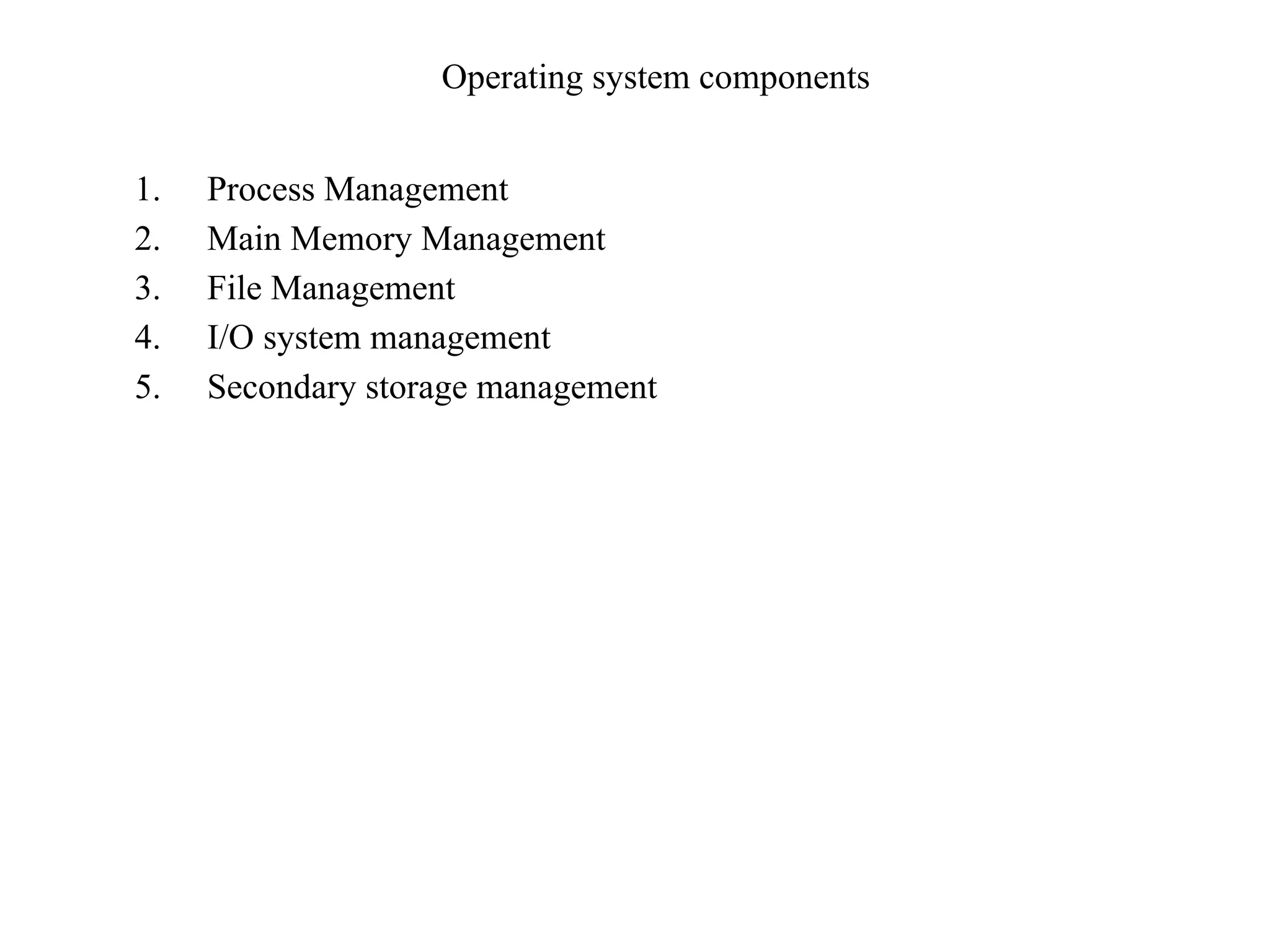
Operating system components
1. Process Management
2. Main Memory Management
3. File Management
4. I/O system management
5. Secondary storage management
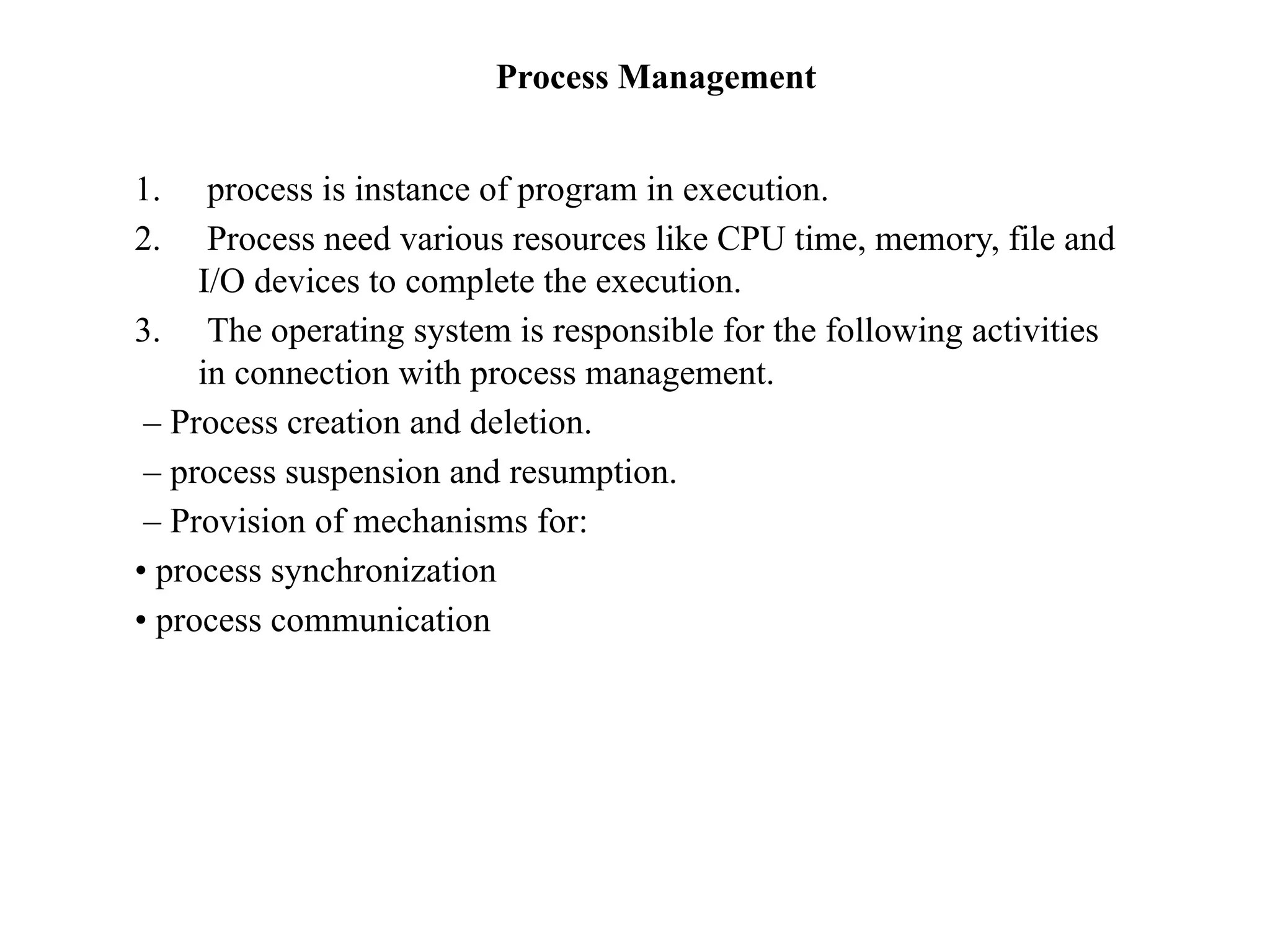
Process Management
1. process is instance of program in execution.
2. Process need various resources like CPU time, memory, file and
I/O devices to complete the execution.
3. The operating system is responsible for the following activities
in connection with process management.
– Process creation and deletion.
– process suspension and resumption.
– Provision of mechanisms for:
• process synchronization
• process communication
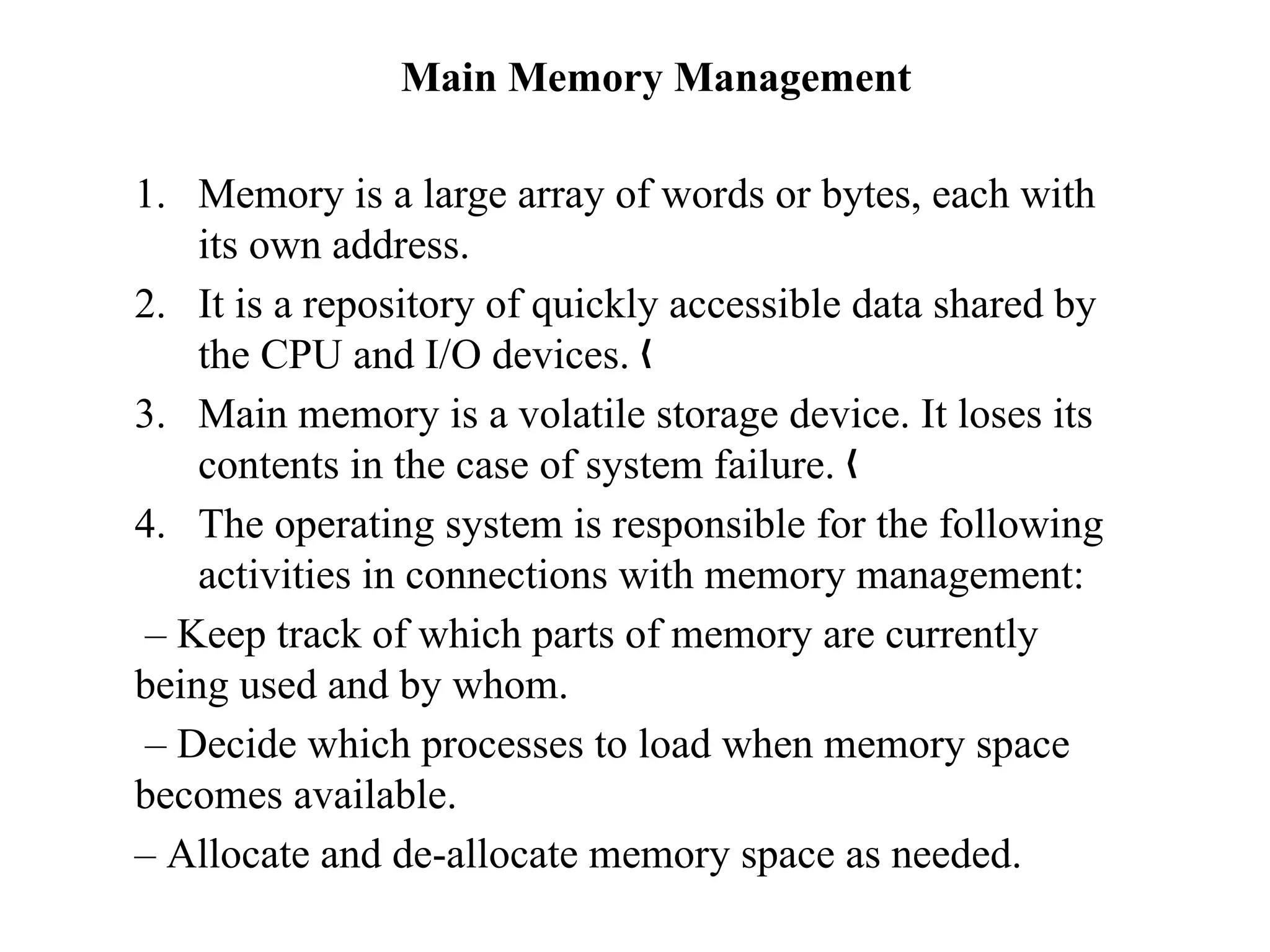
Main Memory Management
1. Memory is a large array of words or bytes, each with
its own address.
2. It is a repository of quickly accessible data shared by
the CPU and I/O devices. „
3. Main memory is a volatile storage device. It loses its
contents in the case of system failure. „
4. The operating system is responsible for the following
activities in connections with memory management:
– Keep track of which parts of memory are currently
being used and by whom.
– Decide which processes to load when memory space
becomes available.
– Allocate and de-allocate memory space as needed.
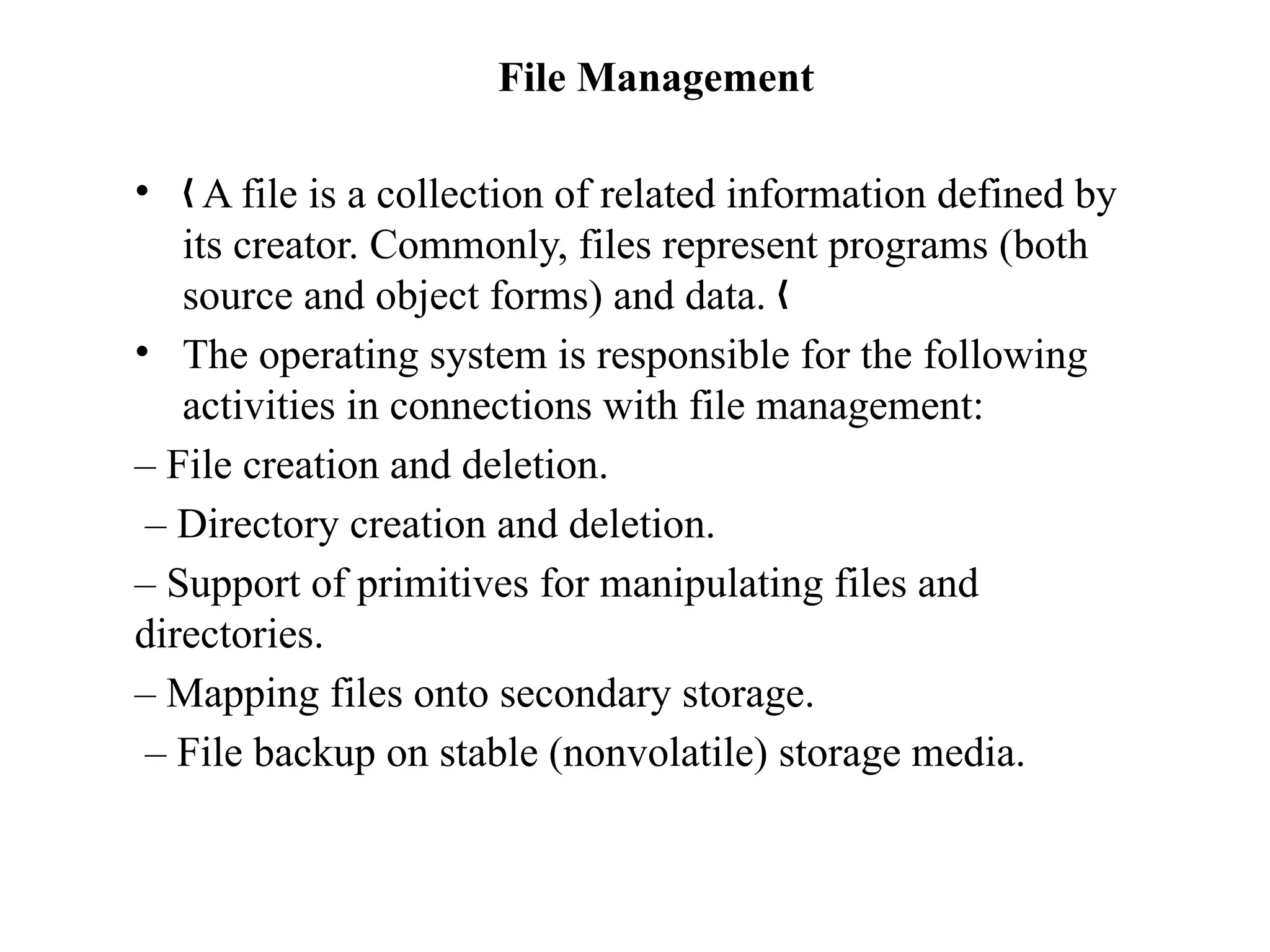
File Management
• A file is a collection of related information defined by
„
its creator. Commonly, files represent programs (both
source and object forms) and data. „
• The operating system is responsible for the following
activities in connections with file management:
– File creation and deletion.
– Directory creation and deletion.
– Support of primitives for manipulating files and
directories.
– Mapping files onto secondary storage.
– File backup on stable (nonvolatile) storage media.
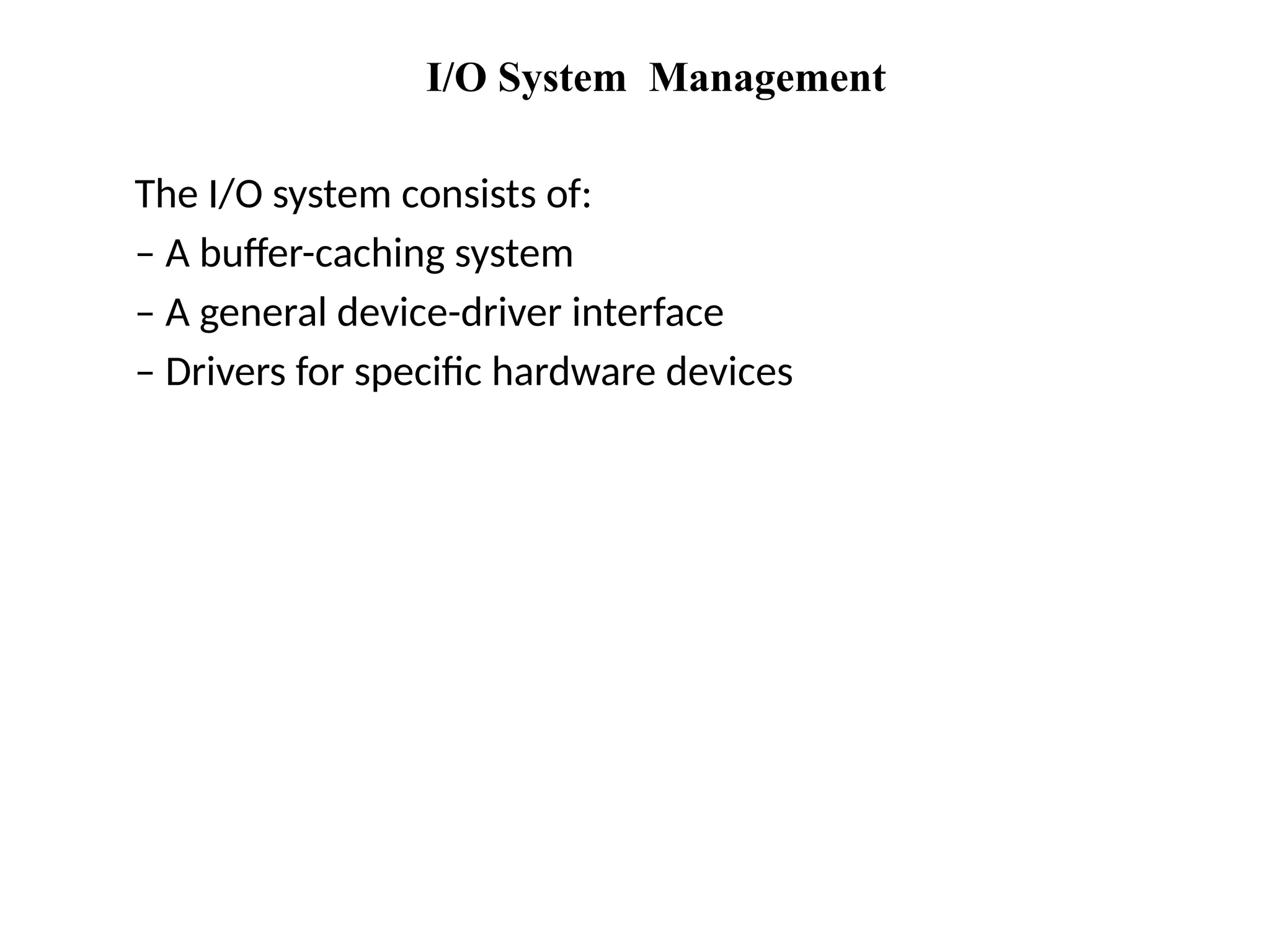
I/O System Management
The I/O system consists of:
– A buffer-caching system
– A general device-driver interface
– Drivers for specific hardware devices
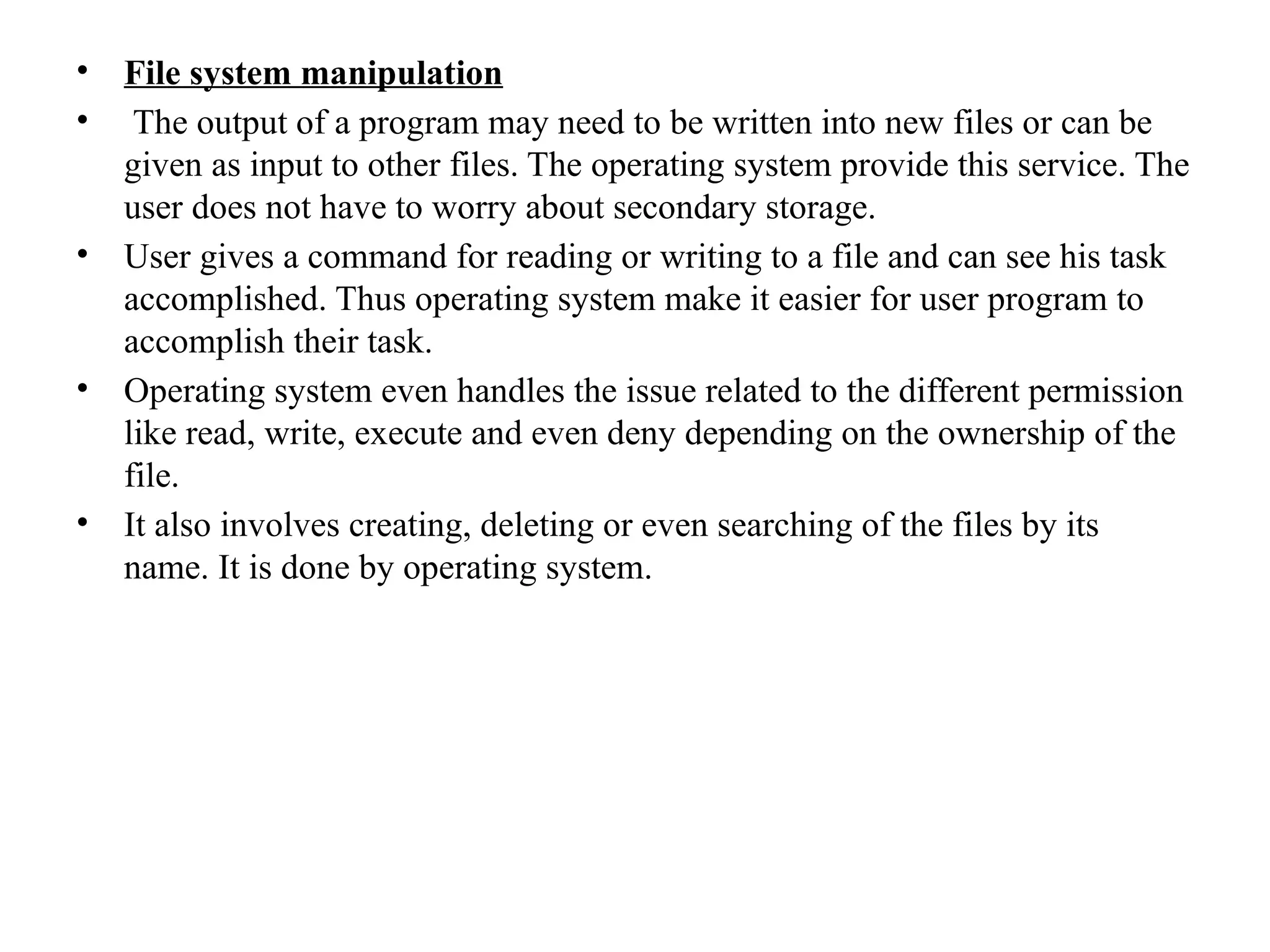
Secondary Storage Management
• Since main memory (primary storage) is volatile and
too small to accommodate all data and programs
permanently, the computer system must provide
secondary storage to back up main memory. „
• Most modern computer systems use disks as the
principle on-line storage medium, for both programs
and data.
• The operating system is responsible for the following
„
activities in connection with disk management:
• – Free space management
• – Storage allocation
• – Disk scheduling

Chapter No 2 Services and Components of Operating System.pptx

  • 1.
  • 2.
    MSBTE Questions onOperating system services 1. List any four operating system services and describe in one/two sentence. 2. List and state any four services provided by an operating system 3. List any four services provided by OS and explain any two of them. 4. Explain any six service of operating system. Draw diagram of services of operating system.
  • 3.
    Different service ofoperating system
  • 4.
    Different service ofoperating system • User Interface: 1. Command-line interface 2. Batch Interface 3. GUI Command-line Interface: Command-line interface provides an environment where user can write their commands in text format on command prompts Batch Interface: Batch interface allows a command environment which gets execute one by one or sequentially user creates a batch file which contain multiple executable commands in a sequence. This batch file is executed to execute the set of command include in it.
  • 5.
    • Graphical userinterface (GUI) Most of the operating system provide graphical interface which have tool like pointing device which direct the input/ output operation with the help of graphical control like menu etc. • Program Execution Program execution allows user written programs to get execute or run. Program execution is the most important aspect of the computer system. One of the core functions of operating system is to support program execution. Operating system takes care of assigning work to the CPU (CPU job scheduling ) for the purpose of program execution. Every Program that runs on computer system needs memory. This memory is done by operating system. Also multitasking, multiprogramming etc features are provides by operating system. After executing the program memory de-allocation of memory is done by operating system
  • 6.
    • Input/ Outputoperation • Each program requires as input and produce output. This involves the use of I/O device or files. • The operating system hide details of underlying hardware of an I/O from the user. • User can run their program conveniently because they are not aware about the I/O system of operating system. • For better efficiency and protection, the user are not allowed to directly interact with I/O devices. So, operating system here becomes the bridge between I/O devices and user. • Operating system makes I/O devices available to user in a user friendly manner whenever required by user
  • 7.
    • File systemmanipulation • The output of a program may need to be written into new files or can be given as input to other files. The operating system provide this service. The user does not have to worry about secondary storage. • User gives a command for reading or writing to a file and can see his task accomplished. Thus operating system make it easier for user program to accomplish their task. • Operating system even handles the issue related to the different permission like read, write, execute and even deny depending on the ownership of the file. • It also involves creating, deleting or even searching of the files by its name. It is done by operating system.
  • 8.
    • Communication • Thecommunication here refers to the communication that take place among the different processes. It might happen that processes need to communicate with each other for some purpose. Also processes can be present on the same machine or another machine. • When processes are present on different computers communication can be done through the network. • User written program can help in transmitting message among the different processes.
  • 9.
    • Error Detection: •An error is one part of the system that may cause malfunction of the complete system. To avoid such a situation the operating system constantly monitors the system for detecting the error. • Operating system ensure that the user should not be worried for error propagation to various part of the system and causing malfunctioning. • This service cannot be controlled by user programs because it involves monitoring and in case altering area of memory or de-allocation of memory for facility process. It cab be even relinquishing the CPU of a process that goes into an infinite loop. • These tasks are too critical to be handed over to the user program. A user program may interface with the normal operation of the operating systems if they are allowed to control errors.
  • 10.
    • Resources Allocation •When multiple user or multiple jobs running concurrently, resources must be allocated to each of them. • Many types of resource such as CPU cycle, main memory and file storage etc may have special allocation code, other ( such as I/O devices) may have general request and release code. • Accounting • To keep track of which users use how much and what kind of computer resources. It also helps in finding out the usage statistics. • It is even useful for the researchers to find out the usage and the requirement to reconfigure the system.
  • 11.
    • Protection &Security • The owner of information stored in a multi-user or networked computer system may want to control use of that information. ie access to data and other related privileges like reading, writing, executing etc. • Even the concurrent processes should not interface with each other which may cause damage to the information. • Protection: This involves ensuring that all access to system resources is controlled. • Security: Security of the system from unwanted users requires user authentication. The defending of external I/O devices from invalid access is important. It is important to protect the system and keep it secured. The precaution must be instituted throughout the system.
  • 12.
    MSBTE Questions onSystem call • What is system call? • State any four file related system calls. Write in brief about any one. • Explain how parameter passing is done while implementing system calls. • Describe device management system operating system in details. • Enlist any four system calls related to device management. • Describe the information management in details • What is purpose of system call? • Describe any four services provided by operating system. • Describe device management of operating system. • How to implement system call? Explain in detail. • Describe any eight operating system service in detail. • Describe the purpose of system calls? State two system calls with its functions. • What is system call? With the help of diagram explain open() system call. • What is system call? Enlist any four system calls related with process management. • Explain any four file related system calls.
  • 13.
    System Calls • Systemscalls are the programming interface to the services provided by the OS • Typically written in a high-level language (C or C++) • Mostly accessed by programs via a high-level Application Program Interface (API) rather than direct system call use • Three most common APIs are – Win32 API for Windows – POSIX* API for POSIX-based systems (including virtually all versions of UNIX, Linux, and Mac OS X) – Java API for the Java virtual machine (JVM) *POSIX – Portable Operating System Interface
  • 14.
    Example of SystemCalls • Below is a sequence of system calls to copy the contents of one file to another file
  • 15.
    System Call Implementation •Typically, there is a number associated with each system call – System-call interface maintains a table indexed according to these numbers • The system call interface invokes intended system call in OS kernel and returns status of the system call and any return values • The caller need know nothing about how the system call is implemented – Just needs to obey API and understand what OS will do as a result call – Most details of OS interface hidden from programmer by API • Managed by run-time support library (set of functions built into libraries included with compiler)
  • 16.
    API – SystemCall – OS Relationship
  • 17.
    Standard C LibraryExample • C program invoking printf() library call, which calls the write() system call
  • 18.
    System Call ParameterPassing • Often, more information is required than simply identity of desired system call – Exact type and amount of information vary according to OS and call • Three general methods used to pass parameters to the OS – Simplest: pass the parameters in registers • In some cases, may be more parameters than registers – Parameters stored in a block, or table, in memory, and address of block passed as a parameter in a register • This approach taken by Linux and Solaris – Parameters placed, or pushed, onto the stack by the program and popped off the stack by the operating system – Block and stack methods do not limit the number or length of parameters being passed
  • 19.
  • 20.
    Types of SystemCall • System calls can be grouped into five major categories: – Process control • Load, execute, end, abort, create process, get/set process attributes, wait for time/signal, allocate/free memory – File management (manipulation) • Create/delete/open/close/read/write a file, get/set file attributes – Device management • Request/release device, read/write data, get/set attributes – Information maintenance • Get/set time or date, get/set system data, get/set attributes for process/file/device – Communications • Create/delete connection, send/receive messages, attach/detach devices
  • 21.
    MSBTE: question onOperating system components • Describe device management system operating system in details. • What is process management? State four functions to be performed by operating system for process management • What are the activities involved in secondary storage management? • Describe activities of I/O system and secondary storage management. • Explain major activities of memory management component of an operating system. • What is process management? State any four functions of process management. • Explain different activities of I/O system management components of operating system • Explain main memory management component of operating system with its activities.
  • 22.
    Operating system components 1.Process Management 2. Main Memory Management 3. File Management 4. I/O system management 5. Secondary storage management
  • 23.
    Process Management 1. processis instance of program in execution. 2. Process need various resources like CPU time, memory, file and I/O devices to complete the execution. 3. The operating system is responsible for the following activities in connection with process management. – Process creation and deletion. – process suspension and resumption. – Provision of mechanisms for: • process synchronization • process communication
  • 24.
    Main Memory Management 1.Memory is a large array of words or bytes, each with its own address. 2. It is a repository of quickly accessible data shared by the CPU and I/O devices. „ 3. Main memory is a volatile storage device. It loses its contents in the case of system failure. „ 4. The operating system is responsible for the following activities in connections with memory management: – Keep track of which parts of memory are currently being used and by whom. – Decide which processes to load when memory space becomes available. – Allocate and de-allocate memory space as needed.
  • 25.
    File Management • Afile is a collection of related information defined by „ its creator. Commonly, files represent programs (both source and object forms) and data. „ • The operating system is responsible for the following activities in connections with file management: – File creation and deletion. – Directory creation and deletion. – Support of primitives for manipulating files and directories. – Mapping files onto secondary storage. – File backup on stable (nonvolatile) storage media.
  • 26.
    I/O System Management TheI/O system consists of: – A buffer-caching system – A general device-driver interface – Drivers for specific hardware devices
  • 27.
    Secondary Storage Management •Since main memory (primary storage) is volatile and too small to accommodate all data and programs permanently, the computer system must provide secondary storage to back up main memory. „ • Most modern computer systems use disks as the principle on-line storage medium, for both programs and data. • The operating system is responsible for the following „ activities in connection with disk management: • – Free space management • – Storage allocation • – Disk scheduling