Downloaded 129 times
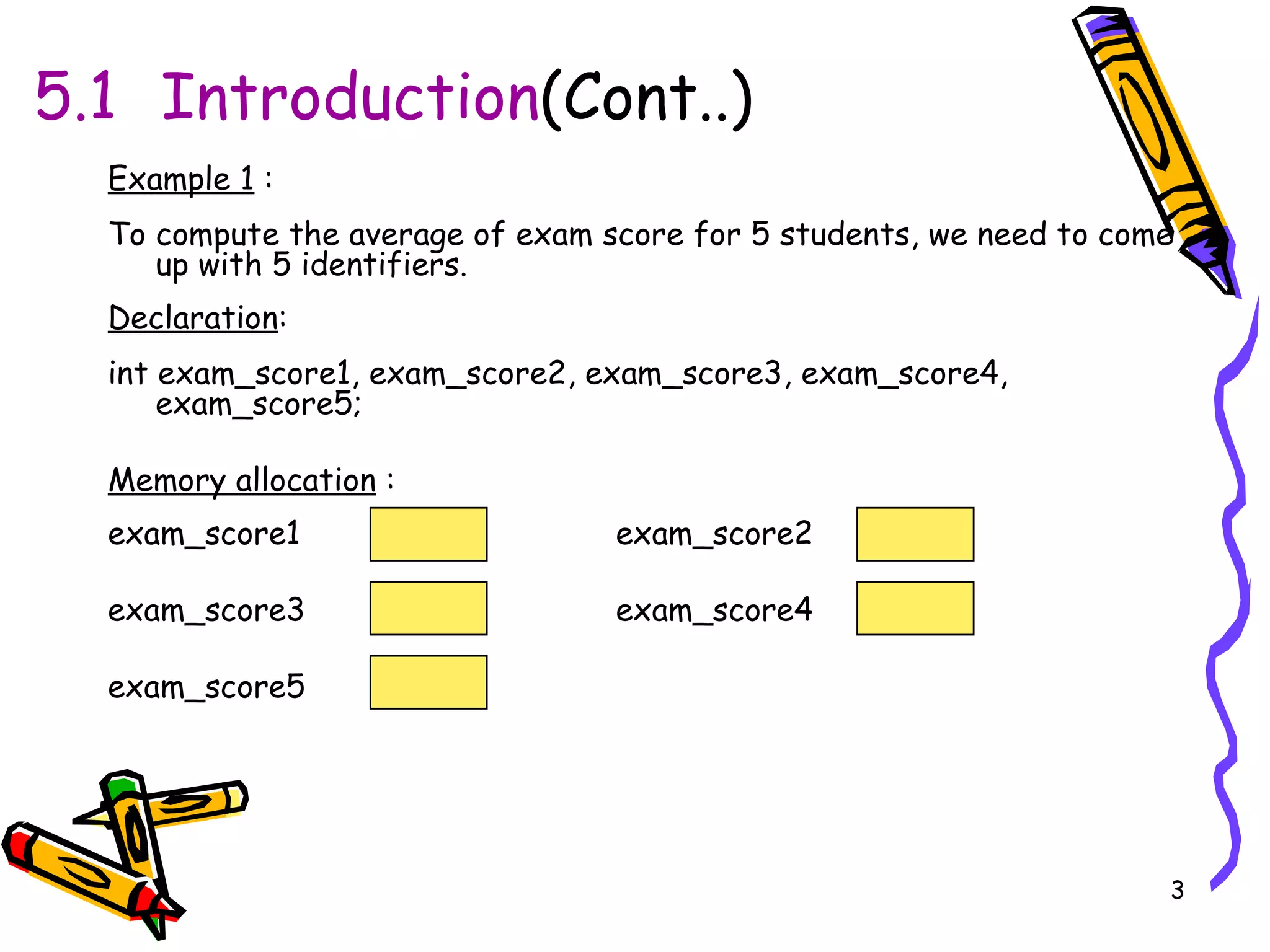
![5.1 Introduction (Cont..) Better use only 1 identifier to represent all 5 exam scores & an index to specify the student to whom the exam score belongs. By using an array. Declaration : int exam_score[5]; Memory allocation : exam_score[0] exam_score[1] exam_score[2] exam_score[3] exam_score[4] Note : The enumeration of elements(array index/subscript) within an array always start with 0 not 1. If the array has N elements, the last elements is in position N-1.](https://image.slidesharecdn.com/ch5arraynota-111203174205-phpapp01/75/Ch5-array-nota-4-2048.jpg)
![5.2.1 Declaring Array When declaring arrays, we have to specify : Type of array Array Name Number of elements Format : data_type array_name[ number_Of_Elements ]; Example : int exam_score[28]; Array size Array name Array type](https://image.slidesharecdn.com/ch5arraynota-111203174205-phpapp01/75/Ch5-array-nota-6-2048.jpg)
![5.2.1 Declaring Array (cont).. Another Examples : i) int c[10]; ii) float myArray[ 3284 ]; iii) int a[5]; /* use a[0], a[1], .., a[4] */ iv) char b[3] ; /* use b[0], b[1], b[2] */ v) float c[2] = { .1, .2}; /*initialization at declaration.c[0] = 0.1 , c[1]=0.2 */ vi) double c[3][5]; /* two dimensional array](https://image.slidesharecdn.com/ch5arraynota-111203174205-phpapp01/75/Ch5-array-nota-7-2048.jpg)
![5.2.1 Declaring Array (cont).. • Declaring multiple arrays of same type – Format similar to regular variables Example : int b[100], x[27]; char car[23], lorry[45]; float duck[3], ant[9];](https://image.slidesharecdn.com/ch5arraynota-111203174205-phpapp01/75/Ch5-array-nota-8-2048.jpg)
![5.2.2 Array Initialization Array can be initialized at compile time and run time. (i) : Compile-Time Initialization of Arrays (while declaring) An initializer must be a constant value. Example : int exam_score[4] = { 88, 85, 76, 91 }; 4 initializers, therefore 4 element array We also can declare the no.of element implicitly. Example : int exam_score[ ] = {88,85,76,91} first element is refer as exam_score[0] third element is refer as exam_score[2]](https://image.slidesharecdn.com/ch5arraynota-111203174205-phpapp01/75/Ch5-array-nota-9-2048.jpg)
![5.2.2 Array Initialization (cont..) (ii) : Run-Time Initialization of Arrays An array can be initialize at run time explicitly. Example : a) for (int i = 0; i < 27; i++) exam_score[i] = 0.0; b) for( int b = 0; b < 27; b++) scanf(“%d”, &exam_score[b]);](https://image.slidesharecdn.com/ch5arraynota-111203174205-phpapp01/75/Ch5-array-nota-10-2048.jpg)
![5.2.2 Array Initialization (cont…) In addition, if we leave some values of initialization, rightmost elements will become 0. Example : int exam_score[4] = {88,85}; -> the 3 rd & 4 th element are 0 int exam_score[5] = {0}; All elements are 0](https://image.slidesharecdn.com/ch5arraynota-111203174205-phpapp01/75/Ch5-array-nota-11-2048.jpg)
![5.2.3 Array Referencing Each individual element is referred by specifying array name & index. Format : arrayname [ position number ] Example : (i) exam_score[0] = 89; printf( "%d", exam_score[ 0 ] ); (ii) float x[ ] = { 4.05,3.45,3.21,6.55,10.23} for( int a = 0; a <= 4; a++) printf( “ element for index %d = %f\n”, a, x[a]); //output for the fragment code : element for index 0 = 4.05 element for index 1 = 3.45 element for index 2 = 3.21 element for index 3 = 6.55 element for index 4 = 10.23](https://image.slidesharecdn.com/ch5arraynota-111203174205-phpapp01/75/Ch5-array-nota-12-2048.jpg)
![5.2.3 Array Referencing(cont…) index 0 1 2 3 4 x x[0] x[1] x[2] x[3] x[4] Name of array ( all elements of this array, have the same name, x ) Position number of the element within array x “ array subscript” 4.05 3.45 3.21 6.55 10.23](https://image.slidesharecdn.com/ch5arraynota-111203174205-phpapp01/75/Ch5-array-nota-13-2048.jpg)
![5.2.3 Array Referencing(cont…) Manipulation Statement using array : Perform operations in subscript (index). Example : double Mark [8]; Mark [0] Mark[1] Mark[2] Mark[3] Mark [4] Mark [5] Mark [6] Mark [7] printf (“ %.f ”, Mark[0]); Mark[3] =25.0; sum= Mark[0] + Mark[1]; sum += Mark[2]; Mark[3] += 1.0; Mark[2] = Mark [0] + Mark [1]; 16.0 12.0 6.0 8.0 2.5 12.0 14.0 10.5](https://image.slidesharecdn.com/ch5arraynota-111203174205-phpapp01/75/Ch5-array-nota-14-2048.jpg)
![5.2.4 Passing Array to Function • 2 ways to pass array to a function: (i) pass individual element (call by value) (ii) pass the whole elements (call by reference) pass individual element (call by value) Pass individual element of an array. Pass a value parameter. Only the n element is passed by using an indexed expression (i.e., diod[2] )](https://image.slidesharecdn.com/ch5arraynota-111203174205-phpapp01/75/Ch5-array-nota-15-2048.jpg)
![5.2.4 Passing Array to Function (cont..) Example Program 5.4 //passing individual elements #include<stdio.h> void print_third_diod (double d ); void main( ) { double diod[5]={3.3,3.9,4.7,5.1,6.2}; print_third_diod (diod[2]); } void print_third_diod (double d) { printf("The value of the third diod is %.1f\n",d); } //Program Output The value of the third diod is 4.7 Pass the value of diod[2] , 4.7 to function print_third_diod Copy the value of diod[2] from the main function](https://image.slidesharecdn.com/ch5arraynota-111203174205-phpapp01/75/Ch5-array-nota-16-2048.jpg)
![5.2.4 Passing Array to Function (cont..) (ii) pass the whole elements (call by reference) Passing the whole array. Passing only the name of array. Name of array is address of first element – Function knows where the array is stored • At function definition, formal parameter must be an array type. Size of array does not need to be specified. (i.e., float count_average(float r[ ] ) ).](https://image.slidesharecdn.com/ch5arraynota-111203174205-phpapp01/75/Ch5-array-nota-17-2048.jpg)
![5.2.4 Passing Array to Function (cont..) Example Program 5.5 //Passing the whole array #include<stdio.h> float count_average(float r[]); void main( ){ float average_relay; float relay[5]={5,6,9,12,24}; average_relay=count_average (relay) ; printf("The average of 5 relays is %.2f\n",average_relay); } float count_average( float r[ ] ) { float total=0; for(int i=0;i<5;i++) total+=r[i]; return(total/(float)5); } // Program Output The average of 5 relays is 11.20 Entire array passed to function count_average relay[0] relay[1] relay[2] relay[3] relay[4]](https://image.slidesharecdn.com/ch5arraynota-111203174205-phpapp01/75/Ch5-array-nota-18-2048.jpg)
![5.2.4 Passing Array to Function (cont..) Another example : #include<stdio.h> void print_mark( int [ ], int, float); // Function prototype for print_mark void main( ) { int mark[4]; float average; mark[0] = 25; mark[1] = 35; mark[2] = 20; Entire array passed call by reference mark[3] = 20; average = (mark[0] + mark[1] + mark[2] + mark[3])/ 4; print_mark( mark, mark[2], average); } void print_mark( int m[], int a, float b) { printf(“Mark[2] is %d\n”, a); printf(“Average for 4 marks is %f\n”, b); } Call Function print_mark Send the value for mark[2] ,20 to function print_mark](https://image.slidesharecdn.com/ch5arraynota-111203174205-phpapp01/75/Ch5-array-nota-19-2048.jpg)
![5.3 Two Dimensional Array Array of array. 2-D array have 2 subscripts showing the no. of rows & the no. of column. 5.3.1 Two Dimensional Array Declaration Similar with 1-D declaration except it have 2 subscripts. Format : Data_type array_name [no_of_element1][no_of_element2] data_type : either int, float, double, char. array_name : name of array that are an identifier. no_of_elements1 : size of array row. no_of_elements 2 : size of column.](https://image.slidesharecdn.com/ch5arraynota-111203174205-phpapp01/75/Ch5-array-nota-20-2048.jpg)
![5.3.1 Two Dimensional Array Declaration(cont..) Example : (i) int x[10][5]; /*allocate 50 spaces (row:0-9,column:0-4)*/ (ii) float a[3][20]; /*allocate 60 spaces (row:0-2,column:0-19)*/ (iii) int exam_score[3][4]; /*allocate 12 spaces (row:0-2,column:0-3)*/](https://image.slidesharecdn.com/ch5arraynota-111203174205-phpapp01/75/Ch5-array-nota-21-2048.jpg)
![5.3.1 Two Dimensional Array Declaration(cont..) Example : int exam_score[3][4]; row1 row2 row3 column1 column2 column3 column4 array name row subscript column subscript row [0]-[2] column [0]-[3] exam_score[2][3] exam_score[2][2] exam_score[2][1] exam_score[2][0] exam_score[1][3] exam_score[1][2] exam_score[1][1] exam_score[1][0] exam_score[0][3] exam_score[0][2] exam_score[0][1] exam_score[0][0]](https://image.slidesharecdn.com/ch5arraynota-111203174205-phpapp01/75/Ch5-array-nota-22-2048.jpg)
![5.3.1 Two Dimensional Array Declaration(cont..) The right index of an array is increased first before the left index. Example : int exam_score[3][4]={70,80,90,72,82,92,71,81,91,67,78,98 }; exam_score[0][0] exam_score[0][1] exam_score[0][2] exam_score[0][3] exam_score[1][0] exam_score[1][1] exam_score[1][2] exam_score[1][3] exam_score[2][0] exam_score[2][1] exam_score[2][2] exam_score[2][3] 98 78 67 91 81 71 92 82 72 90 80 70](https://image.slidesharecdn.com/ch5arraynota-111203174205-phpapp01/75/Ch5-array-nota-23-2048.jpg)
![5.3.2 Two Dimensional Array Initialization We can initialize 2-D array at compile time and run time. : Compile-Time Initialization of Arrays (while declaring) Example : (i) int exam_score[3][4]={70,80,90,72,82,92,71,81,91,67,78,98}; The best way : nest the data in braces to show the exact nature of the array. Example : (ii) int exam_score[3][4]={{70,80,90,72},{82,92,71,81},{91,67,78,98}};](https://image.slidesharecdn.com/ch5arraynota-111203174205-phpapp01/75/Ch5-array-nota-24-2048.jpg)
![5.3.2 Two Dimensional Array Initialization(cont…) also can declare the far left dimension size implicitly. Example : (iii) int exam_score[ ][4]={{70,80,90,72},{82,92,71,81},{91,67,78,98}}; If we leave some values out of each row, compiler initialize them to 0. Example : (iv) int exam_score[3 ][4]={{70,80},{82,92,71},{91,67,78,98}};](https://image.slidesharecdn.com/ch5arraynota-111203174205-phpapp01/75/Ch5-array-nota-25-2048.jpg)
![5.3.2 Two Dimensional Array Initialization(cont..) : Run-Time Initialization Example : int exam_score[3][4]; //array 3x4 array can be initialized by nested for loops. The 1 st loop varies the row from 0 - 2. The 2 nd loop varies the column from 0 - 3. for (row=0;row<3;row++) for(column=0; column<4; column++) scanf(“%d”,&exam_score[row][column]); //end of for //end of for run the program, enter 12 values for the elements & they are stored in the appropriate locations.](https://image.slidesharecdn.com/ch5arraynota-111203174205-phpapp01/75/Ch5-array-nota-26-2048.jpg)
![5.3.3 Two Dimensional Array Referencing by specifying array name & its row&column index. Can access elements in array, using nested for . Example : exam_score[0][2] = 99; exam_score[1][4]= exam_score[0][3]+10;](https://image.slidesharecdn.com/ch5arraynota-111203174205-phpapp01/75/Ch5-array-nota-27-2048.jpg)
![5.3.3 Two Dimensional Array Referencing (cont…) Example Program 5.8 #include<stdio.h> void main( ) { int exam_score[3][4]={{70,80,90,72},{82,92,71,81},{91,67,78,98}}; for(int row=0; row<3; row++) { for(int column=0; column<4; column++){ exam_score[row][column]= exam_score[row][column]+1; printf("[%d][%d] = %d\n",row,column,exam_score[row][column]); } } } //Program Output [0][0] = 71 [0][1] = 81 [0][2] = 91 [0][3] = 73 [1][0] = 83 [1][1] = 93 [1][2] = 72 [1][3] = 82 [2][0] = 92 [2][1] = 68 [2][2] = 79 [2][3] = 99](https://image.slidesharecdn.com/ch5arraynota-111203174205-phpapp01/75/Ch5-array-nota-28-2048.jpg)

The document discusses one-dimensional and two-dimensional arrays in C programming. It covers declaring, initializing, and referencing arrays, as well as passing arrays to functions. Some key points include: declaring arrays with data type, name, and number of elements; initializing arrays at compile-time or run-time; referencing array elements with the array name and index/subscript; and passing an entire array or individual elements to functions by reference or by value. Two-dimensional arrays have rows and columns accessed by two indices/subscripts.
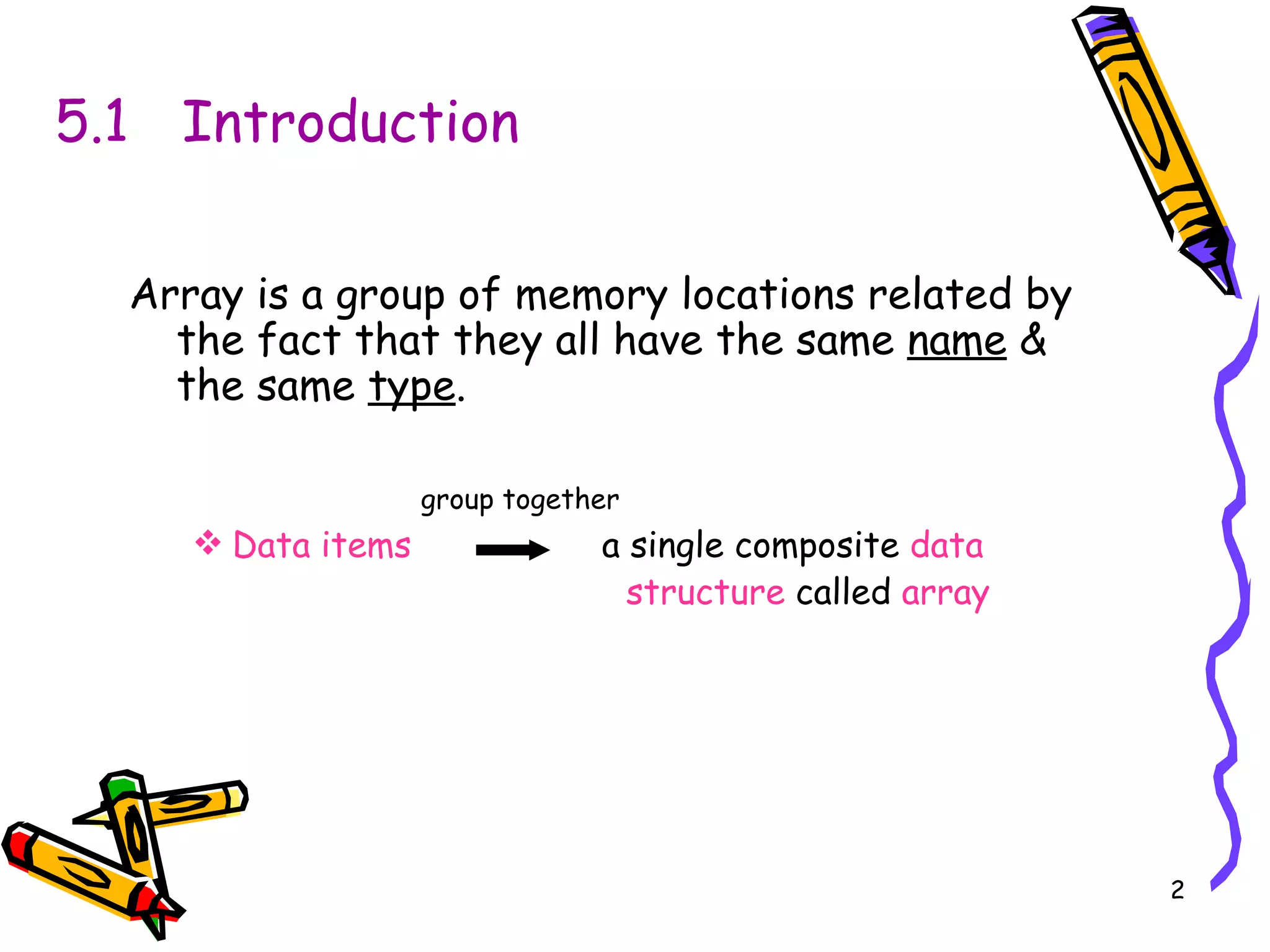
Introduces arrays as memory locations with the same name and type, highlighting one-dimensional arrays for simplified management of multiple data points, and emphasizes that indexing starts from 0.
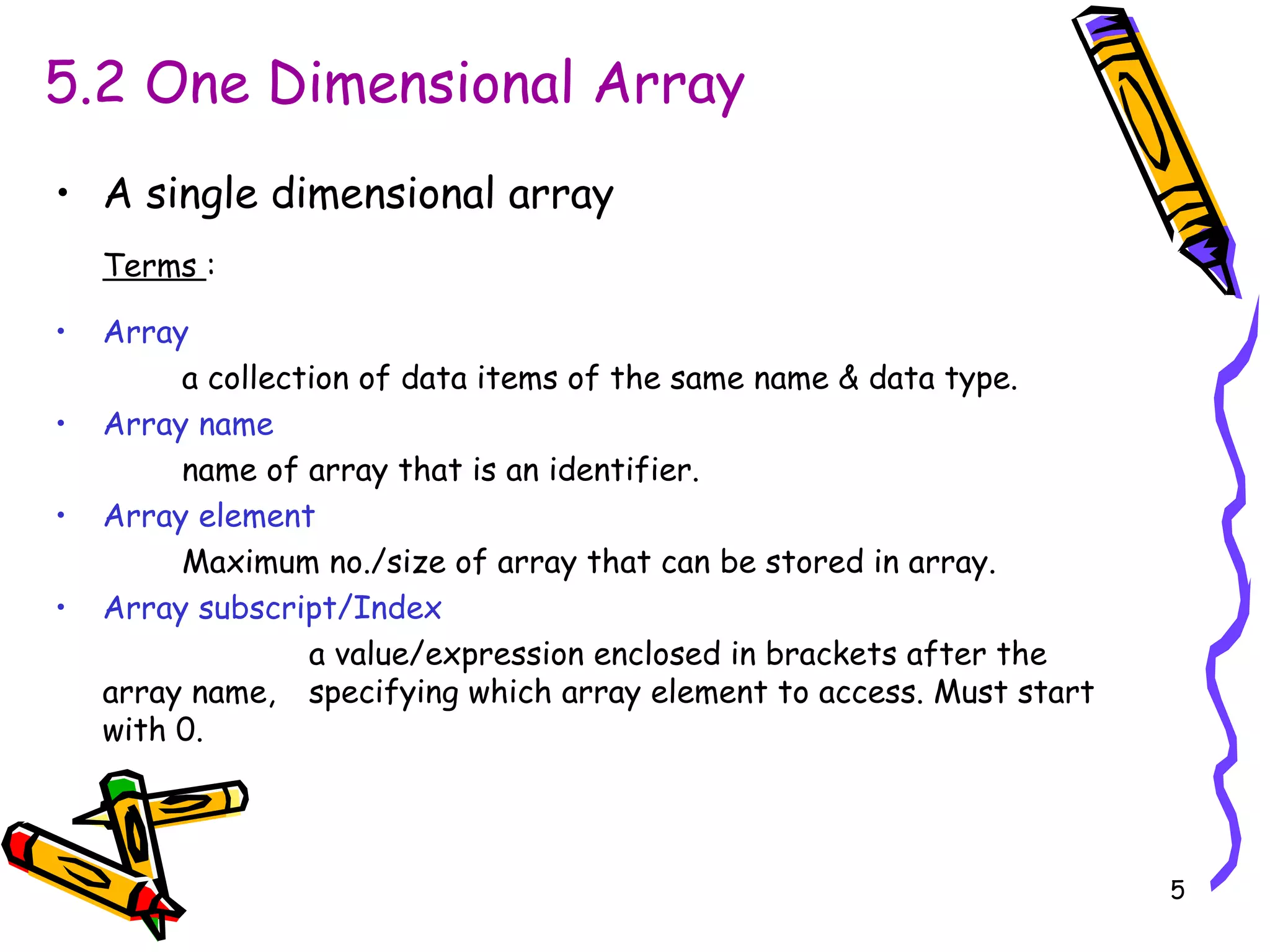
Details on one-dimensional arrays, including terms like array name, index/subscript, and maximum size for storing elements.
Explains how to declare one-dimensional arrays, providing examples demonstrating syntax and multiple declarations in a single statement.
Discusses compile-time and run-time initialization of one-dimensional arrays, illustrating with examples how initial values are assigned to array elements.
Describes how to access and manipulate individual elements of an array using indices. Examples provided for practical referencing and operations.
Explains the two methods to pass arrays to functions: by elements (value) and by the whole array (reference), including practical coding examples.
Introduces two-dimensional arrays as collections of arrays with rows and columns, emphasizing the declaration format and indexing.
Details initialization of two-dimensional arrays at compile time and run time with examples, including the option to leave some values uninitialized.
Demonstrates accessing two-dimensional arrays using row and column indices, with a practical example showing manipulation and output of elements.


![2[1].1 data transmission](https://cdn.slidesharecdn.com/ss_thumbnails/21-1-datatransmission-111203164944-phpapp01-thumbnail.jpg?width=640&height=640&fit=bounds)


