CCK For Code JunkiesCCK For Code Junkies
DrupalCamp - ATLDrupalCamp - ATL
Presented by: Geoff Maxey (cntlscrut)
1o.2.2o1o
This presentation will be available at:
http://maxeydevbox.org/news/camp/cck-code-junkies-session
Feel free to visit and download the slides.
Overview

To create a CCK field that contains multiple
elements, interacts with 3rd
party services,
and can move/create content on a remote
Drupal site.

Understand basic terminology of how CCK
breaks down fields and widgets.

To cover the CCK field/widget API and how
to implement it. Plus, cover the caveats and
other roadblocks that may occur.
Elements

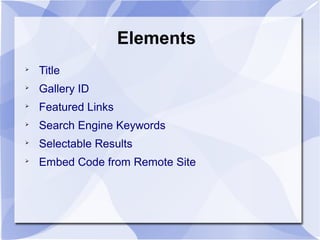
Title

Gallery ID

Featured Links

Search Engine Keywords

Selectable Results

Embed Code from Remote Site
CCK Terms
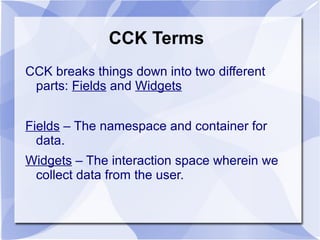
CCK breaks things down into two different
parts: Fields and Widgets
Fields – The namespace and container for
data.
Widgets – The interaction space wherein we
collect data from the user.
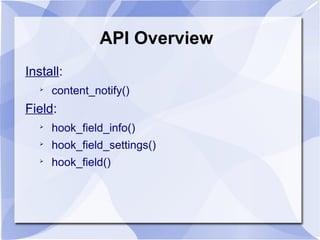
API Overview
Install:

content_notify()
Field:

hook_field_info()

hook_field_settings()

hook_field()
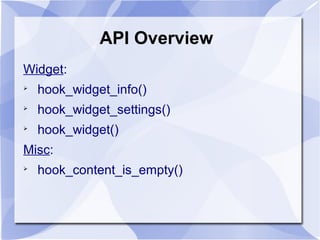
API Overview
Widget:

hook_widget_info()

hook_widget_settings()

hook_widget()
Misc:

hook_content_is_empty()
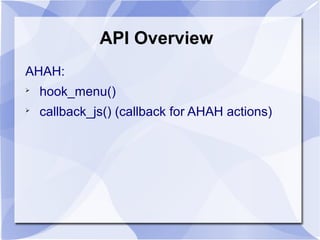
API Overview
AHAH:

hook_menu()

callback_js() (callback for AHAH actions)
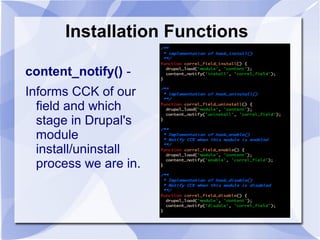
Installation Functions
content_notify() -
Informs CCK of our
field and which
stage in Drupal's
module
install/uninstall
process we are in.
Field Functions
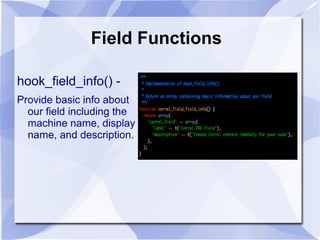
hook_field_info() -
Provide basic info about
our field including the
machine name, display
name, and description.
Field Functions
hook_field_settings() - Allows us to provide data specific to
the set up of our field. We're looking at three different
operations:
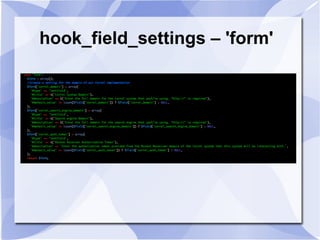
'form' – create a settings form for the field.
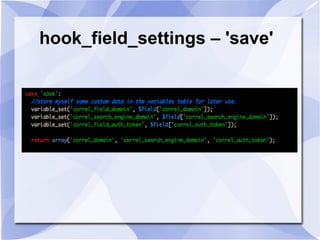
'save' – perform any special actions when saving the settings
form.
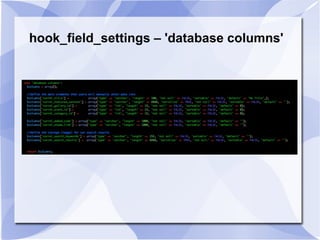
'database columns' – define the schema structure for how
our widget data will be saved in the database.
hook_field_settings – 'form'
hook_field_settings – 'save'
hook_field_settings – 'database columns'
Misc Functions
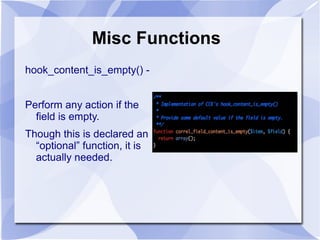
hook_content_is_empty() -
Perform any action if the
field is empty.
Though this is declared an
“optional” function, it is
actually needed.
Field Functions
hook_field($op, &$node, $field, &$items, $teaser, $page)
Defines how the field will actually store and display its contents.
Possible values for $op:

'delete'

'delete revision'

'insert'

'load'

'prepare translation'

'presave'

'sanitize'

'update'

'validate'
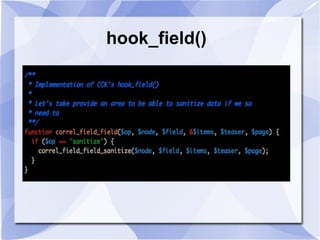
hook_field()
Widget Functions
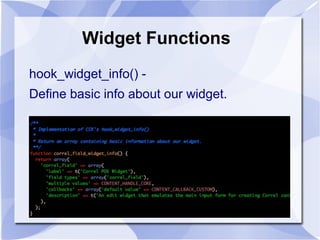
hook_widget_info() -
Define basic info about our widget.
hook_widget()
Here we can define our form
elements using the FAPI! This
is where the action happens.
Put on your 忍び装束 (shinobi
shiozoku) it's Drupal Ninja
Time!
(code available on site. Too big
for slide.)

CCK For Code Junkies

Editor's Notes

  • #9 The callback_js can be any name that you wish. This is you custom callback for handling actions in the AHAH functionality.
  • #10 We must remember that at this point we are actively defining a DB schema. We are letting CCK do the work for us. We will define our data structure later, though in a different function without the use of the schmea api.
  • #15 I apologize if this may be a little hard to read but, it was the only way I could fit it in the slide. Pretty much we are defining our fields as we would using the schema api. Each array should be keyed by the machine name that we will use when defining our form elements later when we're building our widget.
  • #18 You'll notice that I'm only using the sanitize operation. I'm doing this because I want to let CCK handle the opeations with its own default handling. I do not need to provide any extra data at this point. I'm skipping covering the sanitize function that I wrote because it deals with a very specific problem that many would not have to deal with.