HTML-5    Canvas
Agenda Where it has started What change can it bring? Understanding the lingo Basic usage Drawing shapes Using images Applying styles and colors Transformations Compositing Basic animations
History
Canvas vs SVG  High performance  Everything is a pixel.  Save the resulting image as a .png or .jpg. For generating raster graphics where pixel-level manipulation is needed. Resolution independence Elements can be animated using a declarative syntax, or via JavaScript. Full control over each element
Lingo
What it is not
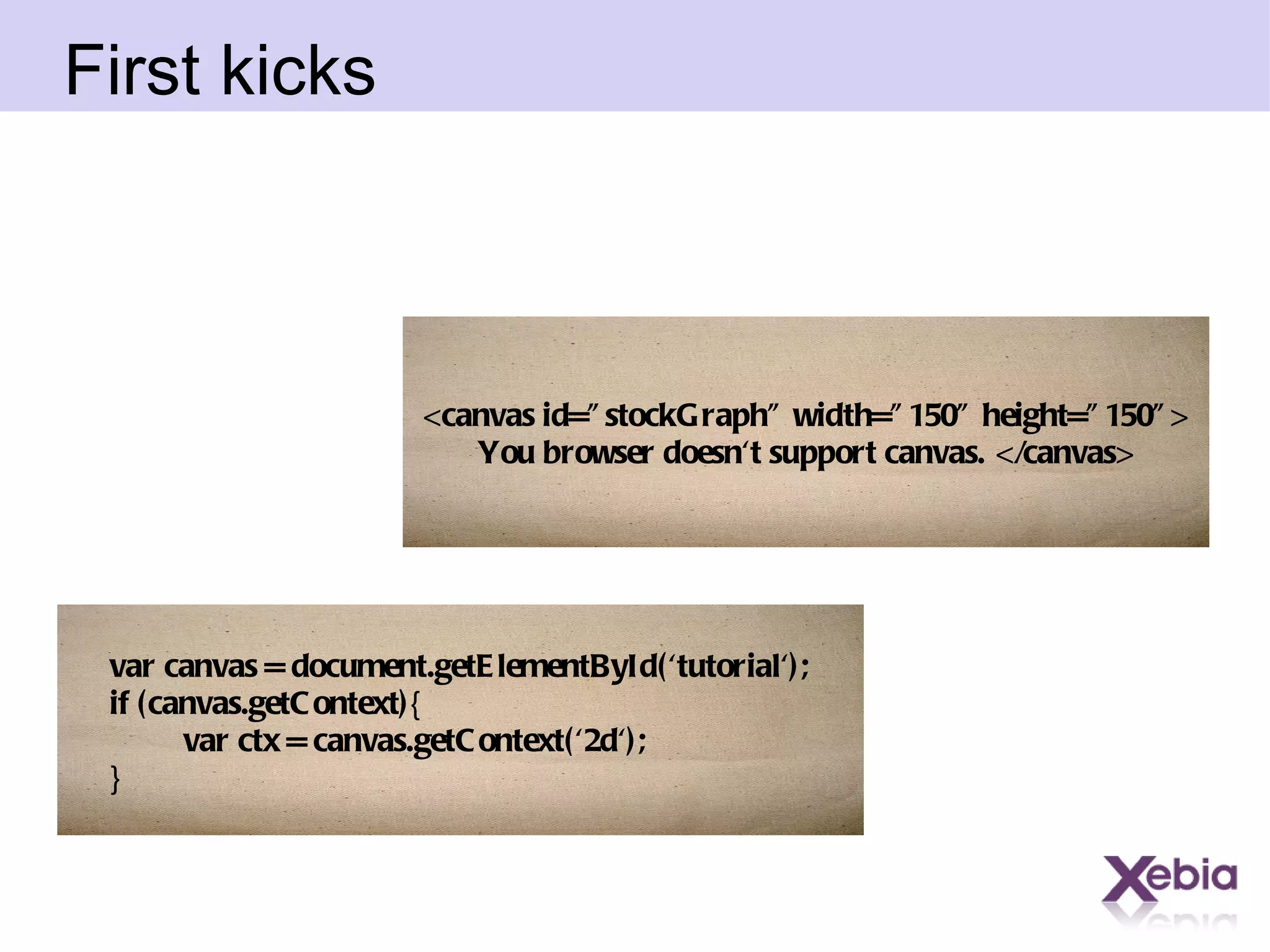
First kicks <canvas id=&quot;stockGraph&quot; width=&quot;150&quot; height=&quot;150&quot;> You browser doesn't support canvas. </canvas> var canvas = document.getElementById('tutorial'); if (canvas.getContext){   var ctx = canvas.getContext('2d'); }
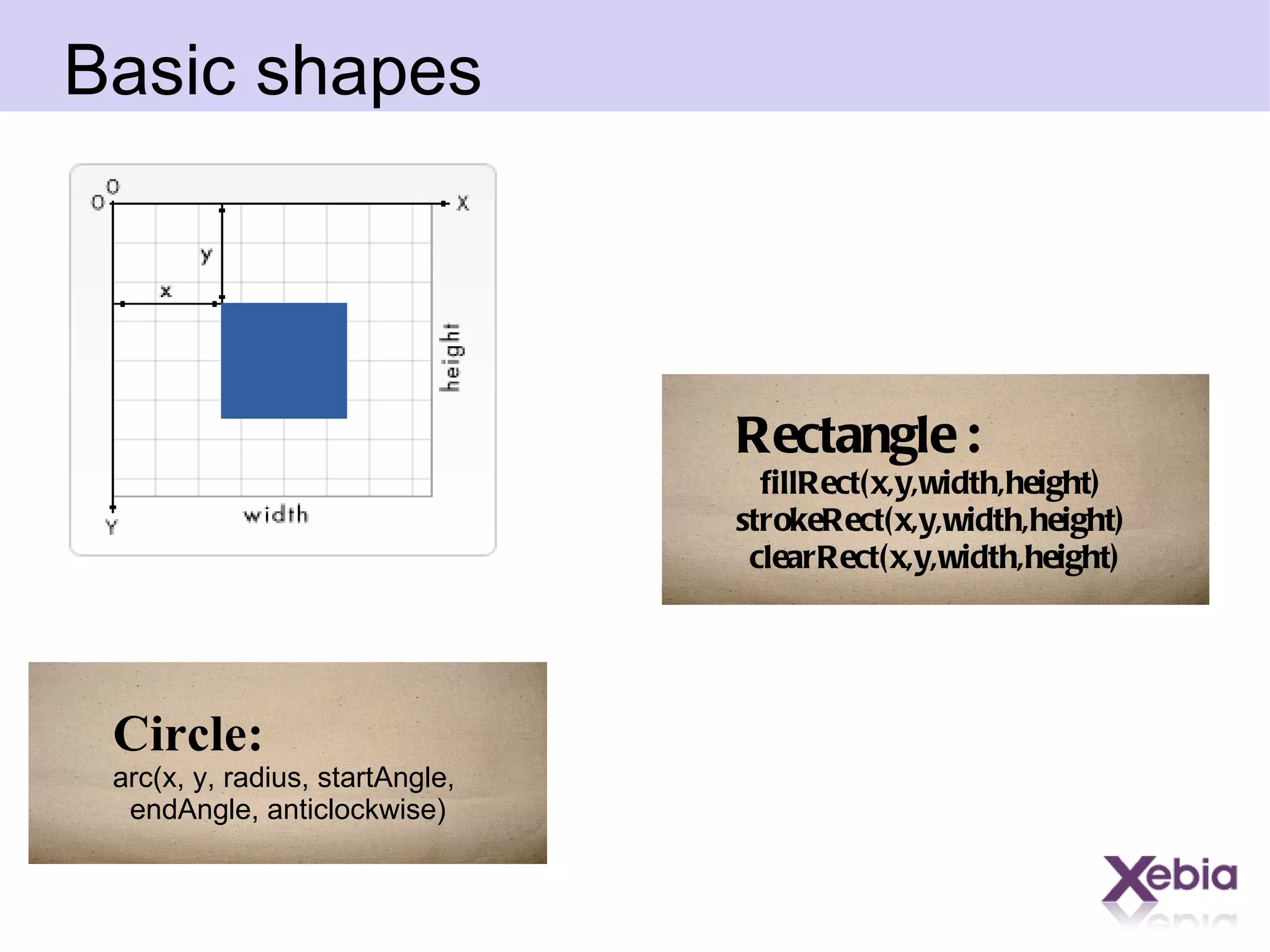
Basic shapes Rectangle : fillRect(x,y,width,height)  strokeRect(x,y,width,height)  clearRect(x,y,width,height) Circle: arc(x, y, radius, startAngle,  endAngle, anticlockwise)
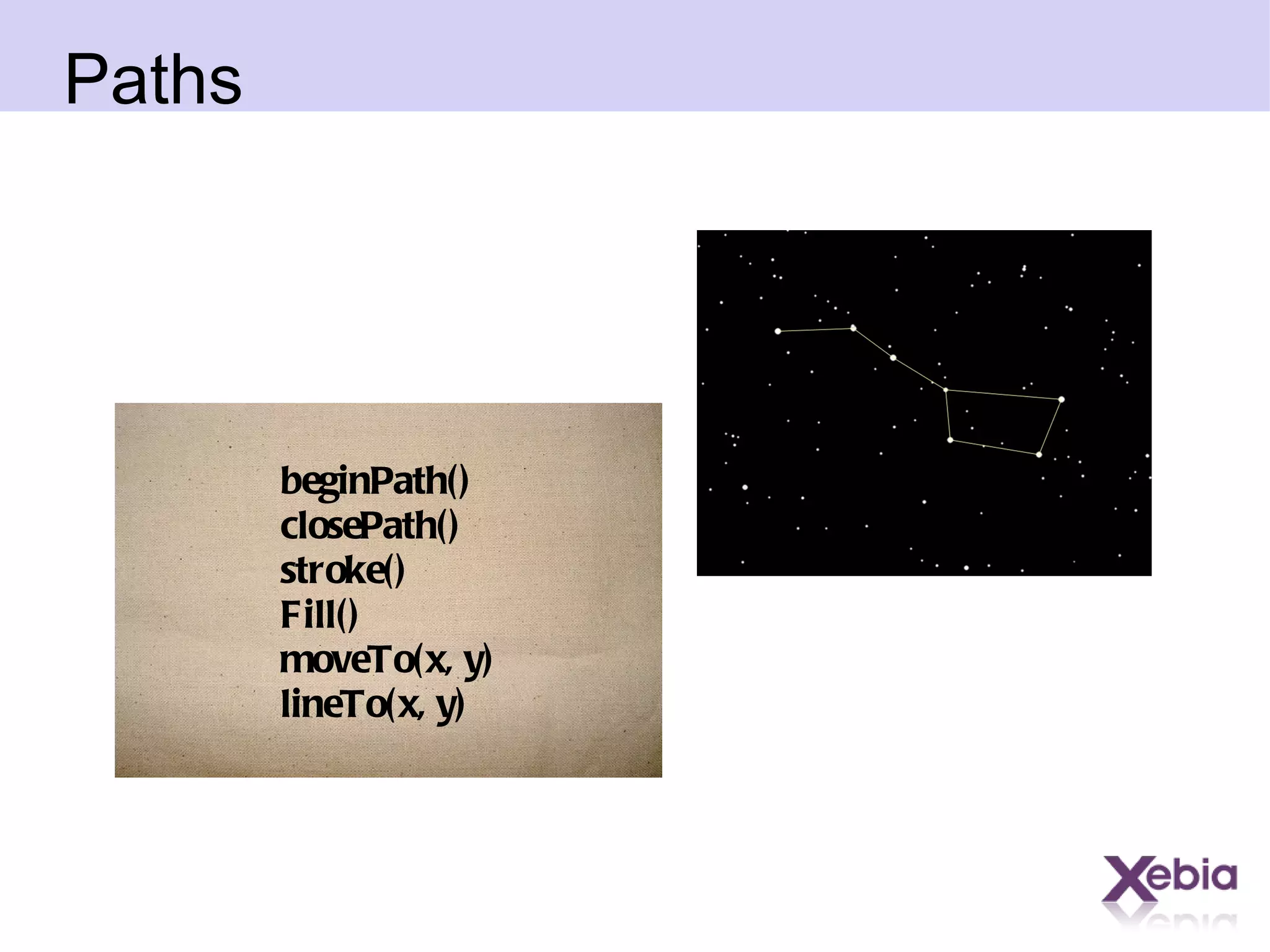
Paths beginPath() closePath() stroke() Fill() moveTo(x, y) lineTo(x, y)
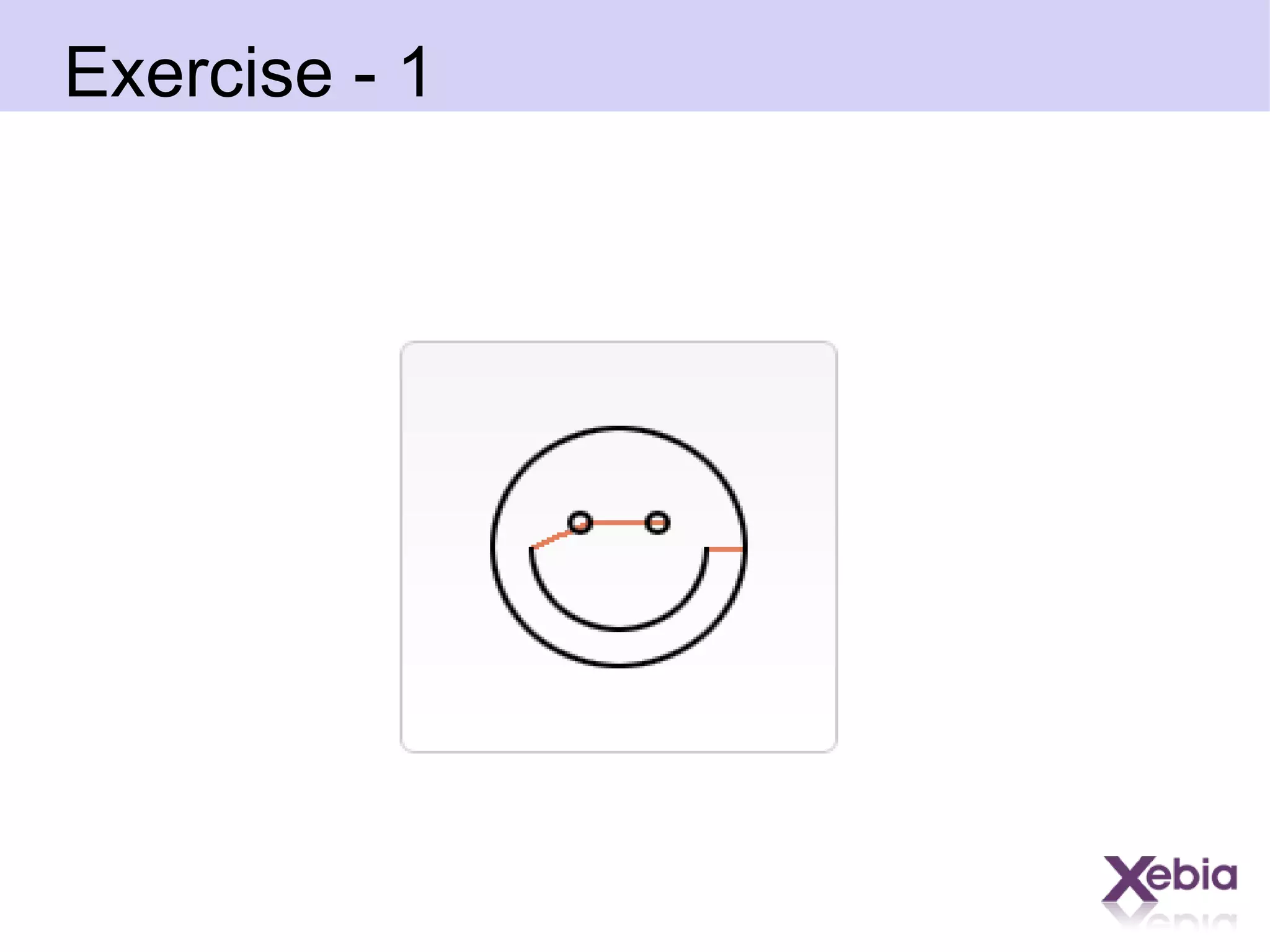
Exercise - 1
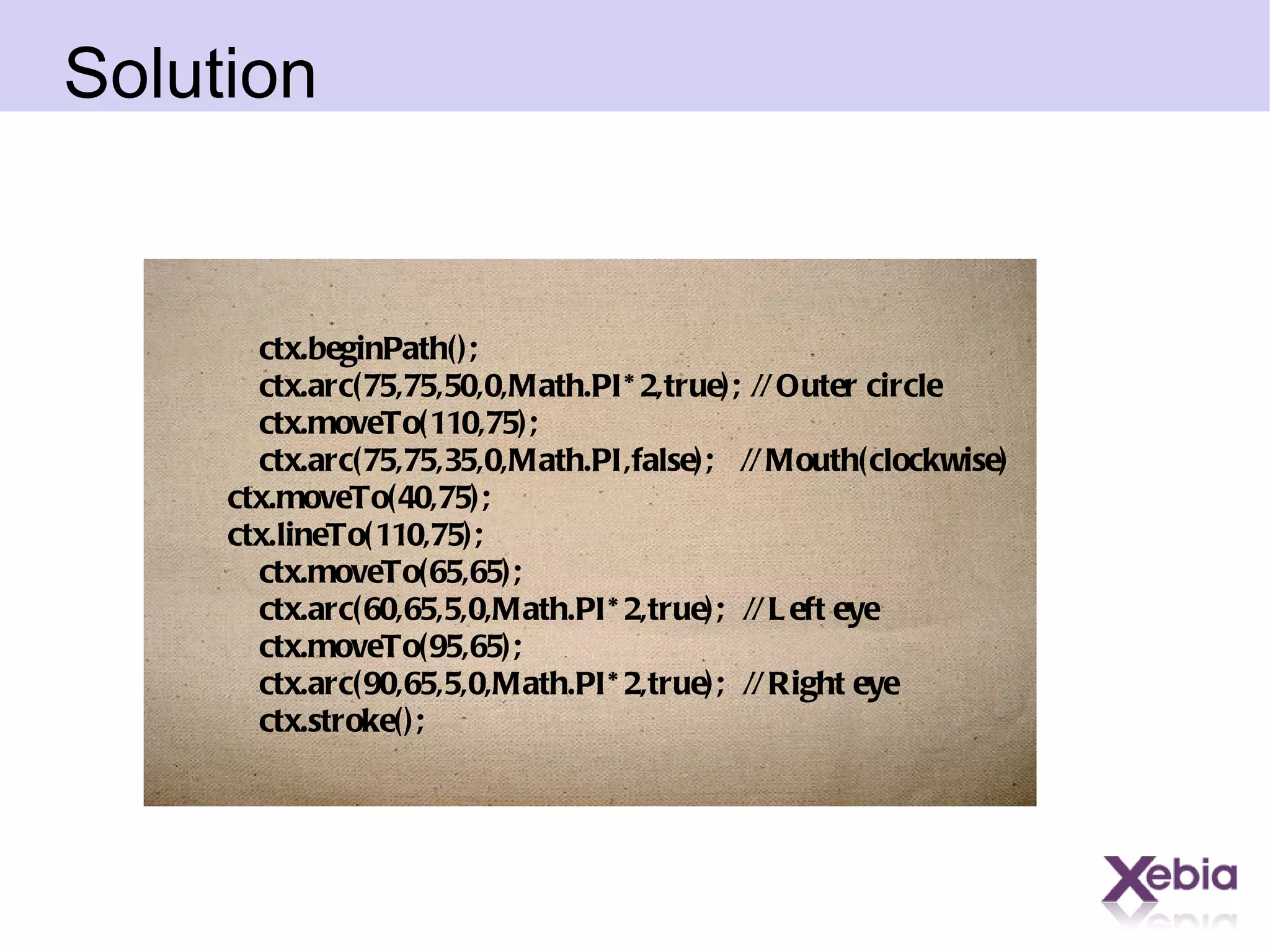
Solution ctx.beginPath(); ctx.arc(75,75,50,0,Math.PI*2,true);  // Outer circle ctx.moveTo(110,75); ctx.arc(75,75,35,0,Math.PI,false);  // Mouth(clockwise) ctx.moveTo(40,75); ctx.lineTo(110,75); ctx.moveTo(65,65); ctx.arc(60,65,5,0,Math.PI*2,true);  // Left eye ctx.moveTo(95,65); ctx.arc(90,65,5,0,Math.PI*2,true);  // Right eye ctx.stroke();
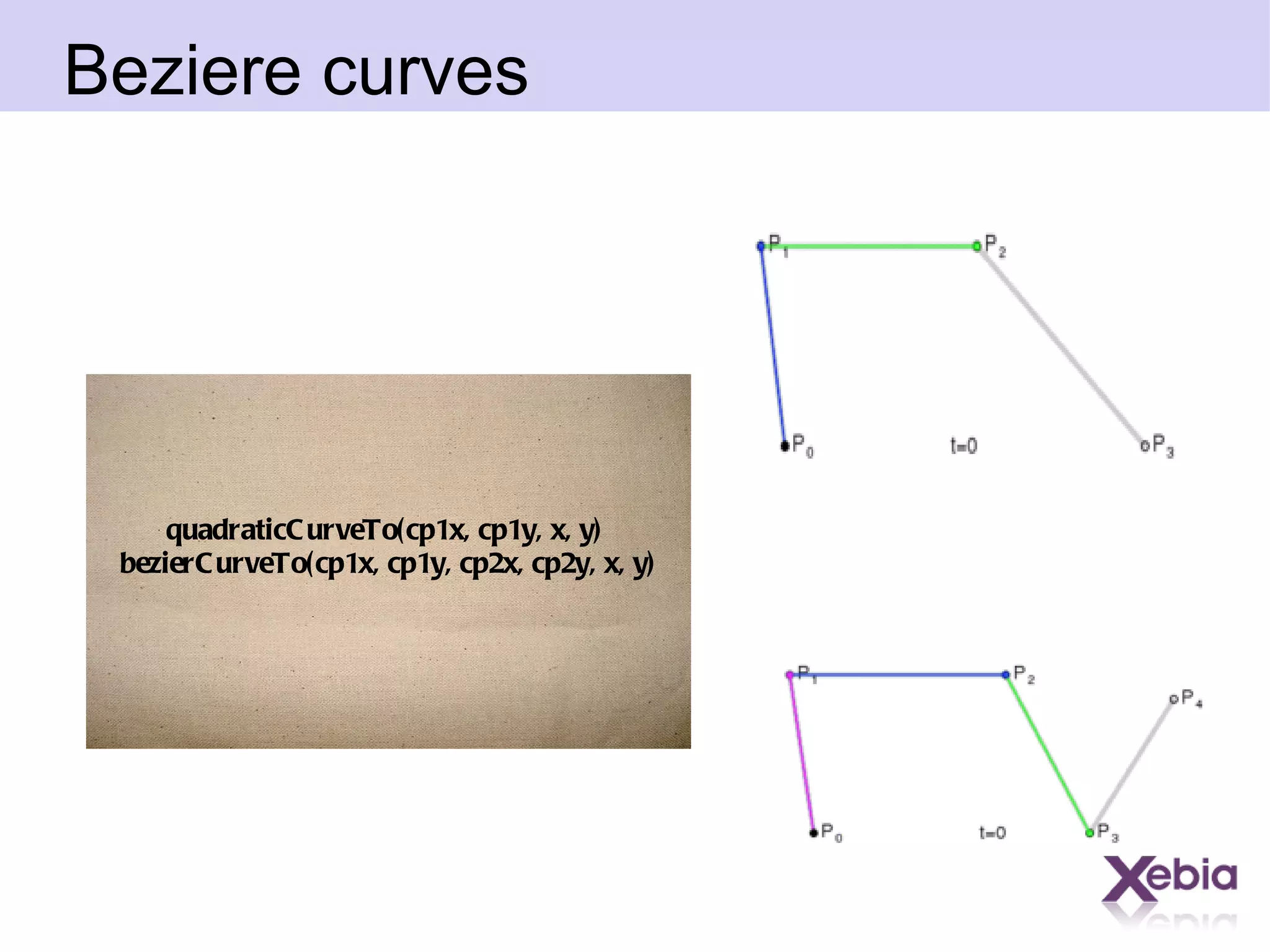
Beziere curves quadraticCurveTo(cp1x, cp1y, x, y)  bezierCurveTo(cp1x, cp1y, cp2x, cp2y, x, y)
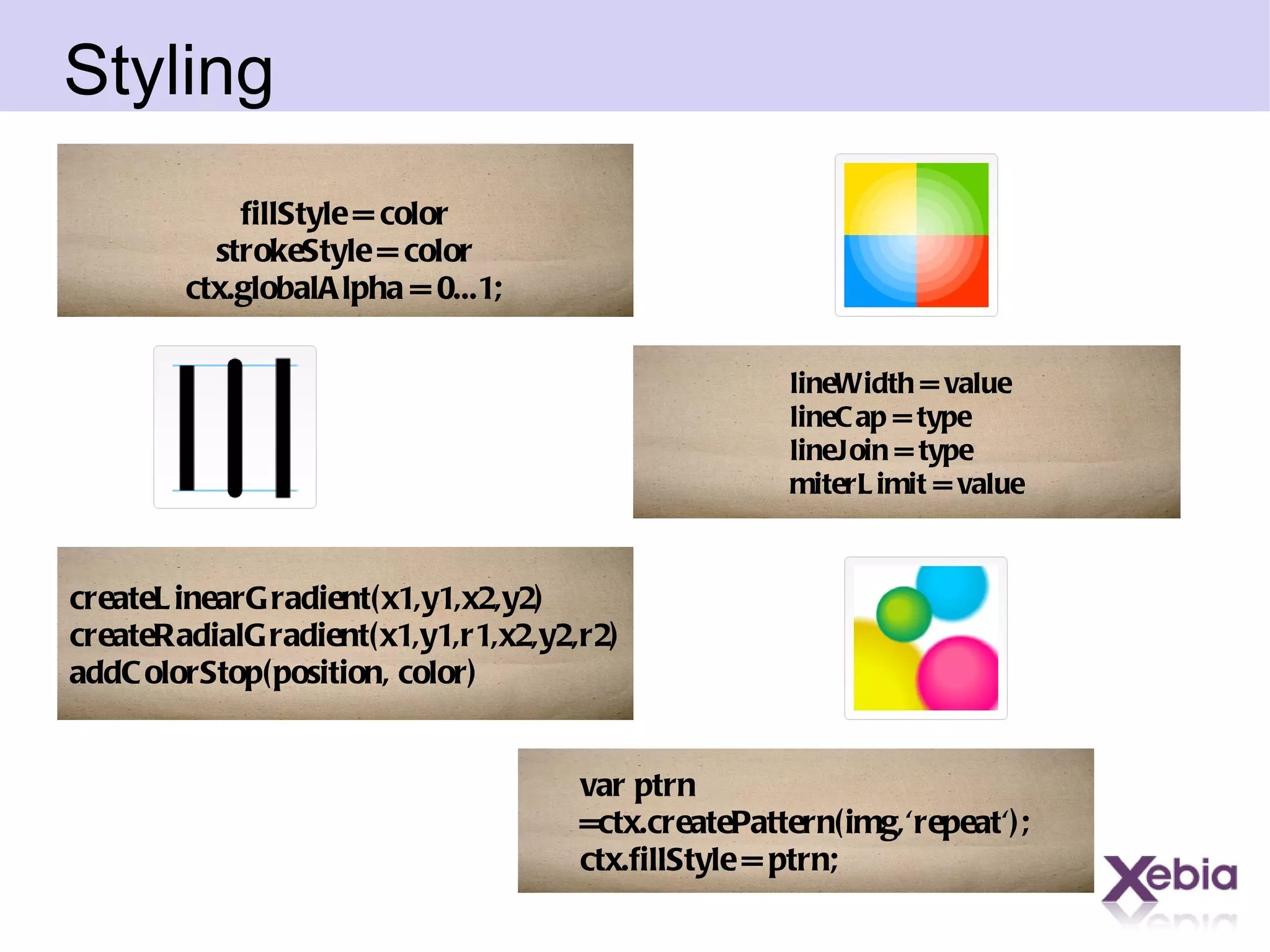
Styling lineWidth = value lineCap = type lineJoin = type miterLimit = value fillStyle = color strokeStyle = color ctx.globalAlpha = 0...1; createLinearGradient(x1,y1,x2,y2) createRadialGradient(x1,y1,r1,x2,y2,r2) addColorStop(position, color) var ptrn =ctx.createPattern(img,'repeat'); ctx.fillStyle = ptrn;
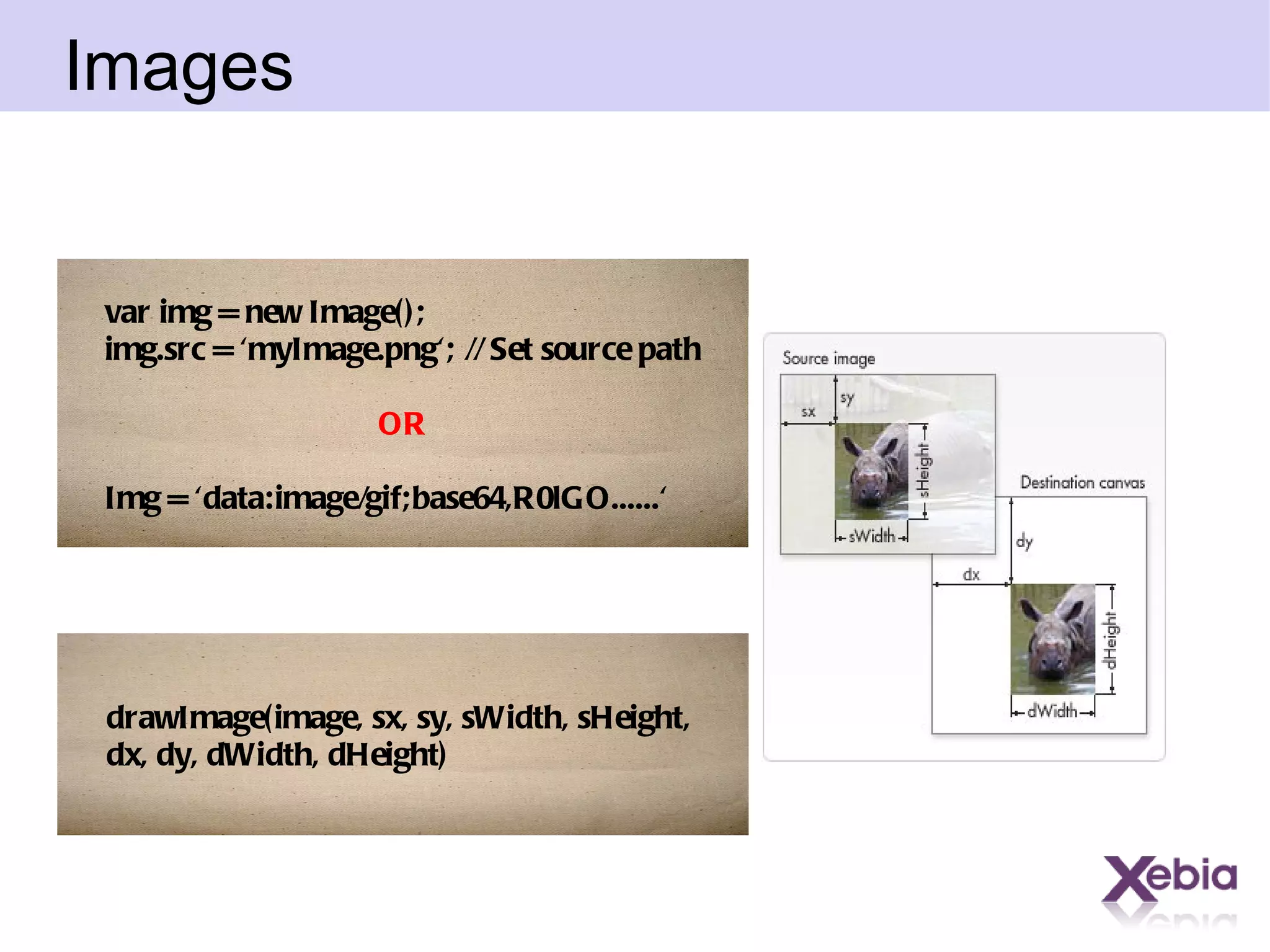
Images var img = new Image();  img.src = 'myImage.png'; // Set source path OR Img = 'data:image/gif;base64,R0lGO......' drawImage(image, sx, sy, sWidth, sHeight,  dx, dy, dWidth, dHeight)
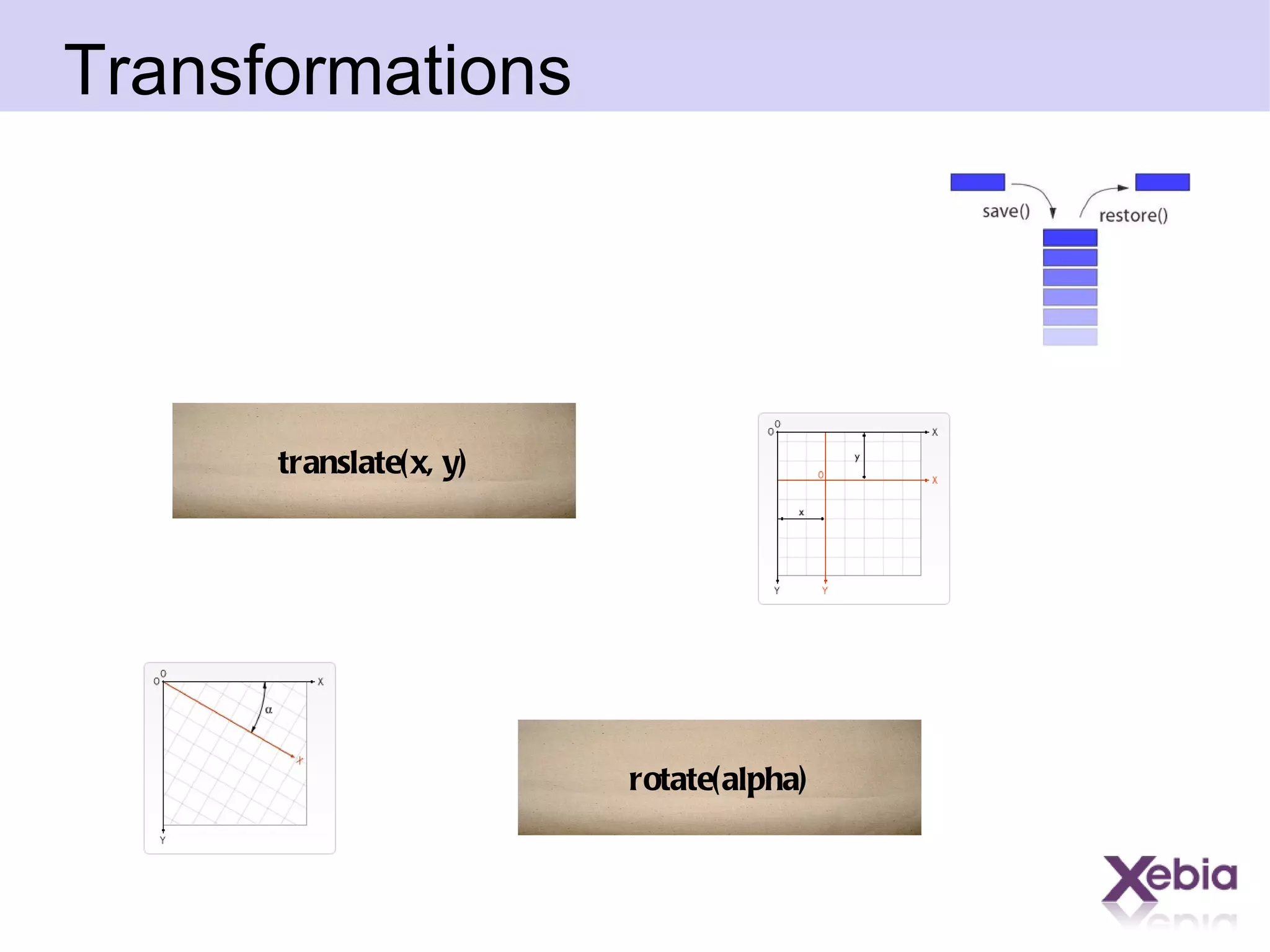
Transformations translate(x, y) rotate(alpha)
Compositing  globalCompositeOperation = [type] ctx.beginPath(); drawAPath(); ctx.clip();
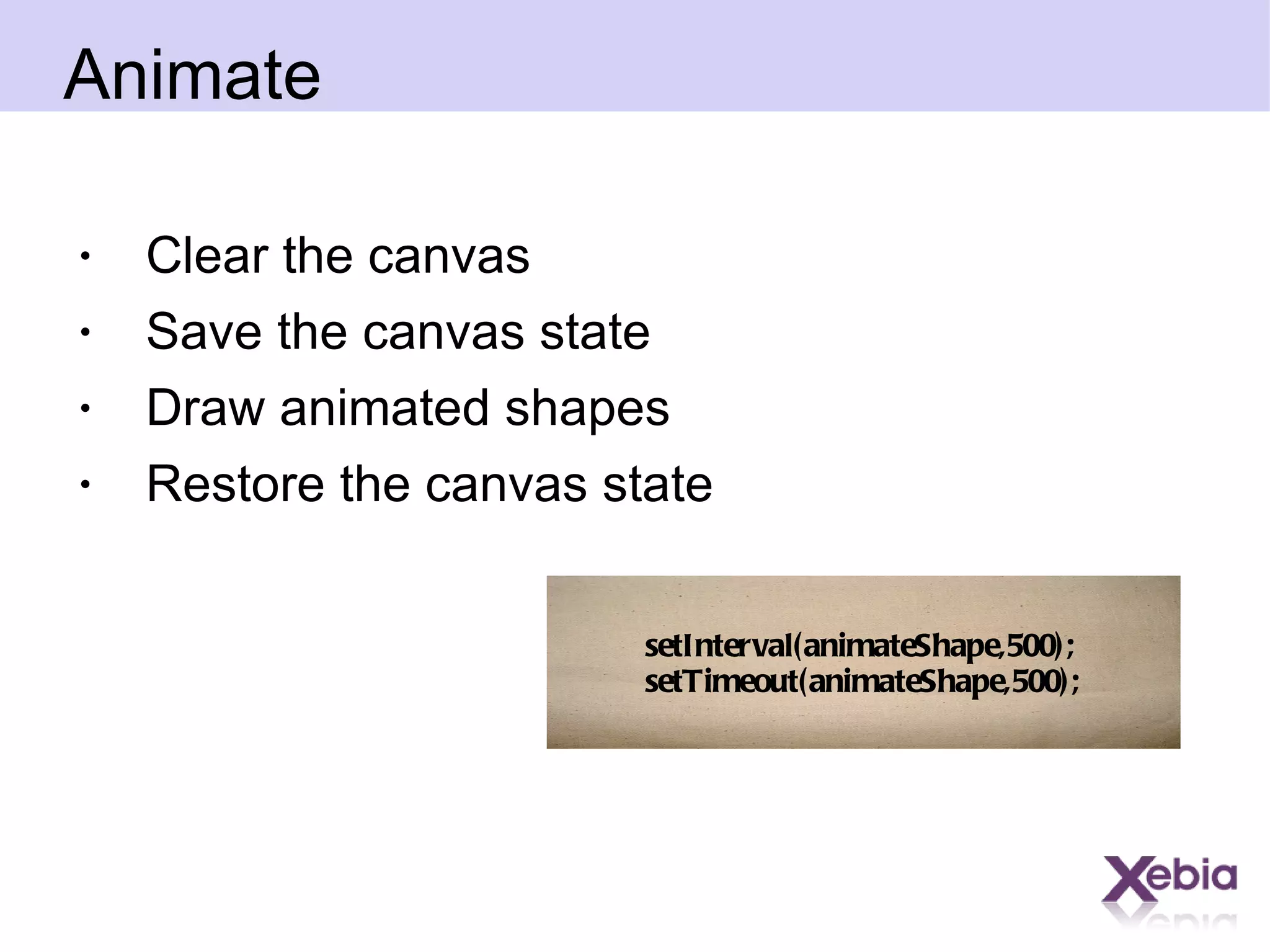
Animate Clear the canvas Save the canvas state Draw animated shapes Restore the canvas state setInterval(animateShape,500); setTimeout(animateShape,500);
Canvas vs Flash

Canvas

  • 1.
    HTML-5 Canvas
  • 2.
    Agenda Where ithas started What change can it bring? Understanding the lingo Basic usage Drawing shapes Using images Applying styles and colors Transformations Compositing Basic animations
  • 3.
  • 4.
    Canvas vs SVG High performance Everything is a pixel. Save the resulting image as a .png or .jpg. For generating raster graphics where pixel-level manipulation is needed. Resolution independence Elements can be animated using a declarative syntax, or via JavaScript. Full control over each element
  • 5.
  • 6.
  • 7.
    First kicks <canvasid=&quot;stockGraph&quot; width=&quot;150&quot; height=&quot;150&quot;> You browser doesn't support canvas. </canvas> var canvas = document.getElementById('tutorial'); if (canvas.getContext){ var ctx = canvas.getContext('2d'); }
  • 8.
    Basic shapes Rectangle: fillRect(x,y,width,height) strokeRect(x,y,width,height) clearRect(x,y,width,height) Circle: arc(x, y, radius, startAngle, endAngle, anticlockwise)
  • 9.
    Paths beginPath() closePath()stroke() Fill() moveTo(x, y) lineTo(x, y)
  • 10.
  • 11.
    Solution ctx.beginPath(); ctx.arc(75,75,50,0,Math.PI*2,true); // Outer circle ctx.moveTo(110,75); ctx.arc(75,75,35,0,Math.PI,false); // Mouth(clockwise) ctx.moveTo(40,75); ctx.lineTo(110,75); ctx.moveTo(65,65); ctx.arc(60,65,5,0,Math.PI*2,true); // Left eye ctx.moveTo(95,65); ctx.arc(90,65,5,0,Math.PI*2,true); // Right eye ctx.stroke();
  • 12.
    Beziere curves quadraticCurveTo(cp1x,cp1y, x, y) bezierCurveTo(cp1x, cp1y, cp2x, cp2y, x, y)
  • 13.
    Styling lineWidth =value lineCap = type lineJoin = type miterLimit = value fillStyle = color strokeStyle = color ctx.globalAlpha = 0...1; createLinearGradient(x1,y1,x2,y2) createRadialGradient(x1,y1,r1,x2,y2,r2) addColorStop(position, color) var ptrn =ctx.createPattern(img,'repeat'); ctx.fillStyle = ptrn;
  • 14.
    Images var img= new Image(); img.src = 'myImage.png'; // Set source path OR Img = 'data:image/gif;base64,R0lGO......' drawImage(image, sx, sy, sWidth, sHeight, dx, dy, dWidth, dHeight)
  • 15.
  • 16.
    Compositing globalCompositeOperation= [type] ctx.beginPath(); drawAPath(); ctx.clip();
  • 17.
    Animate Clear thecanvas Save the canvas state Draw animated shapes Restore the canvas state setInterval(animateShape,500); setTimeout(animateShape,500);
  • 18.