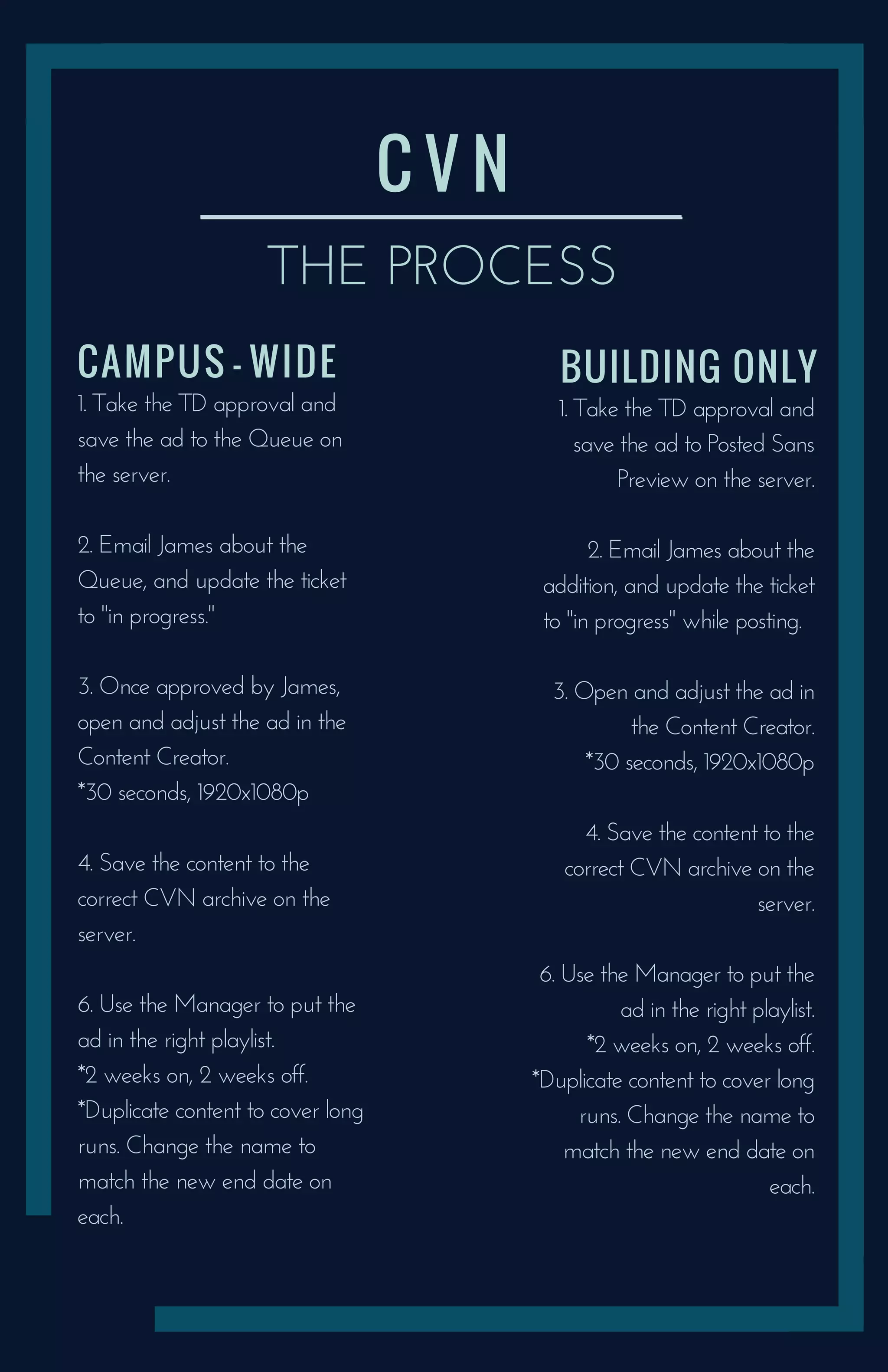
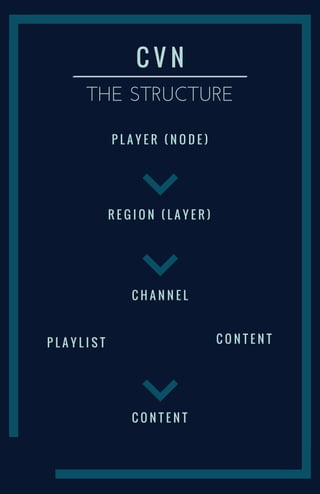
The document outlines the process for uploading and scheduling ads on the CVN system. It involves saving the ad to the appropriate server location, notifying James, updating the ticket, adjusting the ad, saving it to the archive, and using the Manager to add it to a playlist. Ads are scheduled to run for 2 weeks on, 2 weeks off, and content may be duplicated to extend long runs, with the name changed to match the new end date. The structure of the CVN system includes players, regions layered on players, channels, content playlists, and individual content items.