C# for C++ ProgrammersA crash course
C#: the basicsLots of similarities with C++Object-orientedClasses, structs, enumsFamiliar basic types: int, double, bool,…Familiar keywords: for, while, if, else,…Similar syntax: curly braces { }, dot notation,…Exceptions: try and catch
C#: the basicsActually much more similar to JavaEverything lives in a class/struct (no globals)No pointers! (so no ->, * or & notation)Garbage collection: no delete!No header filesNo multiple inheritanceInterfacesStatic members accessed with . (not ::)In a nutshell: much easier than C++ 
Hello, world!using System;// Everything's in a namespacenamespace HelloWorldApp{// A simple classclass Program    {// A simple field: note we can instantiate it on the same lineprivate static String helloMessage = "Hello, world!";// Even Main() isn't global!static void Main(string[] args)        {Console.WriteLine(helloMessage);        }    }}
C# featuresPropertiesInterfacesThe foreach keywordThe readonly keywordParameter modifiers: ref and outDelegates and eventsInstead of callbacksGenericsInstead of templates
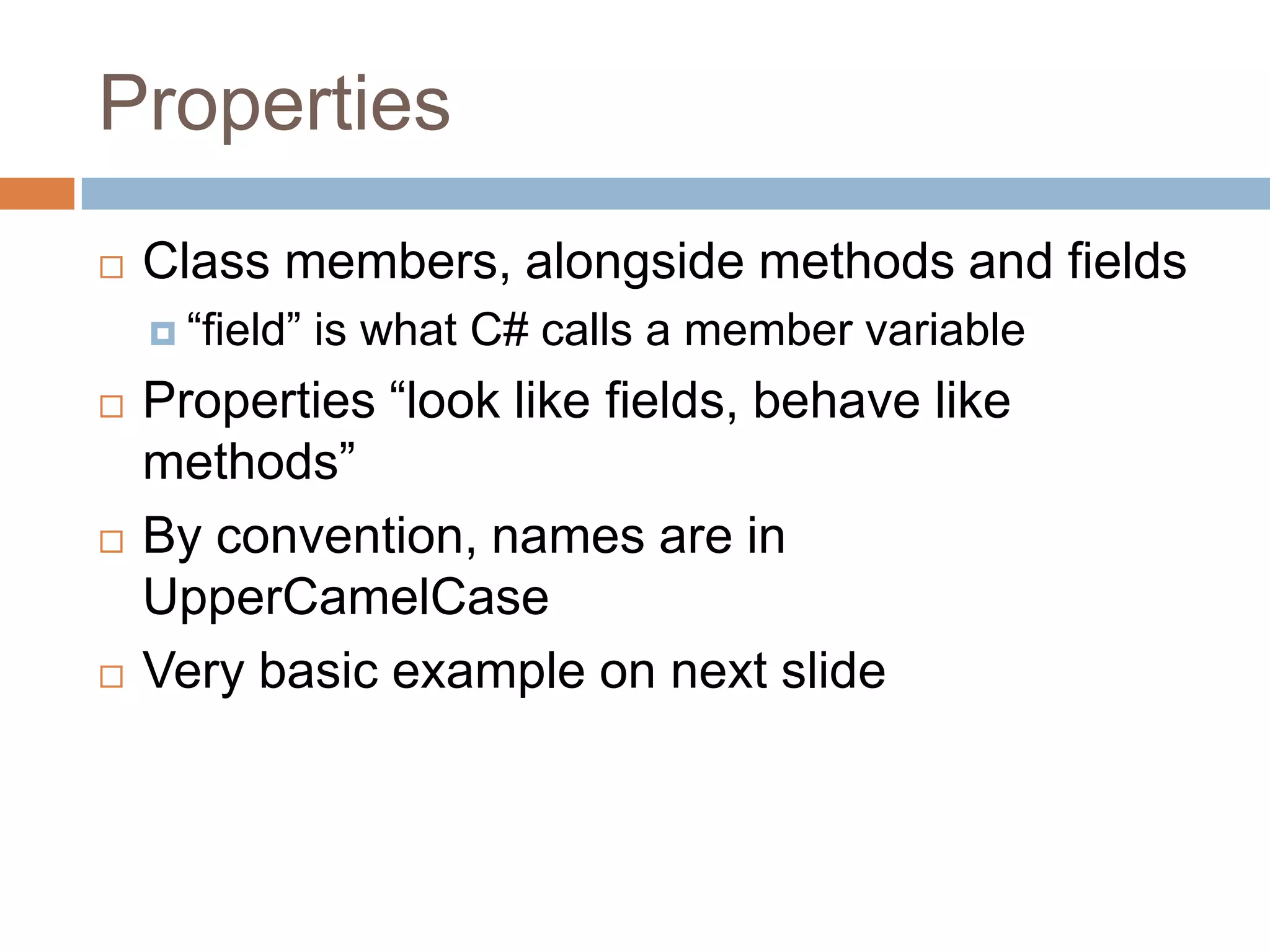
PropertiesClass members, alongside methods and fields“field” is what C# calls a member variableProperties “look like fields, behave like methods”By convention, names are in UpperCamelCaseVery basic example on next slide
Properties: simple exampleclass Thing{// Private field (the “backing field”)private String name;// Public propertypublic String Name    {get        {            return name;        }set {// "value" is an automatic            // variable inside the settername = value;        }    }}class Program{static void Main(string[] args)    {Thing t = new Thing();        // Use the settert.Name = "Fred";        // Use the getterConsole.WriteLine(t.Name);    }}
PropertiesSo far, looks just like an over-complicated fieldSo why bother?
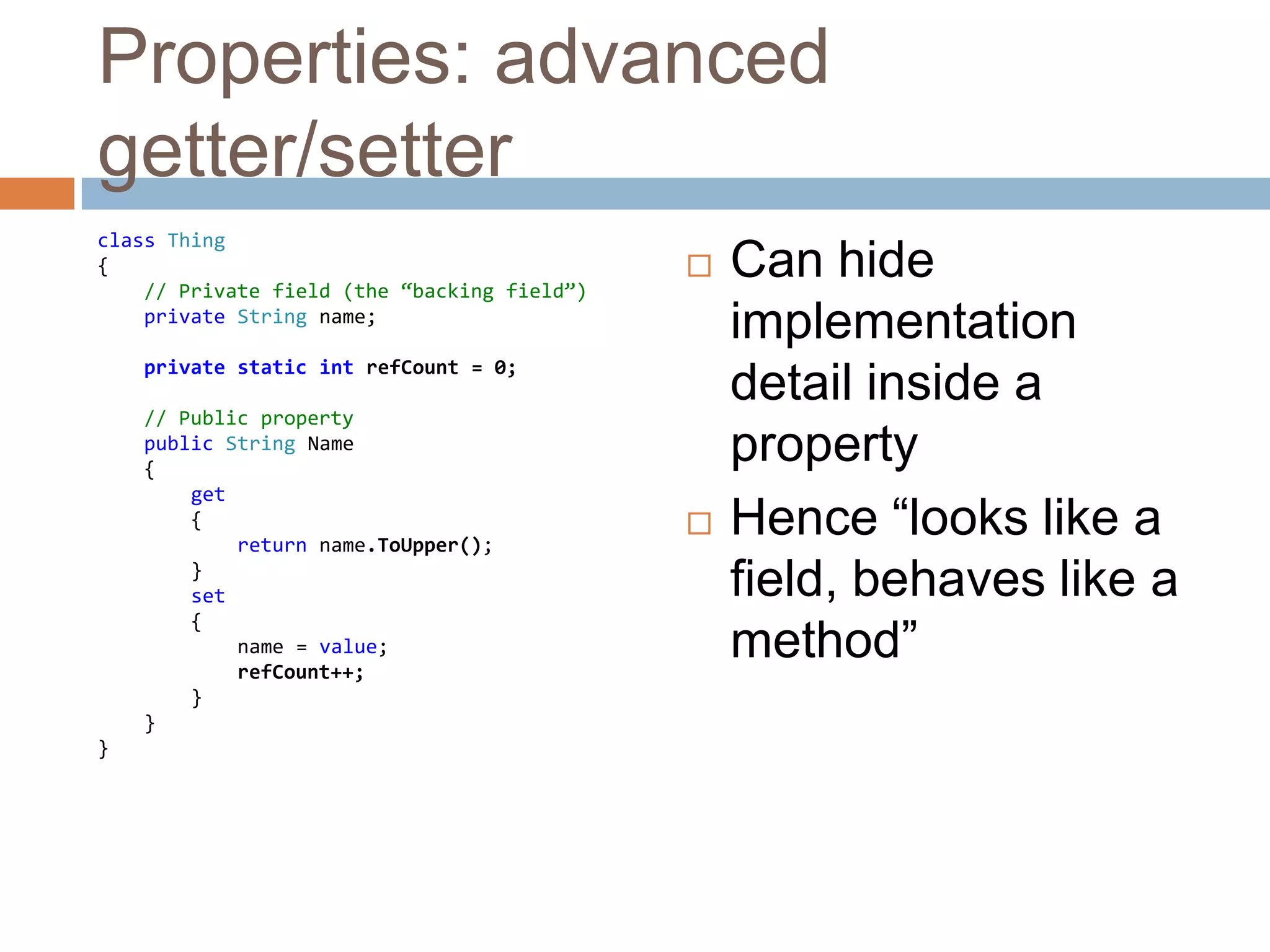
Properties: advanced getter/setterclass Thing{// Private field (the “backing field”)private String name;private static intrefCount = 0;// Public propertypublic String Name    {get        {            returnname.ToUpper();        }        set {name = value;refCount++;        }    }}Can hide implementation detail inside a propertyHence “looks like a field, behaves like a method”
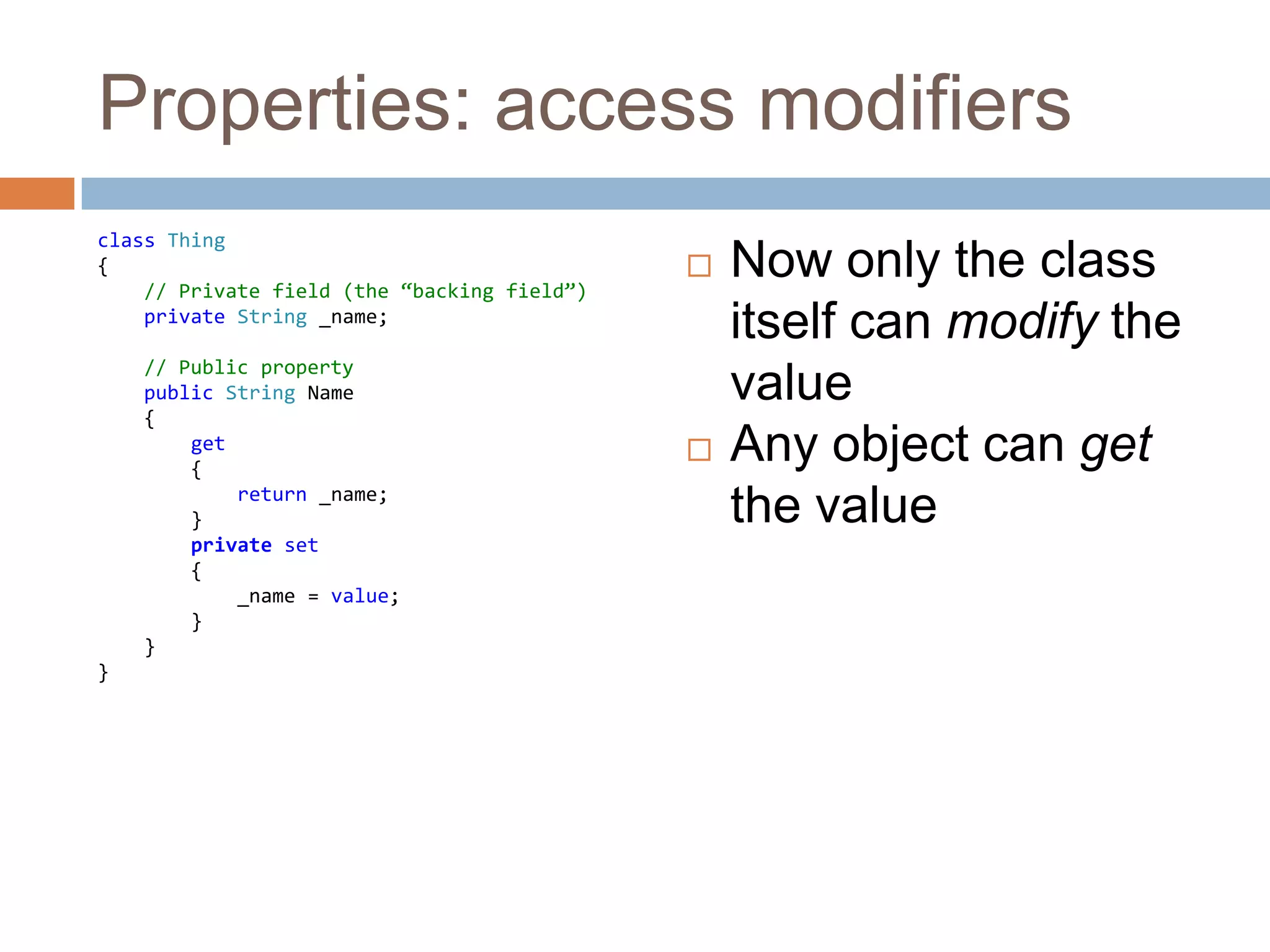
Properties: access modifiersclass Thing{// Private field (the “backing field”)private String _name;// Public propertypublic String Name    {get        {            return _name;        }private set {_name = value;        }    }}Now only the class itself can modify the valueAny object can get the value
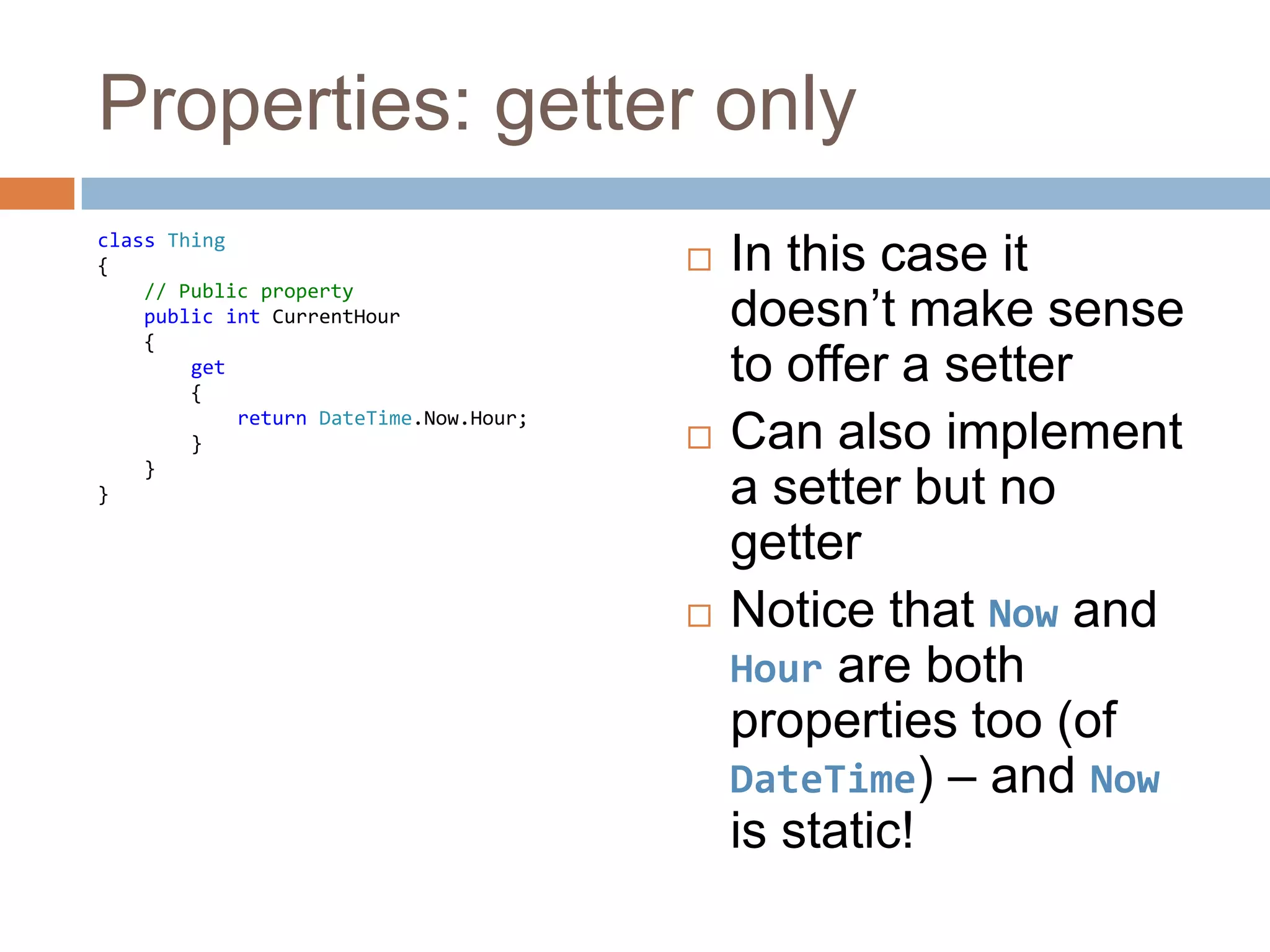
Properties: getter onlyclass Thing{    // Public propertypublic intCurrentHour    {get        {            returnDateTime.Now.Hour;        }    }}In this case it doesn’t make sense to offer a setterCan also implement a setter but no getterNotice that Now and Hour are both properties too (of DateTime) – and Now is static!
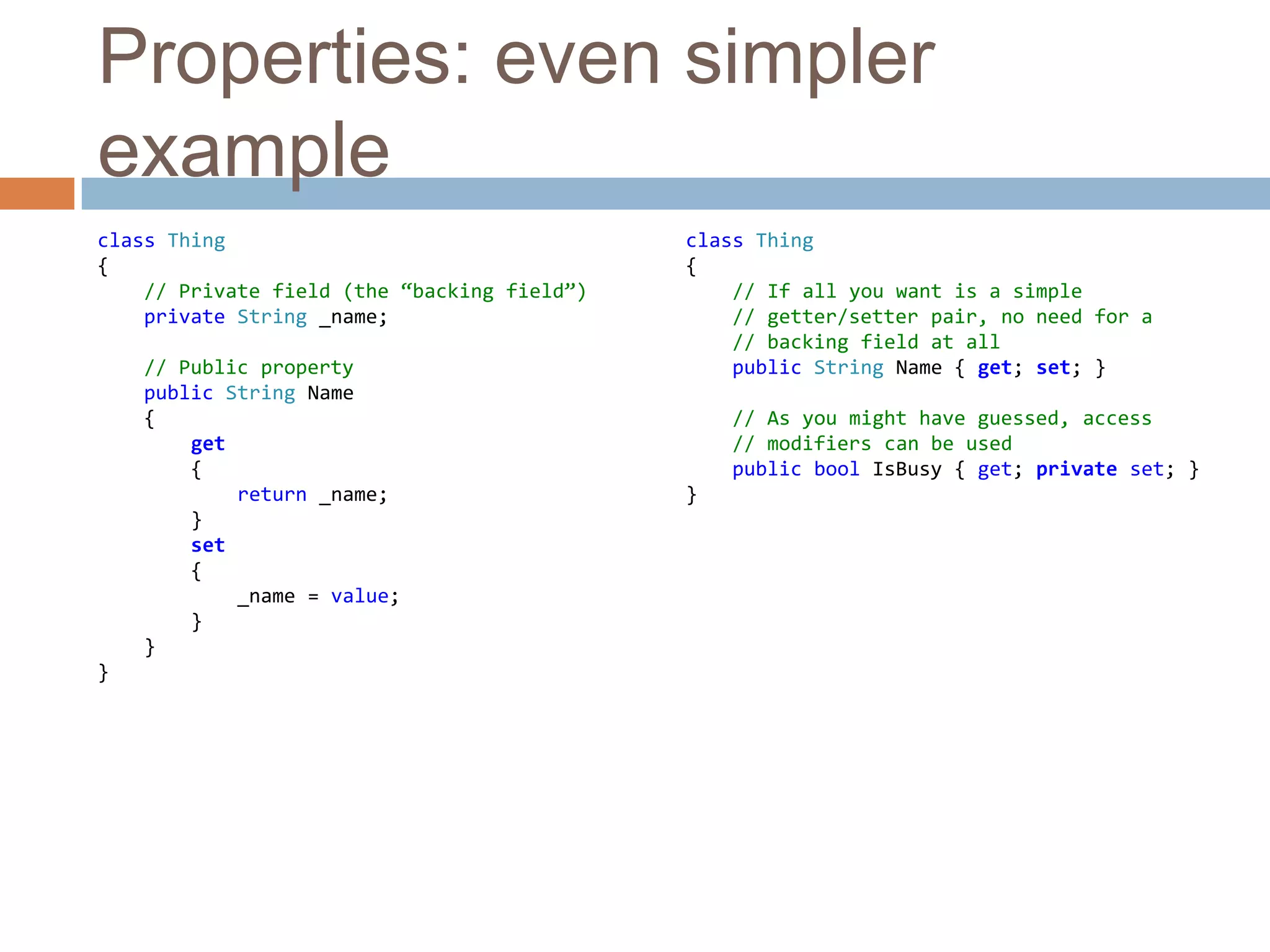
Properties: even simpler exampleclass Thing{// Private field (the “backing field”)private String _name;// Public propertypublic String Name    {get        {            return _name;        }set {_name = value;        }    }}class Thing{// If all you want is a simple    // getter/setter pair, no need for a    // backing field at allpublic String Name { get; set; }// As you might have guessed, access    // modifiers can be usedpublic boolIsBusy { get; privateset; }}
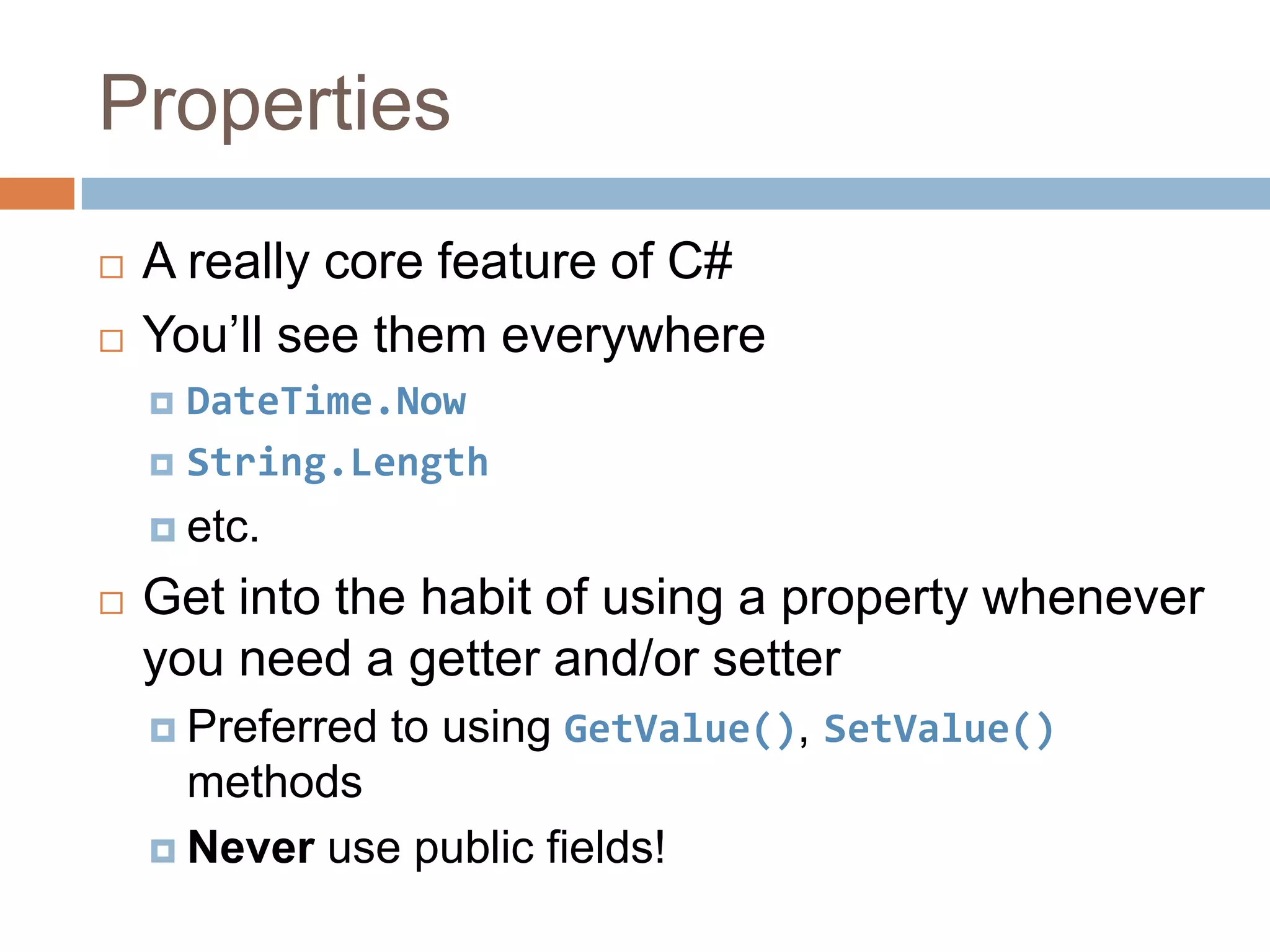
PropertiesA really core feature of C#You’ll see them everywhereDateTime.NowString.Lengthetc.Get into the habit of using a property whenever you need a getter and/or setterPreferred to using GetValue(), SetValue() methodsNever use public fields!
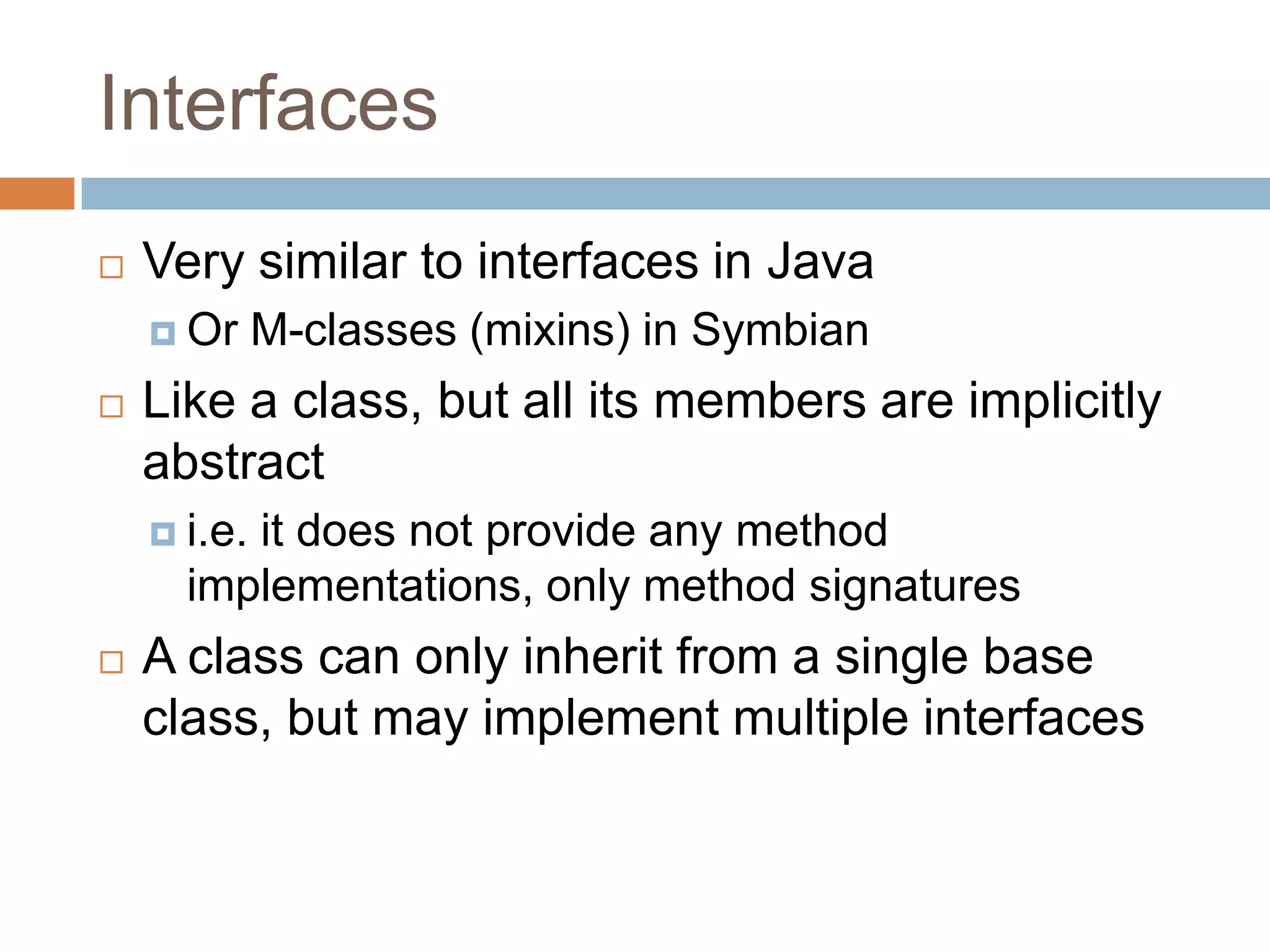
InterfacesVery similar to interfaces in JavaOr M-classes (mixins) in SymbianLike a class, but all its members are implicitly abstracti.e. it does not provide any method implementations, only method signaturesA class can only inherit from a single base class, but may implement multiple interfaces
foreachSimplified for loop syntax (familiar from Qt!)int[] myInts = new int[] { 1, 2, 3, 4, 5 };foreach (intiinmyInts){Console.WriteLine(i);}Works with built-in arrays, collection classes and any class implementing IEnumerable interfaceStringimplements IEnumerable<char>
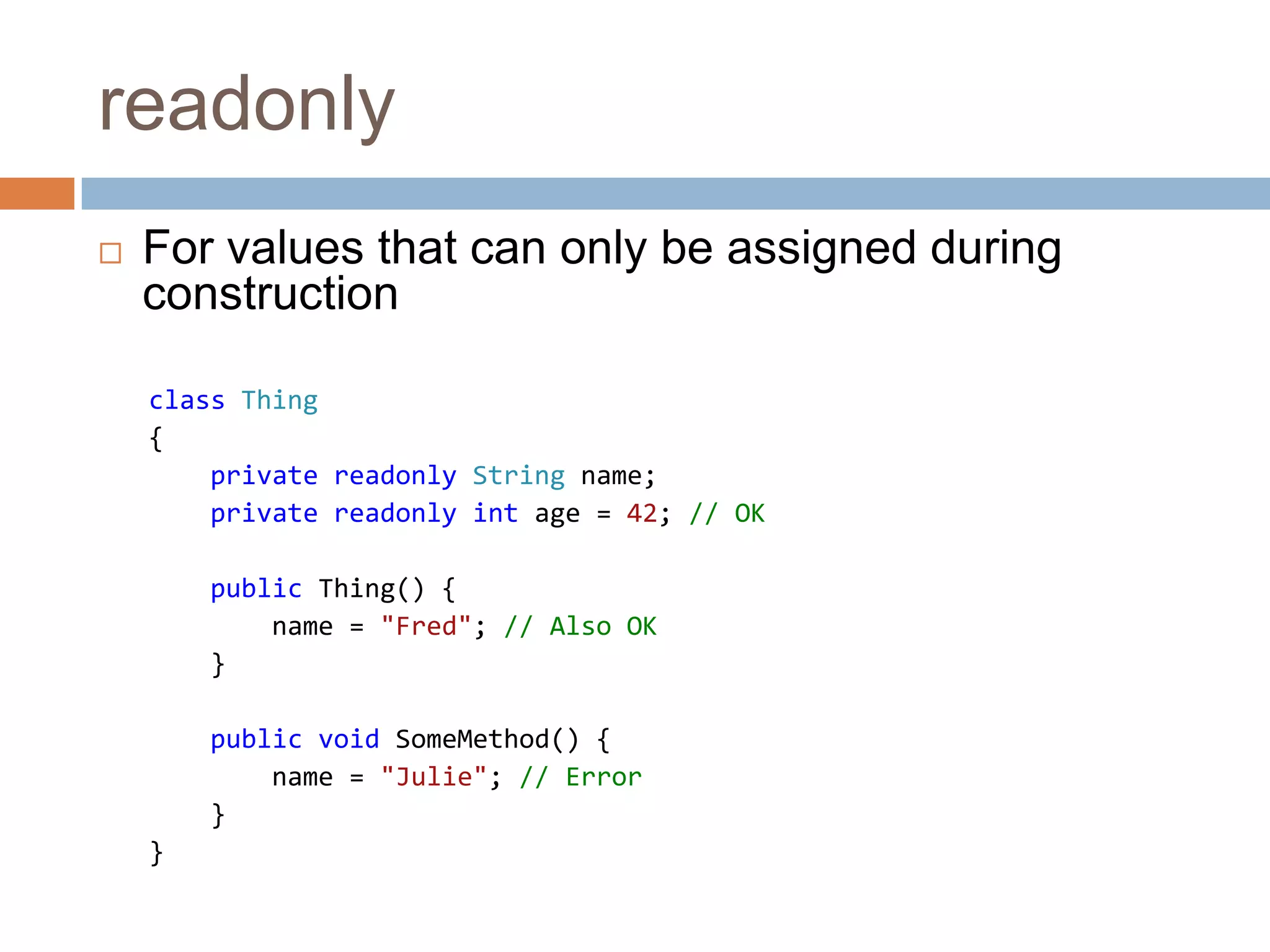
readonlyFor values that can only be assigned during constructionclass Thing{    private readonlyString name;privatereadonlyintage =42;// OKpublic Thing() {        name = "Fred";// Also OK}public void SomeMethod() {        name = "Julie";// Error}}
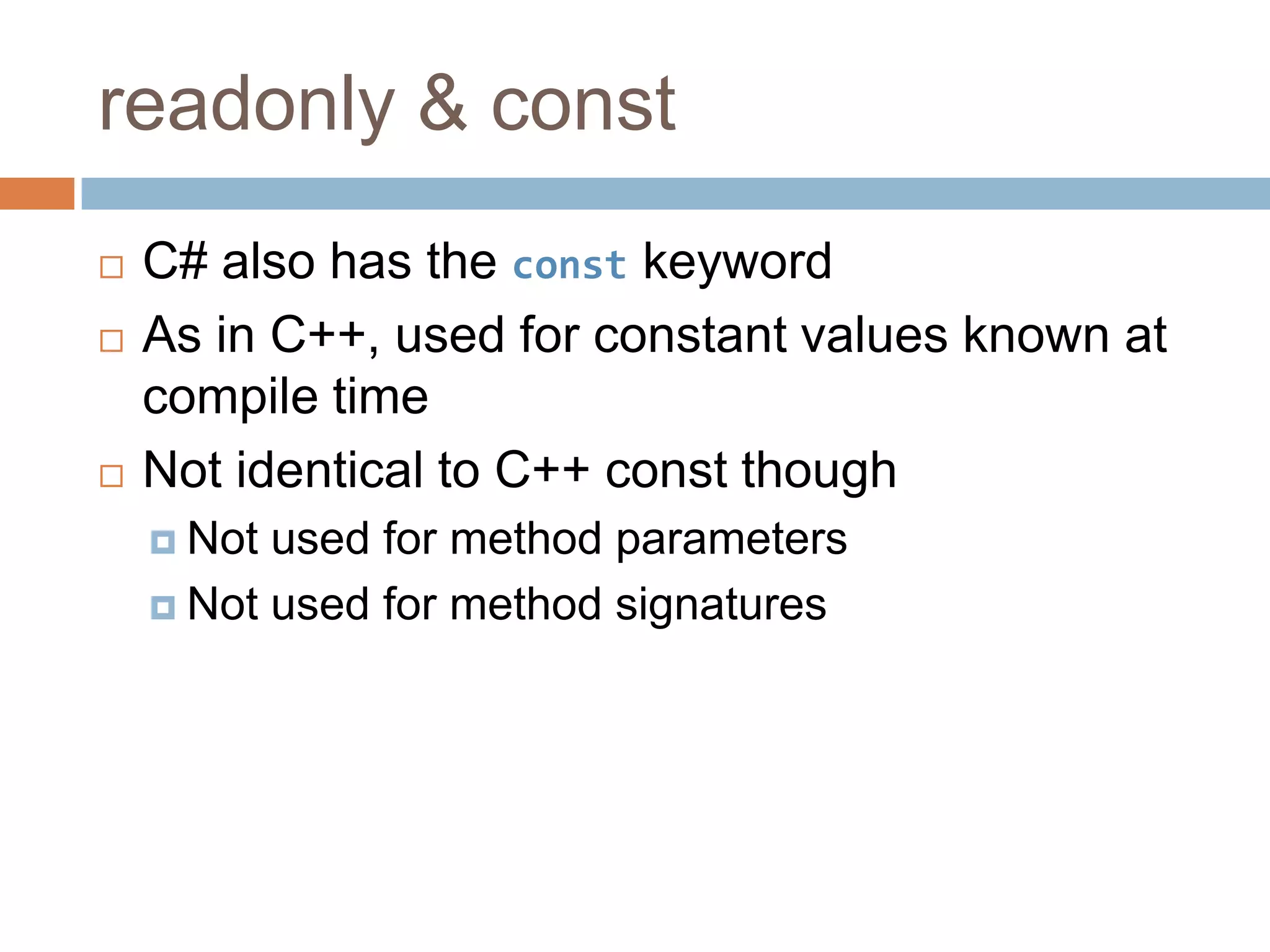
readonly & constC# also has the const keywordAs in C++, used for constant values known at compile timeNot identical to C++ const thoughNot used for method parametersNot used for method signatures
Parameter modifiers: refNo (explicit) pointers or references in C#In effect, all parameters are passed by referenceBut not quite...static void Main(string[] args) {String message = "I'm hot";negate(message);Console.WriteLine(message);}static void negate(String s) {    s += "... NOT!";}Result:> I'm hot
Parameter modifiers: refAlthough param passing as efficient as “by reference”, effect is more like “by const reference”The ref keyword fixes thisstatic void Main(string[] args) {String message = "I'm hot";negate(ref message);Console.WriteLine(message);}static void negate(refString s) {    s += "... NOT!";}Result:> I'm hot... NOT!
Parameter modifiers: outLike ref but must be assigned in the methodstatic void Main(string[] args) {DateTime now;if (isAfternoon(out now)) {Console.WriteLine("Good afternoon, it is now " + now.TimeOfDay.ToString());    }else {Console.WriteLine("Please come back this afternoon.");    }}static boolisAfternoon(out DateTimecurrentTime) {currentTime = DateTime.Now;returncurrentTime.Hour >= 12;}
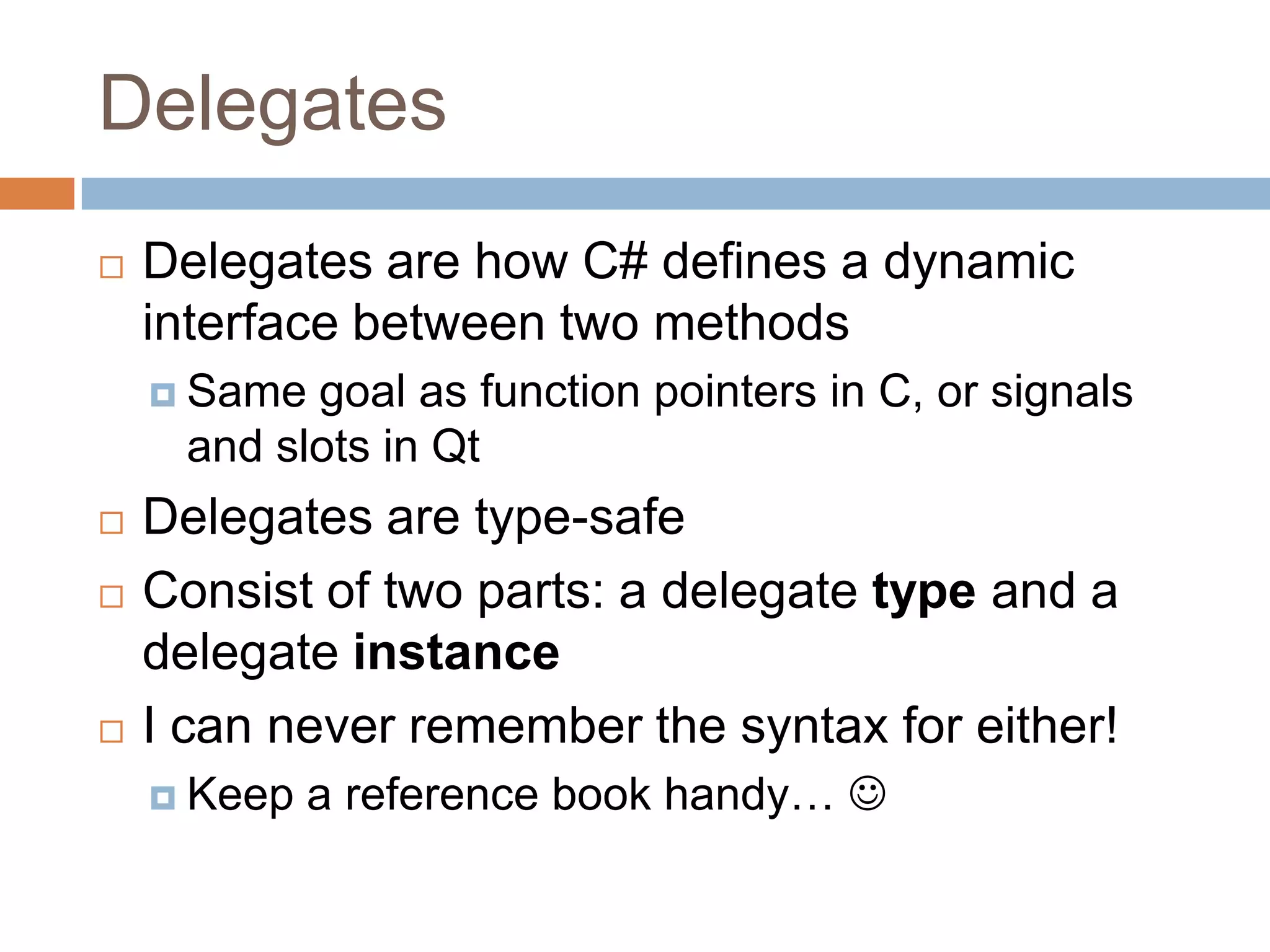
DelegatesDelegates are how C# defines a dynamic interface between two methodsSame goal as function pointers in C, or signals and slots in QtDelegates are type-safeConsist of two parts: a delegate type and a delegate instanceI can never remember the syntax for either!Keep a reference book handy… 
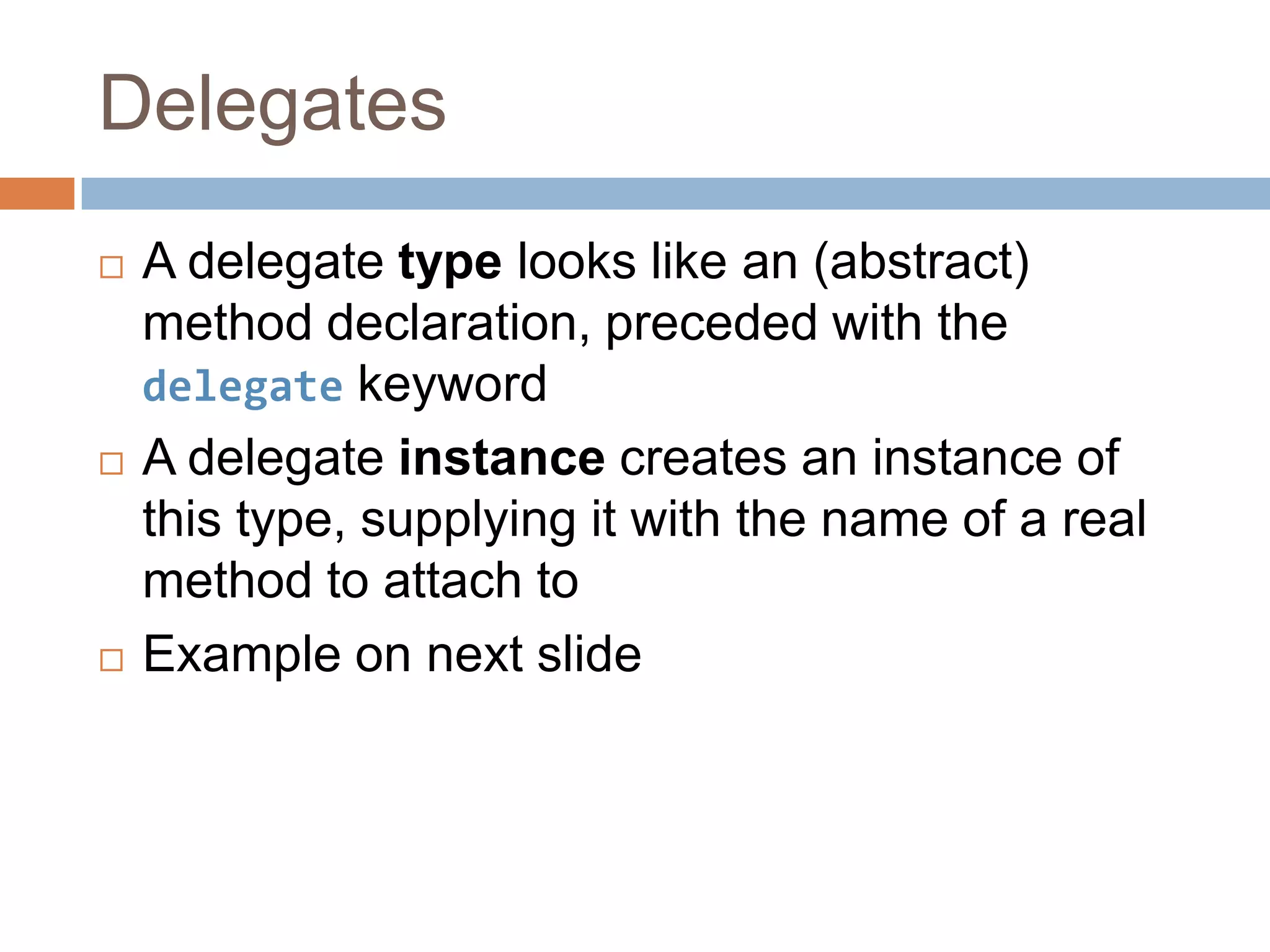
DelegatesA delegate type looks like an (abstract) method declaration, preceded with the delegate keywordA delegate instance creates an instance of this type, supplying it with the name of a real method to attach toExample on next slide
Delegates// Delegate type (looks like an abstract method)delegate intTransform(intnumber);// The real method we're going to attach to the delegatestatic intDoubleIt(intnumber) {    return number * 2;}static void Main(string[] args) {// Create a delegate instanceTransform transform;    // Attach it to a real methodtransform = DoubleIt;    // And now call it (via the delegate)intresult = transform(5);Console.WriteLine(result);}Result:> 10
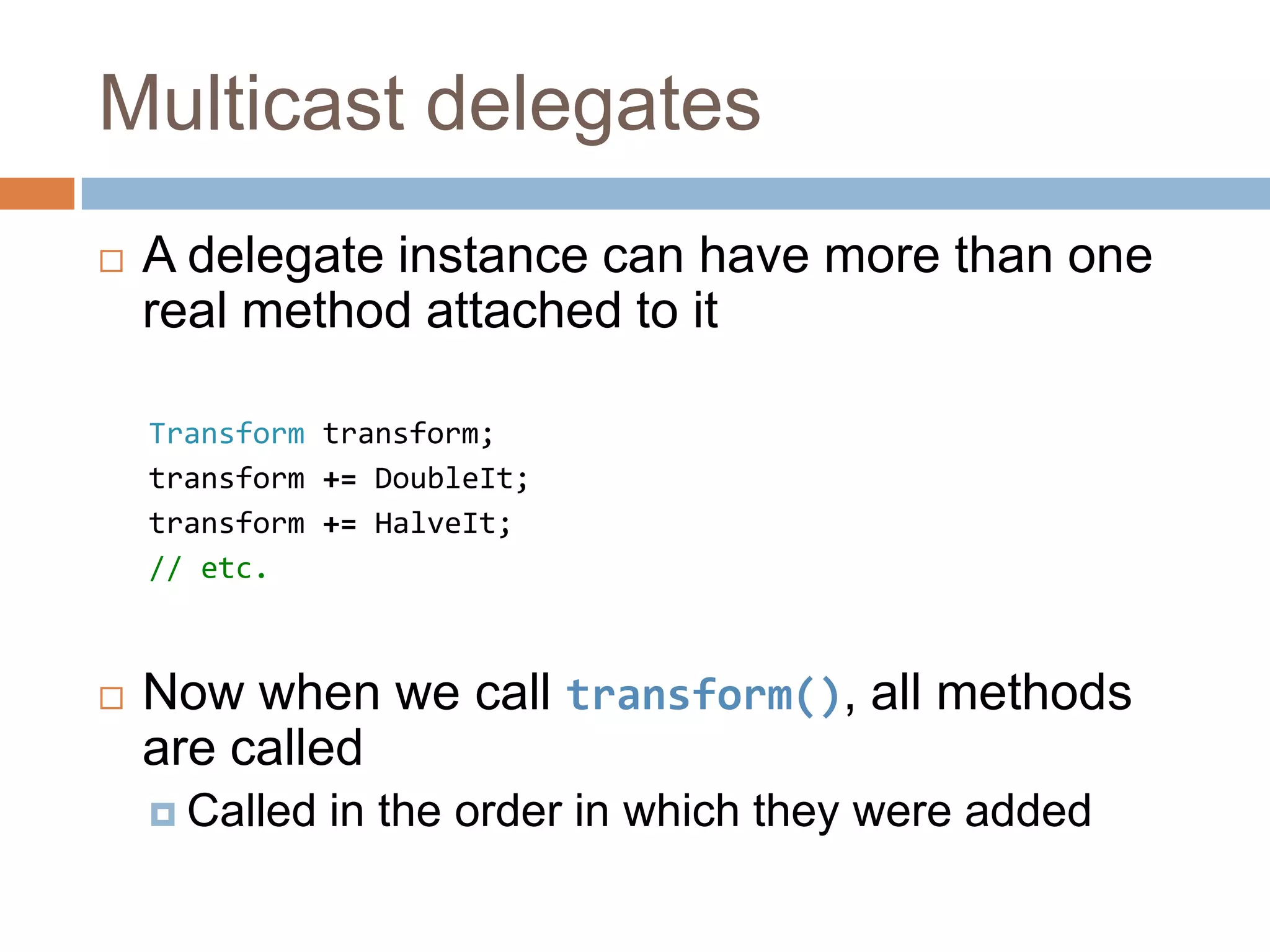
Multicast delegatesA delegate instance can have more than one real method attached to itTransform transform;transform += DoubleIt;transform += HalveIt;// etc.Now when we call transform(), all methods are calledCalled in the order in which they were added
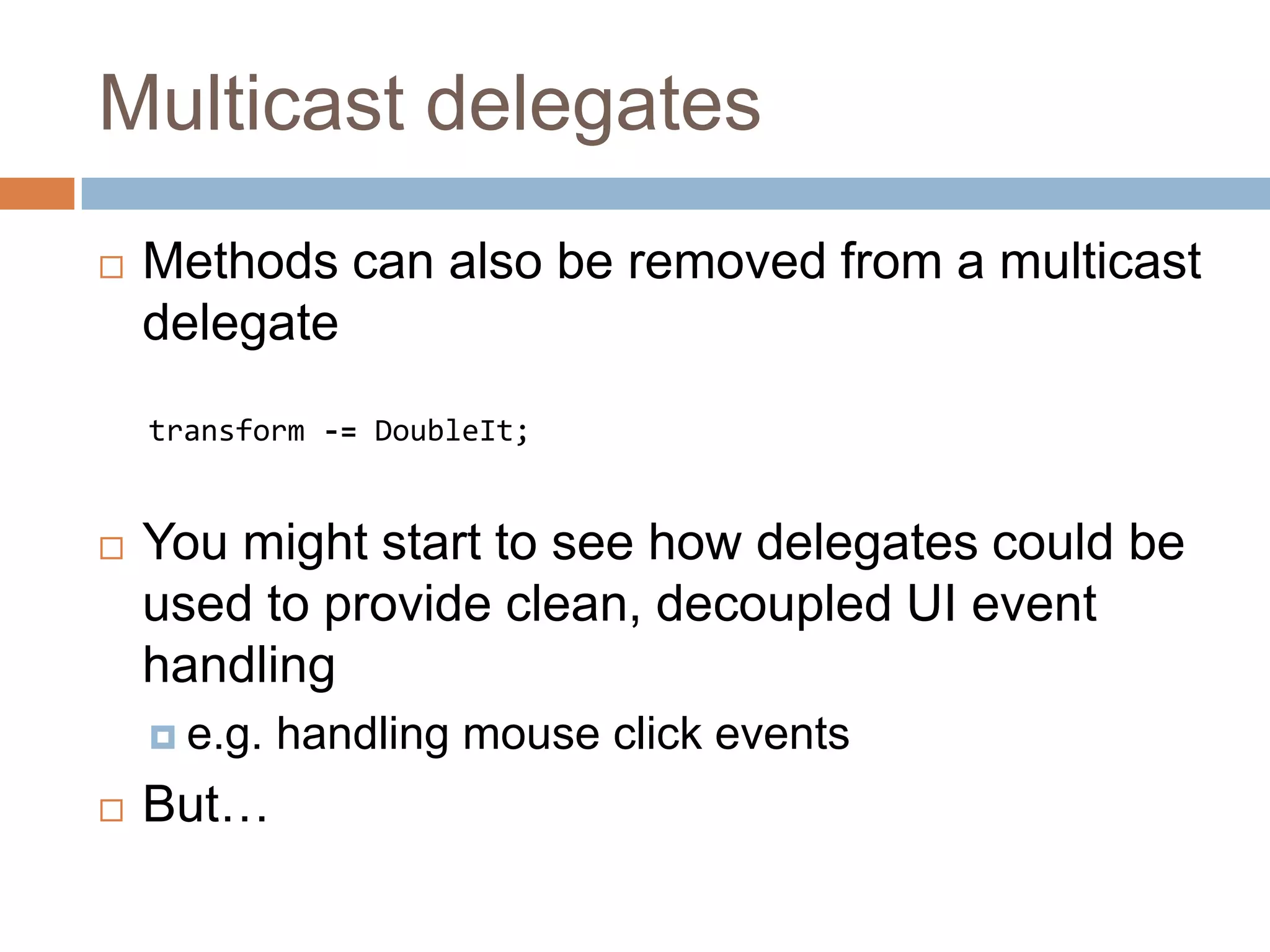
Multicast delegatesMethods can also be removed from a multicast delegatetransform -= DoubleIt;You might start to see how delegates could be used to provide clean, decoupled UI event handlinge.g. handling mouse click eventsBut…
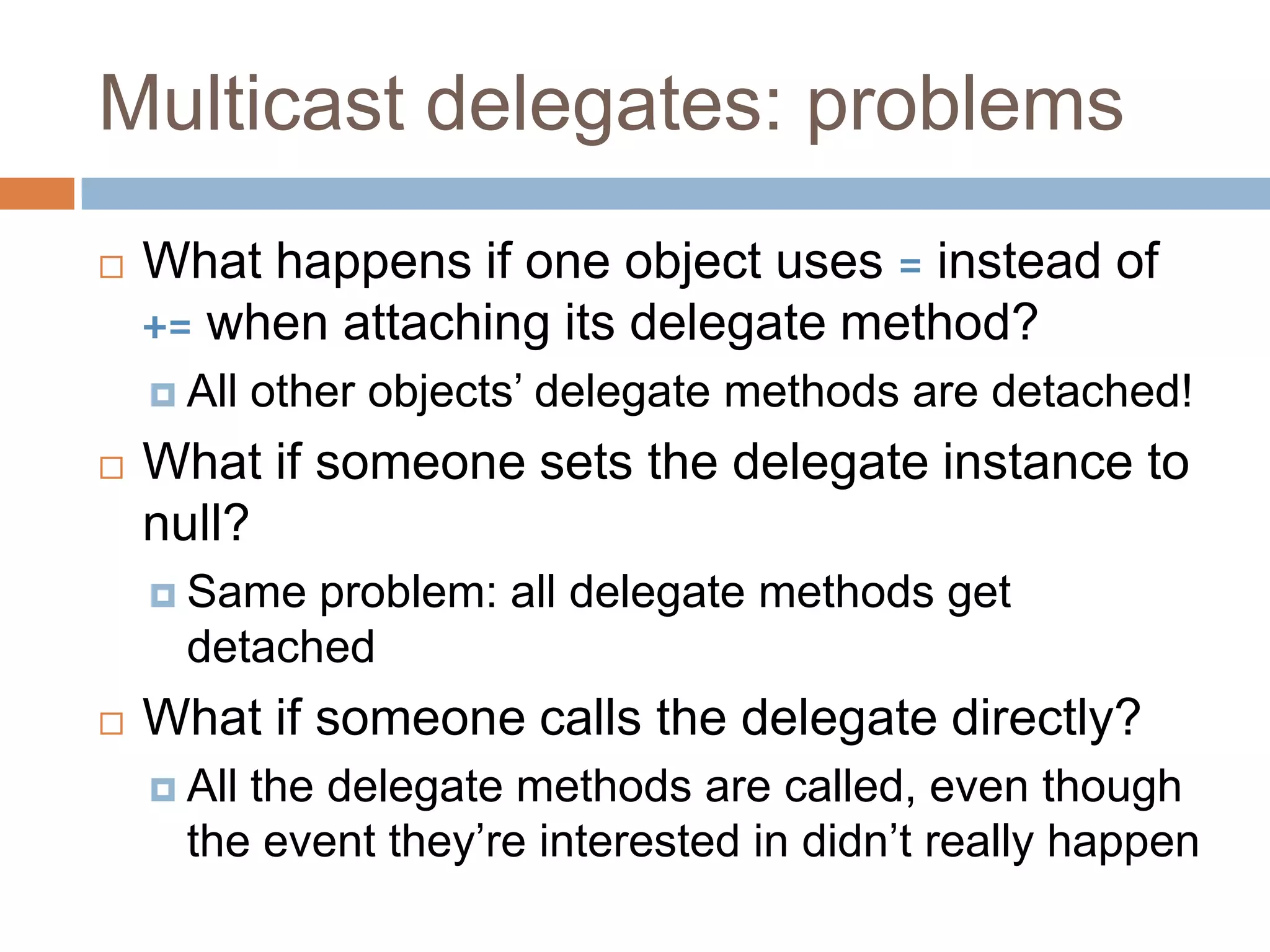
Multicast delegates: problemsWhat happens if one object uses = instead of += when attaching its delegate method?All other objects’ delegate methods are detached!What if someone sets the delegate instance to null?Same problem: all delegate methods get detachedWhat if someone calls the delegate directly?All the delegate methods are called, even though the event they’re interested in didn’t really happen
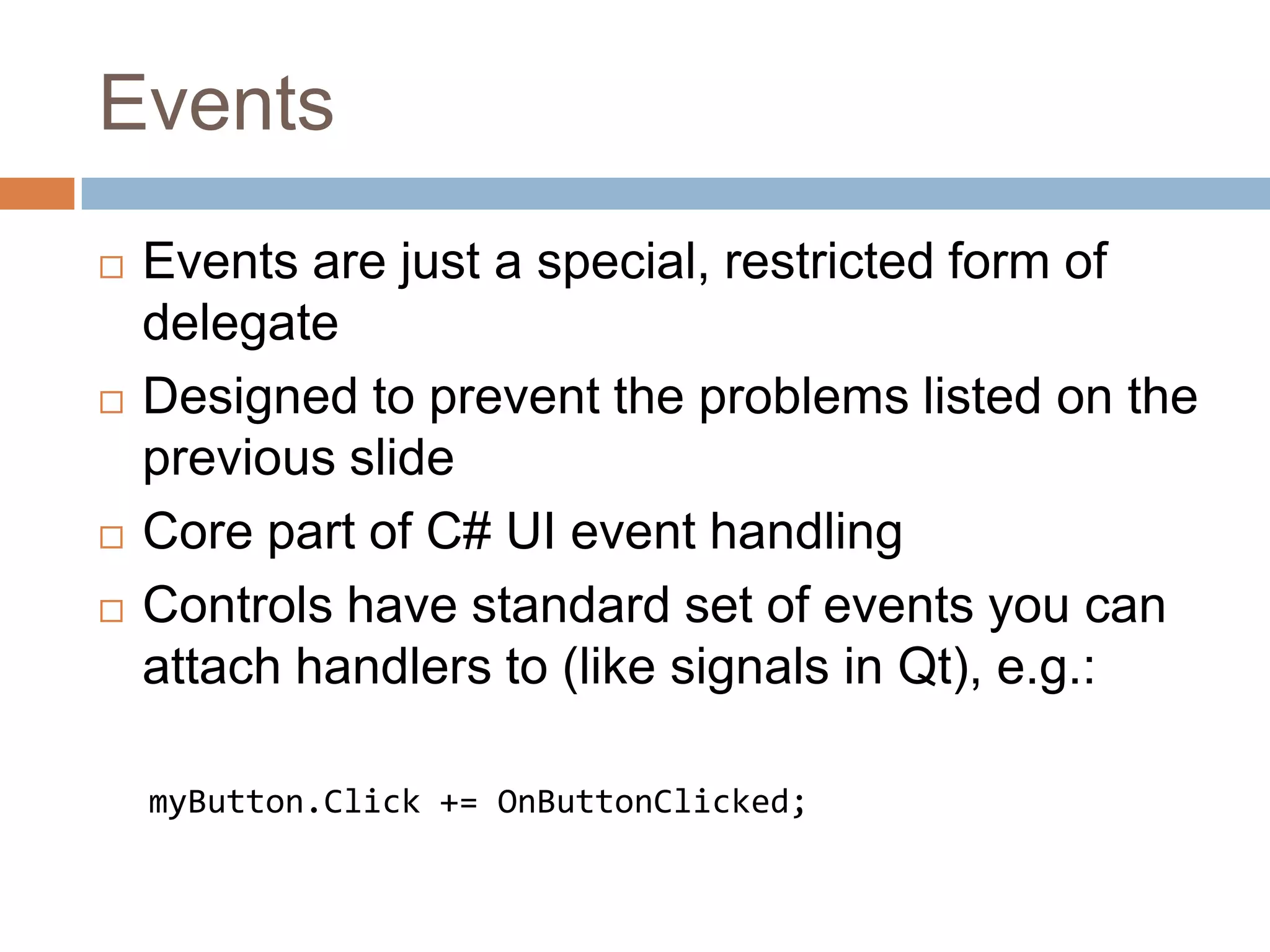
EventsEvents are just a special, restricted form of delegateDesigned to prevent the problems listed on the previous slideCore part of C# UI event handlingControls have standard set of events you can attach handlers to (like signals in Qt), e.g.:myButton.Click += OnButtonClicked;
Advanced C# and .NETGenericsLook and behave pretty much exactly like C++ templatesAssembliesBasic unit of deployment in .NETTypically a single .EXE or .DLLExtra access modifier internal(in addition to public, protected and private) gives access to other classes within the same assemblyOnly really makes sense in a class library DLL
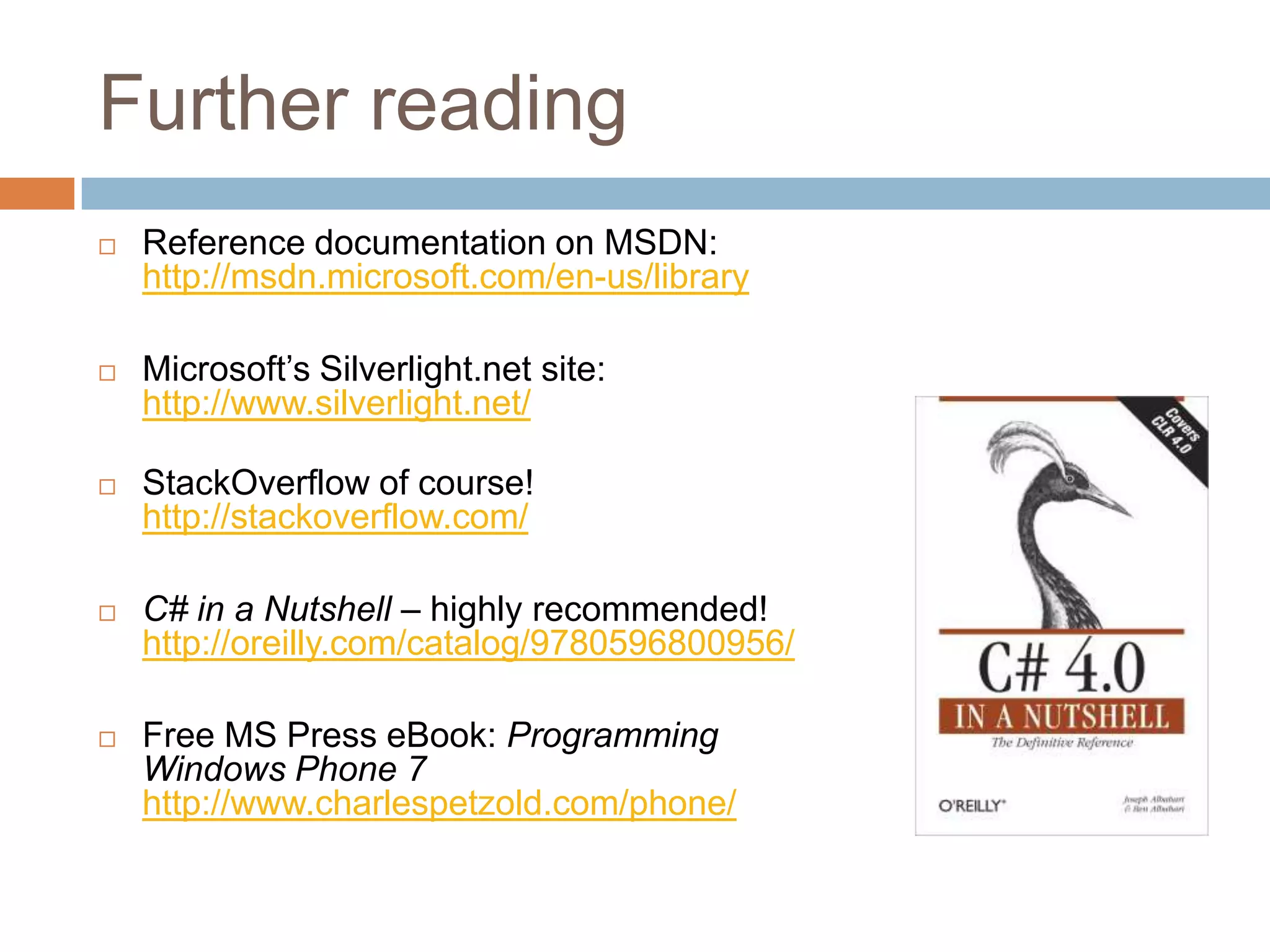
Further readingReference documentation on MSDN:http://msdn.microsoft.com/en-us/libraryMicrosoft’s Silverlight.net site:http://www.silverlight.net/StackOverflow of course!http://stackoverflow.com/C# in a Nutshell – highly recommended!http://oreilly.com/catalog/9780596800956/Free MS Press eBook: ProgrammingWindows Phone 7http://www.charlespetzold.com/phone/

C# for C++ programmers

  • 1.
    C# for C++ProgrammersA crash course
  • 2.
    C#: the basicsLotsof similarities with C++Object-orientedClasses, structs, enumsFamiliar basic types: int, double, bool,…Familiar keywords: for, while, if, else,…Similar syntax: curly braces { }, dot notation,…Exceptions: try and catch
  • 3.
    C#: the basicsActuallymuch more similar to JavaEverything lives in a class/struct (no globals)No pointers! (so no ->, * or & notation)Garbage collection: no delete!No header filesNo multiple inheritanceInterfacesStatic members accessed with . (not ::)In a nutshell: much easier than C++ 
  • 4.
    Hello, world!using System;//Everything's in a namespacenamespace HelloWorldApp{// A simple classclass Program {// A simple field: note we can instantiate it on the same lineprivate static String helloMessage = "Hello, world!";// Even Main() isn't global!static void Main(string[] args) {Console.WriteLine(helloMessage); } }}
  • 5.
    C# featuresPropertiesInterfacesThe foreachkeywordThe readonly keywordParameter modifiers: ref and outDelegates and eventsInstead of callbacksGenericsInstead of templates
  • 6.
    PropertiesClass members, alongsidemethods and fields“field” is what C# calls a member variableProperties “look like fields, behave like methods”By convention, names are in UpperCamelCaseVery basic example on next slide
  • 7.
    Properties: simple exampleclassThing{// Private field (the “backing field”)private String name;// Public propertypublic String Name {get { return name; }set {// "value" is an automatic // variable inside the settername = value; } }}class Program{static void Main(string[] args) {Thing t = new Thing(); // Use the settert.Name = "Fred"; // Use the getterConsole.WriteLine(t.Name); }}
  • 8.
    PropertiesSo far, looksjust like an over-complicated fieldSo why bother?
  • 9.
    Properties: advanced getter/setterclassThing{// Private field (the “backing field”)private String name;private static intrefCount = 0;// Public propertypublic String Name {get { returnname.ToUpper(); } set {name = value;refCount++; } }}Can hide implementation detail inside a propertyHence “looks like a field, behaves like a method”
  • 10.
    Properties: access modifiersclassThing{// Private field (the “backing field”)private String _name;// Public propertypublic String Name {get { return _name; }private set {_name = value; } }}Now only the class itself can modify the valueAny object can get the value
  • 11.
    Properties: getter onlyclassThing{ // Public propertypublic intCurrentHour {get { returnDateTime.Now.Hour; } }}In this case it doesn’t make sense to offer a setterCan also implement a setter but no getterNotice that Now and Hour are both properties too (of DateTime) – and Now is static!
  • 12.
    Properties: even simplerexampleclass Thing{// Private field (the “backing field”)private String _name;// Public propertypublic String Name {get { return _name; }set {_name = value; } }}class Thing{// If all you want is a simple // getter/setter pair, no need for a // backing field at allpublic String Name { get; set; }// As you might have guessed, access // modifiers can be usedpublic boolIsBusy { get; privateset; }}
  • 13.
    PropertiesA really corefeature of C#You’ll see them everywhereDateTime.NowString.Lengthetc.Get into the habit of using a property whenever you need a getter and/or setterPreferred to using GetValue(), SetValue() methodsNever use public fields!
  • 14.
    InterfacesVery similar tointerfaces in JavaOr M-classes (mixins) in SymbianLike a class, but all its members are implicitly abstracti.e. it does not provide any method implementations, only method signaturesA class can only inherit from a single base class, but may implement multiple interfaces
  • 15.
    foreachSimplified for loopsyntax (familiar from Qt!)int[] myInts = new int[] { 1, 2, 3, 4, 5 };foreach (intiinmyInts){Console.WriteLine(i);}Works with built-in arrays, collection classes and any class implementing IEnumerable interfaceStringimplements IEnumerable<char>
  • 16.
    readonlyFor values thatcan only be assigned during constructionclass Thing{ private readonlyString name;privatereadonlyintage =42;// OKpublic Thing() { name = "Fred";// Also OK}public void SomeMethod() { name = "Julie";// Error}}
  • 17.
    readonly & constC#also has the const keywordAs in C++, used for constant values known at compile timeNot identical to C++ const thoughNot used for method parametersNot used for method signatures
  • 18.
    Parameter modifiers: refNo(explicit) pointers or references in C#In effect, all parameters are passed by referenceBut not quite...static void Main(string[] args) {String message = "I'm hot";negate(message);Console.WriteLine(message);}static void negate(String s) { s += "... NOT!";}Result:> I'm hot
  • 19.
    Parameter modifiers: refAlthoughparam passing as efficient as “by reference”, effect is more like “by const reference”The ref keyword fixes thisstatic void Main(string[] args) {String message = "I'm hot";negate(ref message);Console.WriteLine(message);}static void negate(refString s) { s += "... NOT!";}Result:> I'm hot... NOT!
  • 20.
    Parameter modifiers: outLikeref but must be assigned in the methodstatic void Main(string[] args) {DateTime now;if (isAfternoon(out now)) {Console.WriteLine("Good afternoon, it is now " + now.TimeOfDay.ToString()); }else {Console.WriteLine("Please come back this afternoon."); }}static boolisAfternoon(out DateTimecurrentTime) {currentTime = DateTime.Now;returncurrentTime.Hour >= 12;}
  • 21.
    DelegatesDelegates are howC# defines a dynamic interface between two methodsSame goal as function pointers in C, or signals and slots in QtDelegates are type-safeConsist of two parts: a delegate type and a delegate instanceI can never remember the syntax for either!Keep a reference book handy… 
  • 22.
    DelegatesA delegate typelooks like an (abstract) method declaration, preceded with the delegate keywordA delegate instance creates an instance of this type, supplying it with the name of a real method to attach toExample on next slide
  • 23.
    Delegates// Delegate type(looks like an abstract method)delegate intTransform(intnumber);// The real method we're going to attach to the delegatestatic intDoubleIt(intnumber) { return number * 2;}static void Main(string[] args) {// Create a delegate instanceTransform transform; // Attach it to a real methodtransform = DoubleIt; // And now call it (via the delegate)intresult = transform(5);Console.WriteLine(result);}Result:> 10
  • 24.
    Multicast delegatesA delegateinstance can have more than one real method attached to itTransform transform;transform += DoubleIt;transform += HalveIt;// etc.Now when we call transform(), all methods are calledCalled in the order in which they were added
  • 25.
    Multicast delegatesMethods canalso be removed from a multicast delegatetransform -= DoubleIt;You might start to see how delegates could be used to provide clean, decoupled UI event handlinge.g. handling mouse click eventsBut…
  • 26.
    Multicast delegates: problemsWhathappens if one object uses = instead of += when attaching its delegate method?All other objects’ delegate methods are detached!What if someone sets the delegate instance to null?Same problem: all delegate methods get detachedWhat if someone calls the delegate directly?All the delegate methods are called, even though the event they’re interested in didn’t really happen
  • 27.
    EventsEvents are justa special, restricted form of delegateDesigned to prevent the problems listed on the previous slideCore part of C# UI event handlingControls have standard set of events you can attach handlers to (like signals in Qt), e.g.:myButton.Click += OnButtonClicked;
  • 28.
    Advanced C# and.NETGenericsLook and behave pretty much exactly like C++ templatesAssembliesBasic unit of deployment in .NETTypically a single .EXE or .DLLExtra access modifier internal(in addition to public, protected and private) gives access to other classes within the same assemblyOnly really makes sense in a class library DLL
  • 29.
    Further readingReference documentationon MSDN:http://msdn.microsoft.com/en-us/libraryMicrosoft’s Silverlight.net site:http://www.silverlight.net/StackOverflow of course!http://stackoverflow.com/C# in a Nutshell – highly recommended!http://oreilly.com/catalog/9780596800956/Free MS Press eBook: ProgrammingWindows Phone 7http://www.charlespetzold.com/phone/