

Building 3rd Party
Widgets with JavaScript
Jonathan Julian
@jonathanjulian
Tuesday, January 31, 12
They’re Everywhere
• Tweet button
• Facebook Like button
• Google +1 button
Tuesday, January 31, 12
How do they work?
• Website owner pastes JavaScript
code onto their site
• Code runs when page is loaded
• Widget communicates back to the
application, not the hosting site
• If logged-in, user gets features
Tuesday, January 31, 12
What about the Same
Origin Policy?
• JSONP
• Alternatives: use CORS or HTML5
PostMessage
• Send data to the server as query
params in JSONP
Tuesday, January 31, 12
Issues
• You might need to load JS libs
that the host has not loaded
• You want your own style
• Avoid namespace collisions
Tuesday, January 31, 12
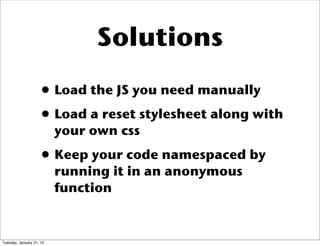
Solutions
• Load the JS you need manually
• Load a reset stylesheet along with
your own css
• Keep your code namespaced by
running it in an anonymous
function
Tuesday, January 31, 12
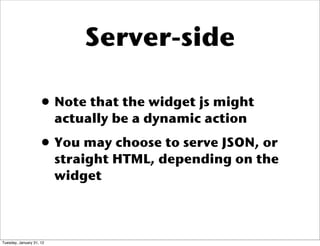
Server-side
• Note that the widget js might
actually be a dynamic action
• You may choose to serve JSON, or
straight HTML, depending on the
widget
Tuesday, January 31, 12
github.com/jjulian/
example_javascript_widget
Tuesday, January 31, 12
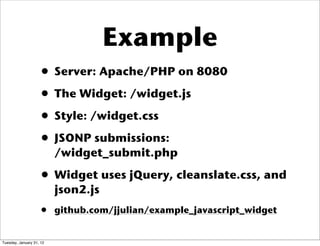
Example
• Server: Apache/PHP on 8080
• The Widget: /widget.js
• Style: /widget.css
• JSONP submissions:
/widget_submit.php
• Widget uses jQuery, cleanslate.css, and
json2.js
• github.com/jjulian/example_javascript_widget
Tuesday, January 31, 12
bit.ly/jswidget
Tuesday, January 31, 12
References
• http://alexmarandon.com/
articles/web_widget_jquery/
• http://shortmail.com/widgets/
compose-widget.html
Tuesday, January 31, 12

Building 3rd party widgets with JavaScript