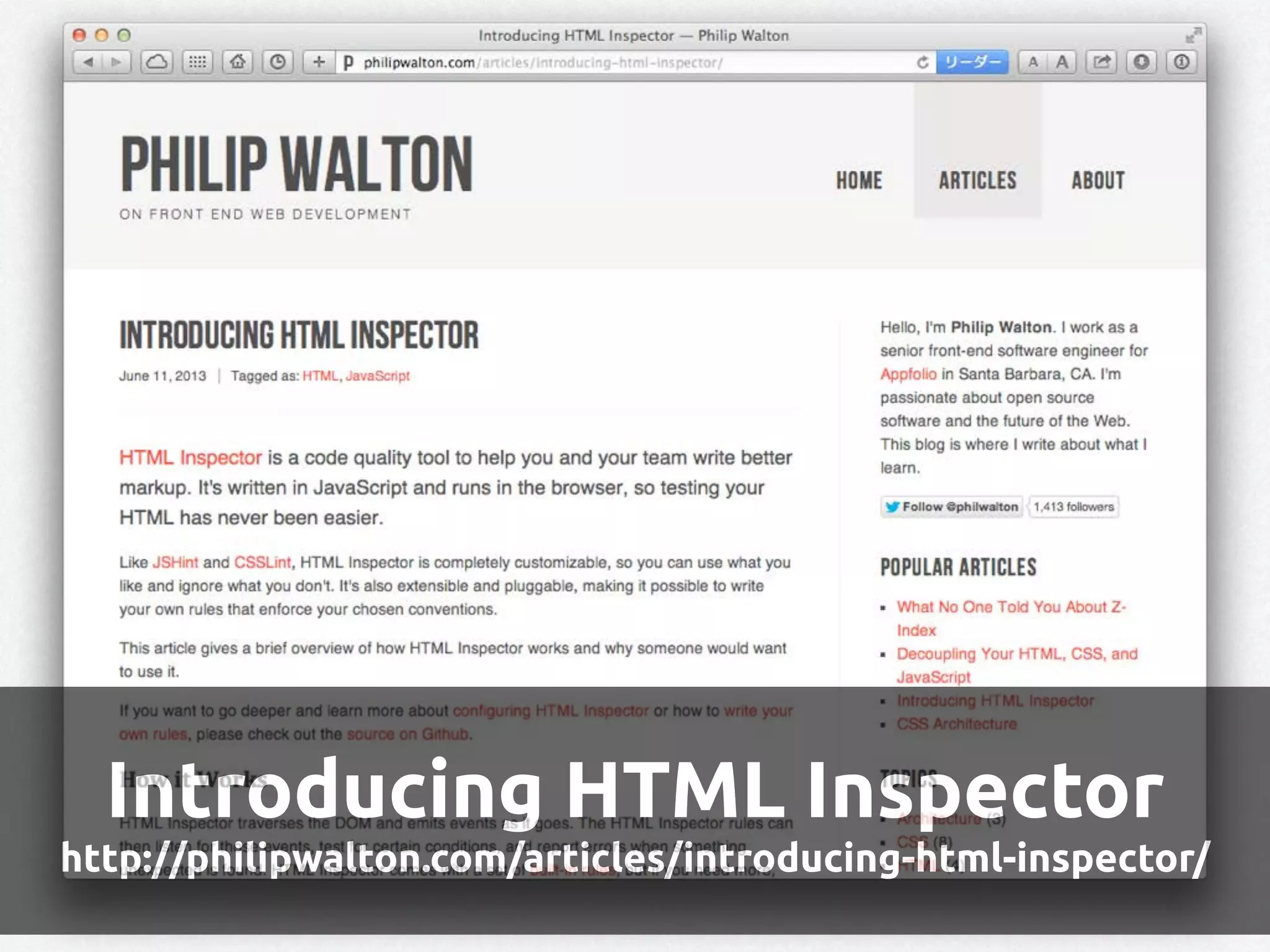
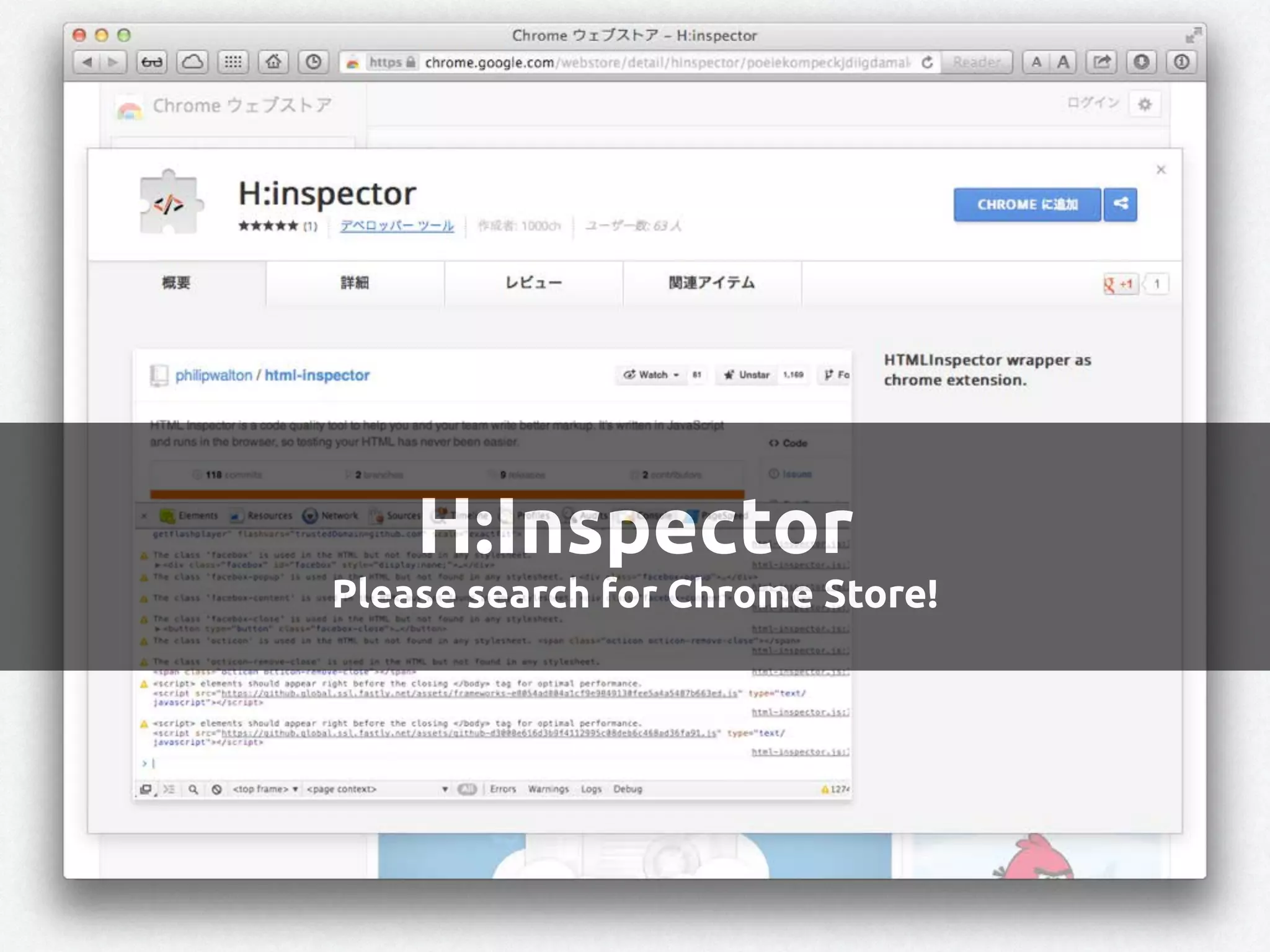
HTML Inspector isa code
quality tool to help you
and your team write
better markup. It's written
in JavaScript and runs in
the browser, so testing
your HTML has never been
easier. - Philip Walton
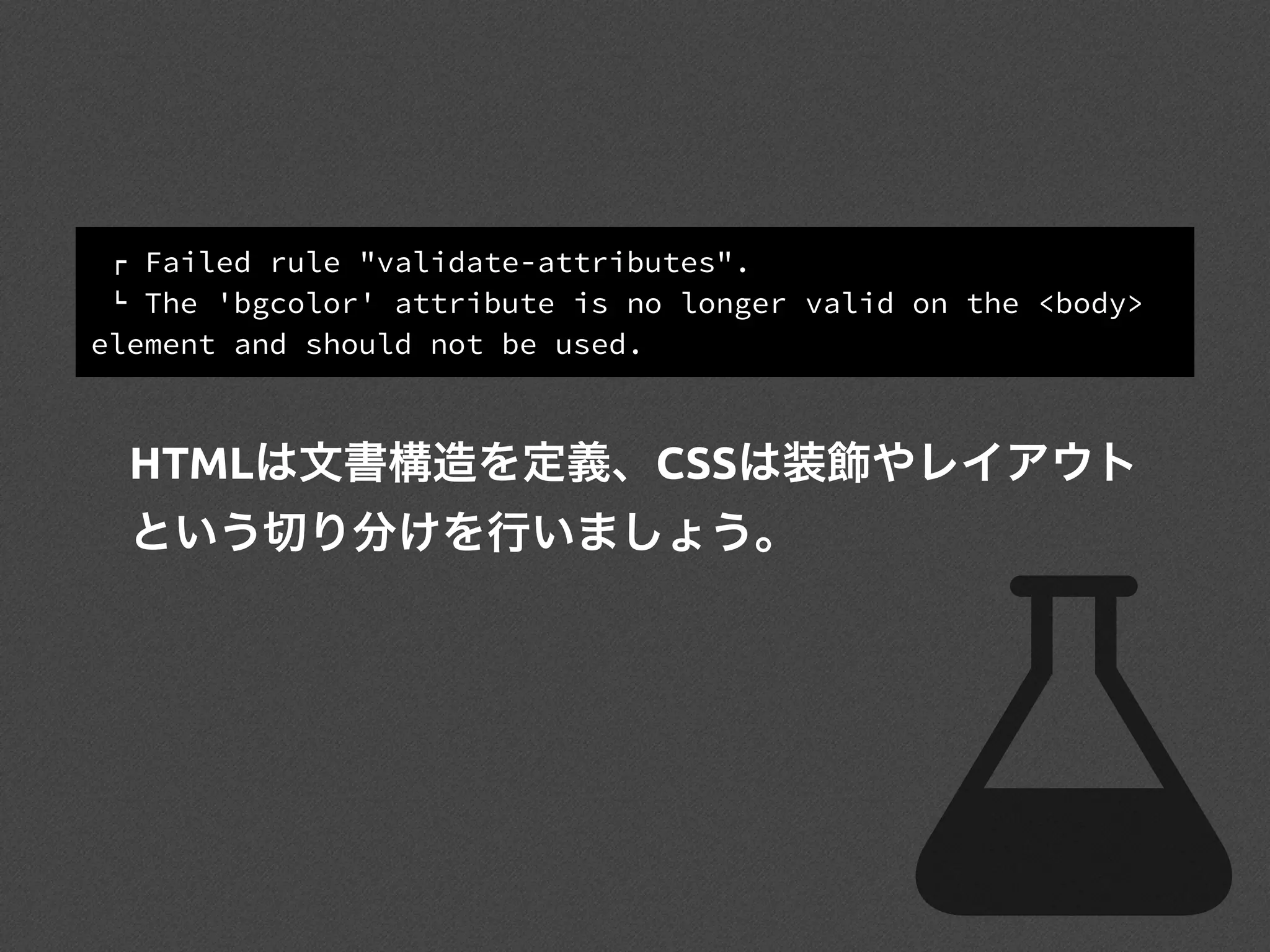
! Failed rule"validate-attributes".
" The 'bgcolor' attribute is no longer valid on the <body>
element and should not be used.
HTMLは文書構造を定義、CSSは装飾やレイアウト
という切り分けを行いましょう。
49.
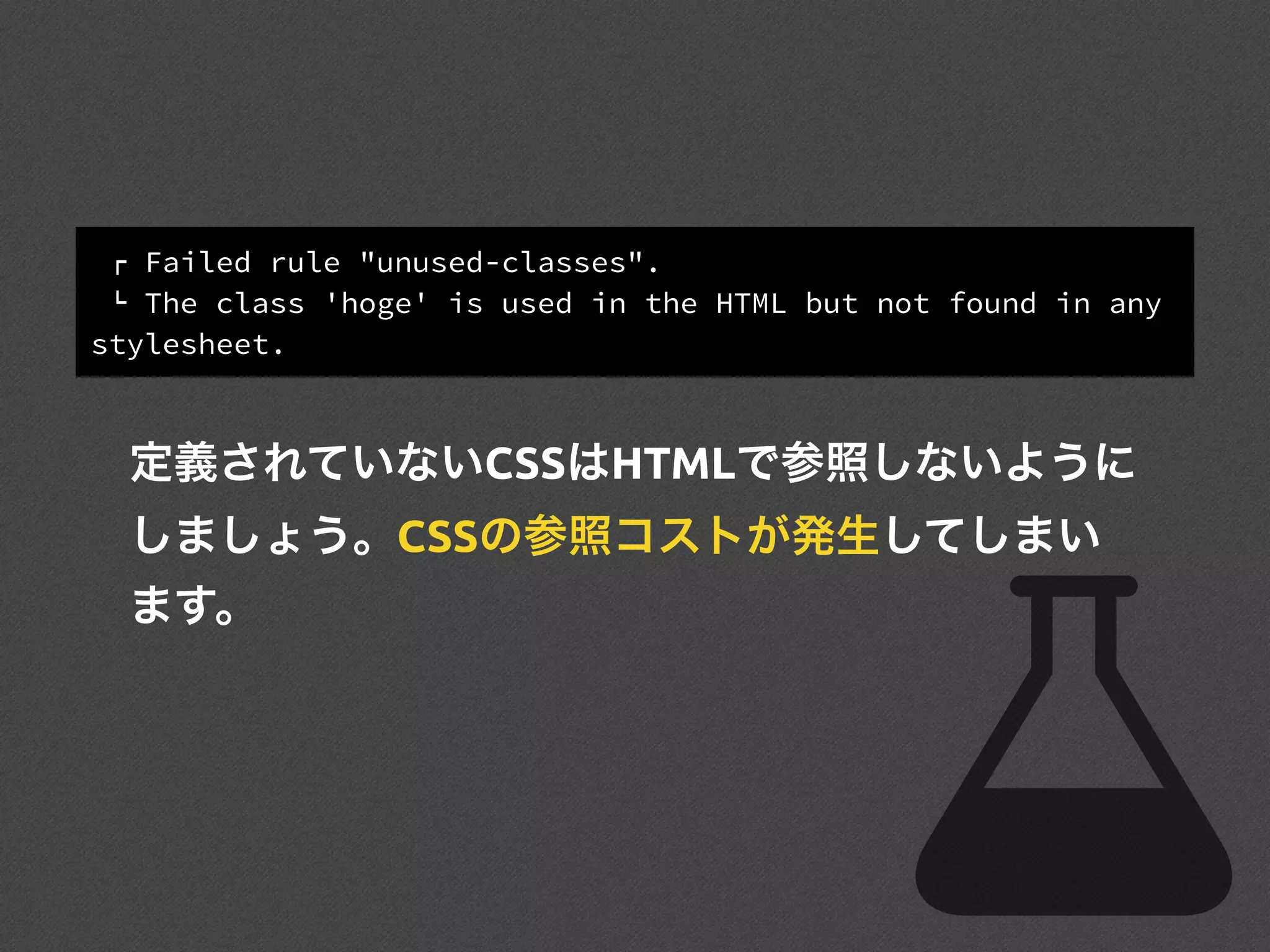
! Failed rule"unused-classes".
" The class 'hoge' is used in the HTML but not found in any
stylesheet.
定義されていないCSSはHTMLで参照しないように
しましょう。CSSの参照コストが発生してしまい
ます。
50.
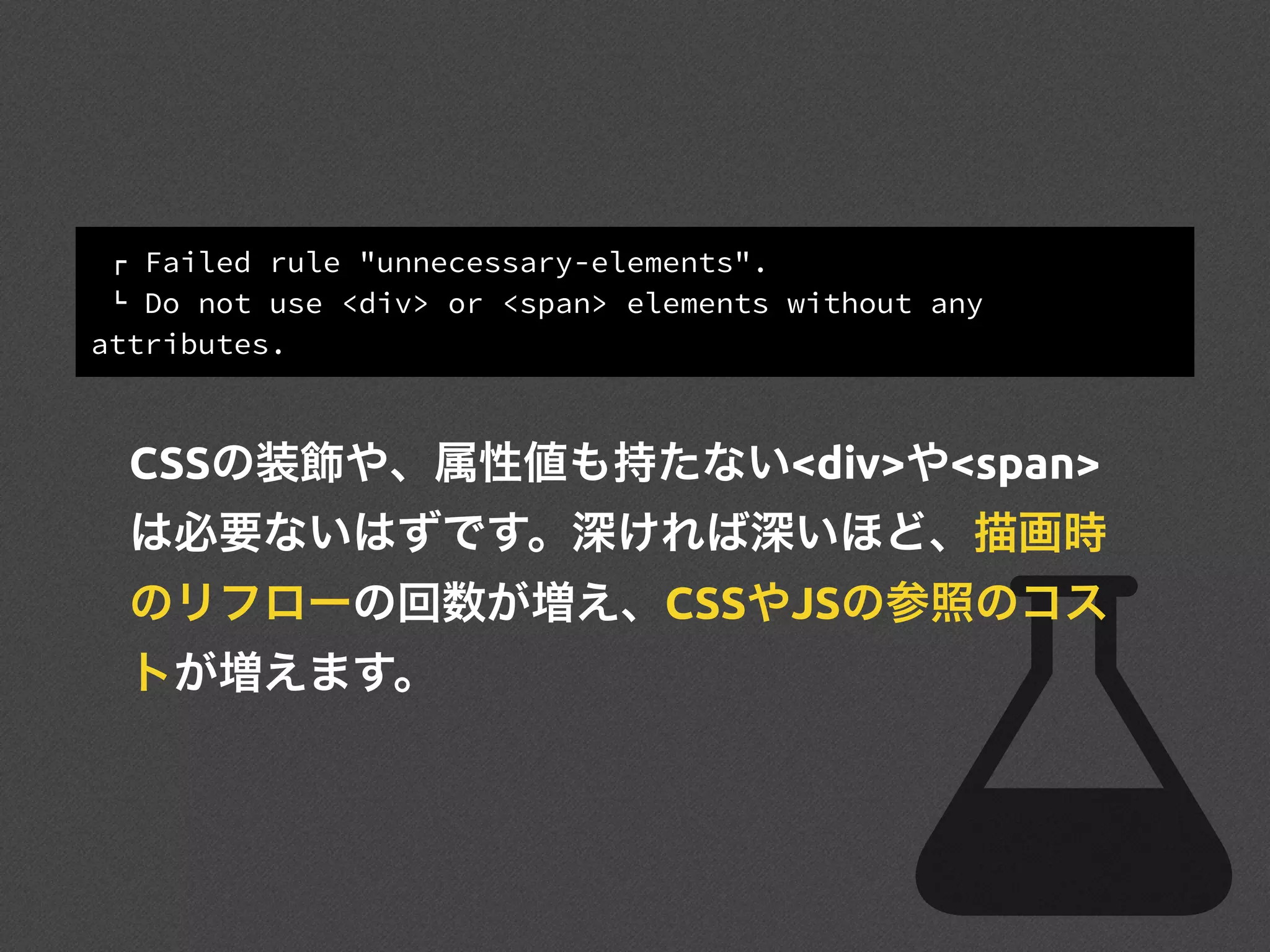
! Failed rule"unnecessary-elements".
" Do not use <div> or <span> elements without any
attributes.
CSSの装飾や、属性値も持たない<div>や<span>
は必要ないはずです。深ければ深いほど、描画時
のリフローの回数が増え、CSSやJSの参照のコス
トが増えます。
51.
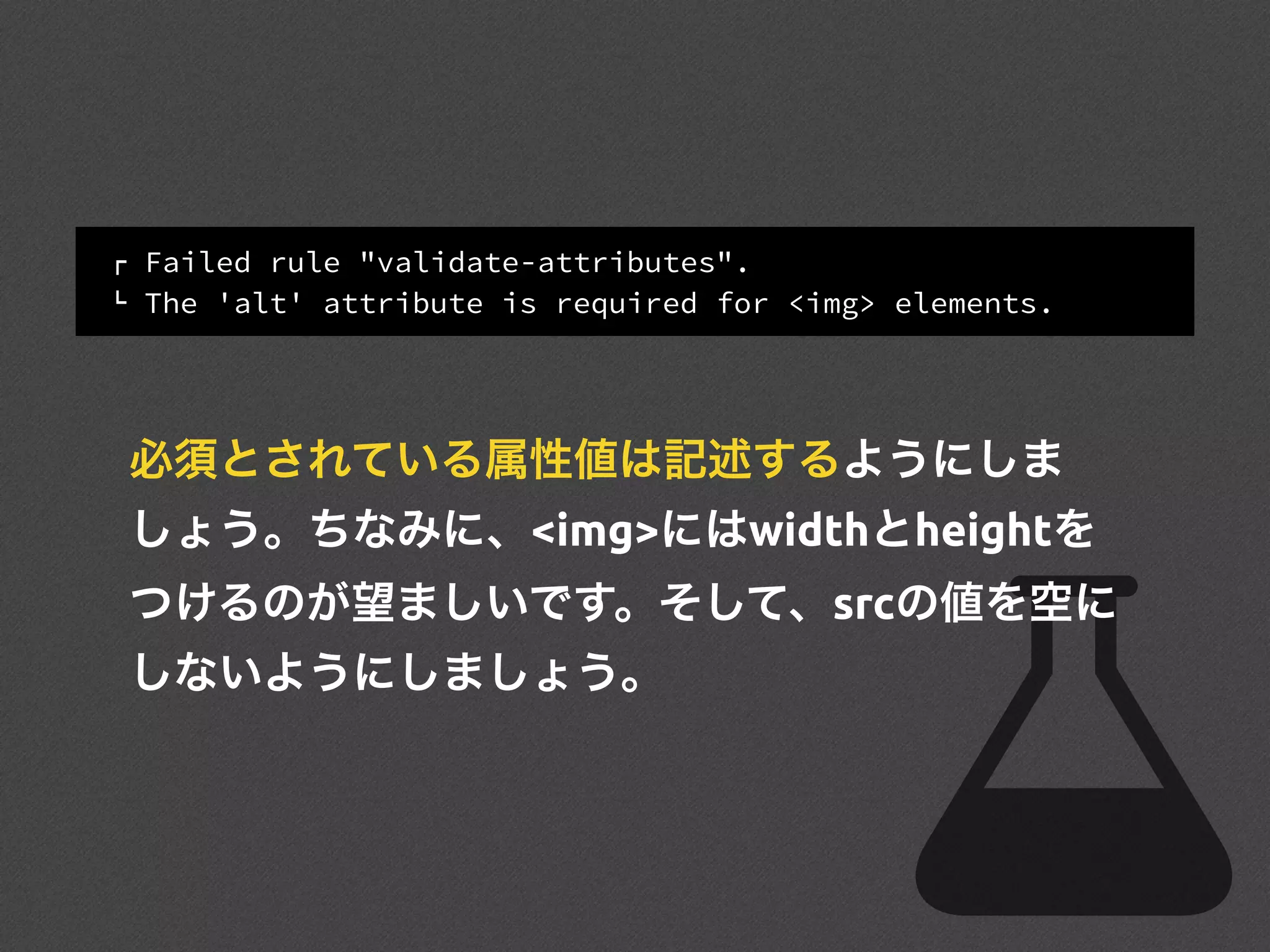
! Failed rule"validate-attributes".
" The 'alt' attribute is required for <img> elements.
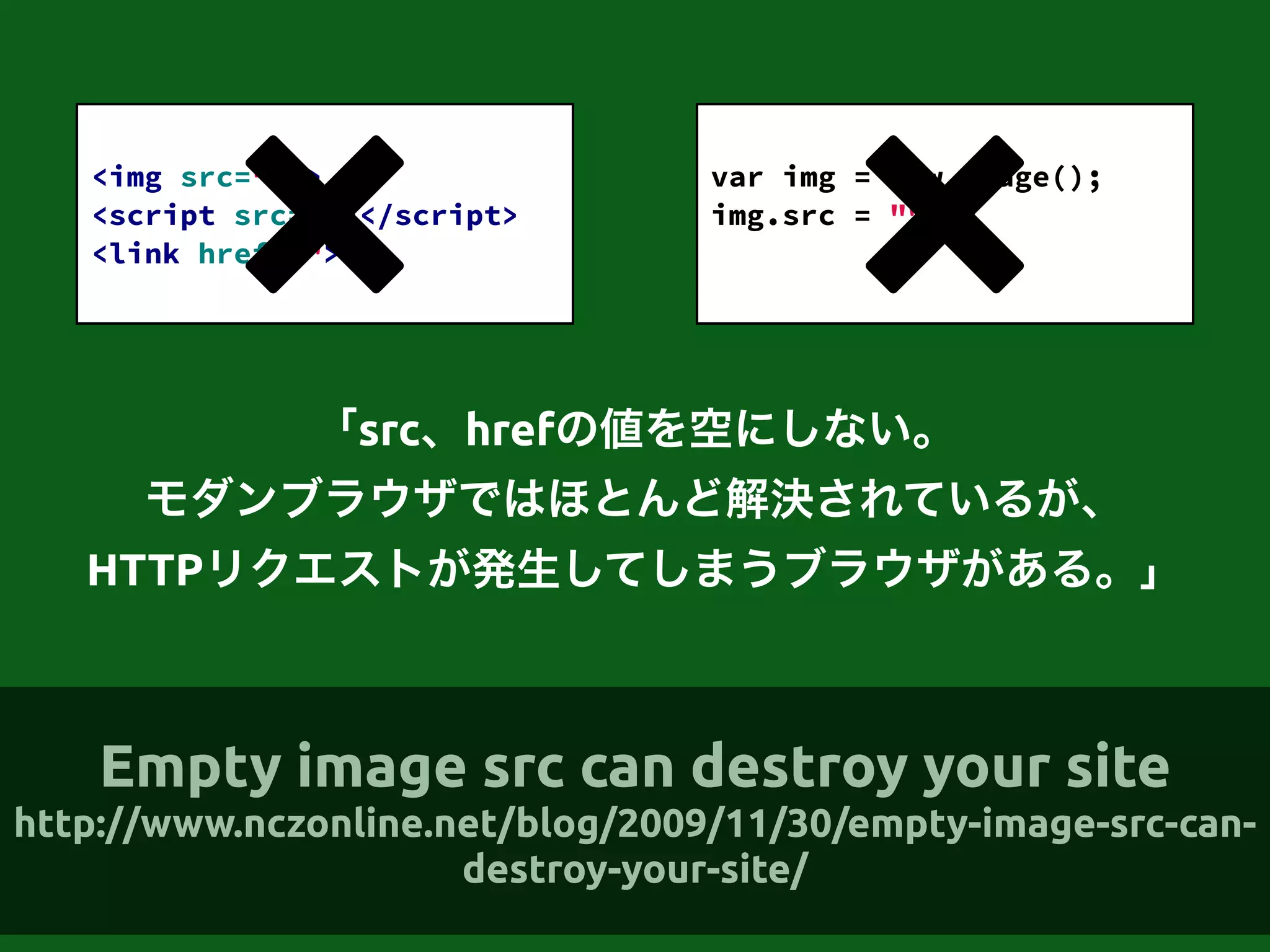
必須とされている属性値は記述するようにしま
しょう。ちなみに、<img>にはwidthとheightを
つけるのが望ましいです。そして、srcの値を空に
しないようにしましょう。
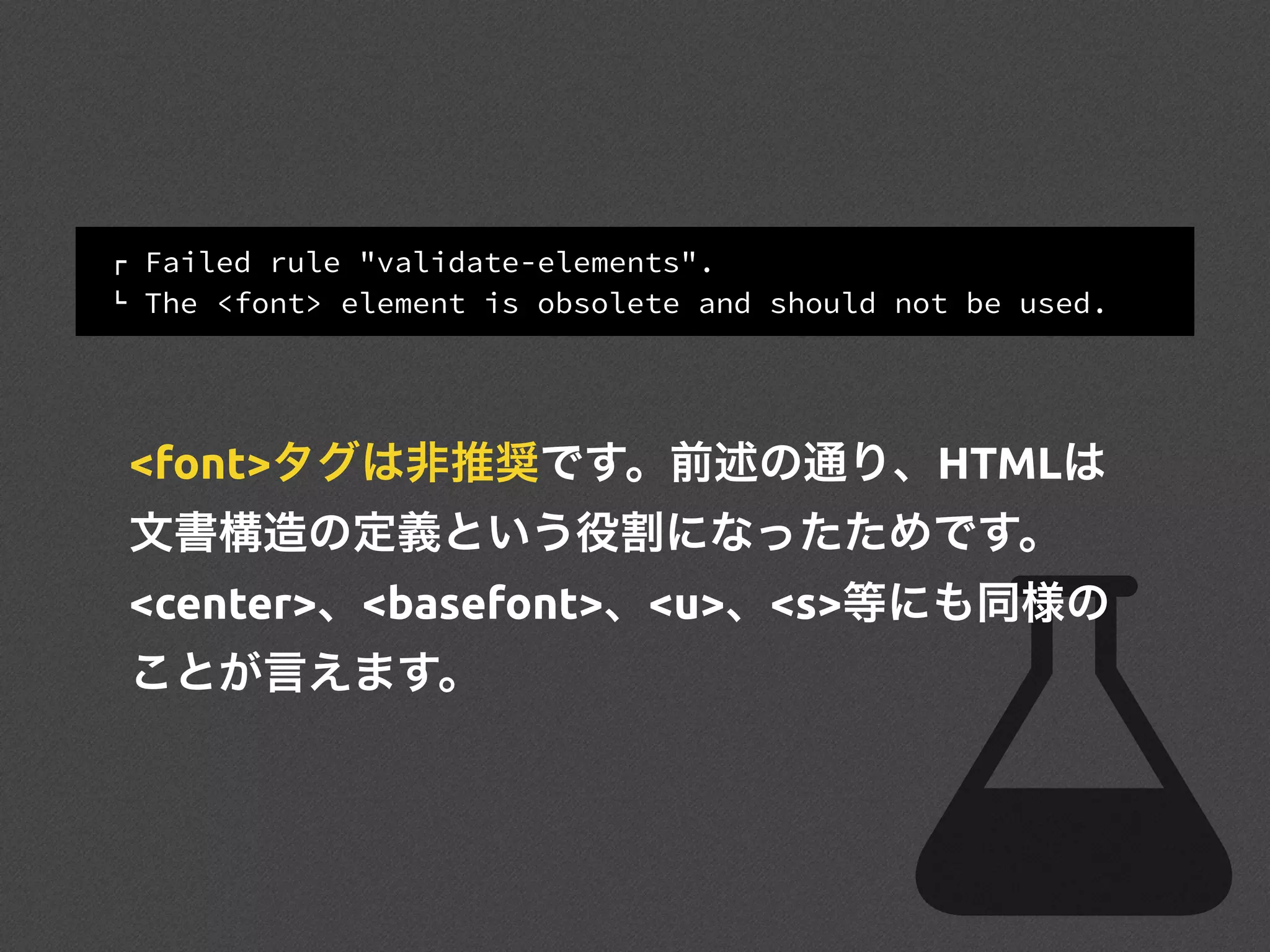
! Failed rule"validate-elements".
" The <font> element is obsolete and should not be used.
<font>タグは非推奨です。前述の通り、HTMLは
文書構造の定義という役割になったためです。
<center>、<basefont>、<u>、<s>等にも同様の
ことが言えます。
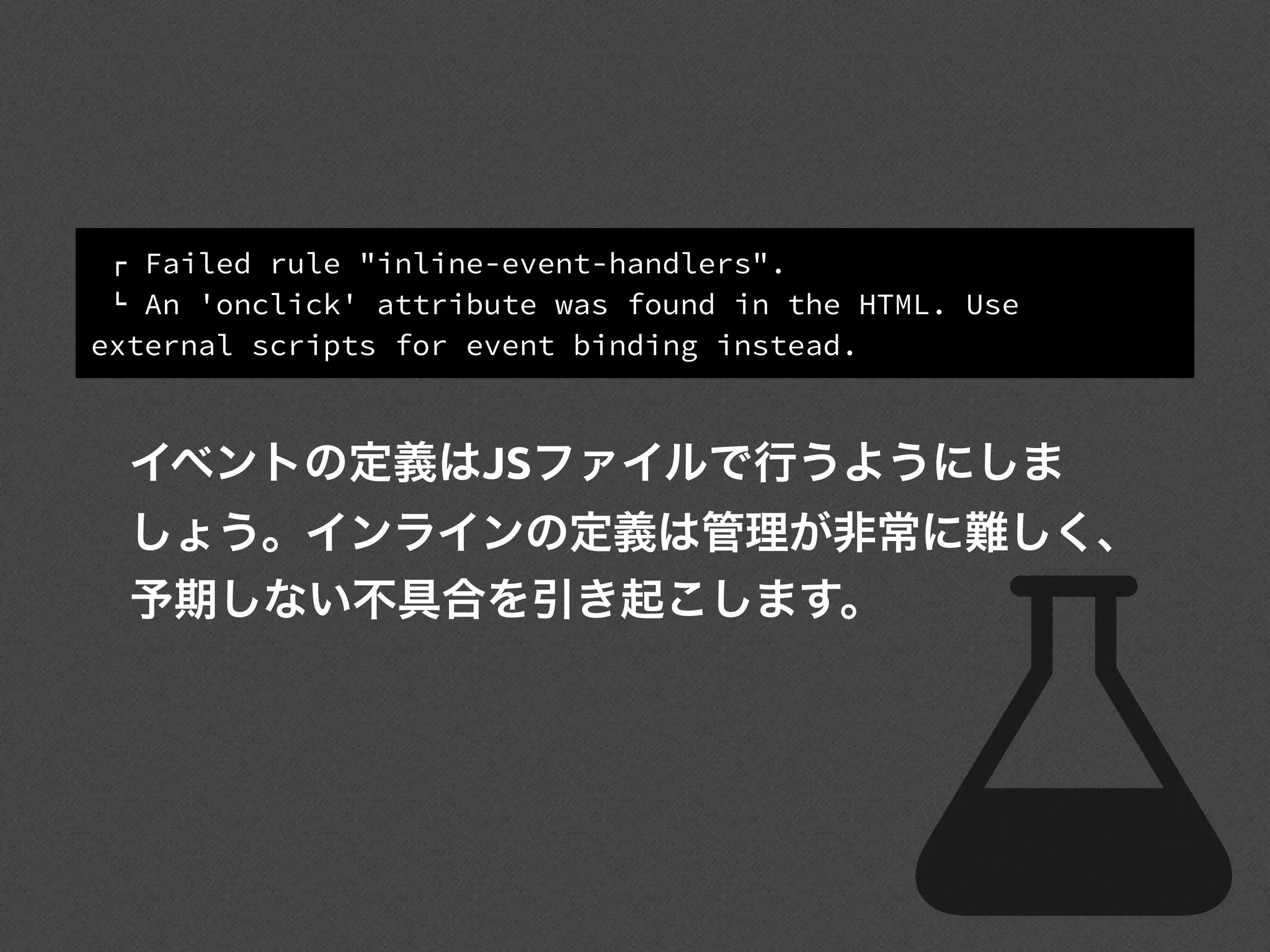
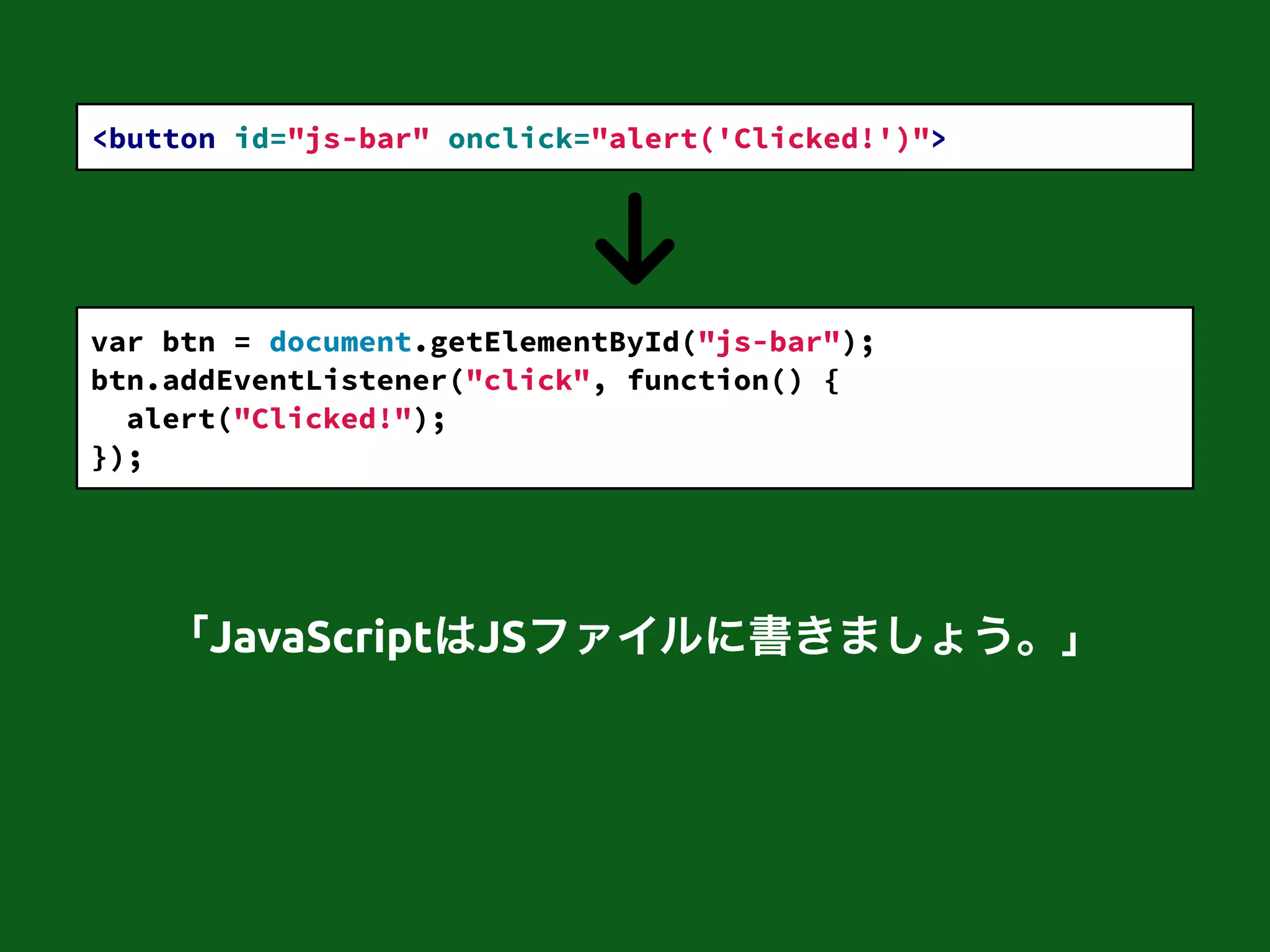
! Failed rule"inline-event-handlers".
" An 'onclick' attribute was found in the HTML. Use
external scripts for event binding instead.
イベントの定義はJSファイルで行うようにしま
しょう。インラインの定義は管理が非常に難しく、
予期しない不具合を引き起こします。
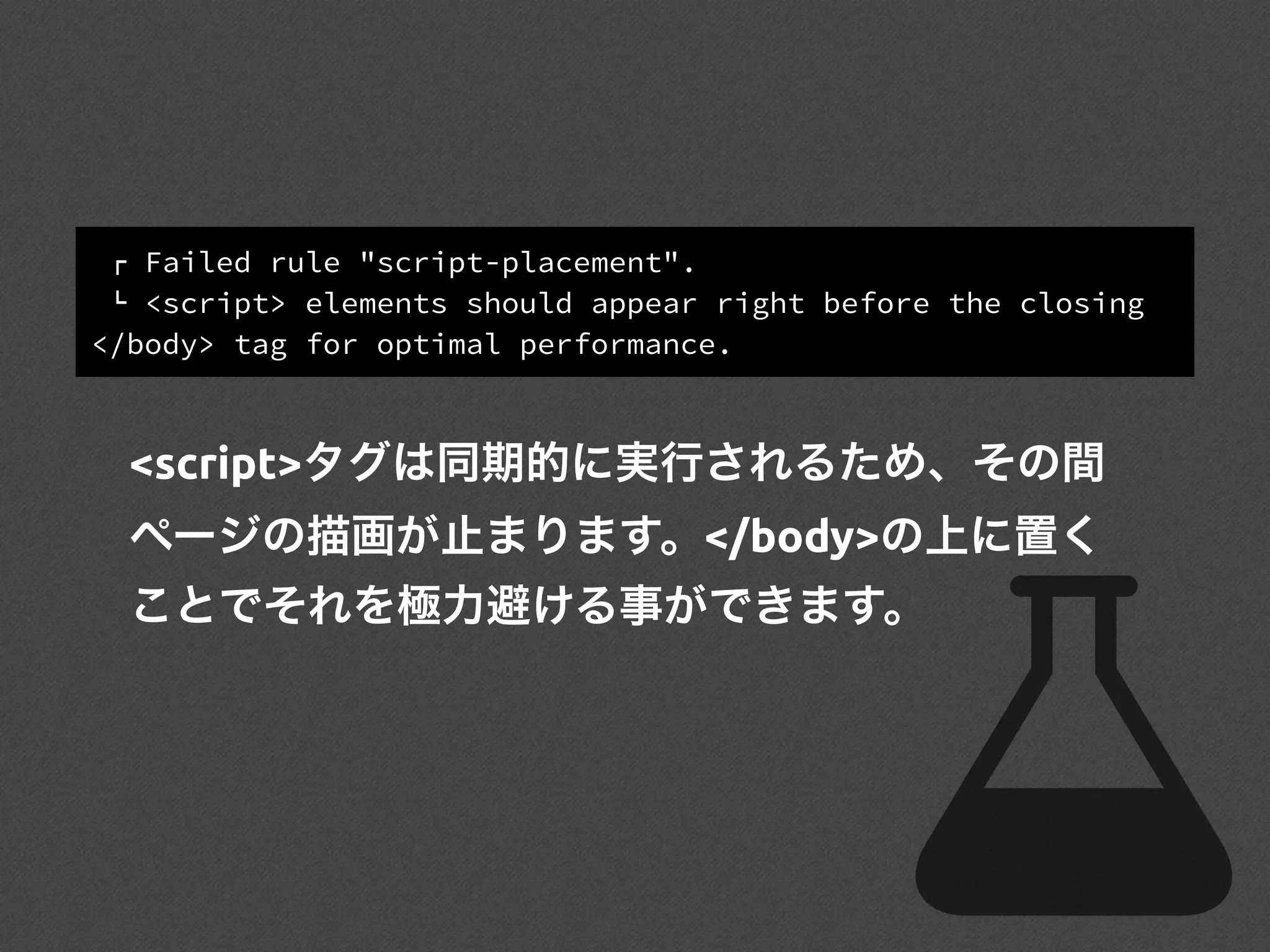
! Failed rule"script-placement".
" <script> elements should appear right before the closing
</body> tag for optimal performance.
<script>タグは同期的に実行されるため、その間
ページの描画が止まります。</body>の上に置く
ことでそれを極力避ける事ができます。
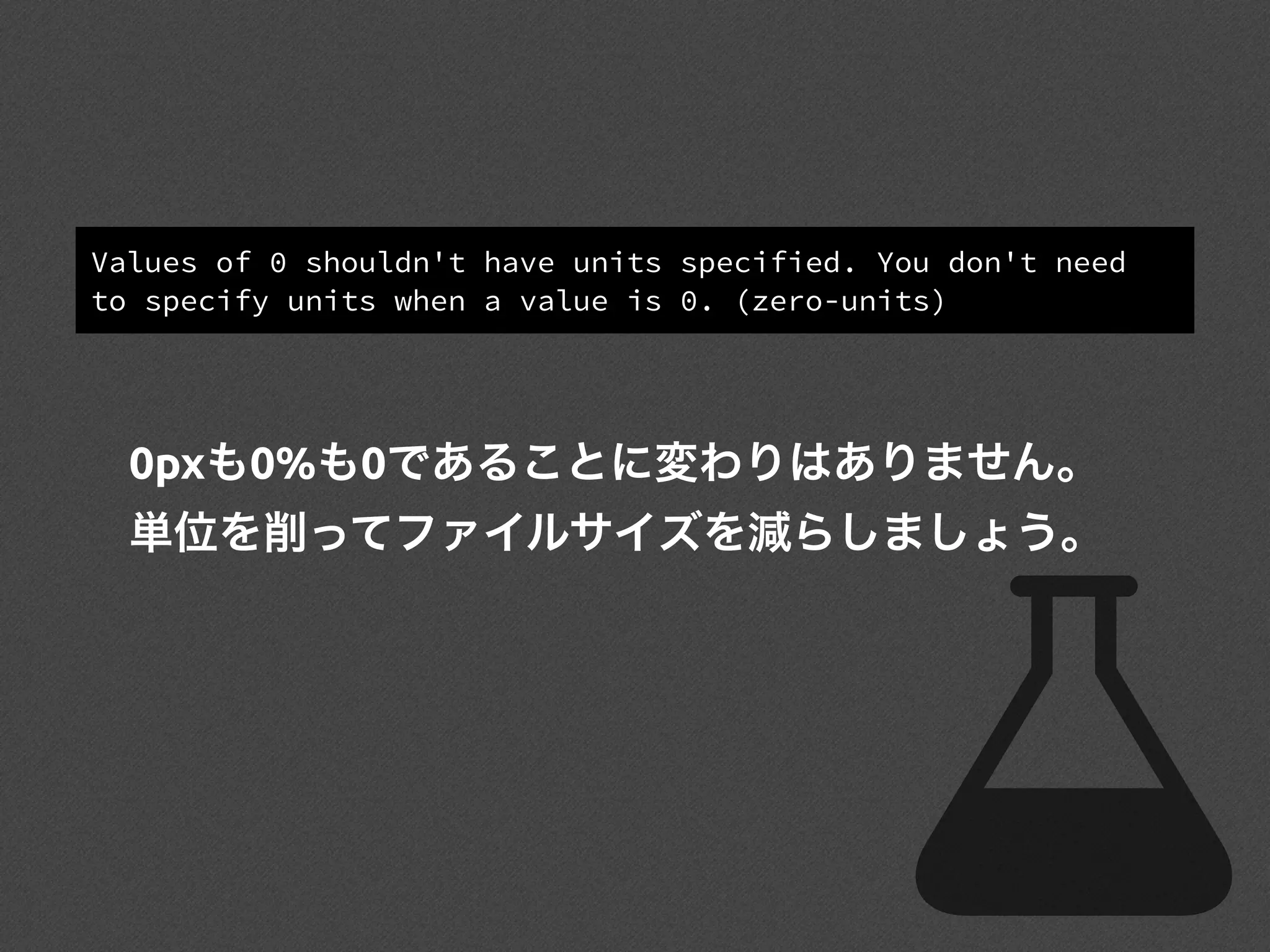
Values of 0shouldn't have units specified. You don't need
to specify units when a value is 0. (zero-units)
0pxも0%も0であることに変わりはありません。
単位を削ってファイルサイズを減らしましょう。
60.
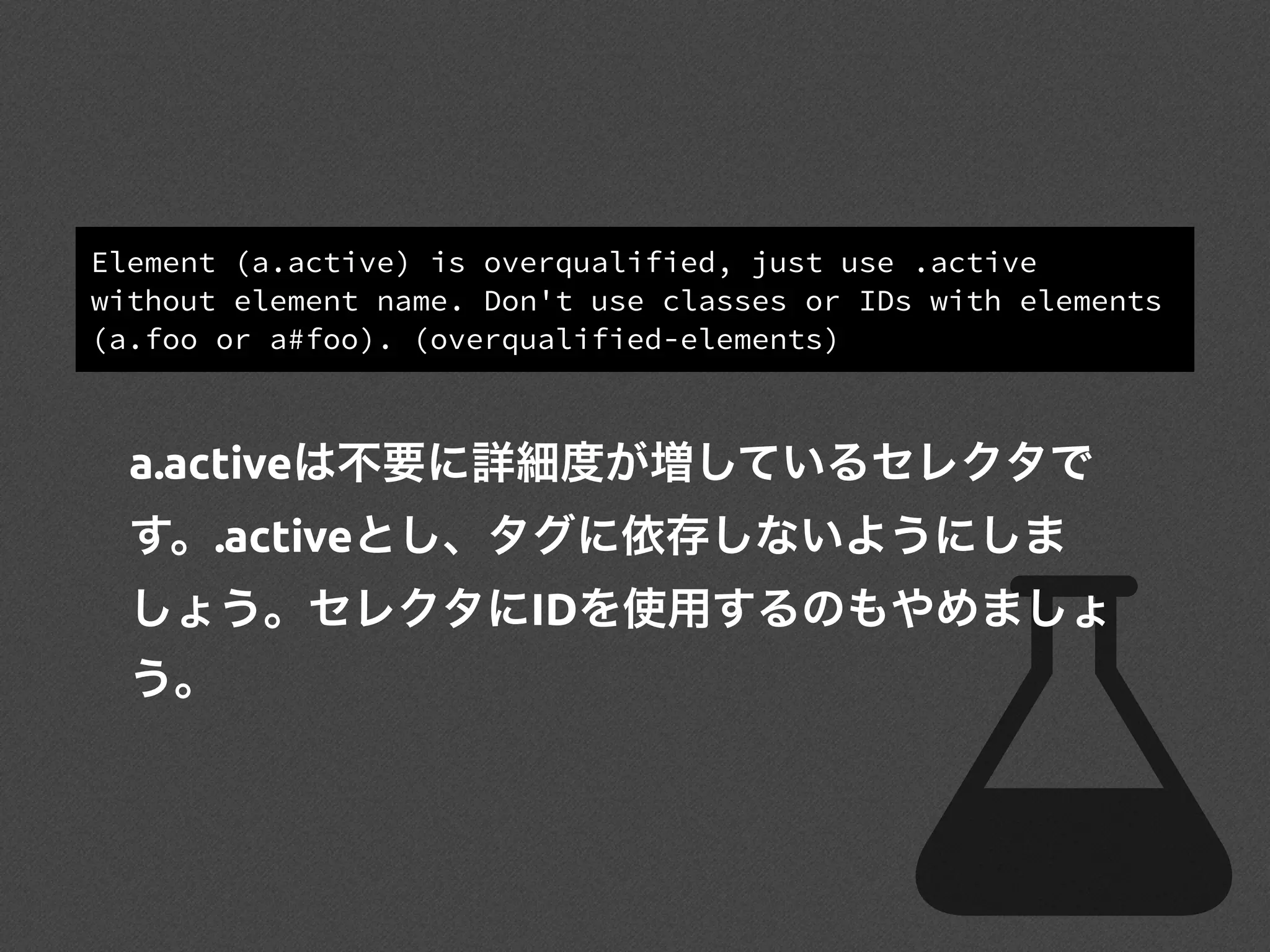
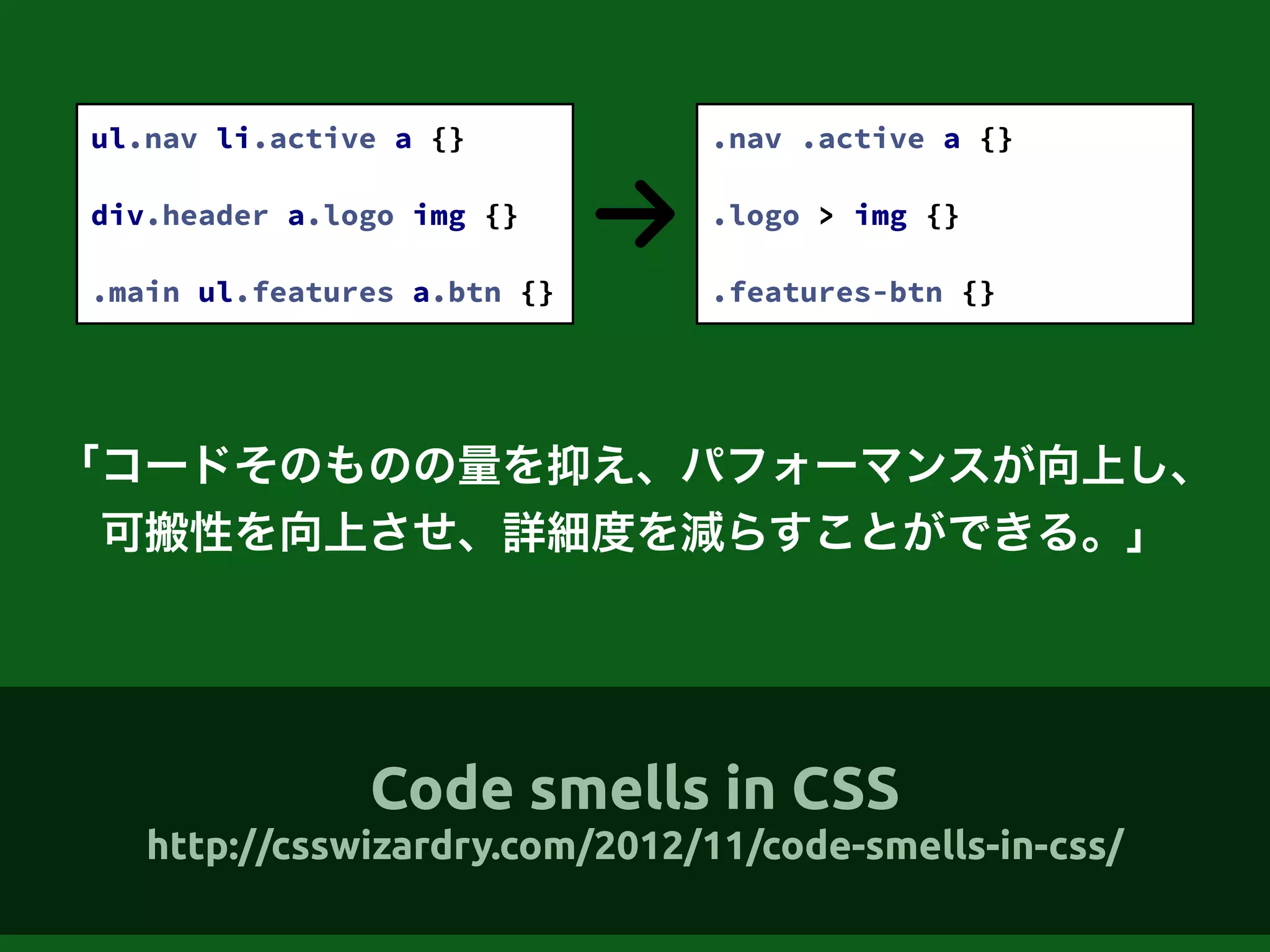
Element (a.active) isoverqualified, just use .active
without element name. Don't use classes or IDs with elements
(a.foo or a#foo). (overqualified-elements)
a.activeは不要に詳細度が増しているセレクタで
す。.activeとし、タグに依存しないようにしま
しょう。セレクタにIDを使用するのもやめましょ
う。
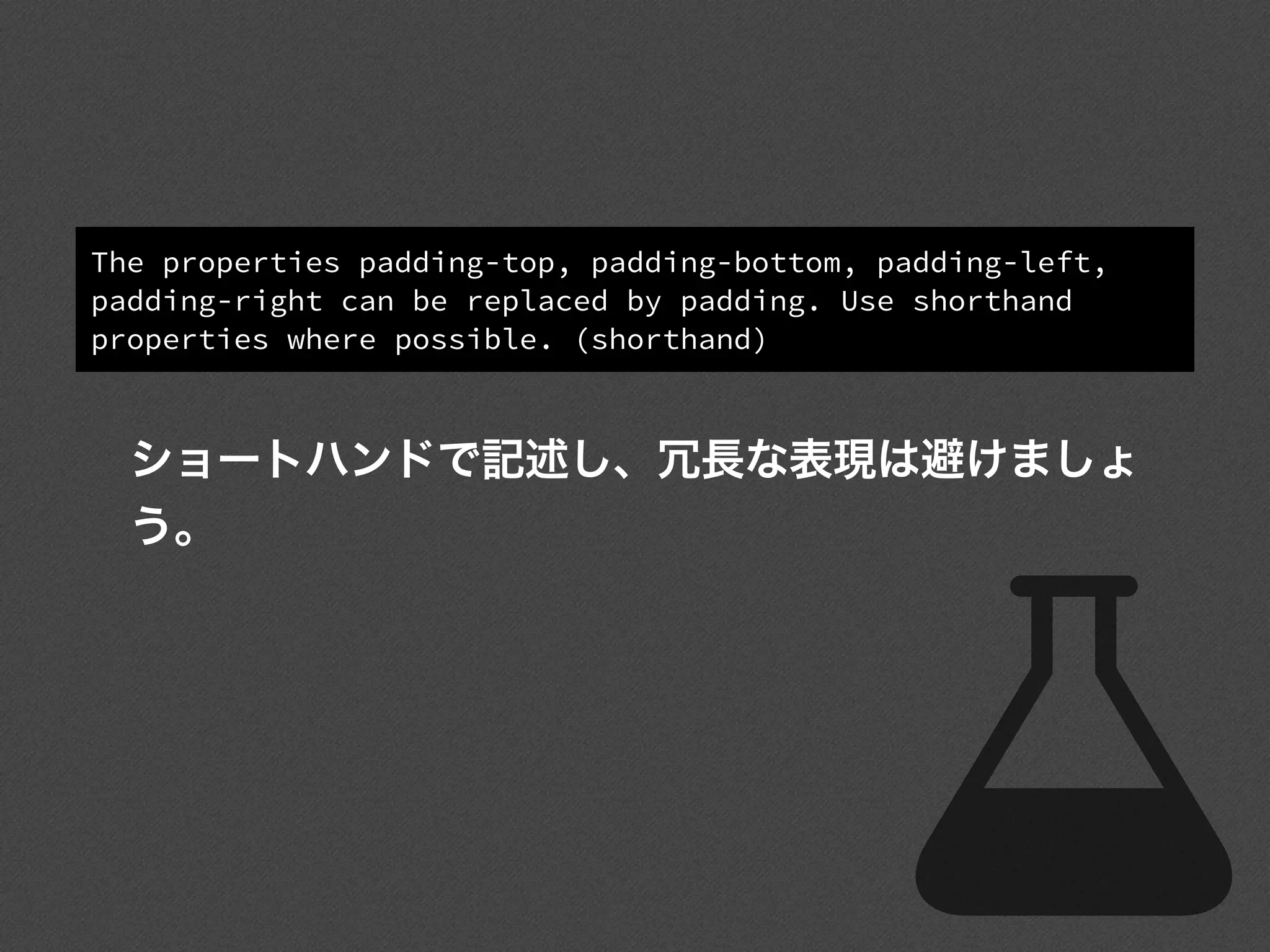
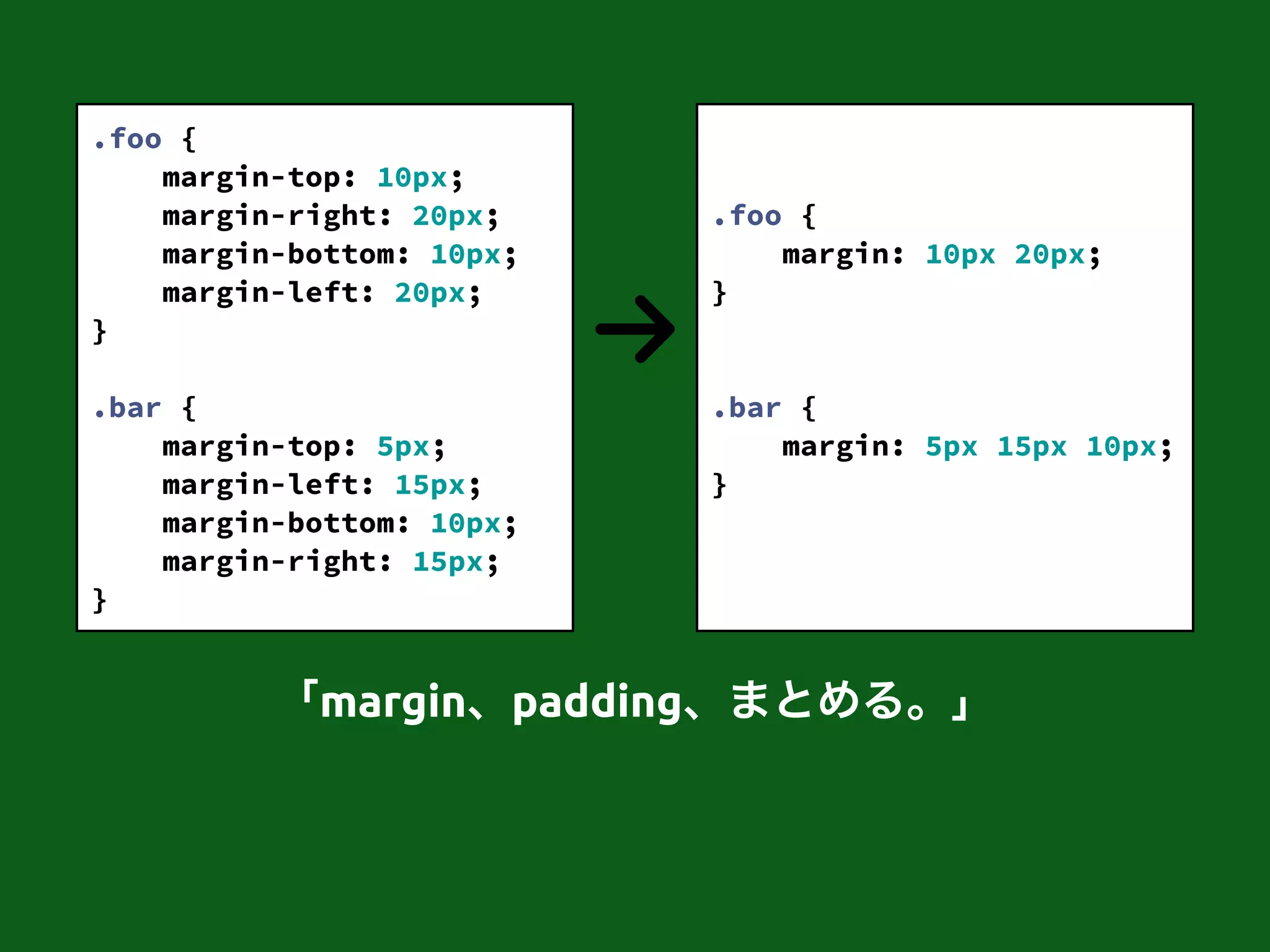
The properties padding-top,padding-bottom, padding-left,
padding-right can be replaced by padding. Use shorthand
properties where possible. (shorthand)
ショートハンドで記述し、冗長な表現は避けましょ
う。
The object literalnotation {} is preferrable.
The array literal notation [] is preferrable.
new Array()による配列の初期化は、引数がわかり
にくいです。双方ともリテラルを使ったほうが完
結でわかりやすいです。
72.
var array1 =new Array("foo"); // ["foo"]
!
var array2 = new Array("foo", "bar"); // ["foo", "bar"]
!
var array3 = new Array(3); // [] and array3.length is 3
var array1 = ["foo"]; // ["foo"]
!
var array2 = ["foo", "bar"]; // ["foo", "bar"]
!
var array3 = [undefined, undefined, undefined];
// [] and array3.length is 3
「Objectはもっとわかりにくいので割愛…。」













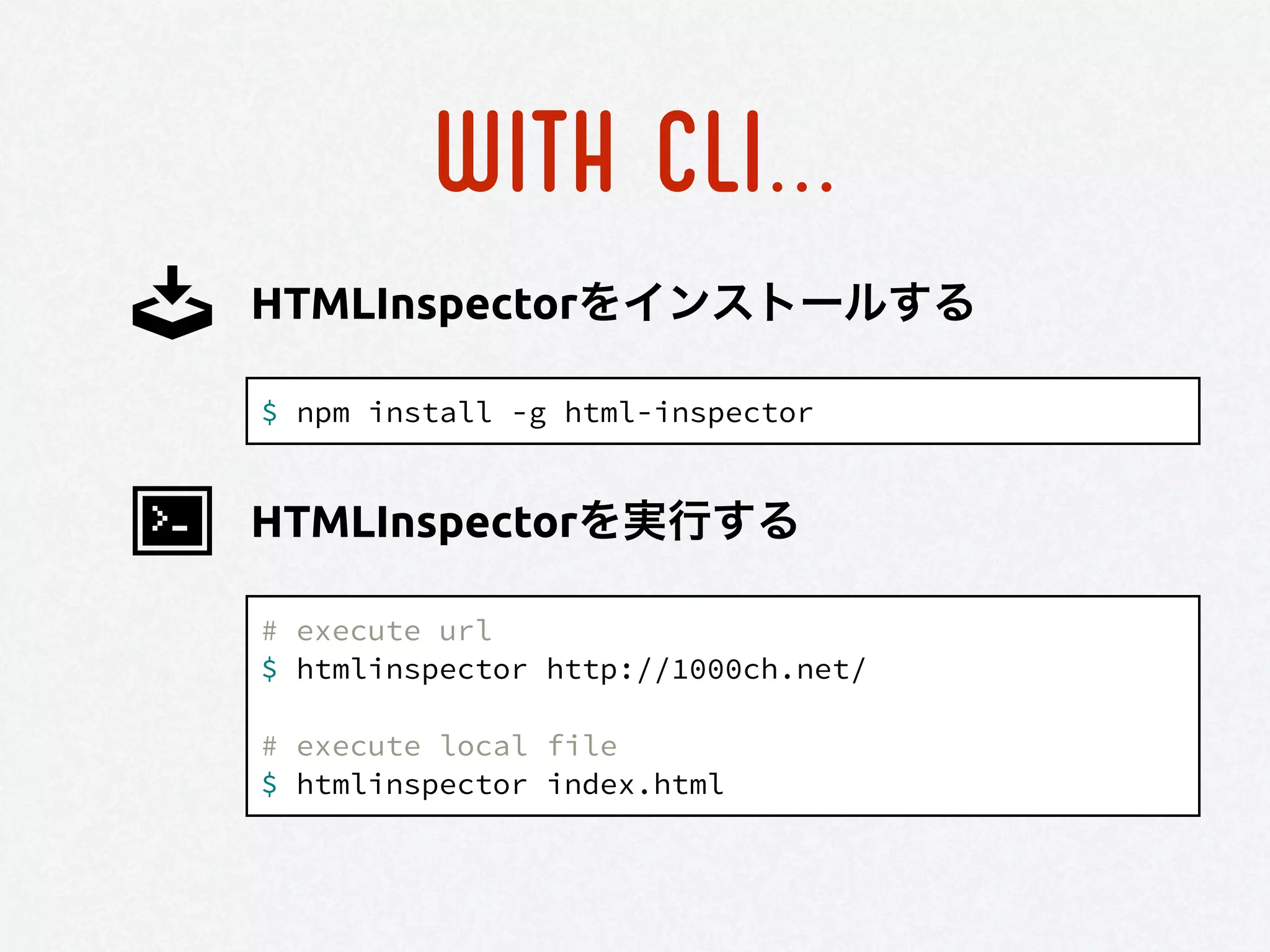

![WITH CLI...
$ npm install -g csslint
CSSLINTをインストールする
# execute csslint
$ csslint [options] [file or directory]
CSSLINTを実行する](https://image.slidesharecdn.com/brush-up-your-coding-winter-140513215223-phpapp01/75/Brush-up-your-Coding-2013-winter-35-2048.jpg)

![WITH CLI...
$ npm install -g jslint
JSHINTをインストールする
# execute jshint
$ jshint [options] [file or directory]
JSHINTを実行する](https://image.slidesharecdn.com/brush-up-your-coding-winter-140513215223-phpapp01/75/Brush-up-your-Coding-2013-winter-40-2048.jpg)



![The object literal notation {} is preferrable.
The array literal notation [] is preferrable.
new Array()による配列の初期化は、引数がわかり
にくいです。双方ともリテラルを使ったほうが完
結でわかりやすいです。](https://image.slidesharecdn.com/brush-up-your-coding-winter-140513215223-phpapp01/75/Brush-up-your-Coding-2013-winter-71-2048.jpg)
![var array1 = new Array("foo"); // ["foo"]
!
var array2 = new Array("foo", "bar"); // ["foo", "bar"]
!
var array3 = new Array(3); // [] and array3.length is 3
var array1 = ["foo"]; // ["foo"]
!
var array2 = ["foo", "bar"]; // ["foo", "bar"]
!
var array3 = [undefined, undefined, undefined];
// [] and array3.length is 3
「Objectはもっとわかりにくいので割愛…。」](https://image.slidesharecdn.com/brush-up-your-coding-winter-140513215223-phpapp01/75/Brush-up-your-Coding-2013-winter-72-2048.jpg)