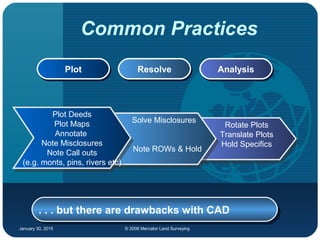
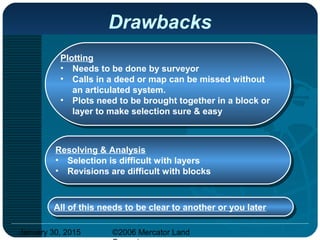
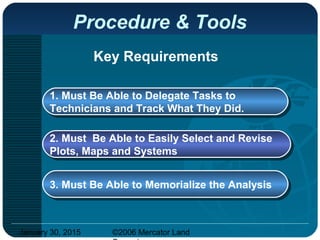
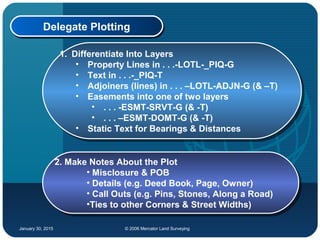
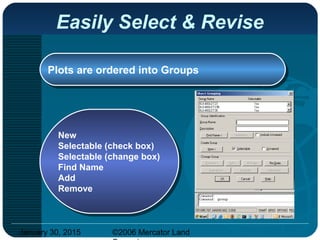
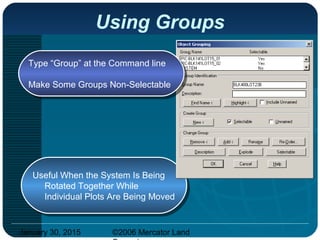
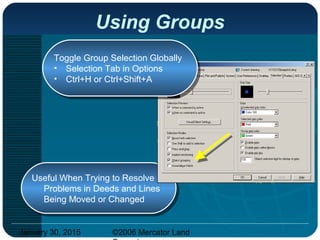
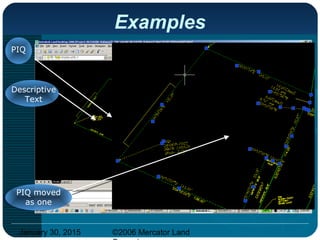
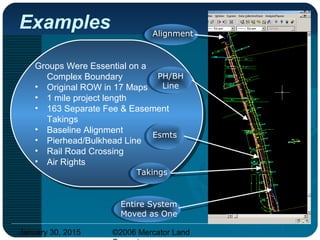
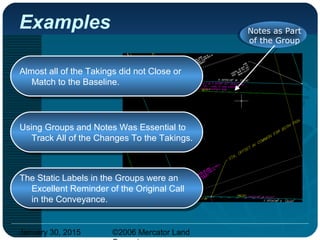
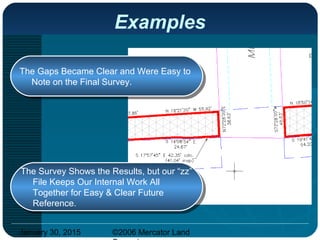
The document discusses tools and procedures for boundary analysis using AutoCAD. It describes differentiating plots into layers, creating groups to easily select and revise plots, and memorializing the analysis in a separate drawing file. Groups allow rotating and moving plots together while individual plots can be adjusted. Separate analysis drawings are used to keep notes, plots, and proprietary work together for reference without sharing externally. Examples demonstrate using groups on simple and complex boundary systems to resolve issues and track changes.