Description:Thisisalogo ownedby
Chef Software,Inc.
The Chef software is used to streamline
the task of configuring& maintaininga
company's servers,and can integrate
with cloud platforms such
as Rackspaceand Amazon Elastic
Compute Cloud to automatically
provision and configurenew machines.
This Document contains the information about the daily faced issue or some identifiedcontents
during one environmentbuildup, thisis truly buildon chef server - workstation platform and have
beentestedin an working environment.
BOOTSTRAP FROM CHEF SERVER
DocumentVersion:1.0
Ownership:SuvadipMandal
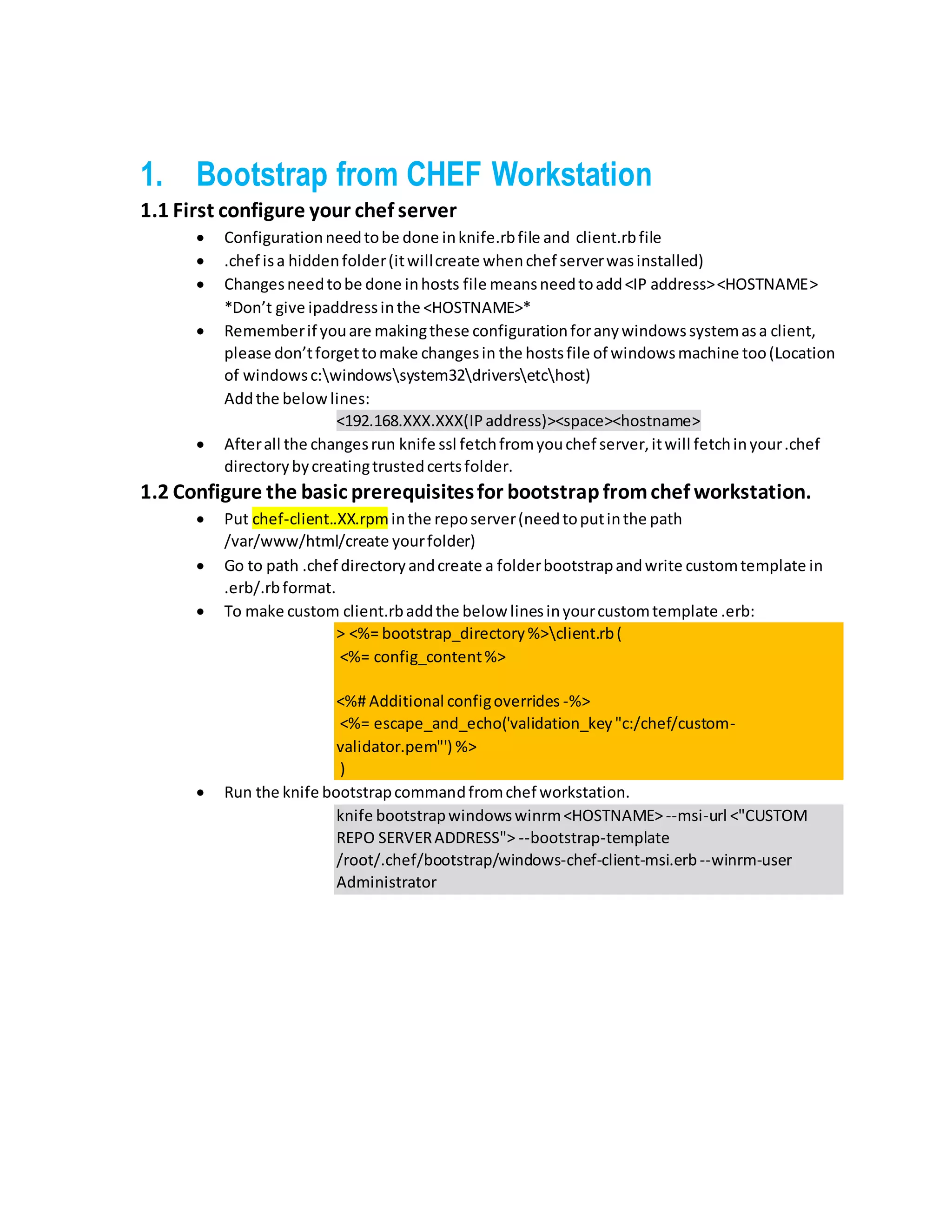
1. Bootstrap from CHEF Workstation
1.1 First configure your chef server
ď‚· Configurationneedtobe done inknife.rbfile and client.rbfile
ď‚· .chef isa hiddenfolder(itwillcreate whenchef serverwasinstalled)
ď‚· Changesneedtobe done inhosts file meansneedtoadd<IP address><HOSTNAME>
*Don’t give ipaddressinthe <HOSTNAME>*
ď‚· Rememberif youare makingthese configurationforanywindowssystemasa client,
please don’tforgettomake changesin the hostsfile of windowsmachine too(Location
of windowsc:windowssystem32driversetchost)
Addthe belowlines:
<192.168.XXX.XXX(IPaddress)><space><hostname>
ď‚· Afterall the changesrun knife ssl fetchfromyouchef server,itwill fetchinyour.chef
directorybycreatingtrustedcertsfolder.
1.2 Configure the basic prerequisitesfor bootstrapfromchef workstation.
ď‚· Put chef-client..XX.rpminthe reposerver(needtoputinthe path
/var/www/html/create yourfolder)
ď‚· Go to path .chef directoryandcreate a folderbootstrapandwrite customtemplate in
.erb/.rbformat.
ď‚· To make custom client.rbaddthe below linesinyourcustomtemplate .erb:
> <%= bootstrap_directory%>client.rb(
<%= config_content%>
<%# Additional configoverrides -%>
<%= escape_and_echo('validation_key"c:/chef/custom-
validator.pem"') %>
)
ď‚· Run the knife bootstrapcommandfromchef workstation.
knife bootstrapwindowswinrm<HOSTNAME> --msi-url <"CUSTOM
REPO SERVERADDRESS"> --bootstrap-template
/root/.chef/bootstrap/windows-chef-client-msi.erb--winrm-user
Administrator

Bootstrap from CHEF Workstation

  • 1.
    Description:Thisisalogo ownedby Chef Software,Inc. TheChef software is used to streamline the task of configuring& maintaininga company's servers,and can integrate with cloud platforms such as Rackspaceand Amazon Elastic Compute Cloud to automatically provision and configurenew machines. This Document contains the information about the daily faced issue or some identifiedcontents during one environmentbuildup, thisis truly buildon chef server - workstation platform and have beentestedin an working environment. BOOTSTRAP FROM CHEF SERVER DocumentVersion:1.0 Ownership:SuvadipMandal
  • 2.
    1. Bootstrap fromCHEF Workstation 1.1 First configure your chef server  Configurationneedtobe done inknife.rbfile and client.rbfile  .chef isa hiddenfolder(itwillcreate whenchef serverwasinstalled)  Changesneedtobe done inhosts file meansneedtoadd<IP address><HOSTNAME> *Don’t give ipaddressinthe <HOSTNAME>*  Rememberif youare makingthese configurationforanywindowssystemasa client, please don’tforgettomake changesin the hostsfile of windowsmachine too(Location of windowsc:windowssystem32driversetchost) Addthe belowlines: <192.168.XXX.XXX(IPaddress)><space><hostname>  Afterall the changesrun knife ssl fetchfromyouchef server,itwill fetchinyour.chef directorybycreatingtrustedcertsfolder. 1.2 Configure the basic prerequisitesfor bootstrapfromchef workstation.  Put chef-client..XX.rpminthe reposerver(needtoputinthe path /var/www/html/create yourfolder)  Go to path .chef directoryandcreate a folderbootstrapandwrite customtemplate in .erb/.rbformat.  To make custom client.rbaddthe below linesinyourcustomtemplate .erb: > <%= bootstrap_directory%>client.rb( <%= config_content%> <%# Additional configoverrides -%> <%= escape_and_echo('validation_key"c:/chef/custom- validator.pem"') %> )  Run the knife bootstrapcommandfromchef workstation. knife bootstrapwindowswinrm<HOSTNAME> --msi-url <"CUSTOM REPO SERVERADDRESS"> --bootstrap-template /root/.chef/bootstrap/windows-chef-client-msi.erb--winrm-user Administrator