BIG DATA WITH AWS
INTRO TO
Szilveszter Molnar, Senior Pre-Sales Engineer

@moszinet
GENERIC AWS
GENERIC AWS
▸Regions
▸Availability Zones
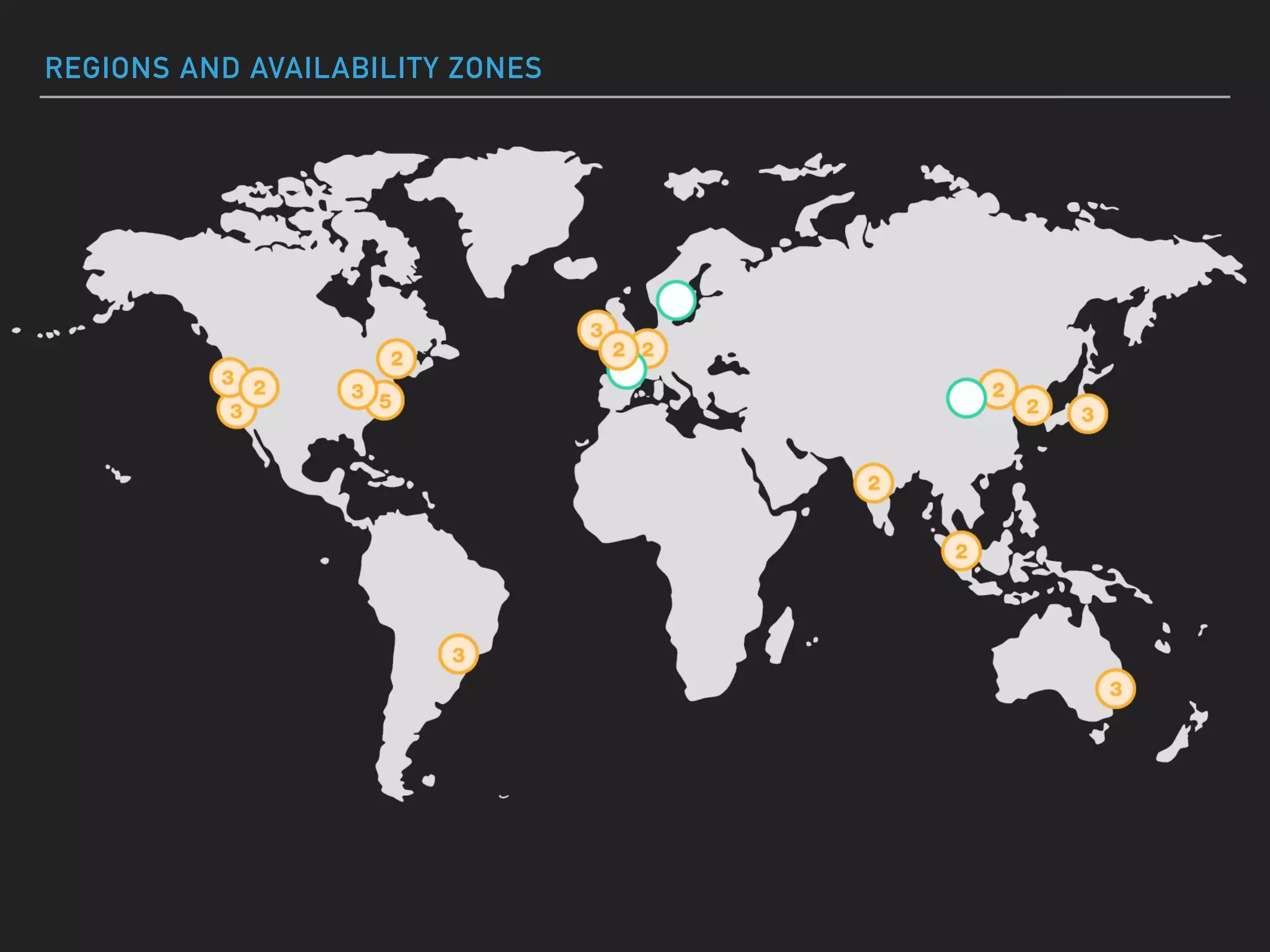
REGIONS AND AVAILABILITY ZONES
GENERIC AWS
▸Regions
▸Availability Zones
▸Edge Locations
GENERIC AWS
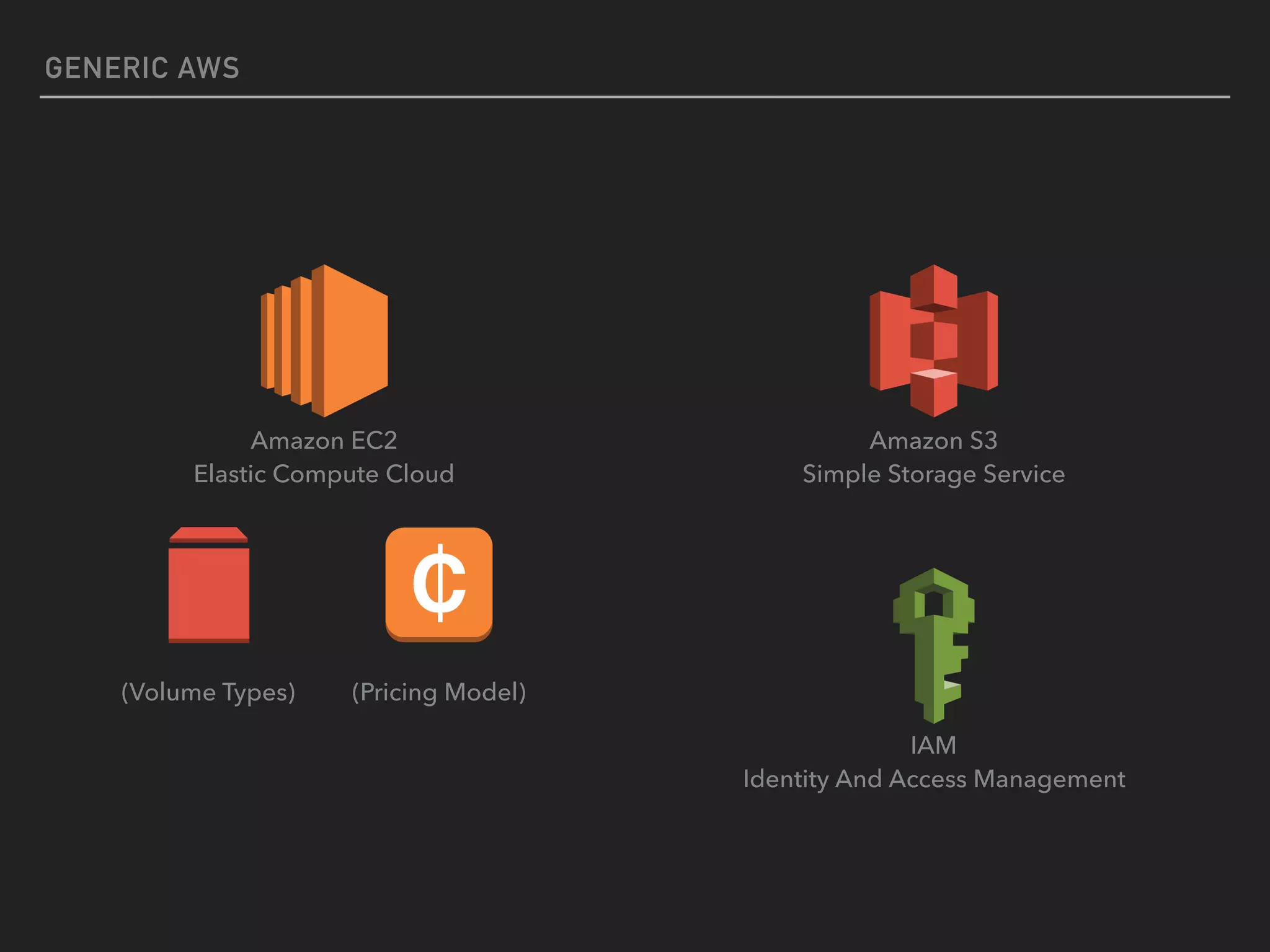
Amazon EC2

Elastic Compute Cloud
Amazon S3

Simple Storage Service
(Volume Types) (Pricing Model)
IAM

Identity And Access Management
GLACIER
GLACIER
CONCEPTS
▸ Keep all your data at a much lower cost
▸ Move automatically from S3 to Glacier
▸ Compliance requirements to keep your data
▸ Vault Lock (based on IAM policies)
KINESIS
AWS KINESIS
WHAT IS KINESIS?
▸ Platform for streaming data on AWS
▸ "sometimes TBs per hour"
AWS KINESIS
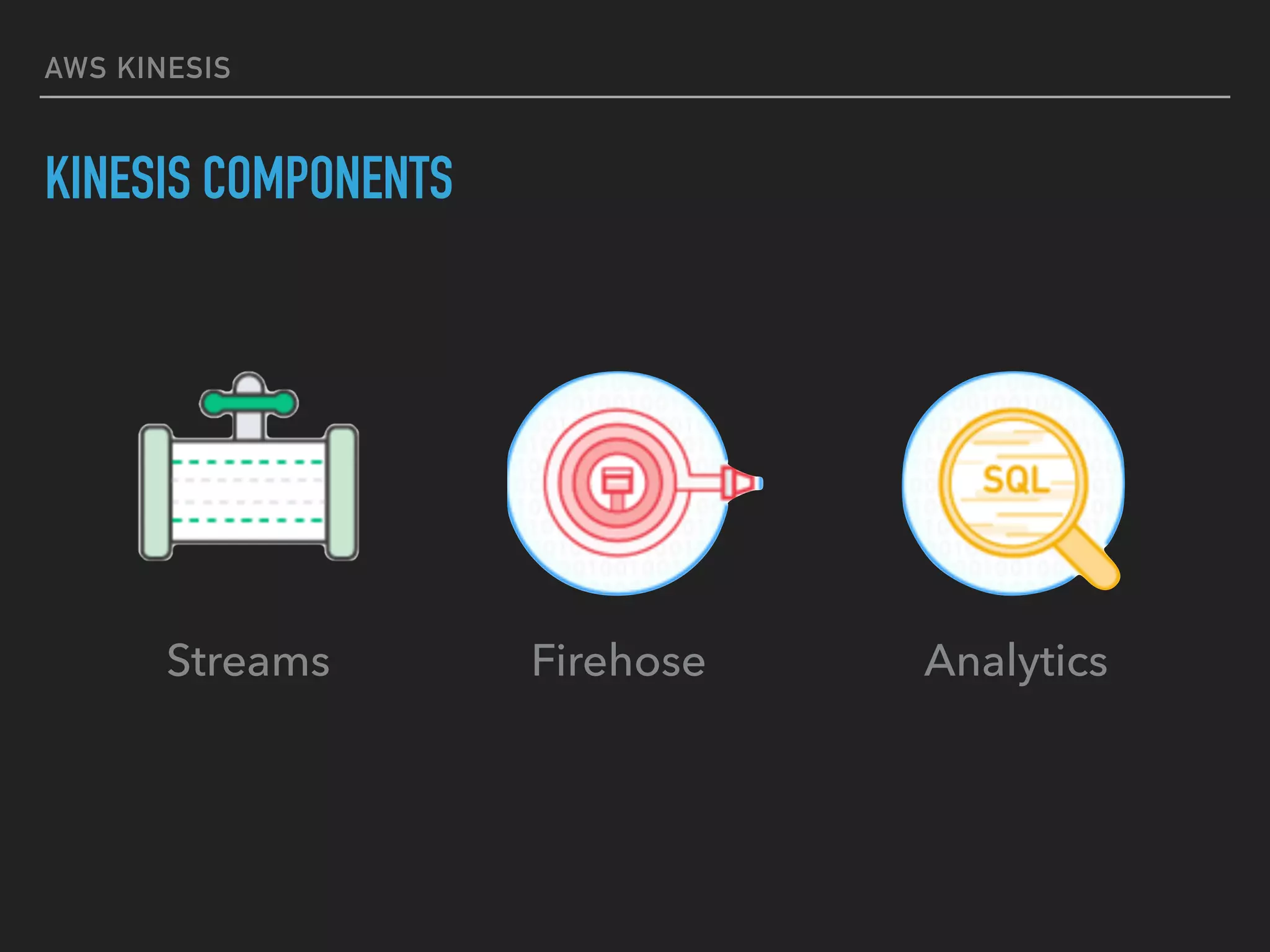
KINESIS COMPONENTS
Firehose AnalyticsStreams
KINESIS STREAMS
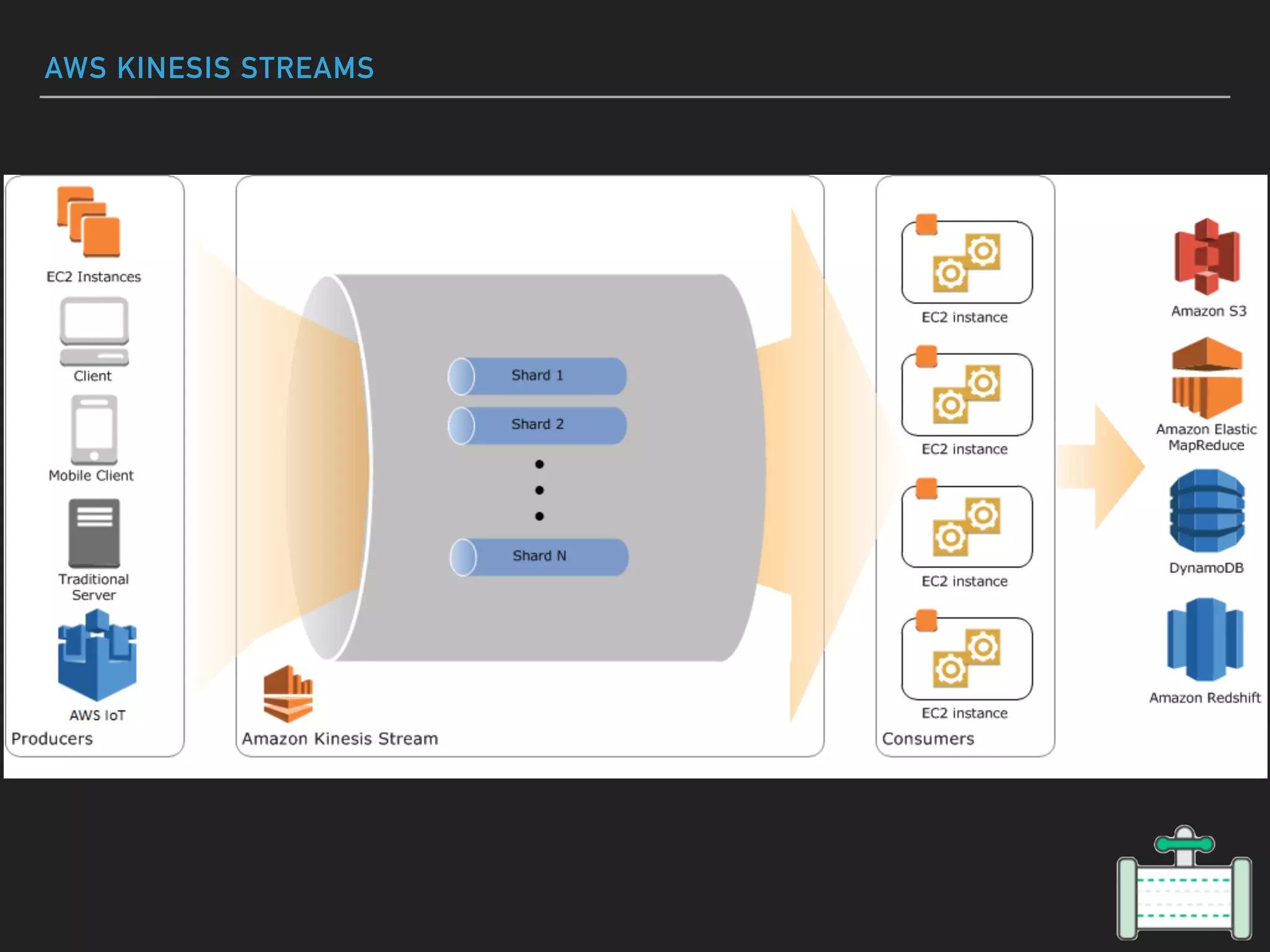
AWS KINESIS STREAMS
AWS KINESIS STREAMS
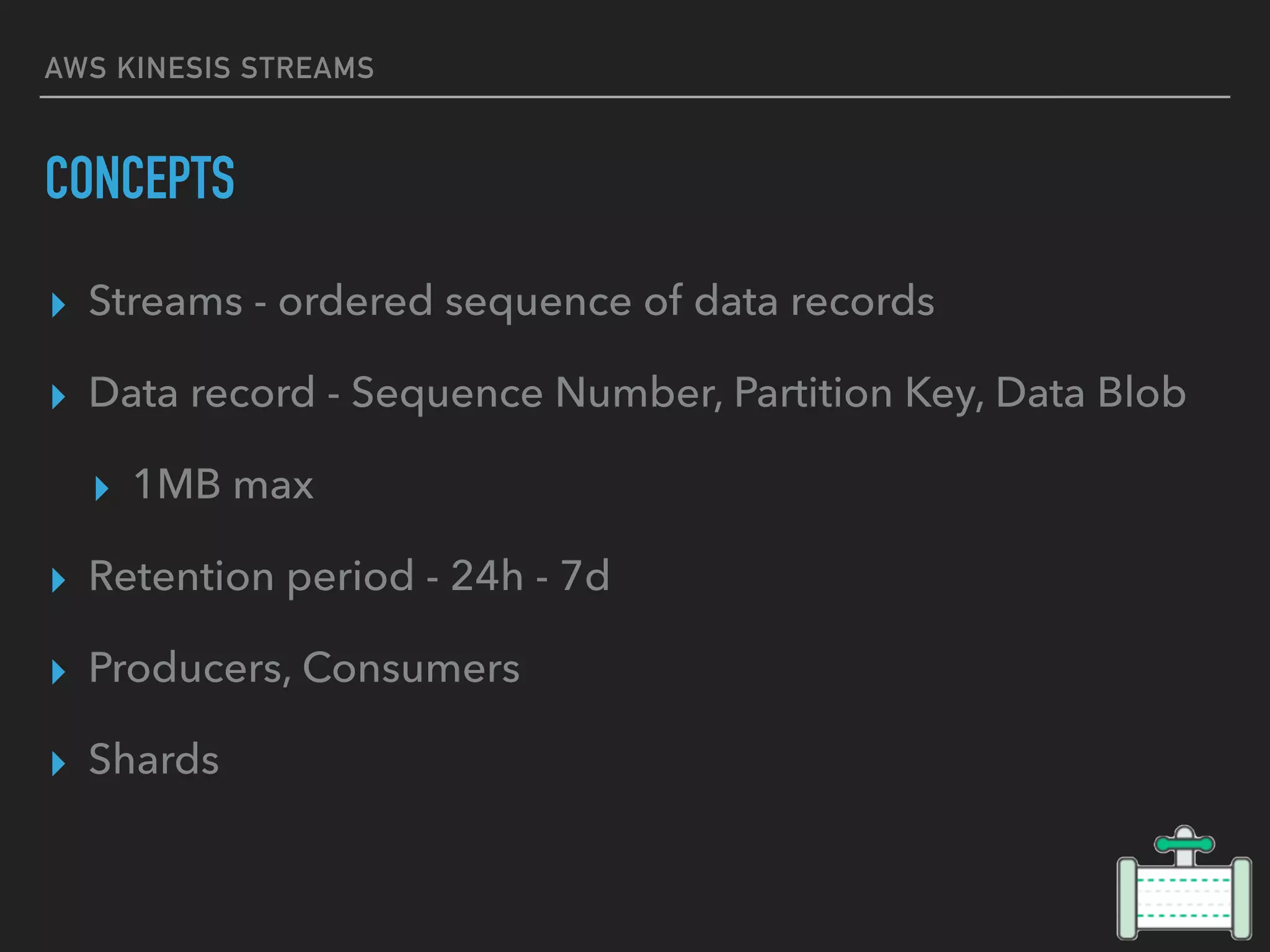
CONCEPTS
▸ Streams - ordered sequence of data records
▸ Data record - Sequence Number, Partition Key, Data Blob
▸ 1MB max
▸ Retention period - 24h - 7d
▸ Producers, Consumers
▸ Shards
AWS KINESIS STREAMS
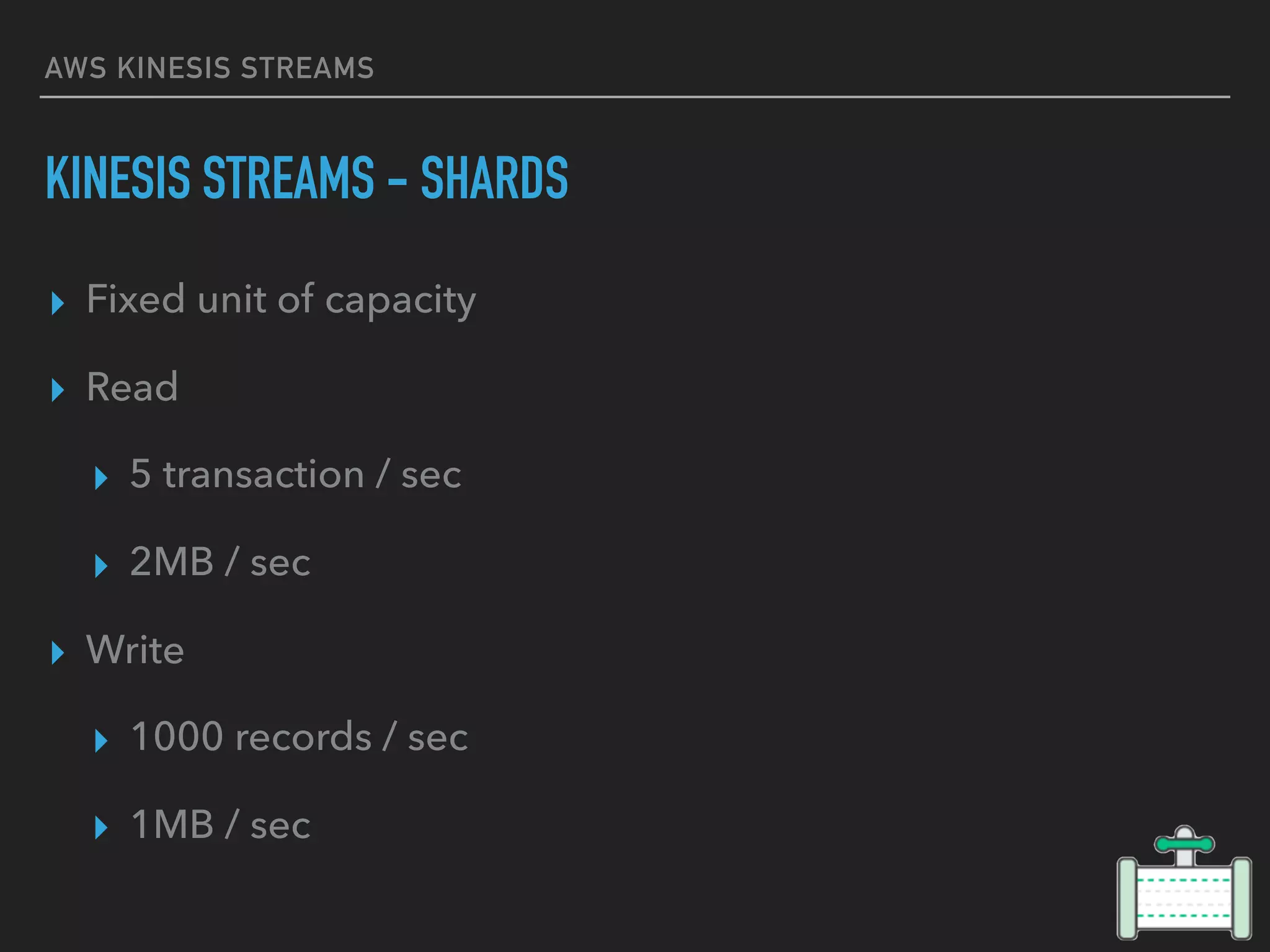
KINESIS STREAMS - SHARDS
▸ Fixed unit of capacity
▸ Read
▸ 5 transaction / sec
▸ 2MB / sec
▸ Write
▸ 1000 records / sec
▸ 1MB / sec
KINESIS
FIREHOSE
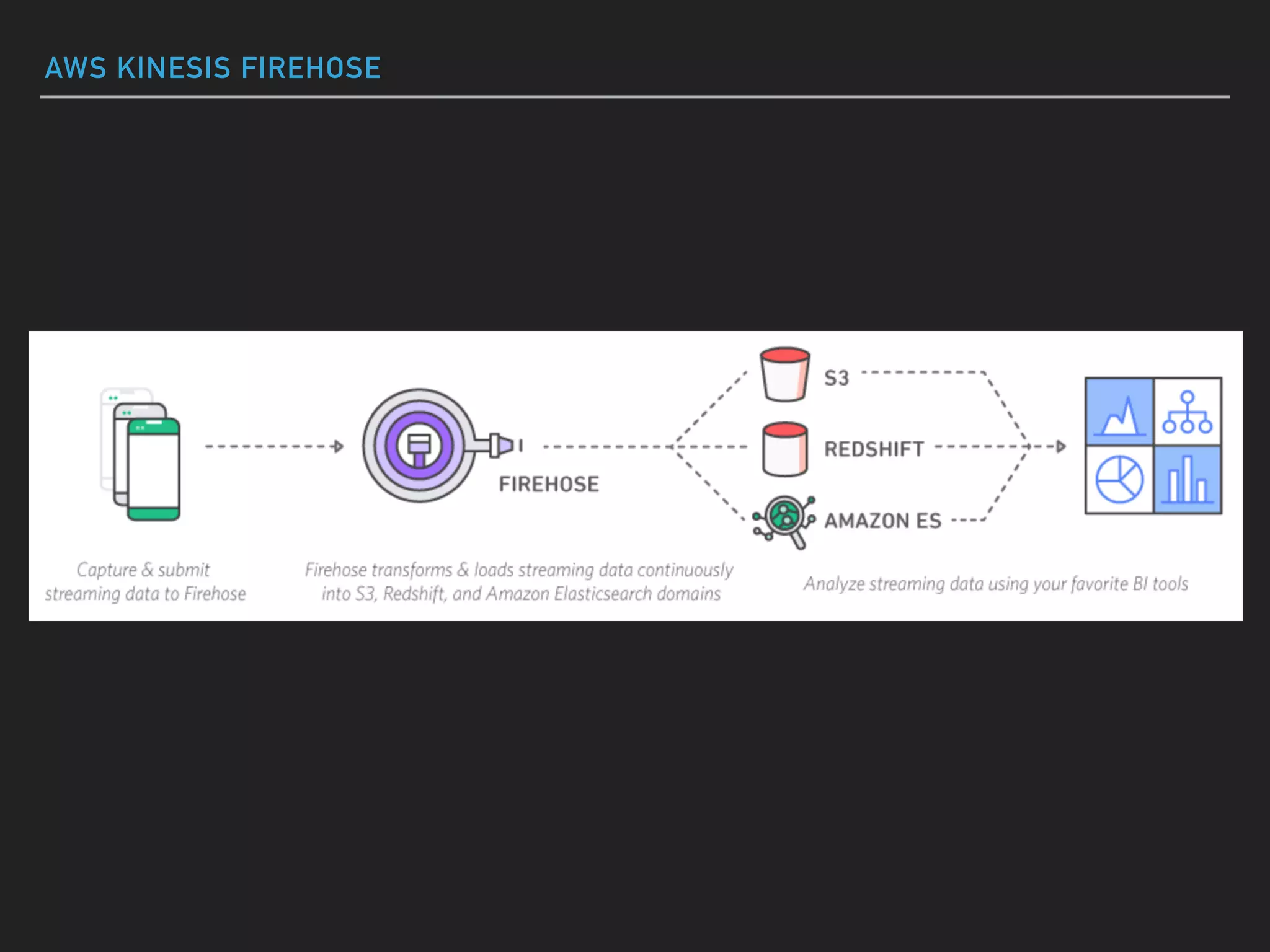
AWS KINESIS FIREHOSE
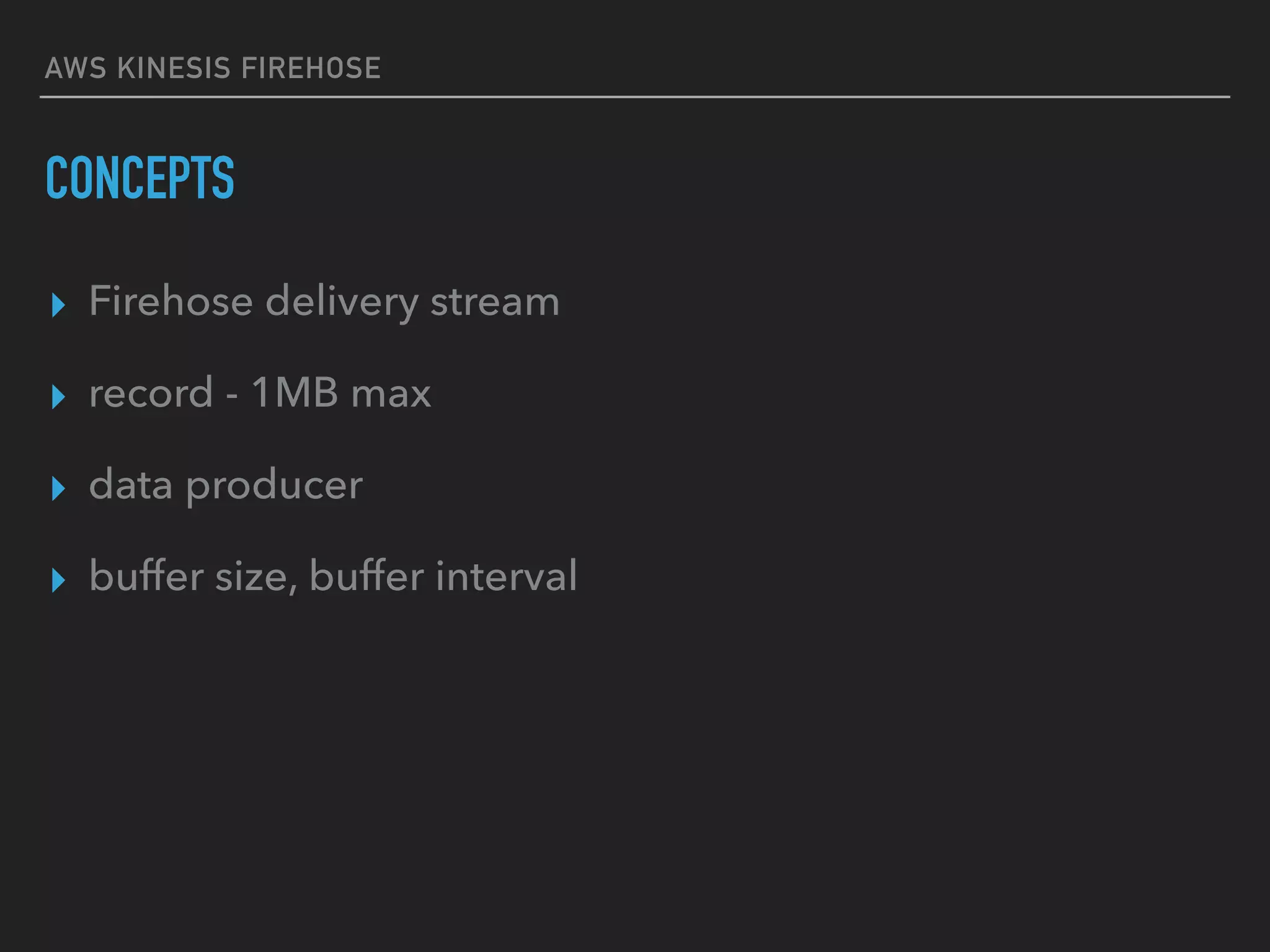
CONCEPTS
▸ Firehose delivery stream
▸ record - 1MB max
▸ data producer
▸ buffer size, buffer interval
AWS KINESIS FIREHOSE
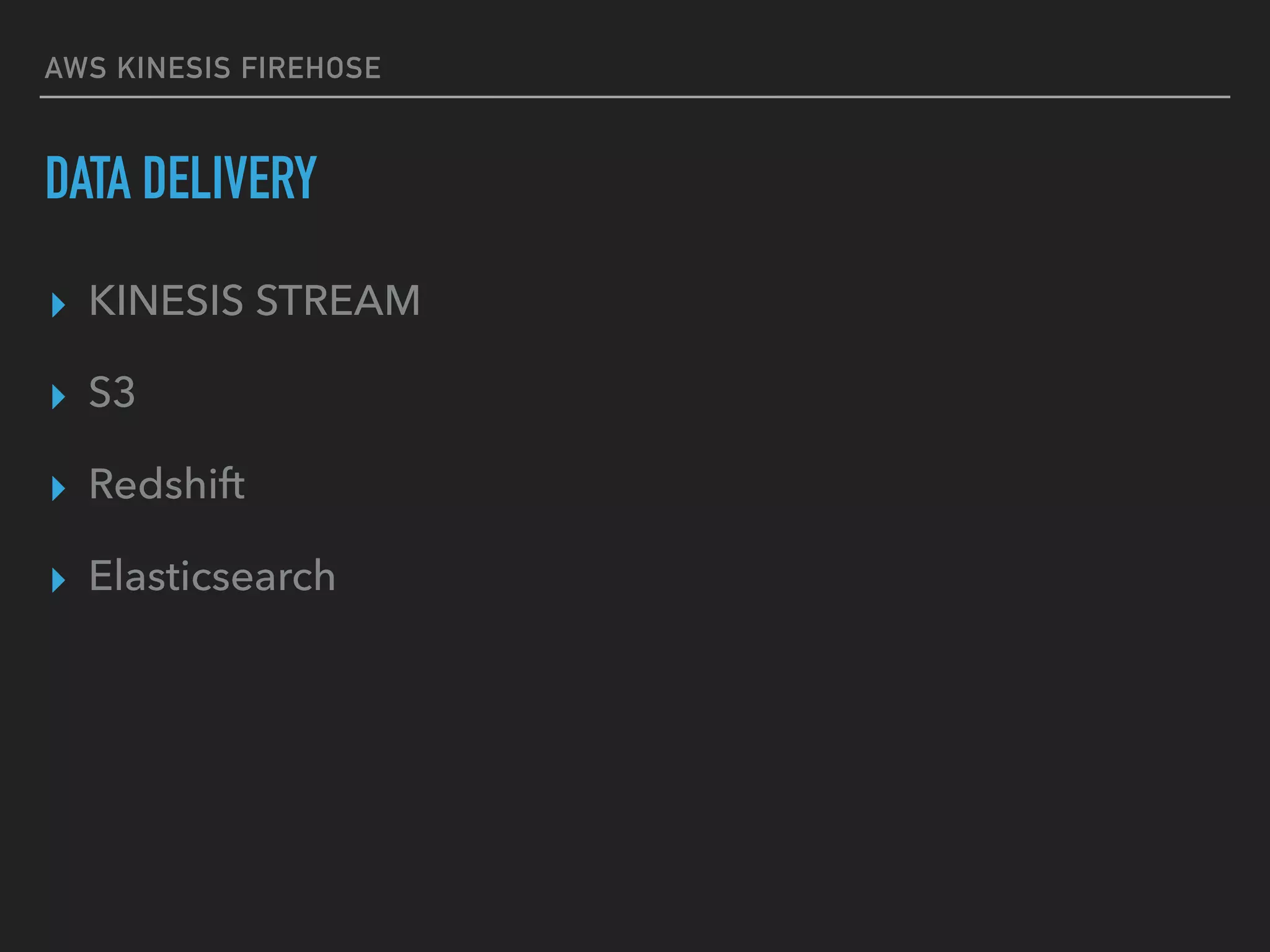
DATA DELIVERY
▸ KINESIS STREAM
▸ S3
▸ Redshift
▸ Elasticsearch
KINESIS
ANALYTICS
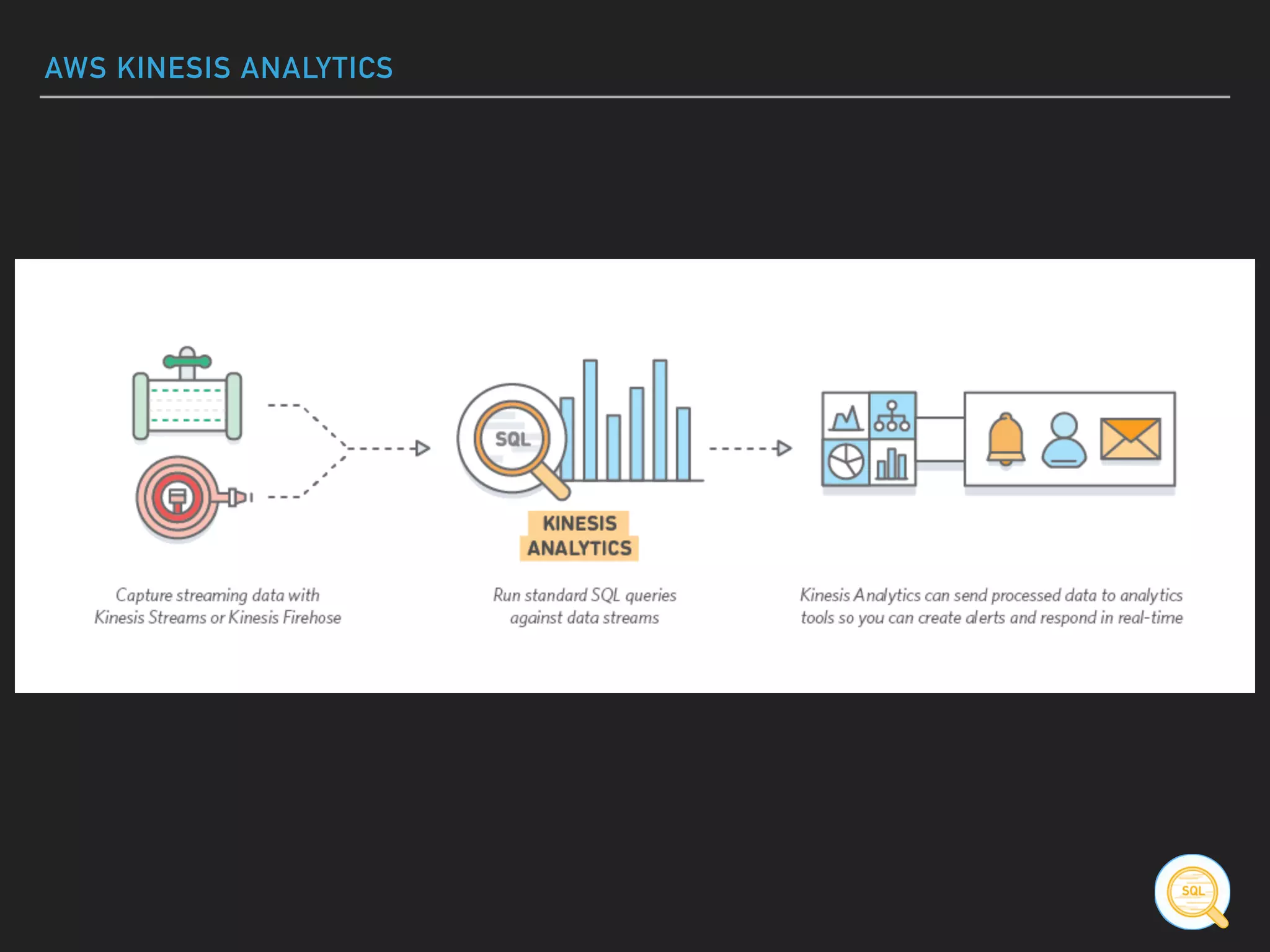
AWS KINESIS ANALYTICS
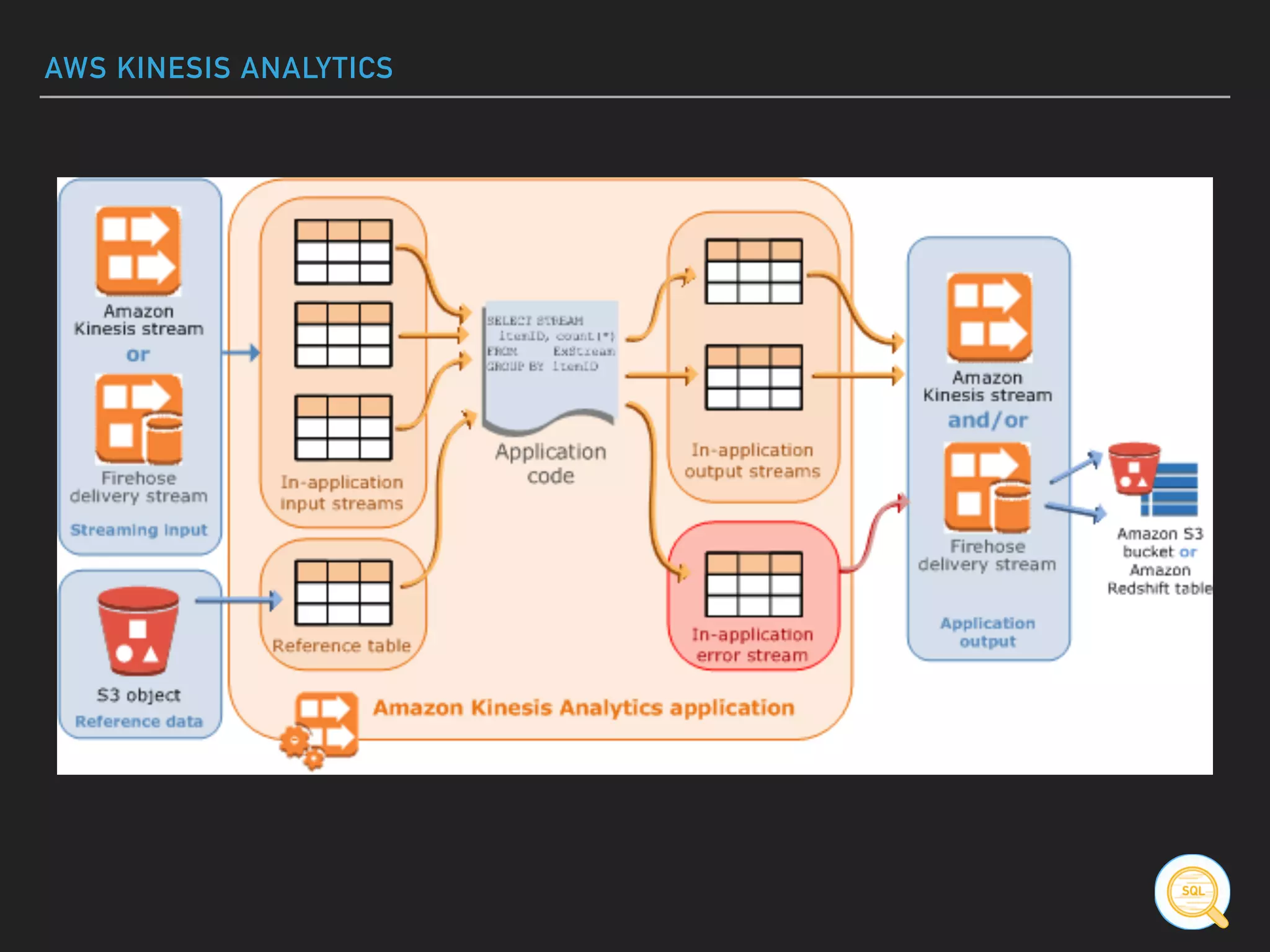
TERMINOLOGY
▸ Input
▸ Application Code
▸ In-App-Streams
▸ Pumps
▸ Streaming SQL
▸ Output
AWS KINESIS ANALYTICS
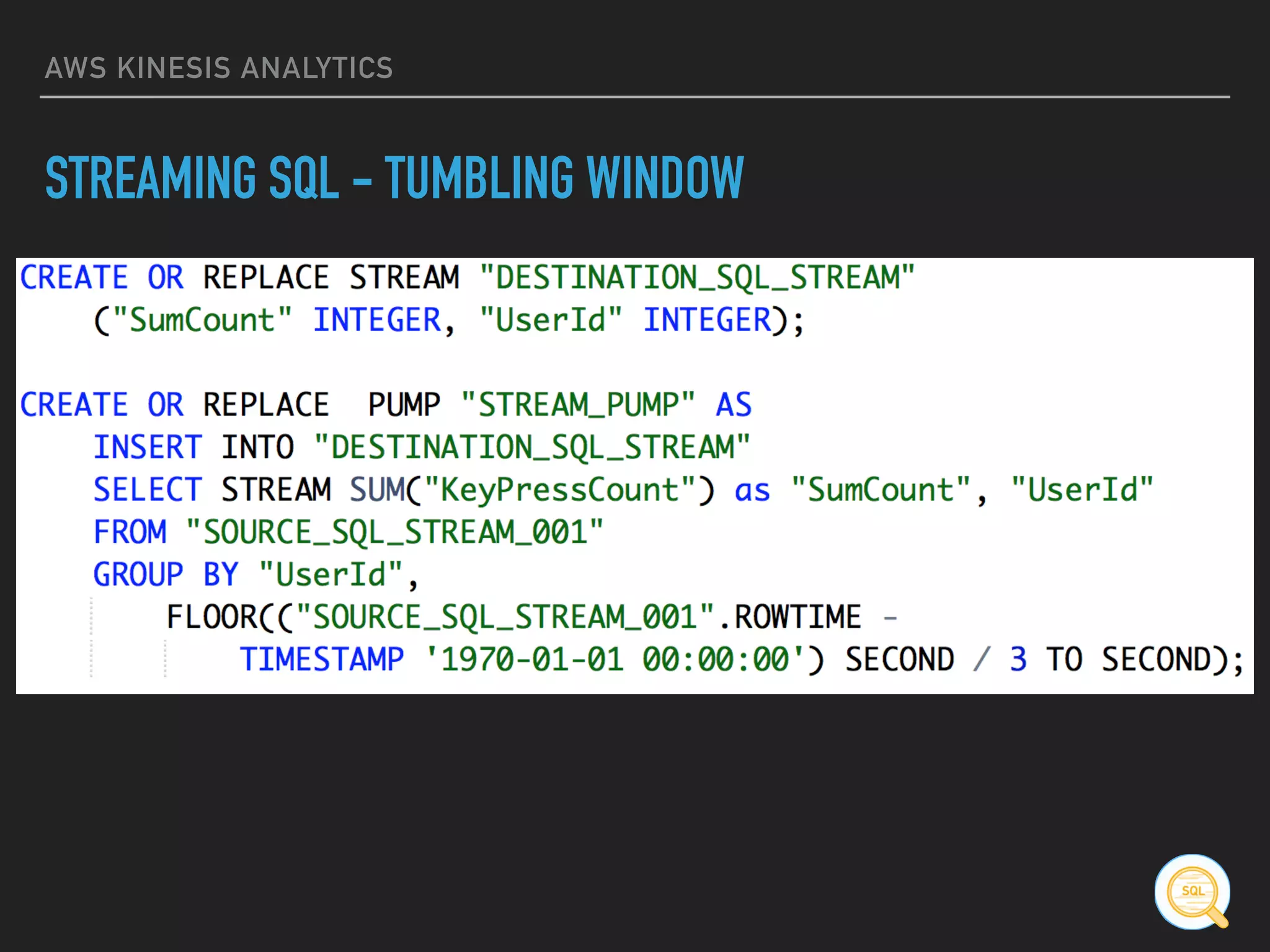
STREAMING SQL
▸ Tumbling Window
[...] GROUP BY

FLOOR((“SOURCE_SQL_STREAM_001”.ROWTIME – TIMESTAMP
‘1970-01-01 00:00:00’) SECOND / 10 TO SECOND)
▸ Sliding Window
SELECT AVG(change) OVER W1 as avg_change

FROM "SOURCE_SQL_STREAM_001"

WINDOW W1 AS (PARTITION BY ticker_symbol RANGE INTERVAL
'10' SECOND PRECEDING)
AWS KINESIS ANALYTICS
STREAMING SQL - TUMBLING WINDOW
SQS
SQS
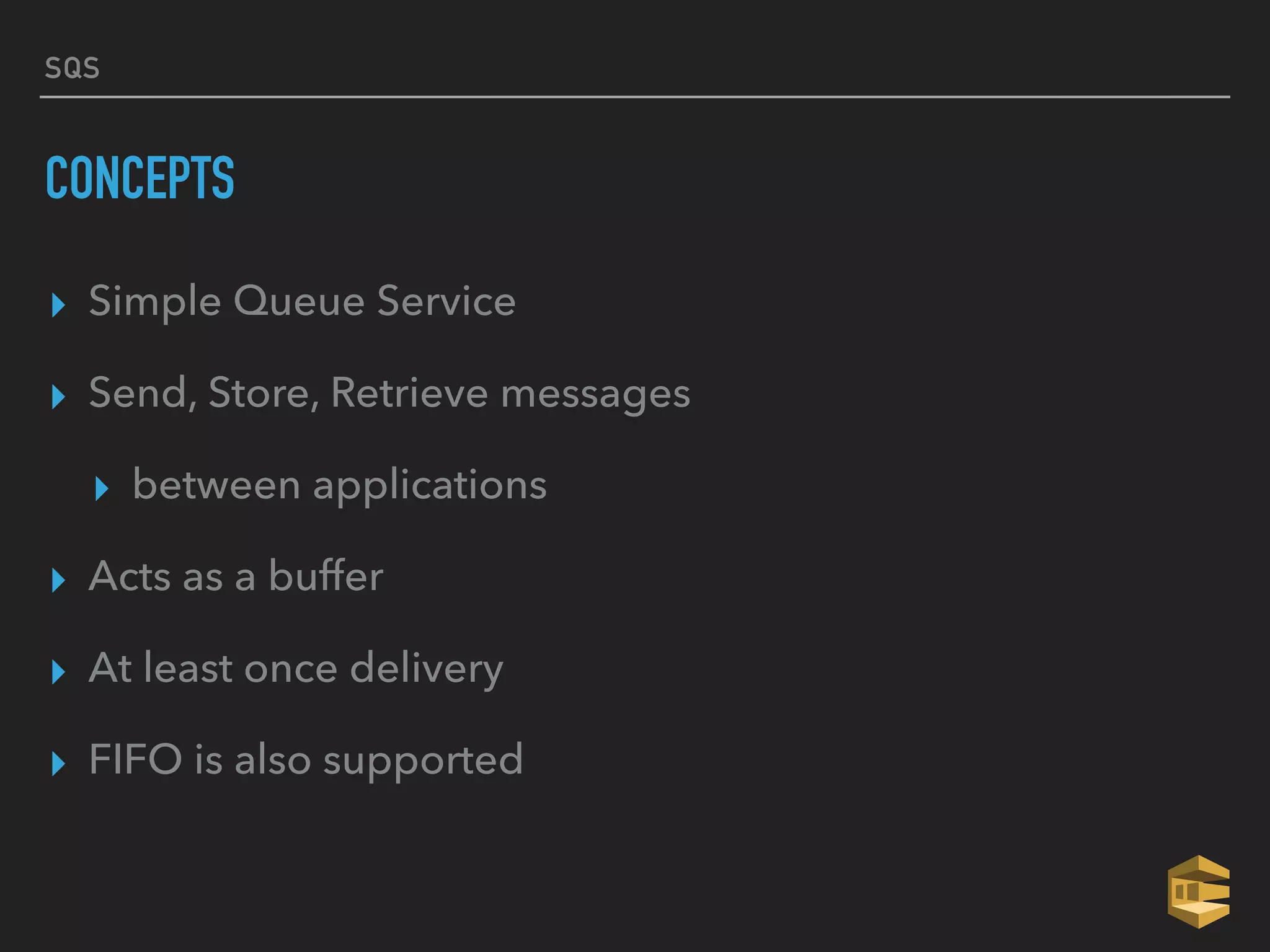
CONCEPTS
▸ Simple Queue Service
▸ Send, Store, Retrieve messages
▸ between applications
▸ Acts as a buffer
▸ At least once delivery
▸ FIFO is also supported
SQS
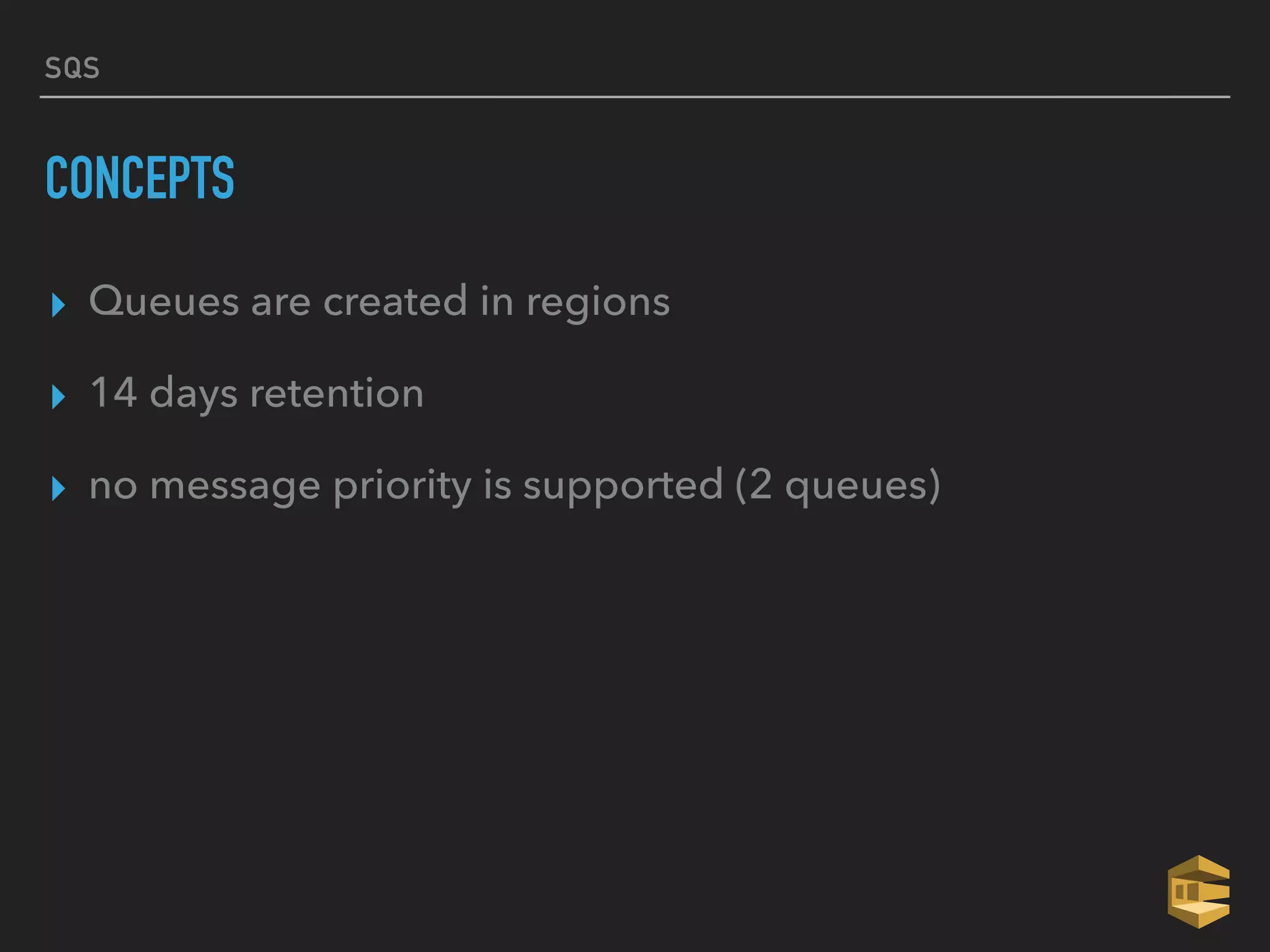
CONCEPTS
▸ Queues are created in regions
▸ 14 days retention
▸ no message priority is supported (2 queues)
SQS
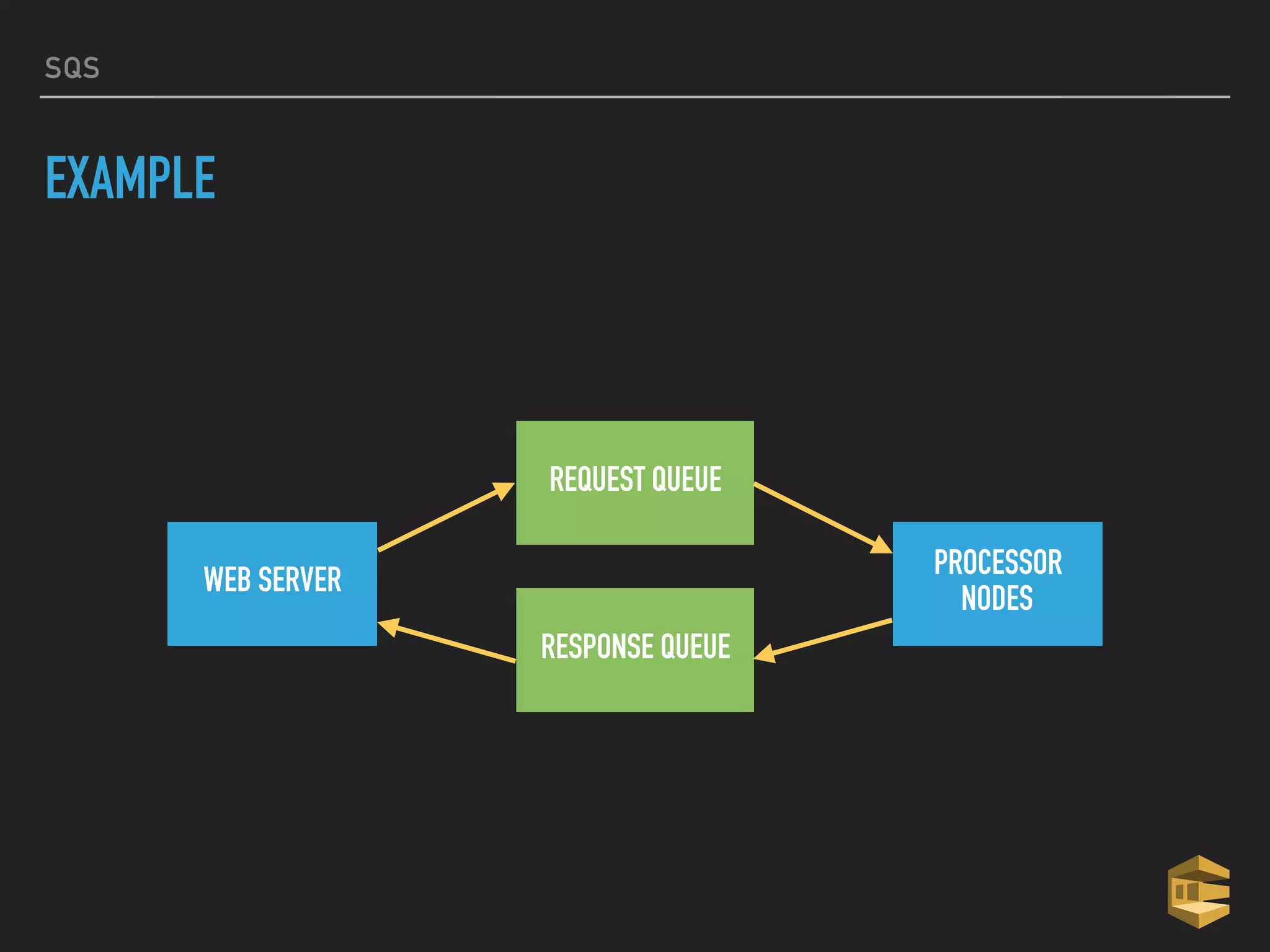
EXAMPLE
WEB SERVER
REQUEST QUEUE
RESPONSE QUEUE
PROCESSOR
NODES
IOT
IOT
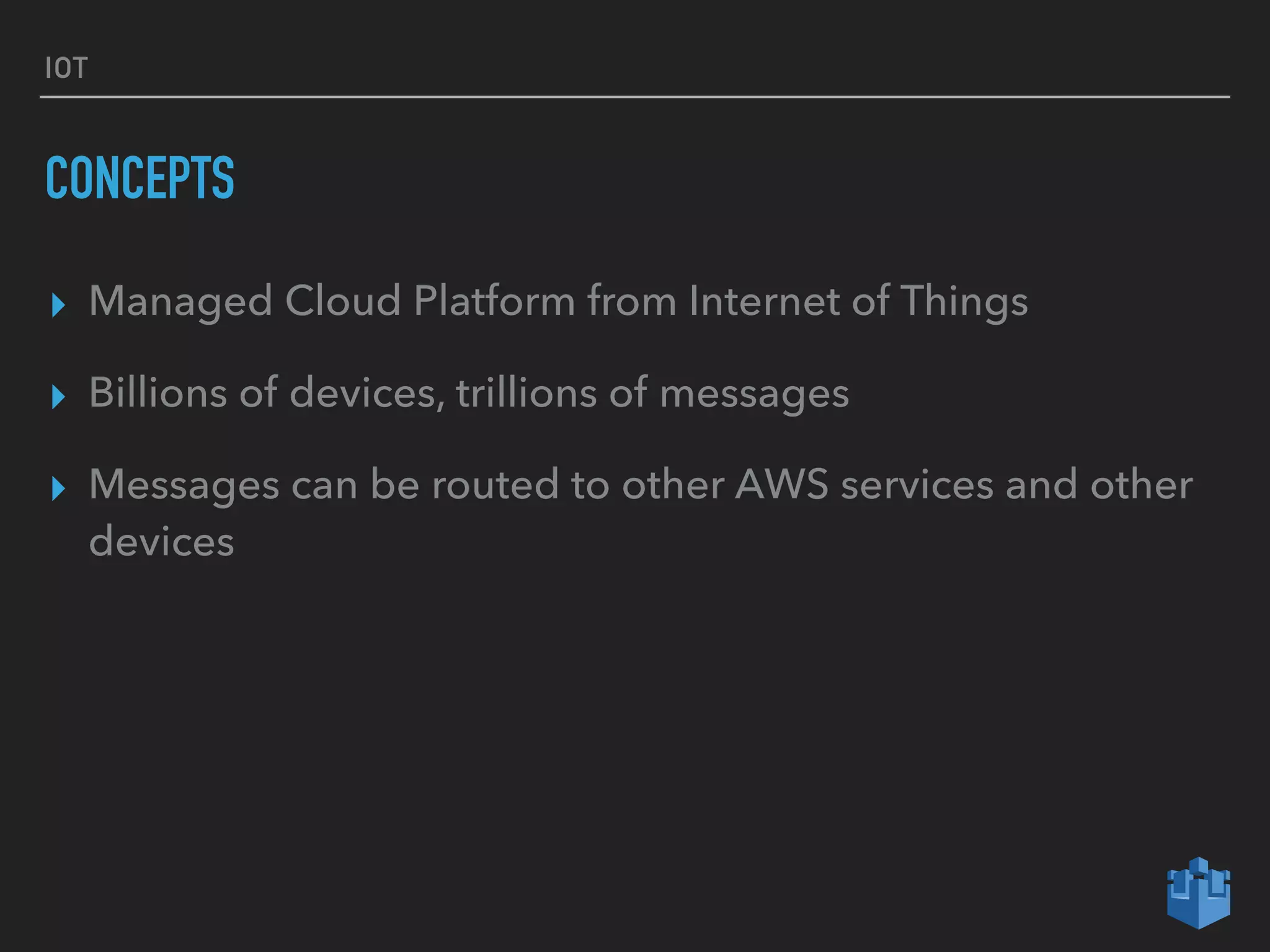
CONCEPTS
▸ Managed Cloud Platform from Internet of Things
▸ Billions of devices, trillions of messages
▸ Messages can be routed to other AWS services and other
devices
IOT
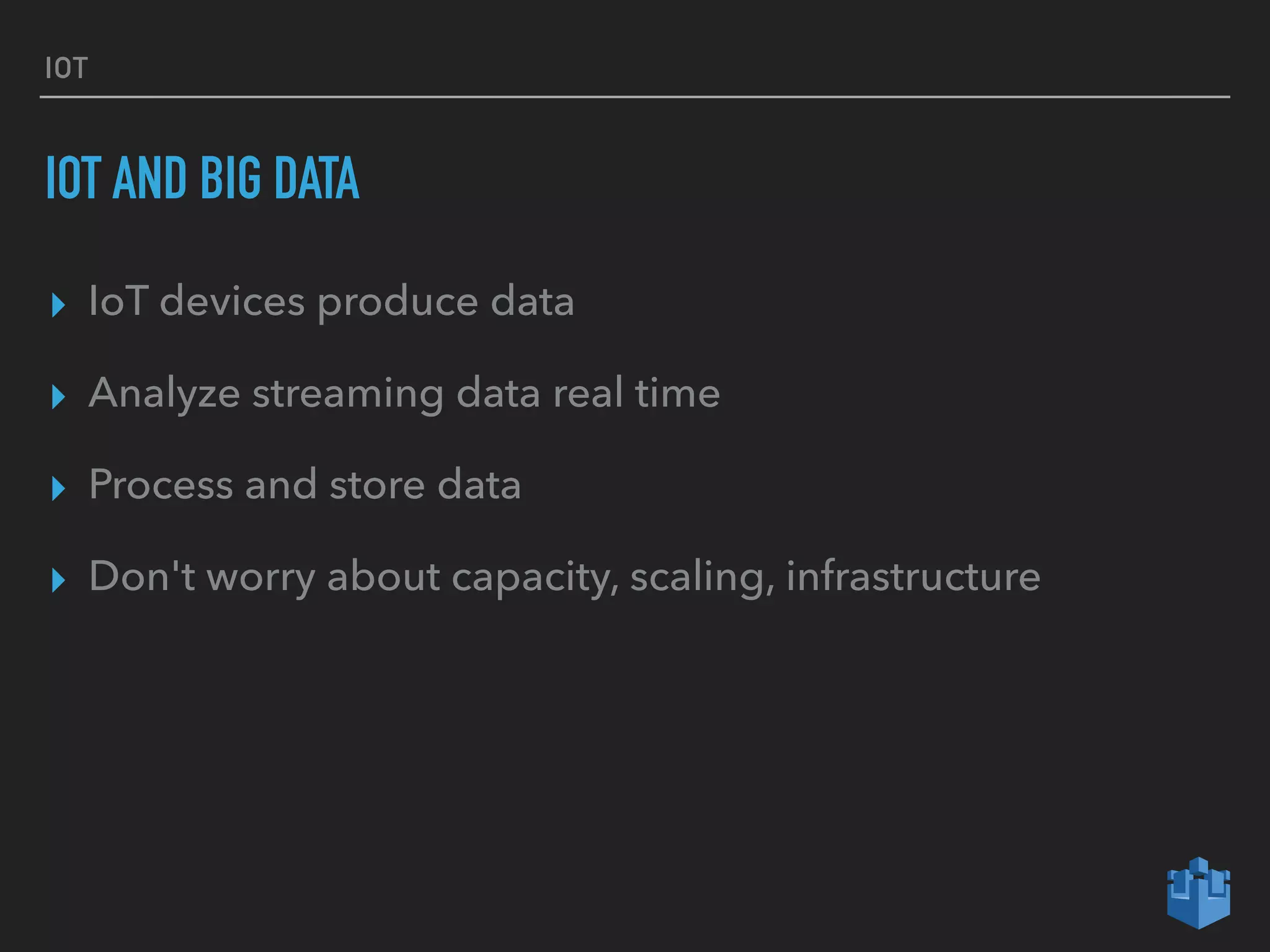
IOT AND BIG DATA
▸ IoT devices produce data
▸ Analyze streaming data real time
▸ Process and store data
▸ Don't worry about capacity, scaling, infrastructure
IOT
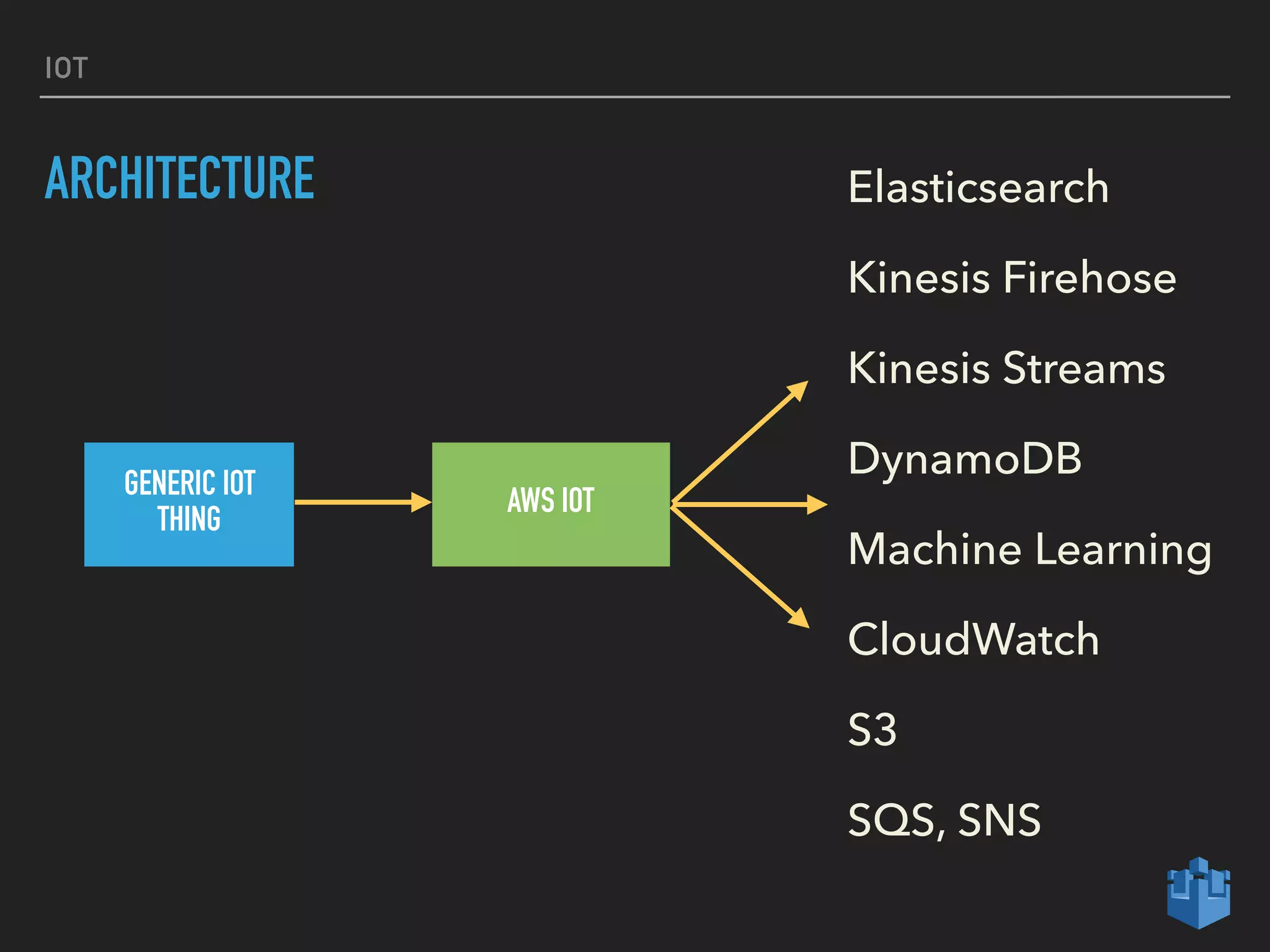
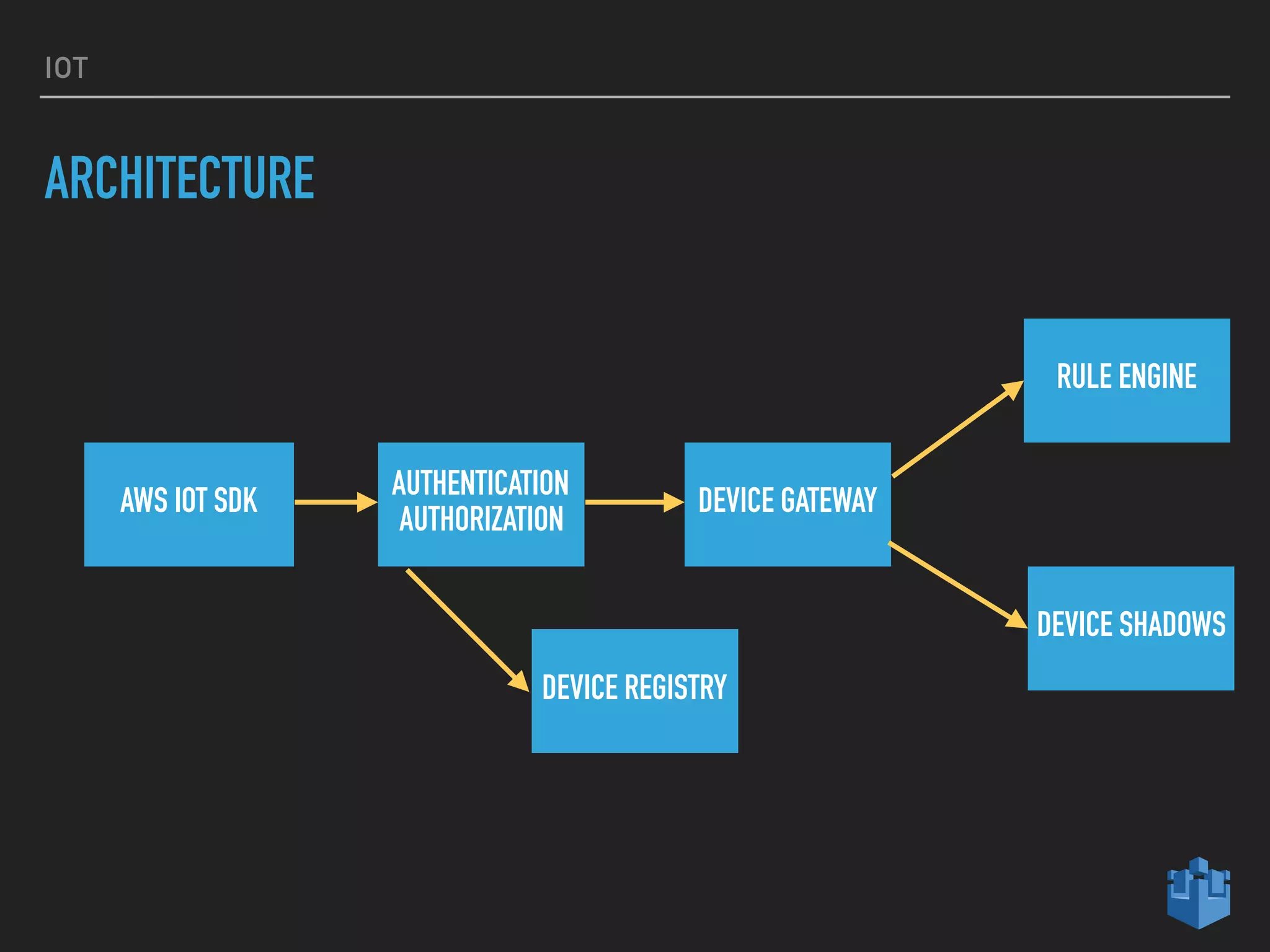
ARCHITECTURE
GENERIC IOT
THING
AWS IOT
Elasticsearch
Kinesis Firehose
Kinesis Streams
DynamoDB
Machine Learning
CloudWatch
S3
SQS, SNS
IOT
ARCHITECTURE
AWS IOT SDK
AUTHENTICATION
AUTHORIZATION
DEVICE GATEWAY
RULE ENGINE
DEVICE SHADOWS
DEVICE REGISTRY
DATA PIPELINE
DATA PIPELINE
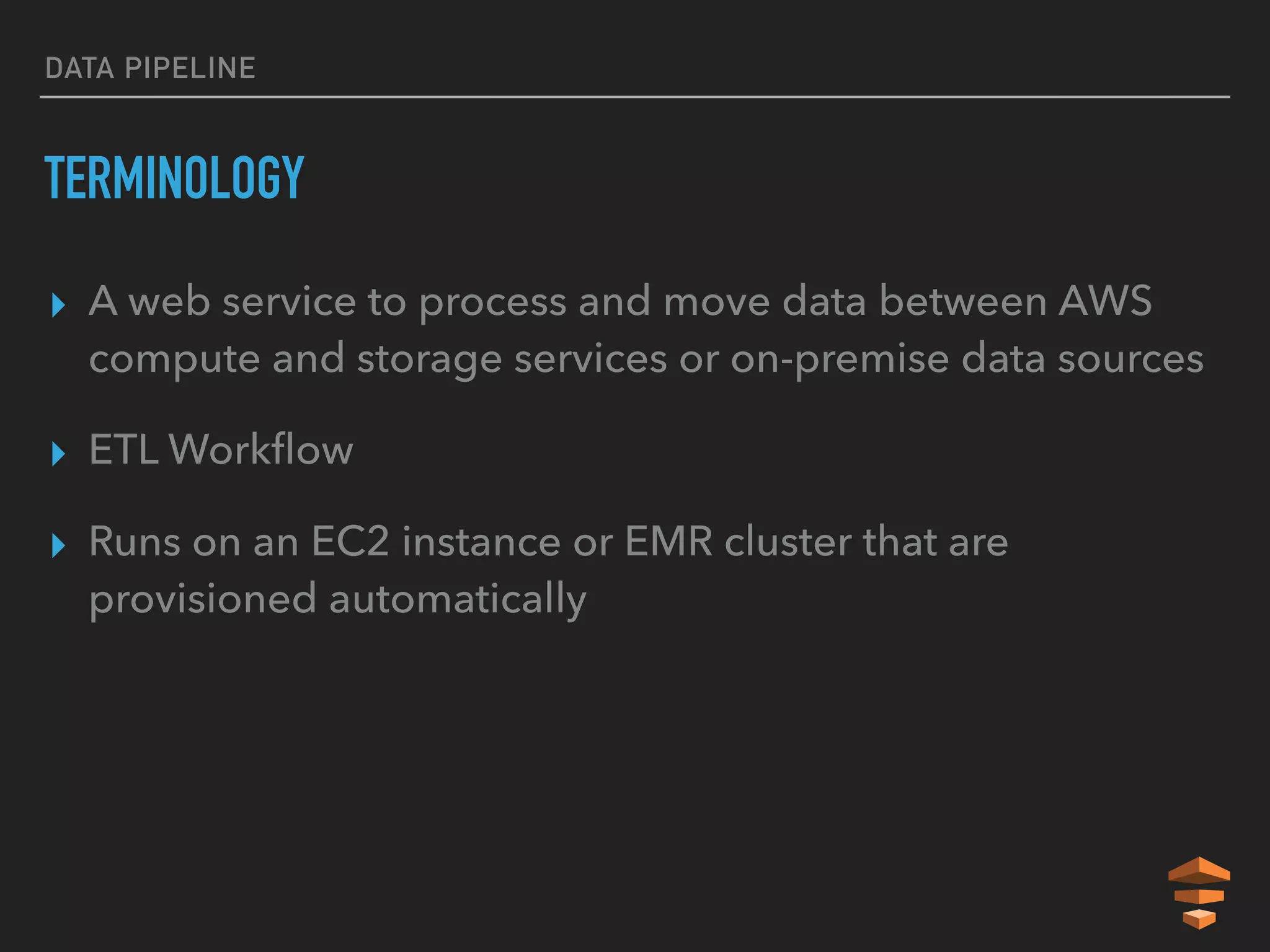
TERMINOLOGY
▸ A web service to process and move data between AWS
compute and storage services or on-premise data sources
▸ ETL Workflow
▸ Runs on an EC2 instance or EMR cluster that are
provisioned automatically
DATA PIPELINE
DATA PIPELINE
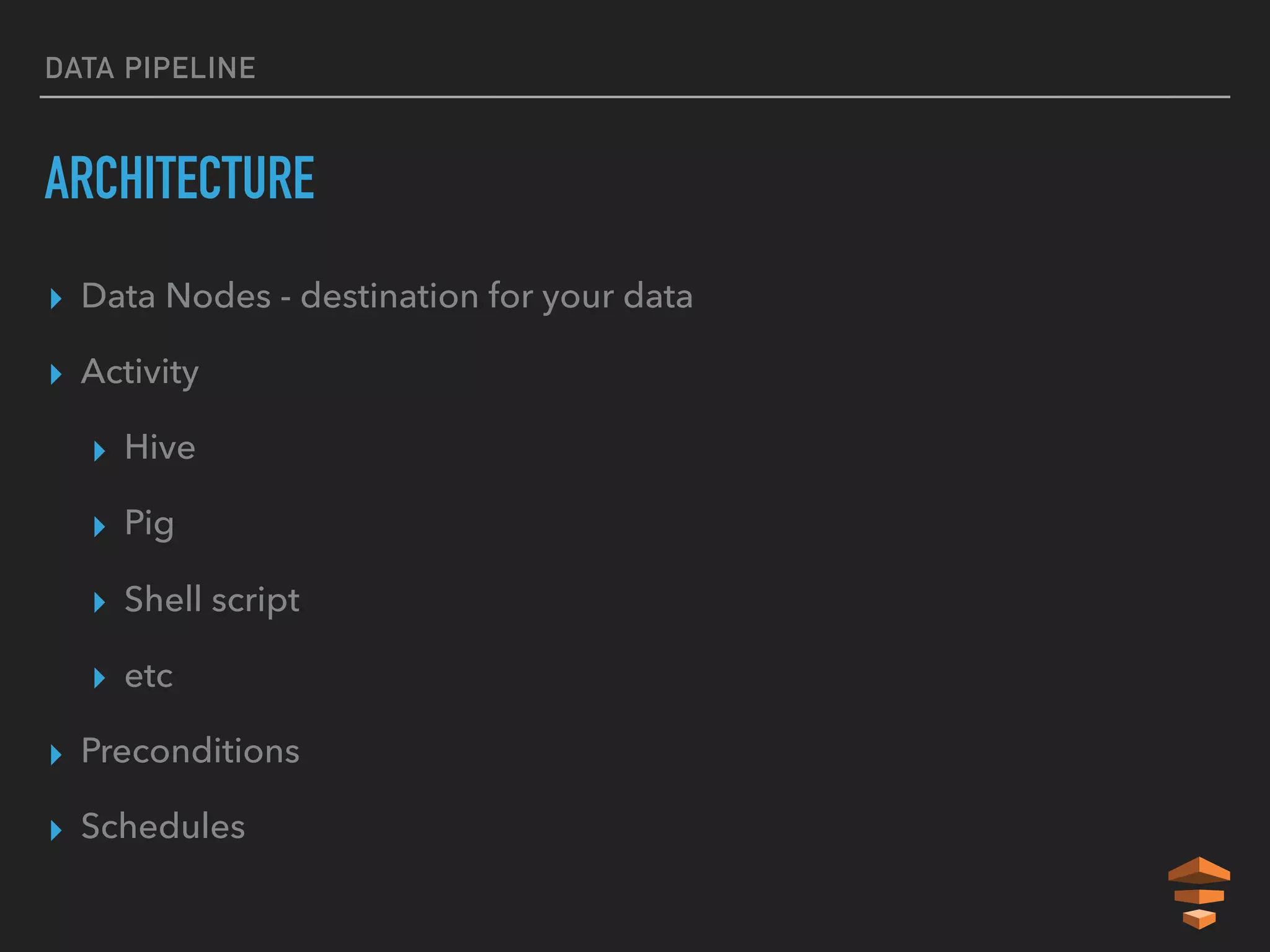
ARCHITECTURE
▸ Data Nodes - destination for your data
▸ Activity
▸ Hive
▸ Pig
▸ Shell script
▸ etc
▸ Preconditions
▸ Schedules
DYNAMO DB
DYNAMO DB
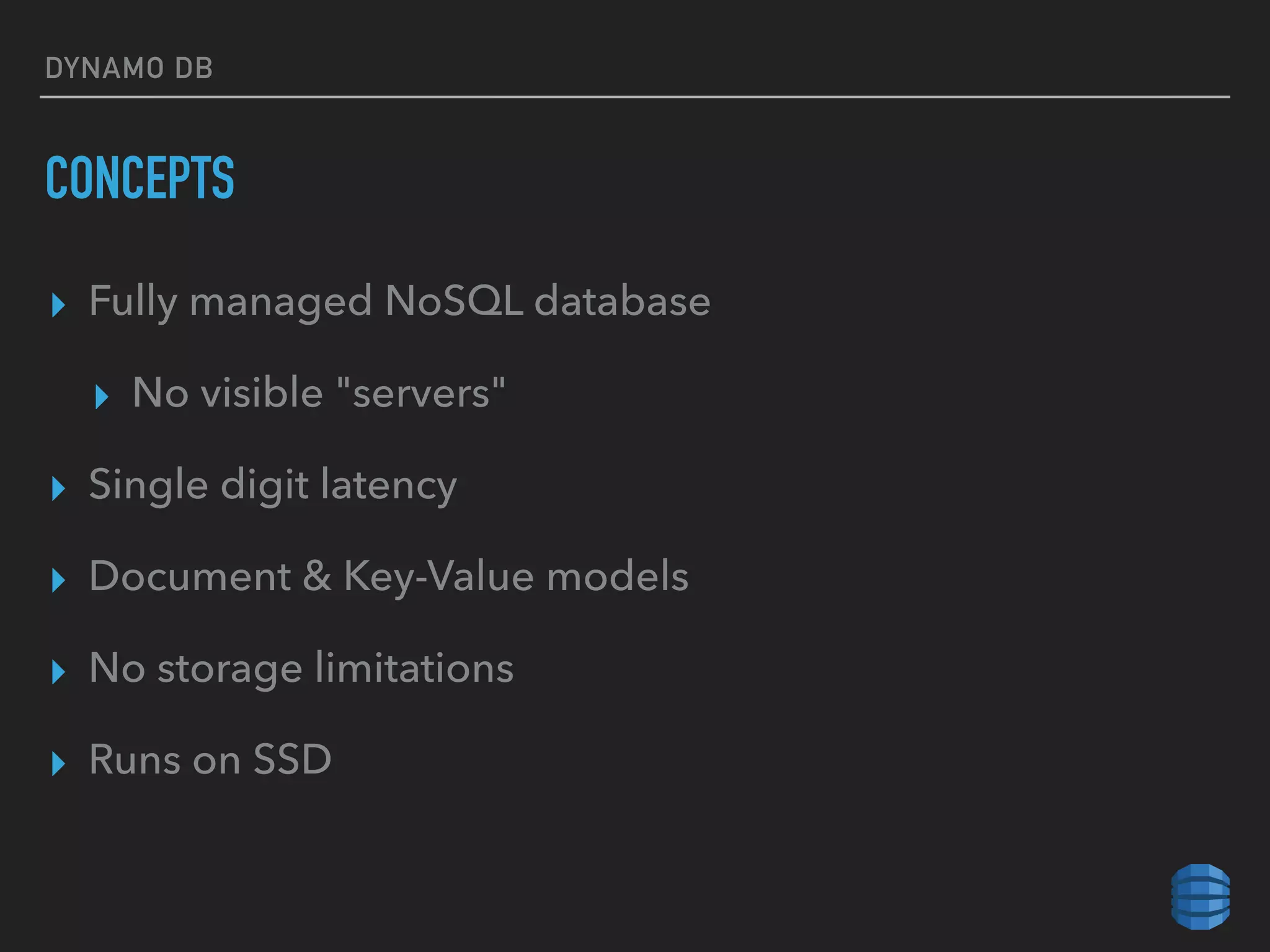
CONCEPTS
▸ Fully managed NoSQL database
▸ No visible "servers"
▸ Single digit latency
▸ Document & Key-Value models
▸ No storage limitations
▸ Runs on SSD
DYNAMO DB
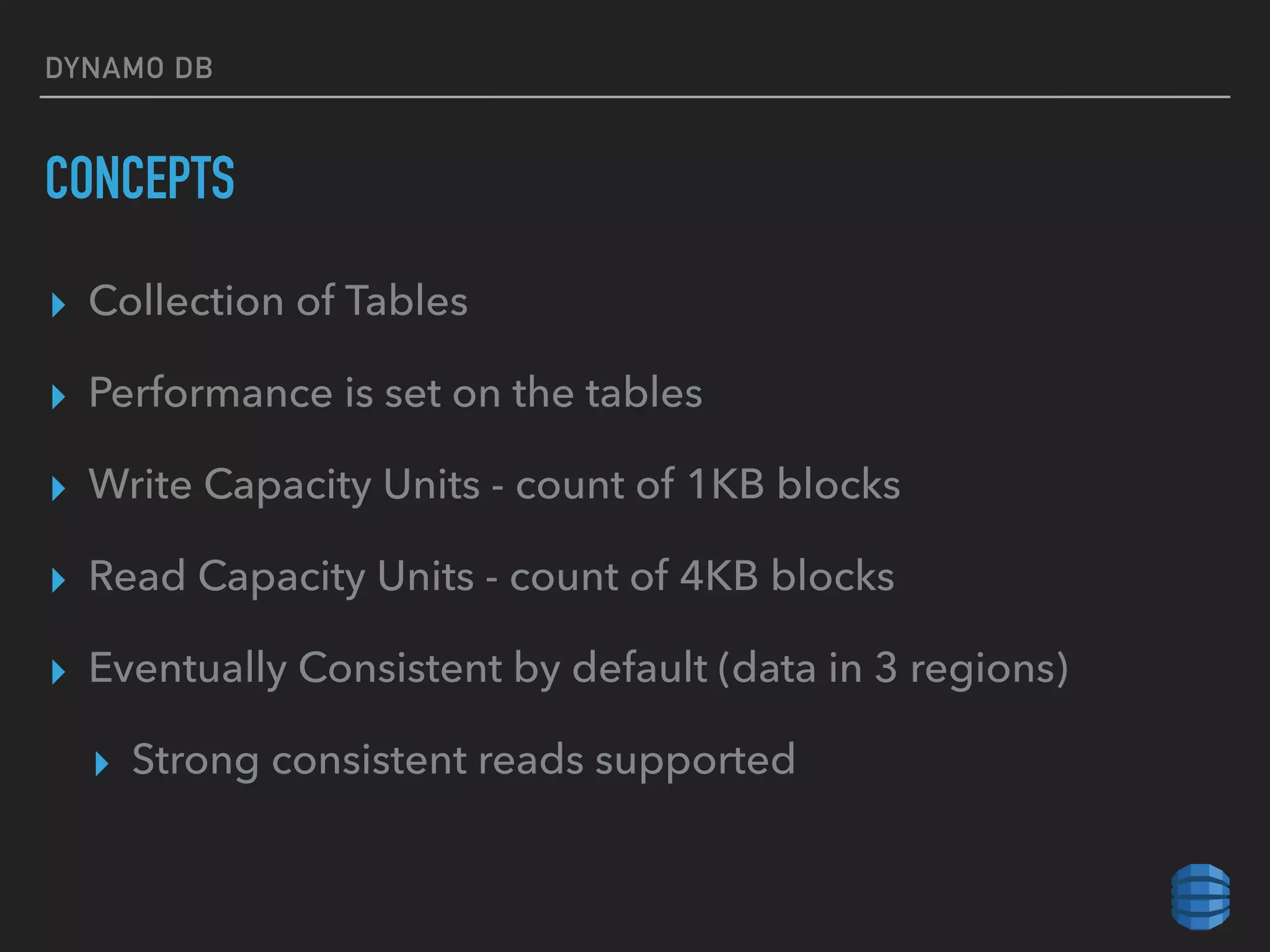
CONCEPTS
▸ Collection of Tables
▸ Performance is set on the tables
▸ Write Capacity Units - count of 1KB blocks
▸ Read Capacity Units - count of 4KB blocks
▸ Eventually Consistent by default (data in 3 regions)
▸ Strong consistent reads supported
DYNAMO DB
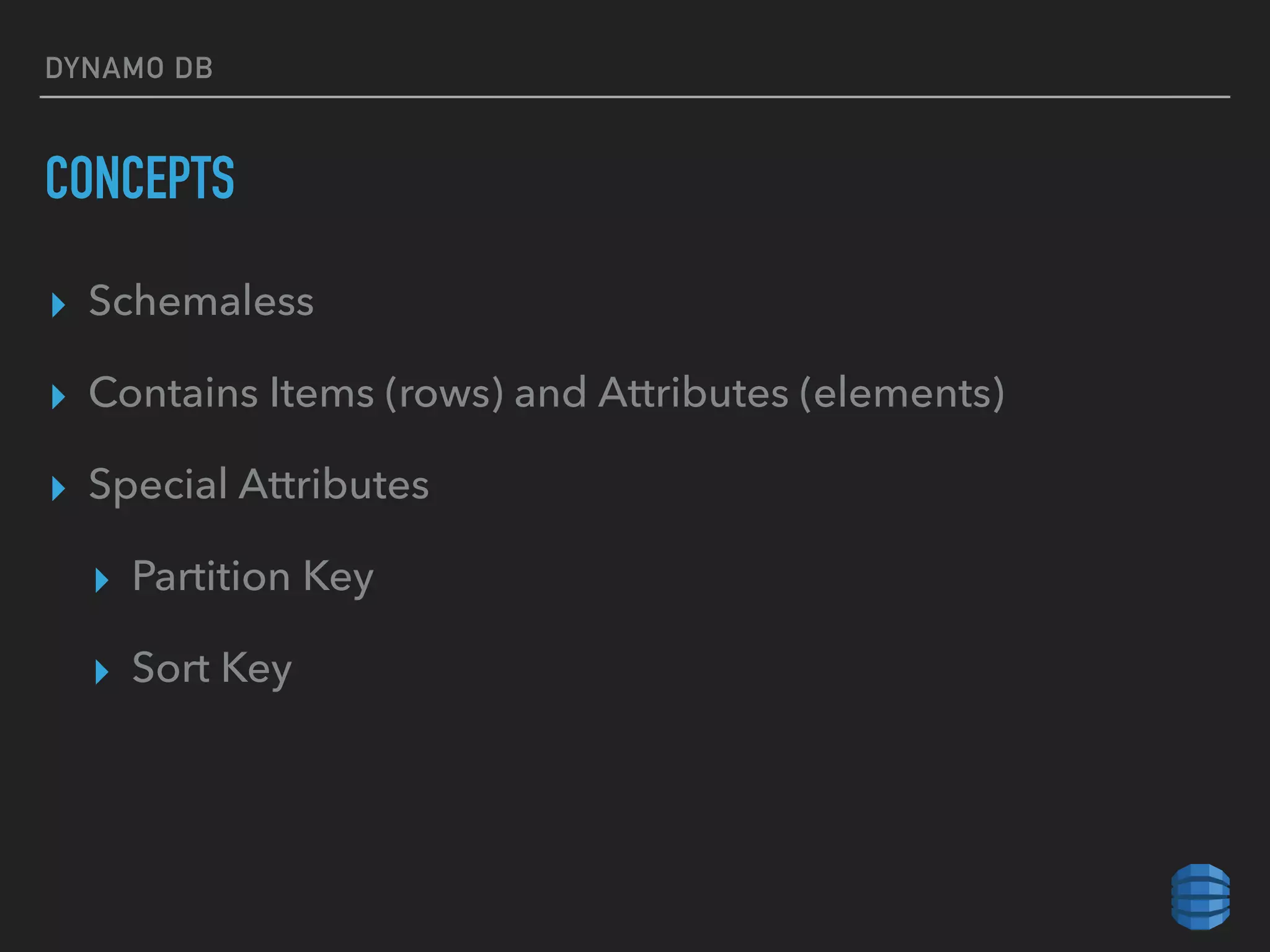
CONCEPTS
▸ Schemaless
▸ Contains Items (rows) and Attributes (elements)
▸ Special Attributes
▸ Partition Key
▸ Sort Key
DYNAMO DB
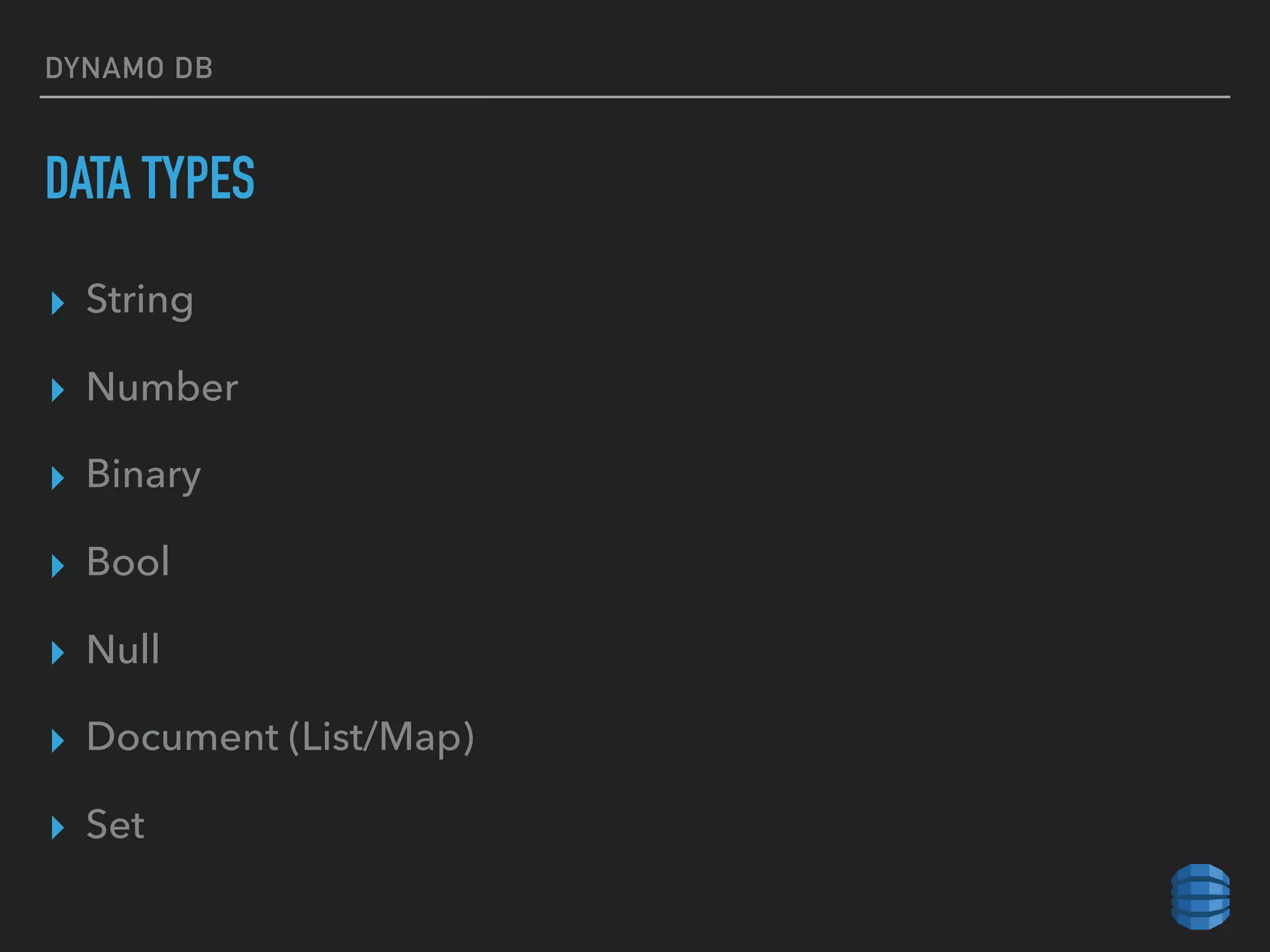
DATA TYPES
▸ String
▸ Number
▸ Binary
▸ Bool
▸ Null
▸ Document (List/Map)
▸ Set
DYNAMO DB
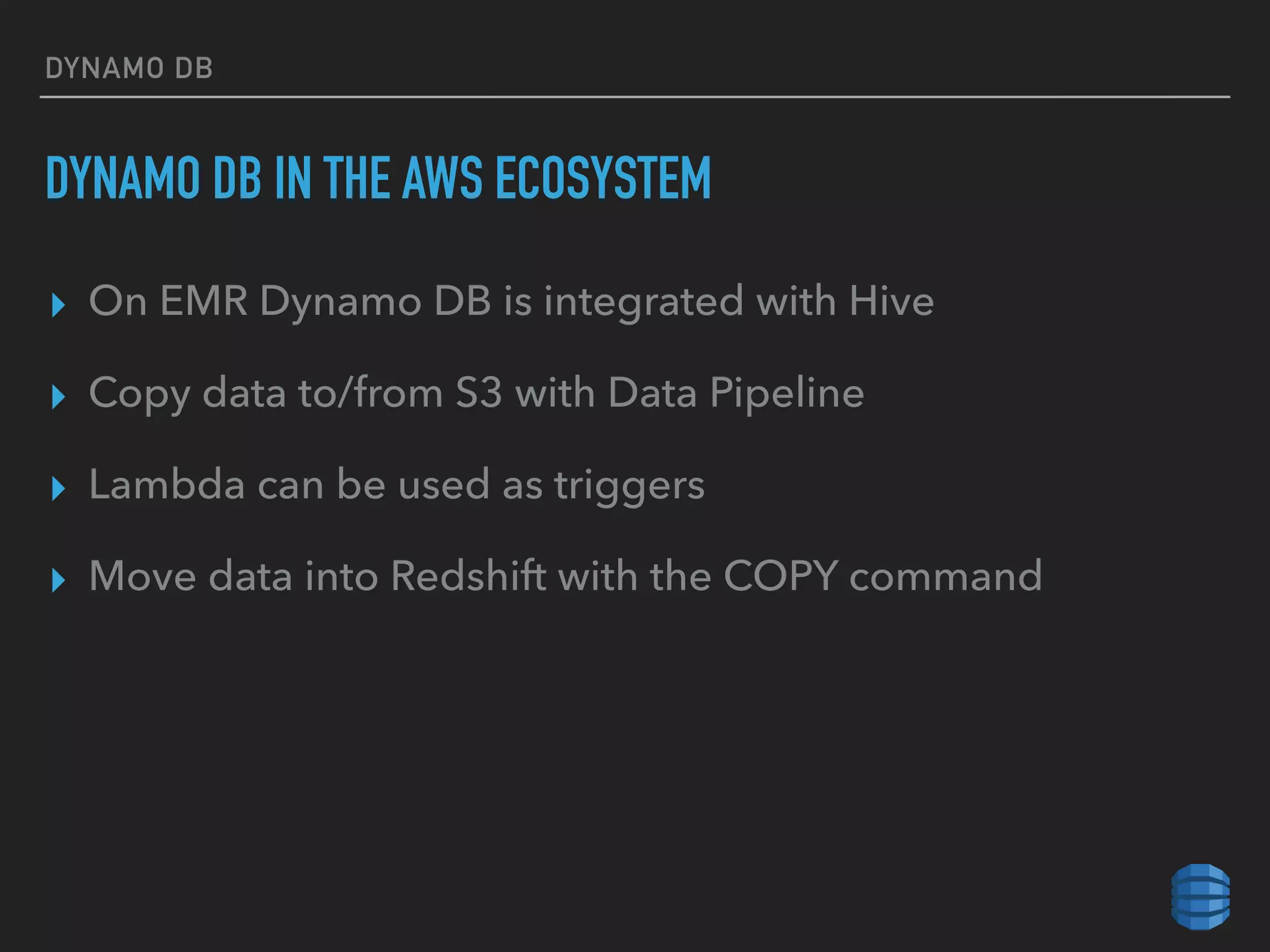
DYNAMO DB IN THE AWS ECOSYSTEM
▸ On EMR Dynamo DB is integrated with Hive
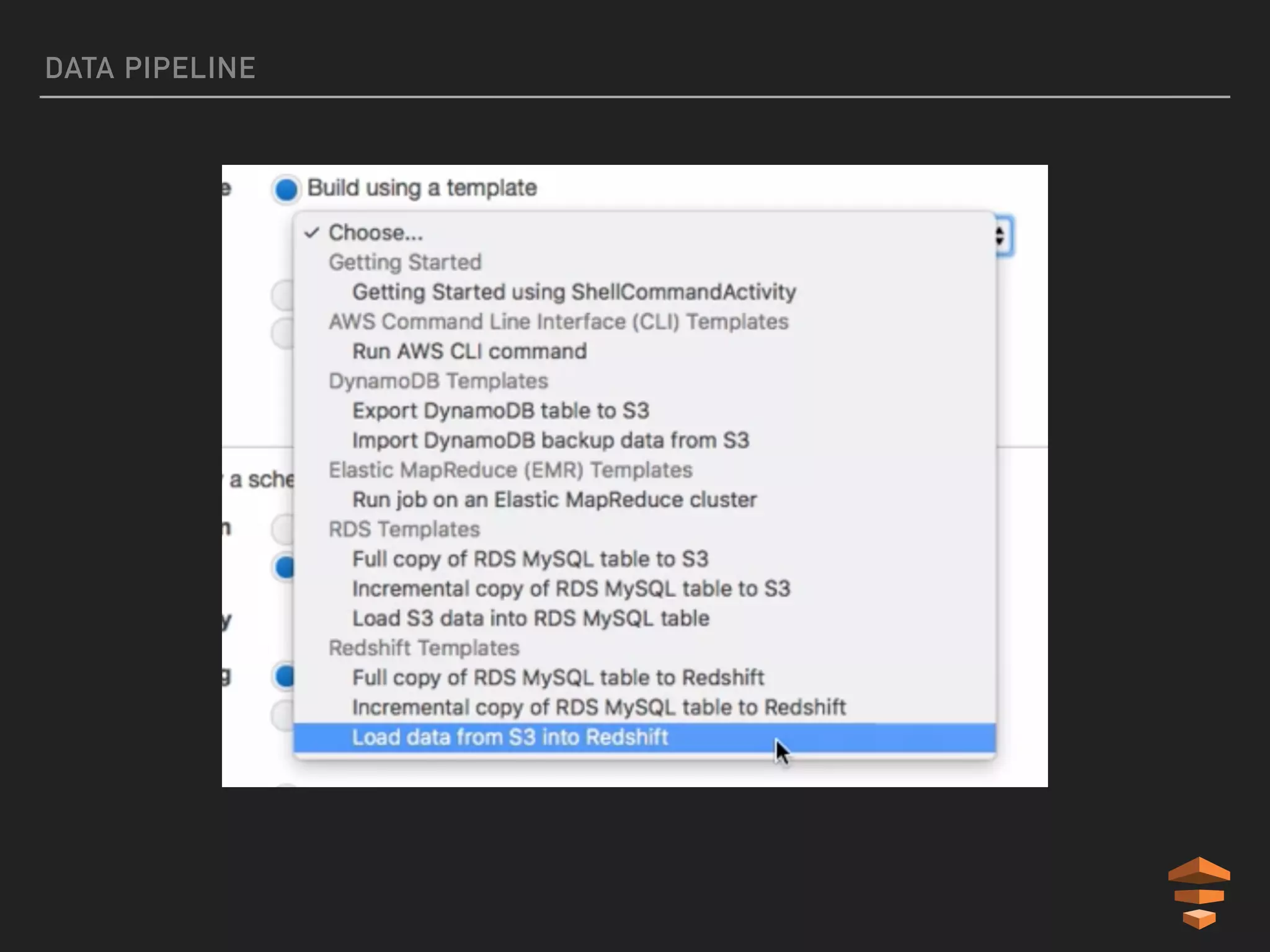
▸ Copy data to/from S3 with Data Pipeline
▸ Lambda can be used as triggers
▸ Move data into Redshift with the COPY command
EMR
EMR
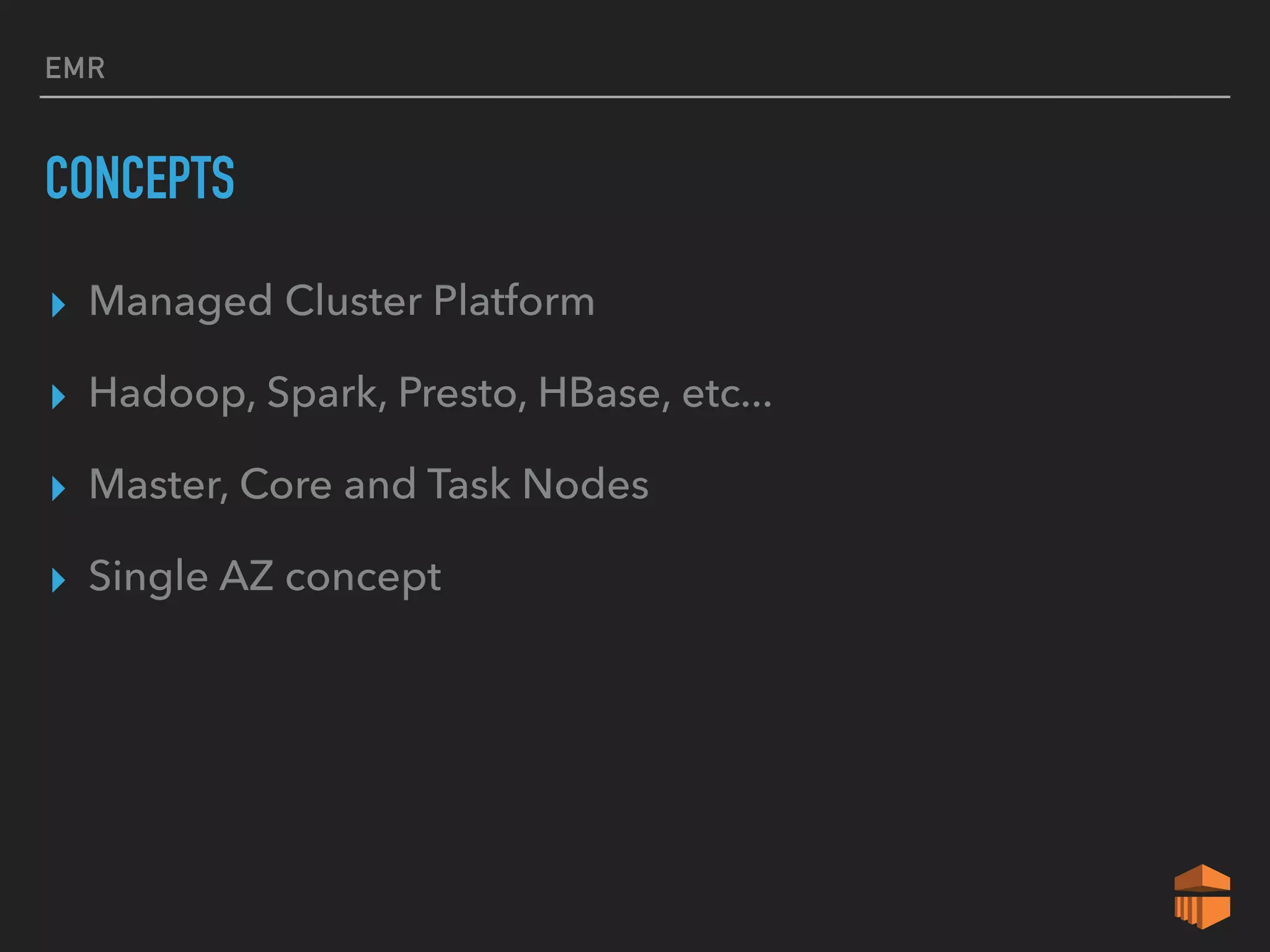
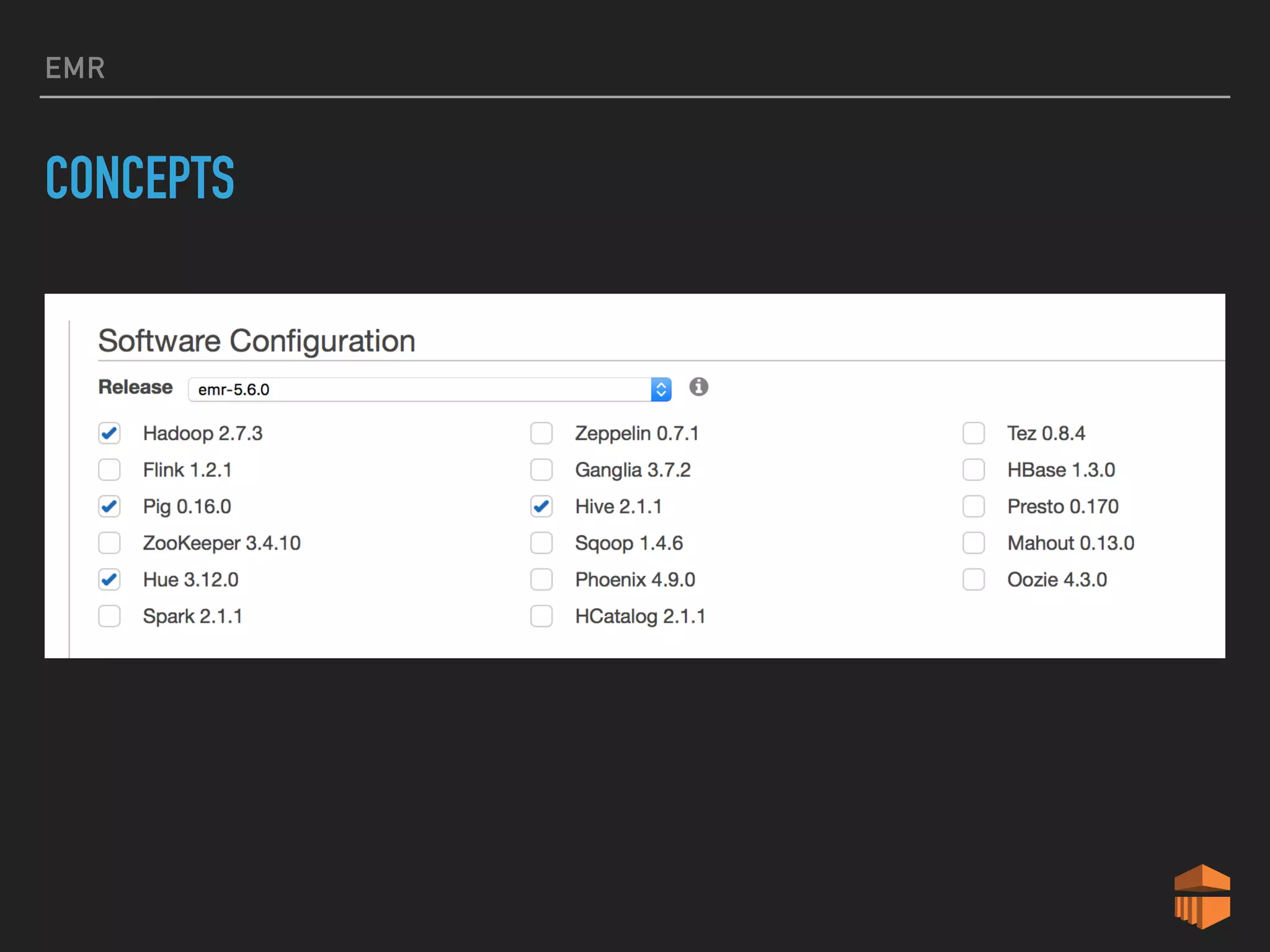
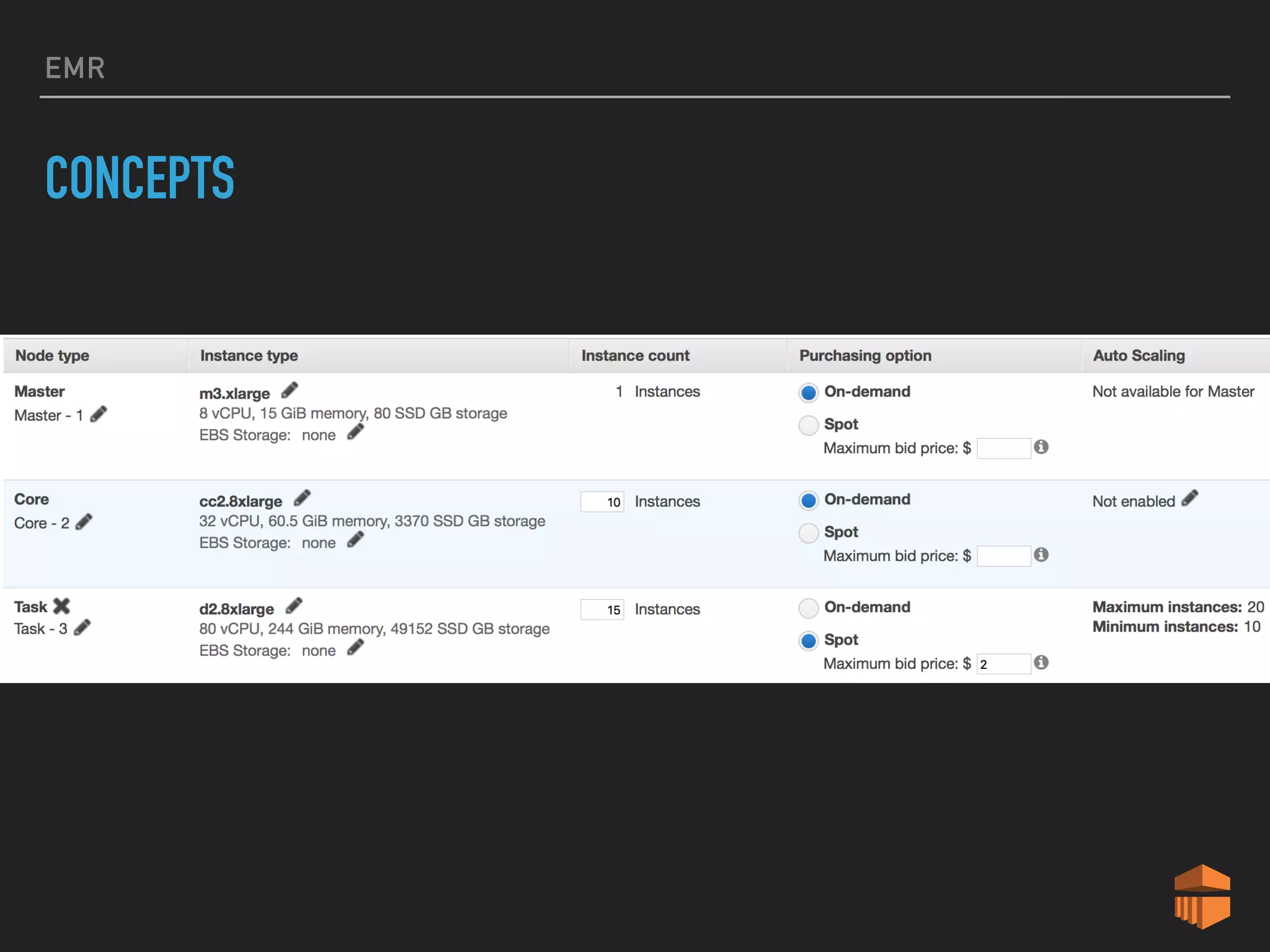
CONCEPTS
▸ Managed Cluster Platform
▸ Hadoop, Spark, Presto, HBase, etc...
▸ Master, Core and Task Nodes
▸ Single AZ concept
EMR
CONCEPTS
EMR
CONCEPTS
EMR
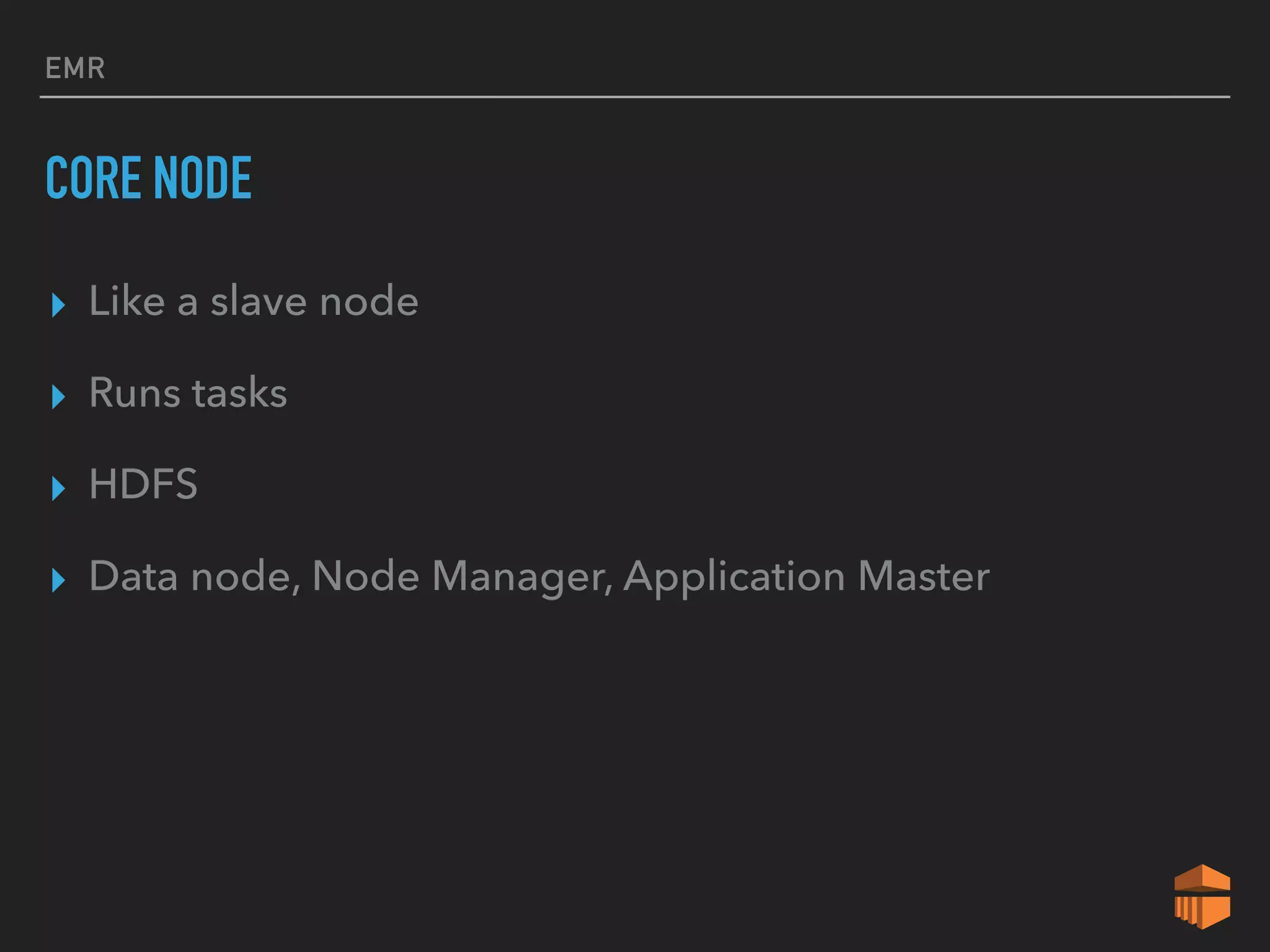
CORE NODE
▸ Like a slave node
▸ Runs tasks
▸ HDFS
▸ Data node, Node Manager, Application Master
EMR
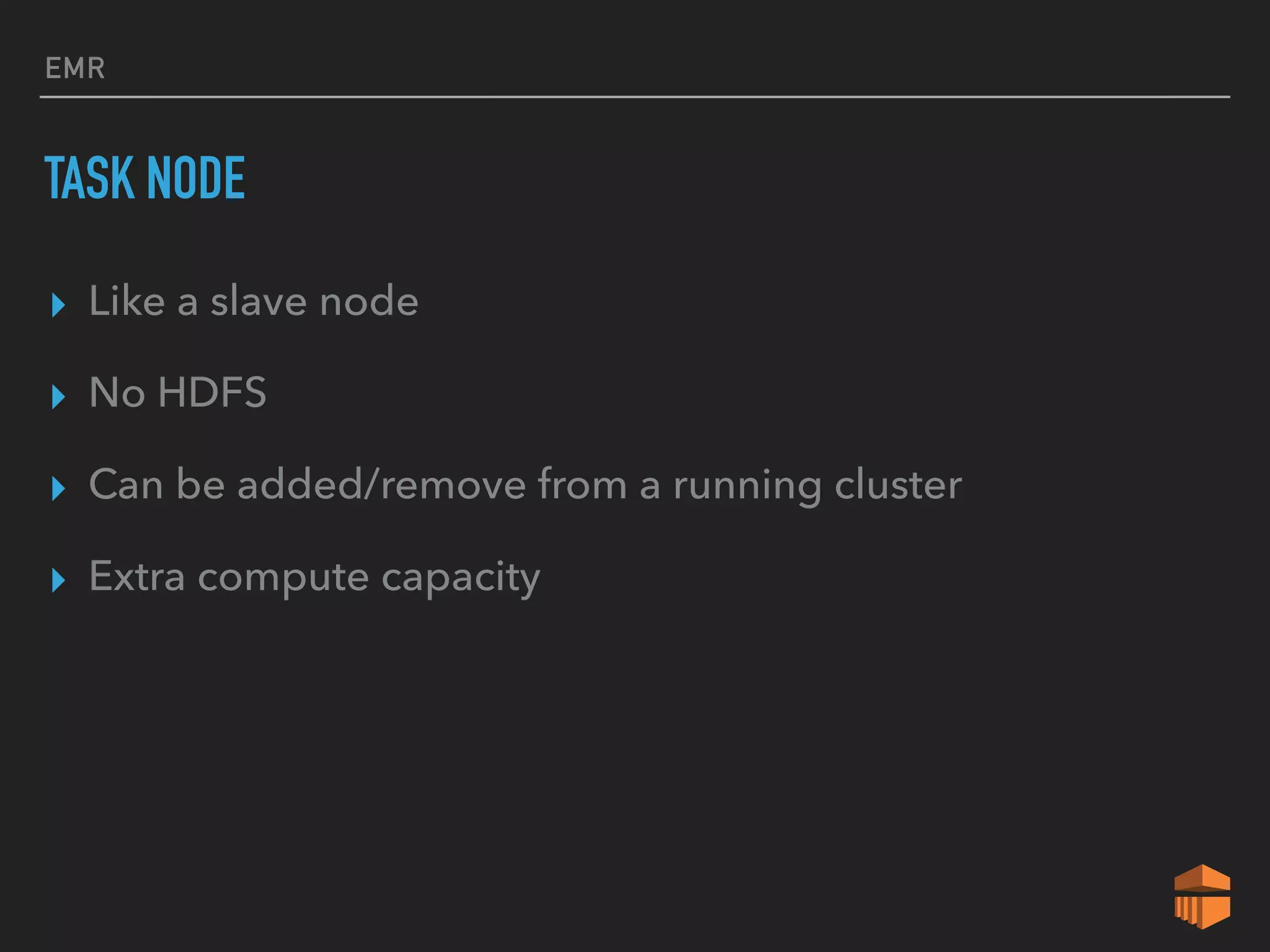
TASK NODE
▸ Like a slave node
▸ No HDFS
▸ Can be added/remove from a running cluster
▸ Extra compute capacity
EMR
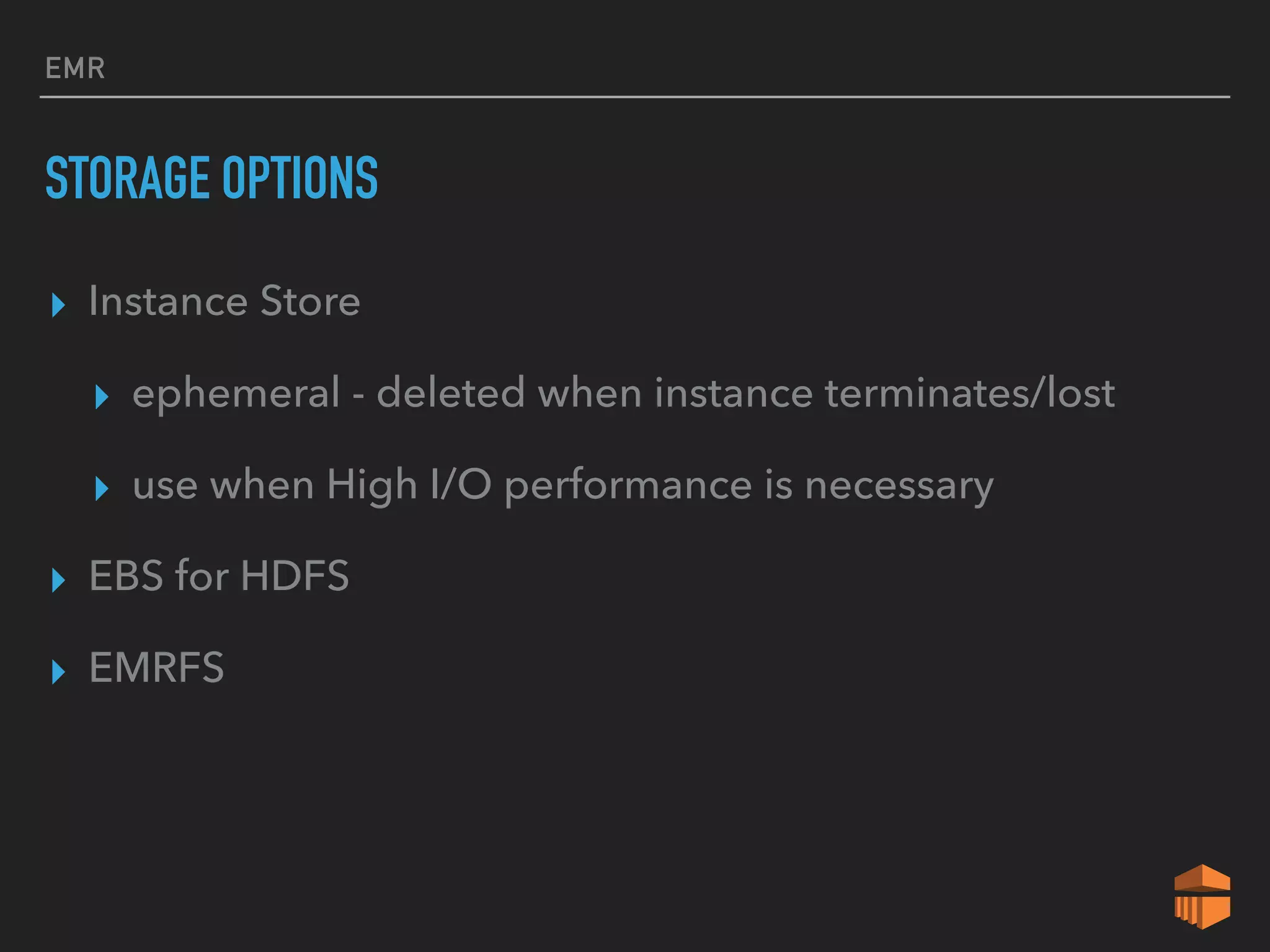
STORAGE OPTIONS
▸ Instance Store
▸ ephemeral - deleted when instance terminates/lost
▸ use when High I/O performance is necessary
▸ EBS for HDFS
▸ EMRFS
EMR
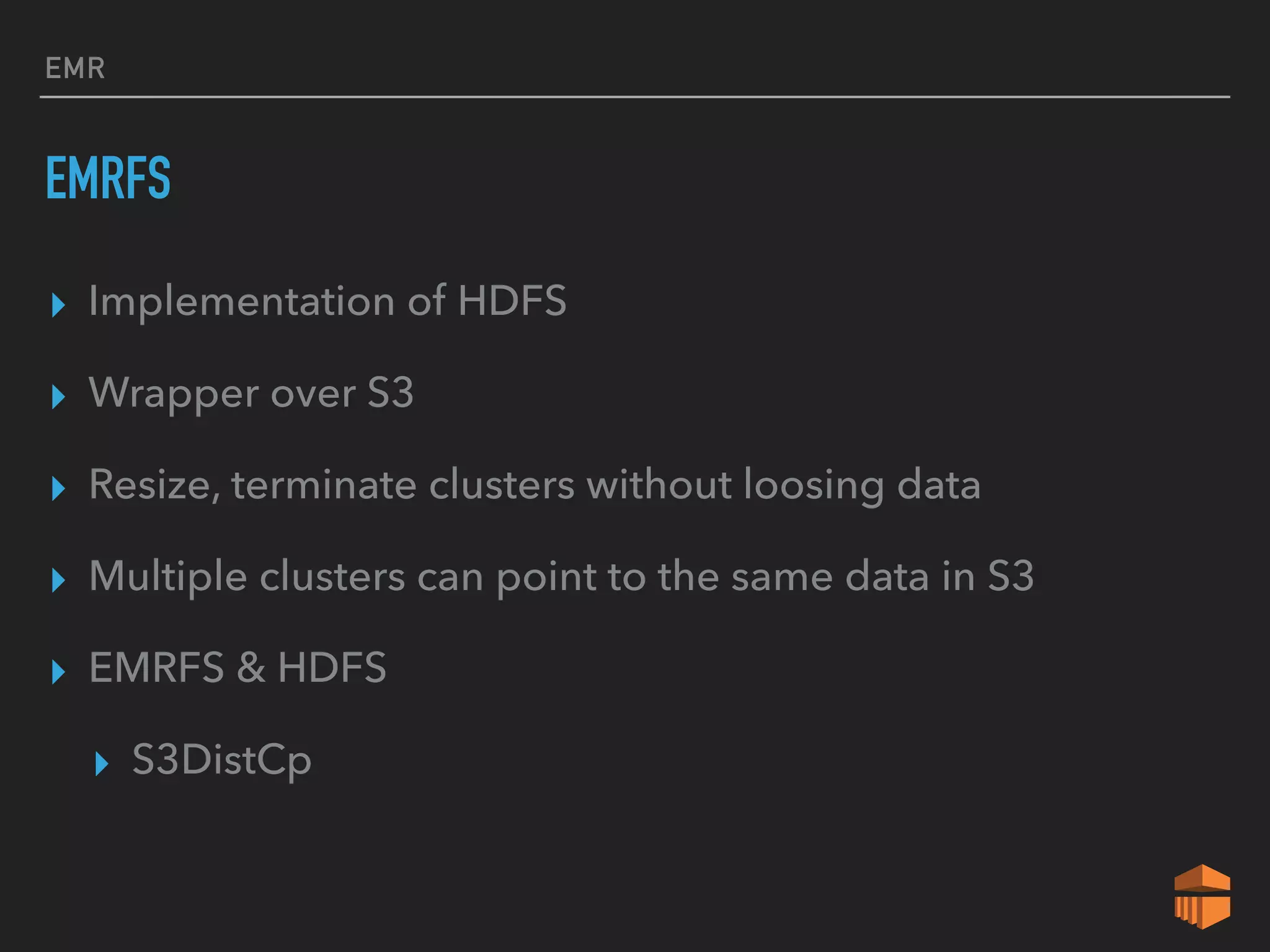
EMRFS
▸ Implementation of HDFS
▸ Wrapper over S3
▸ Resize, terminate clusters without loosing data
▸ Multiple clusters can point to the same data in S3
▸ EMRFS & HDFS
▸ S3DistCp
EMR
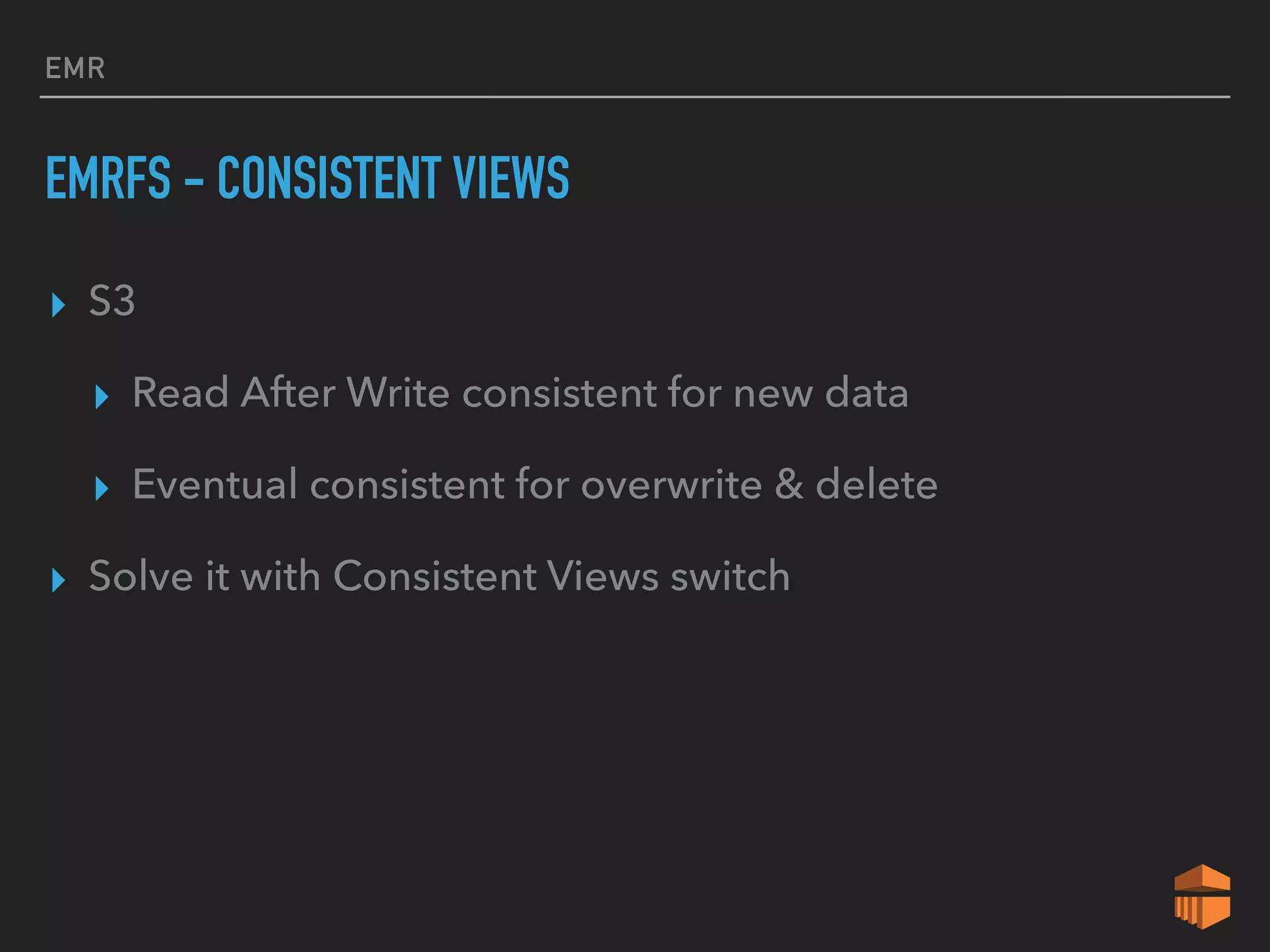
EMRFS - CONSISTENT VIEWS
▸ S3
▸ Read After Write consistent for new data
▸ Eventual consistent for overwrite & delete
▸ Solve it with Consistent Views switch
EMR
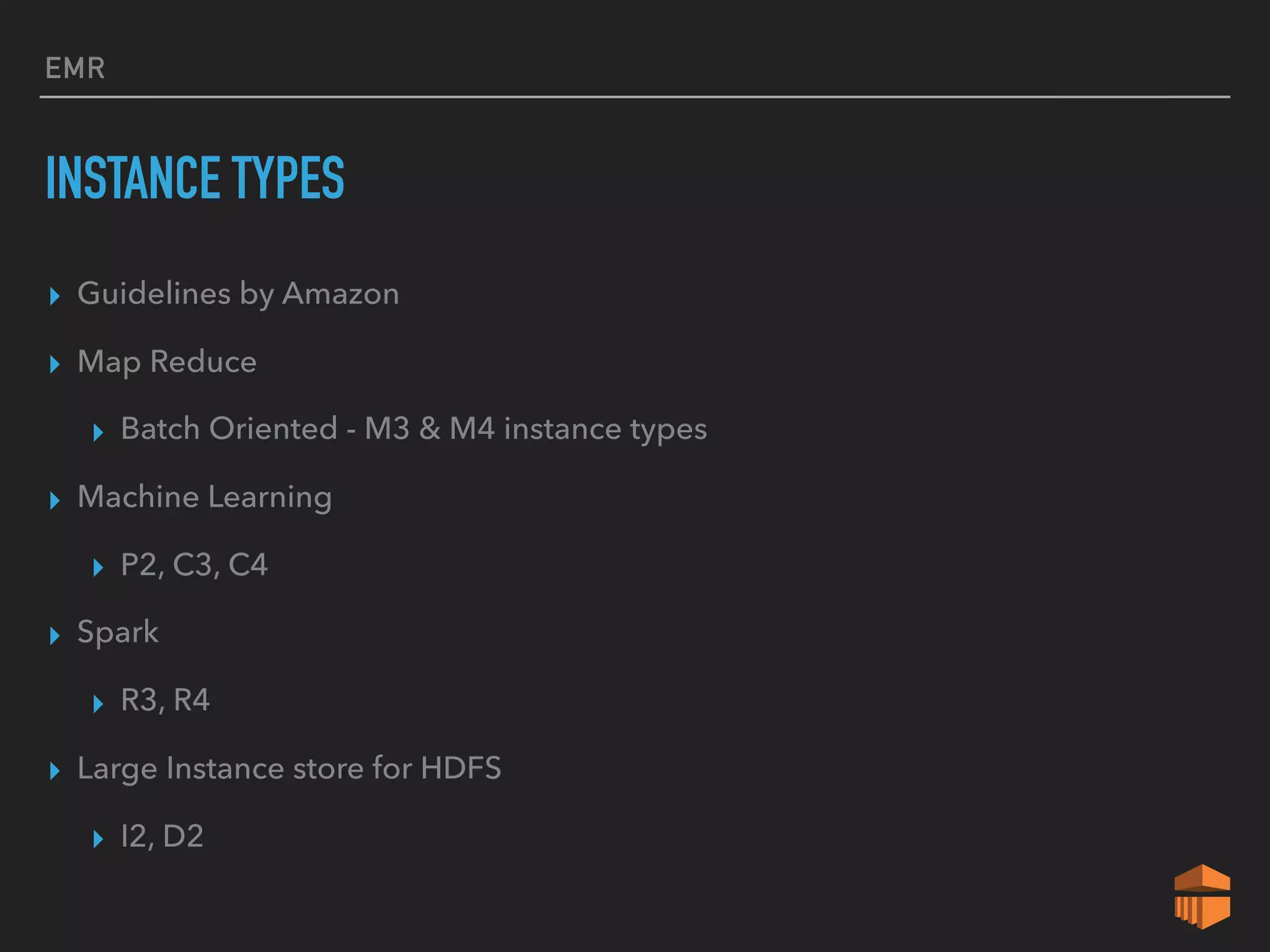
INSTANCE TYPES
▸ Guidelines by Amazon
▸ Map Reduce
▸ Batch Oriented - M3 & M4 instance types
▸ Machine Learning
▸ P2, C3, C4
▸ Spark
▸ R3, R4
▸ Large Instance store for HDFS
▸ I2, D2
LAMBDA
LAMBDA
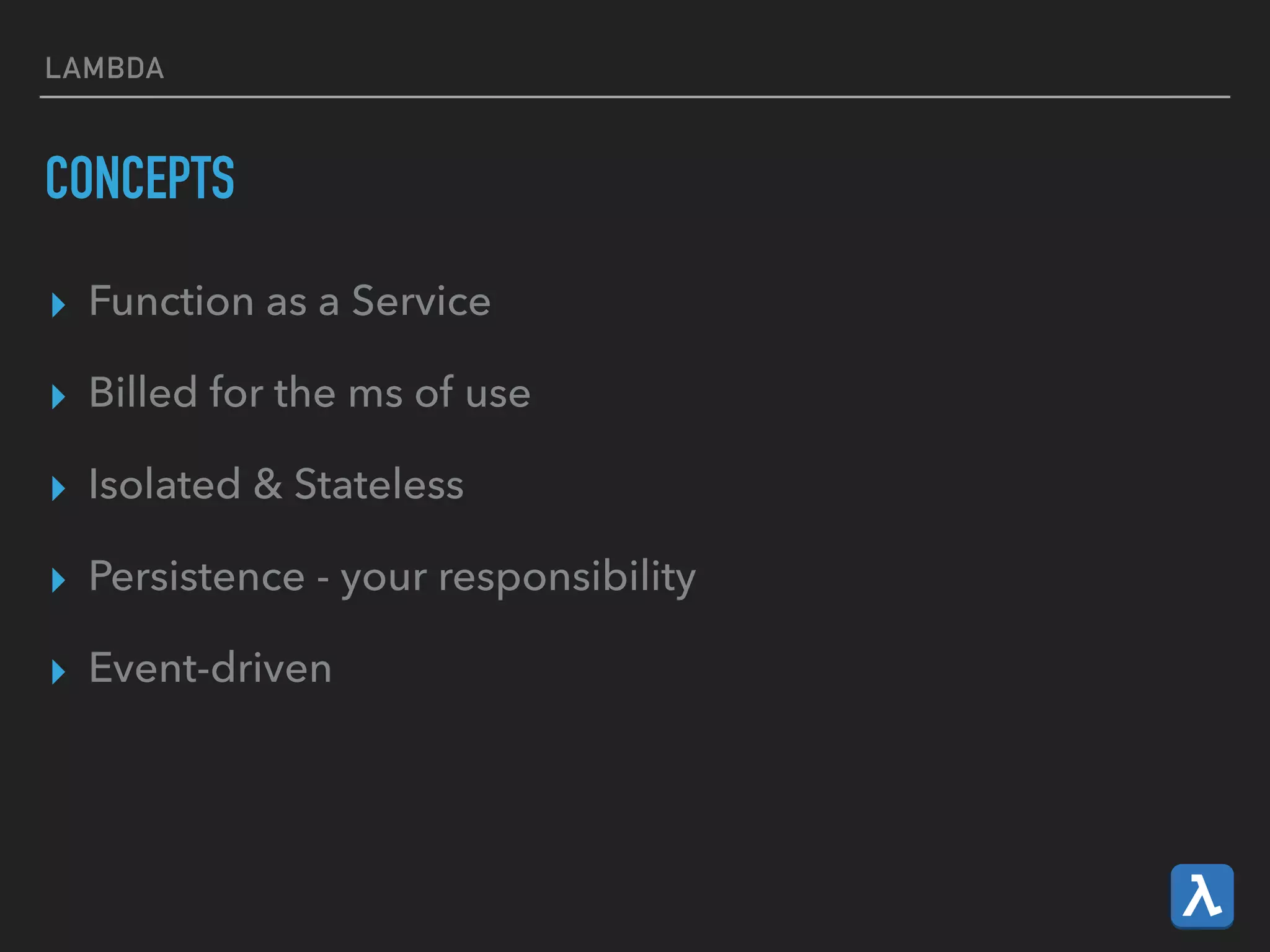
CONCEPTS
▸ Function as a Service
▸ Billed for the ms of use
▸ Isolated & Stateless
▸ Persistence - your responsibility
▸ Event-driven
LAMBDA
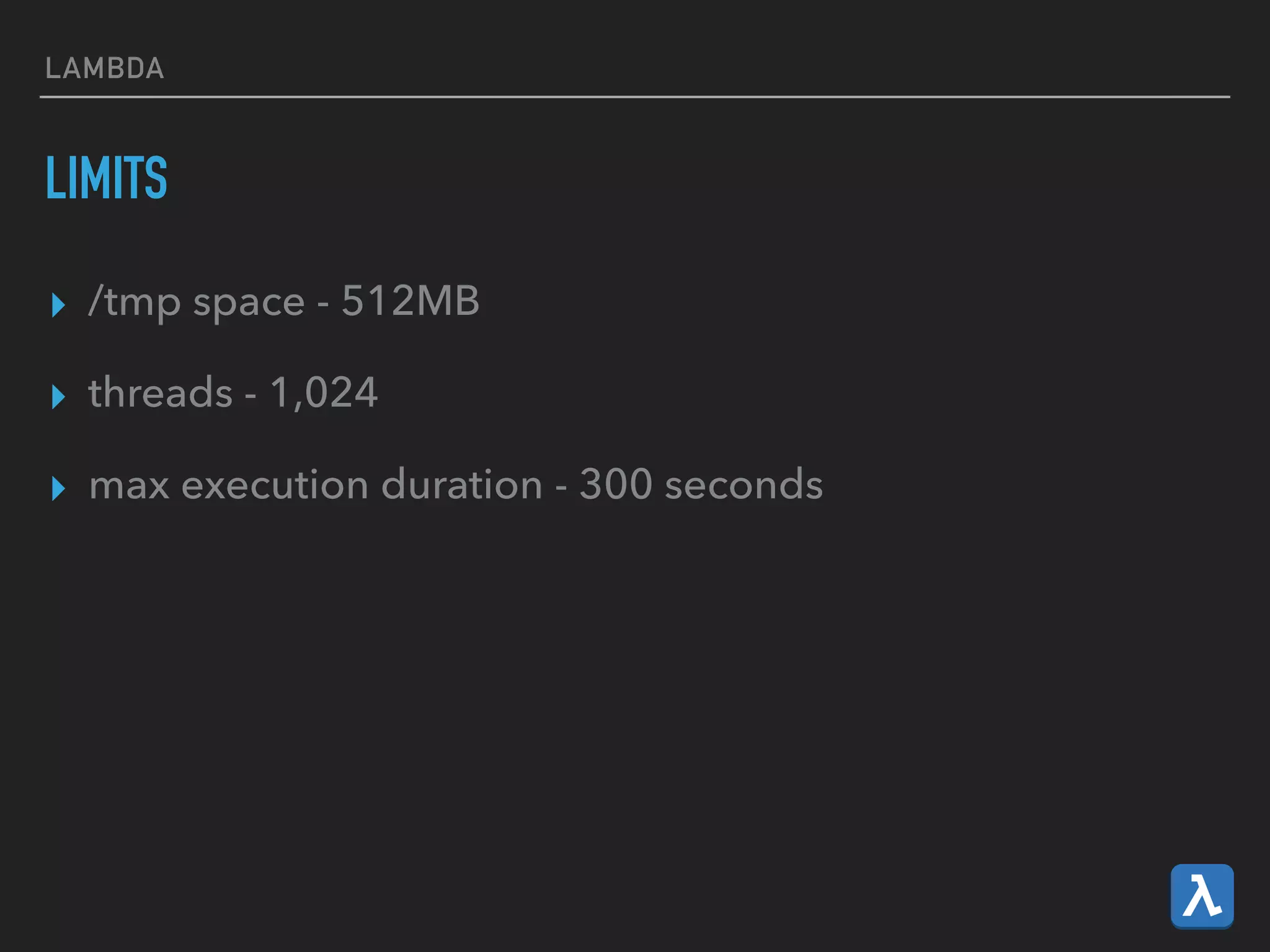
LIMITS
▸ /tmp space - 512MB
▸ threads - 1,024
▸ max execution duration - 300 seconds
LAMBDA
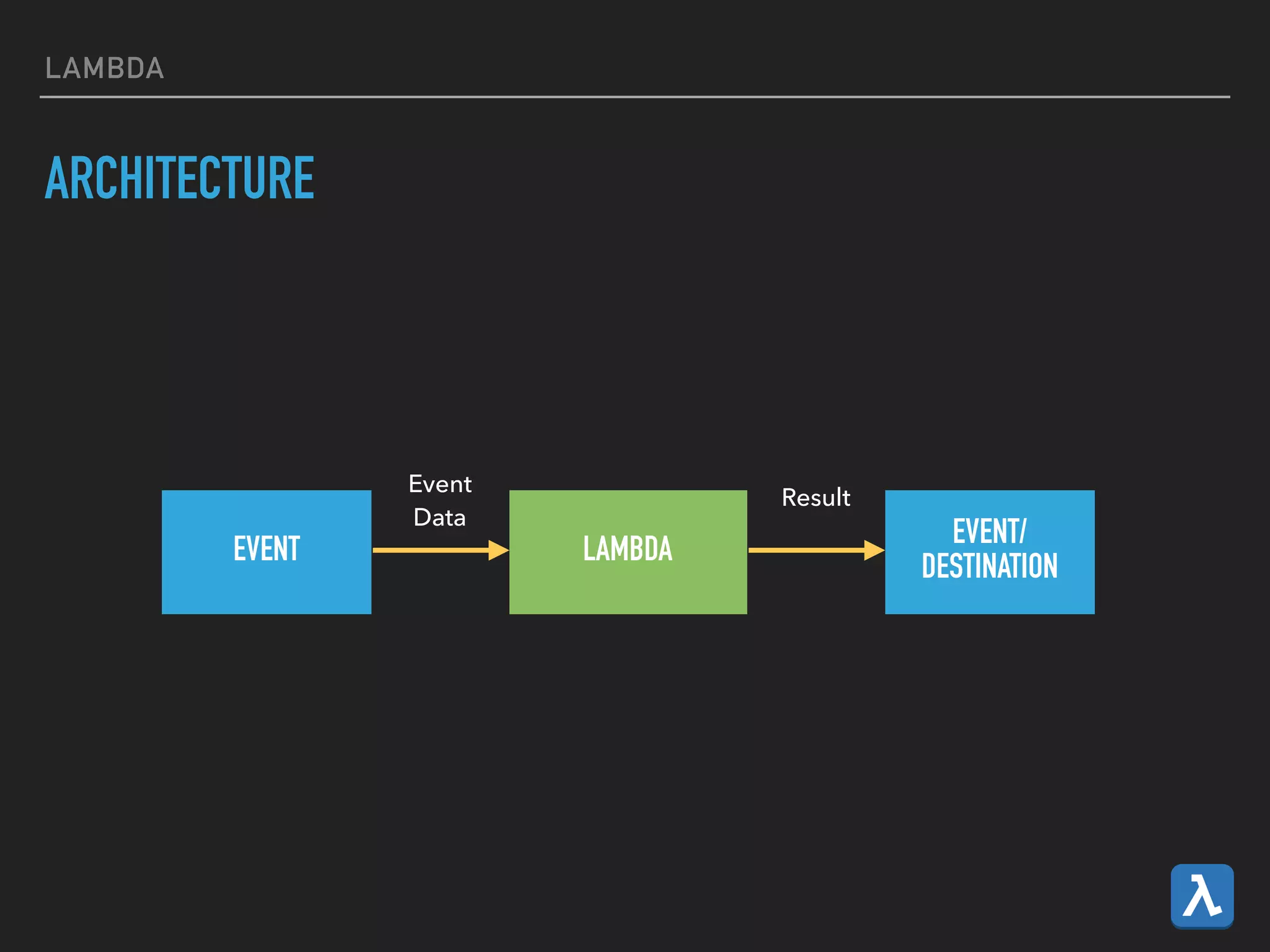
ARCHITECTURE
EVENT LAMBDA
EVENT/
DESTINATION
Event

Data
Result
LAMBDA
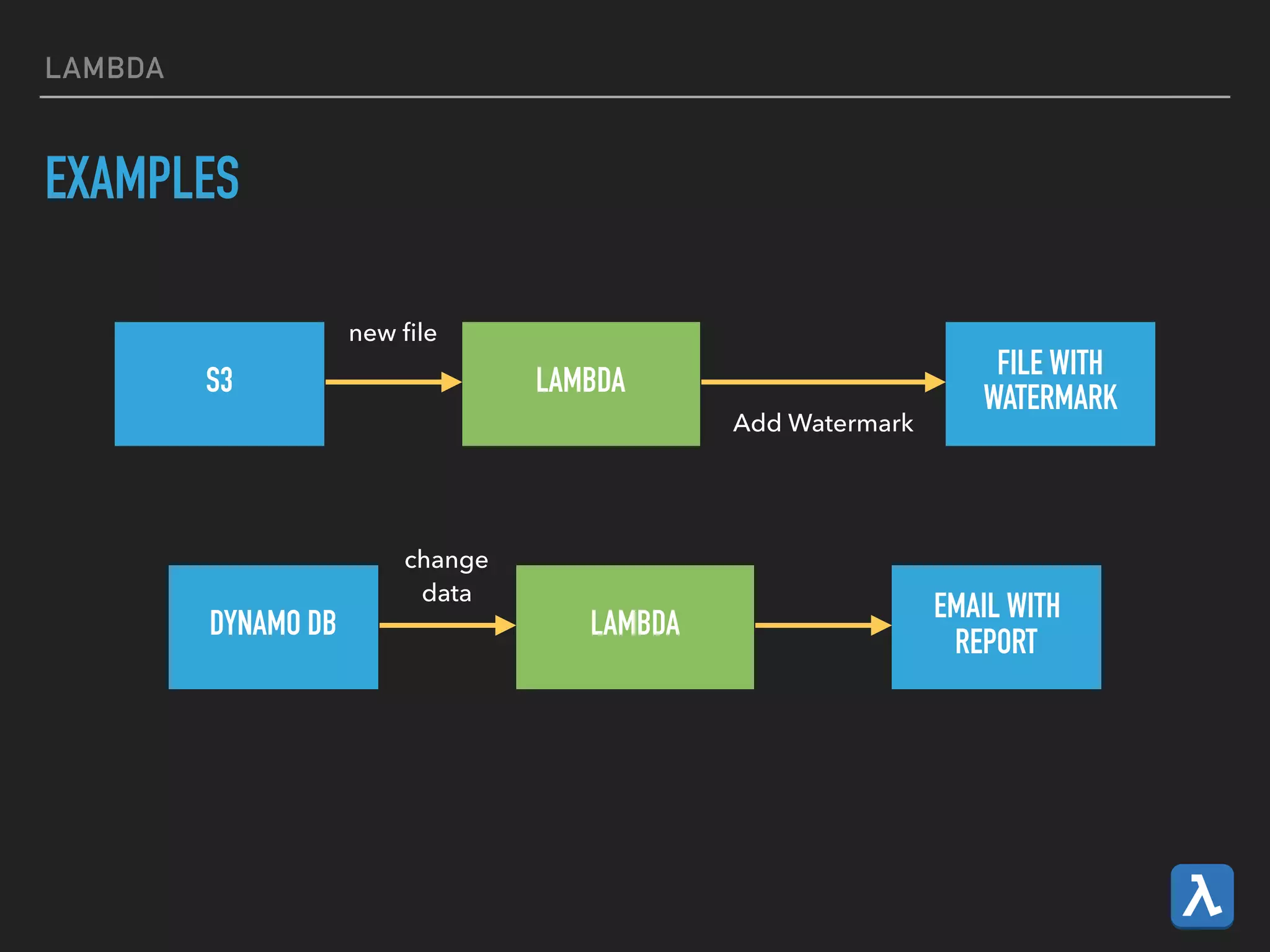
EXAMPLES
S3 LAMBDA
FILE WITH
WATERMARK
new file
Add Watermark
DYNAMO DB LAMBDA
change

data
EMAIL WITH

REPORT
REDSHIFT
REDSHIFT
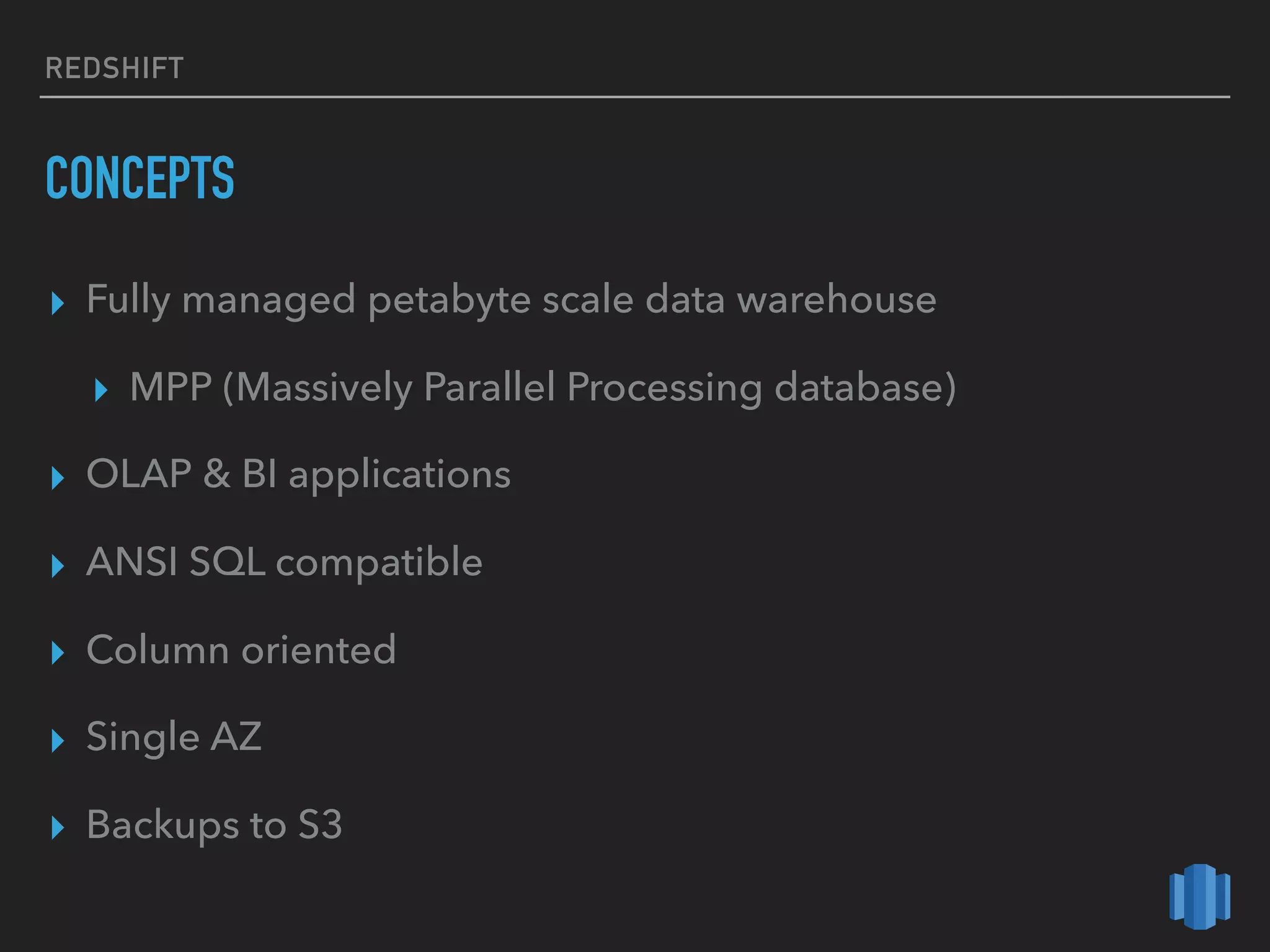
CONCEPTS
▸ Fully managed petabyte scale data warehouse
▸ MPP (Massively Parallel Processing database)
▸ OLAP & BI applications
▸ ANSI SQL compatible
▸ Column oriented
▸ Single AZ
▸ Backups to S3
REDSHIFT
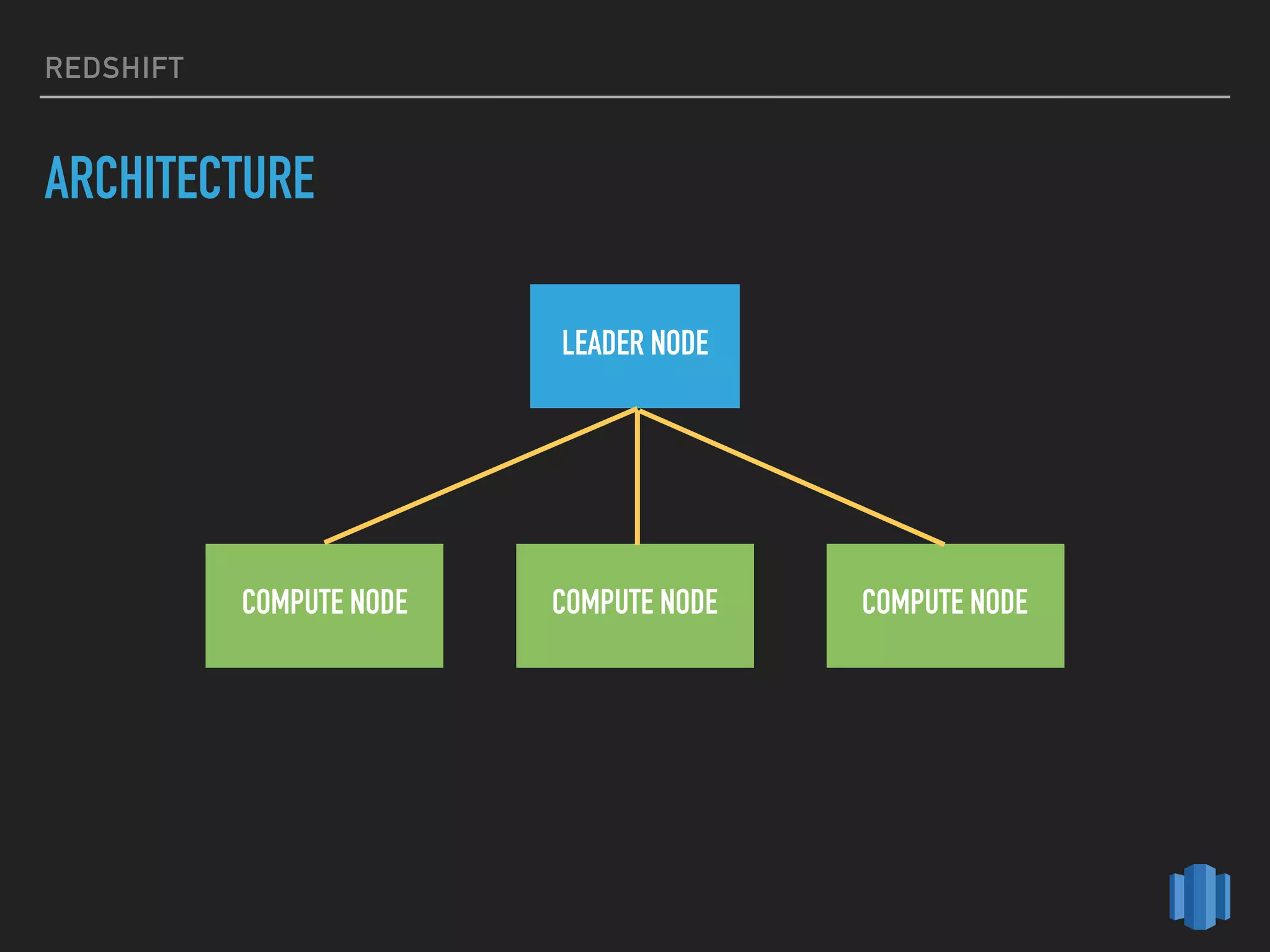
ARCHITECTURE
LEADER NODE
COMPUTE NODE COMPUTE NODE COMPUTE NODE
REDSHIFT
LEADER NODE
▸ SQL Endpoint
▸ Coordinates parallel query execution
▸ Stores metadata
REDSHIFT
COMPUTE NODES
▸ Execute queries in parallel
▸ Scale out/in, up/down
REDSHIFT
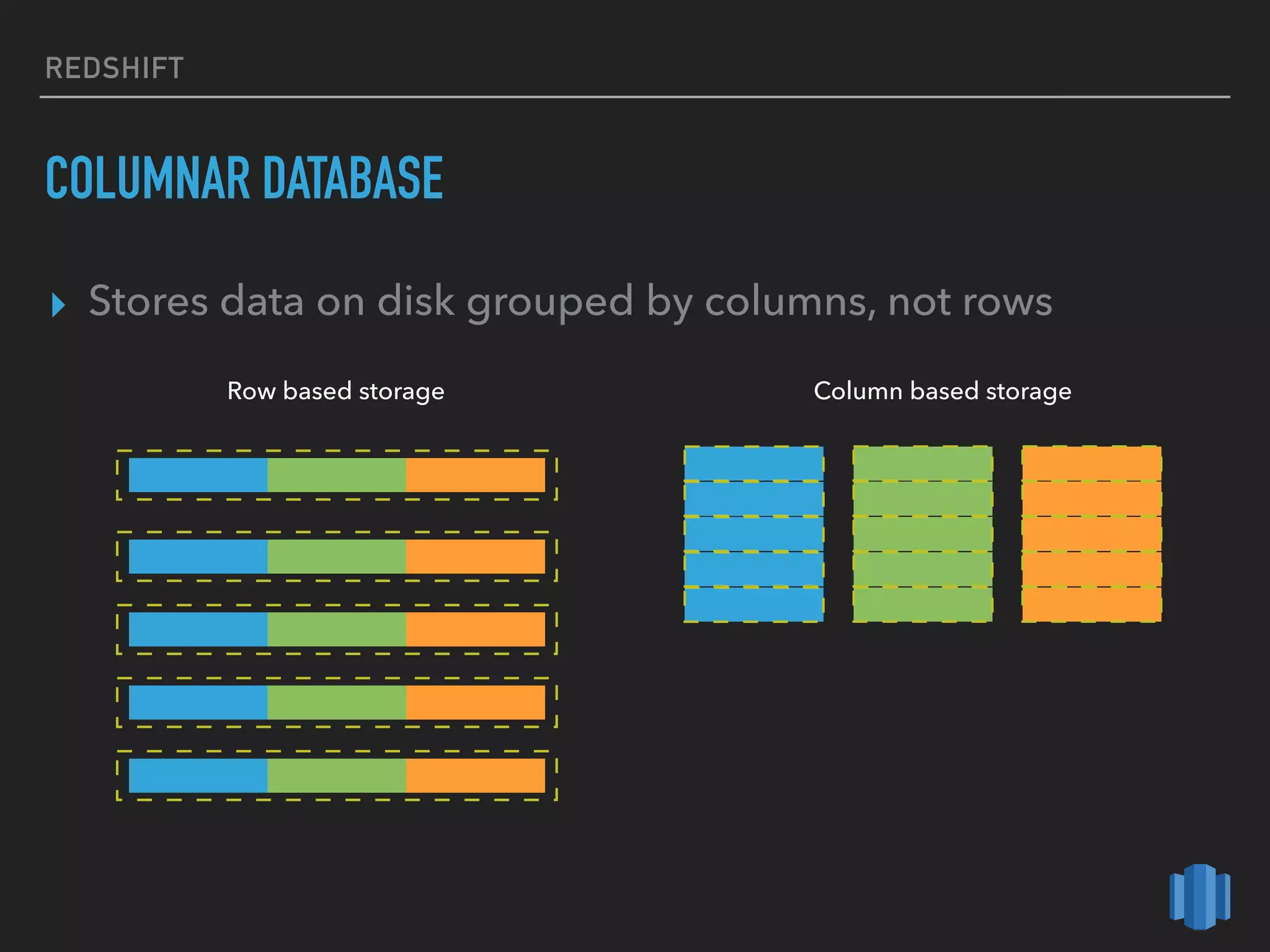
COLUMNAR DATABASE
▸ Stores data on disk grouped by columns, not rows
Row based storage Column based storage
REDSHIFT
BENEFITS
▸ Queries use fewer columns - less disk I/O
▸ Data aggregation (eg. SUM(sales))
▸ Compression
QUICKSIGHT
QUICKSIGHT
CONCEPTS
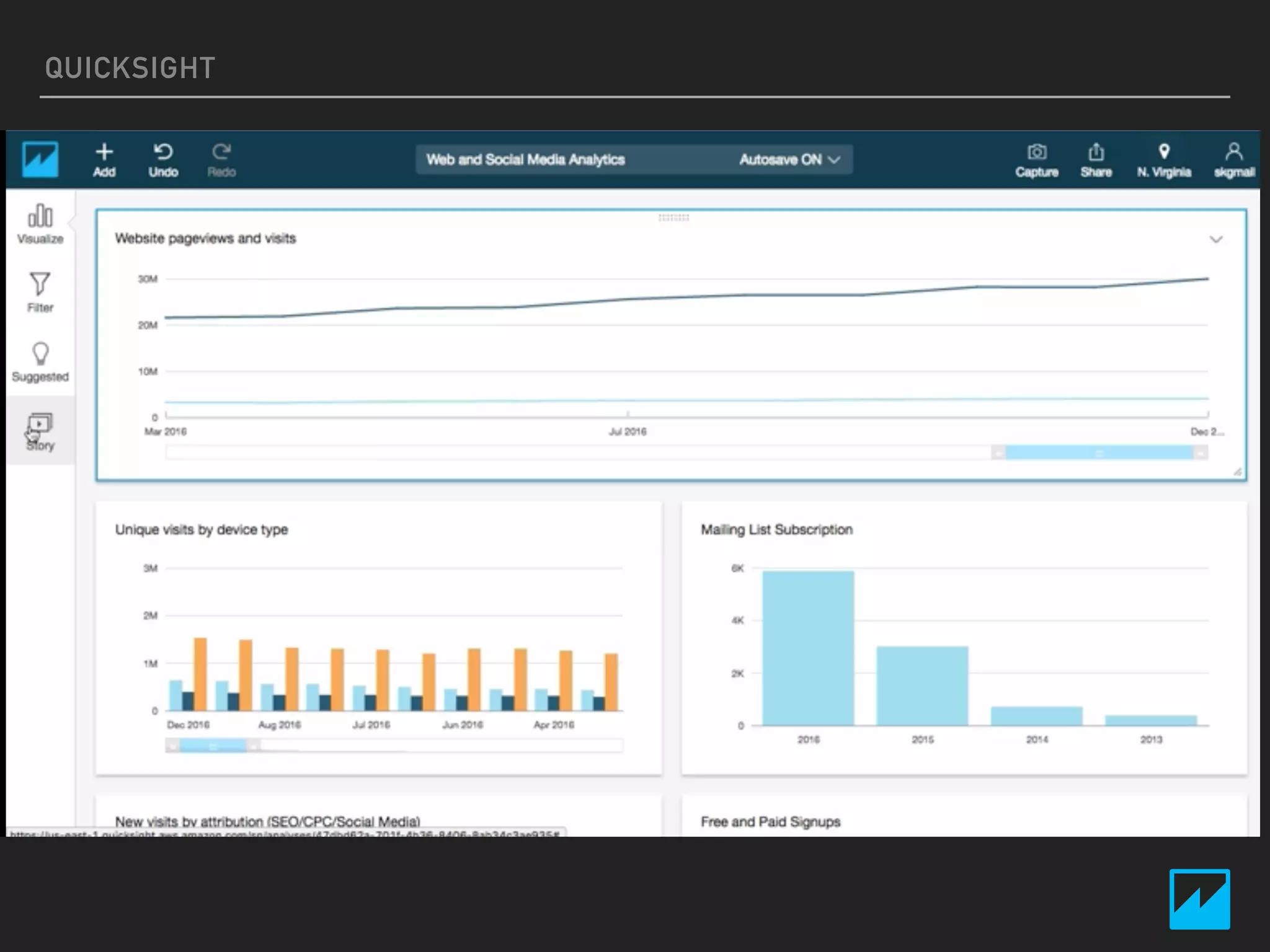
▸ Cloud based analytics service
▸ Build visualizations
▸ Ad-hoc analysis
▸ Connect to AWS services, EC2 or on-premises DB
QUICKSIGHT
SUPPORTED DATA SOURCES
▸ Redshift
▸ Aurora
▸ Athena
▸ RDS (Maria DB, SQL Server, MySQL, PostgreSQL)
▸ Files
▸ Salesforce
QUICKSIGHT
AWS BIG DATA
READING MATERIALS
▸ Kinesis
▸ Kinesis Firehose Transformation with Lambda
▸ Implementing producers with Amazon Kinesis Producer Library
▸ EMR
▸ Best practices for Amazon EMR (2013)
▸ Lambda
▸ Big Data processing with serverless MapReduce
▸ Redshift
▸ Redshift Table Design
▸ Optimizing for Star Schemas and Interleaved Sorting
AWS BIG DATA
HOMEWORK - OPTIONAL
1. Create a transient EMR cluster that automatically starts
your application (Hive, Pig, Spark, etc...)
2. Create a Redshift cluster, experiment with the COPY
command (bulk load rows) vs INSERT statement
‣ 100 rows at least
Note: Make sure you do not forget to delete the created
resources ...
THANK YOU

Big Data on AWS